


Are you starting from text or a file?
Text-first briefs and image-first briefs suit different models. Matching the input avoids fighting the model later.
Model directory
Search and filter the AI models connected to ClipCanva. Each model page explains what it takes as input, what it returns, and the kind of work it suits.
Filter by image or video work, or search for a model by name.
Found 9 matching resources.
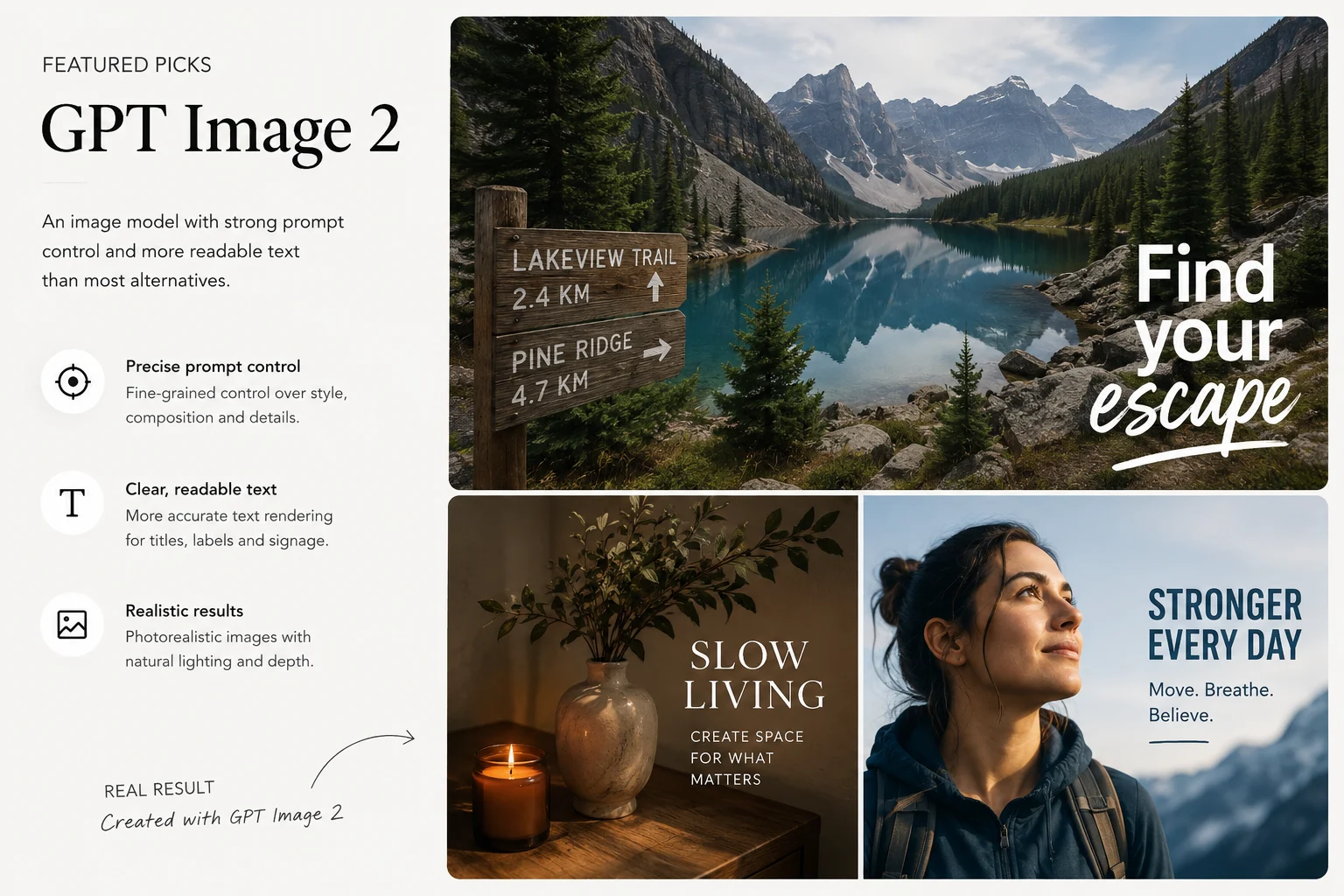
Review supported inputs and image-generation workflows for GPT Image 2.
Coming soon: track FLUX 3 image and video capabilities, KIE API updates, and upcoming ClipCanva support.
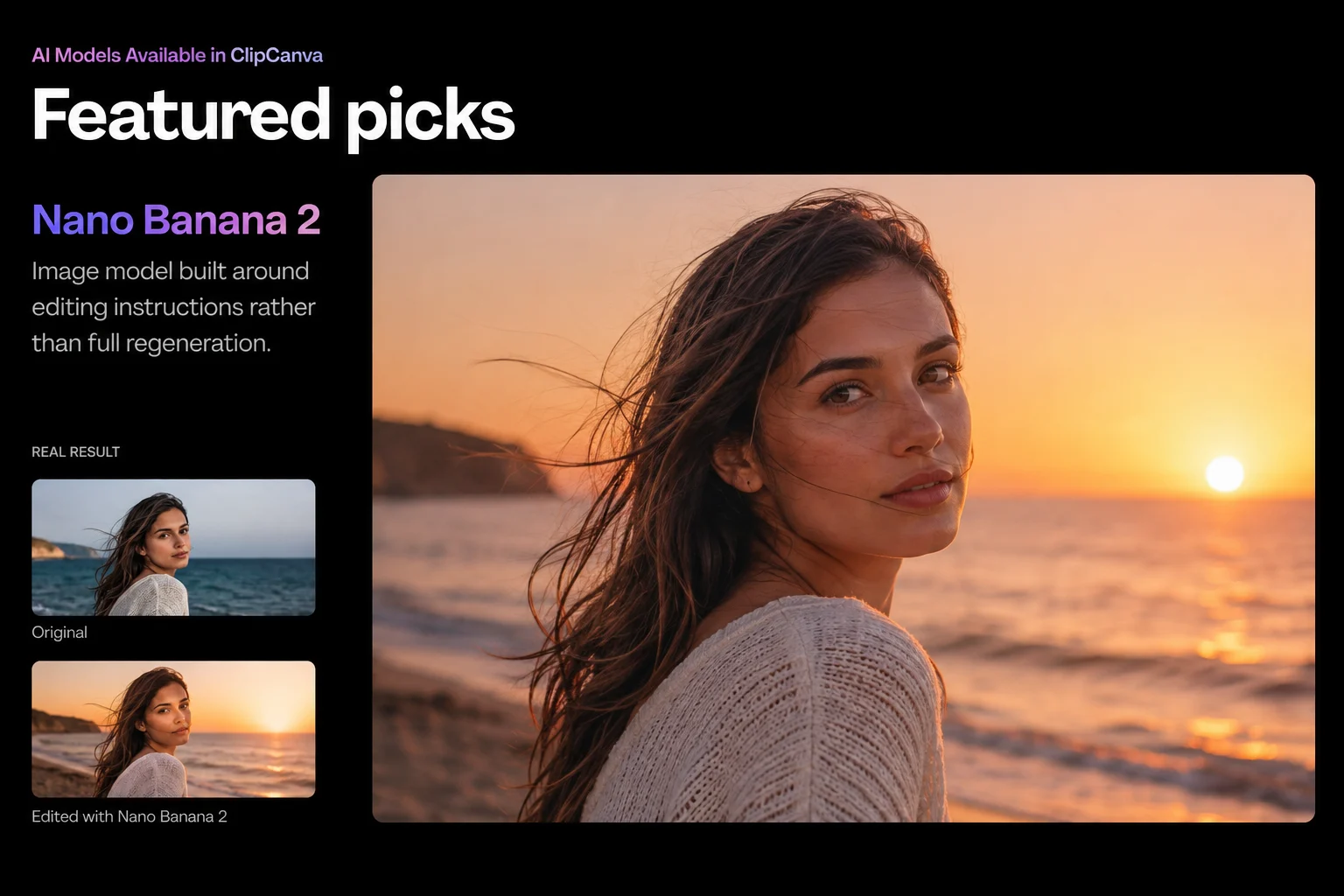
AI ImageReview supported inputs and image-generation workflows for Nano Banana 2.
AI ImageReview supported inputs and image-generation workflows for Seedream 5.0 Pro.
AI VideoReview supported inputs and video-generation workflows for Veo 3.1.
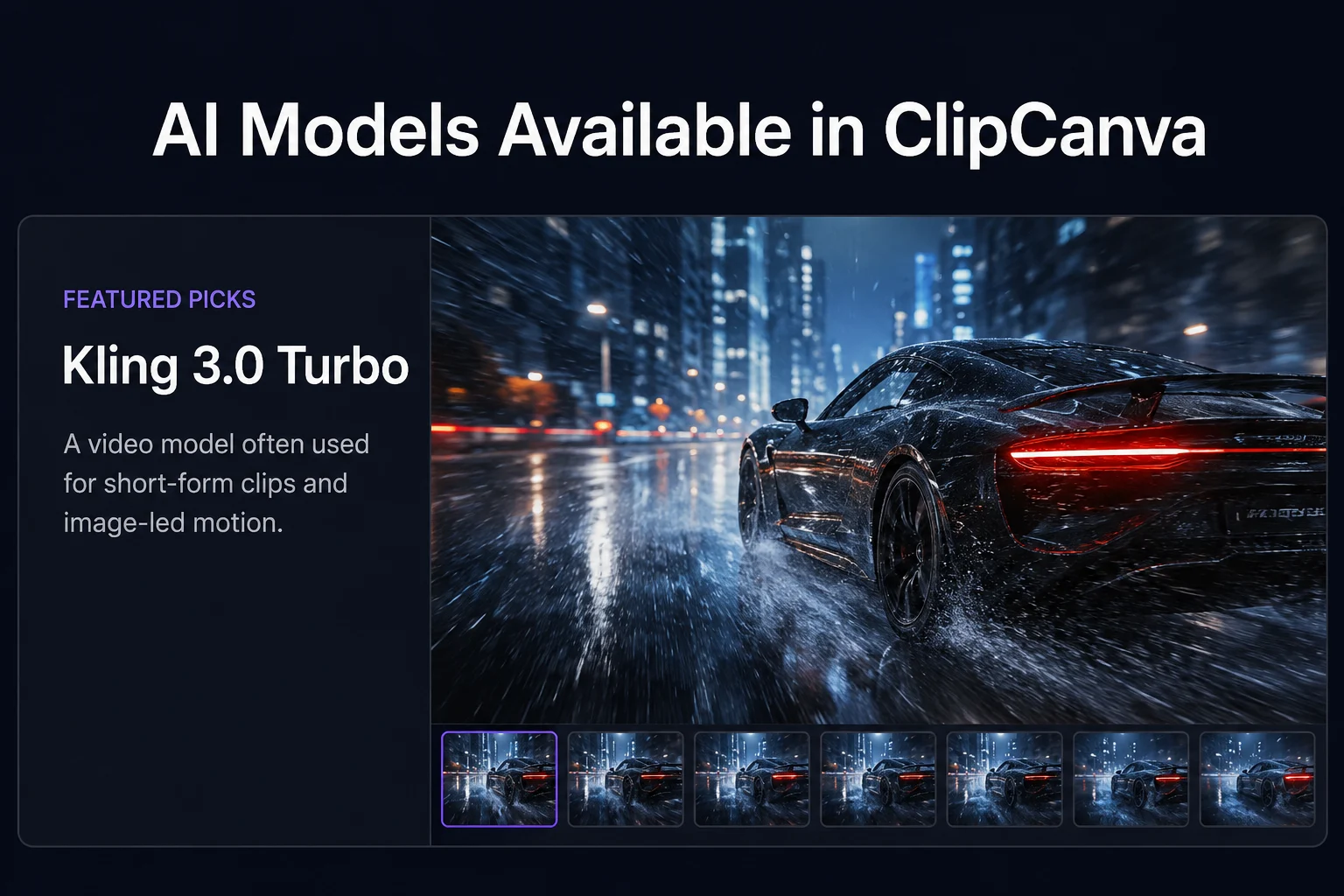
AI VideoReview supported inputs and video-generation workflows for Kling 3.
AI VideoReview supported inputs and video-generation workflows for Seedance 2.0 Mini.
AI VideoReview supported inputs and video-generation workflows for ClipCanva Video Pro.
AI VideoGenerate PixVerse V6 videos from text prompts or source images in ClipCanva.
This is the index of generation models available inside ClipCanva workflows. Each entry links to a model page that describes the input it accepts, the output it produces, the controls exposed in the interface, and the credit cost of a run, so you can choose before spending anything.
Start from the result you need.
Match a model to the assets you already have.
Common starting points across image and video work.
Four questions that narrow the list quickly.
Text-first briefs and image-first briefs suit different models. Matching the input avoids fighting the model later.
Text inside generated images varies a lot between models. If labels matter, choose a model known for prompt precision and check the first result.
Credit cost per run is stated on each model page. For heavy iteration, a cheaper run lets you test more versions.
Clip length limits differ by model. Check the length a model supports before planning a scene around it.
Common questions about choosing between the available models.
Filter the AI models by image or video work, open a model page, and check its inputs and cost before generating.