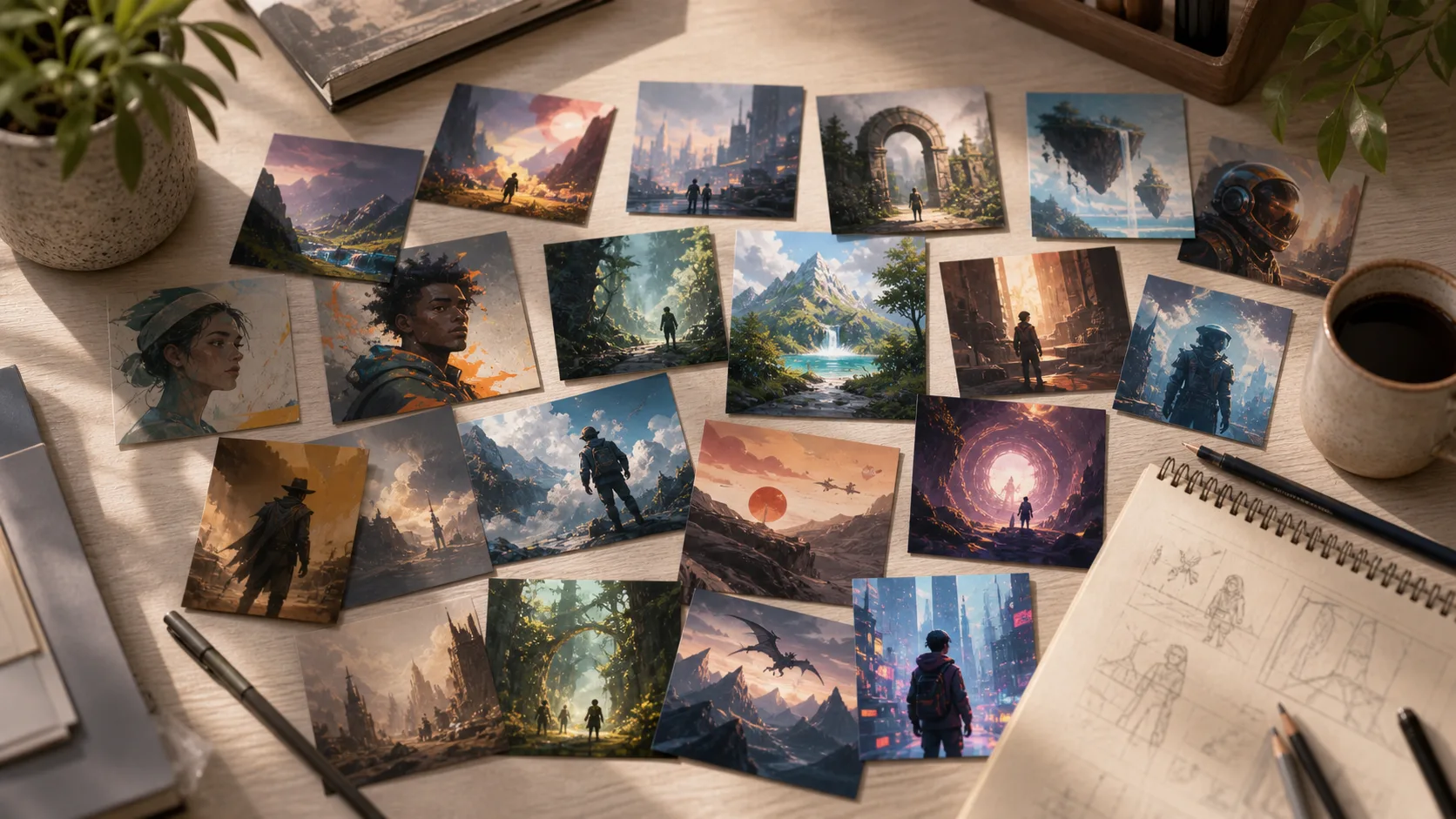
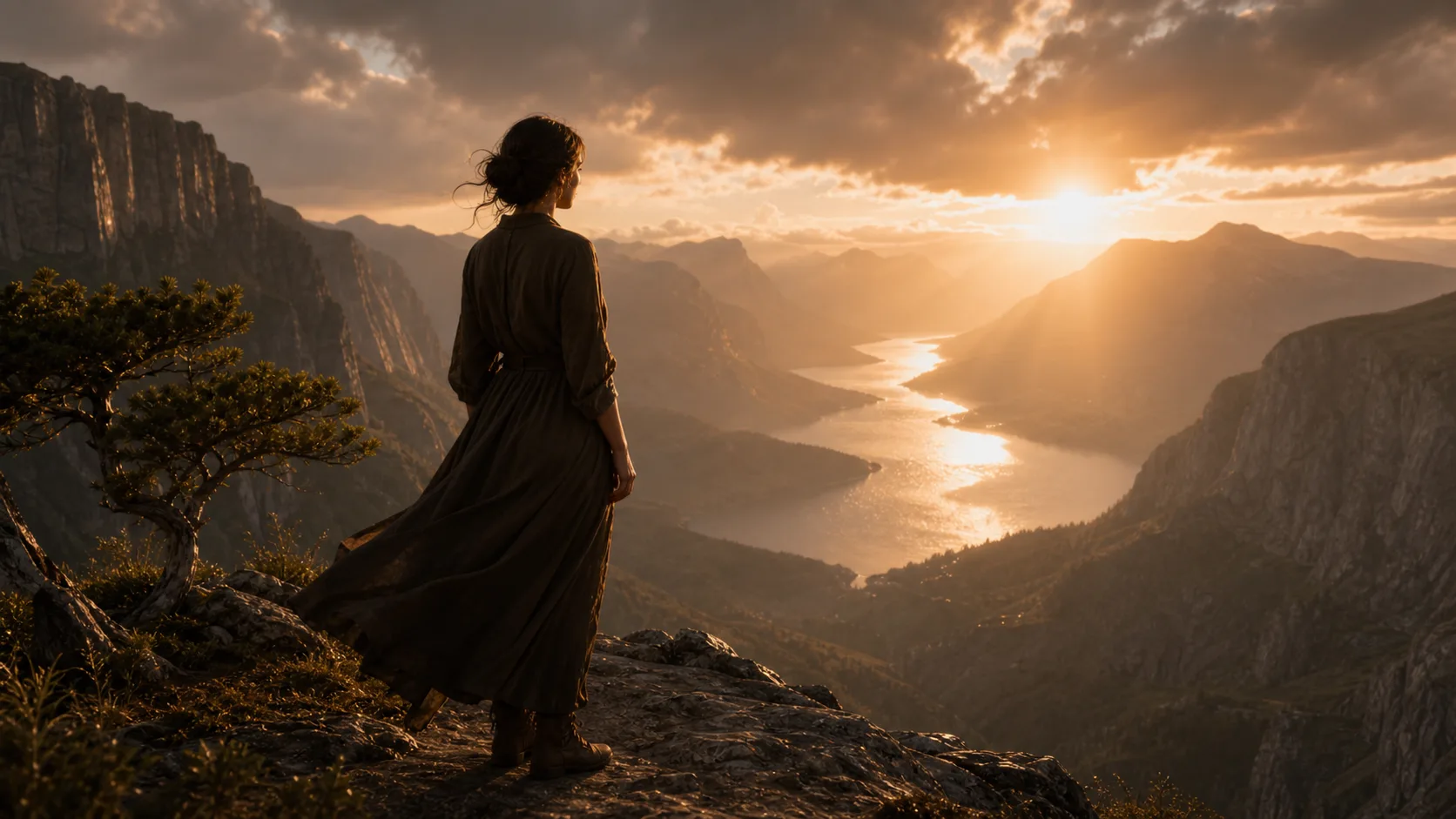
01
Write the scene
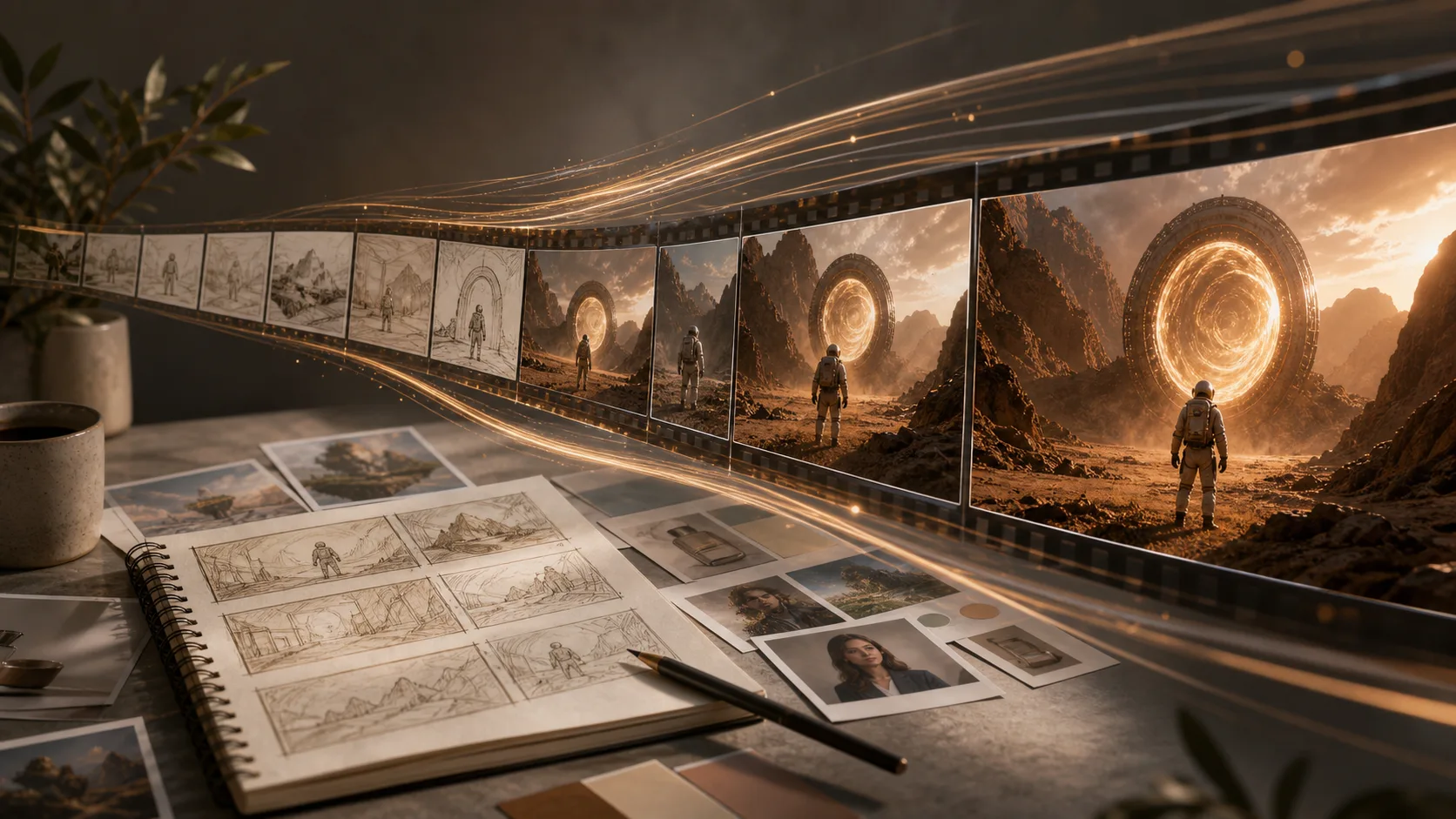
Start with the subject and purpose: a product ad, a portrait, a poster, a UI mockup, or a story scene.
Describe the image you need, choose a style, and generate clean visuals for marketing, social media, product mockups, and creative drafts.
Choose the best model or workflow for this task.
Start from an example and adapt it to your own project.
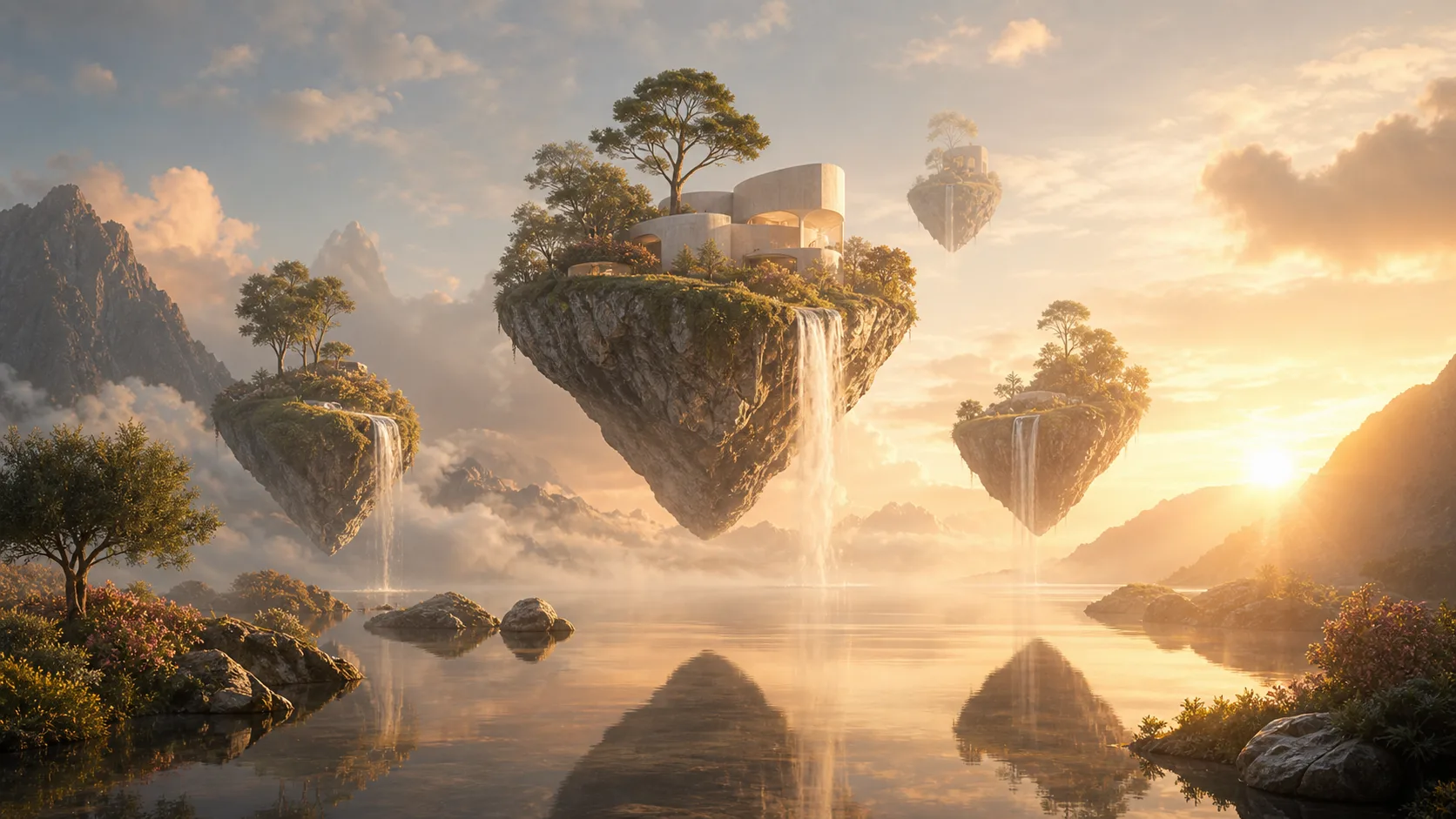
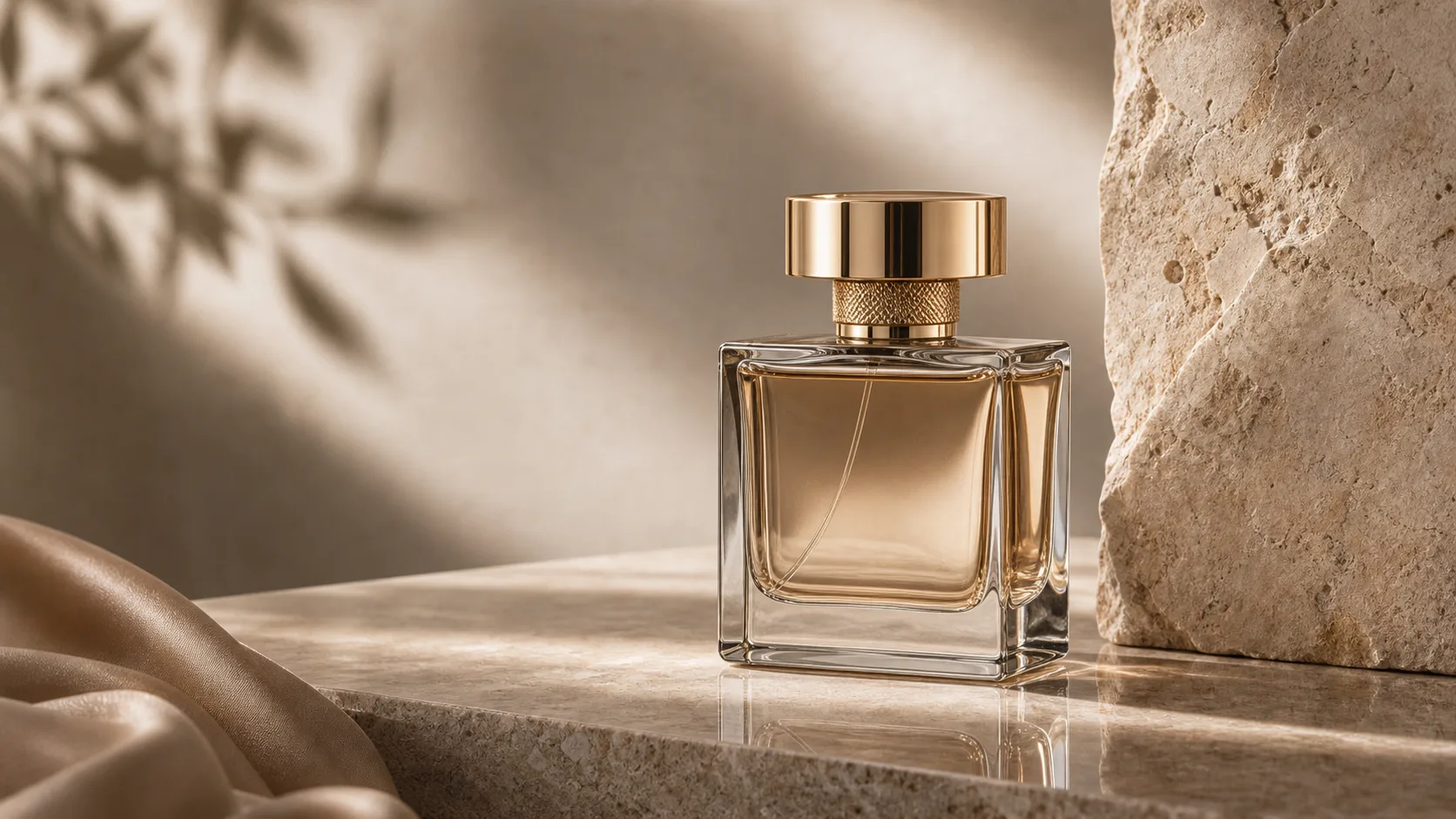
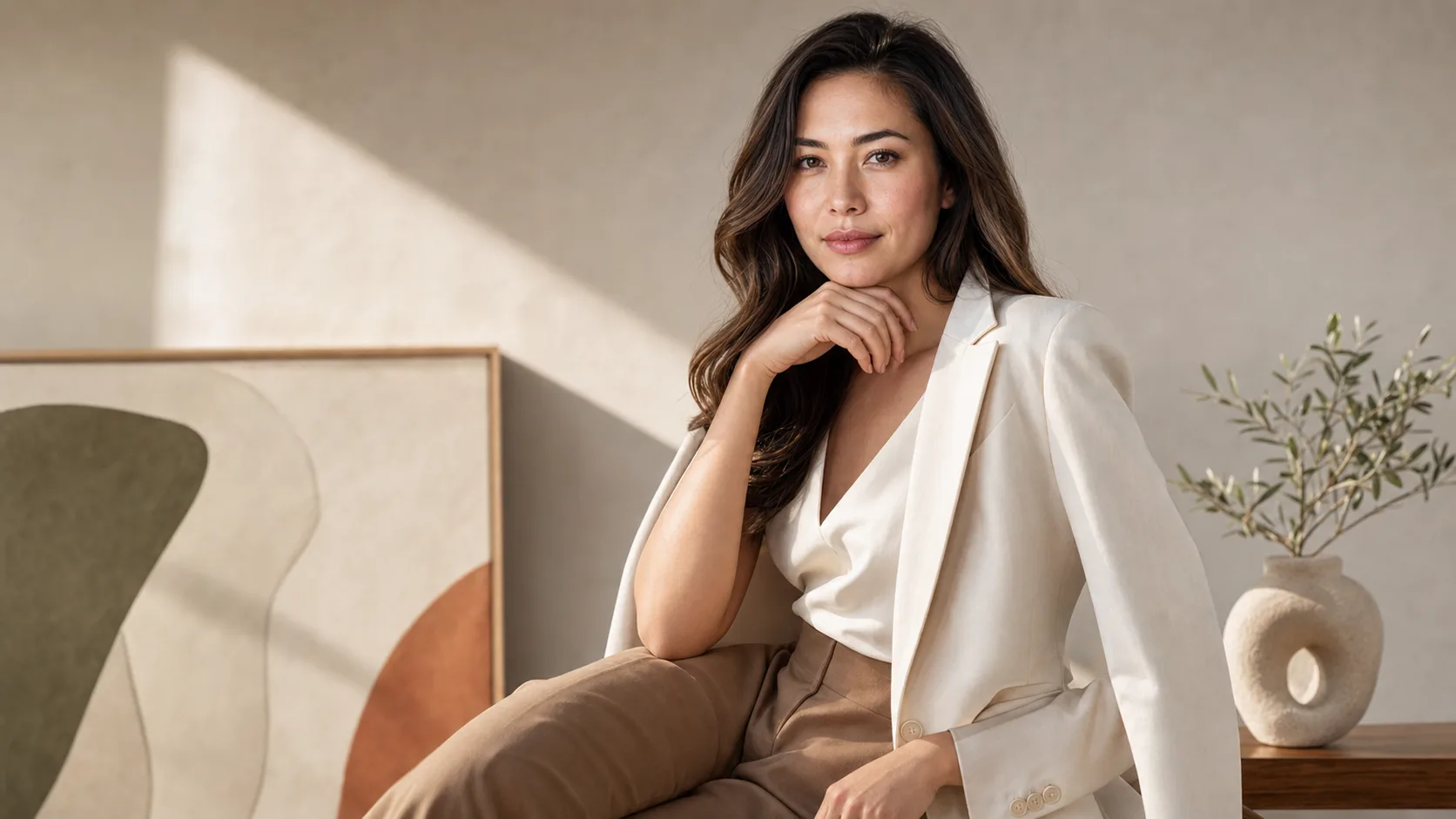
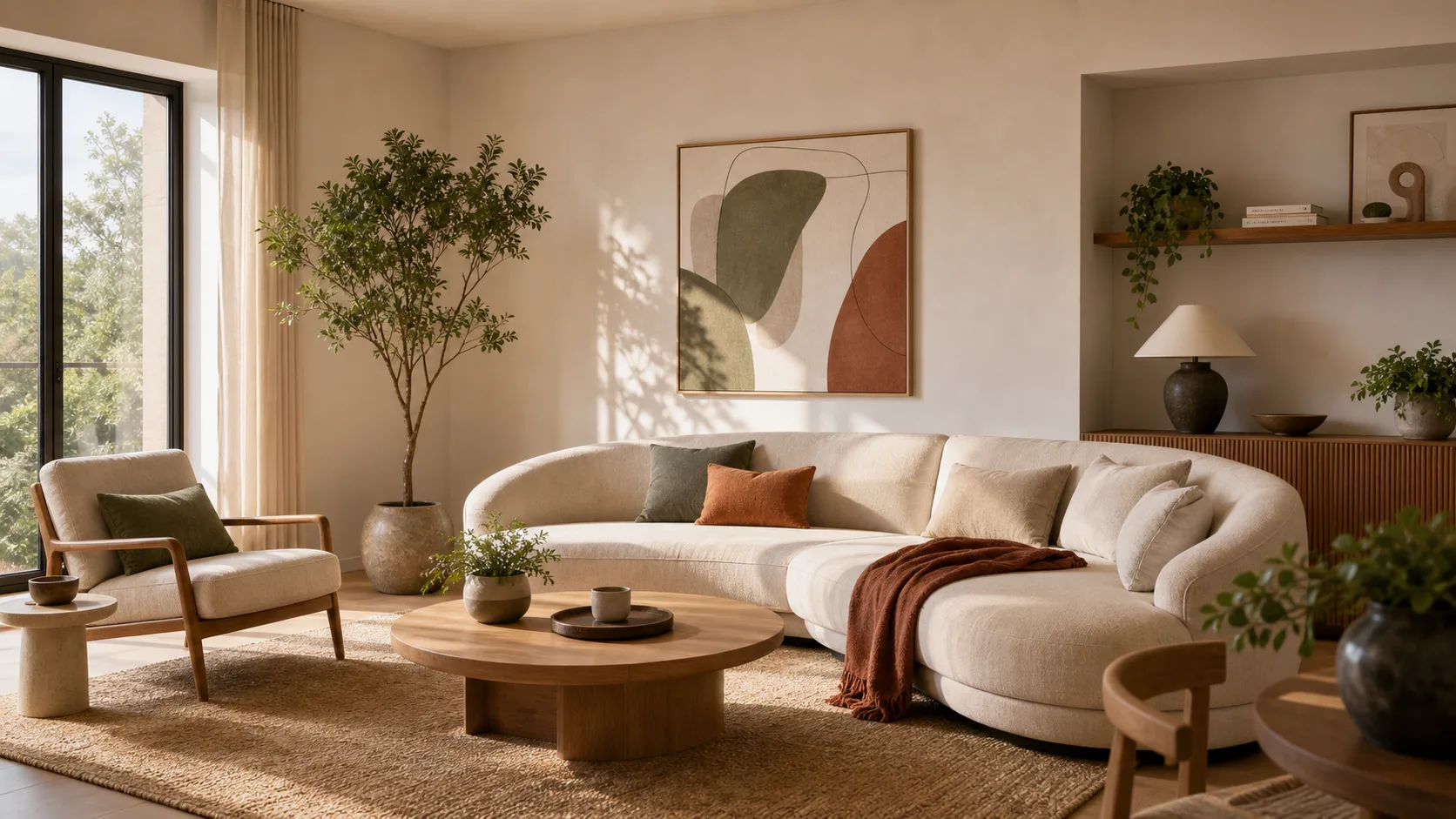
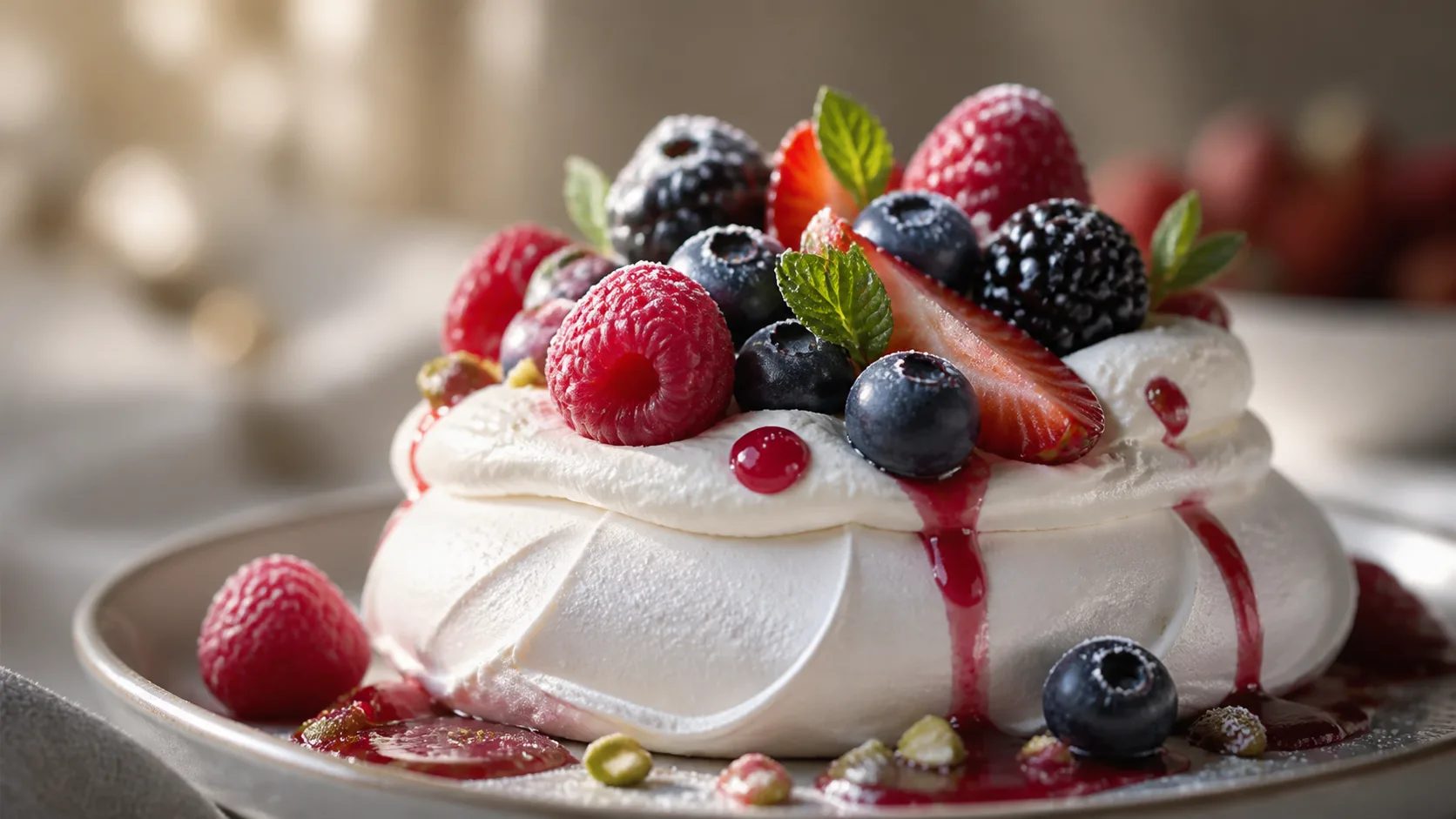
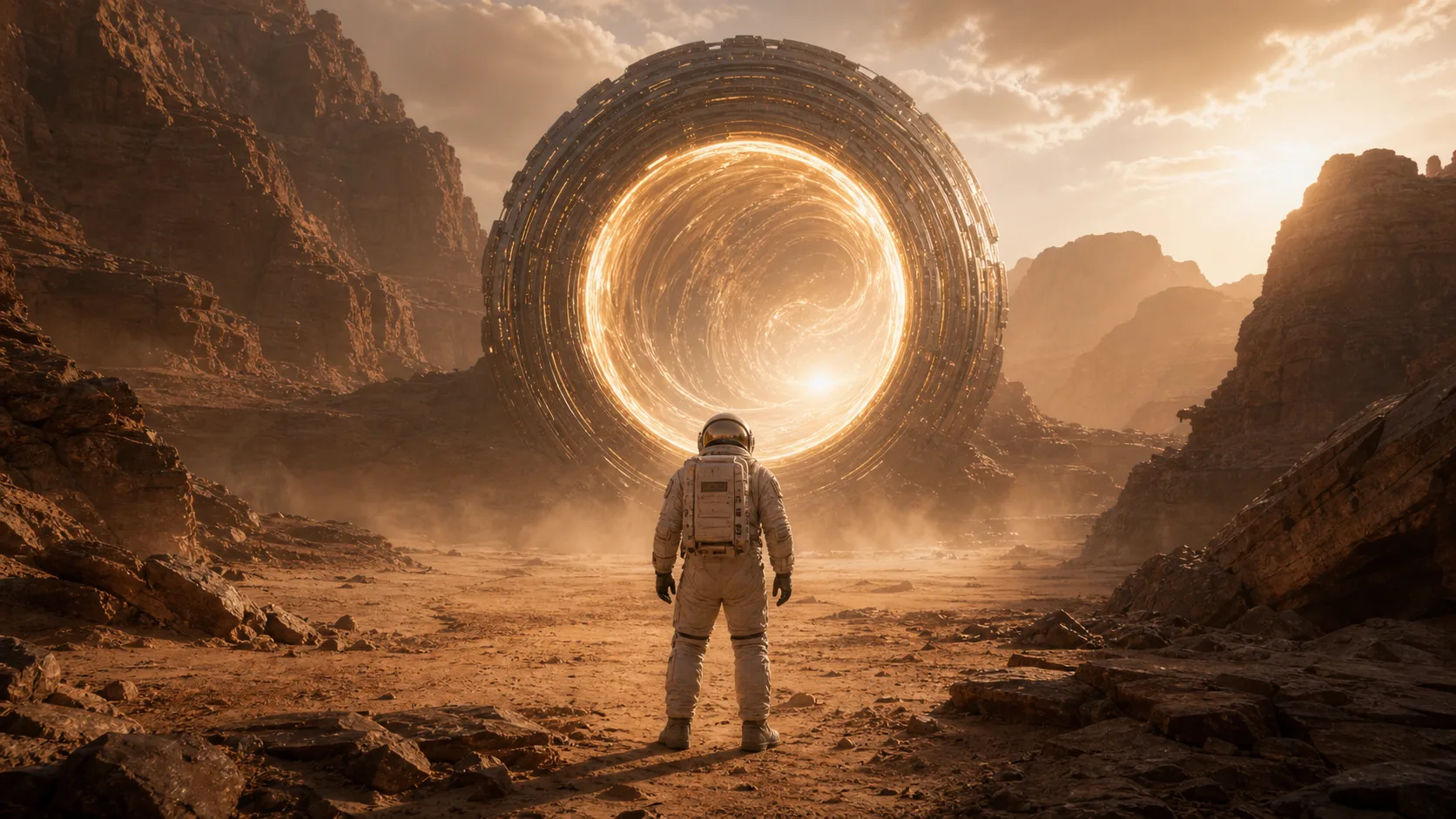
A good prompt is practical: subject, setting, style, camera angle, lighting, and output format.
Start with the subject and purpose: a product ad, a portrait, a poster, a UI mockup, or a story scene.
Specify mood, color palette, aspect ratio, typography needs, and what should not appear in the image. GPT Image 2 prompts usually work best when you include clear composition, text, and layout instructions.
Compare results, adjust details, and reuse the strongest prompt as a template for your next asset.
Create campaign concepts, ad images, thumbnails, banners, and social media posts without starting from a blank canvas.
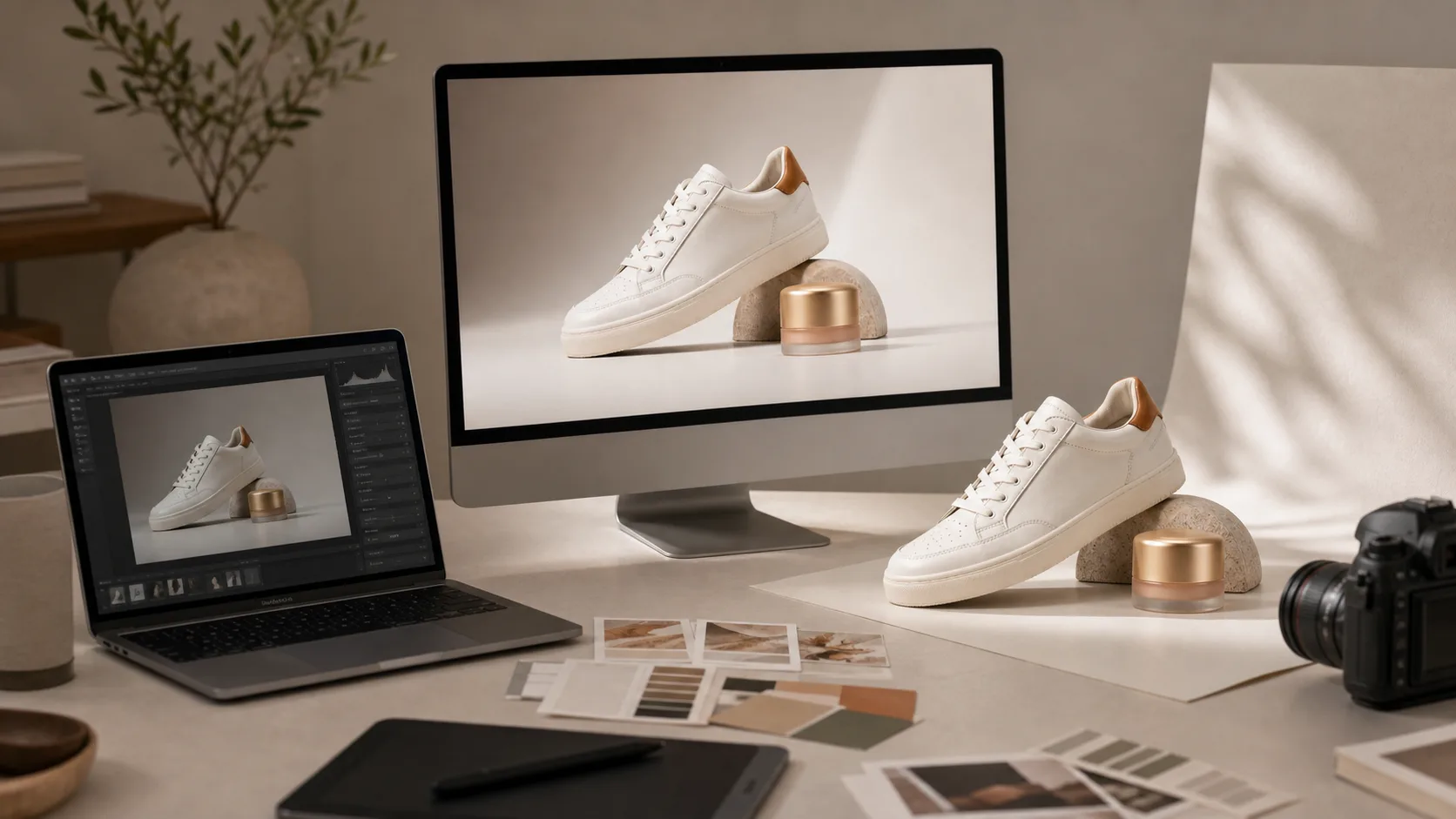
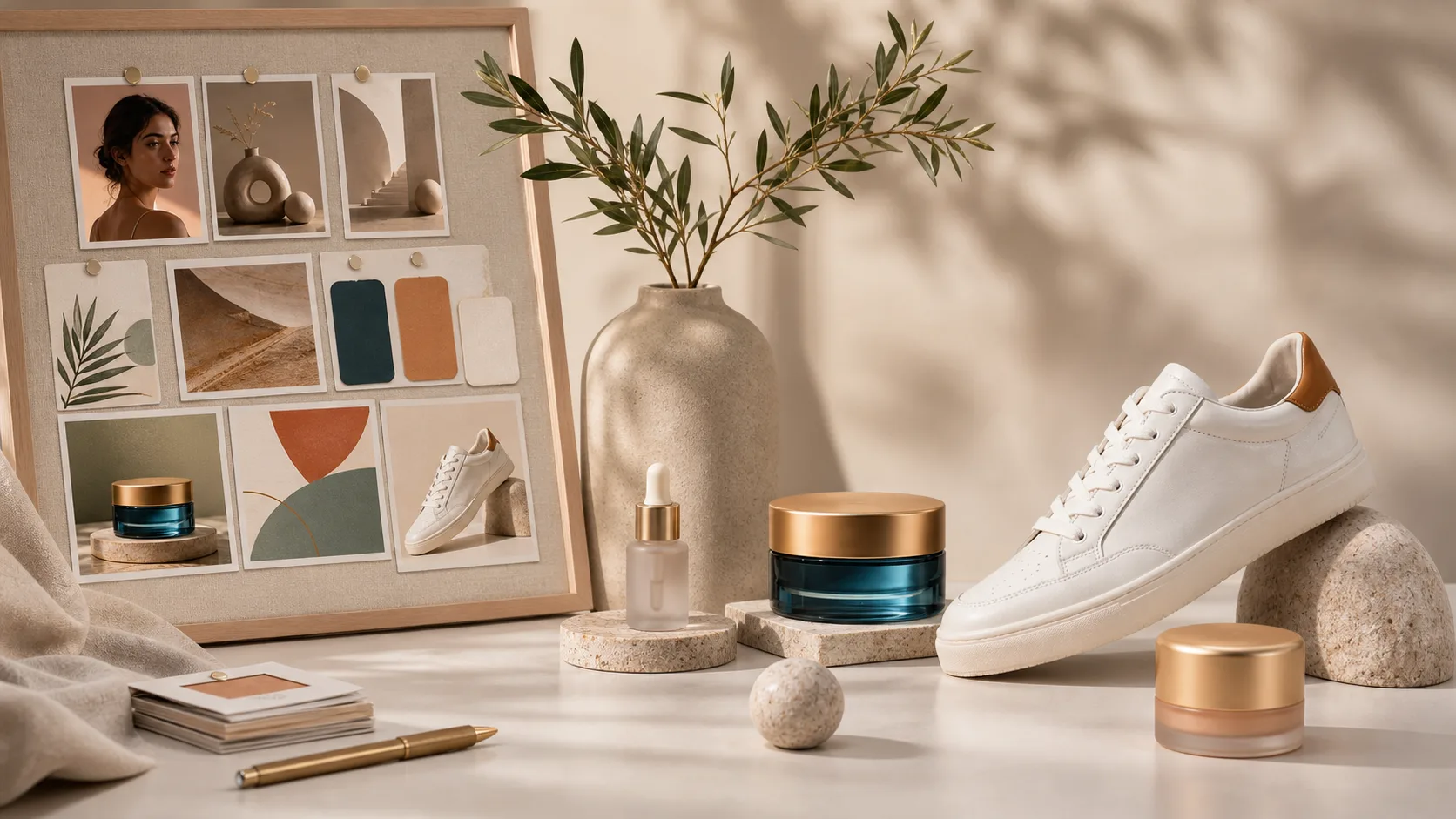
Generate product scenes, packaging ideas, backgrounds, and mood boards before booking a shoot or opening a design tool.
Ask for photorealistic, editorial, cinematic, anime, 3D render, watercolor, flat illustration, or brand-inspired directions.
Use models such as GPT Image 2, DALL-E 3, and Stable Diffusion from one workspace, then compare the output style.
Move from prompt to finished asset with the right ClipCanva workflow
Free images include a watermark. Upgrade for clean outputs, faster generation, and commercial use.
Starter Pack
A one-time credit pack for trying image, music, and short video generation.
Creator
Monthly plan · 1,500 credits renew each month
GPT Image 2 Unlimited
Use code FOUNDING6 at Stripe Checkout: $19/month for your first 6 months, then $29/month.
Pro
Monthly plan · 4,000 credits renew each month
Studio
Monthly plan · 12,000 credits renew each month
Secure checkout · Subscriptions renew automatically · See refund eligibility
Team
For agencies, production teams, and custom volume needs.
Common questions about generating images from prompts
Start with a simple prompt, then refine it into a production-ready visual.