Image to Image AI

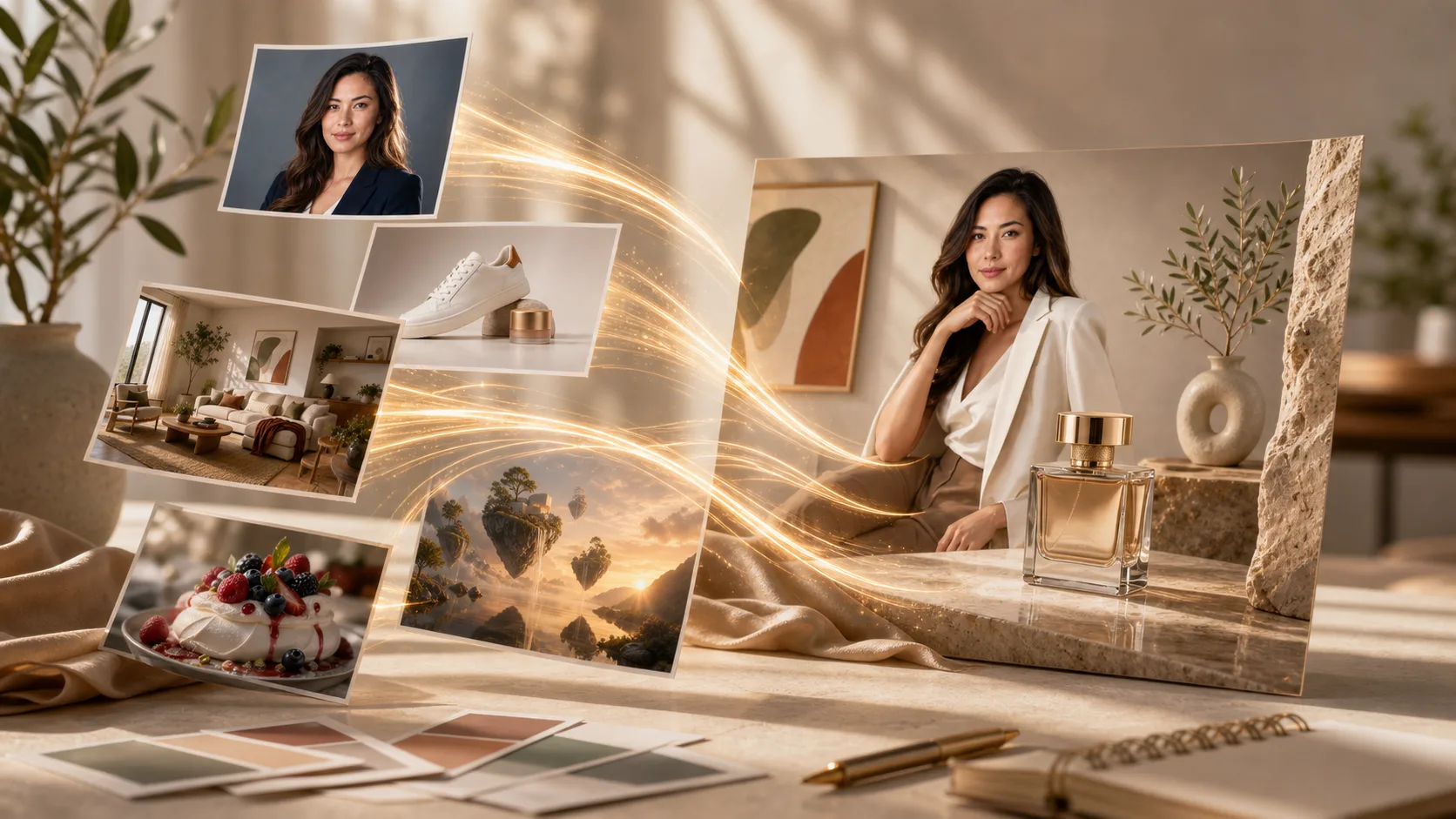
Upload any image and transform it with AI. Change styles, add elements, modify backgrounds, or reimagine your visuals with simple text prompts.

Image to ImageReference UploadsStyle TransferHD Output
0 / 2000

Popular Models

Choose the best model or workflow for this task.

Image to Image AI

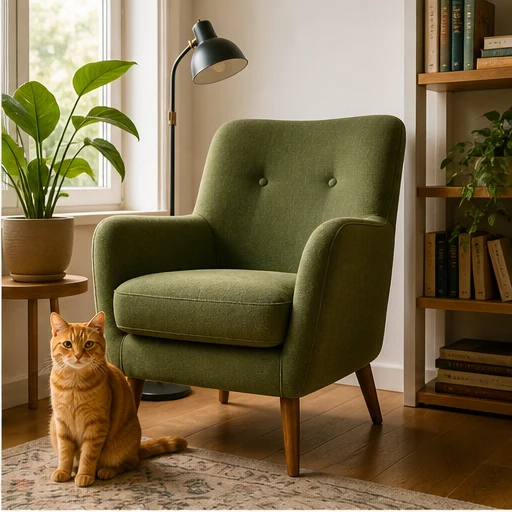
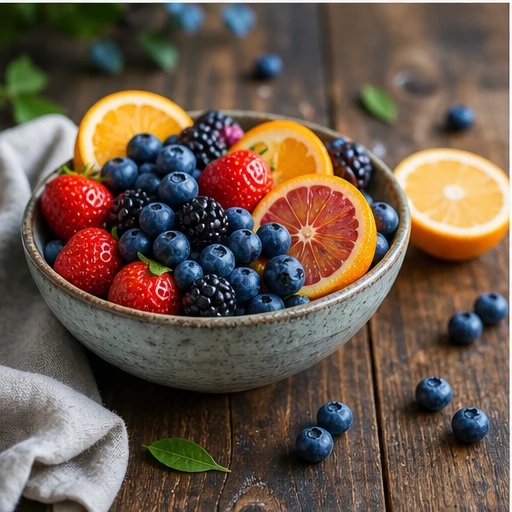
Transform existing images into something entirely new. From style transfers to object modifications, unlock limitless creative possibilities.
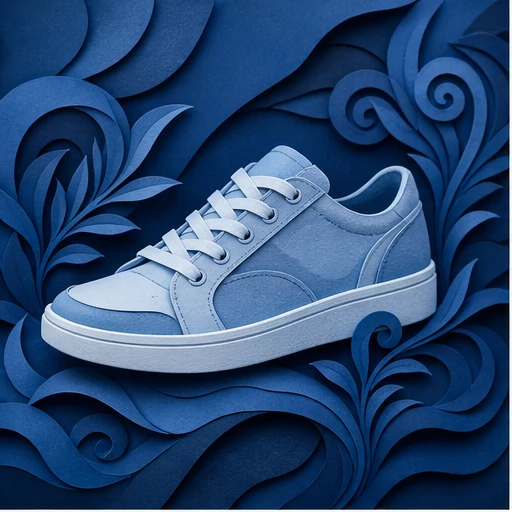
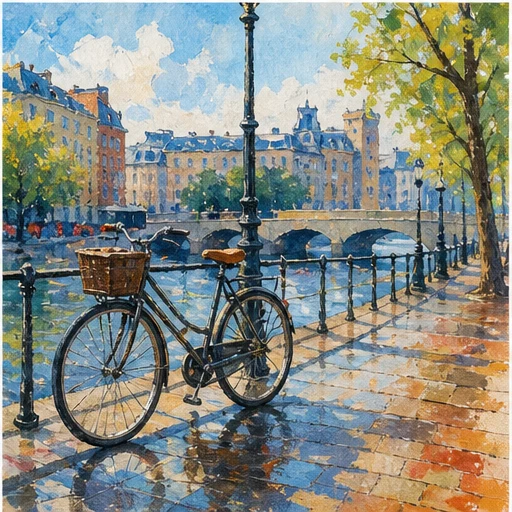
Style Transfer

Style Transfer

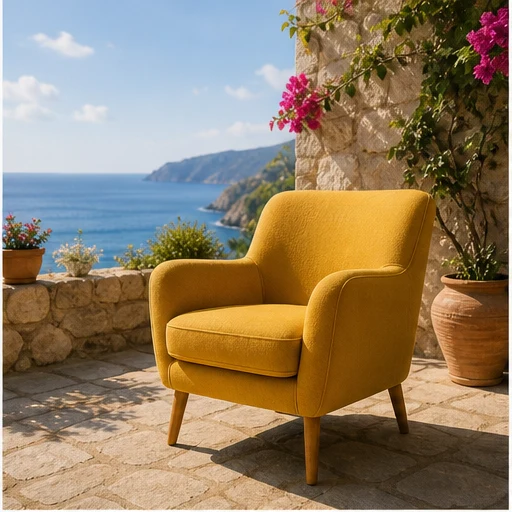
Background Change

Background Change

Object Addition

Object Addition

Photo Enhancement

Photo Enhancement

Artistic Transformation

Artistic Transformation

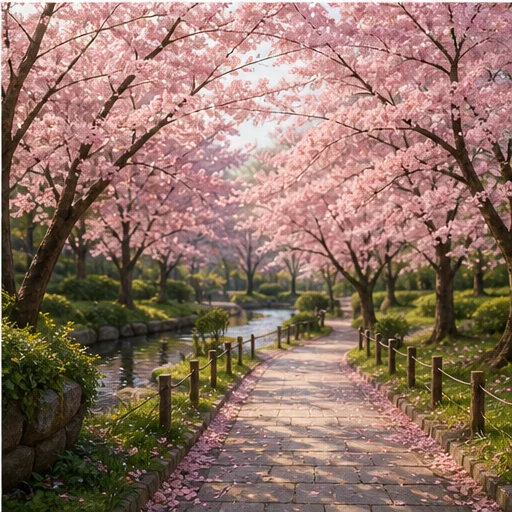
Cherry Blossom Path

Cherry Blossom Path

Transform Images in 3 Simple Steps

From upload to transformed image in minutes:

01

Upload Your Image

Upload any photo or image you want to transform. Higher resolution inputs produce better transformation results.

02

Describe Changes

Write a text prompt describing the transformation you want. Change style, add elements, replace backgrounds, or reimagine the image.

03

Generate & Download

Click generate and receive your transformed image in seconds. Download in high resolution, ready for use.

Key Features

Style Transfer

Transform your image into any artistic style. Apply the look of famous paintings, specific artists, or any visual aesthetic.

Inpainting

Select any area of your image to modify. Remove unwanted objects, add new elements, or change specific details.

Background Replacement

Replace backgrounds seamlessly. Place subjects in new environments while maintaining proper lighting.

Preserve Composition

Maintain your original image's layout, subjects, and perspective while changing styles and elements.

Related Tools

Explore more AI-powered tools

Choose Your Plan

Free images include a watermark. Upgrade for clean outputs, faster generation, and commercial use.

Starter Pack

$9

A one-time credit pack for trying image, music, and short video generation.

  • 600 credits
  • ≈ 100 GPT Image 2 images at 1K Low (6 credits each)
  • Up to 7 short videos
  • Credits valid for 30 days
  • No watermarks

Creator

$19/mo

Monthly plan · 1,500 credits renew each month

  • 1,500 credits per month
  • ≈ 250 GPT Image 2 images at 1K Low (6 credits each)
  • Up to 18 short videos/month
  • Works with ClipCanva Pro and other credit models
  • Priority queue
  • Community support
  • No ads
  • No watermarks
30 founding memberships

GPT Image 2 Unlimited

$29/mo

Use code FOUNDING6 at Stripe Checkout: $19/month for your first 6 months, then $29/month.

  • Unlimited GPT Image 2 generations
  • Text-to-image and image-to-image
  • No credits required for GPT Image 2
  • Other models use credits
  • No watermarks
Best value

Pro

$39/mo

Monthly plan · 4,000 credits renew each month

  • 4,000 credits per month
  • ≈ 666 GPT Image 2 images at 1K Low (6 credits each)
  • Up to 50 short videos/month
  • Works with ClipCanva Pro and other credit models
  • Highest priority queue
  • Unlock ClipCanva Pro
  • No ads
  • No watermarks
  • Advanced Refine

Studio

$109/mo

Monthly plan · 12,000 credits renew each month

  • 12,000 credits per month
  • ≈ 2000 GPT Image 2 images at 1K Low (6 credits each)
  • Up to 150 short videos/month
  • Works with ClipCanva Pro and other credit models
  • Highest priority queue
  • Early access to new features
  • Priority support

Secure checkout · Subscriptions renew automatically · See refund eligibility

Team

For agencies, production teams, and custom volume needs.

Contact us

Frequently Asked Questions

Everything you need to know about Image to Image AI

What is Image to Image AI?
Image to Image AI transforms existing images using text prompts and AI. You can change styles, add or remove objects, replace backgrounds, and reimagine your visuals while preserving elements you want to keep.
What's the difference from text-to-image?
Text-to-image creates entirely new images from descriptions. Image-to-image transforms existing images, allowing you to modify, enhance, or reimagine photos while preserving composition and subjects you want to keep.
Can I specify exactly what to change?
Yes. You can use brush tools to select specific areas for modification, or describe changes in text prompts. The AI understands both visual selections and text instructions.
Will the quality degrade?
No. Our AI maintains or even enhances image quality. Output resolution matches input unless you choose to upscale for even higher resolution.
What image formats are supported?
Upload PNG, JPG, or WebP images. Output is provided in high-resolution PNG and JPG formats suitable for web, print, and professional use.
Is Image to Image AI free?
Image generation uses credits. Any included or promotional credits are shown in your account, and paid credits may be required depending on the current model and generation settings.

Transform Your Images Today

Upload any image and see the magic of AI-powered transformation.