
Create Images, Videos, Music, and Scripts with AI
Turn one idea into images, short videos, music, and scripts with the right AI models and workflows in one focused workspace.
What's new
Jump into the newest models, tools, and ready-to-use creative workflows.
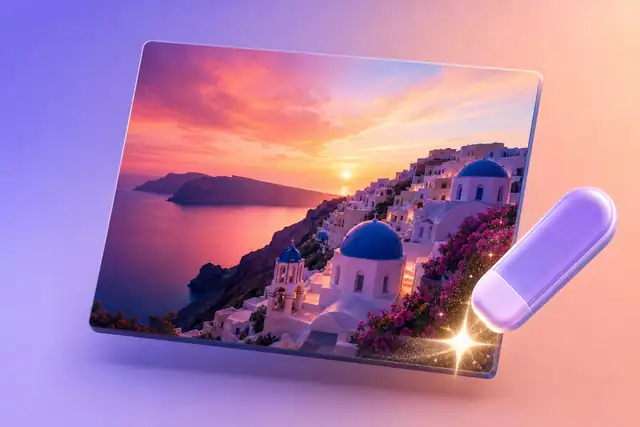
Gemini Watermark Remover
Clean visible Gemini marks, logo overlays, and star artifacts from generated image files.
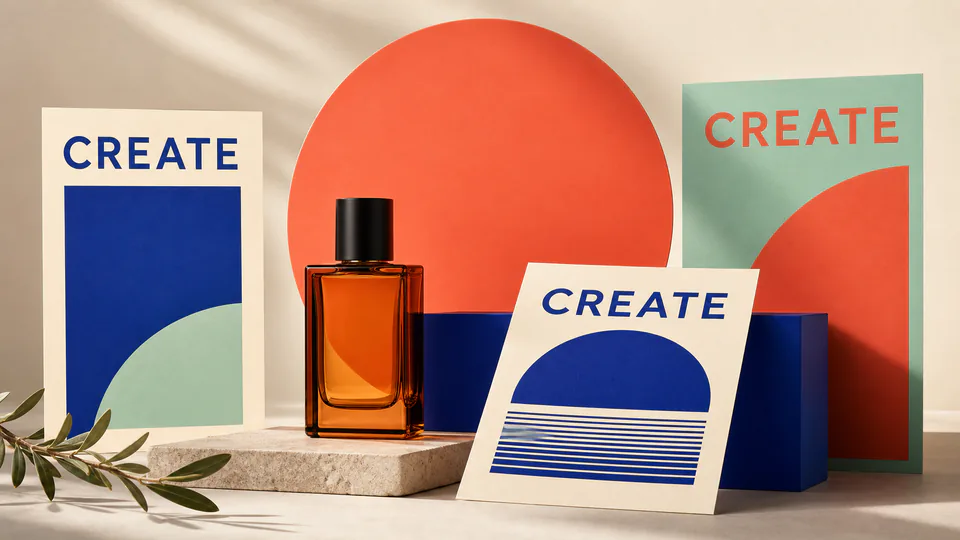
GPT Image 2
Precise prompts, clean text, product shots
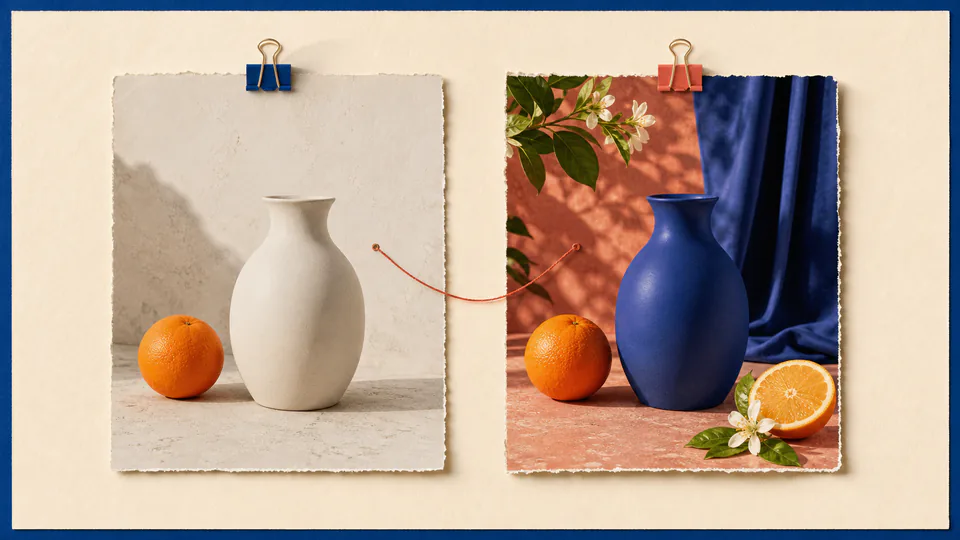
Nano Banana 2
Faster next-generation image model

AI Product Photo Generator
Create clean e-commerce hero shots, lifestyle scenes, and campaign images from a product reference.
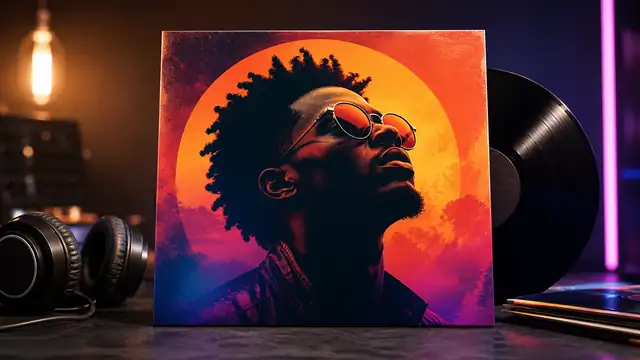
AI Album Cover Generator
Design music artwork with strong composition, bold typography, and campaign-ready mood.
Get inspired by what you can create
Start from a prompt, reuse an idea, and turn it into a polished image with the model that fits the job.
Start from what you already have
Bring a prompt, photo, product, script, video idea, or music direction and move into the matching workflow.
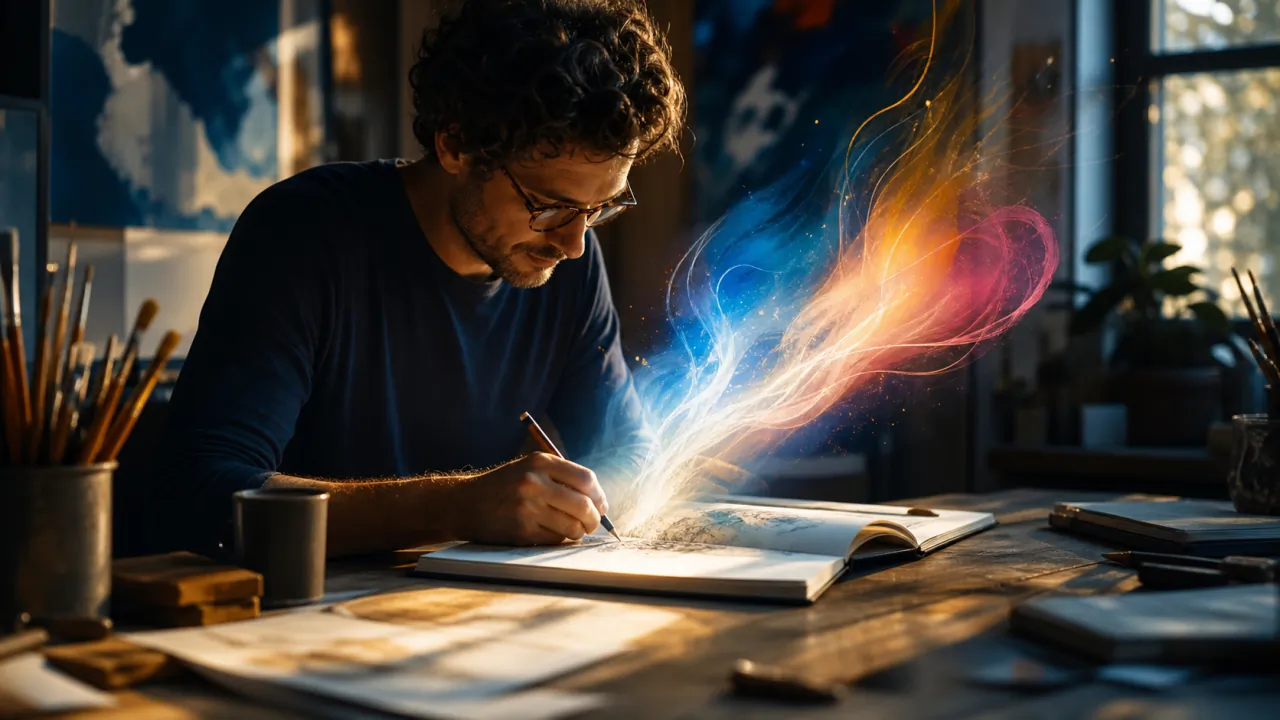
A rough idea or prompt
Describe the asset you want and turn it into an image, scene, or first campaign concept.
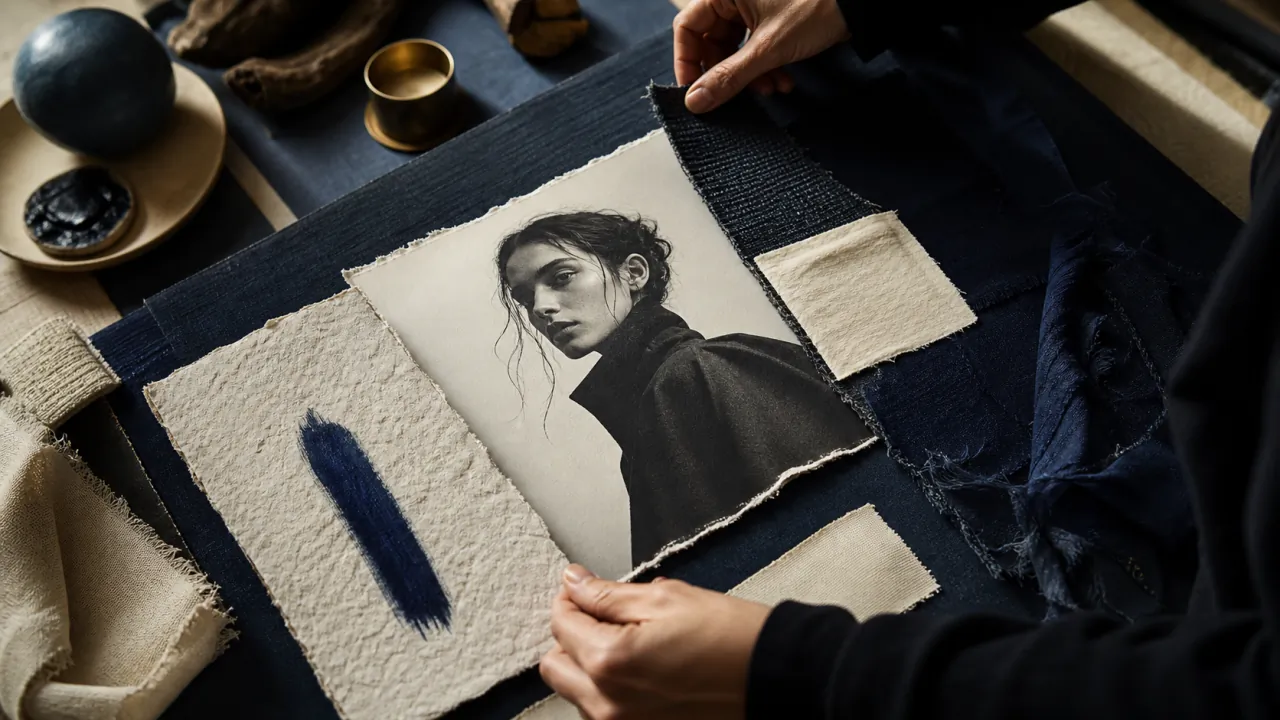
A reference image
Use an existing visual to guide style, composition, character, product, or brand direction.

A product photo
Create ecommerce shots, lifestyle scenes, launch visuals, and product ad angles.
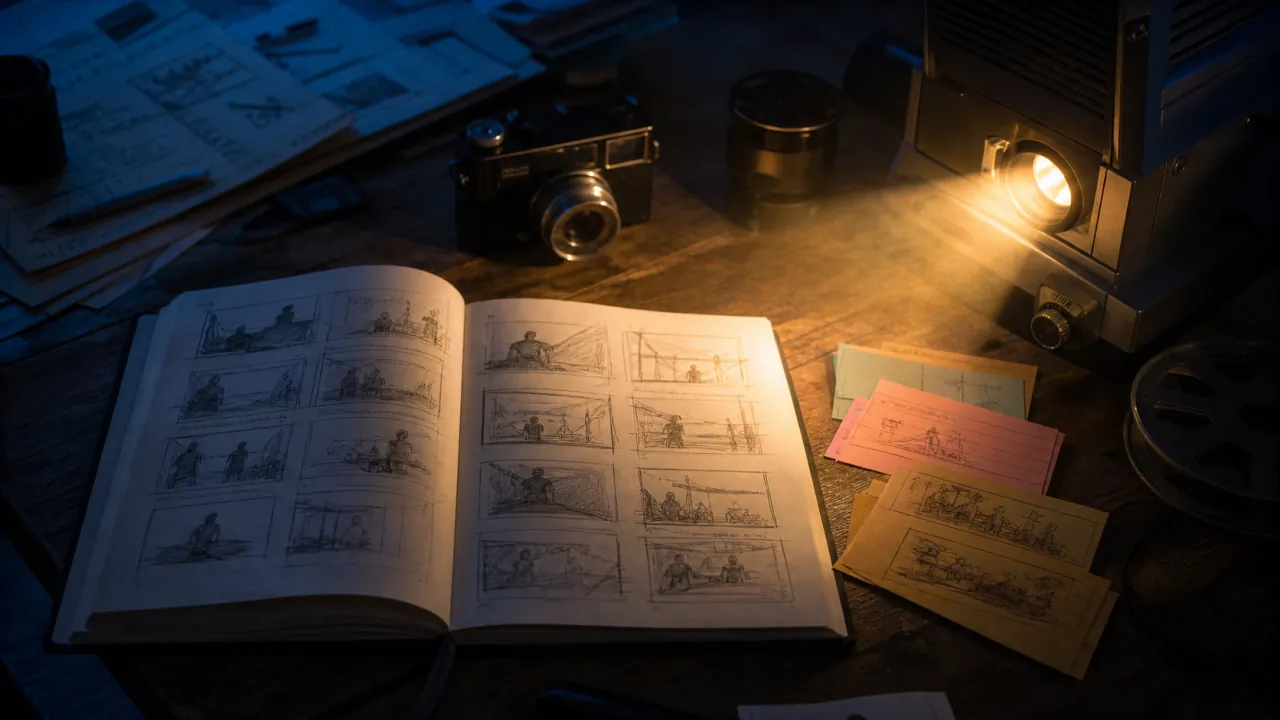
A script or message
Turn copy, talking points, or product benefits into video scripts and visual scenes.
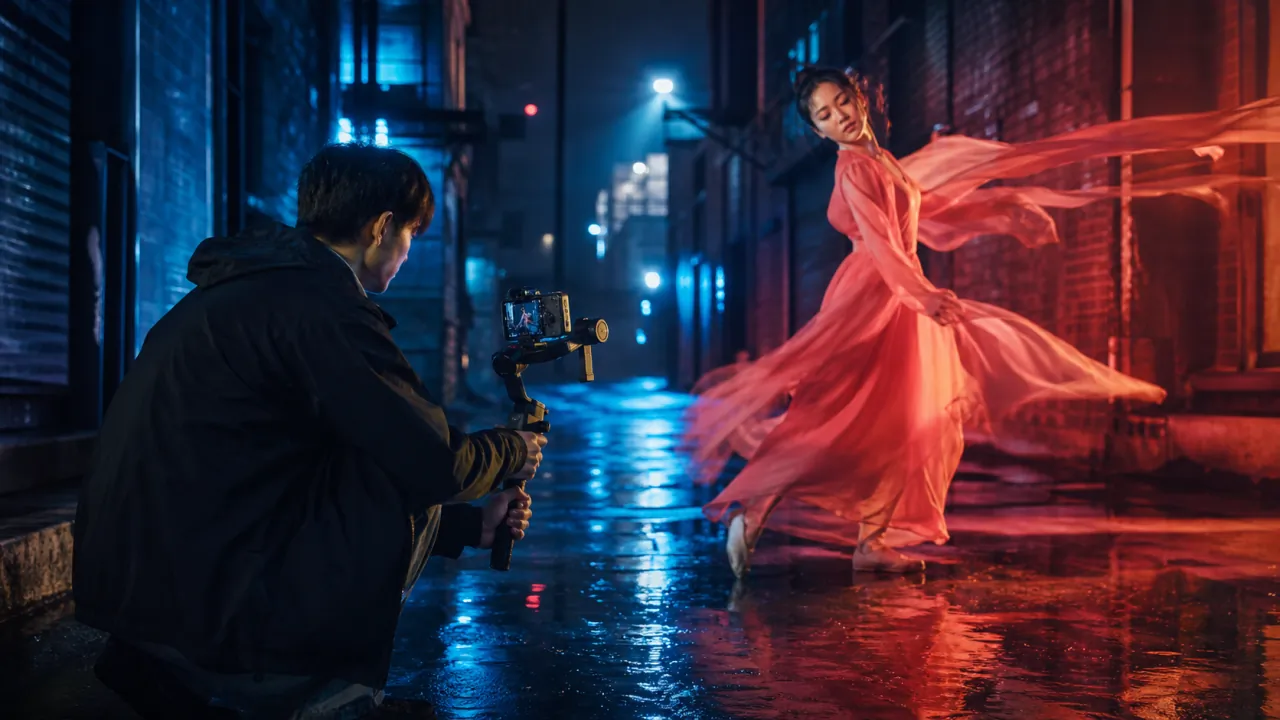
A video direction
Move from a still image, storyboard, or prompt into short video concepts and motion tests.

A music mood
Create background music, intro ideas, and audio directions for short-form content.
Take every content idea from brief to first draft
Choose a workflow for scripts, images, video, or music, keep your creative direction clear, and create each asset in one workspace.
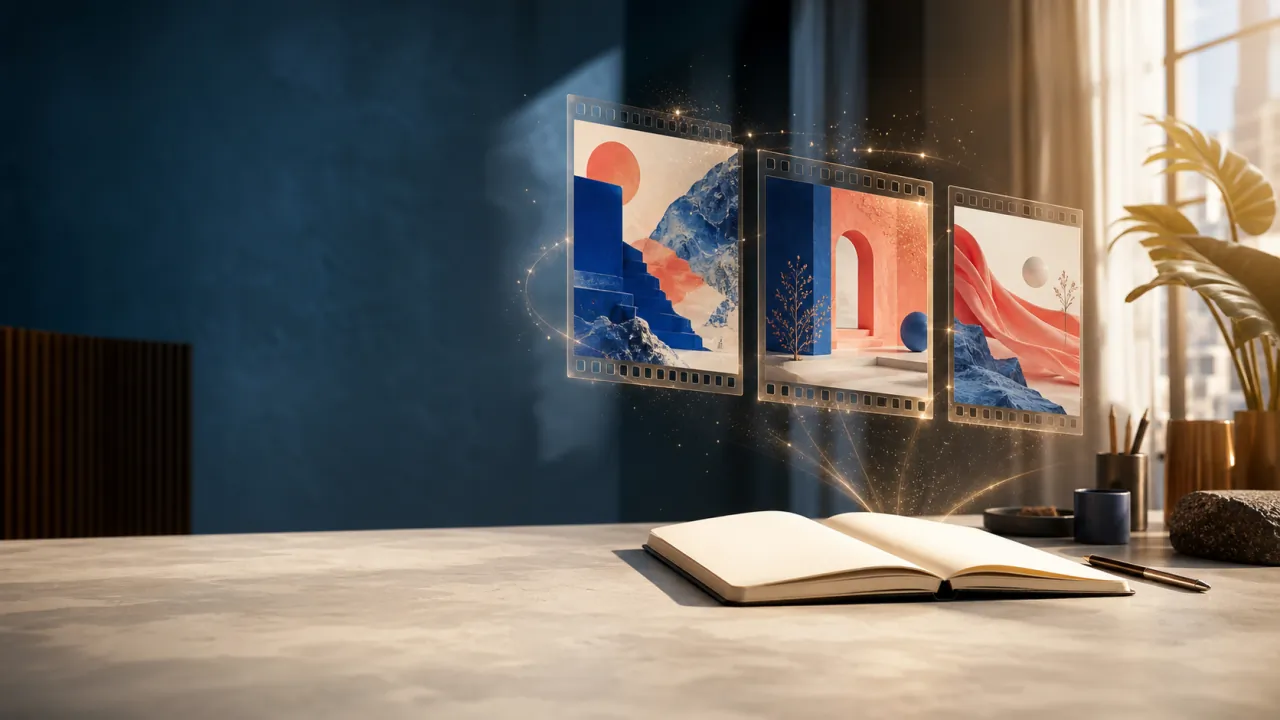


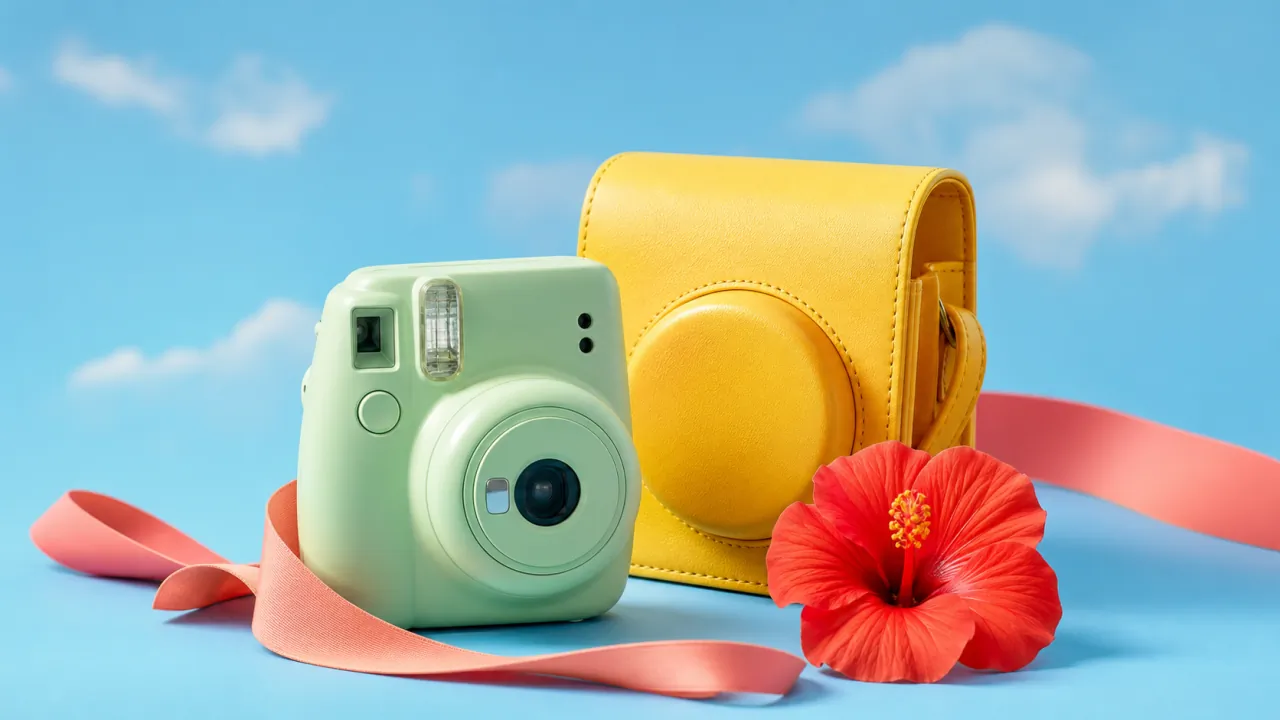
Choose the right image or video model
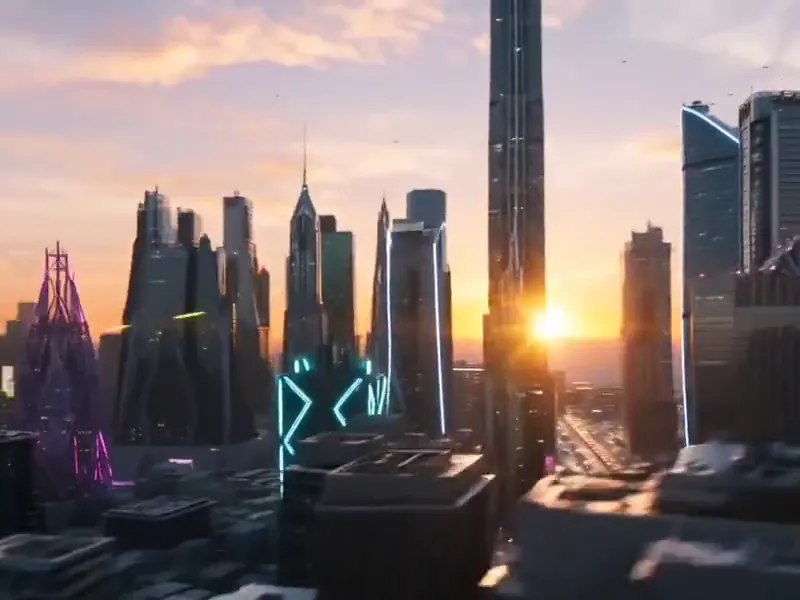
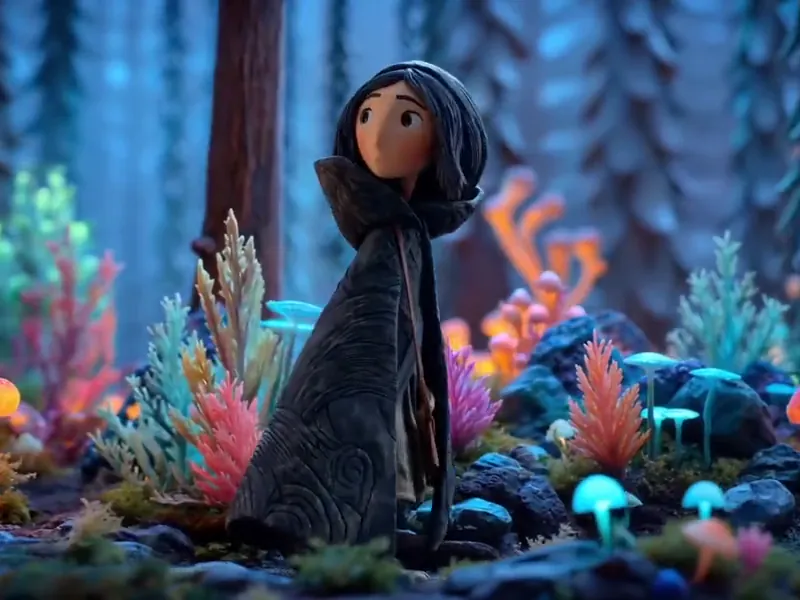
Compare models for product shots, readable text, cinematic realism, and motion, then use the one that fits the result you need.
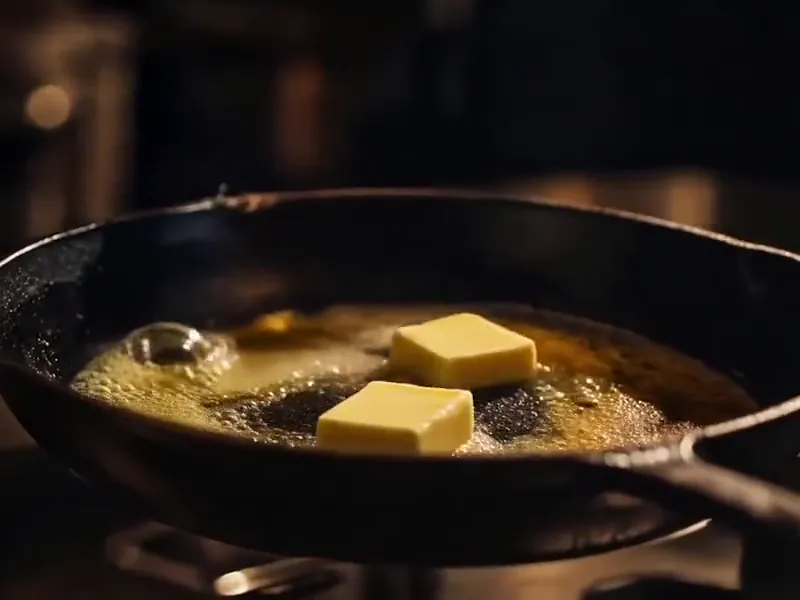
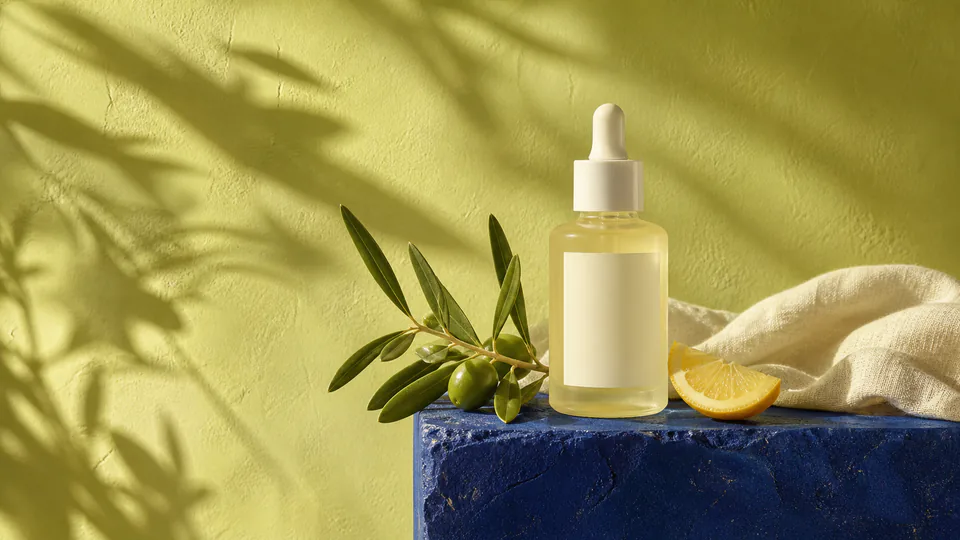
Why choose ClipCanva
ClipCanva is a content creation workspace, not a single-purpose generator. Start with the asset you need and keep every format within reach.
The difference
One workspace for images, videos, music, scripts, and model choice
Instead of jumping between image generators, video tools, music apps, script writers, and template libraries, ClipCanva keeps the right workflow and next creative step within reach.
One creative workspace
Plan prompts, references, visuals, videos, scripts, and templates without losing context between tools.
Task-first navigation
Start from the content job: product photo, video ad, short-form clip, thumbnail, poster, or script.
Model choice without guesswork
Compare top image and video models by the outcome they are best at, not just by model name.
Commercial-ready flow
Move from first idea to clean, repeatable creative assets for campaigns, stores, and social channels.
Choose Your Plan
Free images include a watermark. Upgrade for clean outputs, faster generation, and commercial use.
Starter Pack
A one-time credit pack for trying image, music, and short video generation.
- 600 credits
- ≈ 100 GPT Image 2 images at 1K Low (6 credits each)
- Up to 7 short videos
- Credits valid for 30 days
- No watermarks
Creator
Monthly plan · 1,500 credits renew each month
- 1,500 credits per month
- ≈ 250 GPT Image 2 images at 1K Low (6 credits each)
- Up to 18 short videos/month
- Works with ClipCanva Pro and other credit models
- Priority queue
- Community support
- No ads
- No watermarks
GPT Image 2 Unlimited
Use code FOUNDING6 at Stripe Checkout: $19/month for your first 6 months, then $29/month.
- Unlimited GPT Image 2 generations
- Text-to-image and image-to-image
- No credits required for GPT Image 2
- Other models use credits
- No watermarks
Pro
Monthly plan · 4,000 credits renew each month
- 4,000 credits per month
- ≈ 666 GPT Image 2 images at 1K Low (6 credits each)
- Up to 50 short videos/month
- Works with ClipCanva Pro and other credit models
- Highest priority queue
- Unlock ClipCanva Pro
- No ads
- No watermarks
- Advanced Refine
Studio
Monthly plan · 12,000 credits renew each month
- 12,000 credits per month
- ≈ 2000 GPT Image 2 images at 1K Low (6 credits each)
- Up to 150 short videos/month
- Works with ClipCanva Pro and other credit models
- Highest priority queue
- Early access to new features
- Priority support
Secure checkout · Subscriptions renew automatically · See refund eligibility
Team
For agencies, production teams, and custom volume needs.
Frequently asked questions
Answers for creators comparing AI content tools, model options, privacy, and commercial use.
What is ClipCanva?
Can I start with ClipCanva for free?
Do I need an account to create images?
Which AI models can I use?
Can I use generated images commercially?
Are my prompts and reference images private?
How do I get better AI image results?
Can ClipCanva create AI videos too?
Turn your next idea into every asset it needs.
Choose an image, video, music, or script workflow and create your first asset in ClipCanva.