


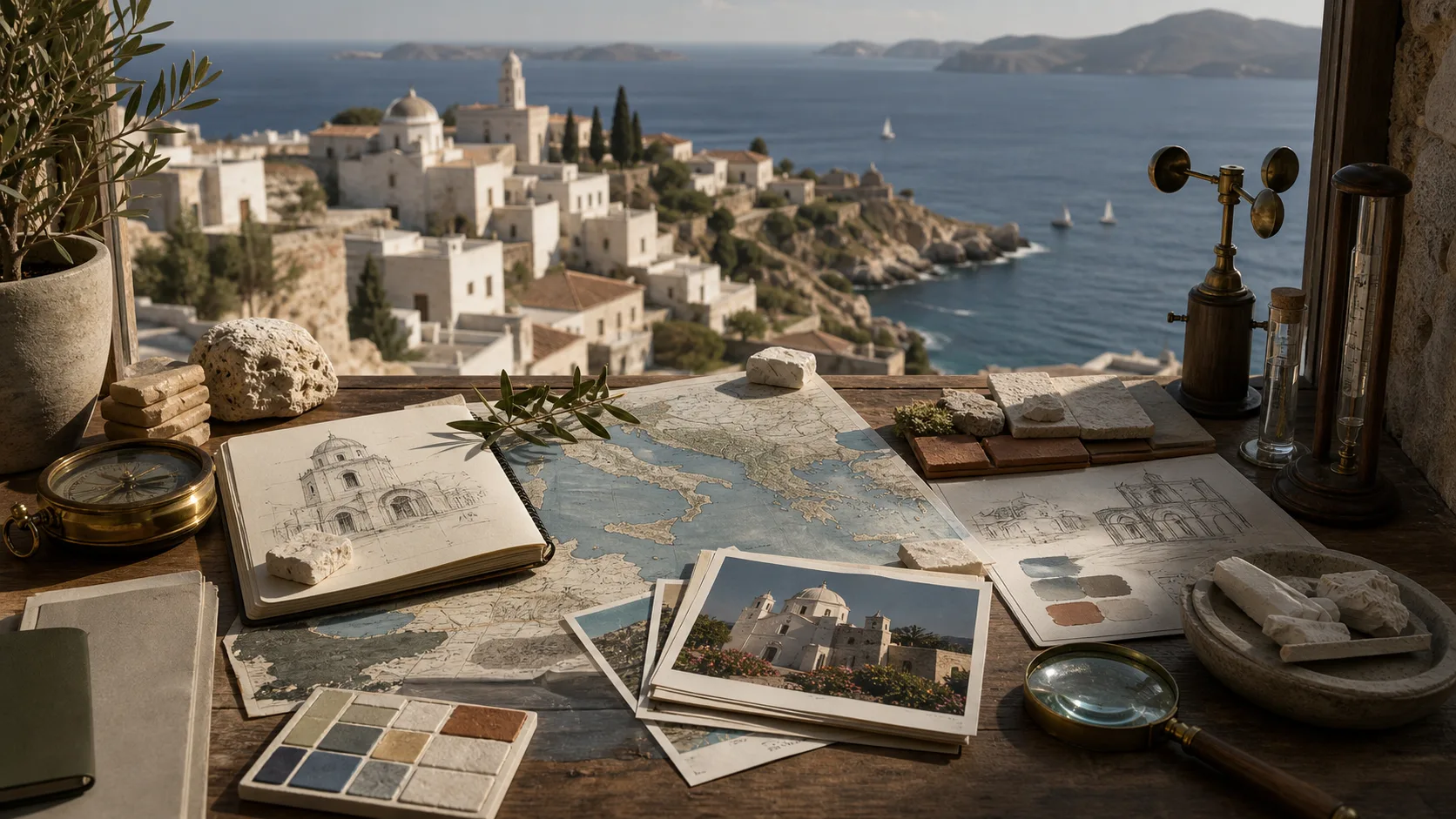
Detailed Prompt-to-Image Scenes
Describe the subject, setting, camera, lighting, composition, and intended format to give a complex scene clear direction.
Turn a detailed prompt or reference image into product visuals, text-forward graphics, and creative concepts from one focused image brief.
GPT Image 2 is an image generation and editing model for prompt-led creation, reference-guided changes, and visuals that combine subjects, composition, and short text.
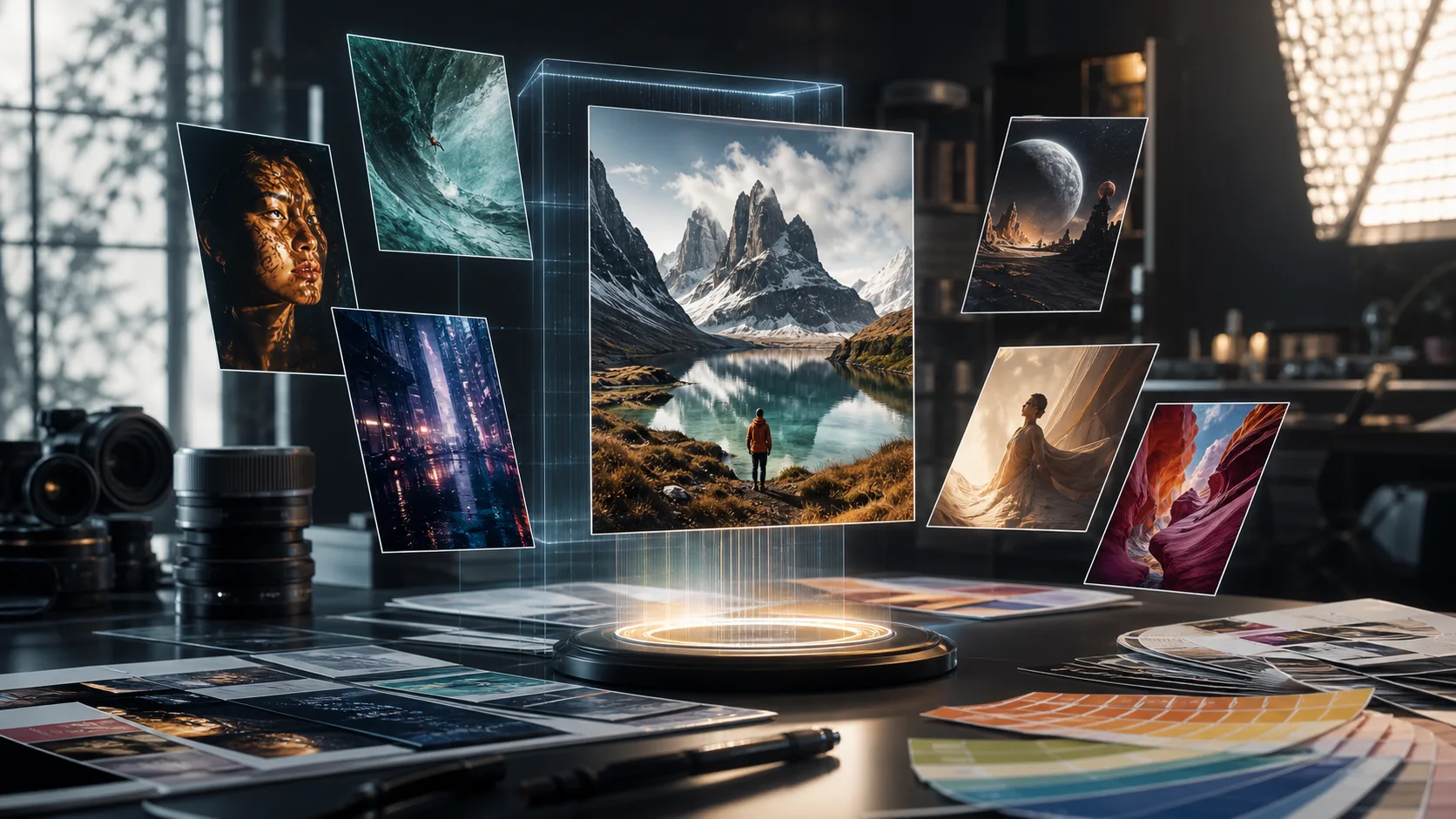
These capabilities support detailed briefs where instruction following, visible text, reference guidance, or visual continuity matters.
Describe the subject, setting, camera, lighting, composition, and intended format to give a complex scene clear direction.
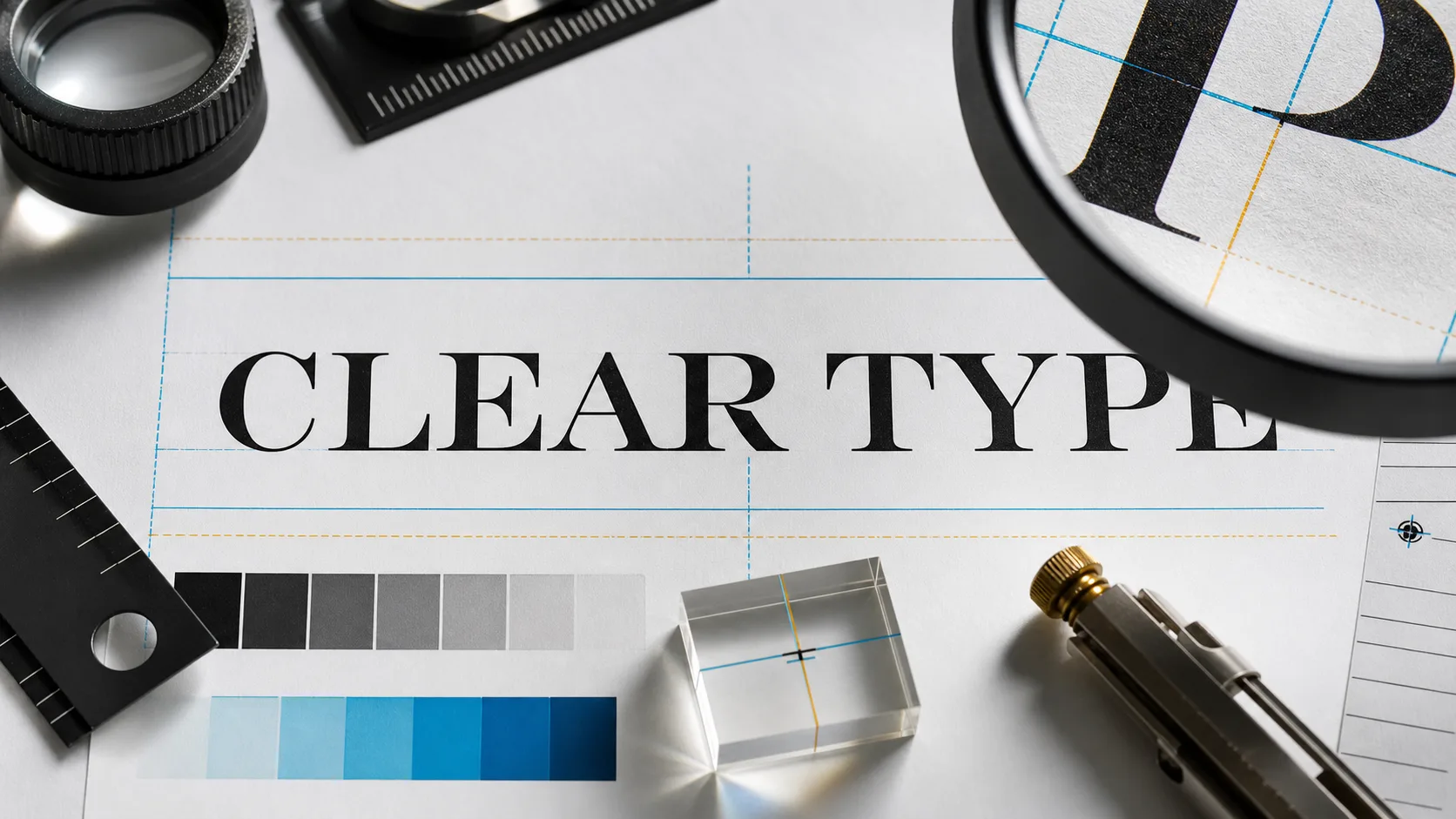
Draft posters, menus, labels, covers, and social graphics that include short text, then proofread every word before publishing.
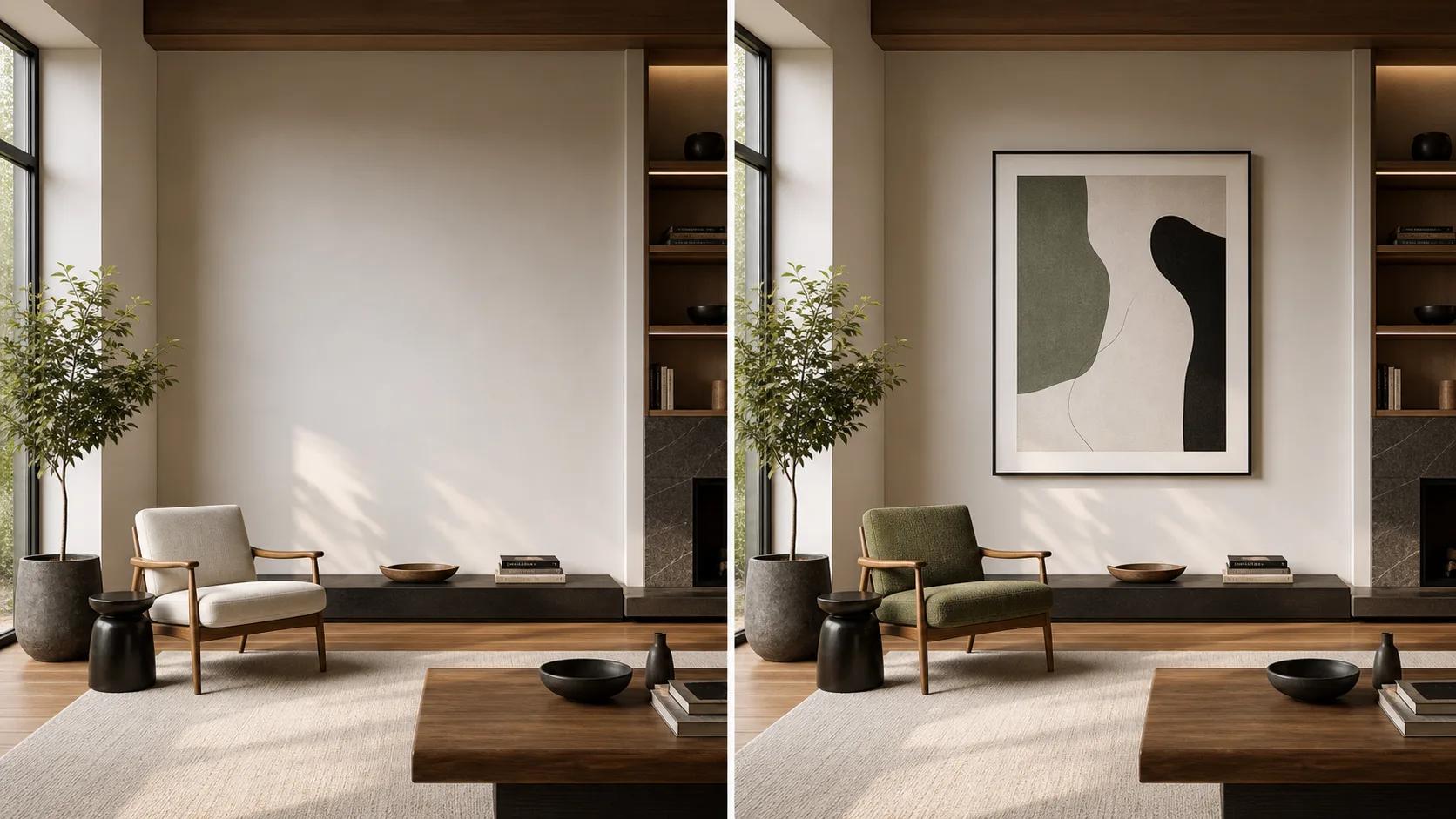
Upload an image to guide a localized change, restyle a scene, adjust product staging, or revise composition while preserving the brief.
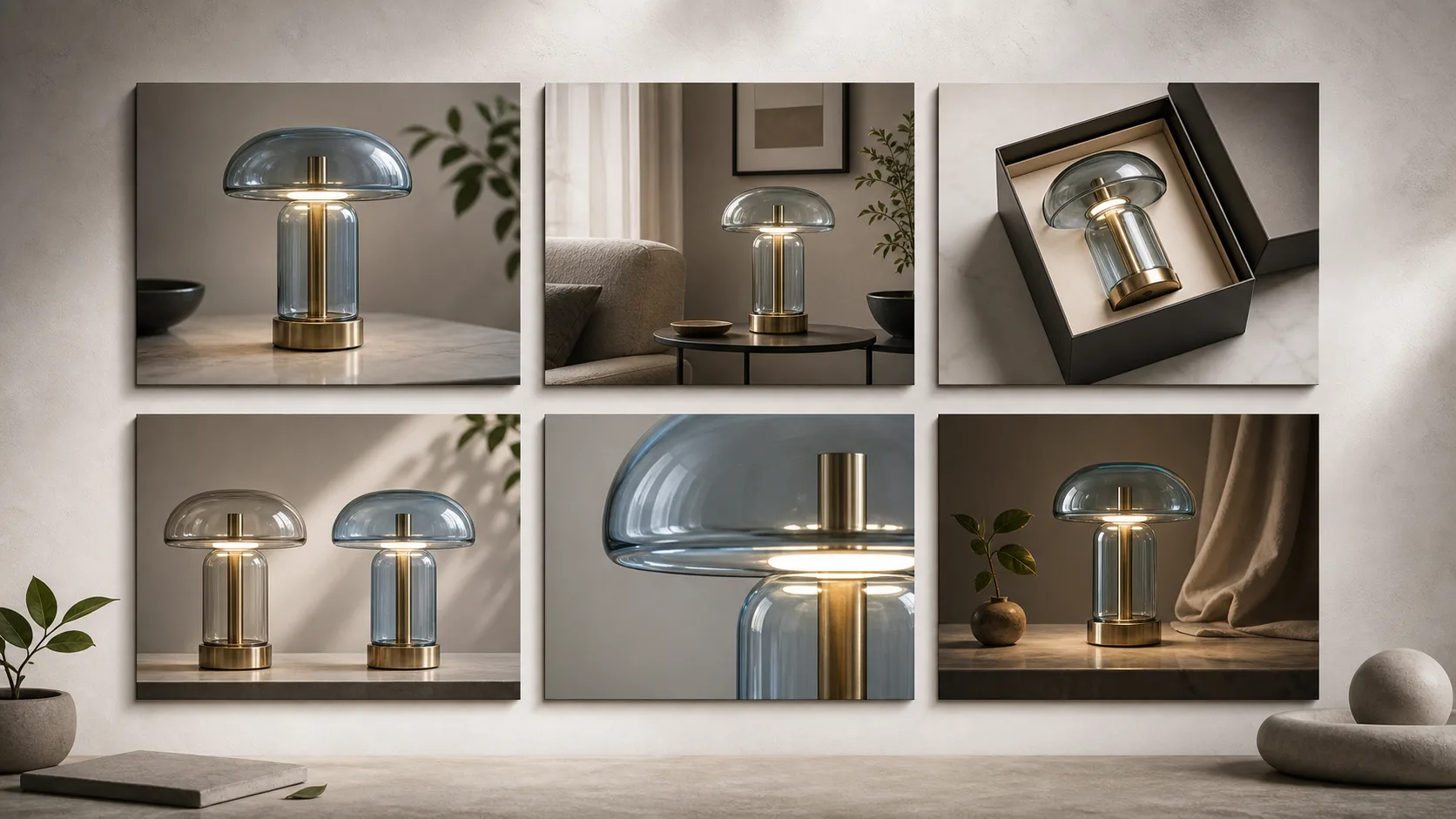
Reuse reference images and repeat defining subject or style details when creating a related set, then compare each result for drift.
Prepare your input first, then use visible controls to shape how to use GPT Image 2 for a focused generation or edit.
Write a text prompt and add a reference image when the source subject, composition, or visual direction should guide the result.
Choose from the model, aspect ratio, output count, resolution, style, prompt enhancement, speed, and reference image options shown before generation.
Review generated image variants in the results area and verify dimensions, text, subject details, and crop before using the result.
Use a deliberate prompt workflow so each pass shows which instruction changed the output and what still needs review.
State the subject, intended use, setting, composition, visual style, and any exact wording that must appear.
Upload a source image when identity, product form, framing, palette, or an existing layout should anchor the result.
Select the aspect ratio, resolution, output count, and other live controls that match the destination format.
Create a focused first pass, inspect prompt fit and details, then change one weak instruction before generating again.
Start with a real deliverable and write the prompt around its audience, format, and review requirements.
Draft ecommerce hero images, product staging, ad concepts, and packaging directions from a clear product and brand brief.
Explore headline-led posters, event graphics, announcements, and social concepts with planned text-safe regions.
Visualize landing pages, dashboards, menus, and presentation directions before rebuilding the approved layout in a design tool.
Create alternate backgrounds, styling, product scenes, or campaign treatments while keeping the source image as visual guidance.
Treat every generated image as a draft until the details required by the final channel have been checked.
Confirm the main subject, action, composition, and reference details match the original brief.
Read every headline, label, sign, interface element, and small word at full size.
Check logos, packaging, colors, product form, materials, and claims against approved source material.
Verify resolution, aspect ratio, safe areas, and crop against the destination before export.
Use the live controls on this page for the current configuration, while keeping availability, model variability, and publishing checks visible.
GPT Image 2 is connected on this page, and the controls shown before submission are the current source of truth for each generation.
The same prompt or reference can produce different composition, typography, and fine details, so compare outputs before choosing one.
Do not treat model output as verified brand copy, factual information, or final artwork without human review.
Facts verified
Find answers about GPT Image 2 prompts, reference images, typography, controls, release timing, and review steps.
Choose a nearby image model when reference handling, layout behavior, generation settings, or visual style matters more than one model name.
Write a specific visual brief, set the destination format, and review a small first run before expanding the concept.