


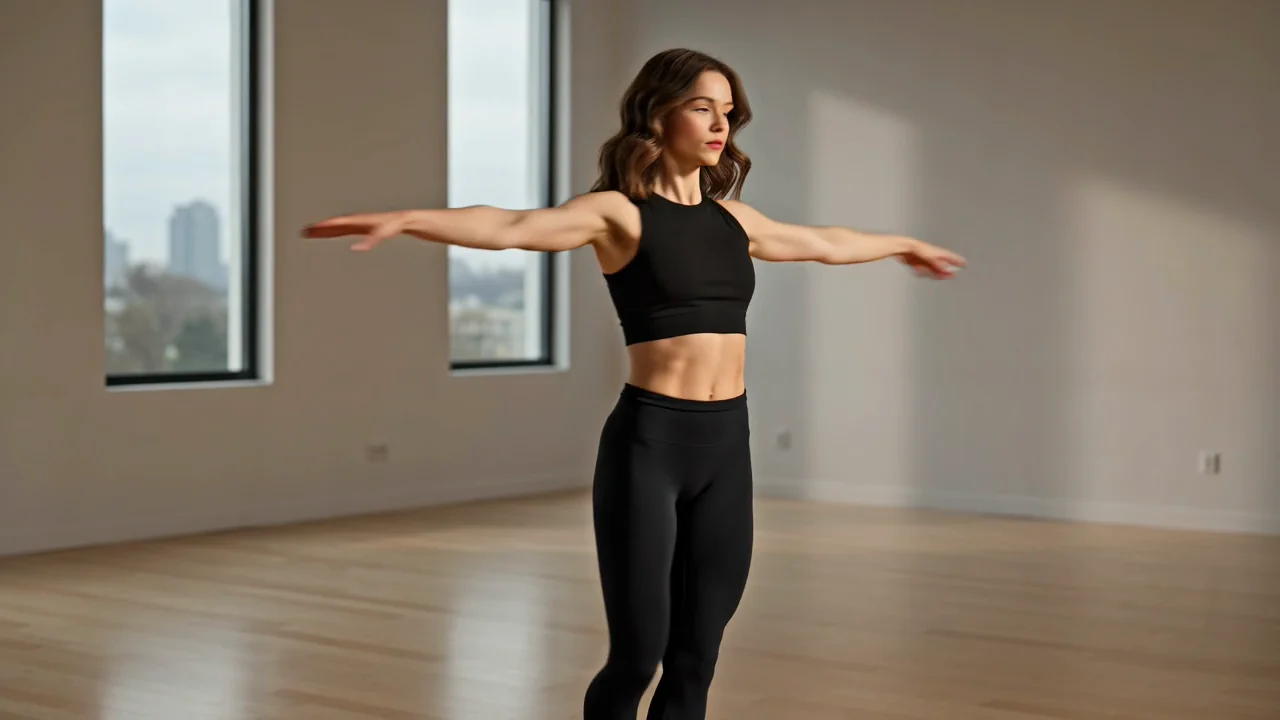
Complex Subject Motion
Create action-oriented clips where subject movement, scene rhythm, and prompt clarity need careful review after generation.
Evaluate verified capabilities, inputs, controls, and availability before you use Seedance 2.0 for an AI video task.
If you are asking what is Seedance 2.0, it is ByteDance’s multimodal video model for prompt and reference-led creation.
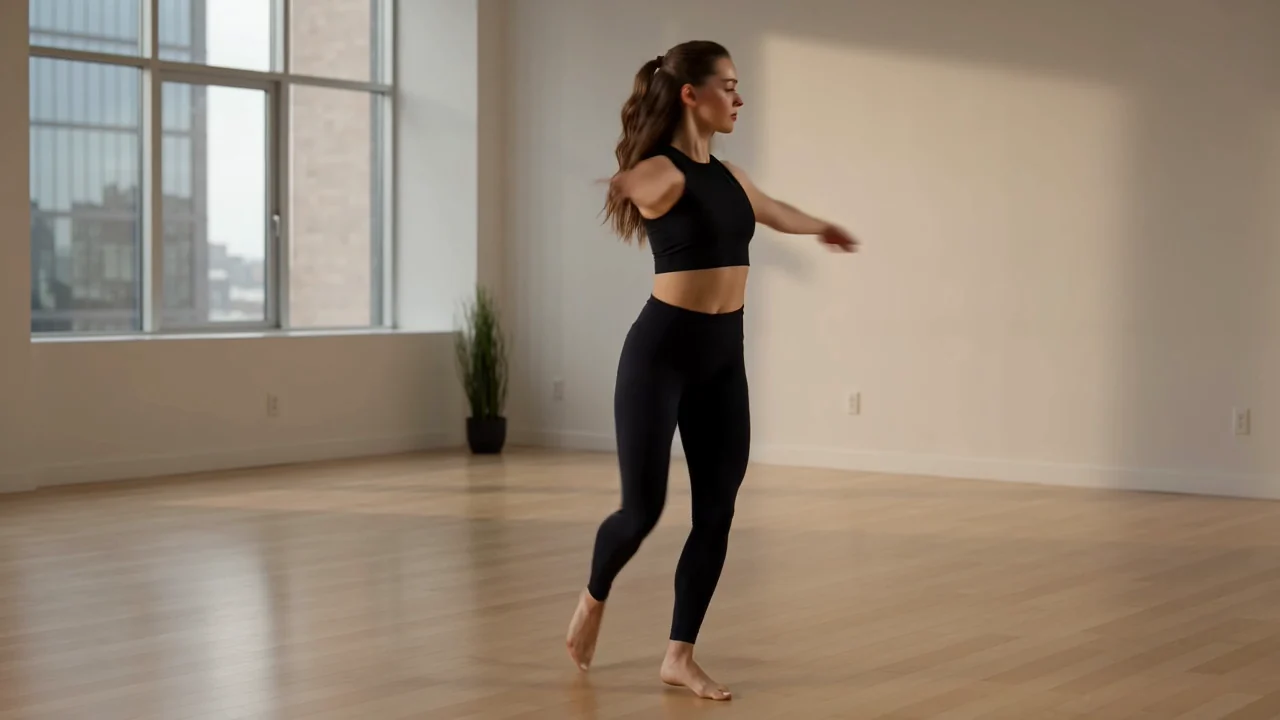
Review the model’s capabilities against your motion, reference, camera, and multi-shot goals before production.
Create action-oriented clips where subject movement, scene rhythm, and prompt clarity need careful review after generation.
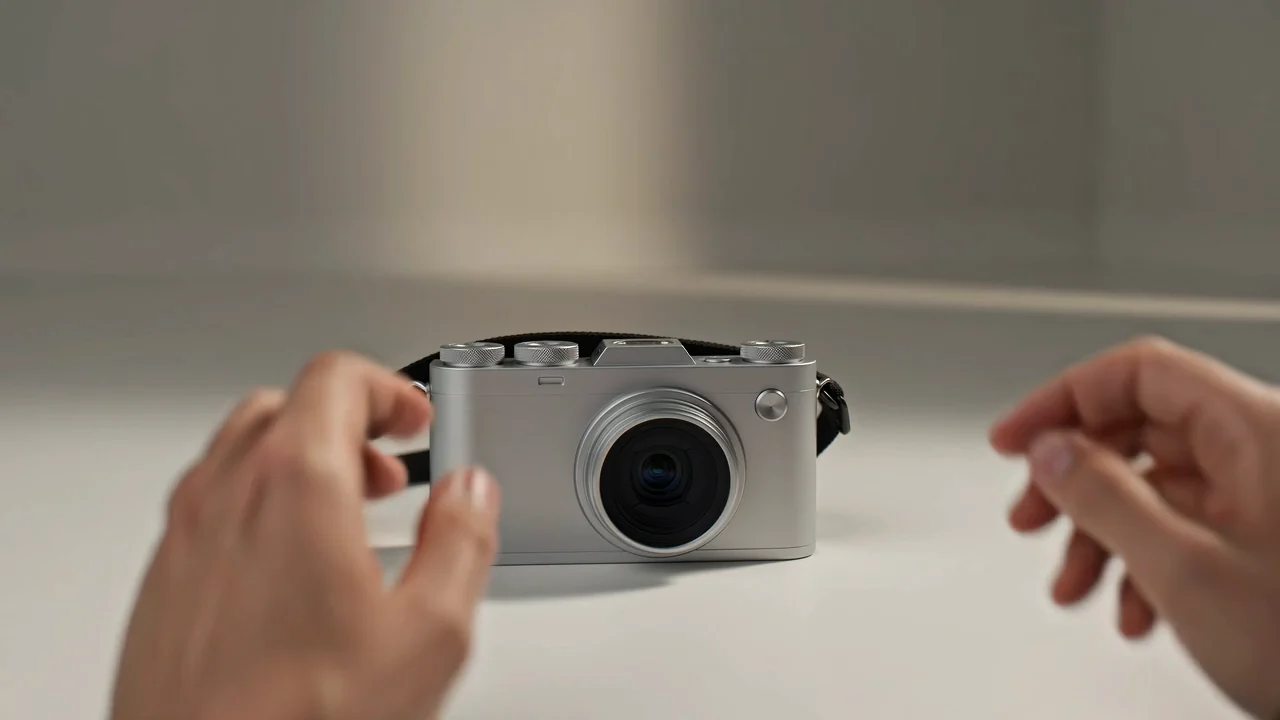
Use a reference image to guide visual direction while checking that the final clip still matches the written prompt.
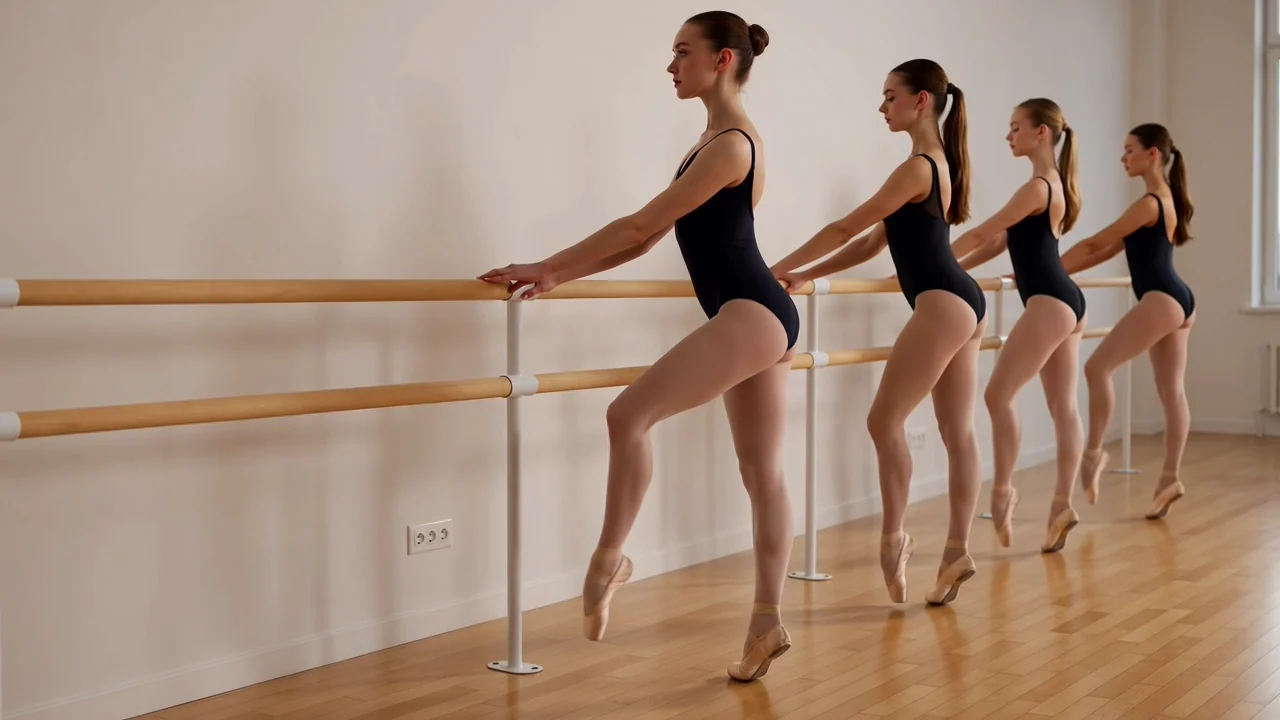
Plan camera movement in the prompt, then review framing, timing, and continuity in the generated video output.
Draft multi-shot visual concepts for music-led or narrative ideas, then inspect transitions and scene consistency.
Use the supported input and controls shown on this page instead of assuming the full provider-side input set.
Begin with a text prompt, and add a reference image when the shot, subject, product, or visual direction needs guidance.
Adjust the Seedance 2.0 model picker along with aspect ratio, duration, resolution, and reference image settings shown in ClipCanva.
Expect generated video clips or reference-guided videos that still need human review for fit, detail, and format.
Follow how to use Seedance 2.0 by turning your brief into a prompt, setting visible controls, and reviewing the result.
Define the purpose, audience, subject, setting, motion, and destination format before writing the generation prompt.
Draft a specific Seedance 2.0 prompt, then add a reference image only if that input appears among the visible options.
Choose the visible model, aspect ratio, duration, resolution, and reference image controls before submission.
Generate the video, compare results, check weak details, and revise one instruction at a time when needed.
Match these use cases to a real audience, channel, format, and review standard before choosing the model.
Draft movement-heavy character shots with a clear action goal, setting, camera direction, and continuity check.
Build campaign story drafts around a product, visual reference, message, and destination format for review.
Explore music-led visual concepts where rhythm, mood, camera motion, and multi-shot structure matter.
Prototype multi-shot narrative drafts with scene order, character continuity, and output format in mind.
Make review part of the workflow because generated clips can contain visual, motion, continuity, or factual issues.
Confirm that the subject, action, setting, motion, and composition match the original prompt and intended deliverable.
Inspect subject identity, product appearance, background details, scene transitions, and continuity across the clip.
Verify brand elements, product claims, factual statements, and sensitive details against approved source material.
Check duration, resolution, aspect ratio, crop, and destination format before the clip moves into a final edit.
Confirm availability, exposed controls, and review responsibilities before treating any generated clip as publish-ready.
Seedance 2.0 is connected on this page, so the visible options before submission define current access.
Results can vary between runs, so compare motion, composition, continuity, timing, and detail before choosing a clip.
ClipCanva exposes prompt and image-reference controls, not the complete provider-side multimodal input set.
Facts verified
Find concise answers about Seedance 2.0 identity, access, inputs, workflow, limits, and review expectations.
Compare related AI video models by input support, controls, output behavior, review needs, and verified availability.
Try Seedance 2.0 with a clear prompt, supported controls, and time reserved to review each generated video result.