


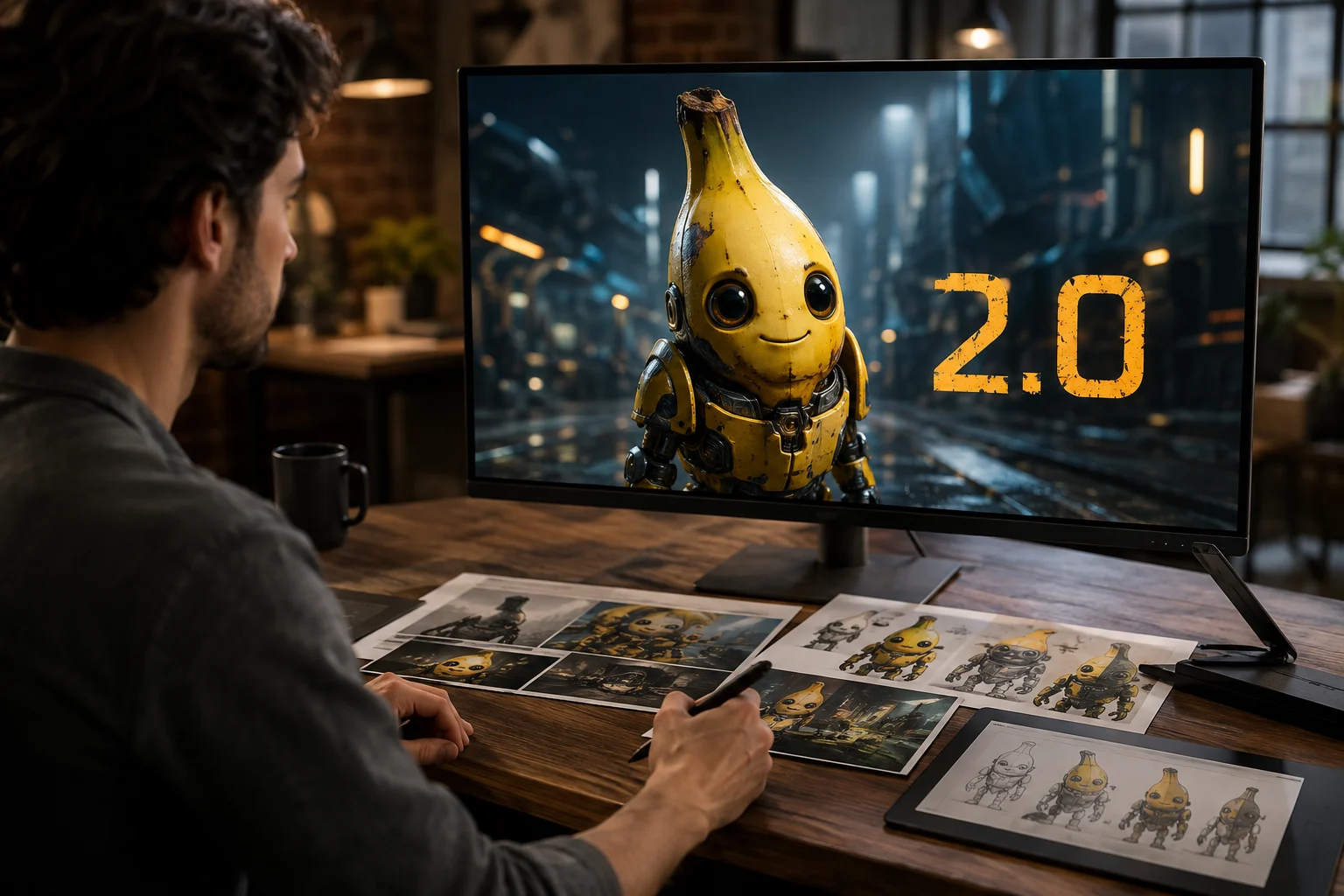
High-Fidelity Image Generation
Generate images from a detailed prompt, then inspect the result for subject fit, composition, and visible detail.
Review Nano Banana 2.0 identity, supported inputs, and current availability before choosing it for an AI image task.
For teams asking what is Nano Banana 2, it is Google Gemini 3.1 Flash Image for image generation and faster editing.
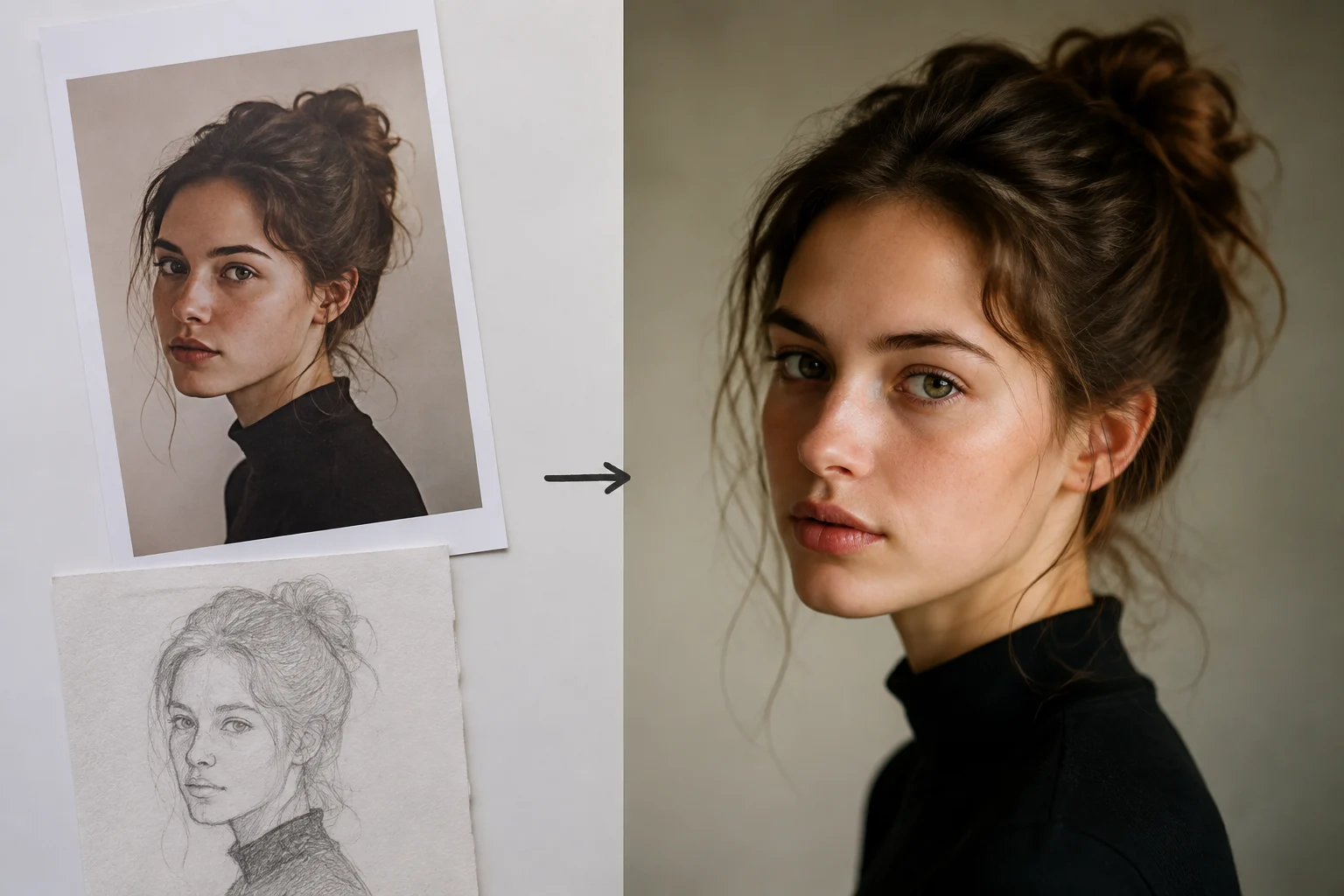
These capabilities help teams judge fit for image generation and reference-guided editing before production review.
Generate images from a detailed prompt, then inspect the result for subject fit, composition, and visible detail.
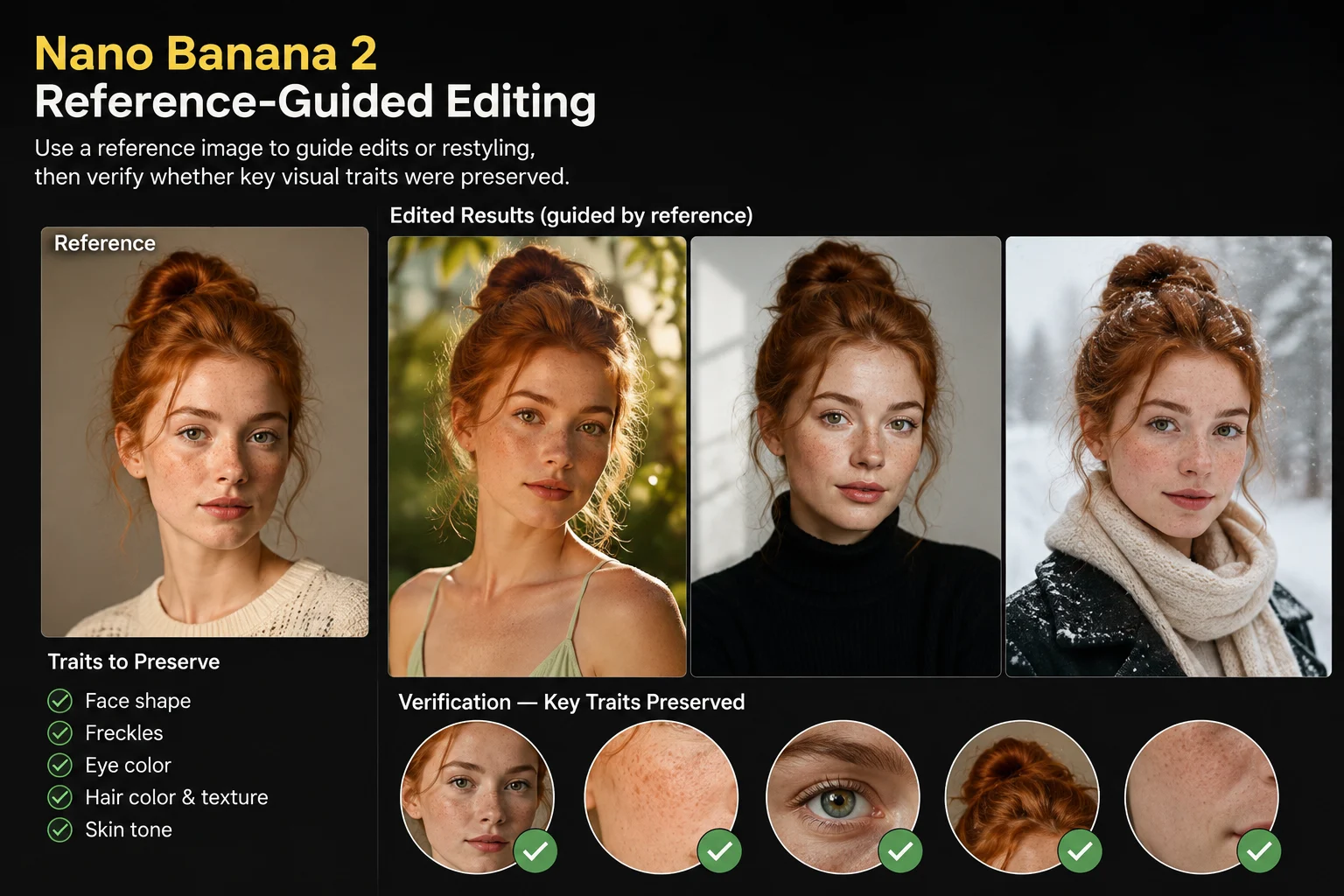
Use a reference image to guide edits or restyling, then verify whether key visual traits were preserved.
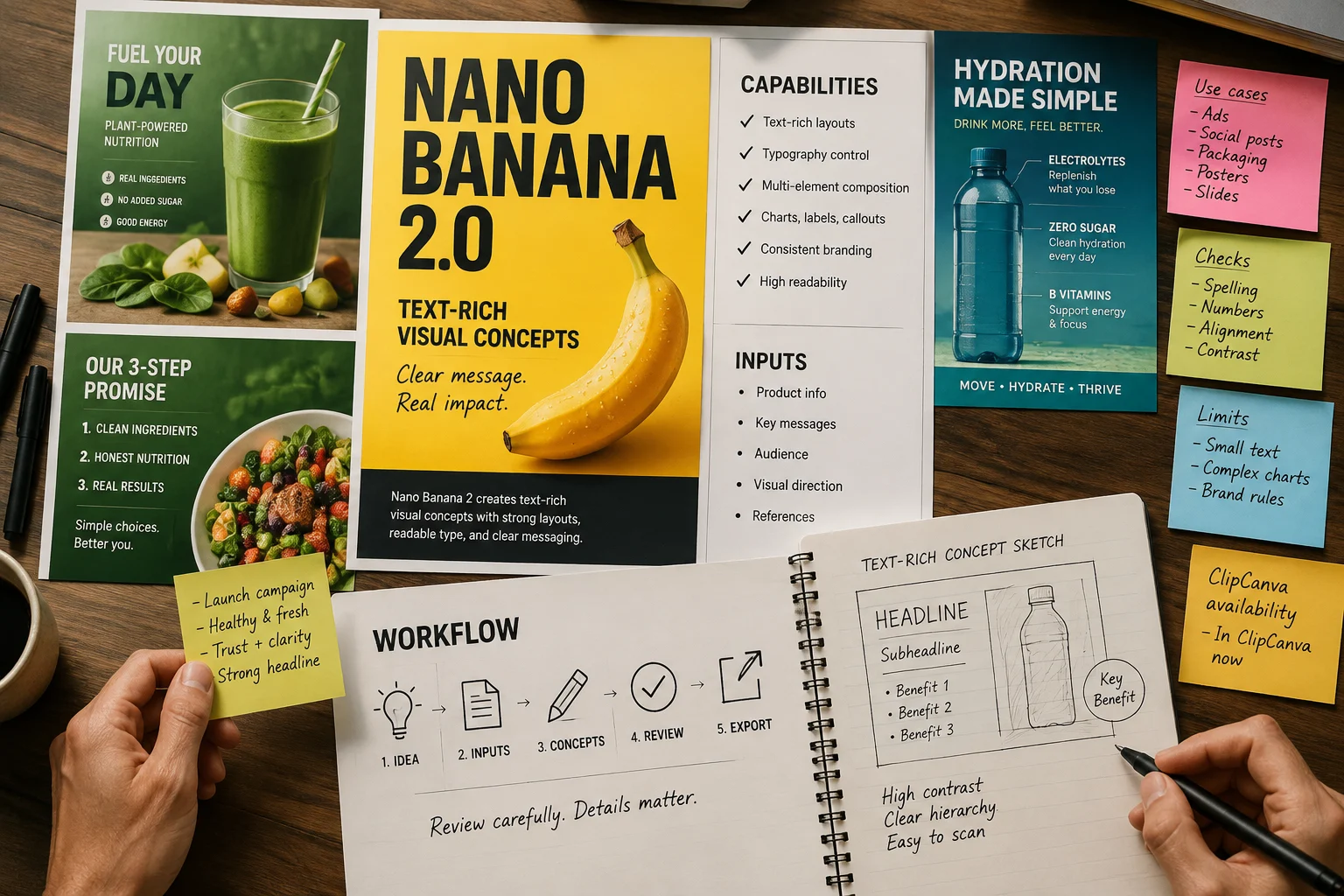
Create text-rich visual concepts with careful review, since visible wording and fine details still need checking.
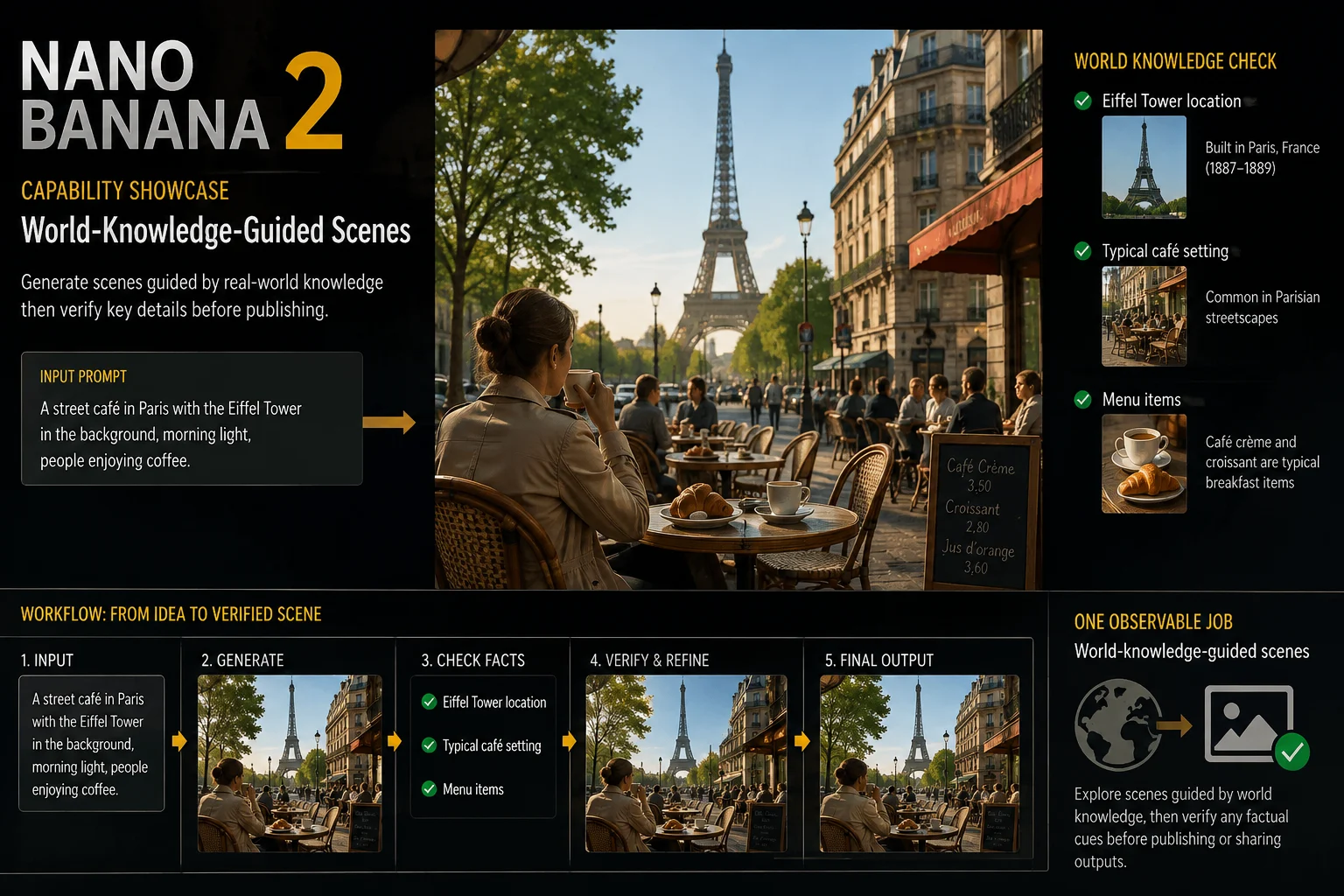
Explore scenes guided by world knowledge, then verify any factual cues before publishing or sharing outputs.
To access Nano Banana 2, open this connected page and use the live input and controls as the source of truth.
Provide a clear text prompt, and add a reference image when you want the result to follow existing visual direction.
Use the model picker, aspect ratio, output count, resolution, style, prompt enhancement, generation speed, and reference image controls shown.
Expect generated images or reference-guided image edits that still require review for detail, accuracy, and crop.
How to access Nano Banana 2 starts with this connected page, a specific prompt, visible controls, and output review.
State the deliverable, audience, subject, setting, style direction, and where the final image will be used.
Write a concise prompt and gather a reference image only when that guidance is needed for the task.
Choose the visible model, aspect ratio, output count, resolution, style, prompt enhancement, and speed settings.
Generate results, compare them against the brief, and revise the weakest instruction before another attempt.
These use cases fit teams that need prompt-led concepts, reference-aware edits, and reviewed creative variations.
Build product scenes with a defined subject, setting, and placement goal, then check product accuracy carefully.
Restyle an existing visual direction with a reference image, then compare key details against the source asset.
Create campaign graphics for ads, landing pages, or social posts, then review text and brand elements closely.
Generate multiple creative directions from one prompt, then narrow choices through review and targeted revisions.
Use a structured review pass before publication, especially when the image includes products, text, or factual context.
Confirm the subject, scene, action, style, and composition match the prompt and any approved reference material.
Inspect visible text, edges, small objects, hands, product features, and other fine details for defects.
Check product appearance, logos, brand cues, and factual claims against approved source material before use.
Verify aspect ratio, dimensions, crop, and destination requirements before moving the image into production.
Nano Banana 2 access is verified here, yet variable output and human review are still part of responsible use.
Nano Banana 2 is connected in ClipCanva today, so use the options shown before submission as the current source of truth.
The same input can produce different details or composition, so compare results and refine the prompt when needed.
Generated facts, visible text, and reference details still need verification before publication or client delivery.
Facts verified
Find direct answers about identity, access, pricing queries, comparisons, inputs, availability, and review needs.
Compare related image models by supported inputs, visible controls, output behavior, and verified ClipCanva availability.
Start with a clear prompt, confirm current access, generate images with Nano Banana 2, and reserve time for review.