


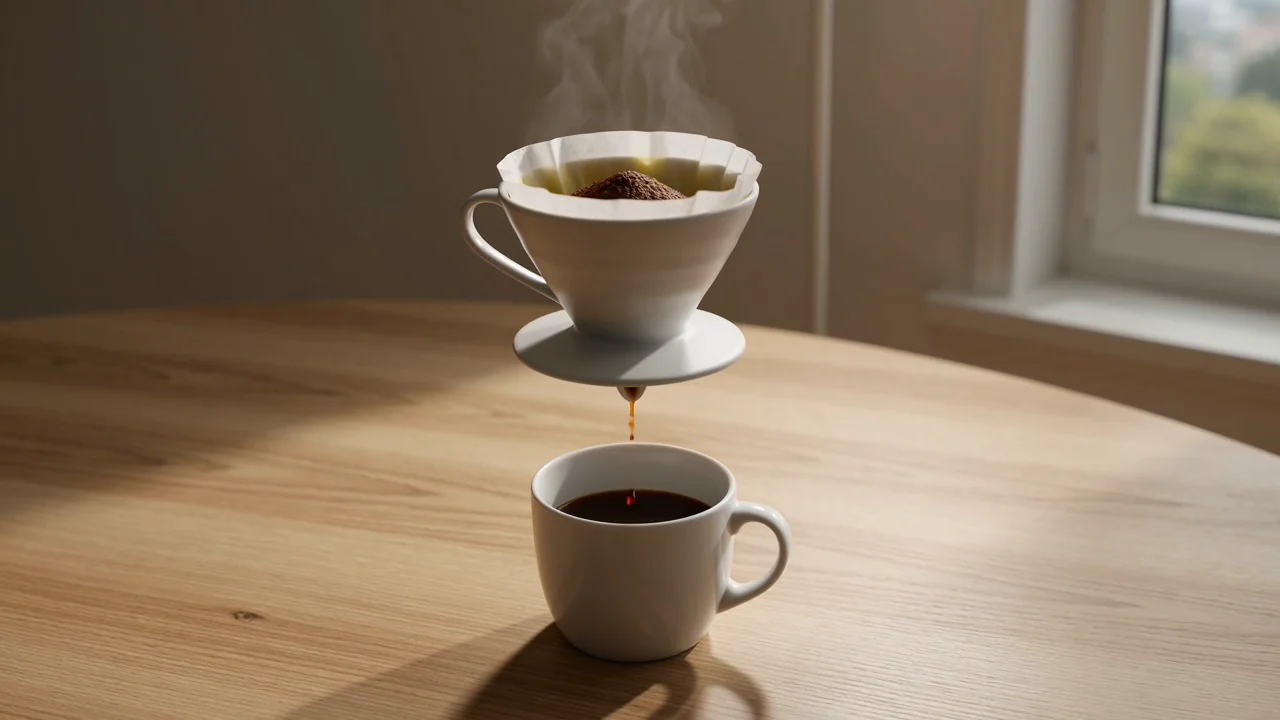
Text-Led Short Video Creation
Turn a written prompt into generated video clips for draft concepts, then review motion, subject detail, and scene fit before use.
Review ClipCanva Video Pro capabilities, inputs, controls, outputs, and availability before planning a prompt-led video task.
ClipCanva Video Pro is a ClipCanva video model for prompt-led and reference-guided clips connected in ClipCanva.

Understand the model capabilities available in ClipCanva today without adding unsupported speed, cost, or rights claims.
Turn a written prompt into generated video clips for draft concepts, then review motion, subject detail, and scene fit before use.
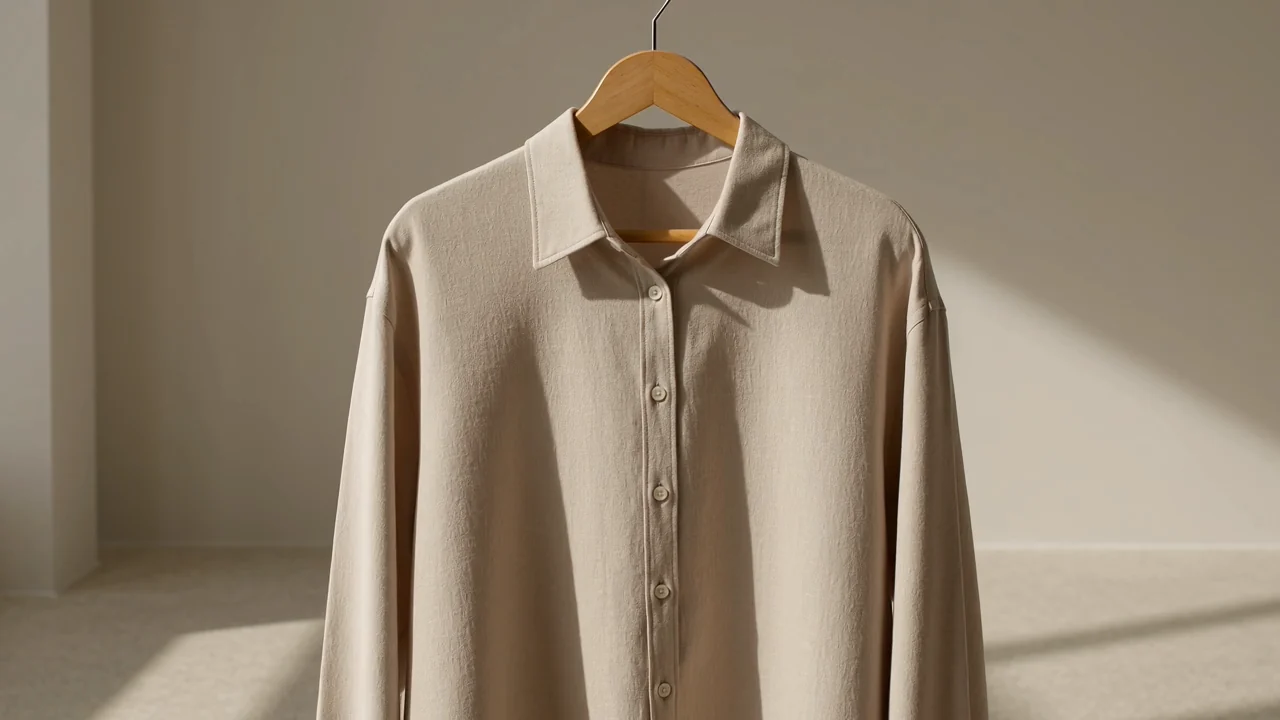
Add a reference image when the connected model supports it to guide subject, style, or scene direction in reference-led videos.
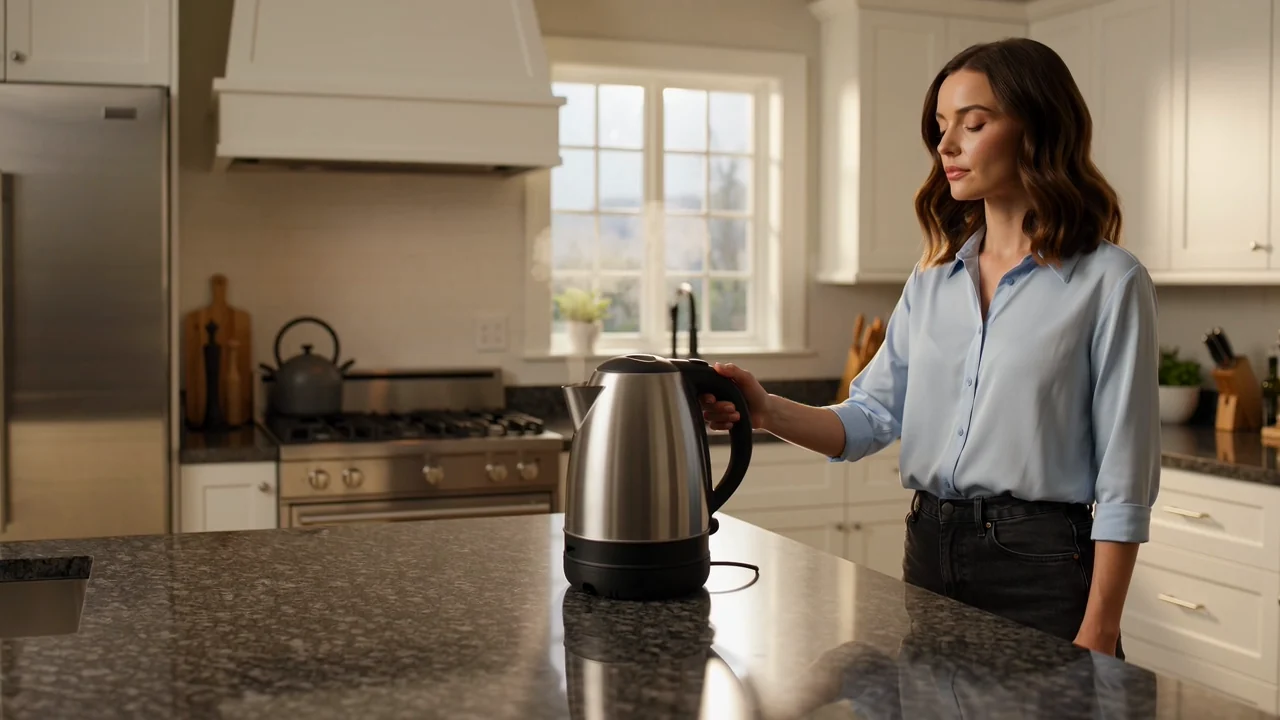
Use visible duration and resolution settings to align the generated clip with the brief, destination, and review process.

Explore commercial visual concepts for products, campaigns, or social ideas while treating each generated result as a draft.
Match each input and control to the brief before generation, and treat the live controls as the source of truth.
Begin with a specific text prompt, then add a reference image when it helps guide the subject, style, or scene.
Choose this model in the picker, then set aspect ratio, duration, resolution, and any reference image option exposed for the run.
Expect generated video clips or reference-guided videos that still need checking against the brief and destination format.
Follow a practical prompt-to-review workflow that reflects the controls and availability shown in ClipCanva.
Define the audience, message, subject, scene, and intended channel before writing the prompt or selecting controls.
Write a focused prompt and gather a reference image only when it supports the visual direction and available settings.
Pick ClipCanva Video Pro in the model picker, then adjust aspect ratio, duration, resolution, and reference-image settings before you submit.
Generate the video, compare it with the brief, and revise one weak instruction or control choice at a time.
Choose use cases where a prompt-led draft, reference-guided scene, or motion concept can be reviewed before production.
Create early product demonstration drafts to test framing, motion, and scene structure before committing to production assets.
Explore brand campaign concepts with controlled prompts and reference images, then review each result against brand standards.
Draft creator social clips for hooks, lifestyle scenes, or product moments while checking format needs for each channel.
Test lifestyle motion ideas, scene direction, and visual pacing before deciding whether a concept is worth developing further.
Use a structured review before publication because generated videos can vary in detail, continuity, timing, and factual fit.
Confirm that the subject, action, setting, pacing, and motion direction match the original prompt and creative brief.
Inspect people, products, backgrounds, camera movement, and scene transitions for unwanted changes or continuity issues.
Check logos, claims, product details, captions, and factual references against approved brand or source material.
Verify that the clip duration, aspect ratio, resolution, crop, and output format fit the intended destination.
Understand availability, output variation, and control boundaries before relying on any generated video for production.
ClipCanva Video Pro is connected in ClipCanva today, so use the options shown here as the active availability state.
Results vary between runs, so review composition, motion, timing, subject continuity, and visual details before publication.
Model behavior and credit totals are defined by the current ClipCanva connector rather than an external public model specification.
Facts verified
Find answers about identity, prompt use, inputs, controls, availability, and review expectations for this model.
Compare other AI video models by their supported inputs, visible controls, output behavior, and verified ClipCanva status.
Start with a clear prompt, confirm the visible controls, generate a draft, and leave time to review the output before publication.