


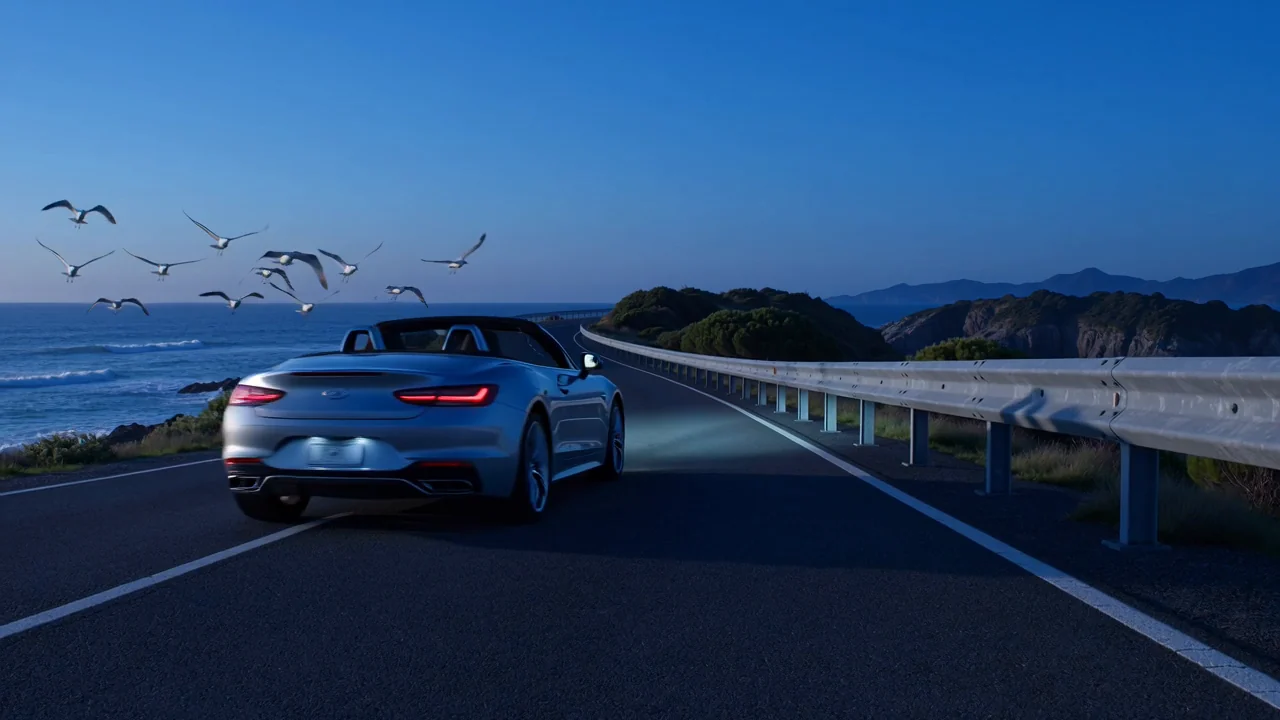
Text-to-video generation
Turn a text prompt into a generated video clip, then review motion, subject detail, and scene logic against the brief.
Review google Veo 3.1 capabilities, inputs, controls, limits, and current availability before planning an AI video task.
Veo 3.1 is a Google DeepMind video model for text- and image-led generation with native audio-video positioning.
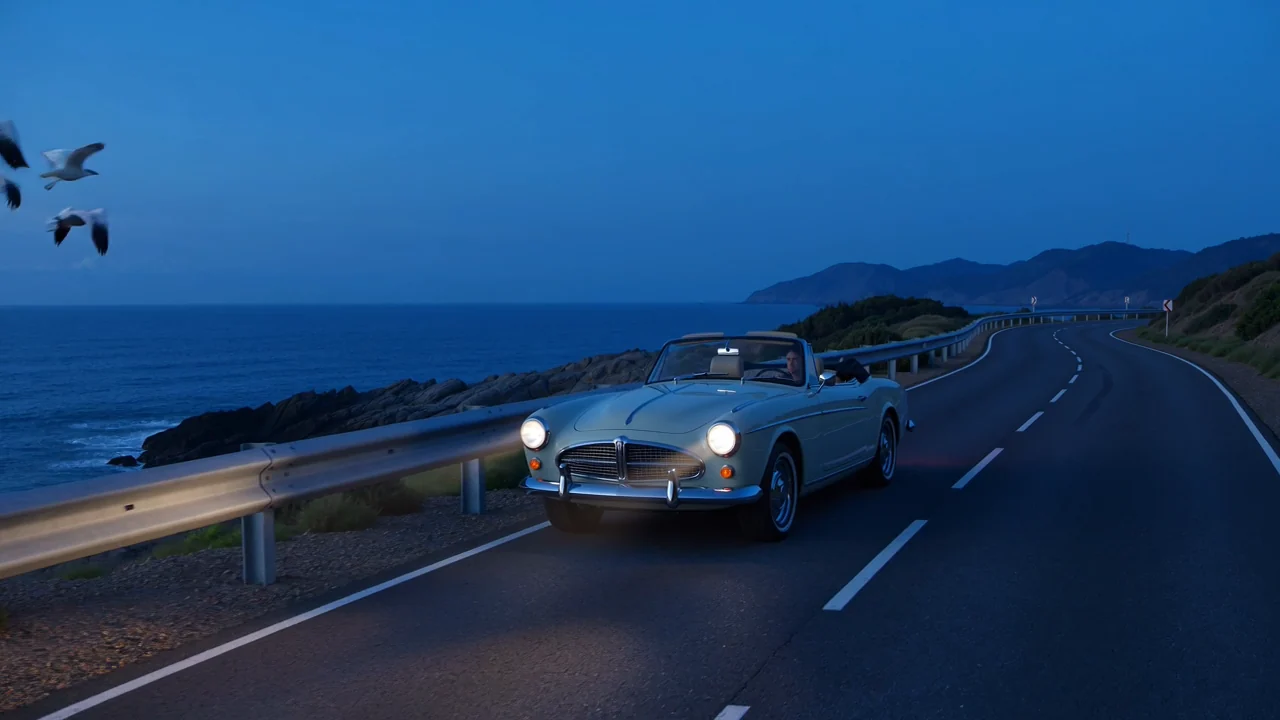
These capabilities help teams judge model fit while keeping provider facts separate from unsupported product promises.
Turn a text prompt into a generated video clip, then review motion, subject detail, and scene logic against the brief.
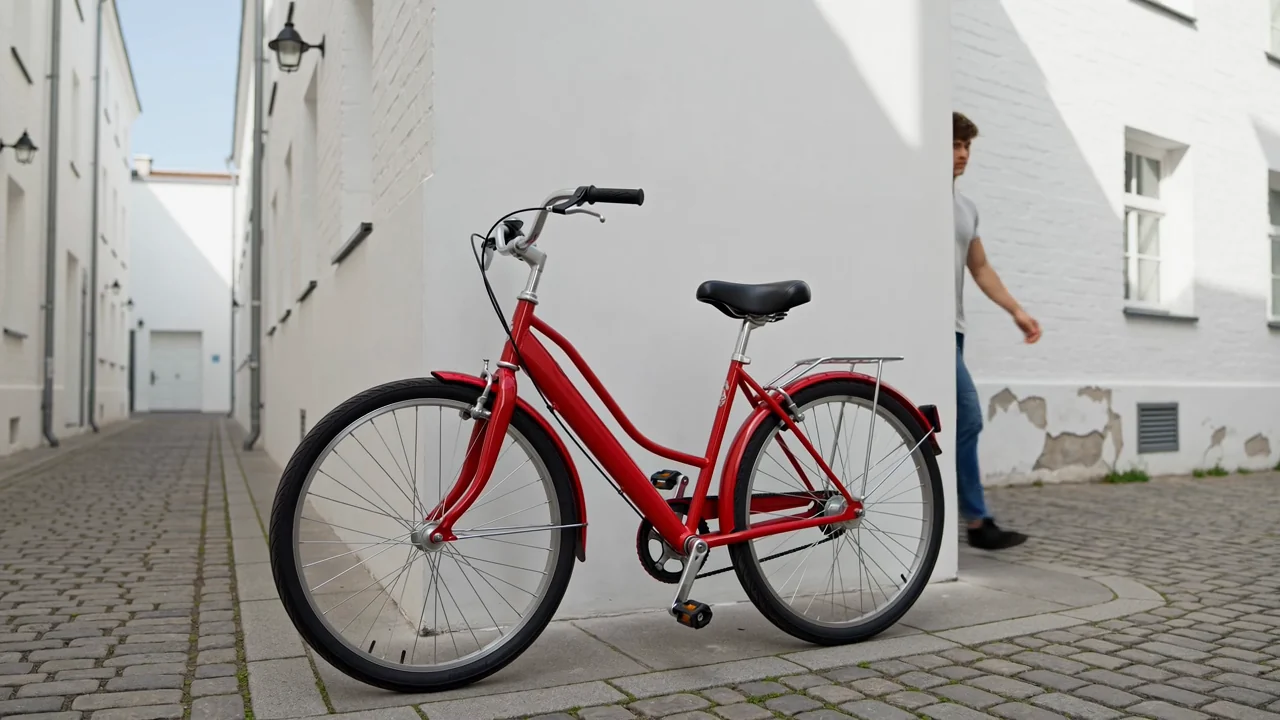
Add a reference image when the connected model supports it to guide subject appearance, composition, or visual direction.
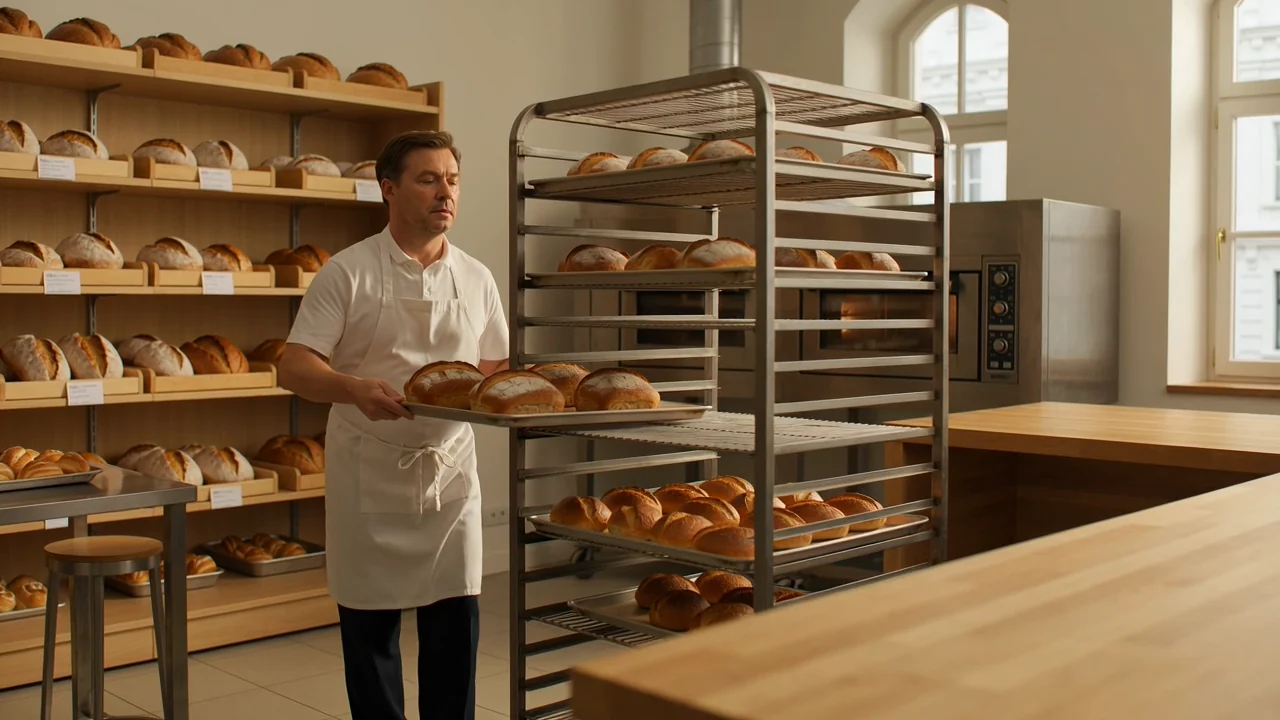
Use camera and prompt details to describe framing, movement, atmosphere, and action before comparing the generated result.
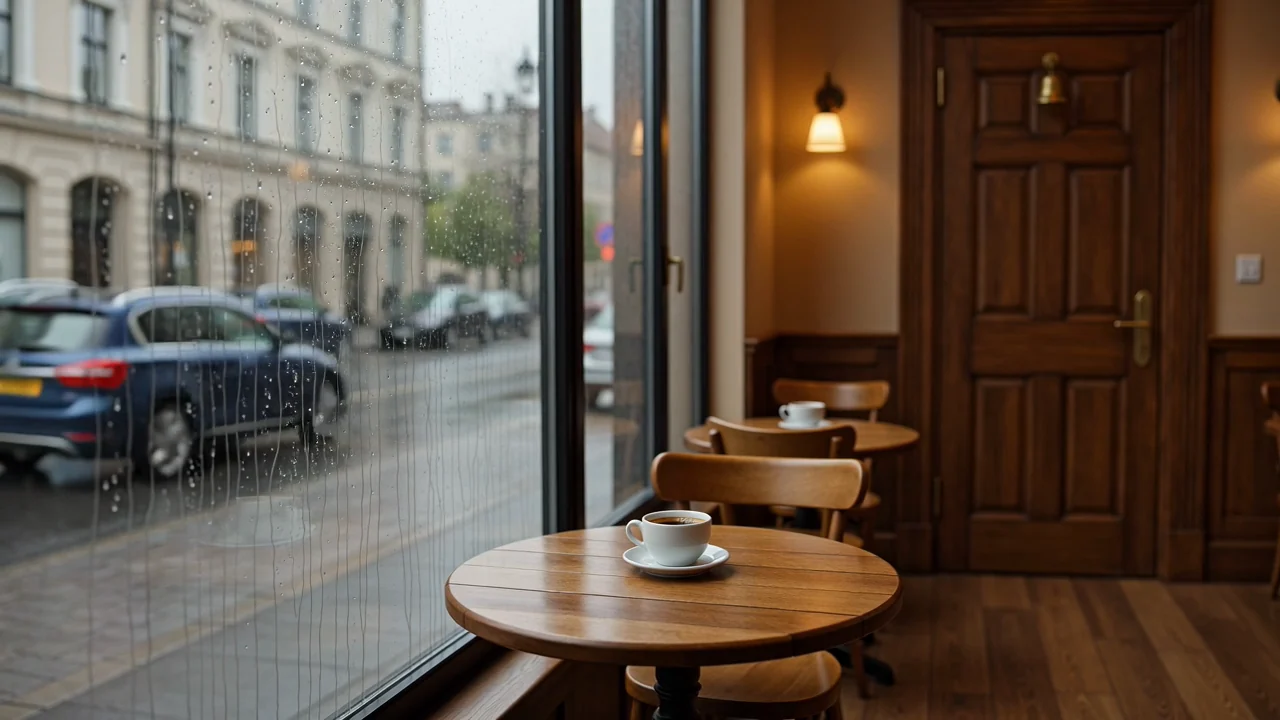
Evaluate native audio-video model output as a draft asset, with human review for timing, clarity, and destination fit.
Learn how to access google Veo 3.1 on this live page and match each input to the controls shown there.
Begin with a specific text prompt, then add a reference image only when that input is available before submission.
Use the model picker, aspect ratio, duration, resolution, and reference image options visible before submission.
Expect generated video clips or reference-guided videos that still need review for format, continuity, and brief fit.
Follow this workflow to learn how to use Veo 3.1 while staying within the controls currently exposed in ClipCanva.
State the video purpose, audience, subject, setting, motion, and destination format before you start writing the prompt.
Write a focused prompt and collect only the reference image assets that Veo 3.1 currently supports here.
Choose from the visible model picker, aspect ratio, duration, resolution, and reference controls before submitting.
Generate a draft, compare it with the brief, and revise one weak instruction or control choice at a time.
These use cases fit teams comparing an AI video model against a clear deliverable, audience, and review requirement.
Create cinematic product spot drafts with controlled subject direction, visual mood, and a clear review standard.
Test vertical social video ideas with prompt-led scenes, reference direction, and format checks before publishing.
Explore character and scene tests where continuity, motion, styling, and prompt fit need close human review.
Develop audio-visual narrative concepts as early drafts that require timing, clarity, and factual review.
Use a structured review before publication because generated clips can contain visual, factual, or format issues.
Confirm the subject, action, framing, and narrative follow the original prompt and intended use.
Inspect people, products, backgrounds, camera movement, transitions, and scene continuity for visible issues.
Check brand elements and factual details against approved source material before publication.
Review duration, resolution, crop, aspect ratio, and destination requirements against the final channel.
Keep availability, visible controls, model limits, and publishing responsibility distinct when evaluating generated clips.
Veo 3.1 is connected in ClipCanva today, and its live options are the source of truth for availability.
Results vary between runs, so the same input can change details, composition, motion, timing, or overall scene quality.
ClipCanva exposes its own Kie-backed duration, resolution, prompt, and reference controls rather than every Gemini API feature.
Facts verified
Find concise answers about identity, access, inputs, review needs, availability, and expected video length controls.
Compare nearby AI video models by input support, exposed controls, output behavior, review needs, and availability.
Start with a clear prompt, confirm current access and controls, generate a draft, and leave time for careful output review.