


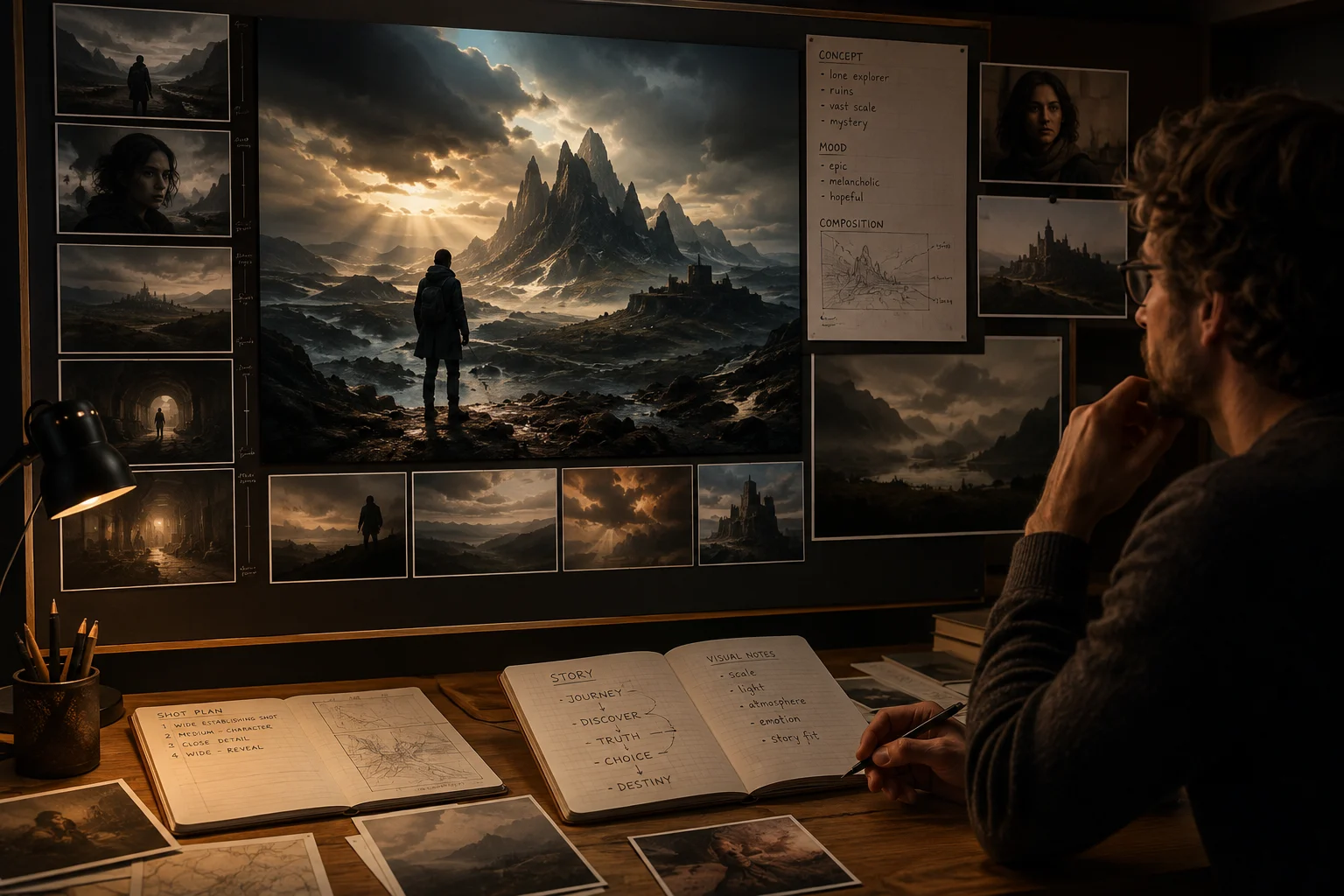
Cinematic Image Composition
Build cinematic image compositions from a clear prompt, then review framing, subject placement, atmosphere, and final story fit.
Explore Seedream 5.0 for image generation and reference-led edits, with Seedream 5.0 Lite kept separate from the verified controls.
Seedream 5.0 is an image model for generated images and reference-guided edits connected in ClipCanva today.
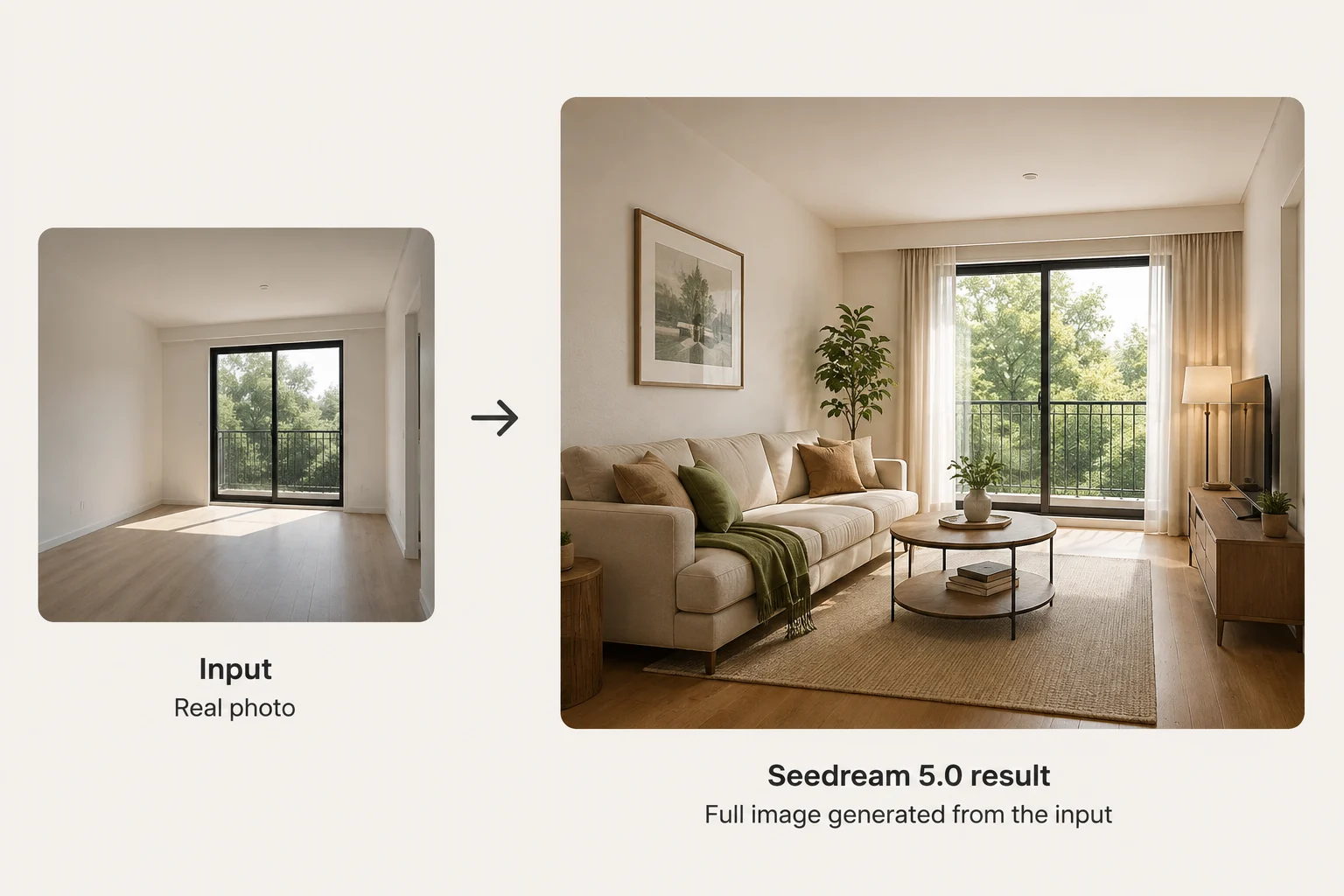
Review capabilities for cinematic composition, material realism, reference edits, and Seedream 5.0 Lite comparisons without unsupported claims.
Build cinematic image compositions from a clear prompt, then review framing, subject placement, atmosphere, and final story fit.

Render realistic materials by specifying surfaces, lighting, and setting, then inspect textures, reflections, and product believability.
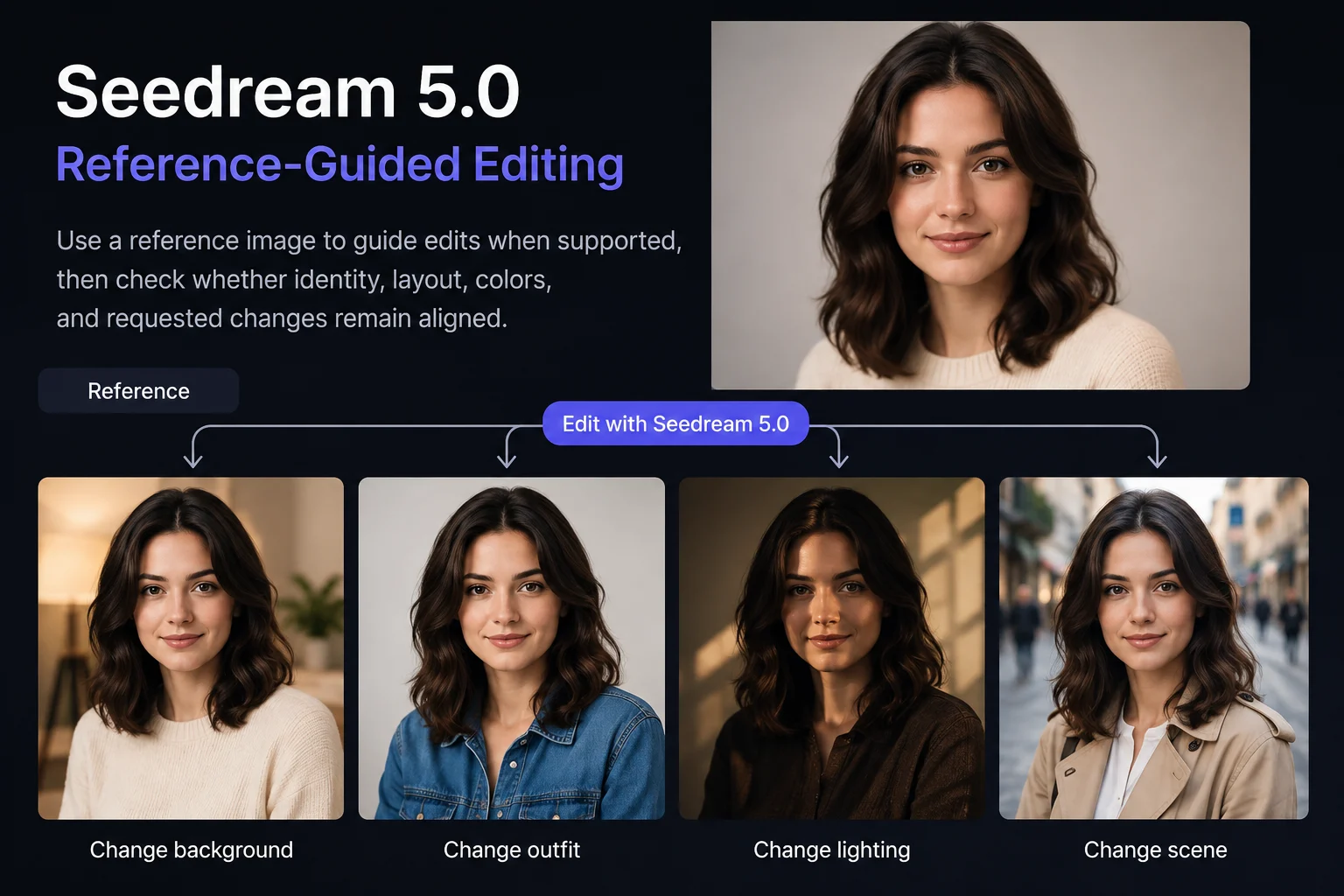
Use a reference image to guide edits when supported, then check whether identity, layout, colors, and requested changes remain aligned.
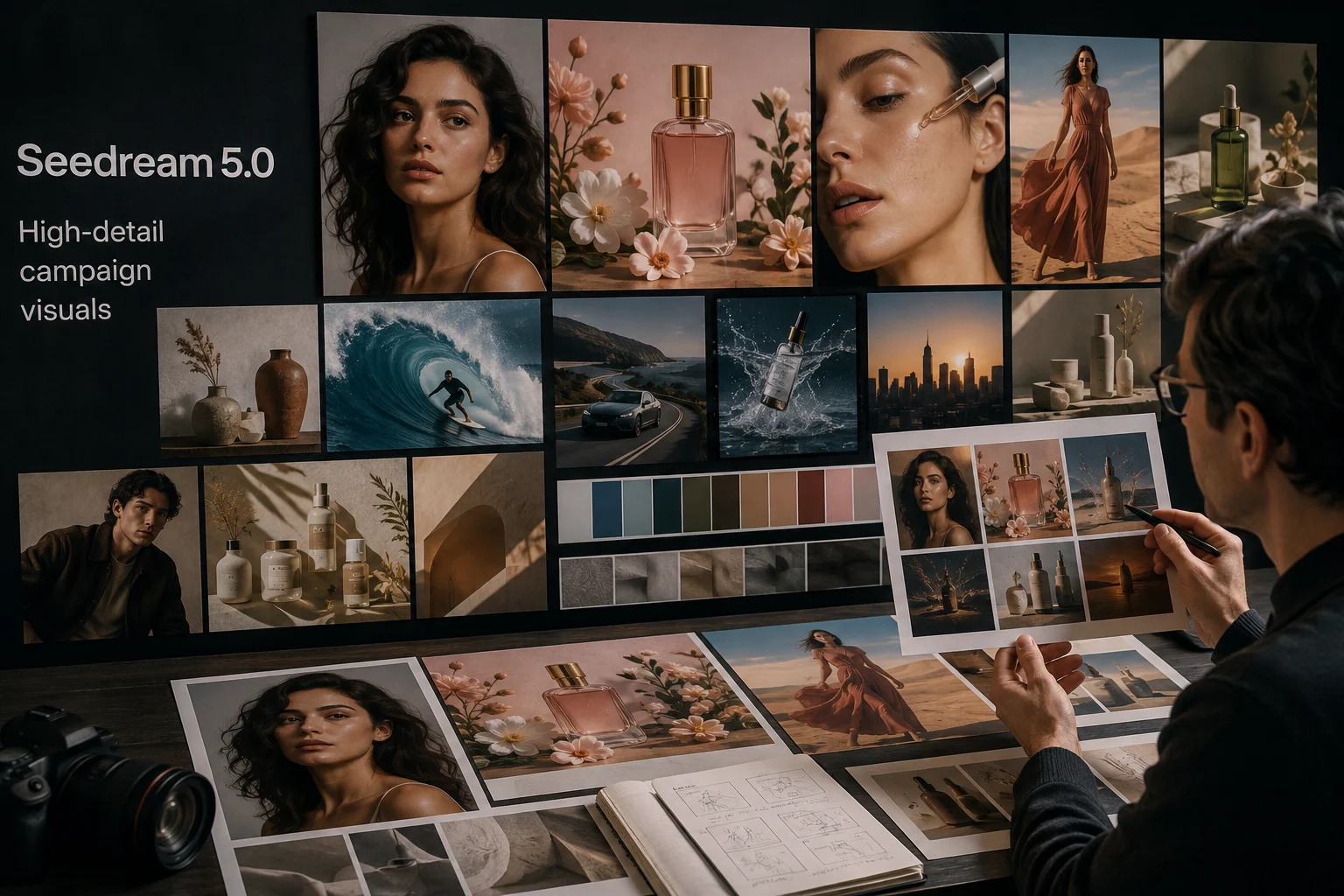
Create high-detail campaign visuals from structured direction, then review fine details, composition, and brand-sensitive elements.
Use each input and the visible controls deliberately, because the live page is the source for supported Seedream 5.0 options.
Start with a detailed text prompt, then add a reference image only when it supports the visual identity, composition, or edit request.
Set shown controls: model picker, aspect ratio, output count, resolution, style, prompt enhancement, generation speed, and reference image.
Expect generated images or reference-guided image edits, then inspect the result against the brief, format, and intended channel.
Learn how to use Seedream 5.0 by moving from prompt planning to supported controls, generation, comparison, and focused revision.
Define the image purpose, audience, subject, setting, style direction, and destination format before opening controls.
Write a concise prompt with the required subject, scene, mood, and constraints, then gather any supported reference image.
Choose only visible controls such as aspect ratio, output count, resolution, style, prompt enhancement, and generation speed.
Generate images with Seedream 5.0, compare outputs against the brief, and revise one weak instruction at a time.
Choose use cases where a clear prompt, supported controls, and careful review can guide images toward a defined campaign goal.
Create product hero images by defining the product angle, surface, lighting, background, and crop before comparing generated options.
Shape cinematic portraits with subject direction, mood, lens feel, wardrobe, and setting, then inspect identity and detail consistency.
Build food and lifestyle scenes with ingredients, props, environment, light, and serving context clearly described in the prompt.
Develop campaign key visuals by specifying audience, message, composition, brand cues, and destination format for review.
Treat every generated image as a draft until human review confirms prompt alignment, visual quality, brand fit, and format readiness.
Confirm the subject, action, setting, and composition match the prompt and any reference material used for the task.
Inspect text, small objects, hands, materials, backgrounds, and other fine details that may affect production quality.
Check product appearance, brand cues, packaging, factual claims, and approved source material before publication.
Verify aspect ratio, dimensions, crop, and destination requirements so the image fits the intended channel.
Understand availability, connector boundaries, and output variability before planning publication or production image work.
Seedream 5.0 is connected in ClipCanva today, so use the options shown before submission as the live availability reference.
Results vary between runs, so compare outputs, check details carefully, and keep human review in the workflow before publication.
This page describes the current ClipCanva connector and does not extend provider-side Seedream 5.0 Lite claims to unsupported controls.
Facts verified
Read answers about Seedream 5.0 identity, inputs, controls, availability, workflow, release date queries, and review needs.
Compare related image models by input modes, exposed controls, output behavior, availability, and the review effort each workflow needs.
Try Seedream 5.0 with a defined prompt, verified controls, and enough review time to compare outputs before production use.