


Commercial Product Composition
Build product-led scenes with campaign props, lighting direction, headline space, and a clear hierarchy for ecommerce review.
Use Seedream 5.0 Pro to generate images from a prompt or guide edits with a reference image for structured commercial visuals.
Seedream 5.0 Pro is an image model for generated visuals and reference-guided edits that need clear hierarchy and review.

These capabilities support commercial compositions, dense layouts, multilingual concepts, and focused reference-guided changes.
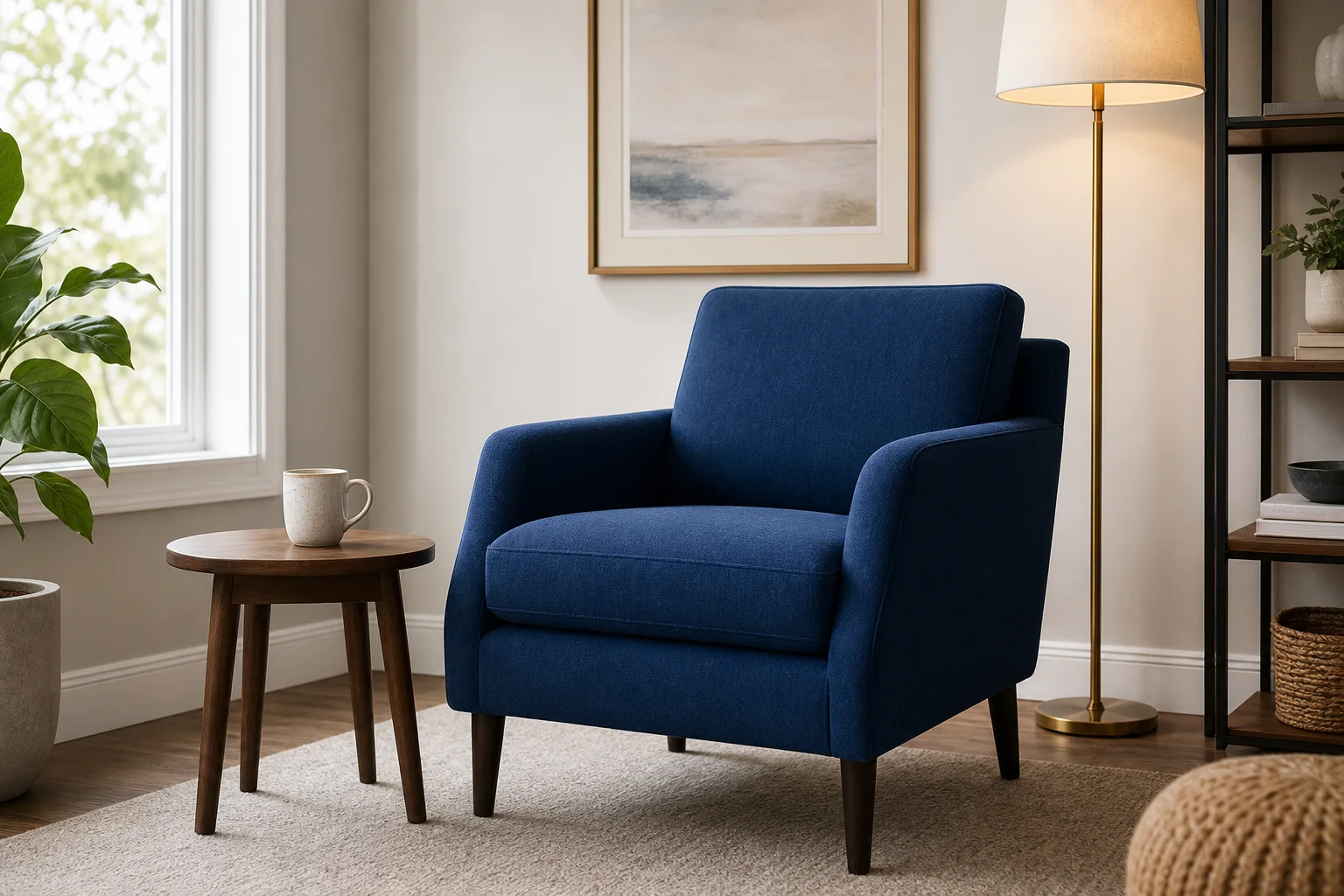
Build product-led scenes with campaign props, lighting direction, headline space, and a clear hierarchy for ecommerce review.

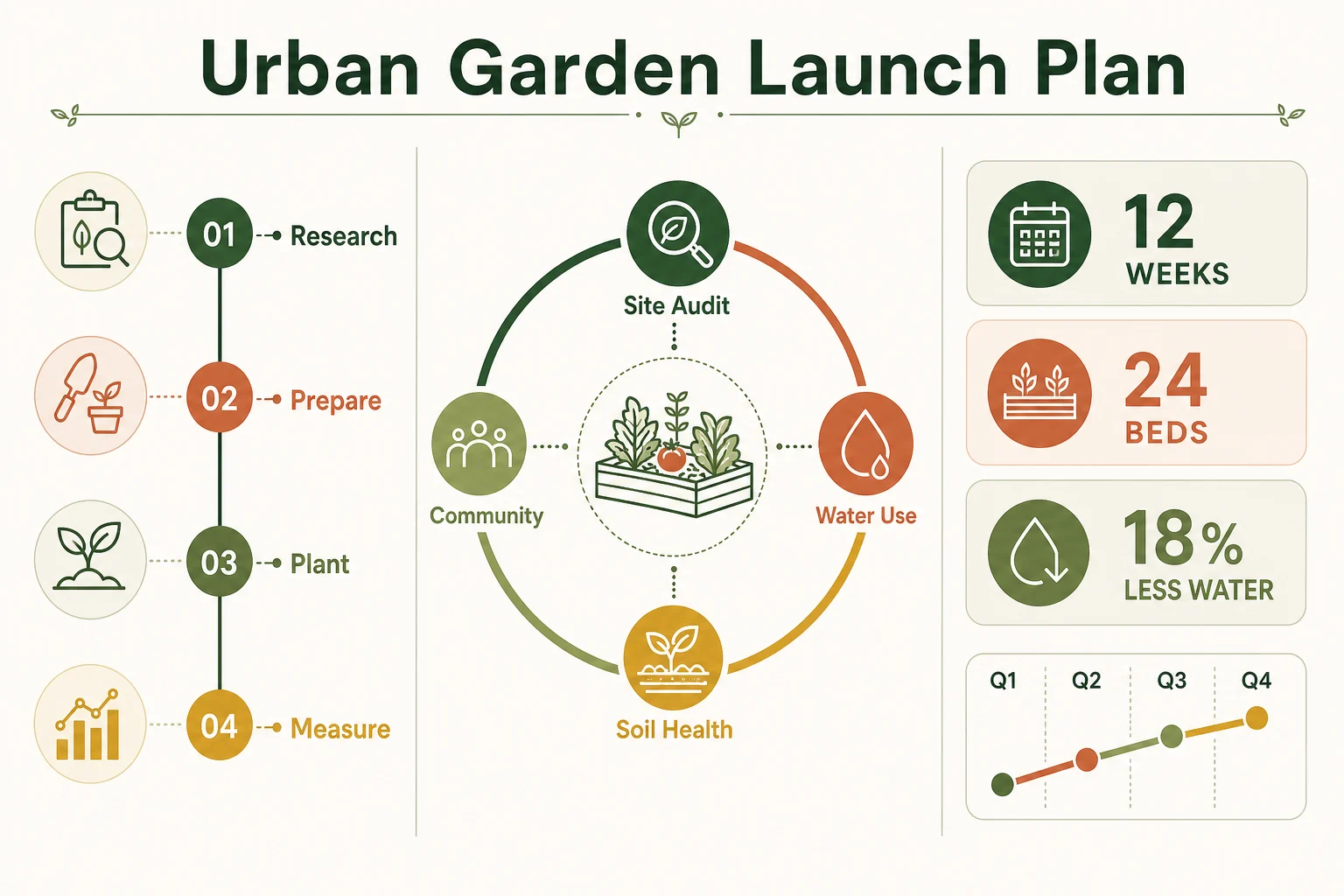
Draft information-rich visuals with panels, icons, diagrams, callouts, and a planned reading order for later fact checking.
Explore poster directions for different markets while treating generated wording, line breaks, and typography as draft content.

Revise a specified label, object, color area, or background detail while describing nearby elements that should remain stable.
Begin with a clear input goal, then use the available controls to align each generated image with its final placement.
Write a structured prompt and add a reference image when product form, identity, framing, or an existing design should guide the result.
Tune the model picker plus aspect ratio, count, resolution, style, prompt enhancement, speed, and reference-image settings before generation.
Review generated images and reference-guided image edits for hierarchy, product accuracy, text details, crop, and final dimensions.
How you shape the prompt, reference material, and settings determines whether the first pass is useful for review.
State whether the target is a product hero, infographic, poster, campaign layout, or focused edit to an existing image.
Specify the subject, hierarchy, text areas, supporting objects, language, format, and details that must remain accurate.
Upload source material when needed, then choose the aspect ratio, resolution, output count, and other visible options.
Compare the result with the brief or source image, then tighten the weakest instruction before running another focused pass.
These use cases fit briefs where products, information, localized wording, or precise visual changes must be organized.
Combine a product reference with props, benefit callouts, headline space, and a destination format for campaign exploration.
Turn an outline into panels, diagrams, icons, comparison blocks, and a reading sequence that a reviewer can check later.
Explore market-specific poster concepts with planned text hierarchy, approved wording, writing-system fit, and visual context.
Change a label, accent color, object, or background area while asking the model to preserve product form, lighting, and framing.
A careful review helps catch polished-looking errors in typography, facts, product details, and reference-guided edits.
Compare packaging, logos, colors, materials, proportions, ingredients, and claims with approved product and brand source files.
Proofread headlines, labels, chart values, annotations, multilingual copy, and every small typographic detail before publication.
Place the source and output side by side to find unintended changes outside the requested edit area or beyond the prompt.
Check reading order, safe areas, aspect ratio, resolution, crop, and placement against the final destination for the image.
Current availability is shown on this page, while generated text, details, and reference preservation still need review.
Seedream 5.0 Pro is connected in ClipCanva today, and the live settings shown before submission are the source of truth.
Results vary, and a narrow edit request can still affect nearby pixels, labels, textures, lighting, or edges in the image.
Generated facts, charts, labels, localized copy, and brand claims require review against authoritative source material before publication.
Facts verified
This FAQ explains when to use the model, how reference edits work, which controls appear, and what to review.
Compare other image models when reference handling, typography behavior, visual style, or generation controls change your workflow.
Choose one deliverable, write a clear prompt, add reference material when useful, and review the first result against your brief.