


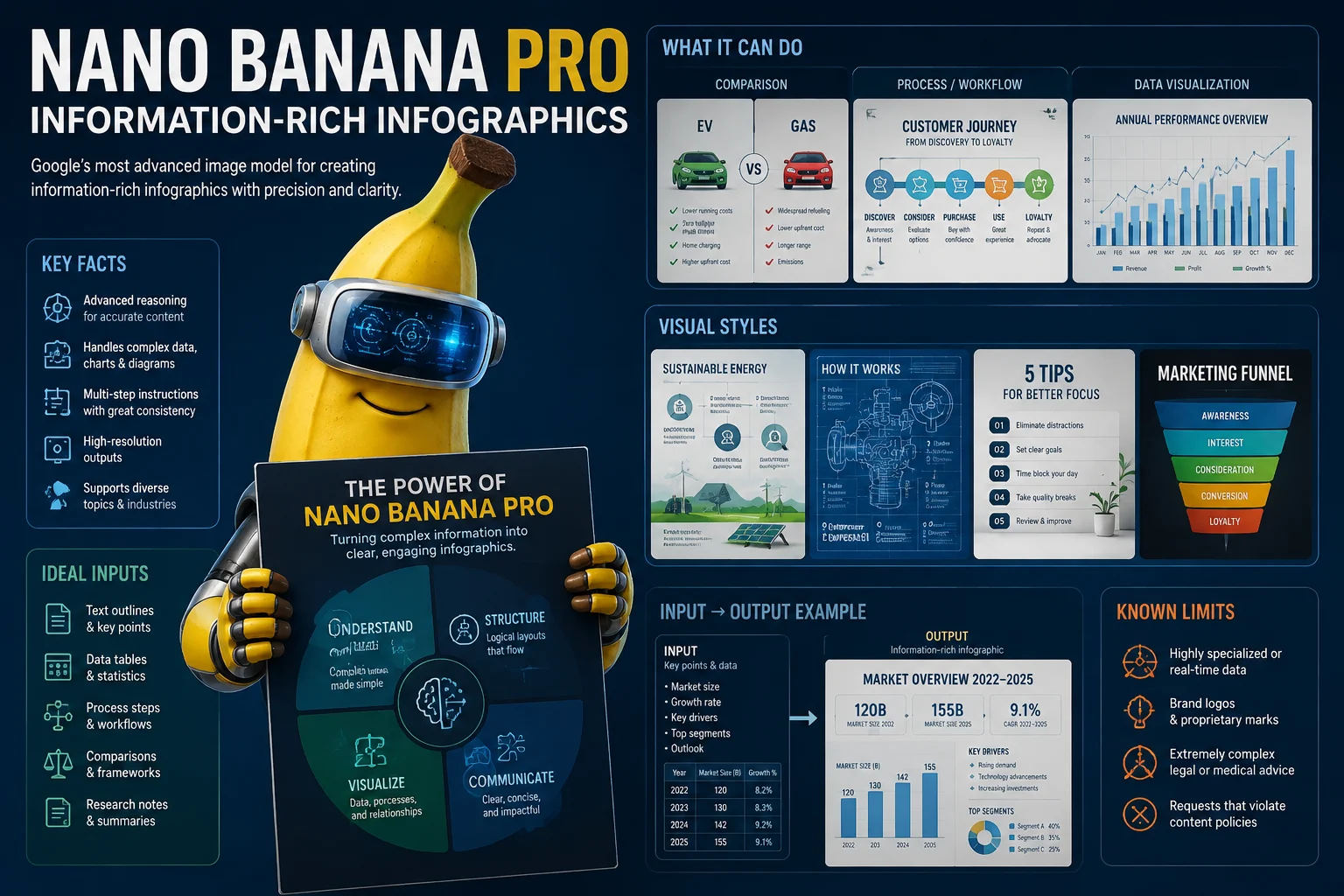
Information-Rich Infographics
Assess information-rich infographic concepts for structure, hierarchy, legible labels, and whether the generated draft fits the prompt.
Explore Nano Banana Pro with Google Nano Banana Pro facts, AI image generator capabilities, and a clearly labeled Nano Banana 2 alternative.
For anyone asking what is Nano Banana Pro, it is Google’s Gemini 3 Pro Image model for context-rich image generation and editing.
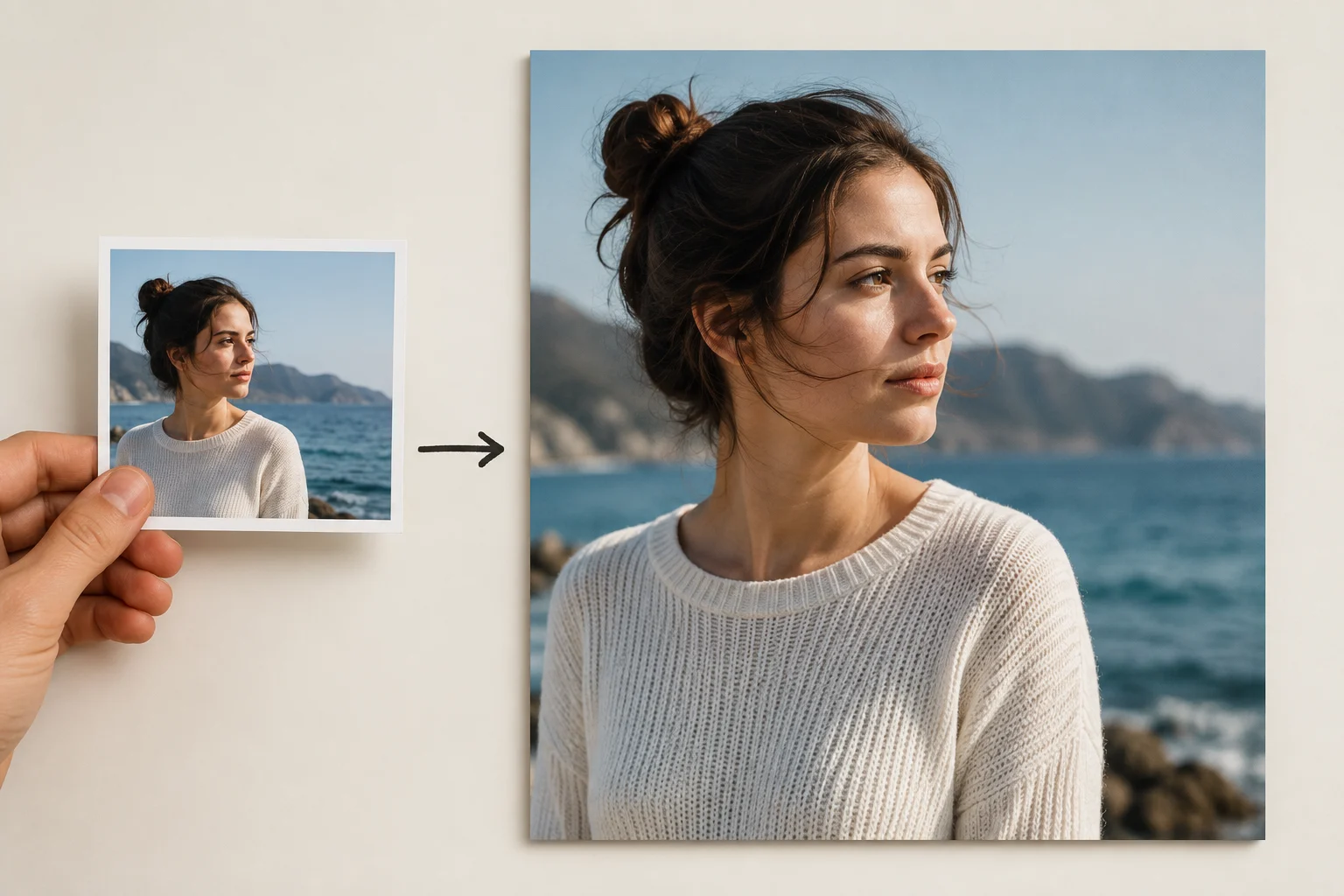
Compare Google Nano Banana Pro capabilities for rich images, visible text, mockups, and reference-guided editing before production.
Assess information-rich infographic concepts for structure, hierarchy, legible labels, and whether the generated draft fits the prompt.
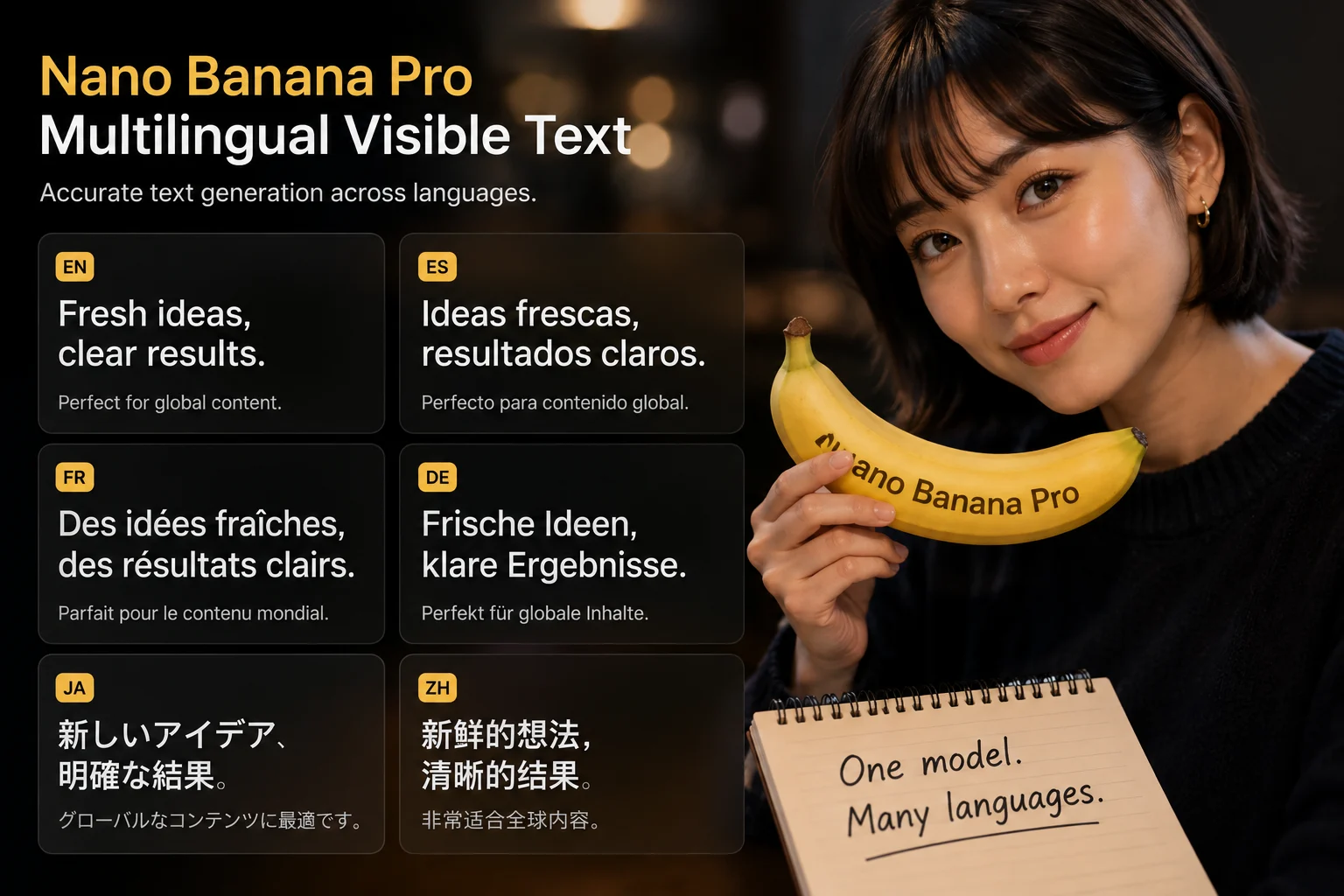
Review multilingual visible text carefully, because spelling, layout, language fit, and fine details still need human verification.
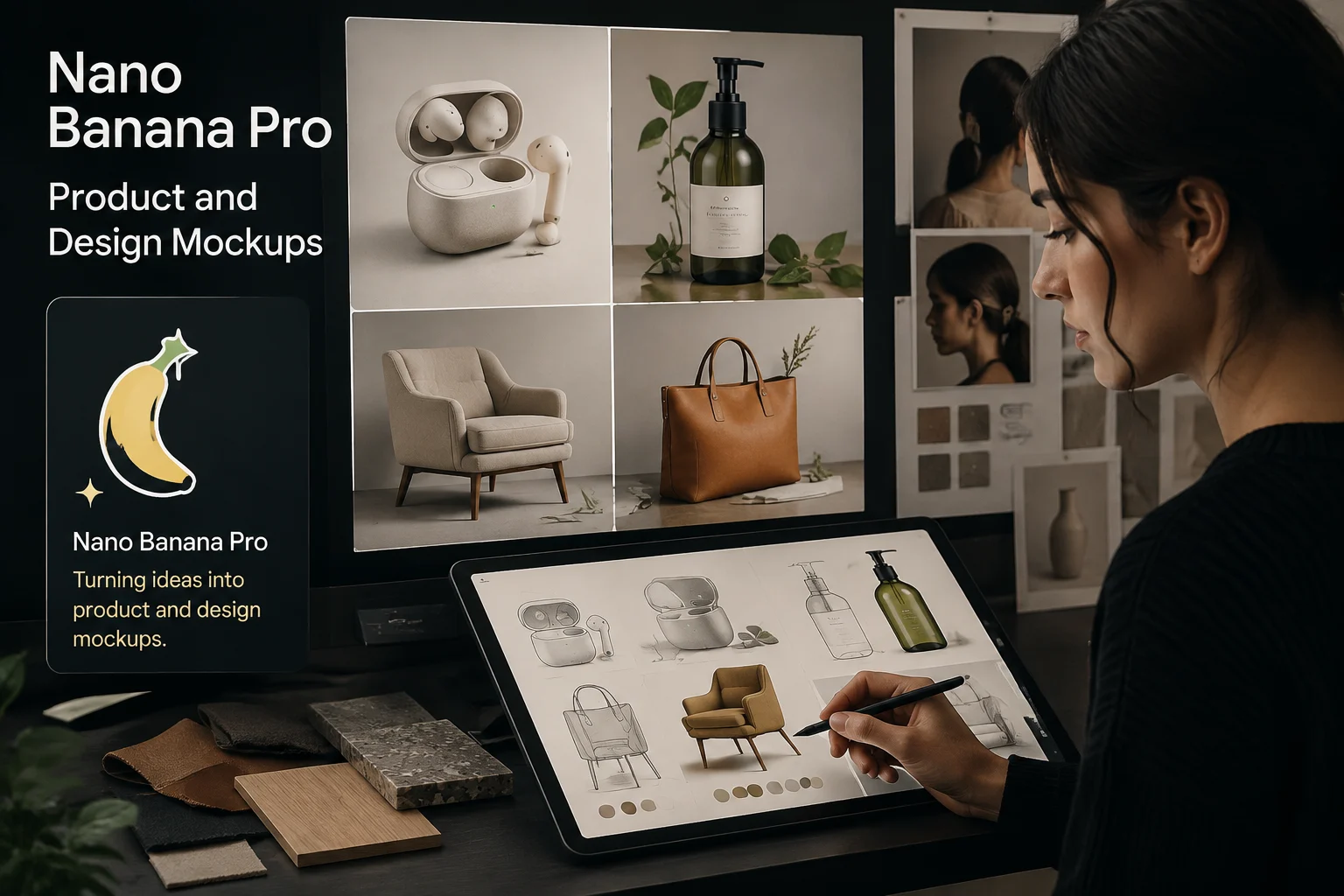
Use product and design mockups for planning, then review shapes, materials, brand fit, and crop before sharing any generated image.
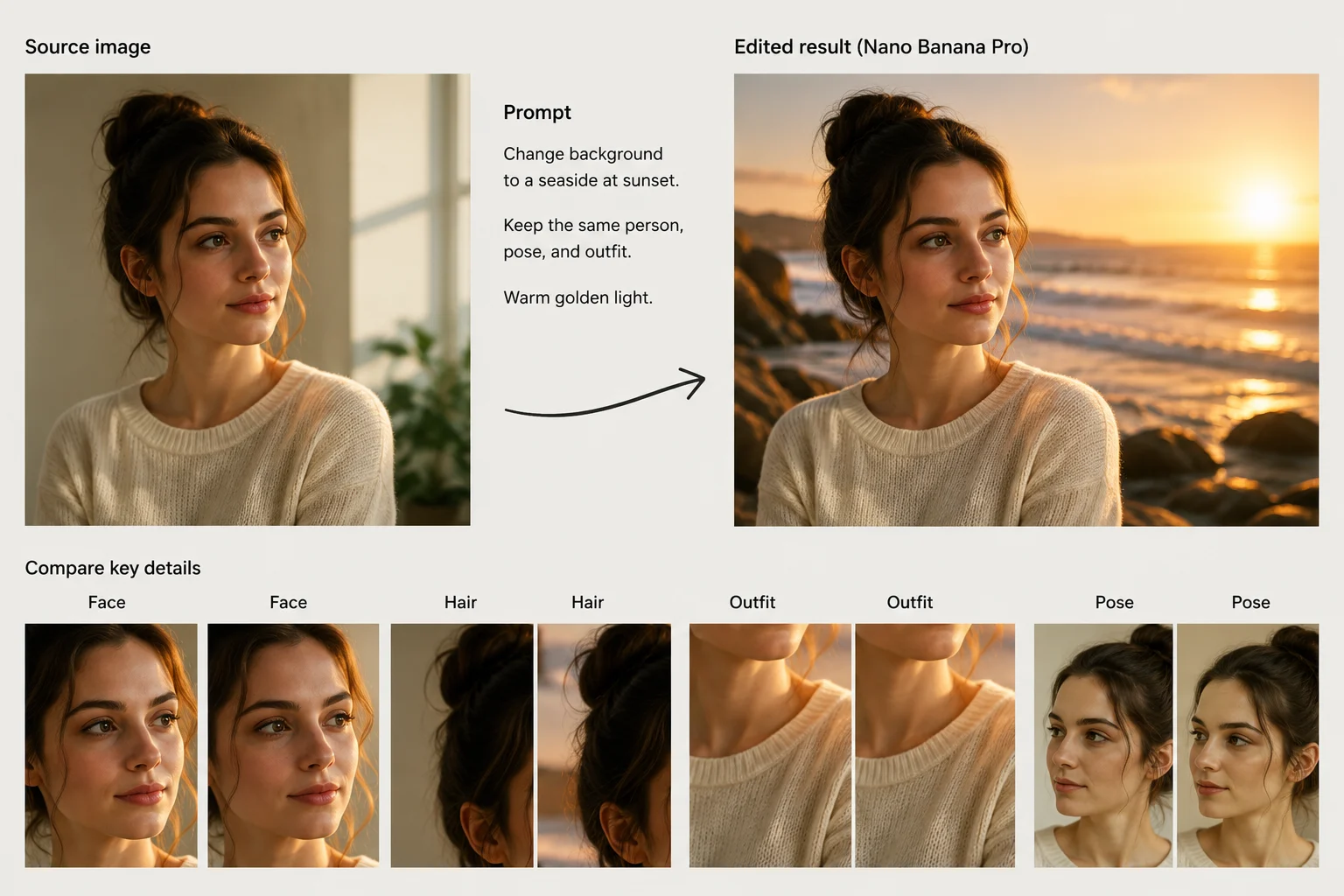
Compare reference-guided image editing results against the source image, prompt, composition, and details before using the output.
Use text prompt input and reference image input only as supported, while keeping the Nano Banana 2 controls clearly labeled.
Start with a precise prompt describing subject, purpose, setting, visual style, and the details that must be checked afterward.
The only supported control stated here is the labeled Nano Banana 2 generator, so do not assume hidden provider options are exposed.
Expected outputs are generated images and reference-guided image edits, each requiring review before publication or handoff.
How to use Nano Banana Pro starts with research here, then the executable path is to try Nano Banana 2 in the labeled generator.
State the image purpose, audience, subject, setting, format, and review criteria before opening the alternative generator.
Write a specific prompt and collect reference images only when the labeled Nano Banana 2 generator supports those inputs.
Choose only the visible controls on this page, rather than assuming every provider-side option is available in ClipCanva.
Generate images with Nano Banana 2, compare drafts, review details, and revise one weak instruction at a time.
Use cases are strongest when each task has a clear audience, supported input, review standard, and destination format.
Plan data visualization concepts with a clear message, readable labels, and a review step for information hierarchy.
Draft multilingual campaign graphics, then review copy, language fit, typography, brand alignment, and layout details.
Explore product mockups with reference assets, then verify product accuracy, materials, packaging, and brand presentation.
Create educational explainer concepts with a clear sequence, visual hierarchy, and review for factual and text accuracy.
Treat every output as a draft until review confirms prompt fit, fine detail quality, brand accuracy, dimensions, and crop.
Confirm that the subject, intent, composition, references, and key constraints still match the original prompt and brief.
Inspect visible text, small objects, edges, hands, labels, and other fine details that can affect production quality.
Verify product shape, packaging, logos, colors, claims, and brand elements against approved source material before use.
Check dimensions, crop, safe areas, and destination requirements before exporting or passing the generated image onward.
Availability is alternative: this page explains Nano Banana Pro, while the generator on this page runs labeled Nano Banana 2.
The exact Nano Banana Pro connector is not verified in ClipCanva, and the embedded generator is clearly labeled Nano Banana 2.
Results can vary between runs, so compare images, inspect small details, and complete human review before using any asset.
Keep exact model research separate from the executable alternative, and never label Nano Banana 2 output as Nano Banana Pro output.
Facts verified
Find concise answers about Nano Banana Pro identity, image capabilities, inputs, workflow, availability, videos, and review needs.
Compare nearby image models by inputs, controls, expected outputs, review burden, and verified ClipCanva availability before choosing.
Explore Nano Banana Pro facts, verify current availability, then try Nano Banana 2 when you need a labeled generator you can run today.