


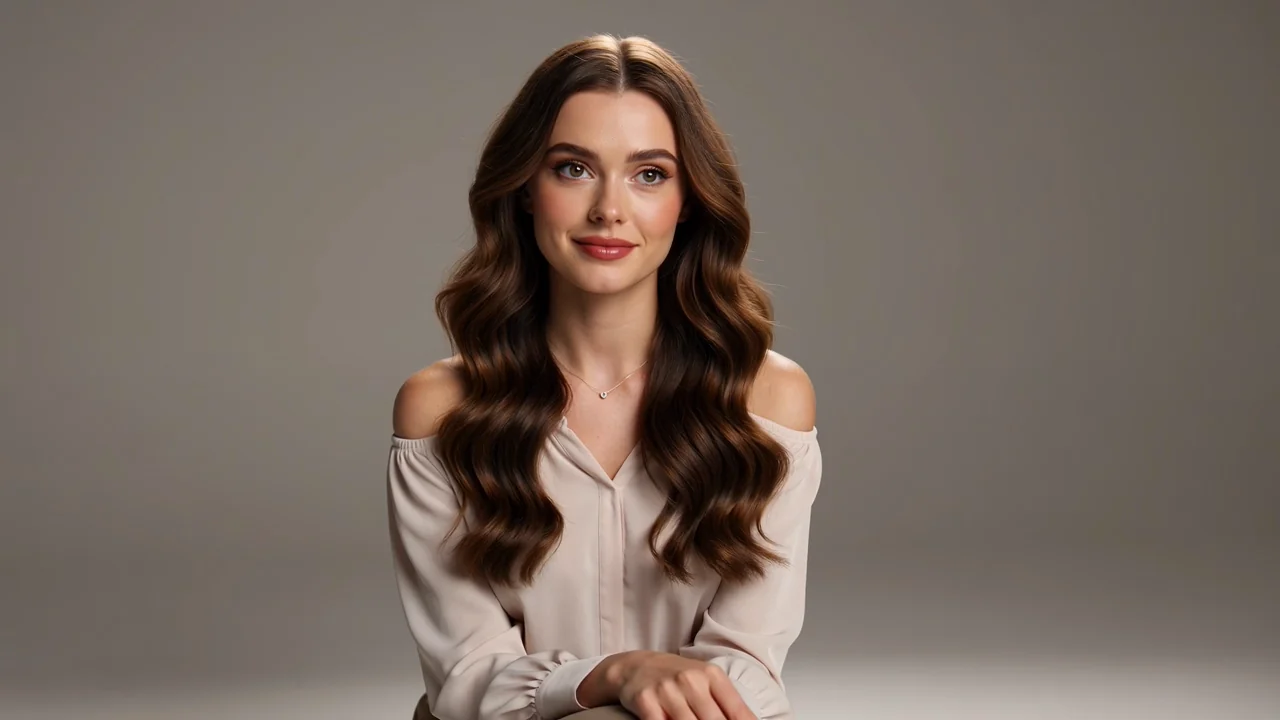
Natural walking shot direction
Define pace, body action, clothing movement, environment, and restrained camera behavior around one readable motion.
Explore Seedance 2.0 Mini availability, prompt planning, and review needs, then use ClipCanva’s clearly labeled Seedance 2.0 generator.
Seedance 2.0 Mini is a compact short-form video model identity; this page separates its guide from the connected Seedance 2.0 model.
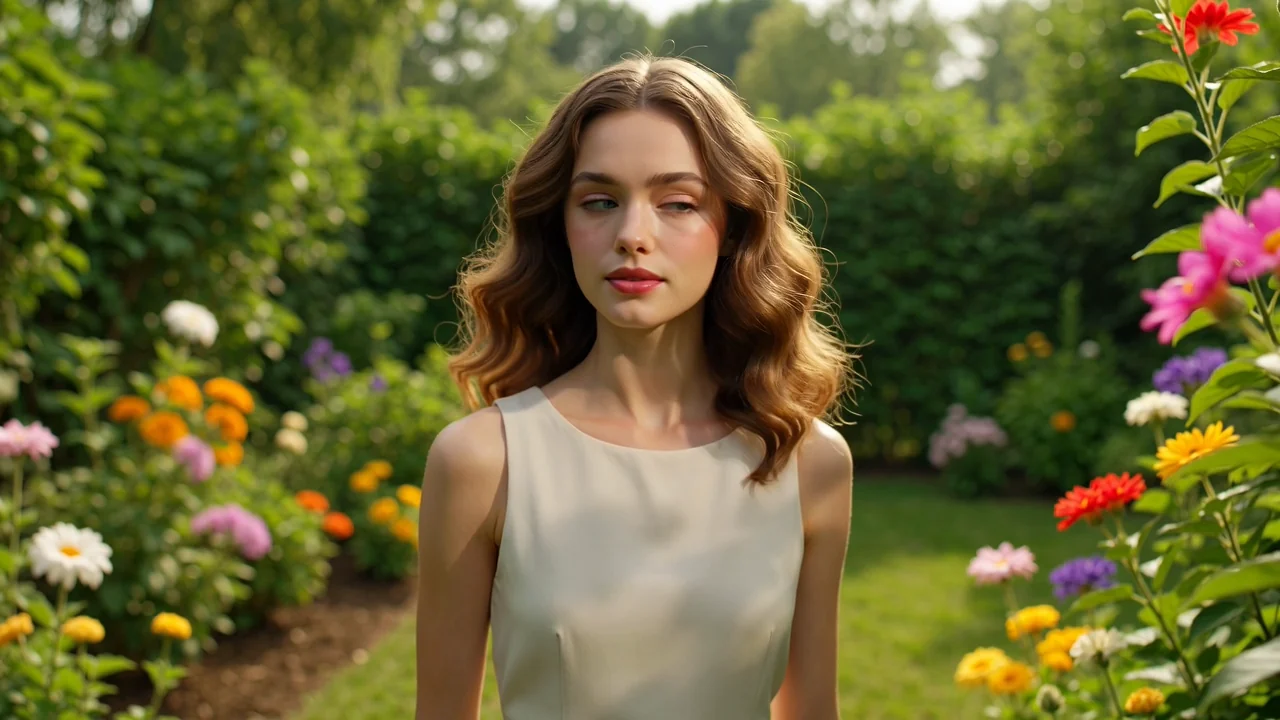
These capabilities help you plan compact video briefs. The clips are Seedance 2.0 stand-ins, not Mini connector output.
Define pace, body action, clothing movement, environment, and restrained camera behavior around one readable motion.
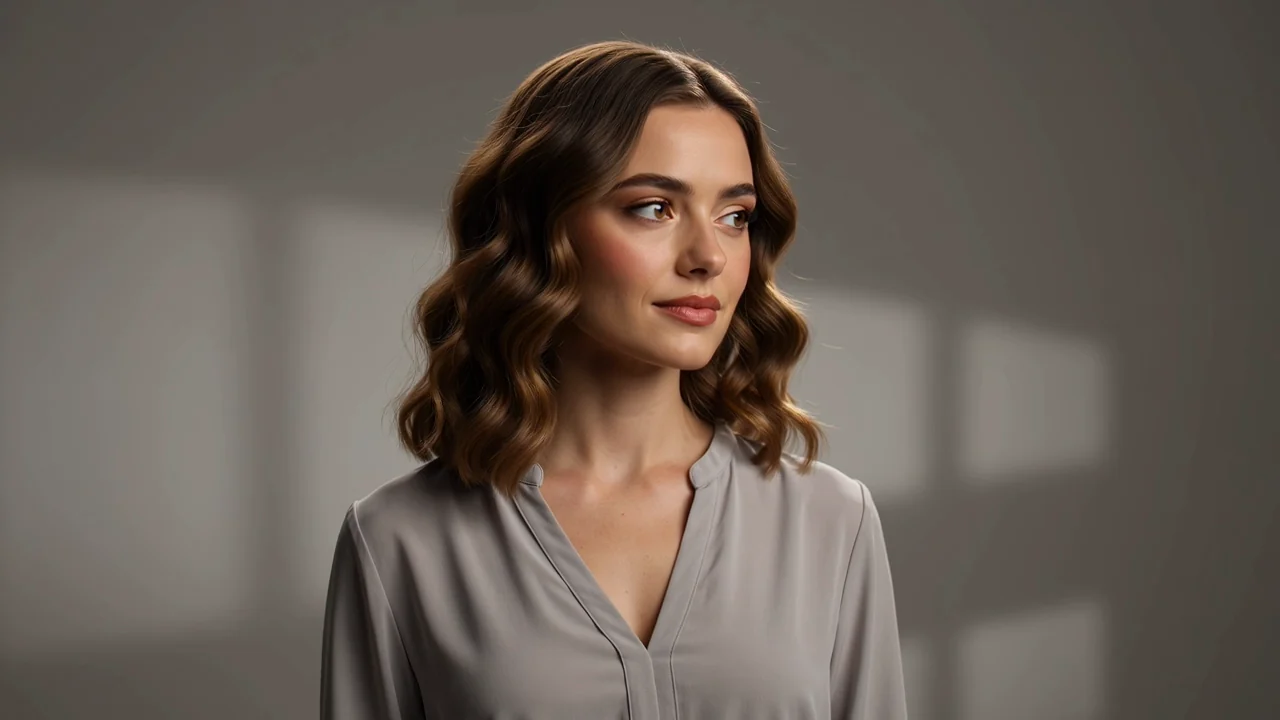
Separate foreground, subject, text-safe areas, and background into layers before describing subtle parallax or light movement.
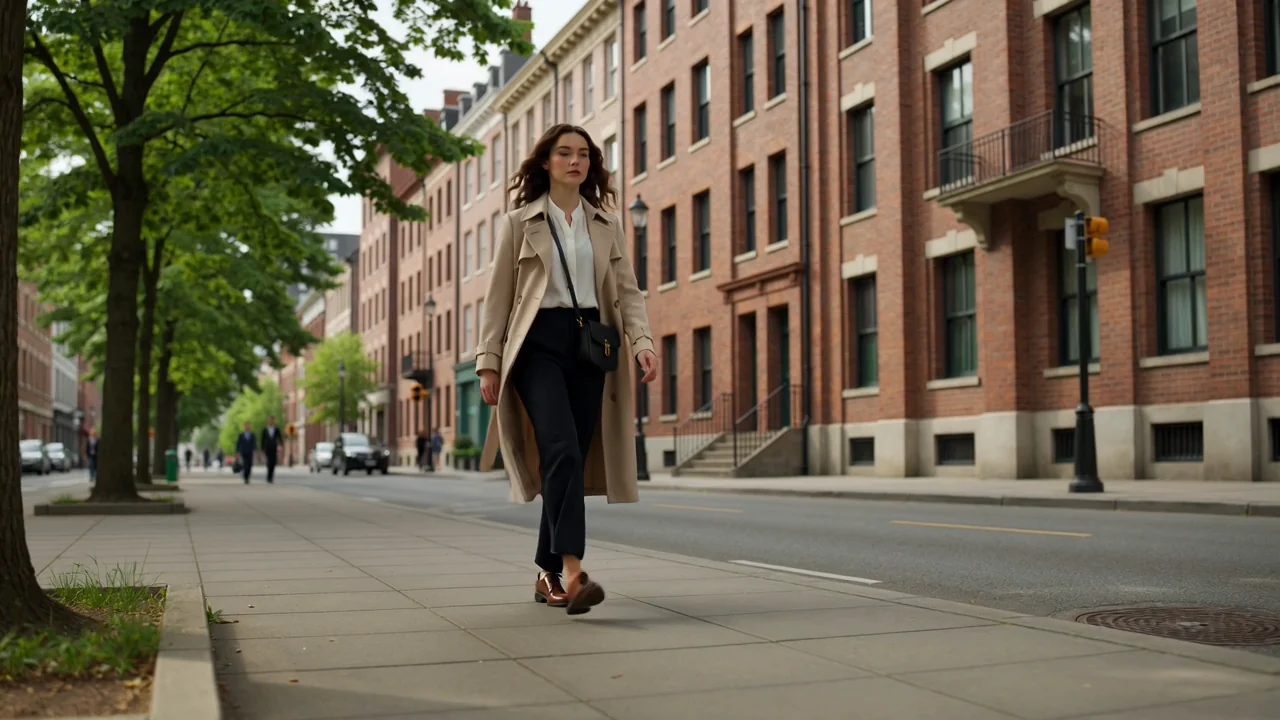
Lock the opening subject position, lens language, lighting, environment, and camera orientation before adding movement.
State where the subject, product, camera, and final emphasis should land so the clip has a planned destination.
Prepare a complete short video prompt, then use the connected Seedance 2.0 generator with its own visible controls and output.
Prepare an input with one subject, one main action, environment details, camera behavior, opening state, and intended ending.
Use the live Seedance 2.0 controls shown above, and do not infer that those settings belong to an unverified exact mapping.
The expected output is a focused generated video clip or reference-guided video that still needs continuity and format review.
Reduce the concept to a single readable motion, write a precise prompt, and carry the brief into the connected generator.
Name the main person, product, or object and list the visual details that should remain stable through the shot.
Use a clear walk, turn, reveal, lift, rotation, or environmental change instead of stacking competing actions.
Describe a restrained camera move, lens feel, lighting, surface, background activity, and the desired pace.
State the final subject position, camera destination, product emphasis, and whether the last frame must support a loop or edit.
These use cases work best when each brief tests one hook, action, or visual transition instead of many competing ideas.
Plan one camera move, a controlled lighting change, a readable product entrance, and a clear final packshot.
Define natural pace, body motion, clothing movement, environment, and a restrained tracking or handheld camera.
Turn a still campaign direction into subtle depth, parallax, light movement, and a clean social loop.
Compare focused hooks, product actions, framing, and endings before investing in a longer production workflow.
A usable clip needs more than an appealing first frame, so review the whole motion sequence and the destination format.
Watch faces, hands, product shape, logos, clothing, materials, and important identity details from start to finish.
Look for jumps, warping, unwanted speed changes, camera drift, and motion that conflicts with the brief.
Confirm the main action reads clearly and the final frame lands where the storyboard or edit plan requires.
Check crop, safe areas, text overlays, audio needs, claims, disclosure, and destination specifications before publishing.
Current availability is an alternative model: the exact connector is unverified, while Seedance 2.0 is clearly labeled and usable.
ClipCanva has not verified a separate provider mapping for the exact Mini version, so the generator runs the connected Seedance 2.0 workflow.
Motion continuity, identity, camera behavior, timing, and fine details can change between runs even when the brief is unchanged.
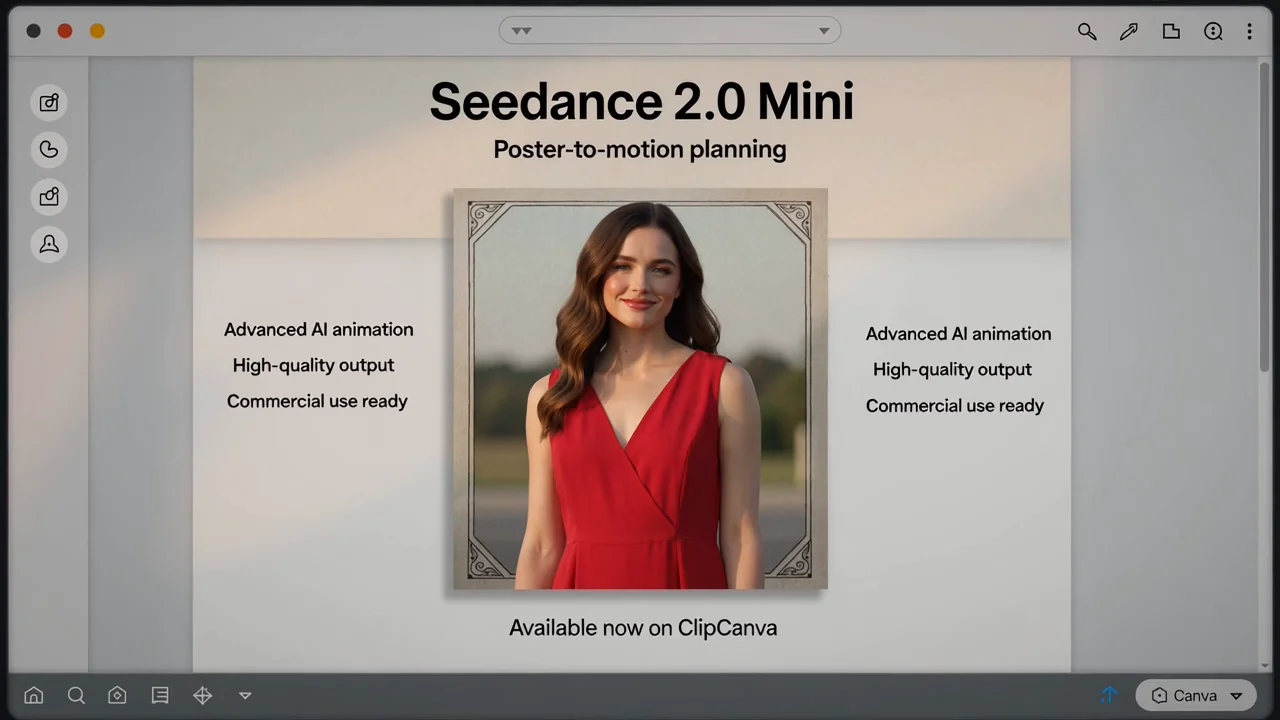
The still images explain shot planning and are not represented as generated Mini videos, output samples, or model benchmarks.
Facts verified
Answers cover Seedance 2.0 Mini, the labeled Seedance 2.0 generator, prompt preparation, storyboard references, and review needs.
Compare the connected Seedance 2.0 workflow with other available video models when you need different motion or reference controls.
Keep the prepared subject, action, camera, and ending brief, then generate videos with Seedance 2.0 in the labeled generator above.