


Exact Version Identity
Use the exact version identity to keep comparisons separate from earlier Wan releases and unrelated family variants.
Explore Wan 3.0 as a source-backed model guide for capabilities, inputs, outputs, review needs, and current ClipCanva availability.
This page keeps the exact model identity visible and does not run a different model under the same name. Use the related model links below to open a connected workflow.
Wan 3.0 is tracked as an exact Wan video model version for planning, comparison, and availability review.
Review the documented capabilities without extending them into unverified connector, access, or production claims.
Use the exact version identity to keep comparisons separate from earlier Wan releases and unrelated family variants.

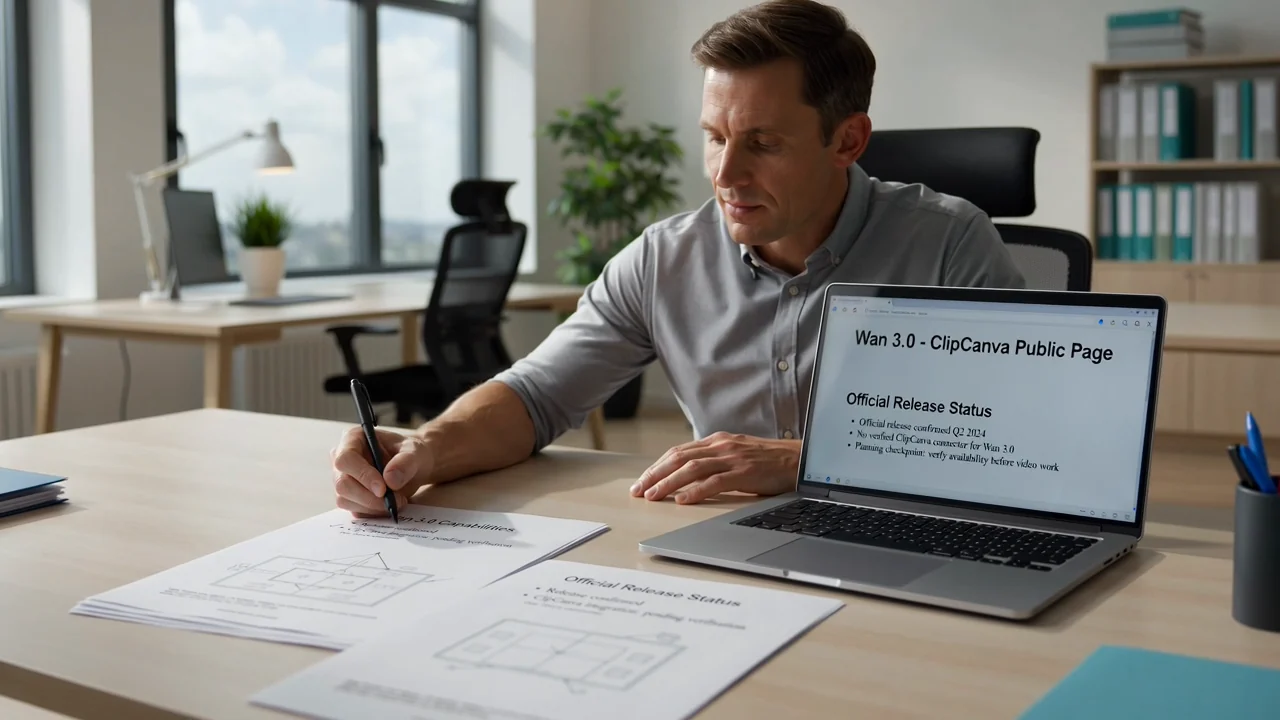
Treat release status as a planning checkpoint because ClipCanva has no verified connector for this exact model.
Plan around text prompt and reference image inputs, while checking live product support before any production decision.
Keep expected outputs limited to generated video clips and reference-guided videos that still need human review.
Separate the documented input modes from the controls currently verified inside ClipCanva for this unavailable model.
Use a clear text prompt for planning, and include a reference image only when a connected model supports it.
No dedicated Wan controls are verified in ClipCanva, so avoid assuming provider-side options that are not exposed.
Expected outputs are generated video clips and reference-guided videos that require review before use.
Plan around the verified availability state first, then prepare a prompt, references, checks, and decision points.
State the video purpose, target audience, subject, setting, and delivery requirement.
Write the prompt and gather reference assets that match the intended scene and review standard.
Check availability and use only controls that are visible in a verified generator.
Compare draft outputs, identify weak instructions, and revise the planning brief one issue at a time.
Use cases should connect model research to a real deliverable, audience, review standard, and access decision.
Confirm whether the exact model is connected before building plans around production access.
Compare version identity, documented inputs, output boundaries, and review needs across Wan releases.
Map prompts, references, review steps, and stakeholder approvals before production begins.
Track what a future connector would need to expose before it can support reliable evaluation.
Use review checkpoints to treat every video result as a draft until it satisfies the brief and destination rules.
Confirm the prompt, subject, action, setting, and motion match the original task.
Inspect subject appearance, scene continuity, backgrounds, and transitions across the clip.
Check product details, brand elements, claims, and factual references against approved sources.
Review duration, crop, output format, and destination requirements before publication.
Current availability, connector status, output variability, and publishing responsibility are separated for planning.
The exact Wan 3.0 model is not connected in ClipCanva, so no ClipCanva output should be labeled as that model.
Results from related video workflows can vary in details, composition, motion, and timing, so compare carefully.
No verified connector or complete official specification is available in ClipCanva, so third-party claims are not treated as facts.
Facts verified
Answers cover Wan 3.0 identity, capabilities, inputs, workflow planning, availability, and review responsibilities.
Compare nearby AI video models by verified availability, supported inputs, exposed controls, and review needs.
Start with the model facts, confirm current availability, and leave time for careful video output review.