


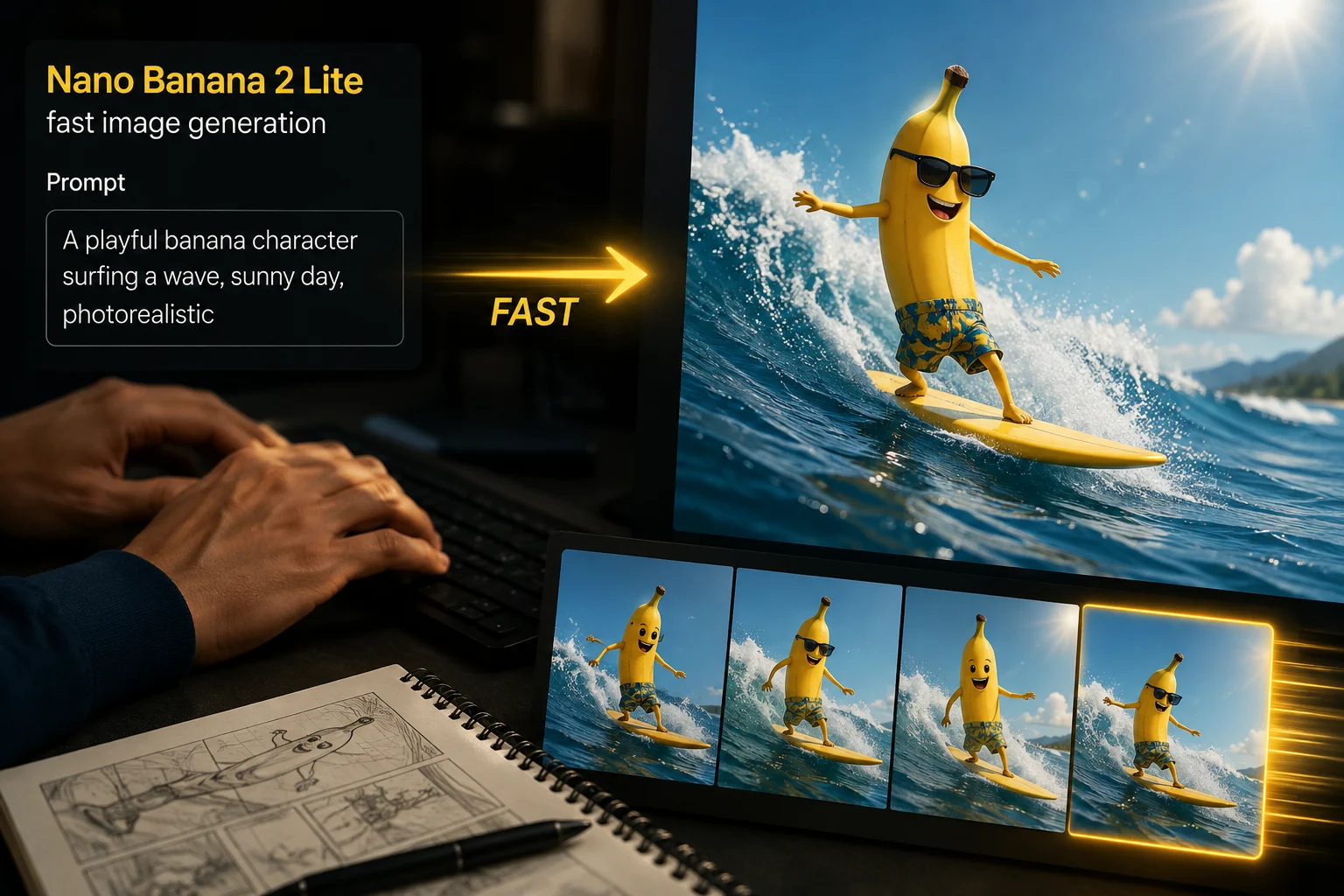
Fast Image Generation
Assess fast image generation as a positioning claim, then check whether drafts match the prompt, subject, detail, and format.
Explore Nano Banana 2 Lite as an unavailable image model in ClipCanva, with verified inputs, outputs, limits, and review needs.
This page keeps the exact model identity visible and does not run a different model under the same name. Use the related model links below to open a connected workflow.
Nano Banana 2 Lite is a Google Gemini 3.1 Flash-Lite Image model positioned for fast, efficient generation and editing.
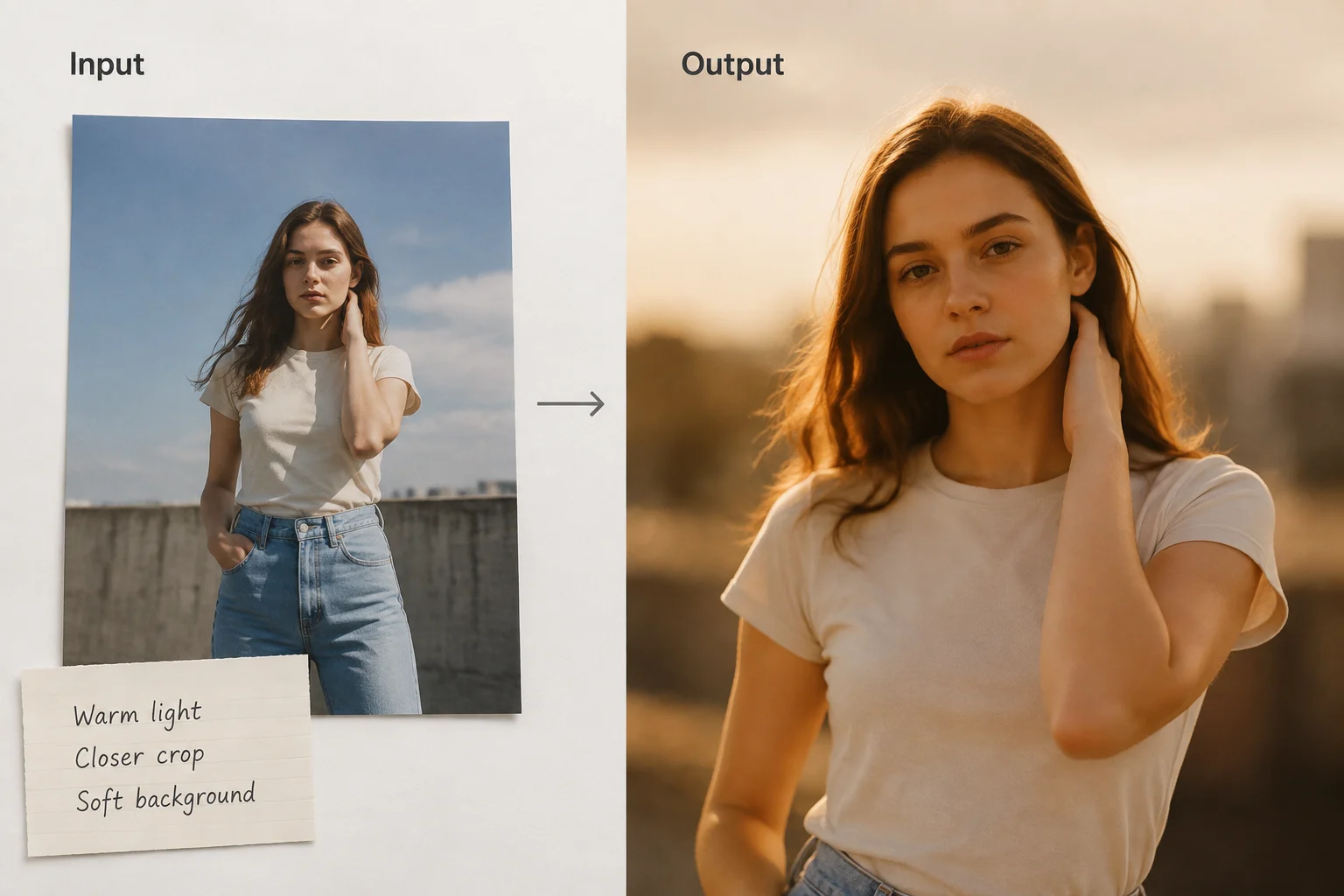
Review documented capabilities as planning signals, then validate each image output against the real brief before production.
Assess fast image generation as a positioning claim, then check whether drafts match the prompt, subject, detail, and format.
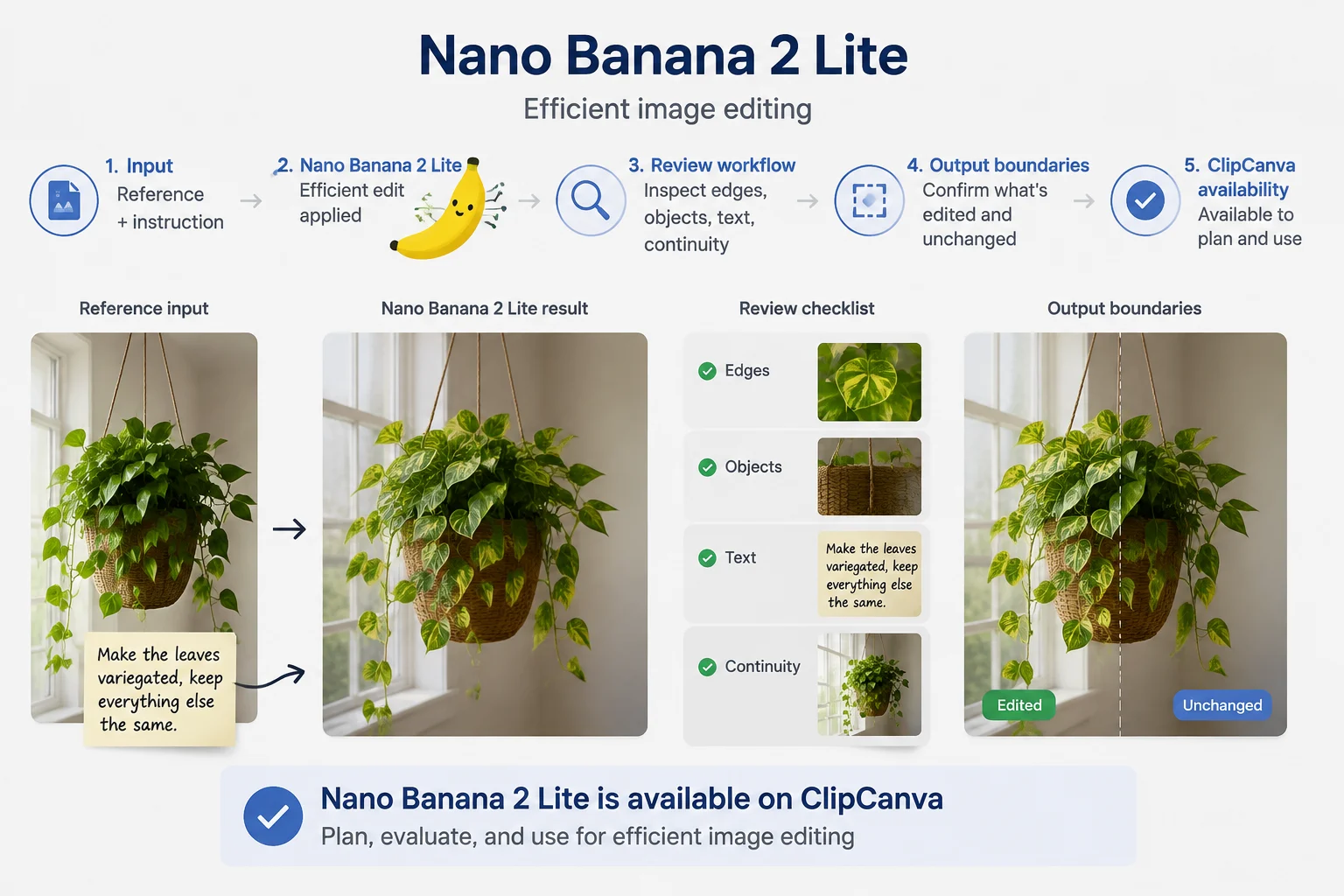
Evaluate efficient image editing for reference-guided changes, then inspect edges, objects, text, and continuity before approval.
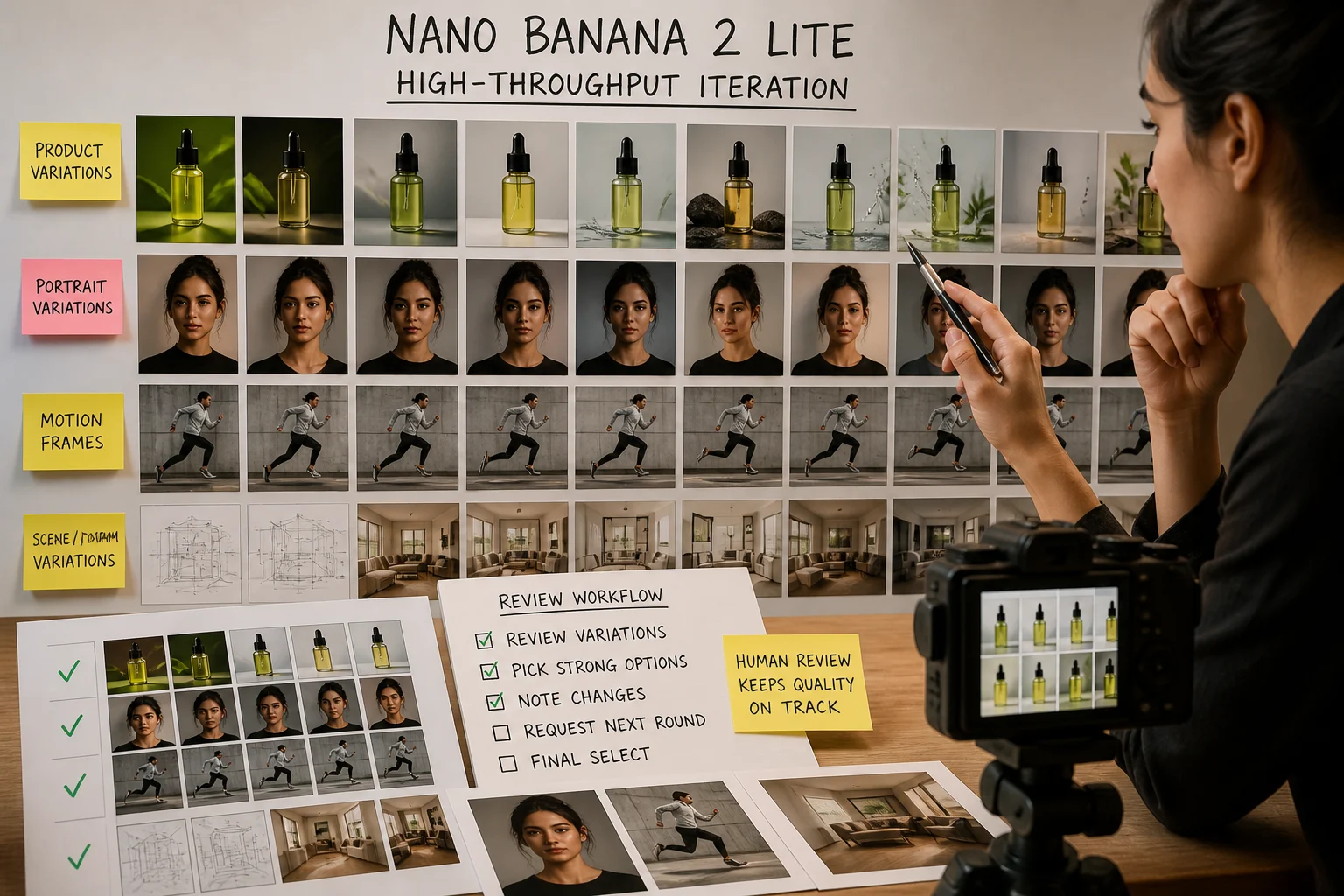
Use high-throughput iteration as a comparison point for variation planning, while keeping human review in the workflow.
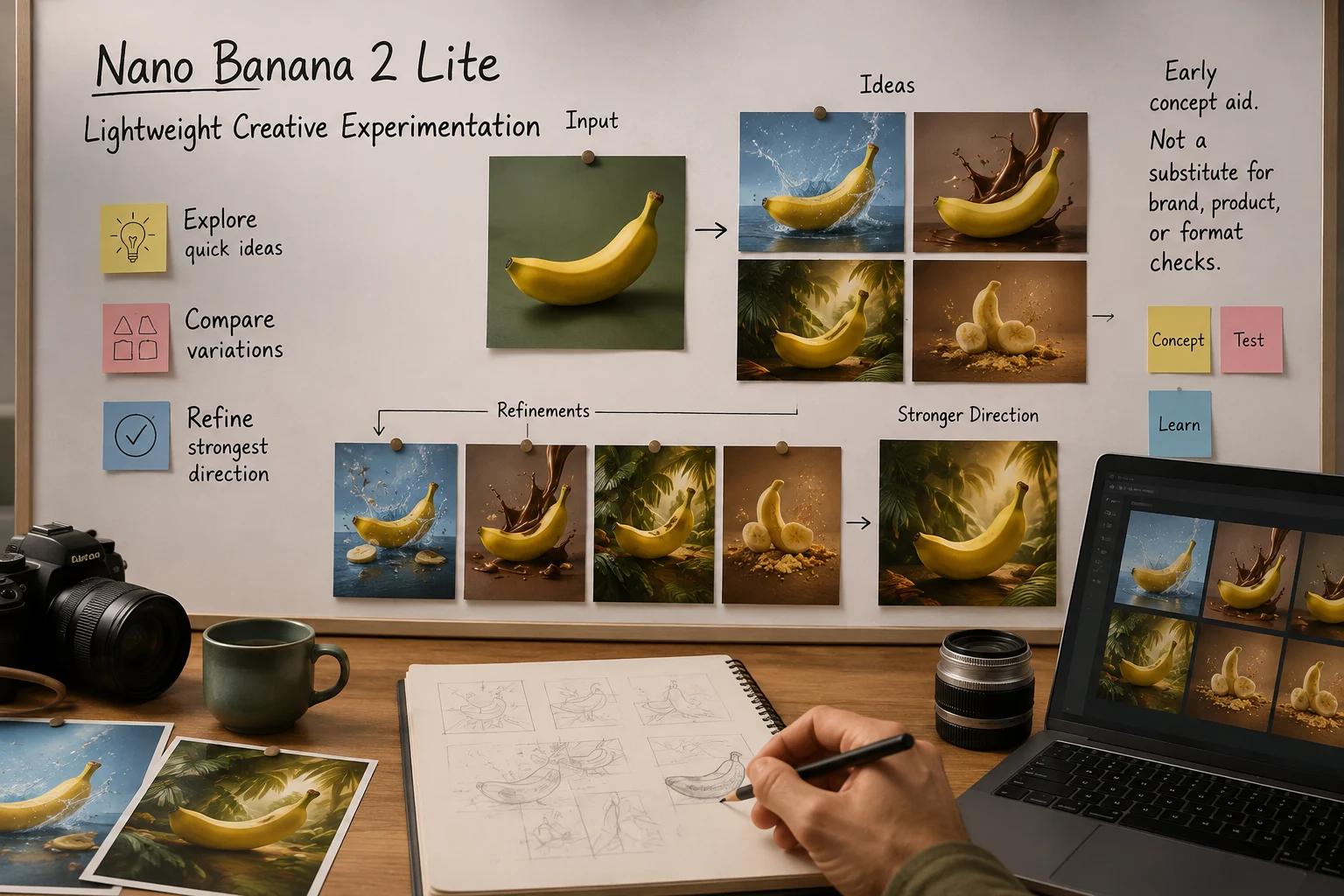
Treat lightweight creative experimentation as an early concept aid, not a substitute for brand, product, and format checks.
Separate expected input modes from ClipCanva controls, because the exact model is documented here but not connected.
Plan around a text prompt and, where relevant, a reference image, while treating the live page as the source of truth.
ClipCanva exposes no controls for this exact unavailable model, so teams should not plan around hidden Lite provider settings.
For this unconnected Lite model, expected outputs are generated images and reference-guided edits that need publication review.
Follow a planning workflow that begins with the prompt and ends with human review, especially while access is unavailable.
State the image purpose, audience, subject, setting, format, and decision the output must support.
Write a clear prompt and gather only reference assets that are relevant to the intended edit or visual direction.
Confirm the current availability state and avoid assuming controls that ClipCanva does not expose.
Compare image results against the brief, revise one weak instruction at a time, and document review findings.
Use cases are strongest when each task has a defined audience, format, review standard, and decision point.
Map broad creative directions into a structured set of prompt variations, then compare results against one goal.
Explore multiple ad angles, visual hooks, and product contexts before selecting concepts for deeper production review.
Draft lightweight product visuals for early layout, merchandising, or campaign discussion before final asset work.
Iterate social image directions across crops, themes, and messages while checking each version against platform needs.
Treat every image result as a draft until review confirms it fits the brief, brand, format, and publishing context.
Confirm the subject, composition, setting, and intended message match the prompt and any approved reference material.
Inspect lettering, small objects, hands, product edges, backgrounds, and other fine details for visible defects.
Verify product appearance, claims, packaging, logos, colors, and brand rules against approved source material.
Check dimensions, crop, aspect ratio, safe areas, and destination requirements before exporting or publishing.
Availability, variability, and publishing responsibility should stay separate when evaluating this model for production.
The exact model is not connected in ClipCanva, so this page provides model guidance rather than an executable generator.
The same input can produce different visual details, composition, or edits, so results need comparison and review.
Official speed and cost positioning is not a ClipCanva product promise while the exact model remains unconnected.
Facts verified
Answers cover Nano Banana 2 Lite identity, inputs, capabilities, availability, planning workflow, and required output review.
Compare nearby image models by inputs, controls, output behavior, review burden, and verified ClipCanva availability.
Define the deliverable, confirm current access, and reserve time for careful image review before any production decision.