
How to Design an AI Workflow Diagram
Design an AI workflow diagram that makes inputs, model steps, human review, handoffs, and feedback visible without inventing process details.
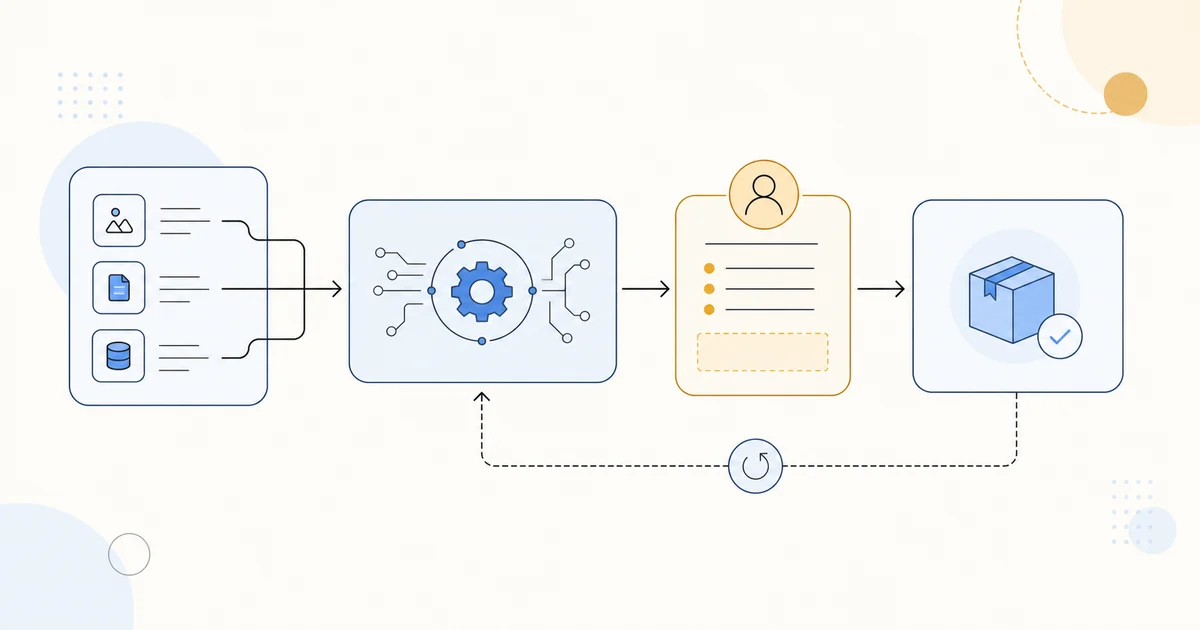
An AI workflow diagram should explain how work actually moves through a team. It is not evidence that a model, approval, dataset, or feedback loop exists. Start with verified process notes and treat the generated image as a visual draft for review.
Define the start, finish, and reader
Write one sentence about what the diagram must help a reader understand. Then list the real source inputs, triage or routing step, model processing, human review, delivery point, and any documented feedback loop. Name the audience so the right amount of detail is visible. If a handoff or decision is uncertain, mark it for the process owner instead of asking the generator to guess.
Give every arrow a job
Use arrows only for a documented handoff, decision, or return path. Separate automated processing from human review when that distinction matters. A simple left-to-right main path with one clearly labeled feedback loop is usually easier to check than a dense diagram full of implied connections.
Draft, then compare it to the process
Use the AI Research Diagram Generator after the brief names the real steps. Review every label, arrow, role, approval, input, and output against the verified workflow. Use a source-controlled process document for final operational details; the image is a visual draft, not a source of process facts.