
Canva AI Script Alternatives for Short Videos
Compare Canva, VEED, InVideo, Descript, and ClipCanva for scripts, source summaries, shot prompts, Shorts, ads, and explainer video workflows.
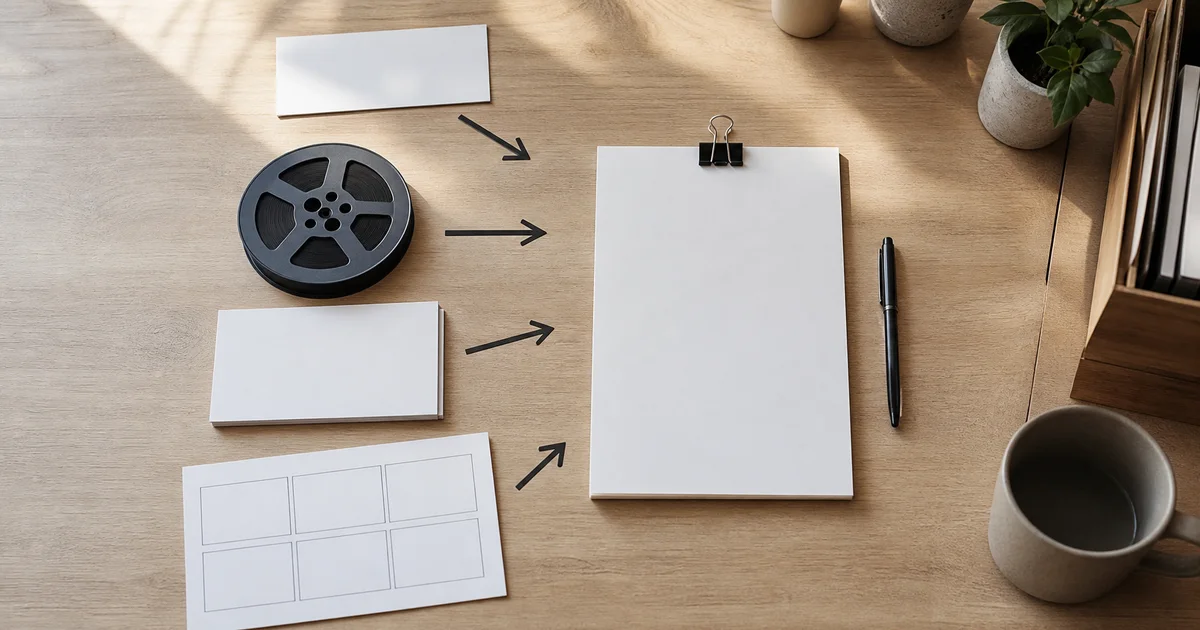
Quick answer: choose a script tool by the material you already have and the next handoff you need. Canva's AI Script Generator uses Magic Write to turn a text prompt into an editable script draft for formats such as videos, podcasts, or presentations. VEED, InVideo, and Descript connect script generation to their broader video or audio workflows, while ClipCanva provides a focused script drafting entry point. No single option is the universal winner; test the job that matters to your project.
If you have only a topic, start with an AI script generator. If you have a webinar, interview, or long recording, first use an AI video summarizer to extract the useful points, then write the short script from verified notes.
Quick decision table
| Tool | Best starting input | Main output | Next handoff | What to review |
|---|---|---|---|---|
| Canva | A topic, prompt, and intended format | An editable script draft | Revise in Canva Docs, then move into design or video production | Structure, tone, facts, spoken rhythm, and visual beats |
| VEED | A topic or brief for the video you want to make | An AI-generated script draft | Continue into video creation or editing | Spoken rhythm, factual claims, structure, and the amount of revision |
| InVideo | A topic, idea, or prompt | A video script draft | Move the script into a video workflow | Hook, scene logic, wording, and fit for the intended format |
| Descript | A topic and direction for an audio or video script | A script draft | Record, revise, or edit in the wider Descript workflow | Voice, accuracy, length, and whether the script sounds natural aloud |
| ClipCanva | A topic, audience, and short-video goal | A structured script draft | Build a shot plan or continue to video creation | Claim, proof, visual beats, spoken clarity, and close |

The useful comparison starts with your input and handoff, not a long feature list.
Start with the material you actually have
“Write a short video” describes an output but not the work needed to get there. Sort the task into one of three paths:
- Idea to script: develop an angle, hook, supporting points, and next step from a blank page.
- Source to script: extract reliable ideas from an article, recording, product brief, or transcript, then rewrite them for a new audience.
- Script to shot: keep approved words stable while translating each beat into visuals, camera notes, sound, captions, and edit decisions.
These paths can happen in sequence, but they require different review standards. Idea work is judged by relevance and clarity. Source work must preserve meaning and attribution. Shot planning must be practical enough for production.
What makes a short-video script usable
A usable script is more than a paragraph with an energetic opening. It gives the team clear beats:
- A hook that creates a specific question or shows a recognizable problem.
- A promise that matches what the video can actually demonstrate.
- Evidence, action, or explanation that earns the claim.
- A visual opportunity for every major line.
- A close that tells the viewer what to remember or do next.
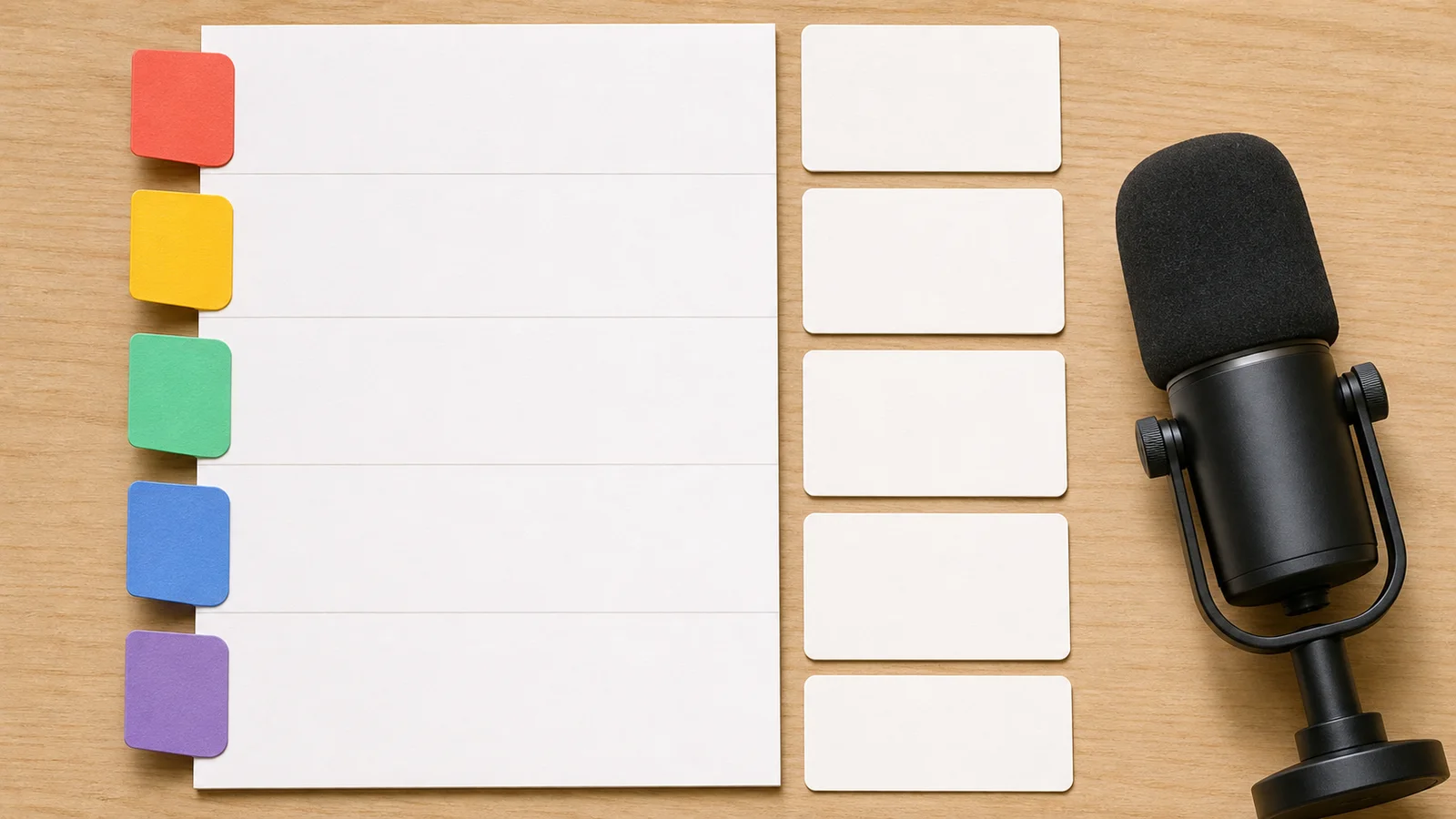
Reviewing the anatomy of the script is more useful than accepting a polished first draft at face value.
Read the draft aloud and mark any line that sounds like an article rather than speech. Remove setup that delays the proof. Replace unsupported superlatives with visible evidence. For a product video, name what can be shown: an action, before-and-after state, interface step, or concrete use case.
Compare the handoff, not a universal score
The official product pages point to different handoffs. Canva presents its AI Script Generator as a Magic Write workflow that turns a prompt into a video, podcast, or presentation script draft, which can be revised in Canva Docs before design or video production. VEED, InVideo, and Descript present dedicated script-generation entry points connected to their wider creation workflows, while ClipCanva offers a focused script drafting path.
That makes the practical comparison narrower than a feature checklist. If the words need approval before any media is produced, compare all five script drafts. If the source is a long recording, extract and verify the source notes before asking any of these writing paths for a new script.
Use the same real brief, then compare spoken clarity, factual faithfulness, usable visual beats, correction time, and how cleanly the result moves into the next tool. The official pages describe each product's intended workflow, but your test reveals whether that workflow fits the material.
Source-to-script: preserve facts while changing the format
Do not paste a long source into a writer and publish the first short script. Use a two-stage review:
- Extract claims, examples, quotes, and important context.
- Verify the notes against the source.
- Select one angle for one audience.
- Write a fresh short script from the approved notes.
- Check that compression did not change meaning or certainty.
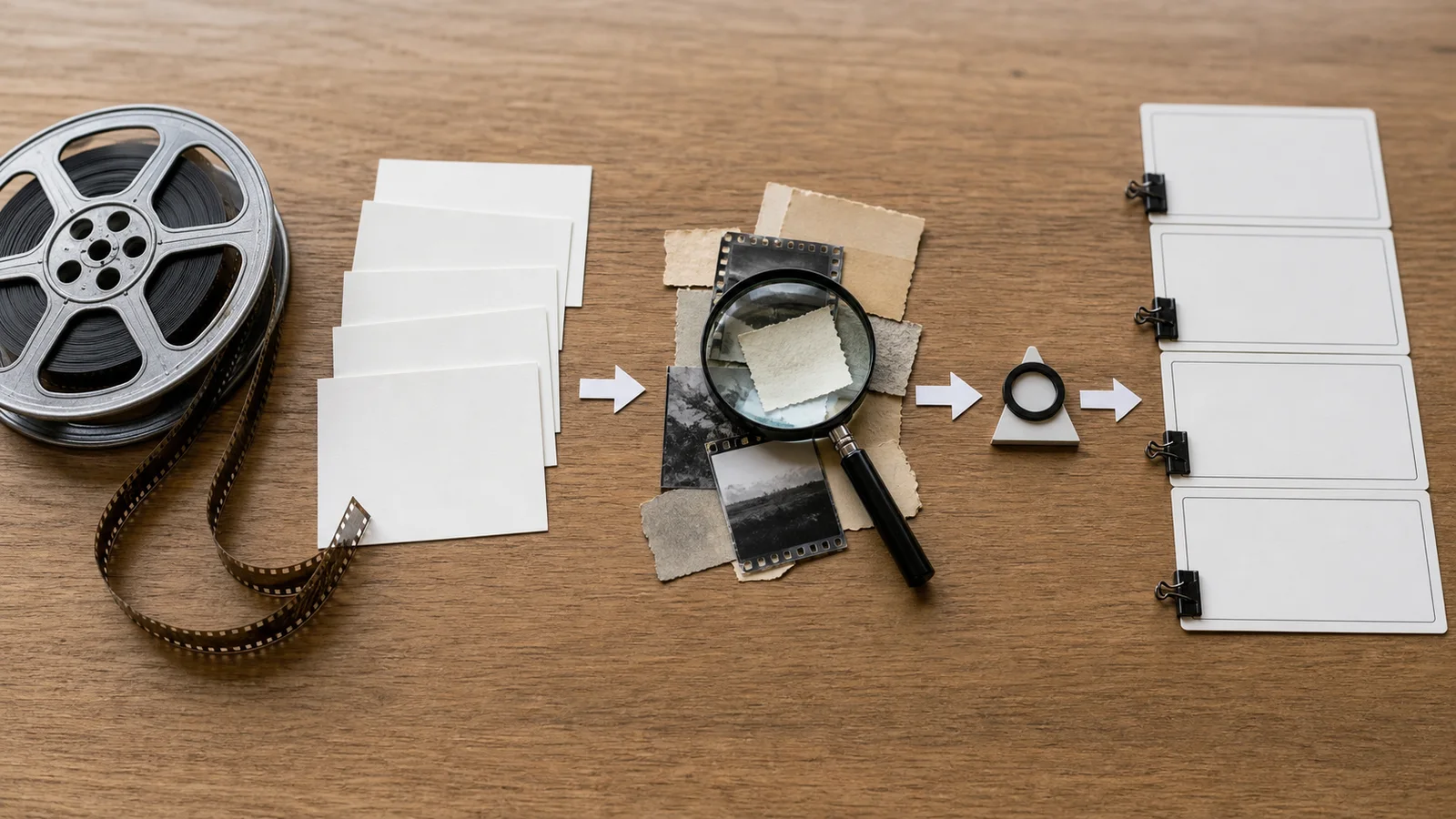
Separating extraction from writing makes it easier to see where a factual error entered the process.
For an interview, keep speaker attribution in the notes even if the final video uses narration. For a product brief, distinguish confirmed behavior from planned or conditional behavior. For a customer story, do not strengthen a result beyond what the source supports.
Script-to-shot: turn approved words into production decisions
Once the script is approved, stop rewriting it casually. Create a shot row for each beat:
| Script beat | Visual evidence | Framing or motion | Audio role | Edit note |
|---|---|---|---|---|
| Hook | Problem appears immediately | Close or decisive reveal | Dialogue or effect leads | Keep opening clean |
| Explanation | Action or process | Clear medium view | Voiceover leads | Leave caption space |
| Proof | Result or key detail | Close inspection | Natural sound supports | Hold long enough to verify |
| Close | Final state or speaker | Stable composition | Next-step line | Add approved end text |
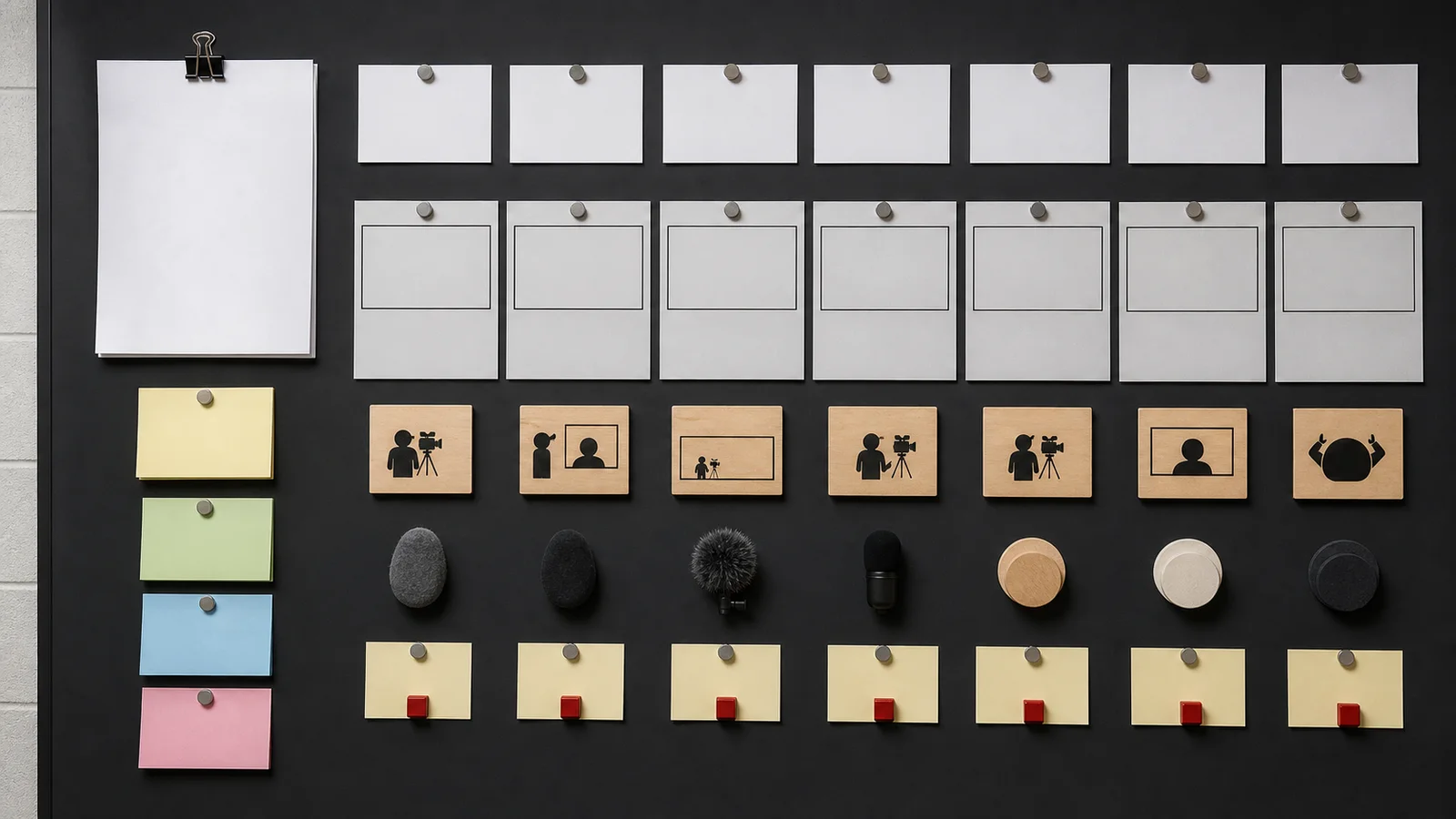
The shot plan protects approved wording while giving visual production a clear brief.
If you are testing a current Canva video path, the independent Canva AI video generator guide explains how to separate generation from the creator's editing responsibilities.
When Canva fits the workflow
Canva is worth testing when a topic or prompt needs to become an editable video, podcast, or presentation script and the creator wants to continue revising in Canva Docs. Its Magic Write path also fits a design-led deliverable when the approved script will move into design or video production in the same broader workspace.
Choose another role first when the main problem is extracting information from a long recording, reviewing exact transcript language, or building a detailed source evidence trail. You can still move the approved result into a design tool later. The sequence should follow the hardest decision, not force every job into one product.
Run a small comparison with the same brief. Score each result for spoken clarity, factual faithfulness, visual opportunities, revision time, and ease of handoff. That test will tell you more than a generic ranking.
FAQ
What is the best Canva script alternative for Shorts?
There is no single best choice for every Short. Use an idea-to-script tool for a blank-page topic, a summary or transcript path for source material, and a script-to-shot workflow when the words are already approved.
Should I choose a tool that also generates the video?
Choose an integrated tool when the generated draft speeds up your next step without hiding decisions you need to review. Use separate tools when factual checking, script approval, or precise production control matters more.
Can I turn a webinar into several short scripts?
Yes, but extract and verify the source first. Give each short one angle and one audience question rather than compressing the whole webinar into every script.
How should I compare outputs?
Use the same real brief, then evaluate accuracy, spoken rhythm, strength of evidence, visual beats, and revision time. Do not score only how polished the first draft looks.
When should the script stop changing?
Lock the wording after factual and brand review, before detailed shot planning. Later edits should be intentional and reflected in captions, voiceover, and the production brief.