
Add your prompt or photo
Write a prompt that describes the gremlin’s personality, body shape, expression, clothing, props, and setting, or begin with a reference photo.
Create mischievous creature images from a text prompt or reference photo. Guide the subject, setting, mood, and destination format so the result fits your project brief.
The AI Gremlin Generator helps you turn a prompt or reference photo into an original creature image. Use it when you need a focused gremlin concept with clear visual direction, setting, and format guidance.
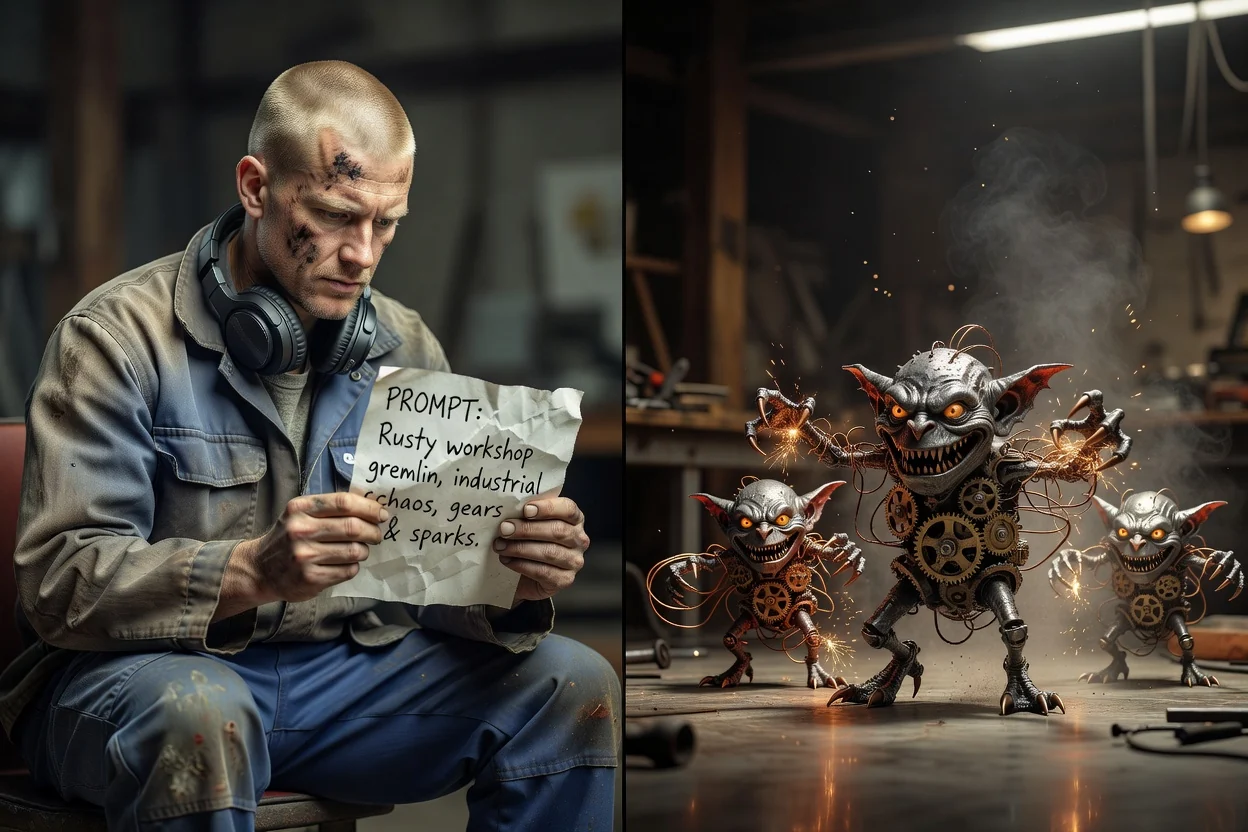
Move from a simple idea to a clearer creature concept by giving the generator concrete visual guidance.
Write a prompt that describes the gremlin’s personality, body shape, expression, clothing, props, and setting, or begin with a reference photo.
Use prompt detail and visual direction to guide whether the creature feels cute, eerie, comic, handcrafted, or cinematic.
Choose the subject, setting, and destination format so the gremlin character generator can aim at the final use case.
Shape the image around the creature concept you need, from small character cues to scene-level direction.
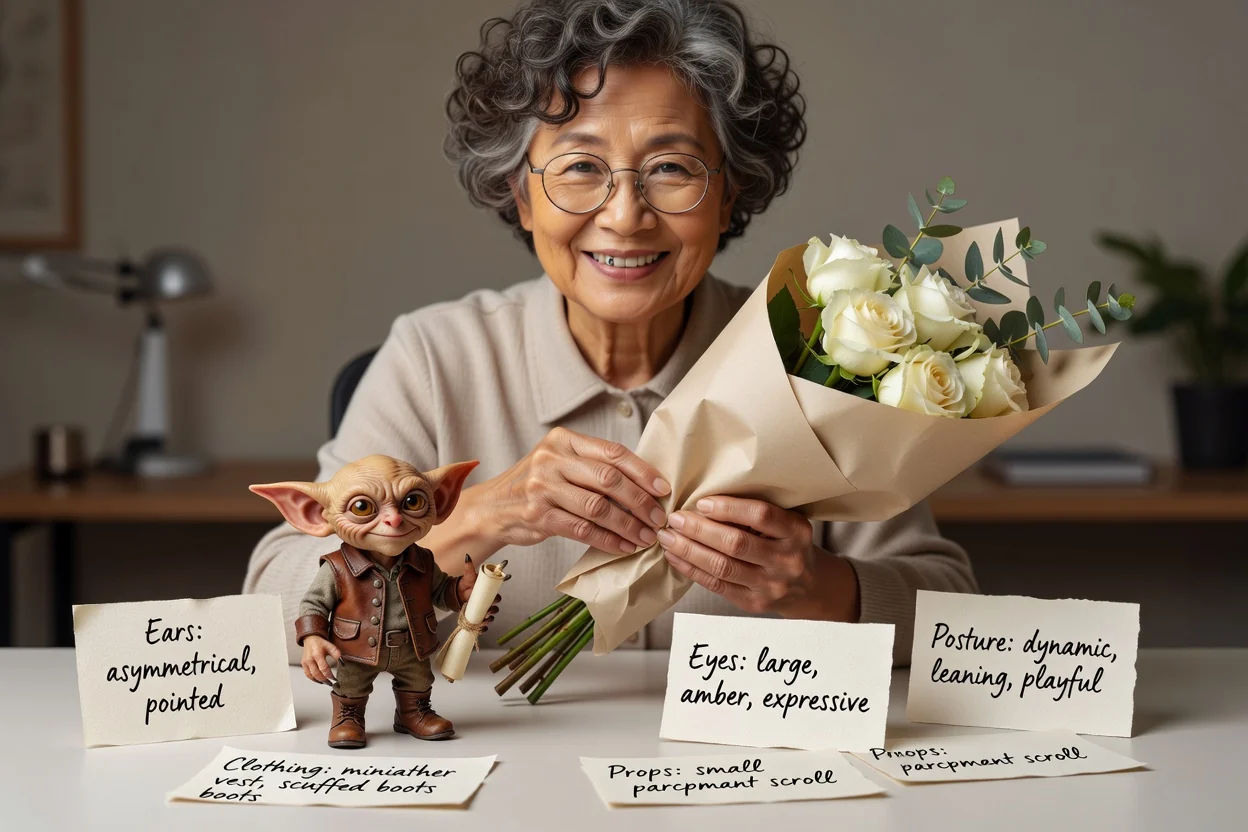
Describe ears, eyes, posture, props, clothing, expression, and mood so the gremlin character generator has clearer creative direction.
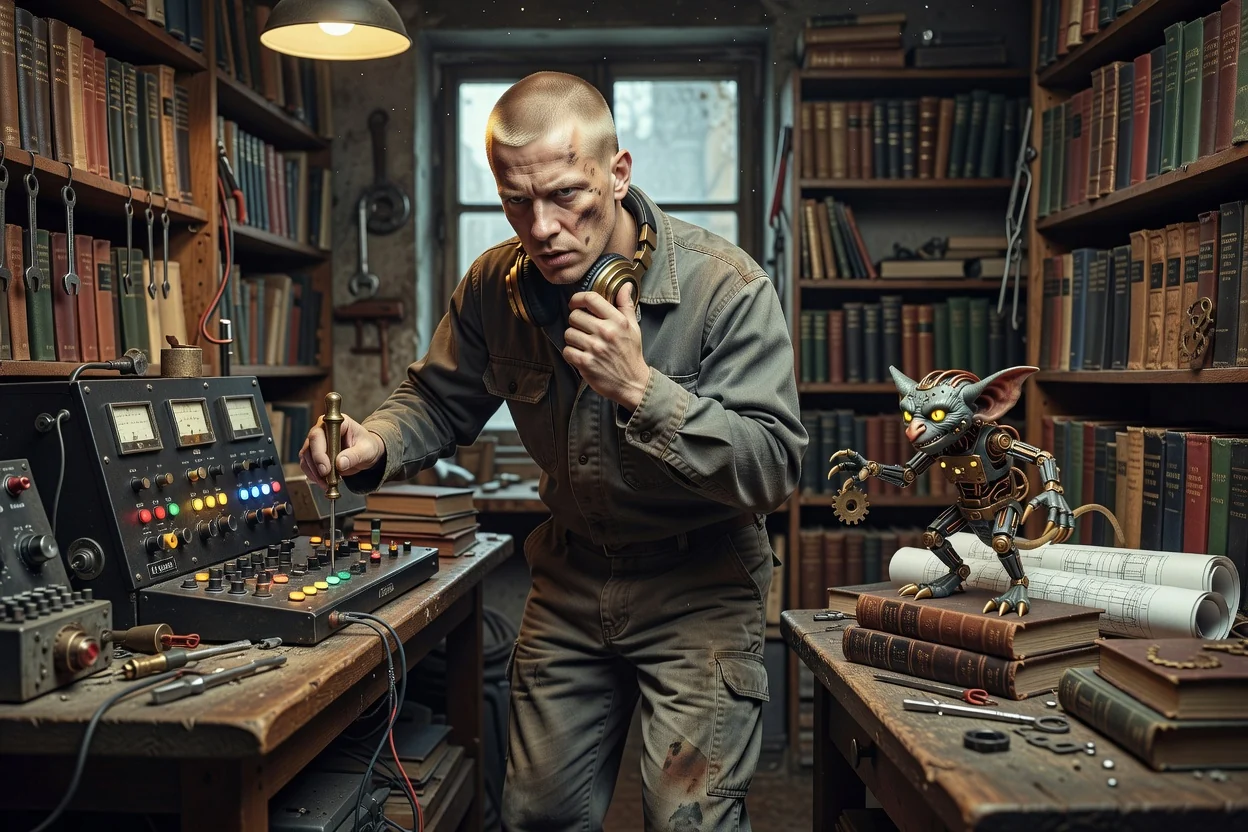
Place the creature in a workshop, library, gadget bench, alley, or other setting to support the story behind the image.
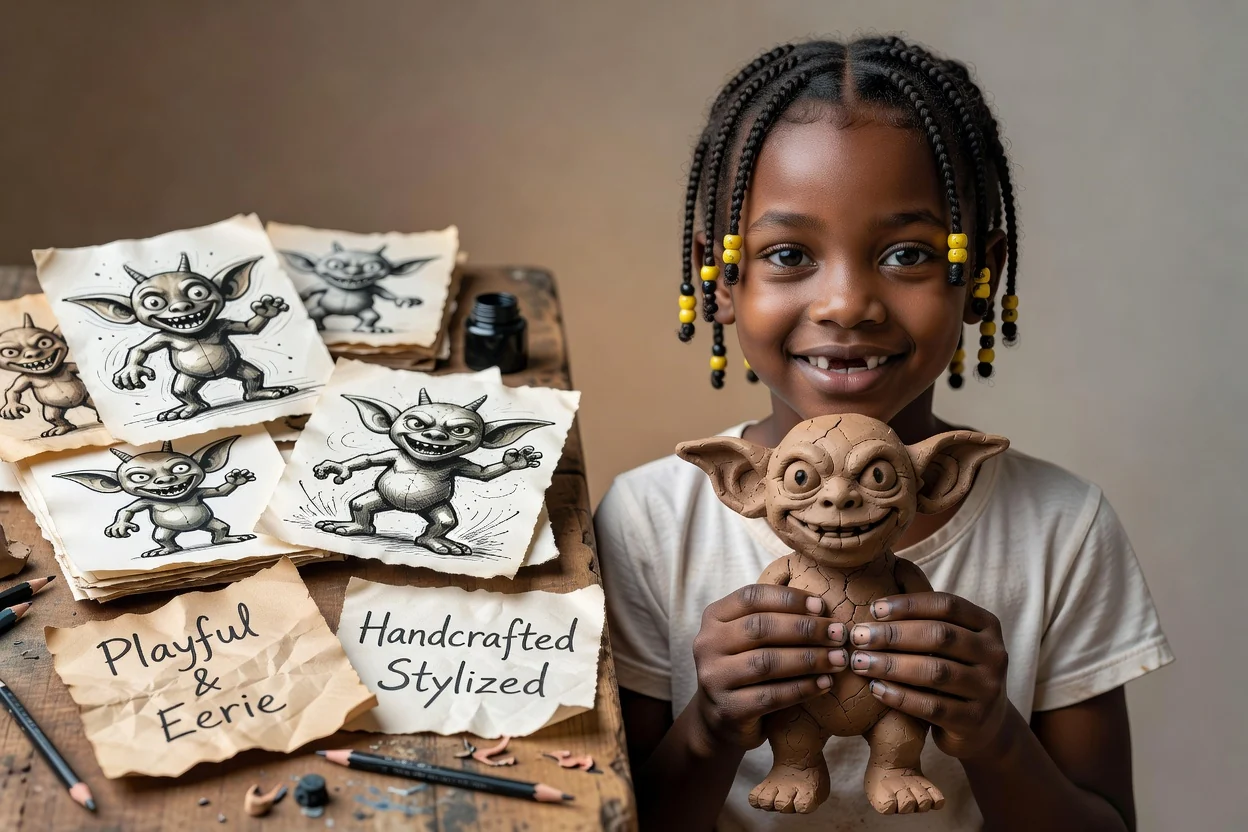
Set visual direction for a playful, eerie, comic, handcrafted, or stylized look while keeping the request centered on an original creature generator outcome.
Create focused creature concepts for playful, strange, or story-led visual projects.
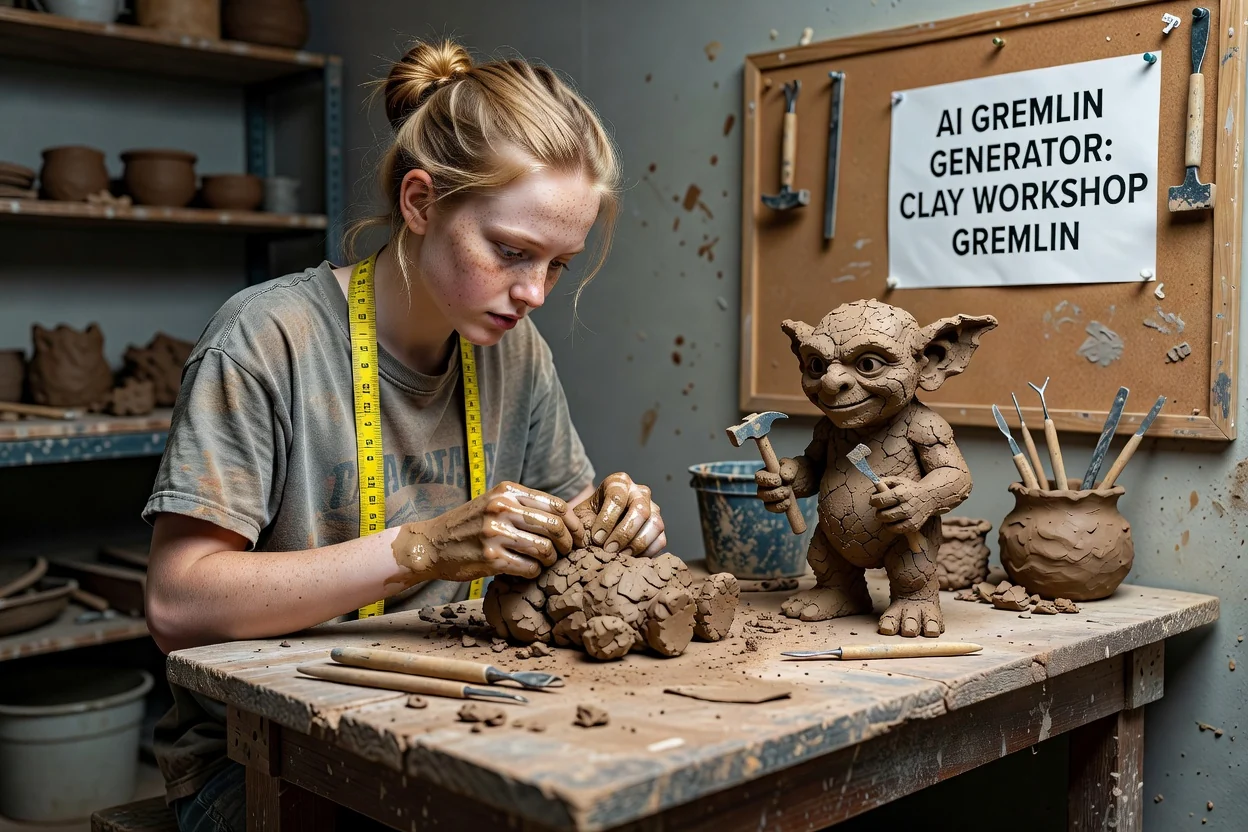
Use the result to explore a muddy, handmade gremlin with tools, clay textures, and a workshop setting.
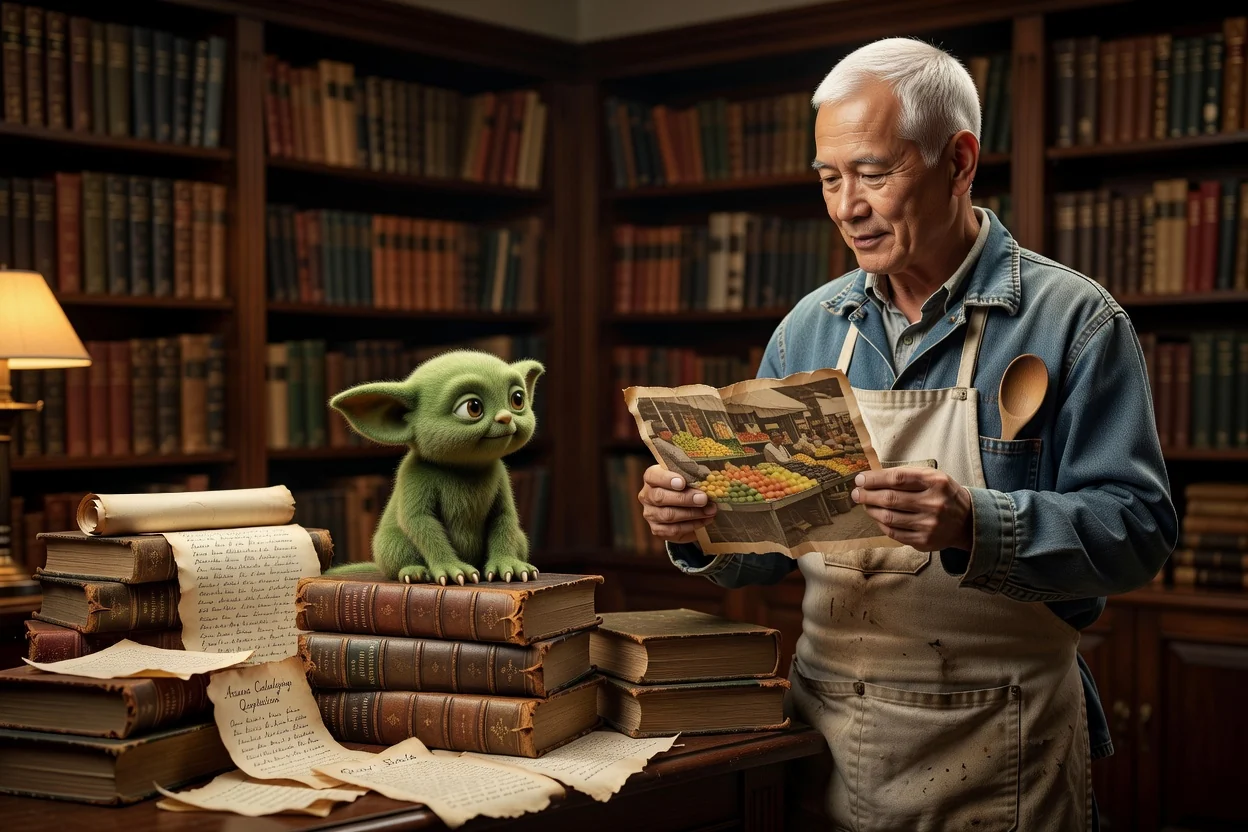
Create a quieter creature concept with books, soft lighting, shelves, and a curious expression.
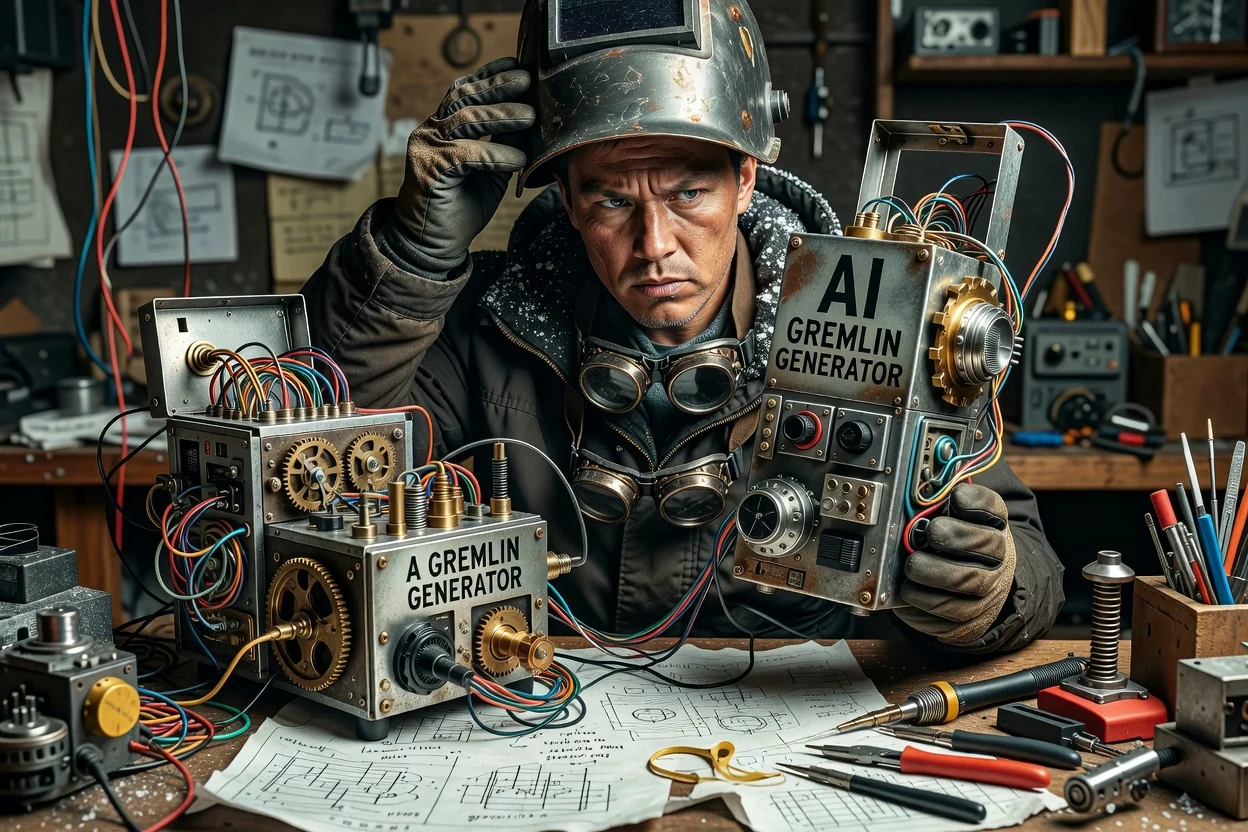
Build a comic-style gadget tinkerer with odd devices, wires, goggles, and expressive posing.
Before sharing or placing the result in a project, review the image against the practical requirements of the brief.
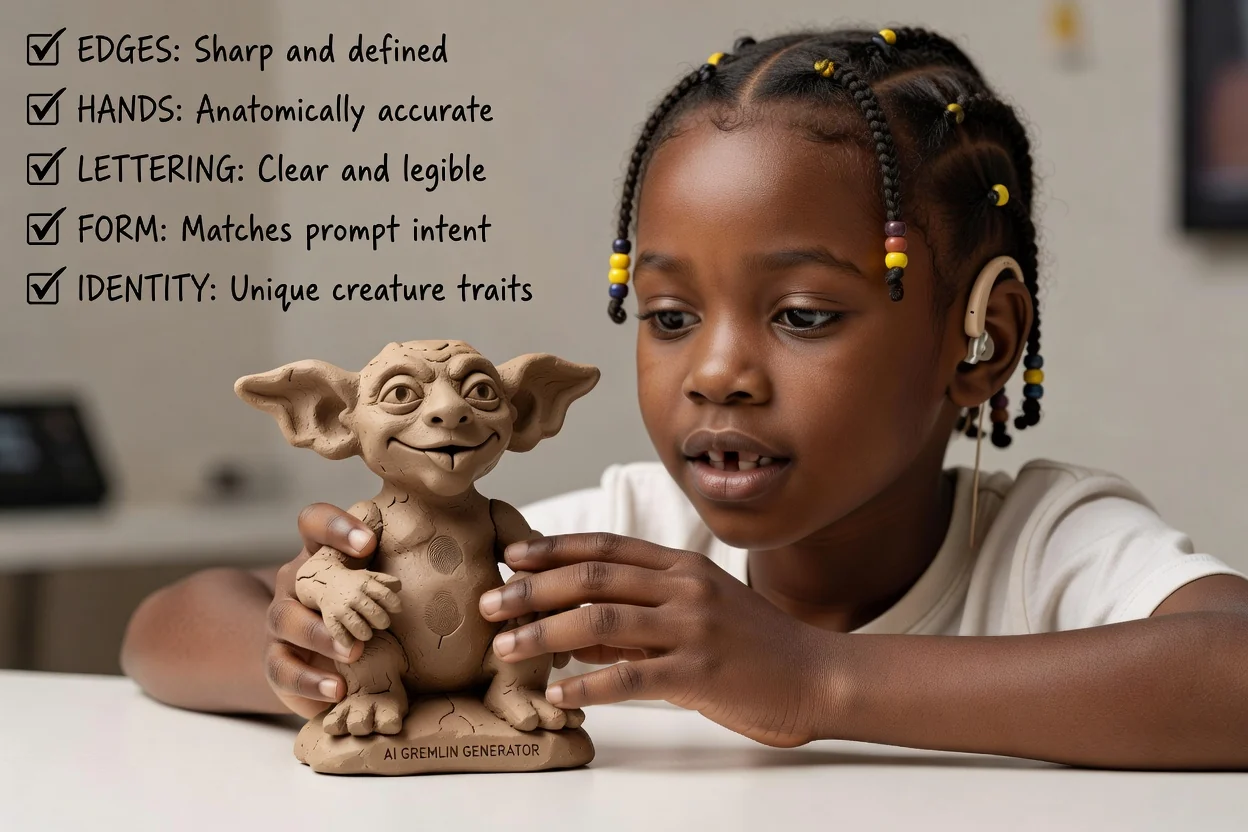
Compare the creature, tone, and setting against the original brief before moving forward.
Check eyes, hands, props, outfit cues, and other details that matter to the character concept.
Confirm the destination crop and format suit the place where the image will be used.
Generated results can vary, so plan time to compare outputs and refine the prompt if a project needs a very specific creature, prop, or crop.
The same brief may produce different compositions, expressions, or styling choices. Review the results before using them in a final workflow.
Small accessories, facial features, text on props, and exact costume details may need prompt refinement and close checking.
Answers to common questions before you start creating.
Turn your prompt or reference photo into an original gremlin creature image for your next concept, campaign, or story asset.