
Describe the complete scene
Name the subject, setting, camera angle, lighting, visual style, and any text that must appear in the image.
Describe the image you want, choose a model and format, then generate and refine a focused set of results.
An AI image generator converts a written visual brief into one or more generated images. You describe the subject, setting, composition, lighting, and text treatment, then use the available model and output controls to shape the result.
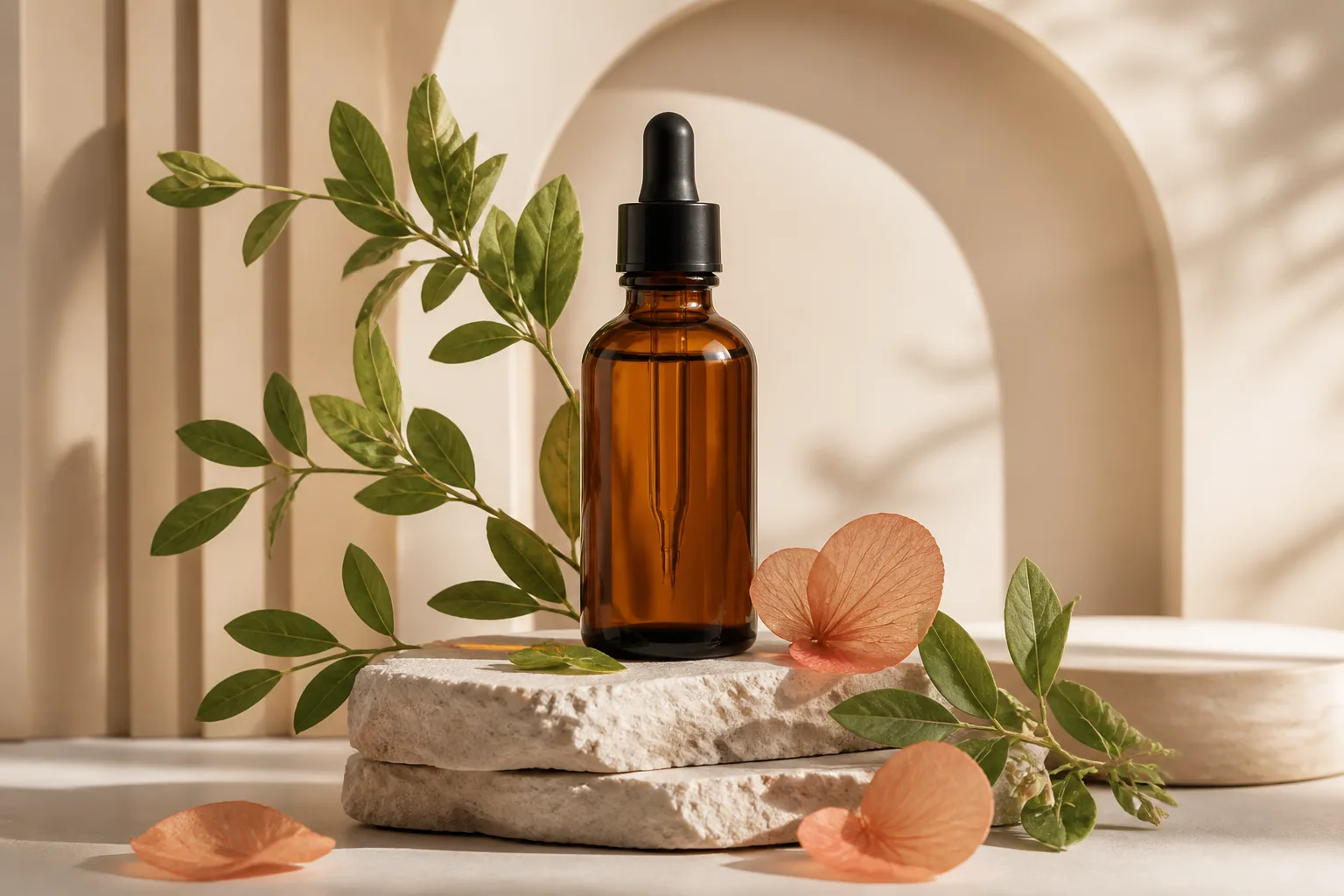
Keep the first run focused so you can tell which change improves the next result.
Name the subject, setting, camera angle, lighting, visual style, and any text that must appear in the image.
Select the image model, aspect ratio, resolution, number of outputs, and style that fit the intended destination.
Run the prompt and compare the returned images instead of changing several prompt variables at once.
Adjust the weakest detail, generate again, and inspect the final dimensions and visual details before use.
Prompt controls and production settings stay together for each generation.
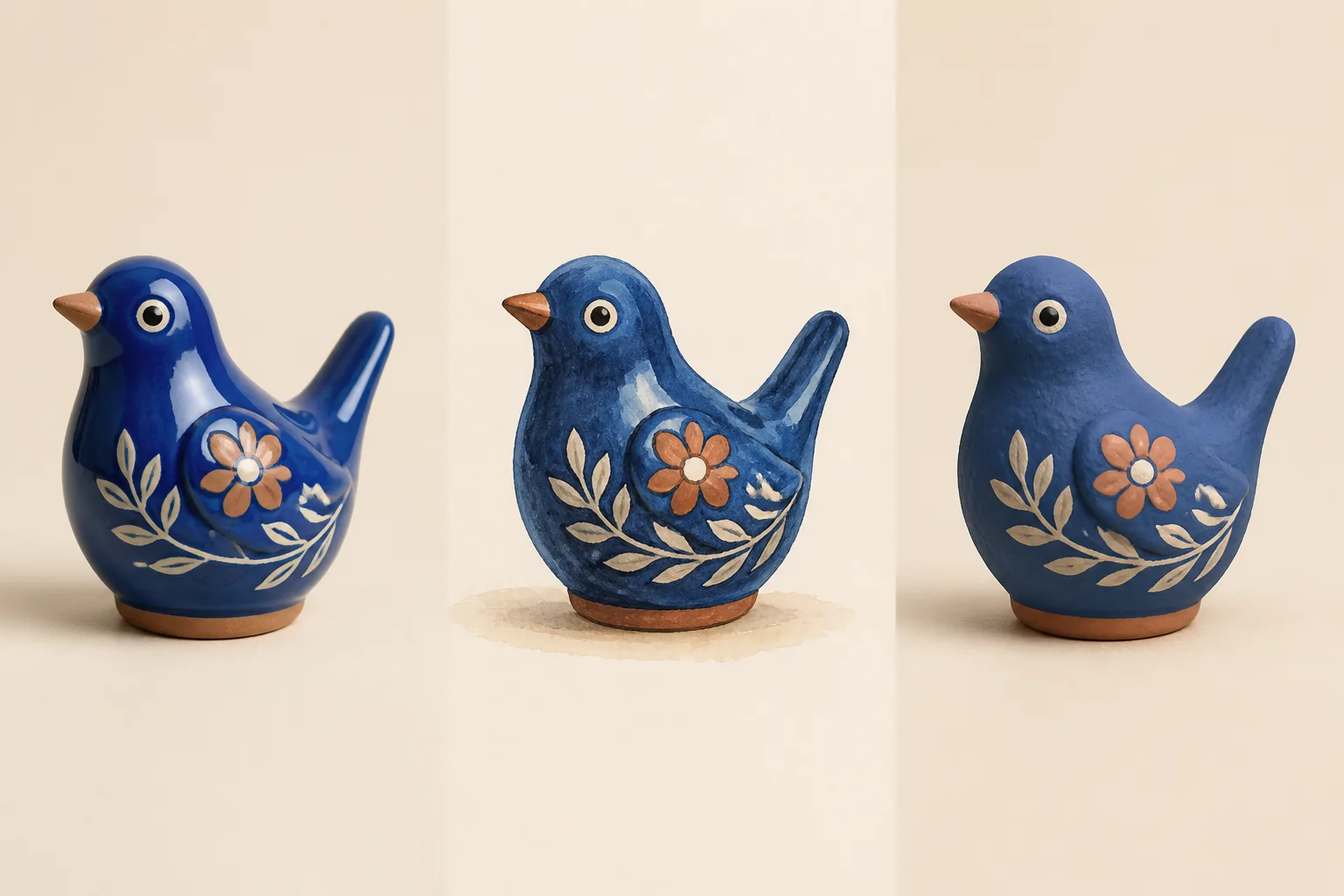
Choose an available image model for the rendering style, prompt behavior, and cost that fit the job.
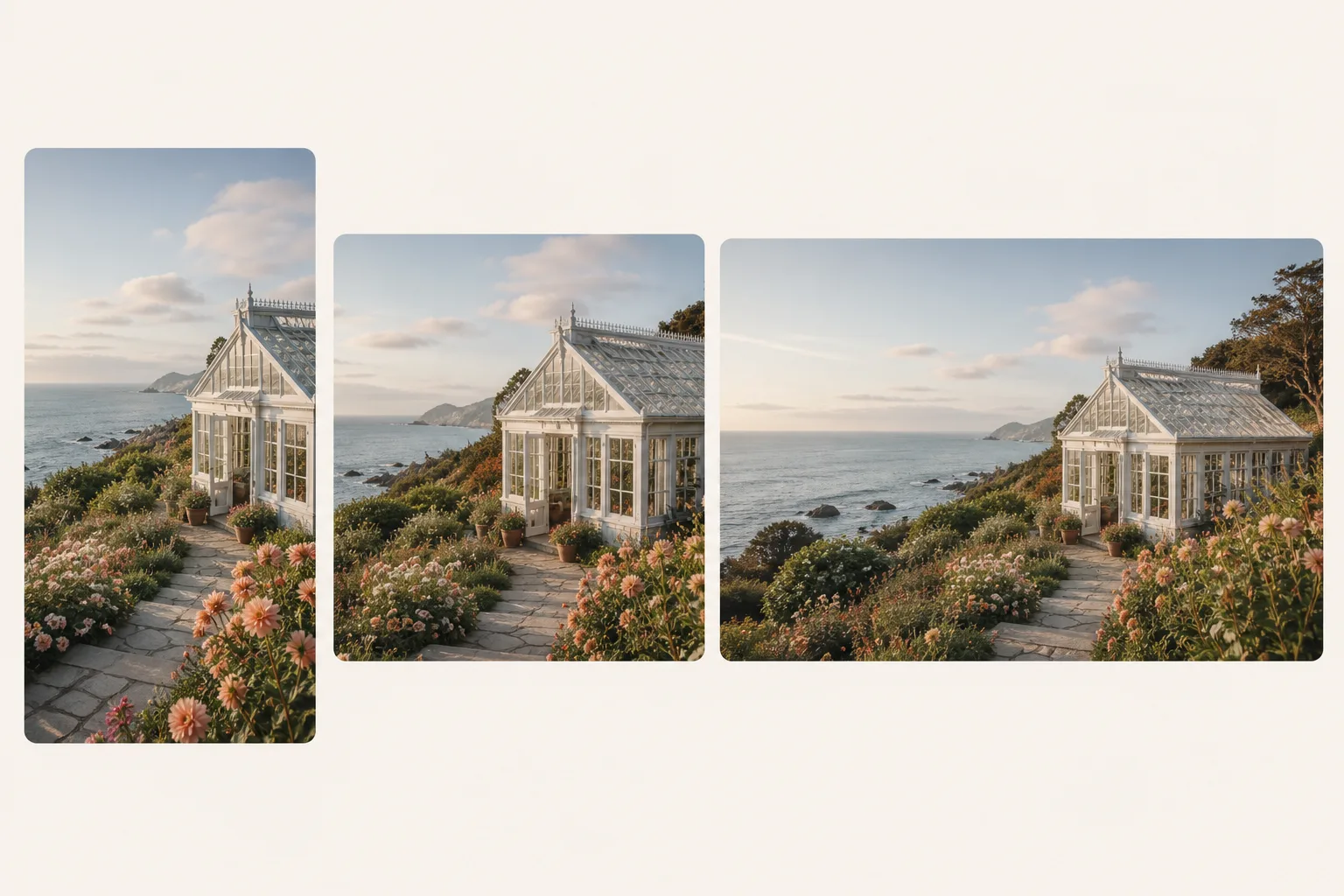
Set the canvas shape, output count, and an available 1K, 2K, or 4K resolution before generation.
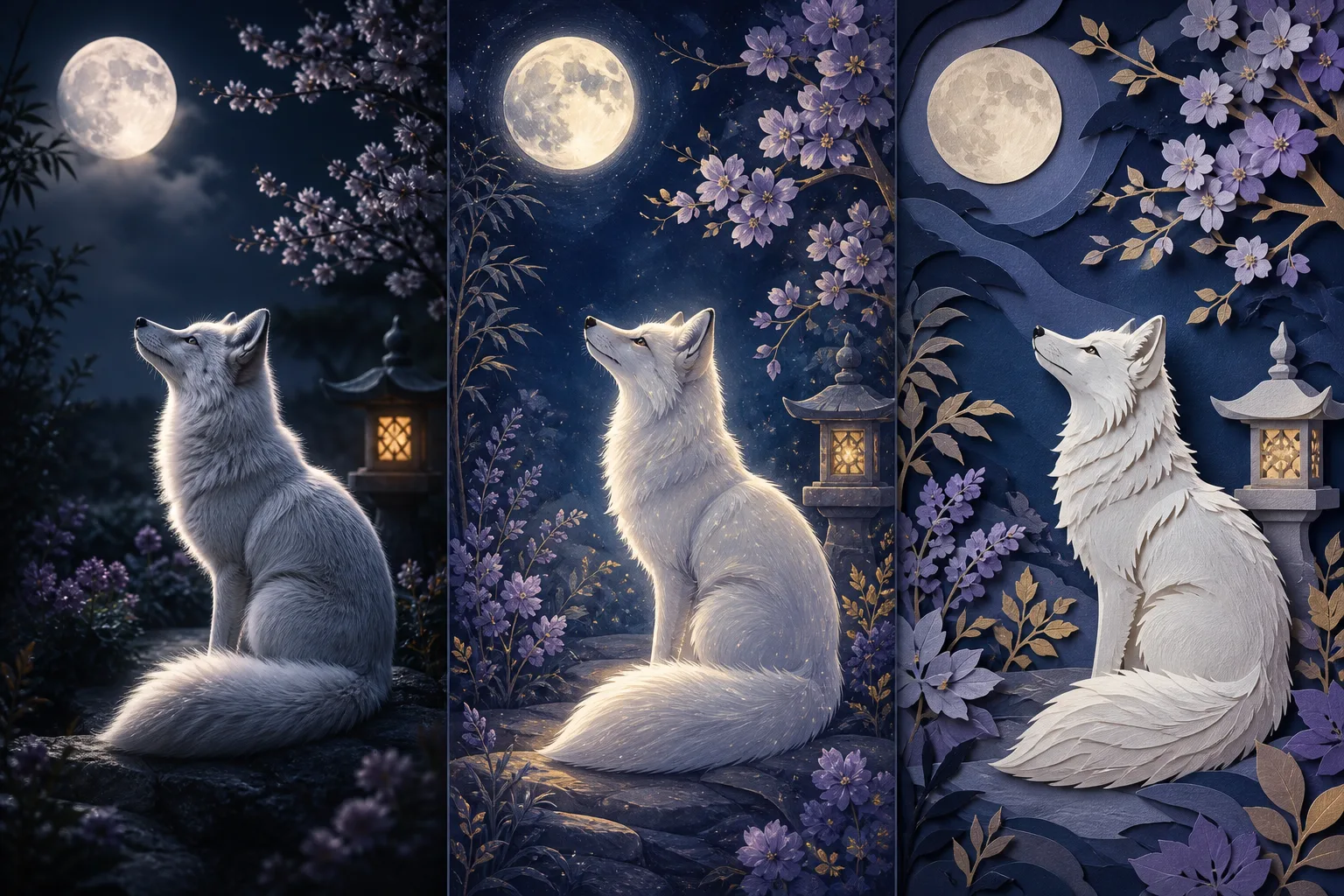
Apply a style direction or enhance a rough prompt, then check the wording before generating the final image.
Match the prompt, dimensions, and success criteria to the place where the image will be used.
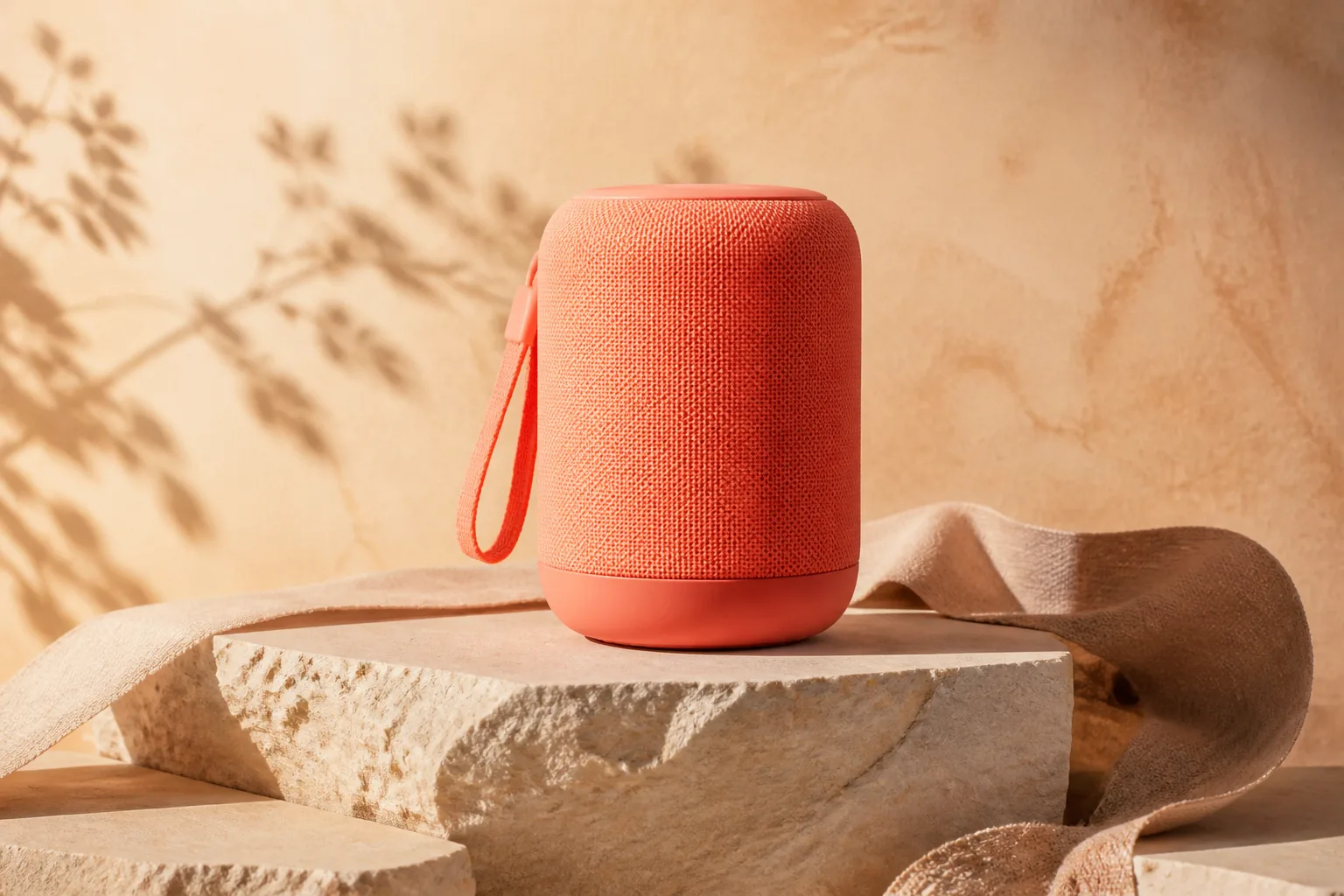
Draft product scenes, packaging directions, and campaign concepts before arranging a final production shoot.
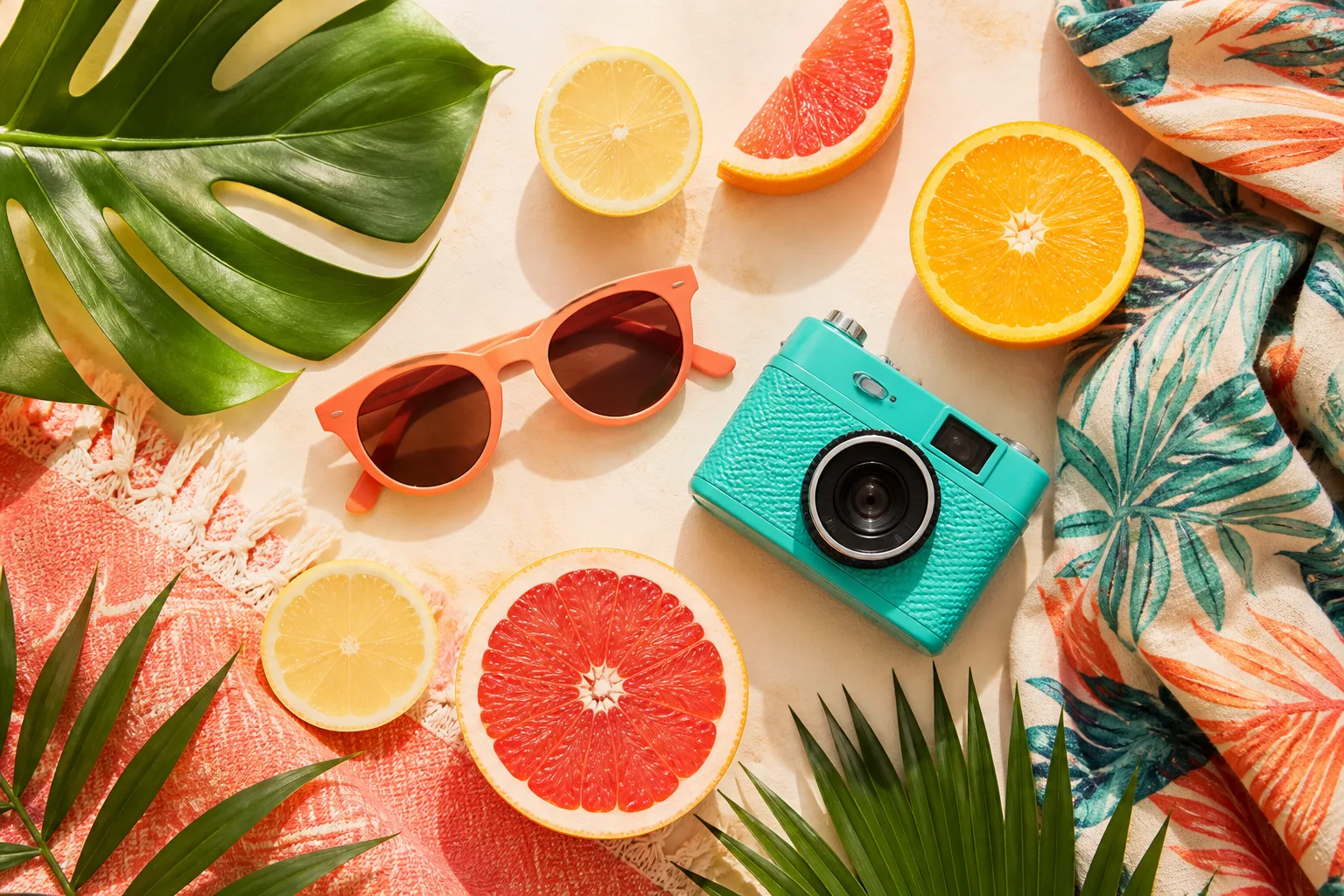
Create channel-specific visual directions for posts, covers, thumbnails, and short campaign variations.
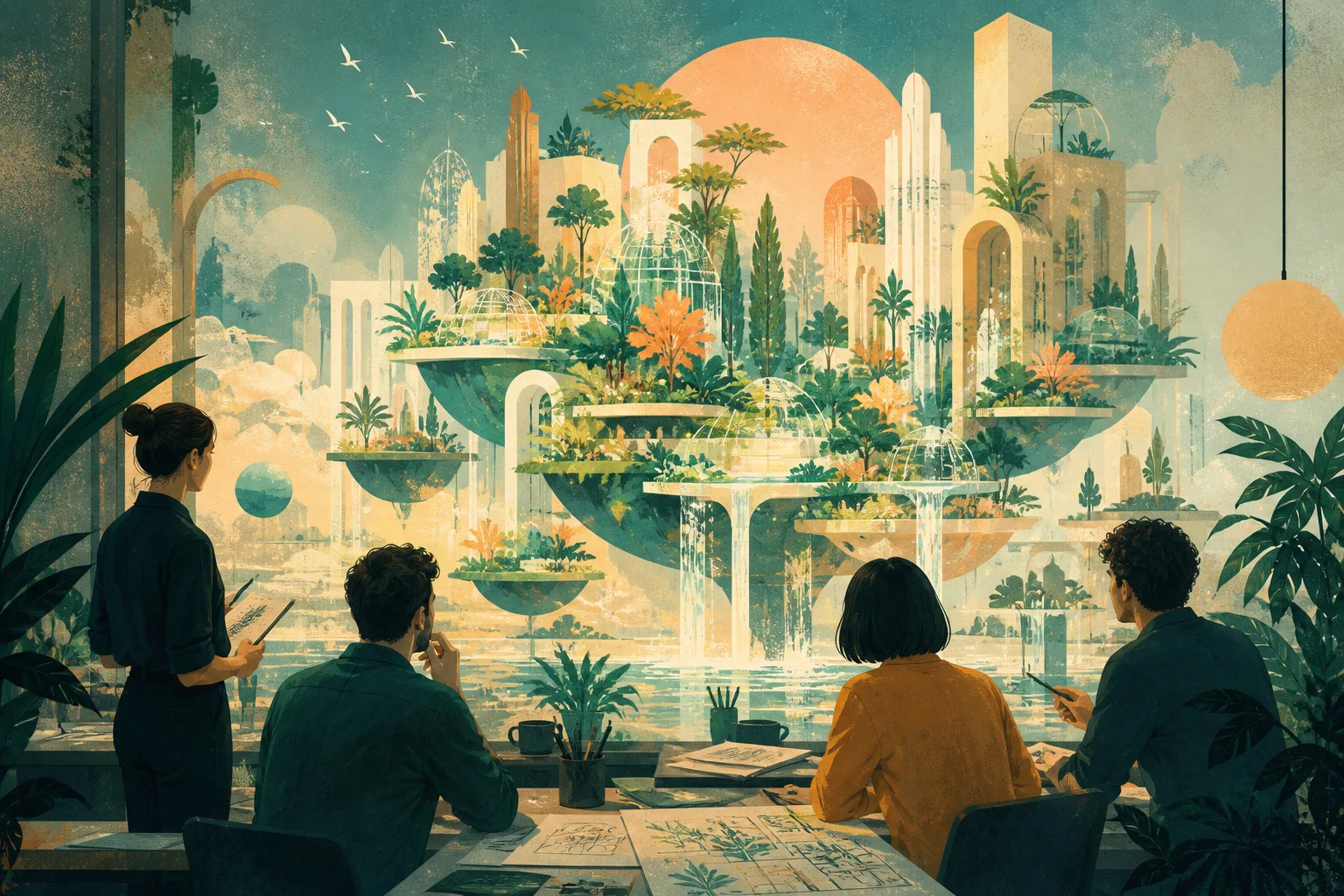
Explore campaign illustrations, composition, lighting, and color before handing a selected direction to a creative team.
A visually strong result can still miss a word, edge, proportion, or product detail.
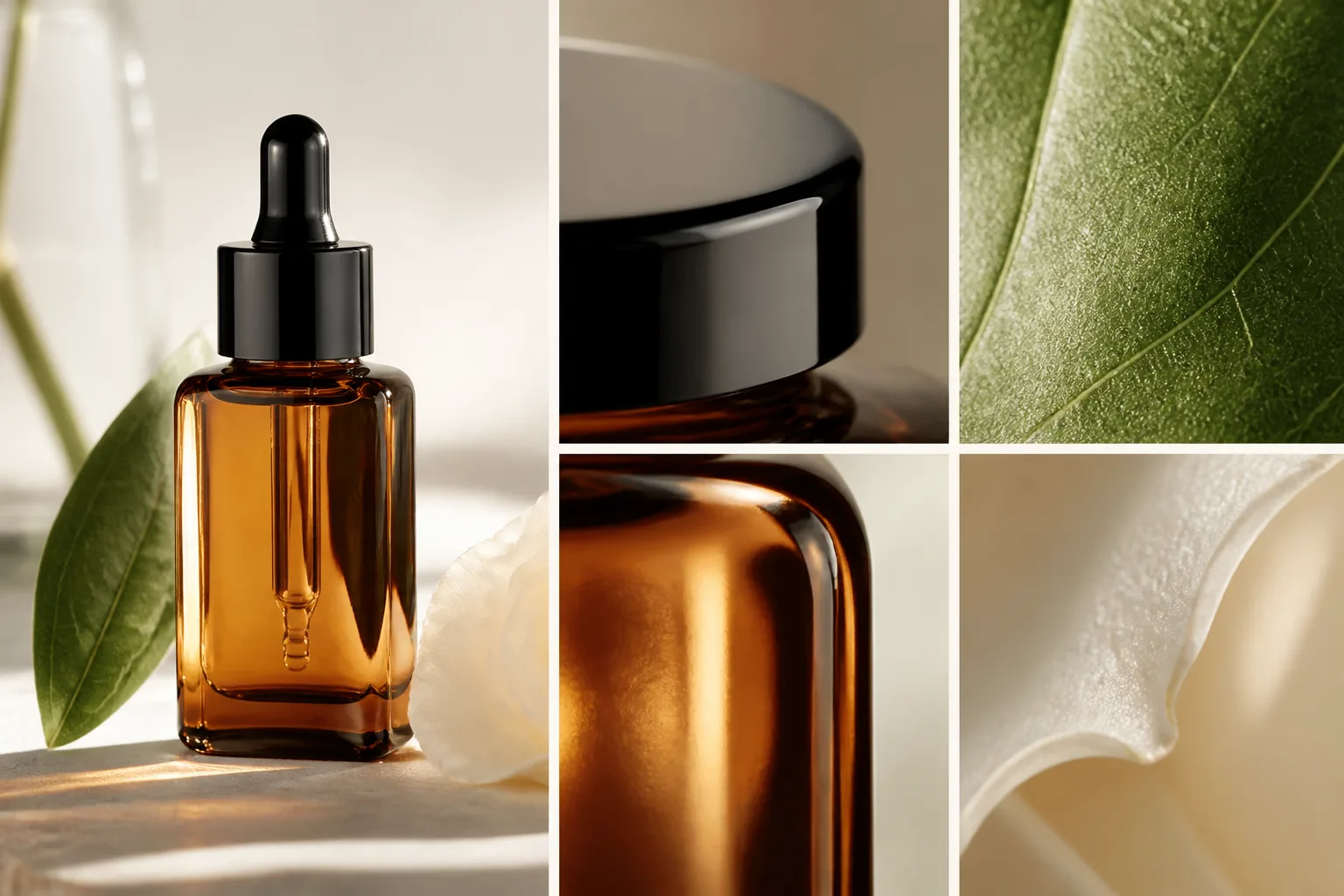
Confirm the subject, action, composition, lighting, and style match the brief rather than only looking attractive.
Zoom in on spelling, labels, hands, faces, repeated patterns, logos, and object boundaries.
Check colors, proportions, packaging, and identifying details against an approved reference before publishing.
Verify the aspect ratio, resolution, safe area, and crop against the final channel or placement.
Generation is variable, so a saved prompt does not guarantee an identical image on the next run.
Faces, hands, lettering, repeated objects, and intricate geometry may need another generation or manual correction.
The same brief can produce different composition, style, and text behavior when you switch models.
Confirm source rights, brand requirements, platform rules, and any model-specific terms before commercial or client use.
Answers about prompts, models, output settings, and result quality.
Describe the scene, choose the model and output settings, then generate a small batch you can compare and refine.