
Start with the source photo
Upload or provide a portrait photo with a clear subject, then write the dance style, energy, and setting you want.
Create with AI Dance Video Generator using a portrait photo and clear dance direction to produce a short motion clip for your project.
AI Dance Video Generator helps turn a portrait photo and dance direction into a short generated motion clip for creators, marketers, and teams.
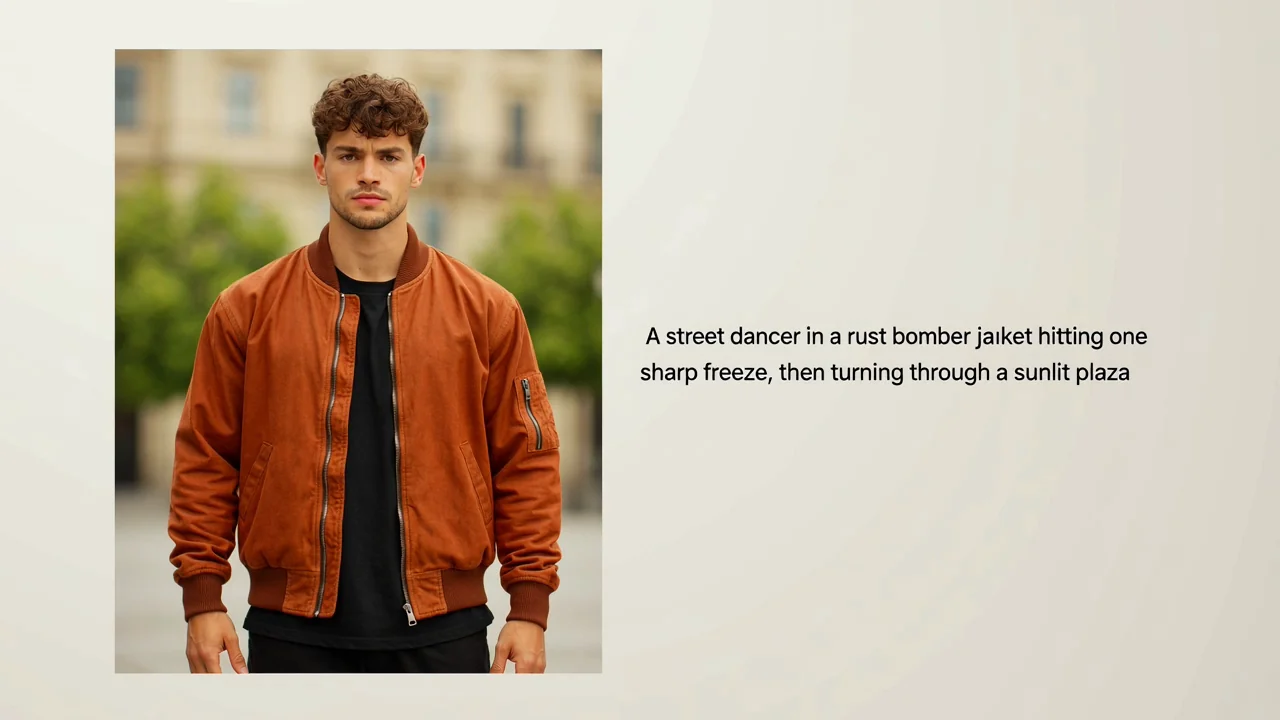
How to create a dance video from a portrait photo, movement direction, and destination requirements.
Upload or provide a portrait photo with a clear subject, then write the dance style, energy, and setting you want.
Add prompt detail for movement, mood, camera angle, outfit cues, background, and visual direction.
Choose the destination format so the generated clip is easier to assess for its intended placement.
Turn a still image into a directed video concept with practical controls for style, subject focus, setting, and final format.
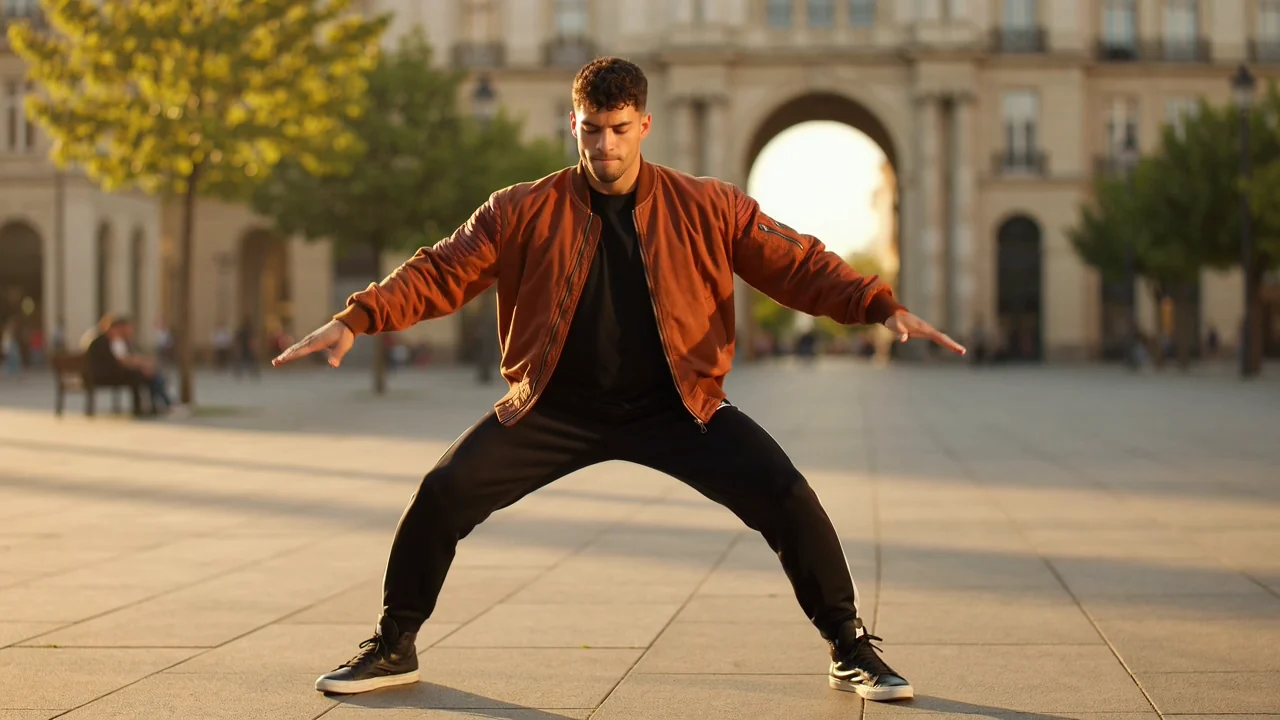
Describe the move, rhythm, mood, outfit cues, background, and camera feel so the video follows a specific creative brief.
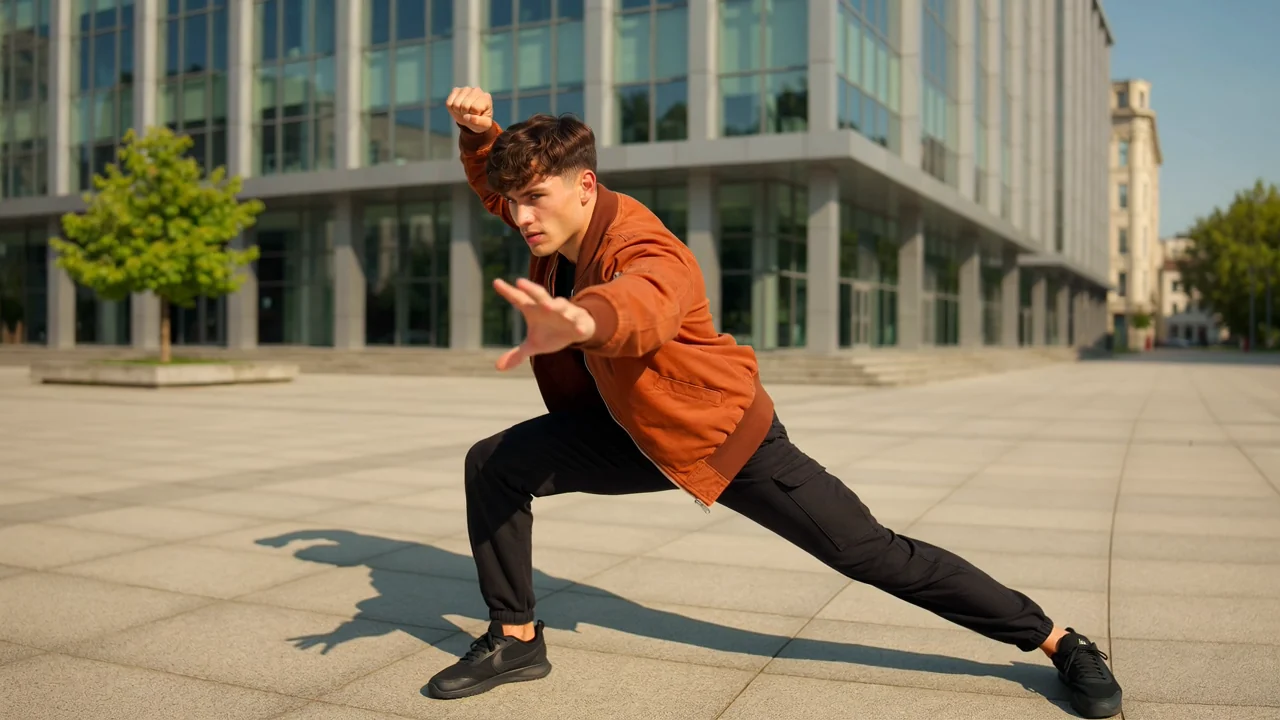
Use photo to dance video inputs when you want the subject and starting look to anchor the generated clip.
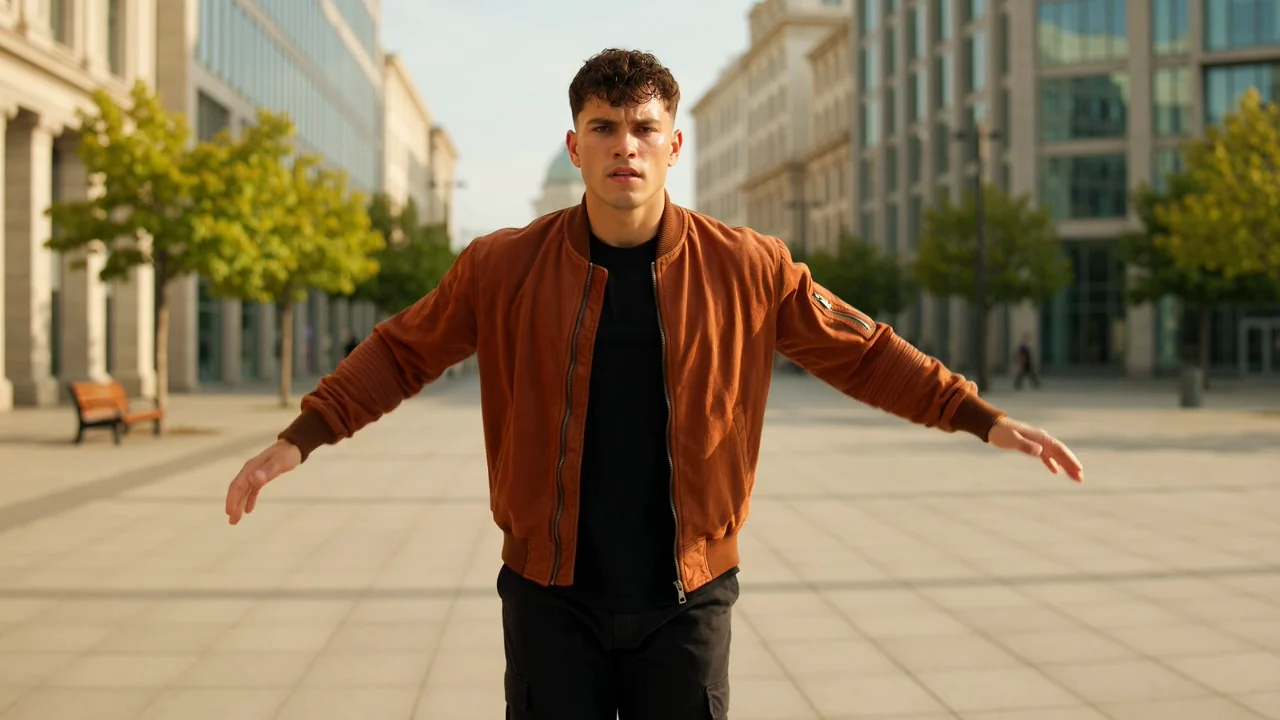
Specify whether the result should feel energetic, polished, playful, dramatic, or simple for a clearer production direction.
Create a result for social posts, campaign drafts, moodboards, and short-form visual tests built around one portrait subject.
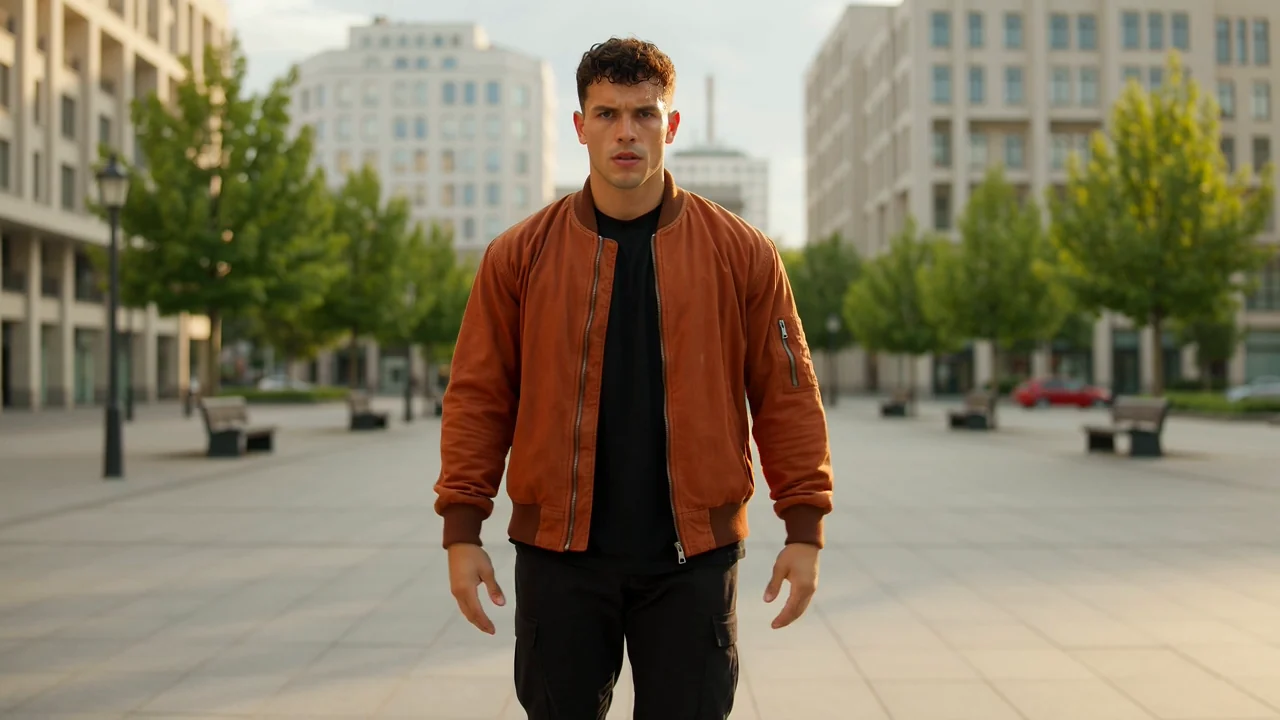
Use a portrait as the visual anchor when you need a short dance concept that keeps the person central.
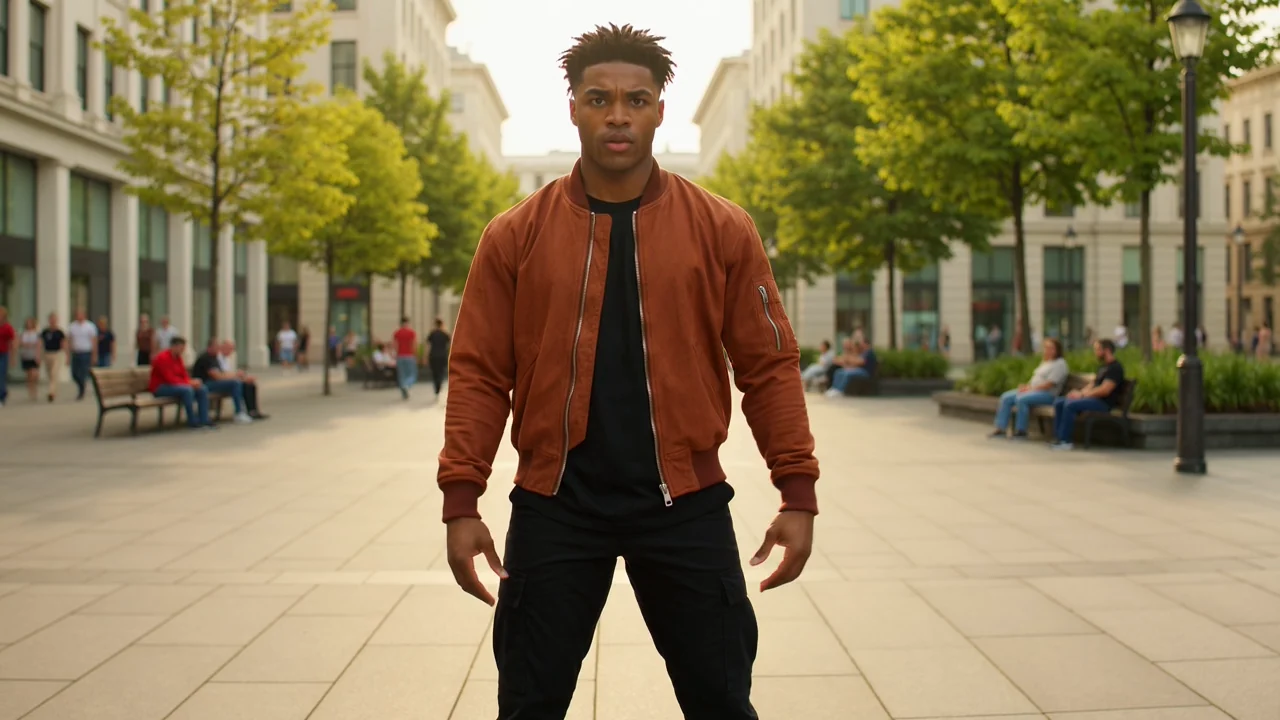
Write prompts for upbeat, elegant, street-style, playful, or dramatic movement when the result needs a defined tone.
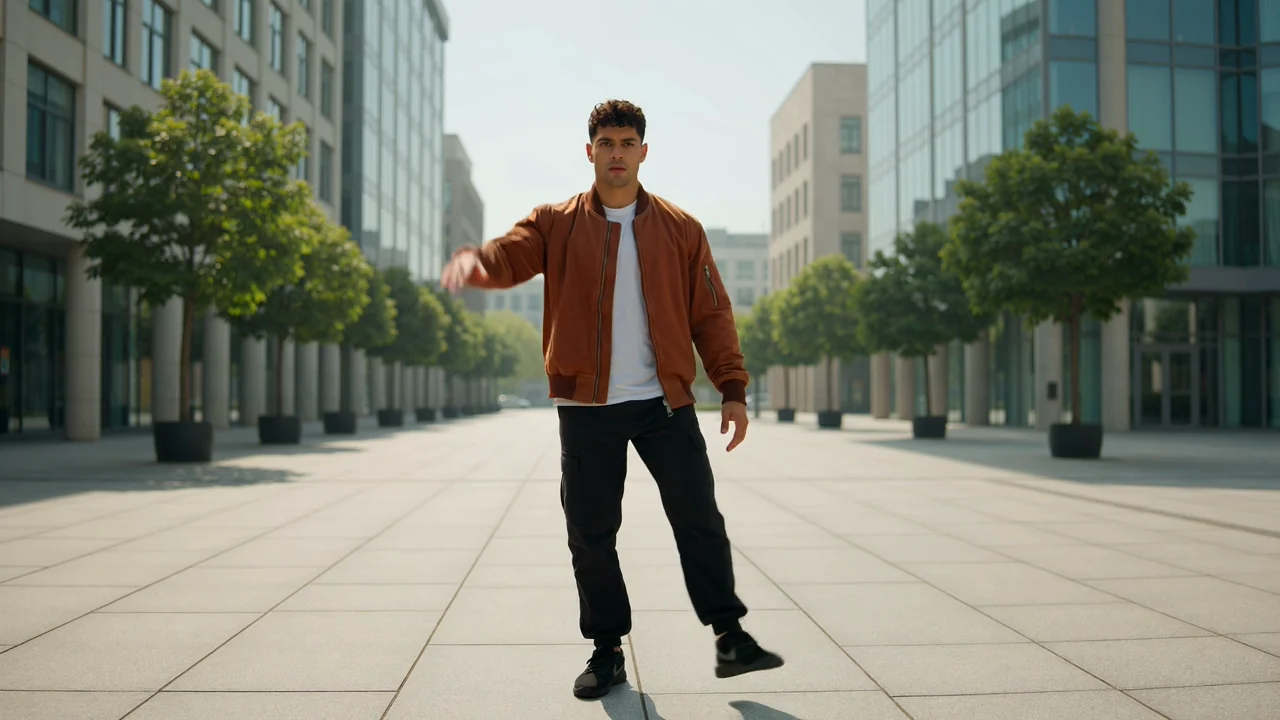
Guide framing, setting, and camera feel so an AI dance clip from image better fits the intended placement.
Review the generated clip as a production asset, not just a preview, and confirm it matches the job it needs to do.
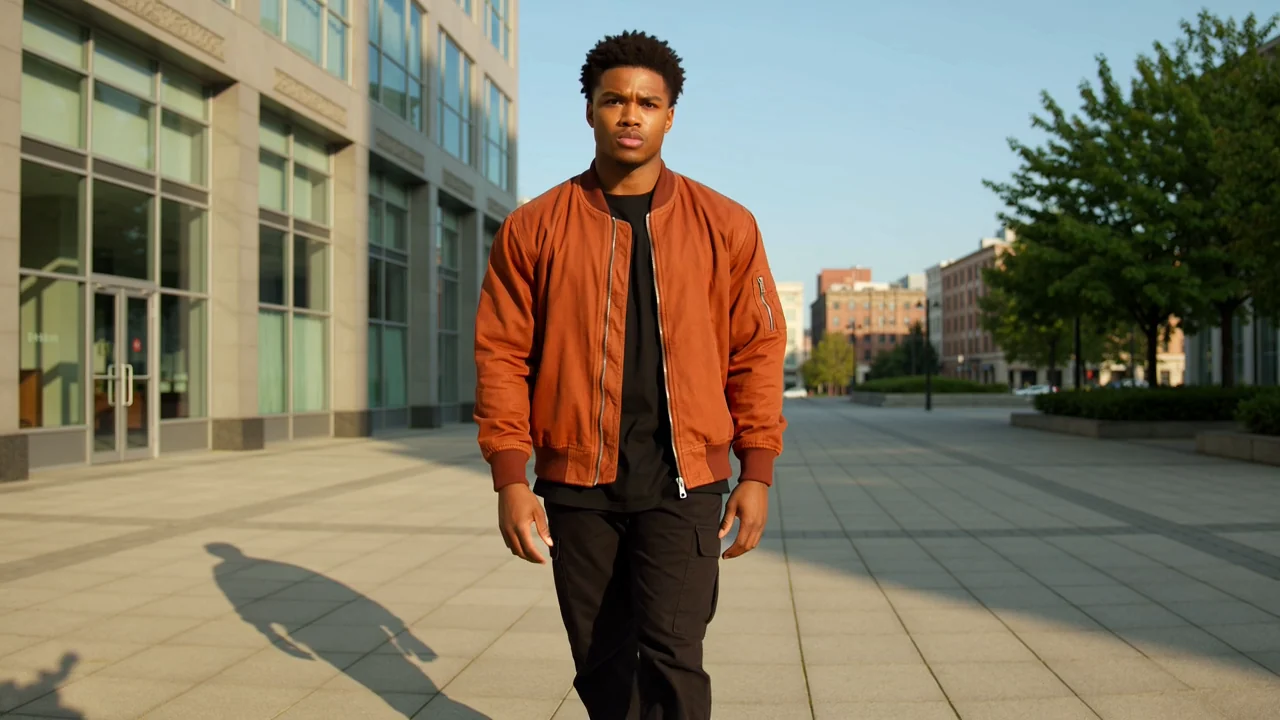
Compare the clip with the original creative brief, including dance energy, subject presence, setting, and intended audience.
Inspect details such as facial appearance, hands, clothing, props, and background continuity before deciding whether the result is ready.
Check whether the framing and destination format suit your post, ad, presentation, or editing workflow.
Generated results can vary, so plan time to inspect the clip before using it in a final layout or campaign.
Motion, expression, pose, and scene interpretation may differ from the prompt, especially when the direction is broad or complex.
Important details such as face consistency, accessories, hands, clothing edges, and background elements should be checked carefully.
Common questions about using AI Dance Video Generator for portrait-based dance clips.
Bring a portrait photo and focused dance direction, then create with AI Dance Video Generator for a short clip you can review against your project needs.