
How to prepare video input
Upload a clear photo that shows the outfit, subject, and styling details you want the catwalk clip to reference.
Create a short runway-style clip from a fashion photo and motion prompt. Set the subject, styling direction, scene, and destination format for a focused catwalk result.
AI Catwalk Generator helps transform a fashion photo and motion prompt into a short catwalk-style clip. It is built for creators who need a fast visual draft with clear control over subject, setting, and format.
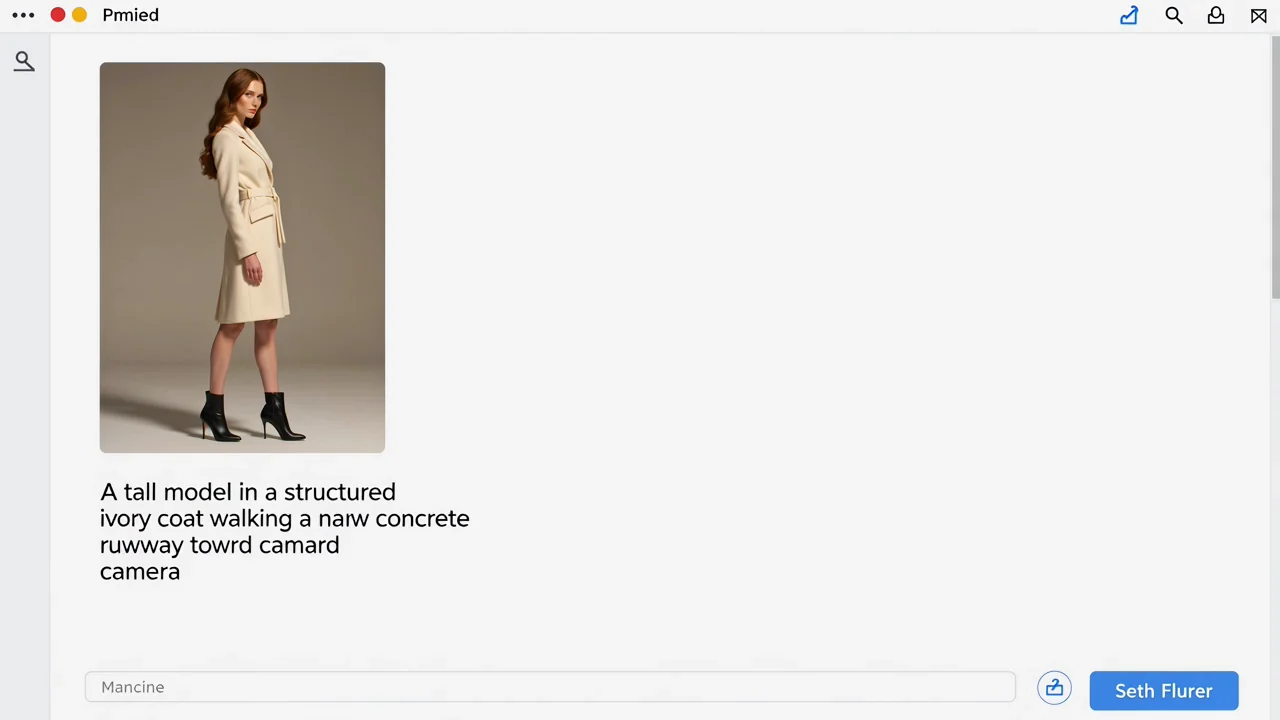
Start with a fashion photo, then guide the catwalk motion with a prompt that explains the model movement, runway setting, and visual tone.
Upload a clear photo that shows the outfit, subject, and styling details you want the catwalk clip to reference.
Write a prompt for the walk, pose changes, camera movement, runway mood, lighting, and any important garment behavior.
Select the destination format so the AI runway video from photo is prepared for your intended draft, presentation, or social layout.
Control the creative direction for an AI runway video from photo by describing the model, garment behavior, camera feel, setting, and final format.
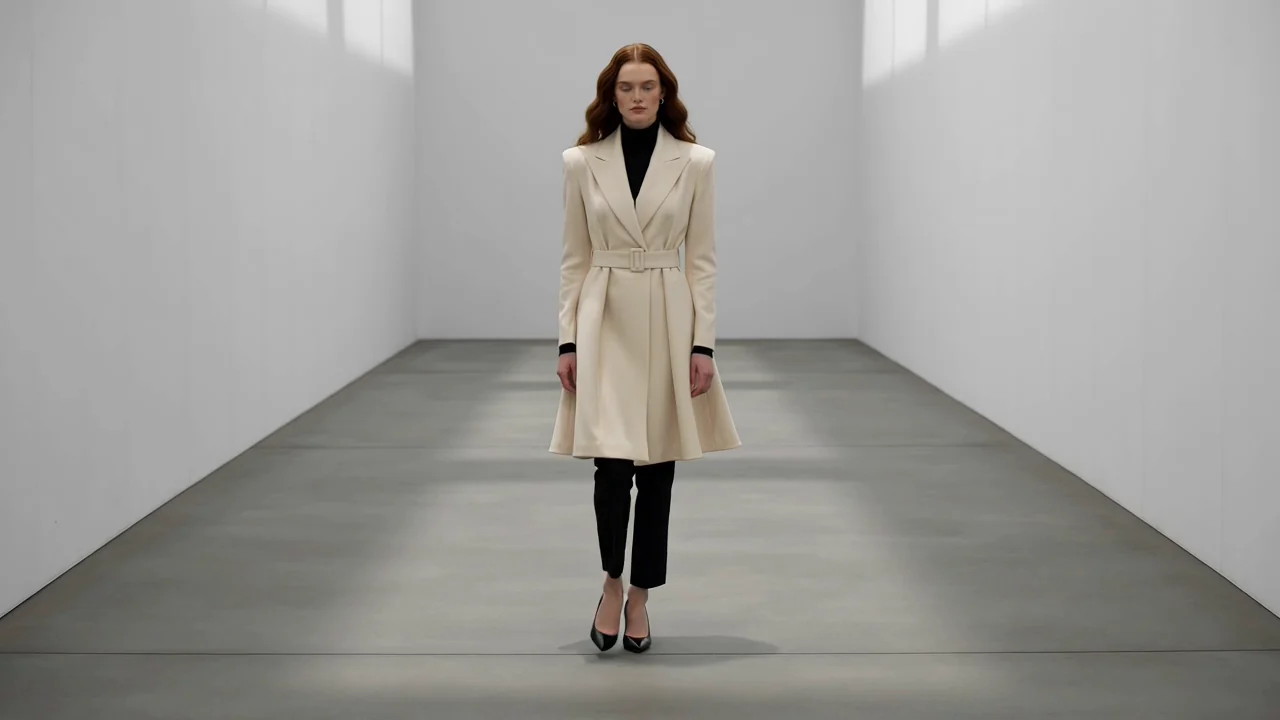
Add notes for pose, pace, garment movement, runway attitude, and atmosphere so the video direction matches your fashion idea.
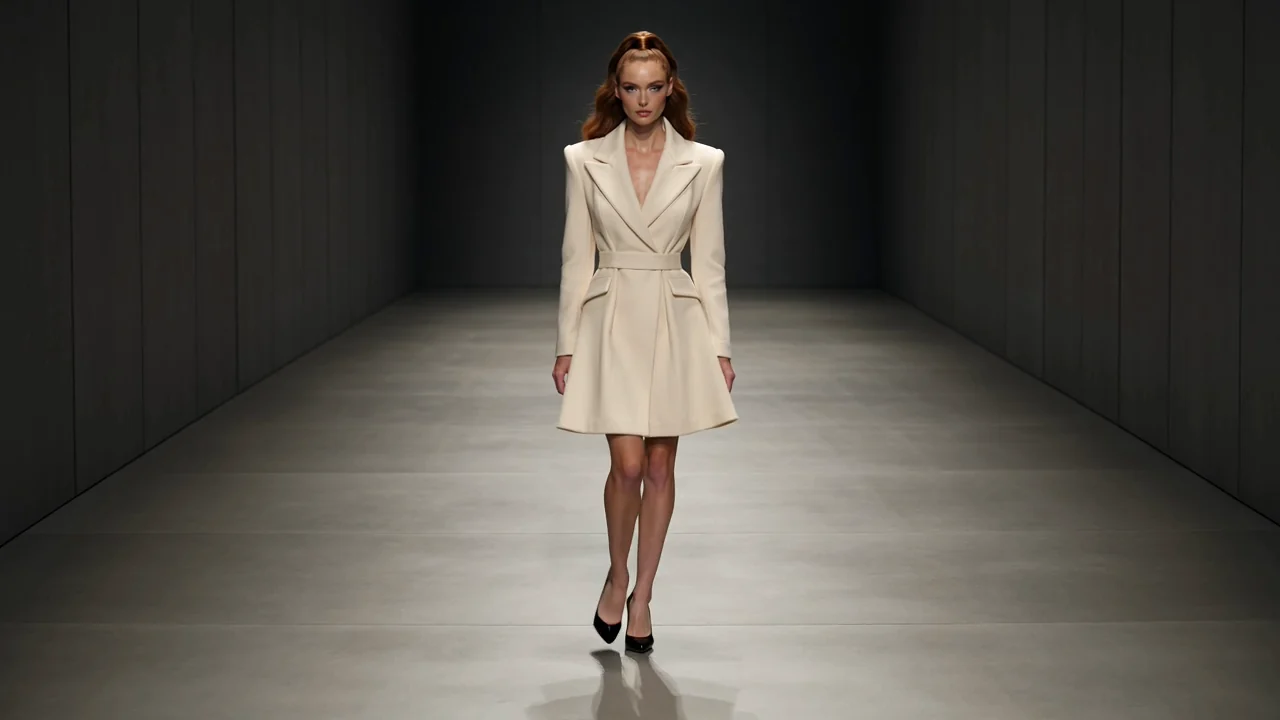
Describe the subject, outfit, background, lighting, and runway setting to keep the catwalk concept aligned with the source image.
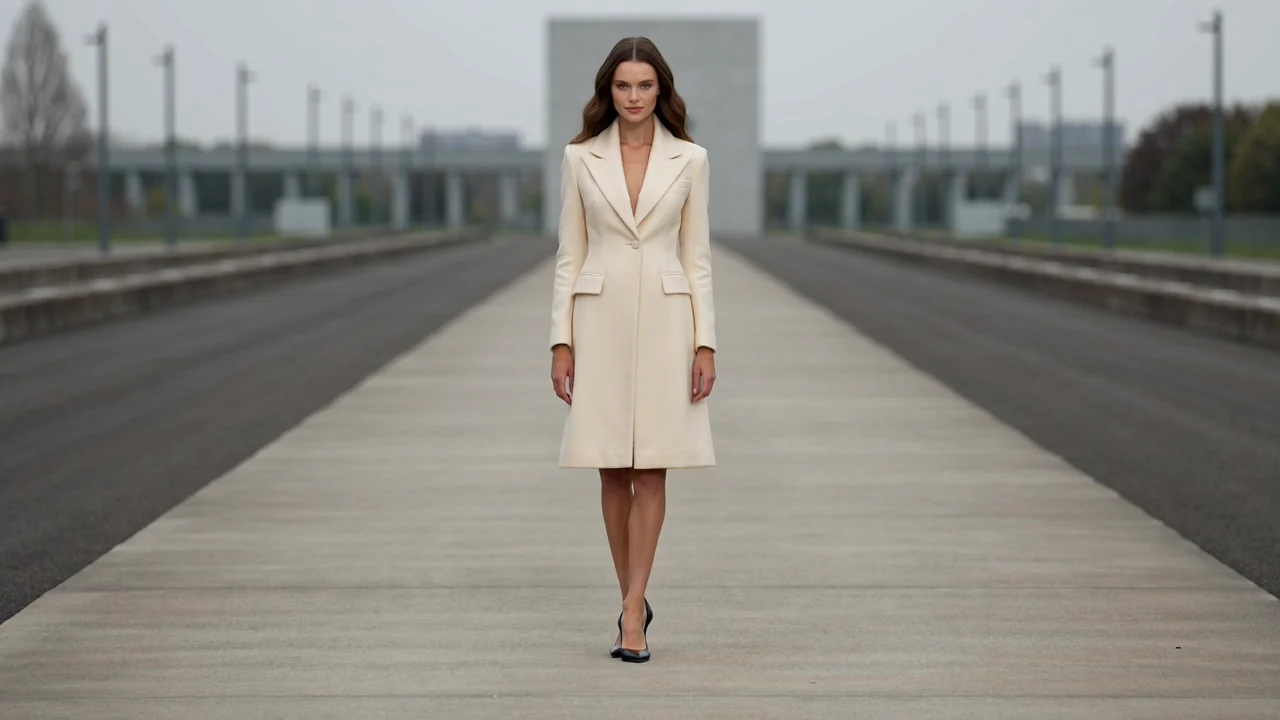
Choose the destination format you need so the short clip is easier to place into a pitch, social draft, or internal concept board.
Create runway-style assets for early fashion planning, concept testing, and visual communication when you need a quick result from a source image.
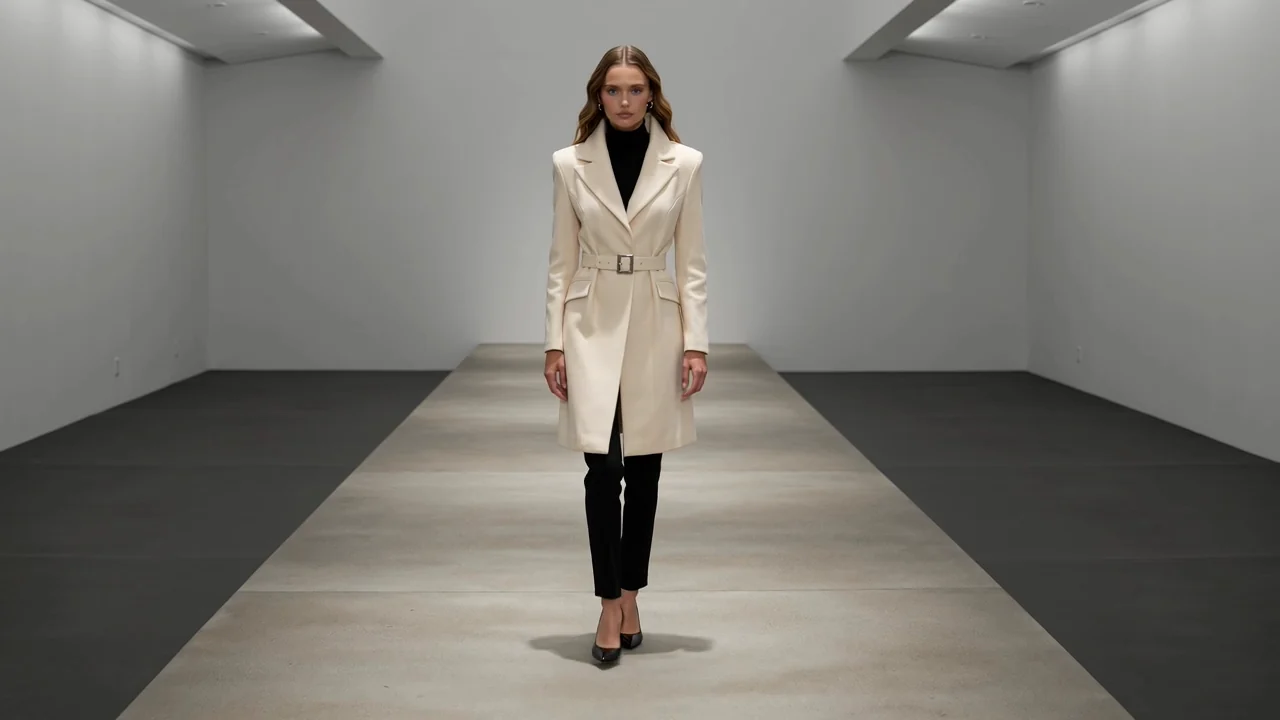
Turn a lookbook or campaign reference into a motion concept that helps show how a garment could appear on a runway.
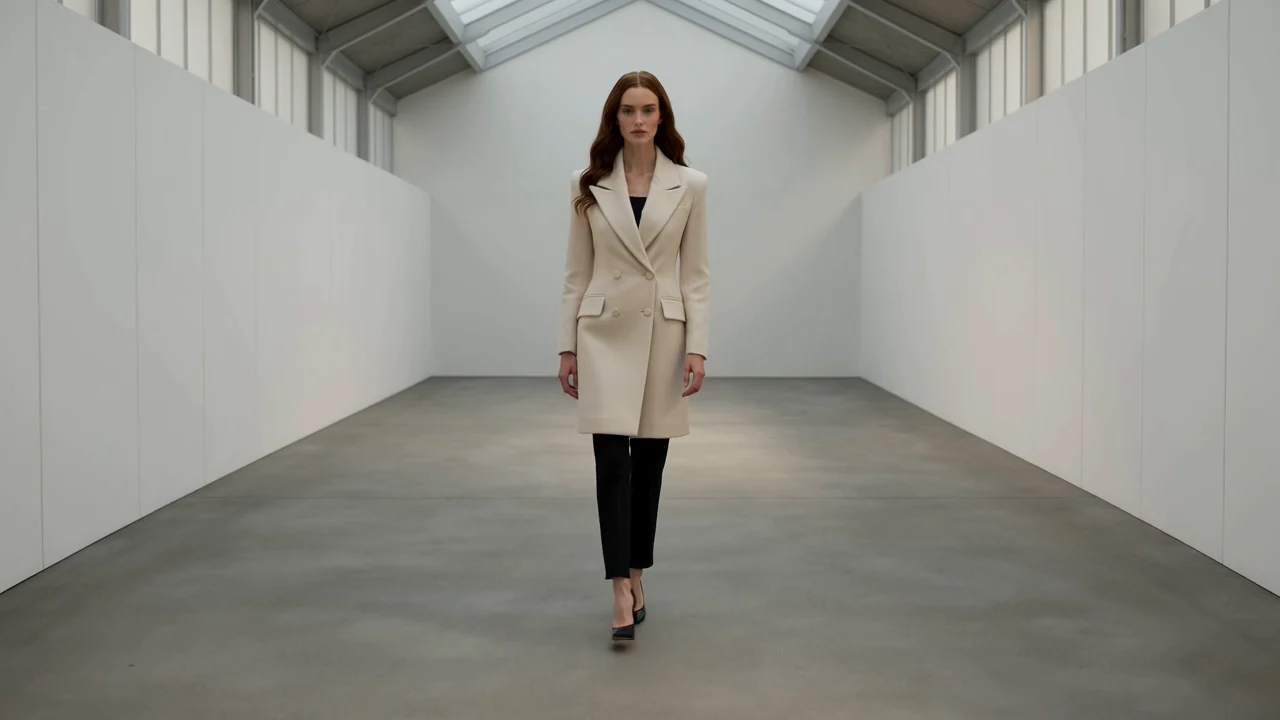
Build a short moving example to support notes about camera angle, walking pace, lighting, and runway atmosphere.
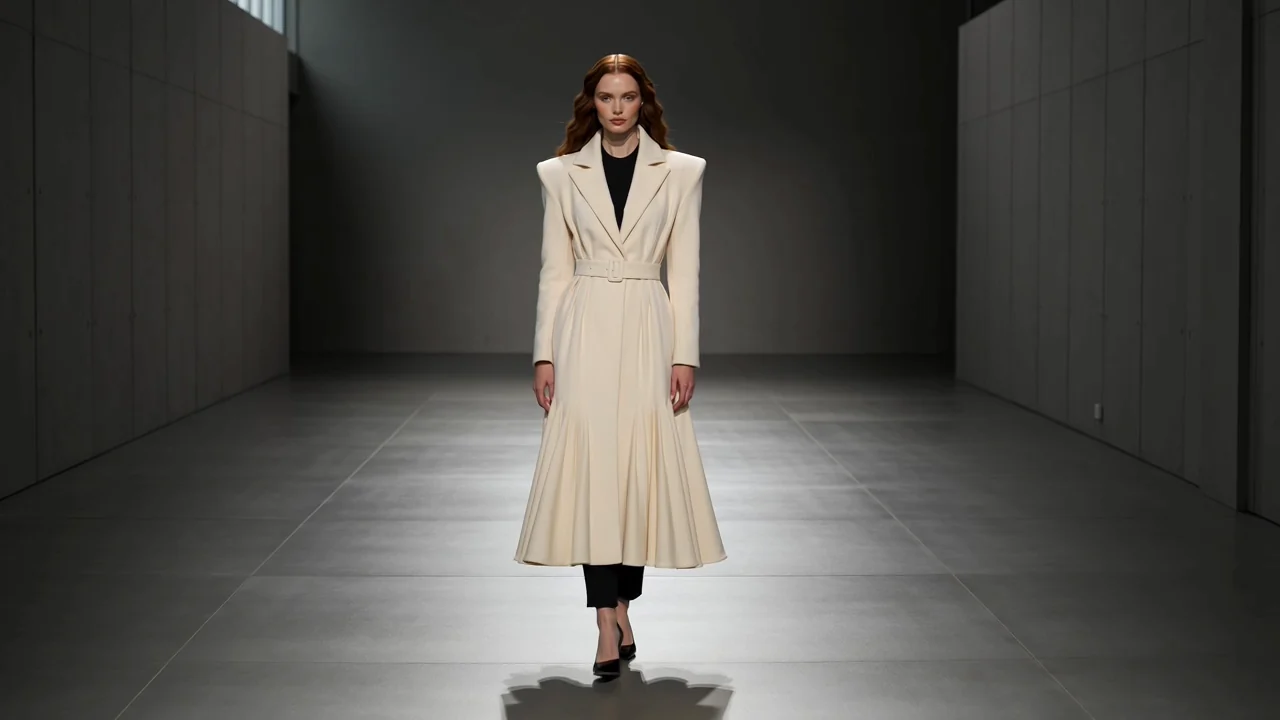
Use the fashion photo to catwalk workflow to explore how fabric movement, silhouette, and styling might feel in motion.
Review the clip before using it in a project. Look for brief fit, important details, and whether the destination crop supports the intended presentation.
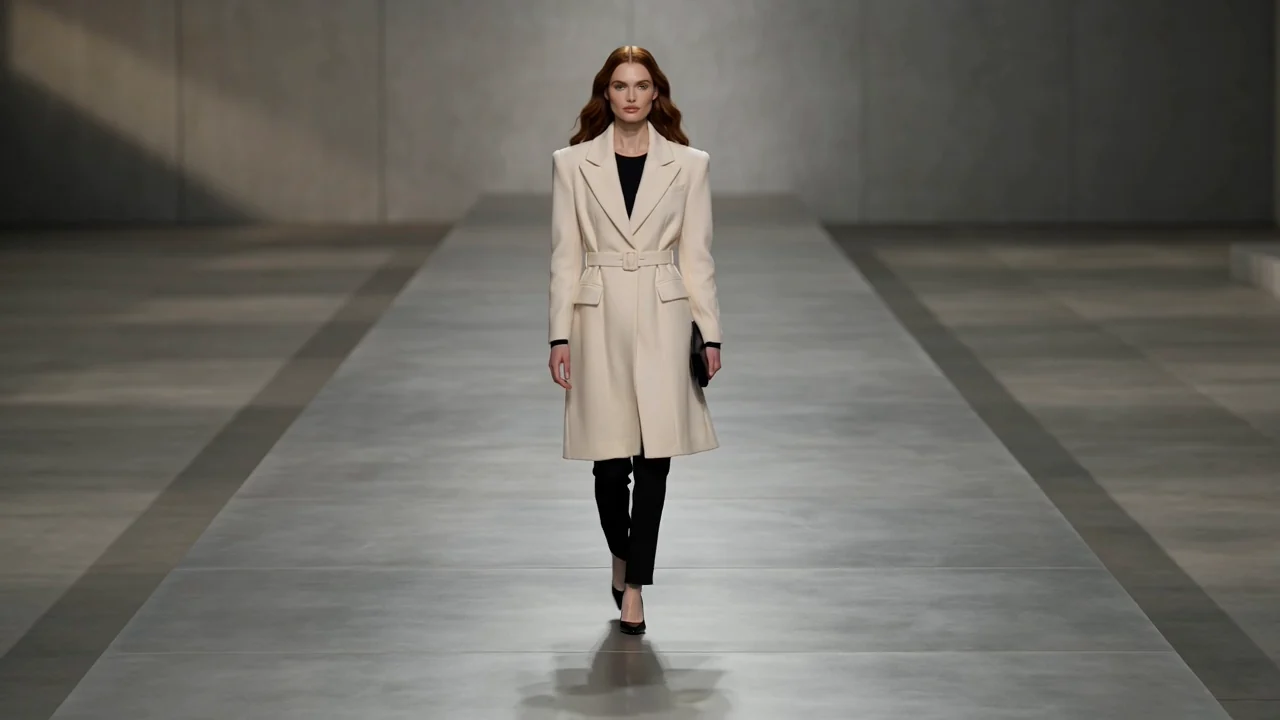
Compare the clip with the original brief, including runway mood, model direction, garment focus, and intended audience.
Check styling, fabric motion, accessories, proportions, and other details that could affect how the concept is understood.
Confirm that the crop, aspect ratio, and destination format fit where the clip will be shown or shared.
AI results can vary, so treat each clip as a creative draft that may need checking before it fits your final brief.
Motion, fabric behavior, pose, and runway framing may differ between attempts, even when the same photo and prompt are used.
Logos, trims, hands, accessories, and garment edges may need close inspection when they are important to the concept.
Common questions about AI Catwalk Generator, required inputs, and how the fashion photo to catwalk process works.
Upload a fashion photo, write a focused motion prompt, and create with AI Catwalk Generator for a short runway-style clip.