
Start with your source
Upload a product photo or write a prompt that identifies the item, audience, and the kind of UGC moment you want to create.
Create with AI UGC Video Generator from a product photo or prompt. Shape a short user-style clip with clear visual direction, subject and setting details, and a destination format for your next draft.
AI UGC Video Generator helps turn a product photo or prompt into a short UGC-style video concept. It is built for creators, marketers, and teams who need a focused draft before choosing what to refine, adapt, or recreate.
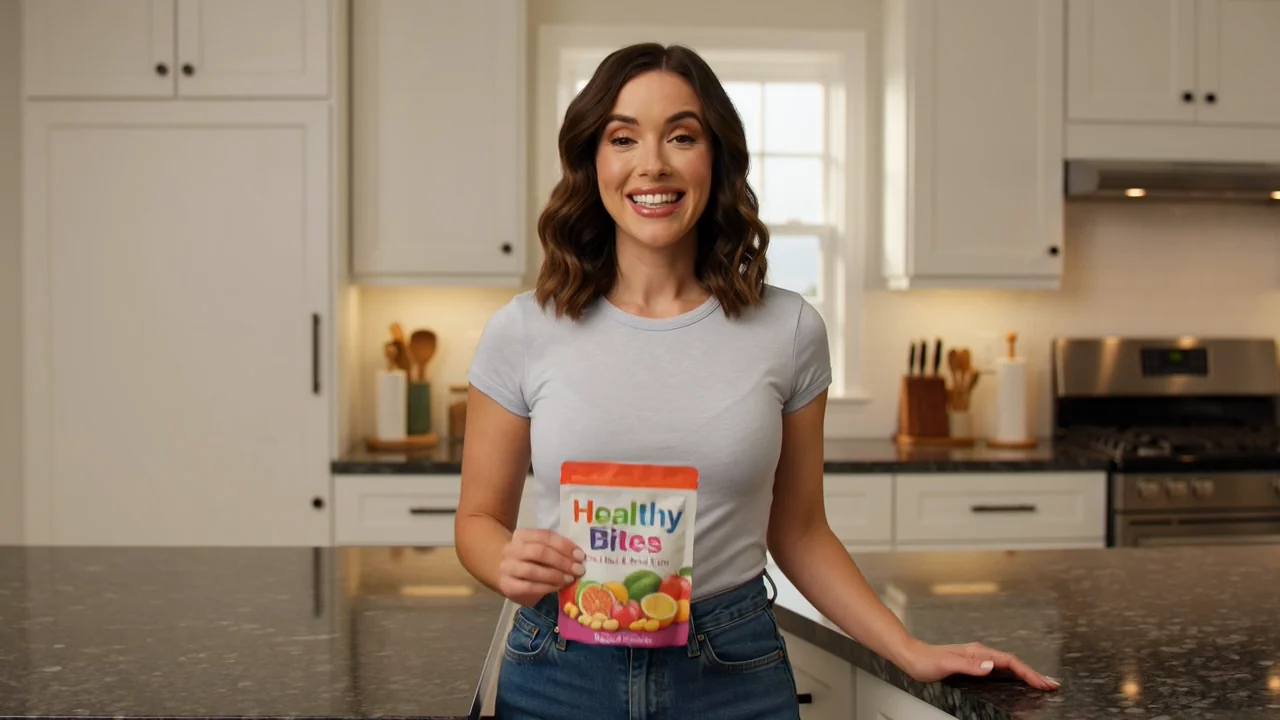
Follow a simple path from source material to draft so each choice supports one clear product message.
Upload a product photo or write a prompt that identifies the item, audience, and the kind of UGC moment you want to create.
Add prompt detail for the subject, setting, visual direction, and what should happen in the short clip.
Choose the destination format, create a draft, then inspect whether the output matches your brief.
Use focused controls to shape an AI user-style product clip without turning the brief into a complex production plan.
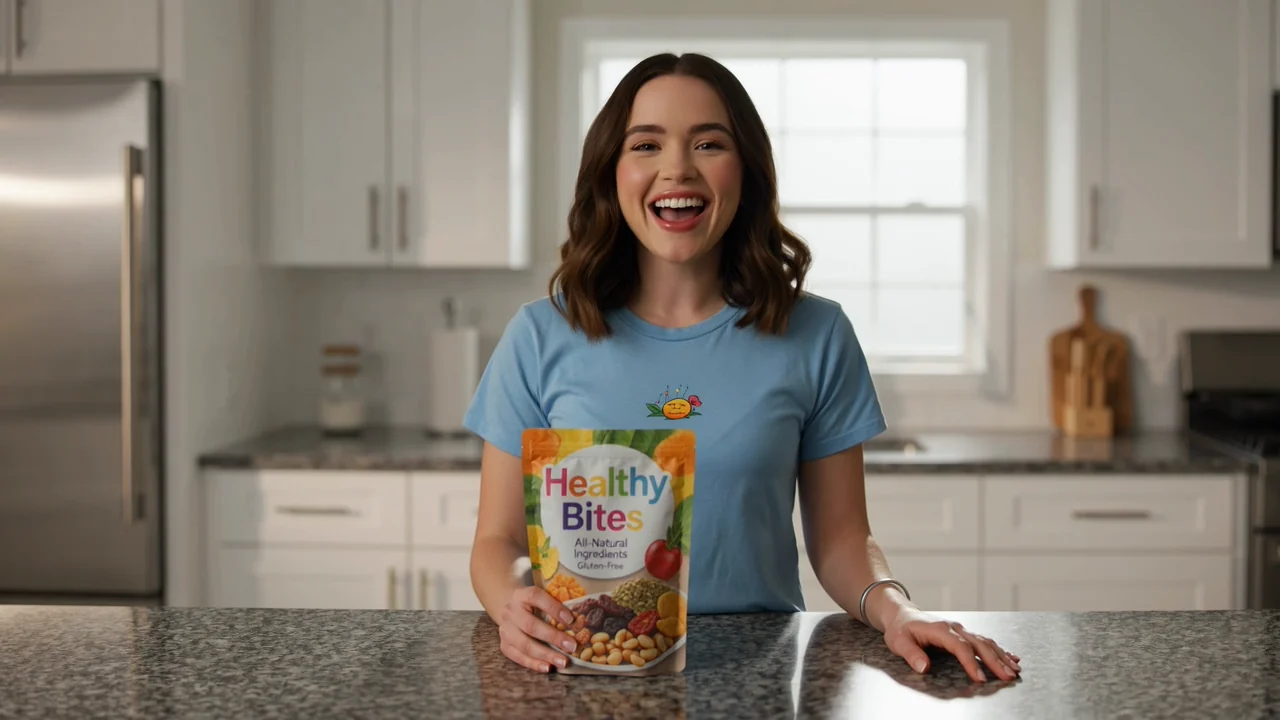
Add product benefits, scene notes, tone, and must-show details so the draft follows the creative angle you have in mind.
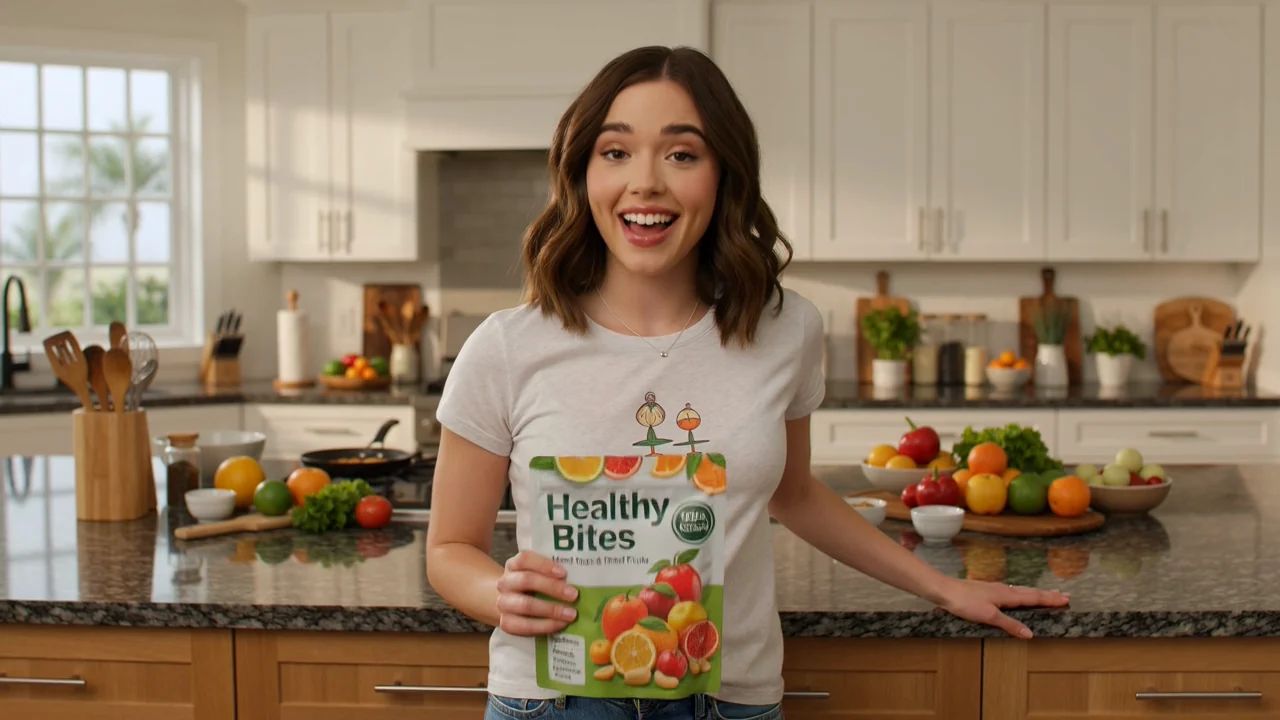
Set the overall look, from casual creator-style framing to cleaner promotional direction, while keeping the clip focused on one message.
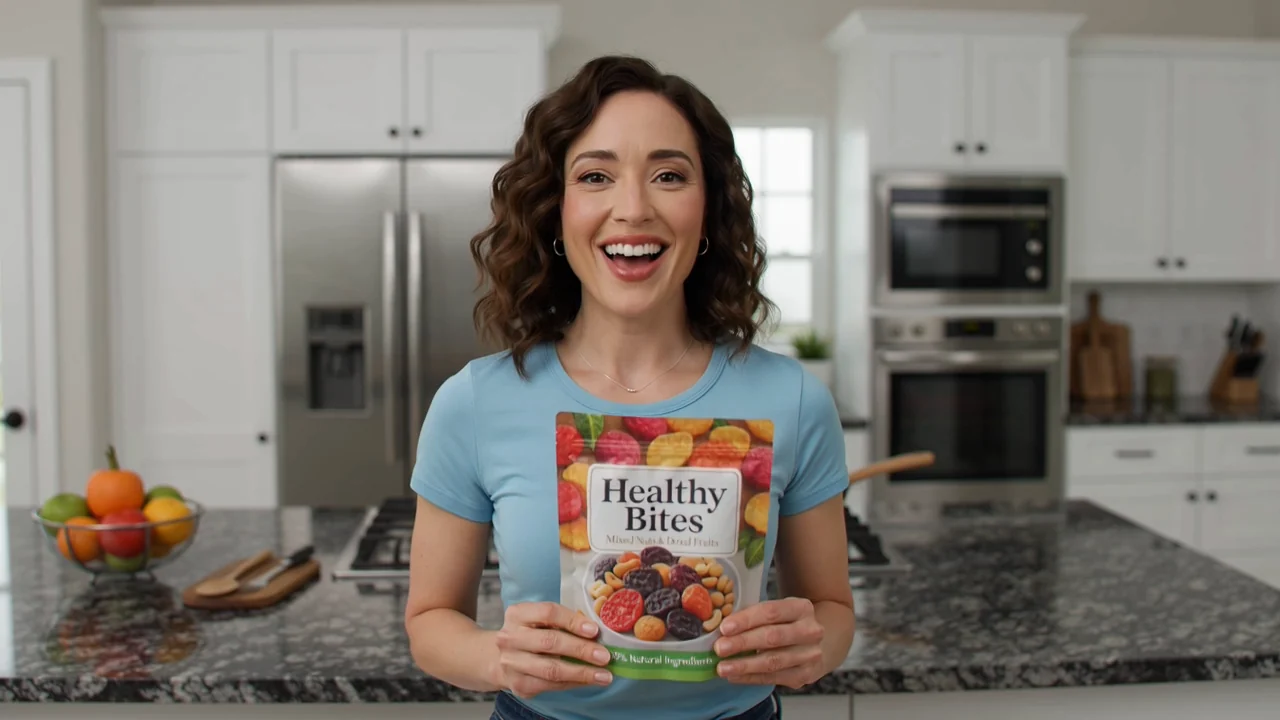
Describe who appears, where the product is shown, and how the setting should support the intended UGC-style moment.
Create quick product-led drafts when you need a result that makes an idea easier to compare, discuss, or refine.
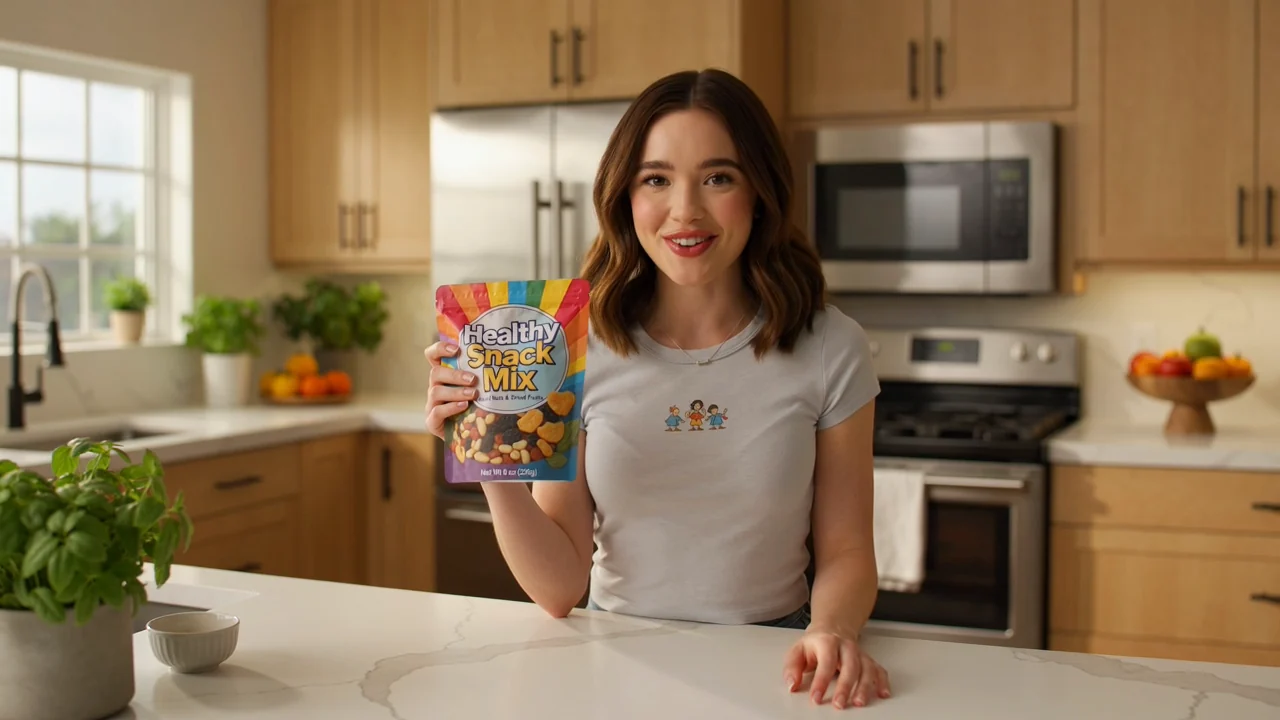
Turn an initial photo or product prompt into a draft that helps frame the creative direction.
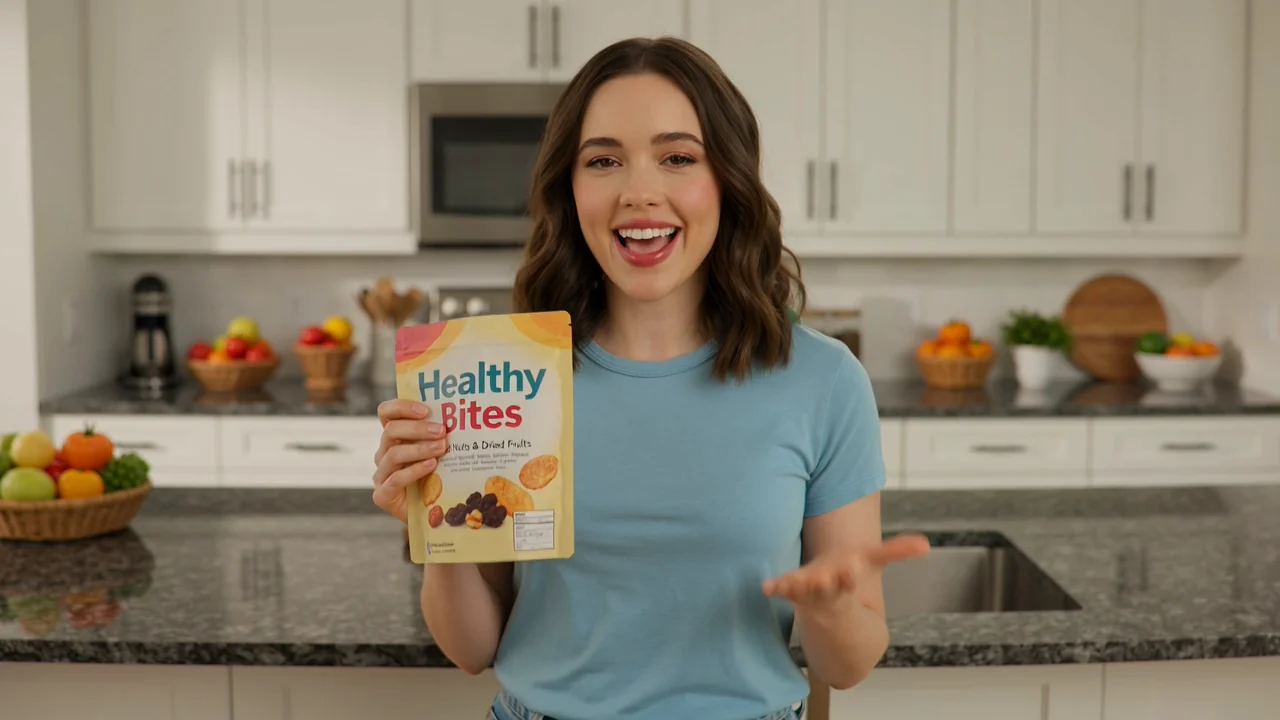
Use a UGC product video maker workflow to test one focused angle, such as a benefit, setting, or audience scenario.
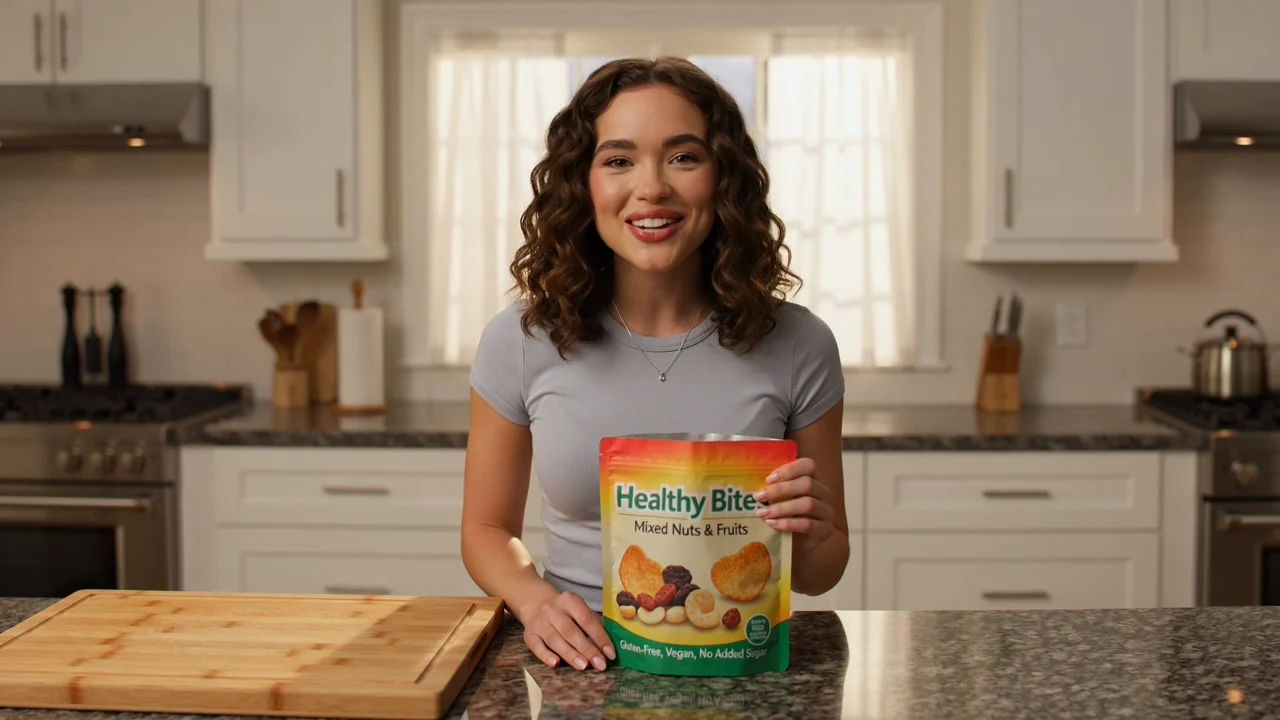
Produce an AI user-style product clip that can guide feedback before you commit to a broader shoot or edit.
Before moving forward, review the draft against the practical checks that matter most for product creative.
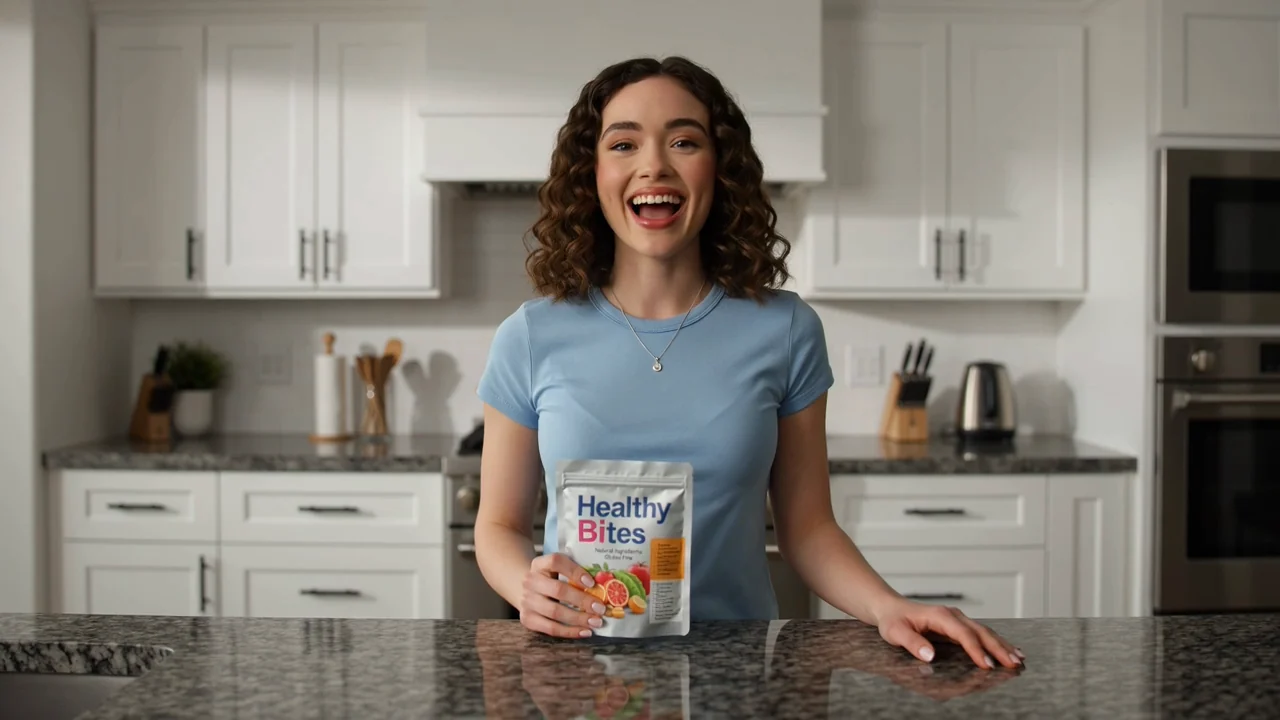
Compare the draft with your original brief, intended audience, and single product message.
Inspect product appearance, visible claims, packaging cues, and any details that must stay consistent.
Confirm the crop, framing, and destination format match where the clip will be used.
Generated results can vary, so plan to inspect the draft before using it in a campaign, presentation, or production workflow.
Small changes in the prompt, photo, subject, or setting can lead to different results across drafts.
Logos, packaging text, product shape, and other important details should be checked before you rely on the clip.
Answers to common questions about using AI UGC Video Generator for product-led creative drafts.
Bring a product photo or prompt, describe the UGC-style moment you want, and create with AI UGC Video Generator.