
Importez une vidéo
Choisissez un clip MP4, WebM ou MOV jusqu’à 100 MB contenant le sujet, les mouvements et le cadrage que vous souhaitez utiliser comme point de départ.
Utilisez Video to Video AI en ligne pour importer un clip source, décrire la modification visuelle souhaitée, puis générer une variation en 1080p et examiner les mouvements, les sujets et la scène.
Téléchargez votre vidéo source
Commencez par un clip contenant le mouvement, le sujet ou la composition que vous souhaitez réutiliser.
Video to Video AI crée une nouvelle variation vidéo à partir d’un clip importé et d’un prompt de transformation écrit. Commencez avec des séquences dont les mouvements et le cadrage sont utiles, puis précisez la direction visuelle à explorer dans la version suivante.
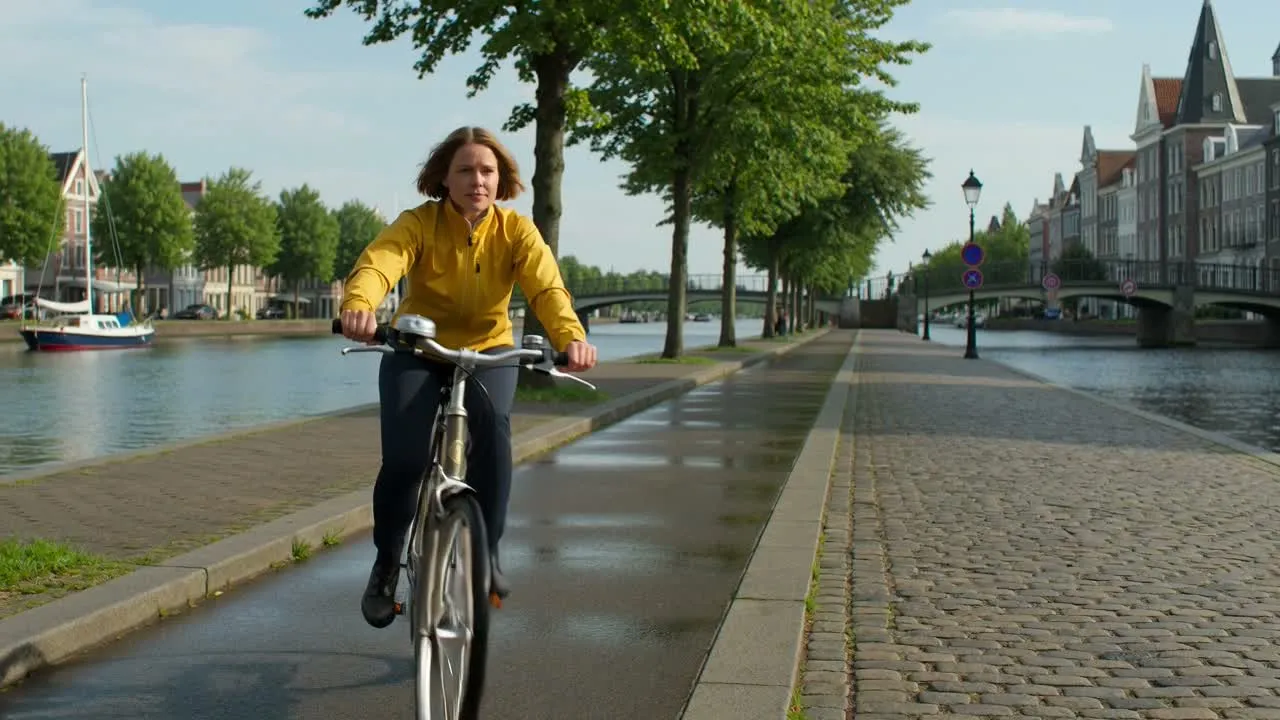
Utilisez un clip source court et clair, puis définissez la modification visuelle au lieu de répéter les détails déjà présents dans les séquences.
Choisissez un clip MP4, WebM ou MOV jusqu’à 100 MB contenant le sujet, les mouvements et le cadrage que vous souhaitez utiliser comme point de départ.
Indiquez le traitement de scène, le style, l’éclairage, l’ambiance, les objets, la sensation de caméra ou toute autre modification visuelle souhaitée pour la variation vidéo.
Envoyez la vidéo importée et le prompt pour créer un nouveau résultat en 1080p, au lieu de partir d’un brief vidéo vide.
Examinez la vidéo générée pour vérifier la continuité du sujet, les mouvements, les changements de scène et le placement final avant de modifier le prompt pour une nouvelle passe.
L’outil associe un clip importé à un prompt de transformation afin de donner une direction créative précise à la prochaine variation vidéo.
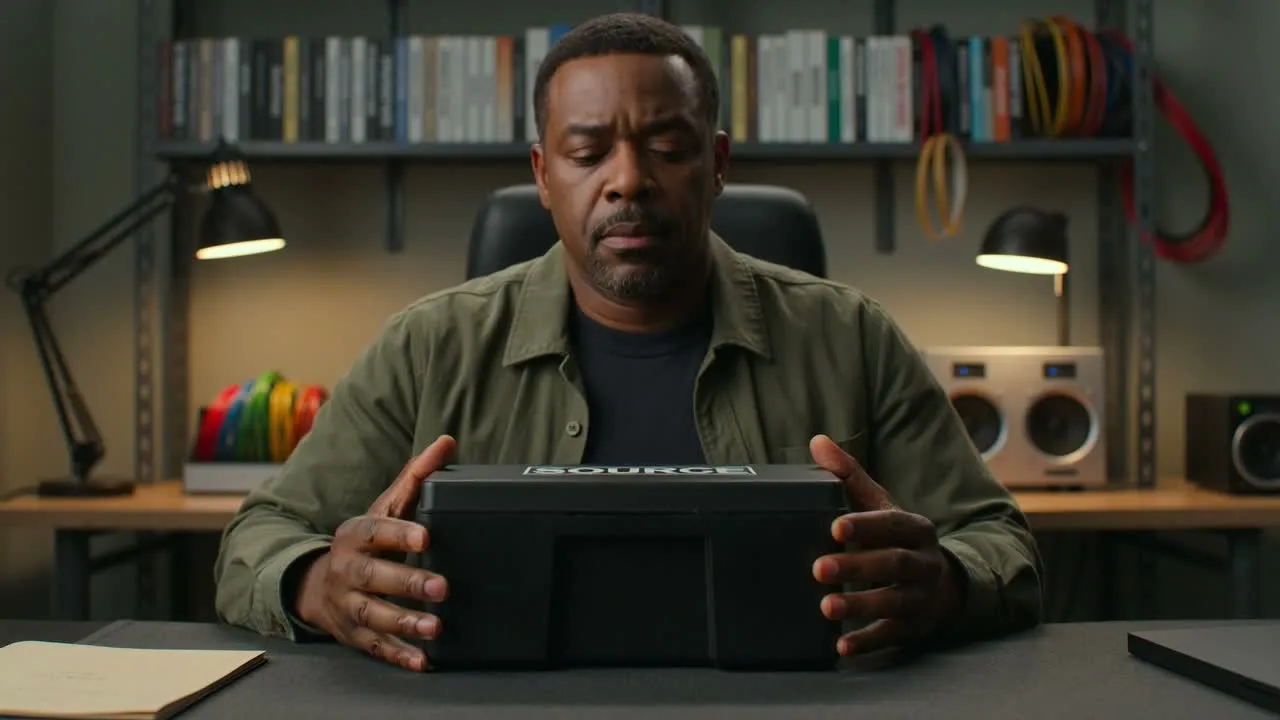
Utilisez des séquences existantes comme point de départ visuel lorsque leurs mouvements, leur sujet, leur composition ou leur interprétation sont pertinents pour la nouvelle version vidéo.
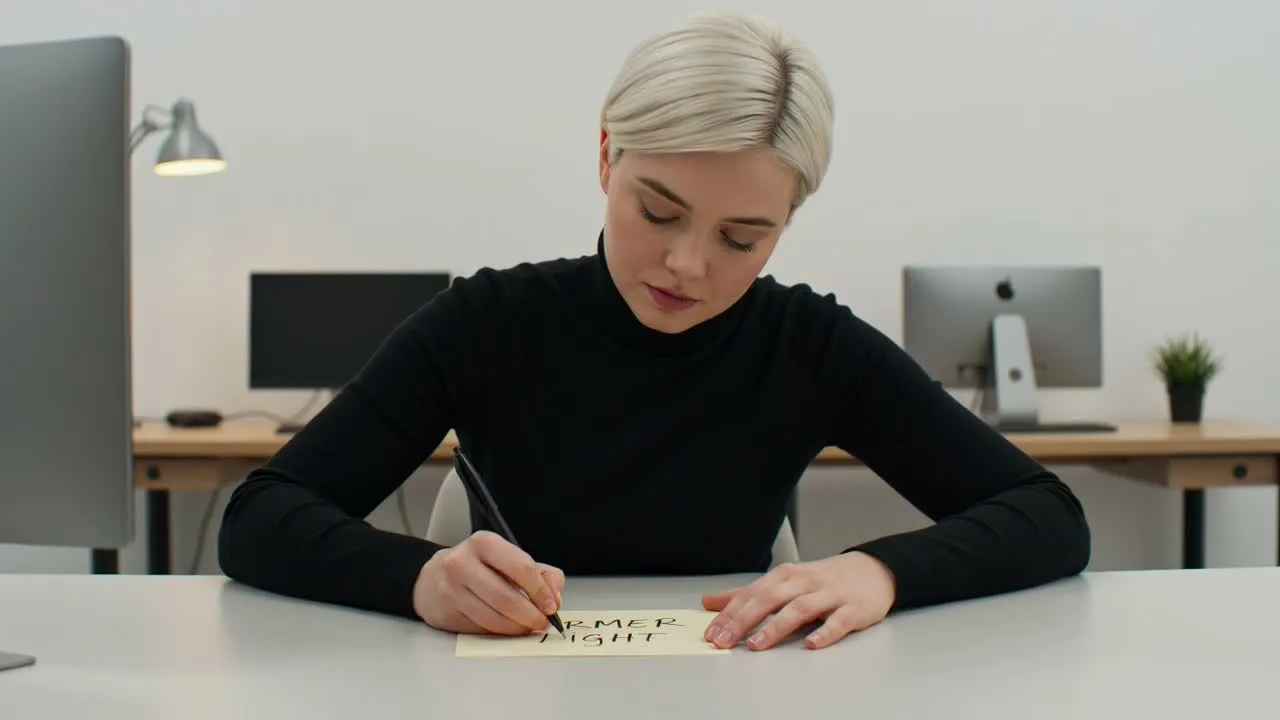
Décrivez la modification visuelle souhaitée, comme un nouveau traitement de scène, une direction d’éclairage, une ambiance, une modification d’objet ou un style général.
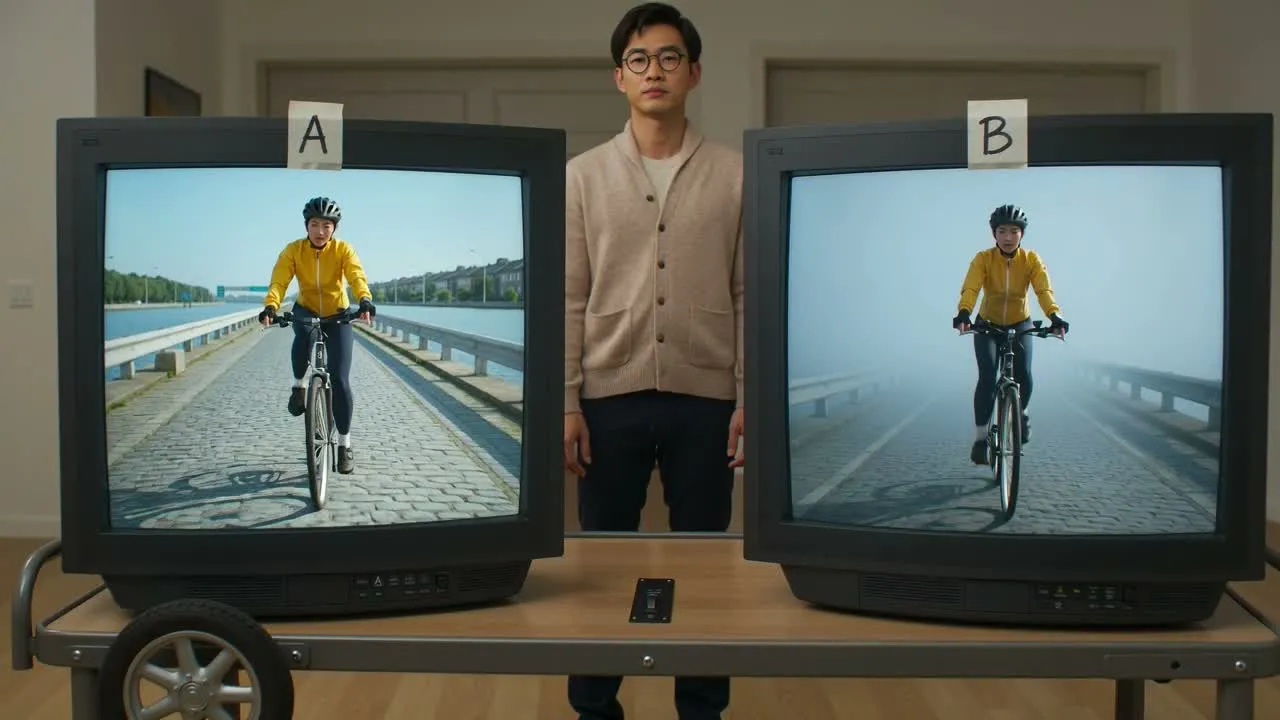
Le flux de transformation actuel génère un résultat vidéo en 1080p que vous pouvez lire et comparer au clip source avant de l’utiliser.
Commencez avec des séquences qui contiennent déjà des mouvements ou un cadrage utiles, puis créez une autre direction visuelle pour une tâche précise de publication ou de révision.
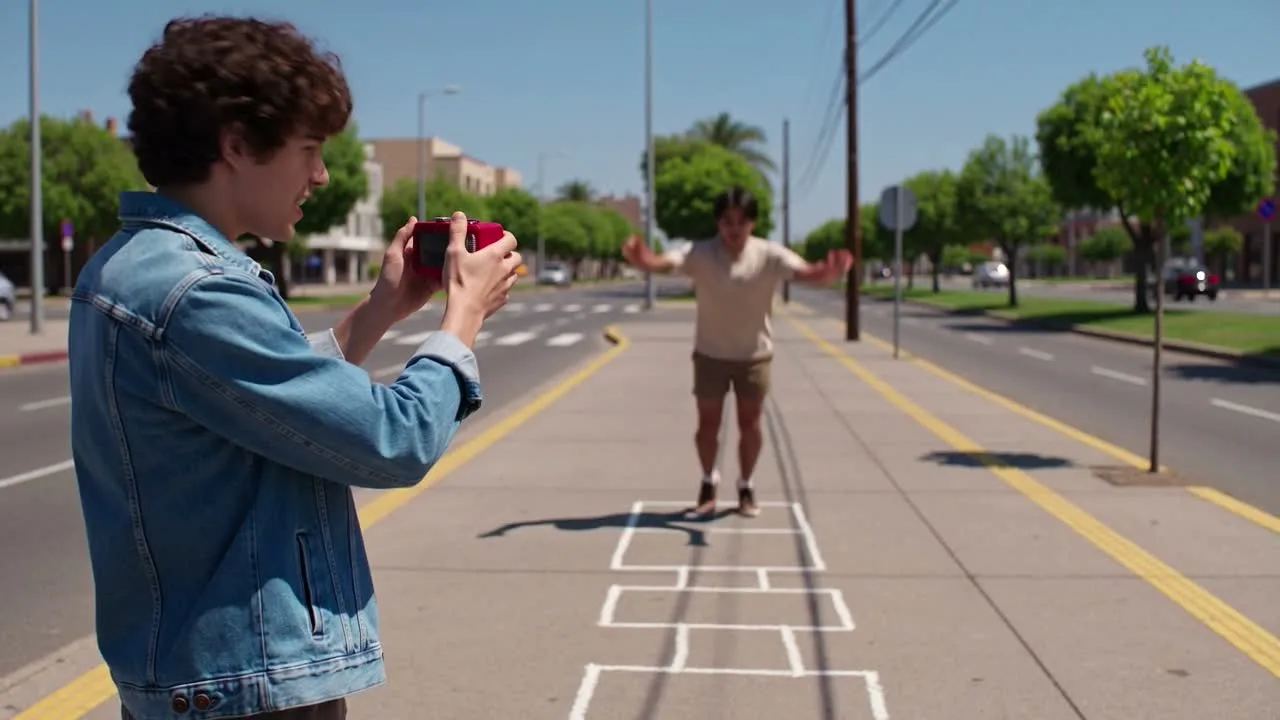
Explorez un nouveau traitement visuel pour un court clip destiné aux réseaux sociaux, tout en conservant l’action source ou le mouvement de caméra comme point de départ de la variation.
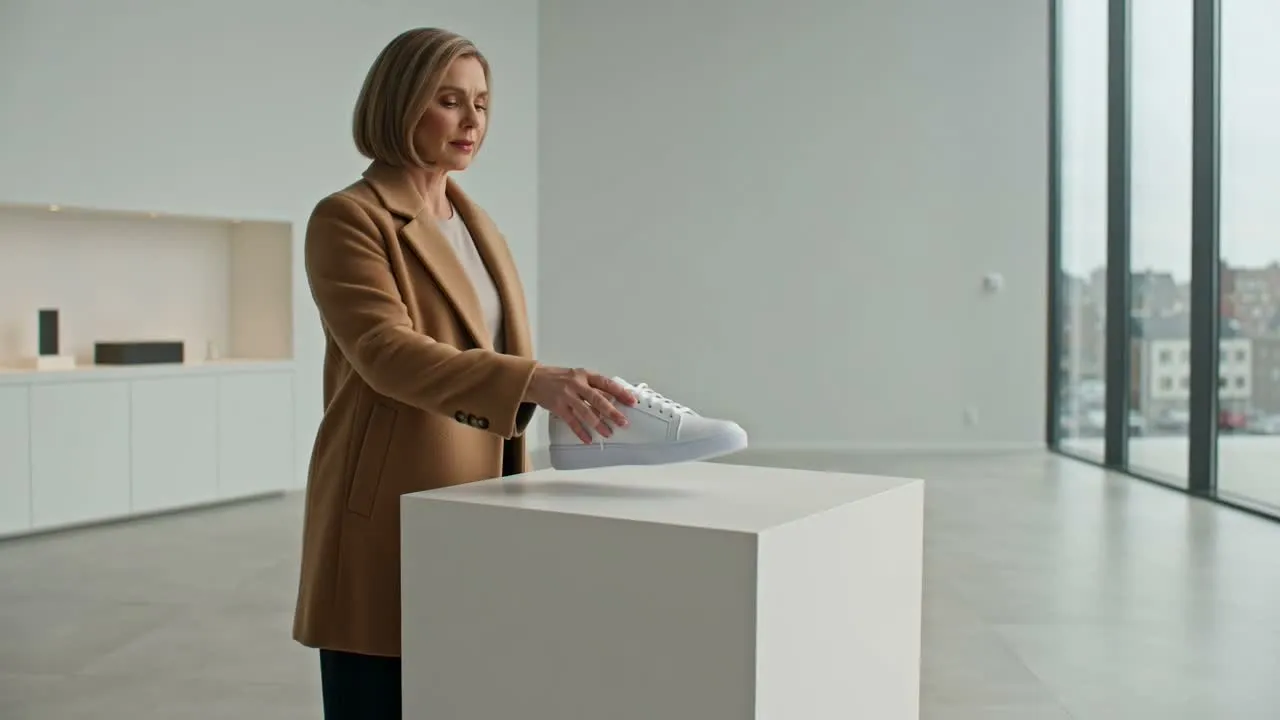
Comparez l’ambiance de la scène, le traitement du produit, l’éclairage ou des directions stylisées pour un premier concept de campagne avant les décisions finales de production.
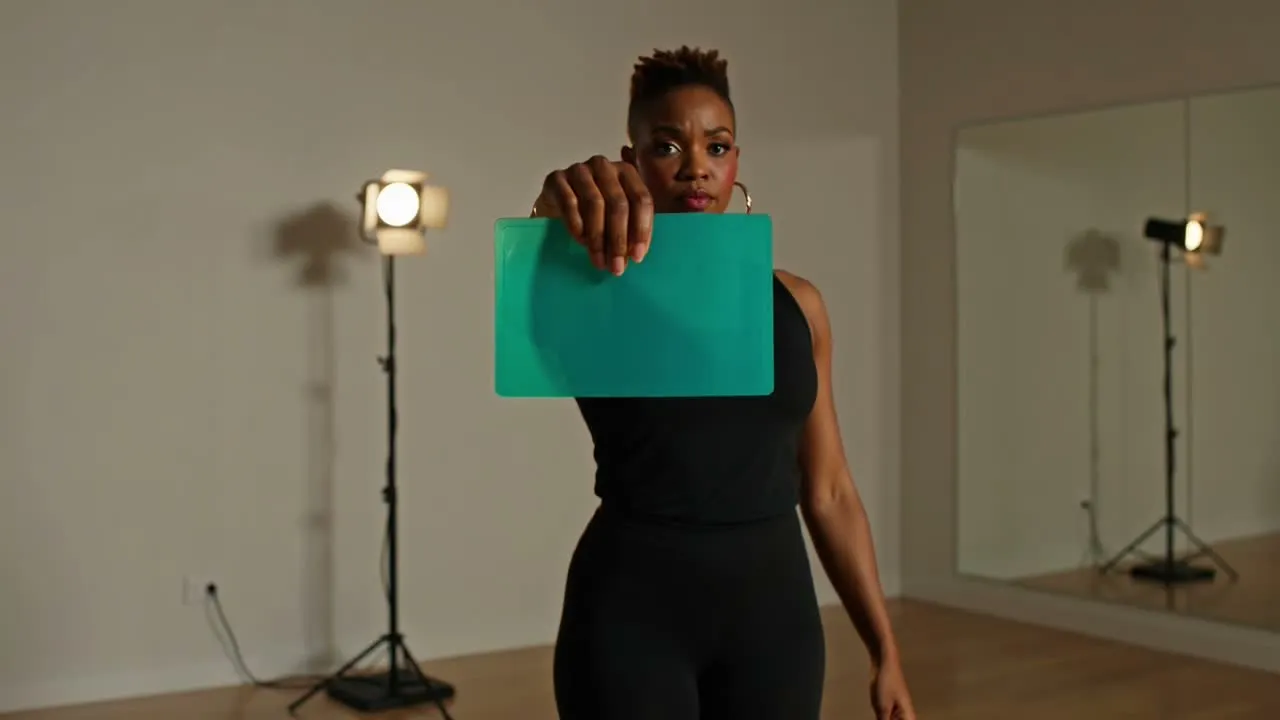
Testez la manière dont une interprétation, une action ou une composition existante pourrait être perçue dans un univers visuel, une ambiance ou un traitement des couleurs différent.
Regardez le résultat dans son intégralité plutôt que de vous fier à une seule image, car les changements temporels peuvent affecter les mouvements, les détails du sujet ou la continuité de la scène.
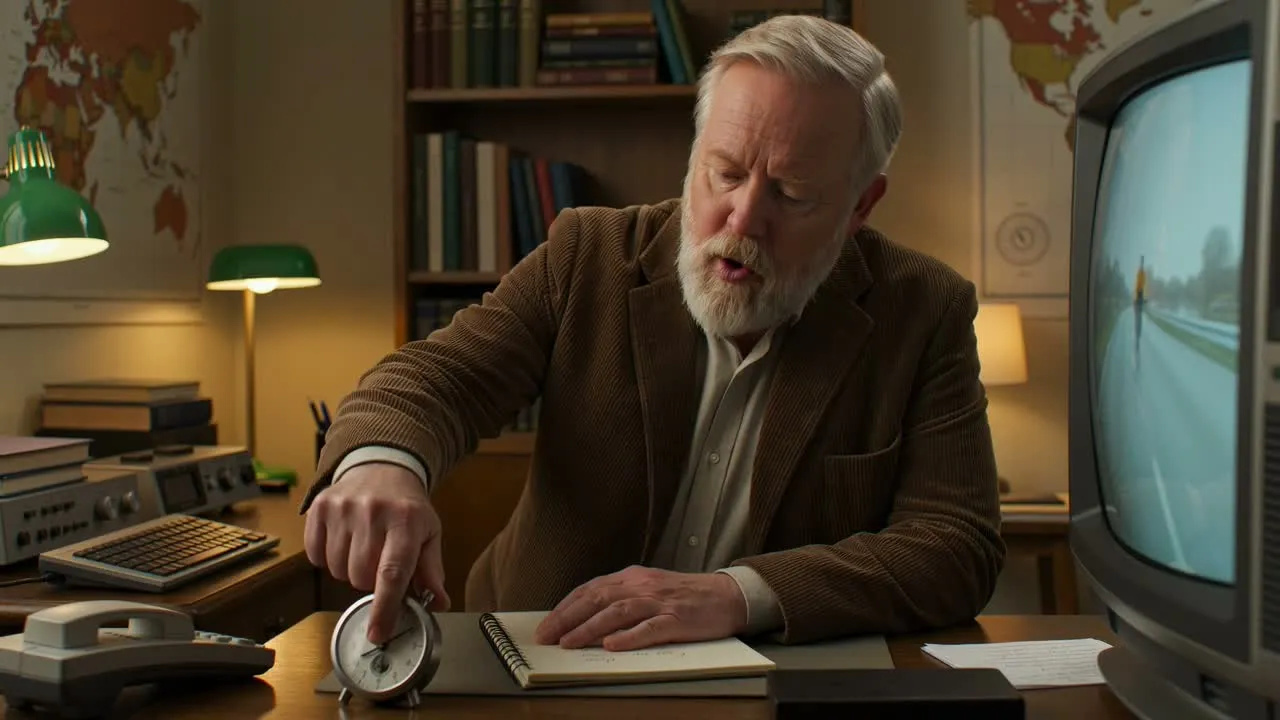
Confirmez que la direction visuelle demandée est présente tout au long du clip, plutôt que seulement dans l’image d’ouverture ou une image isolée.
Repérez les changements de visages, mains, produits, objets, trajectoires de mouvement, timing ou transitions brusques qui rendent la vidéo difficile à utiliser.
Vérifiez l’éclairage, la perspective, les textures, les éléments d’arrière-plan et le traitement visuel d’une image à l’autre afin de détecter toute dérive ou tout scintillement notable.
Vérifiez que le résultat en 1080p est lu correctement et convient au recadrage, à la durée, à la zone de sécurité et au canal où la vidéo apparaîtra.
Une variation vidéo générée peut réinterpréter certaines parties du clip source ; elle ne garantit donc pas des mouvements, sujets, timings ou détails de scène identiques.
Les visages, les mains, les produits, les objets répétés, les mouvements rapides et les arrière-plans détaillés peuvent changer d’une image à l’autre ou différer de la vidéo source.
Le flux actuel de transformation vidéo renvoie un résultat en 1080p ; vérifiez donc les exigences de votre destination avant de lancer une variation.
Importez uniquement des séquences dont vous êtes propriétaire ou que vous êtes autorisé à transformer, et vérifiez les droits liés à la marque, aux interprètes, à la musique et aux tiers avant publication.
Réponses sur les importations de vidéos source en ligne, les prompts de transformation, la sortie en 1080p et les vérifications des résultats.
Importez un clip source autorisé, décrivez la modification visuelle souhaitée, puis générez une variation vidéo en 1080p à lire et examiner.