01
Name the source scene
Describe the subject, setting, shot type, and what the base clip should feel like.
Describe the video effect you want, from cinematic light leaks to social transitions, and generate short clips with controlled motion and visual style.
Start with a simple scene, then add the effect style, camera behavior, and pacing.
A clear base scene plus one strong effect direction usually works better than a crowded prompt.
Describe the subject, setting, shot type, and what the base clip should feel like.
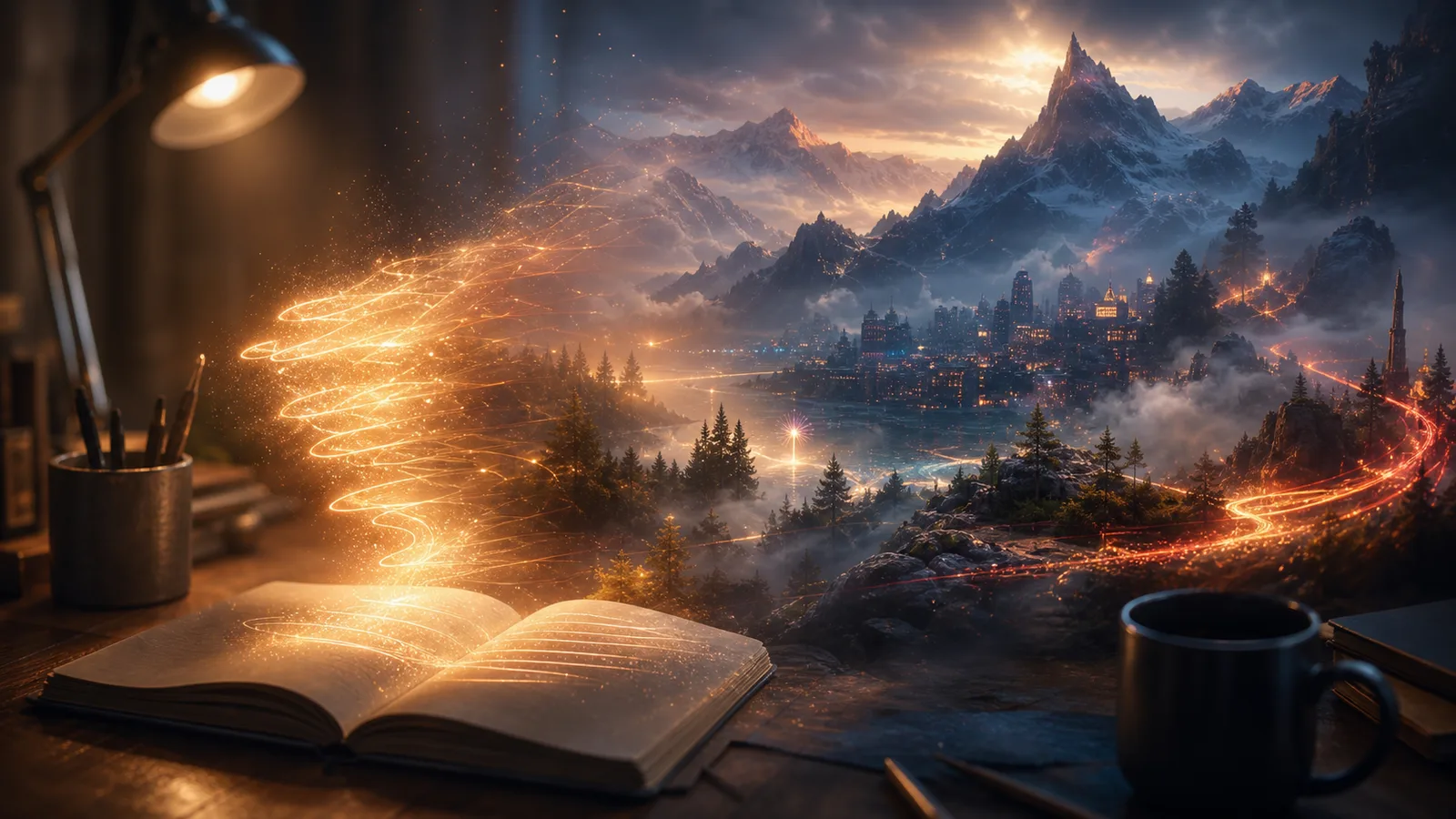
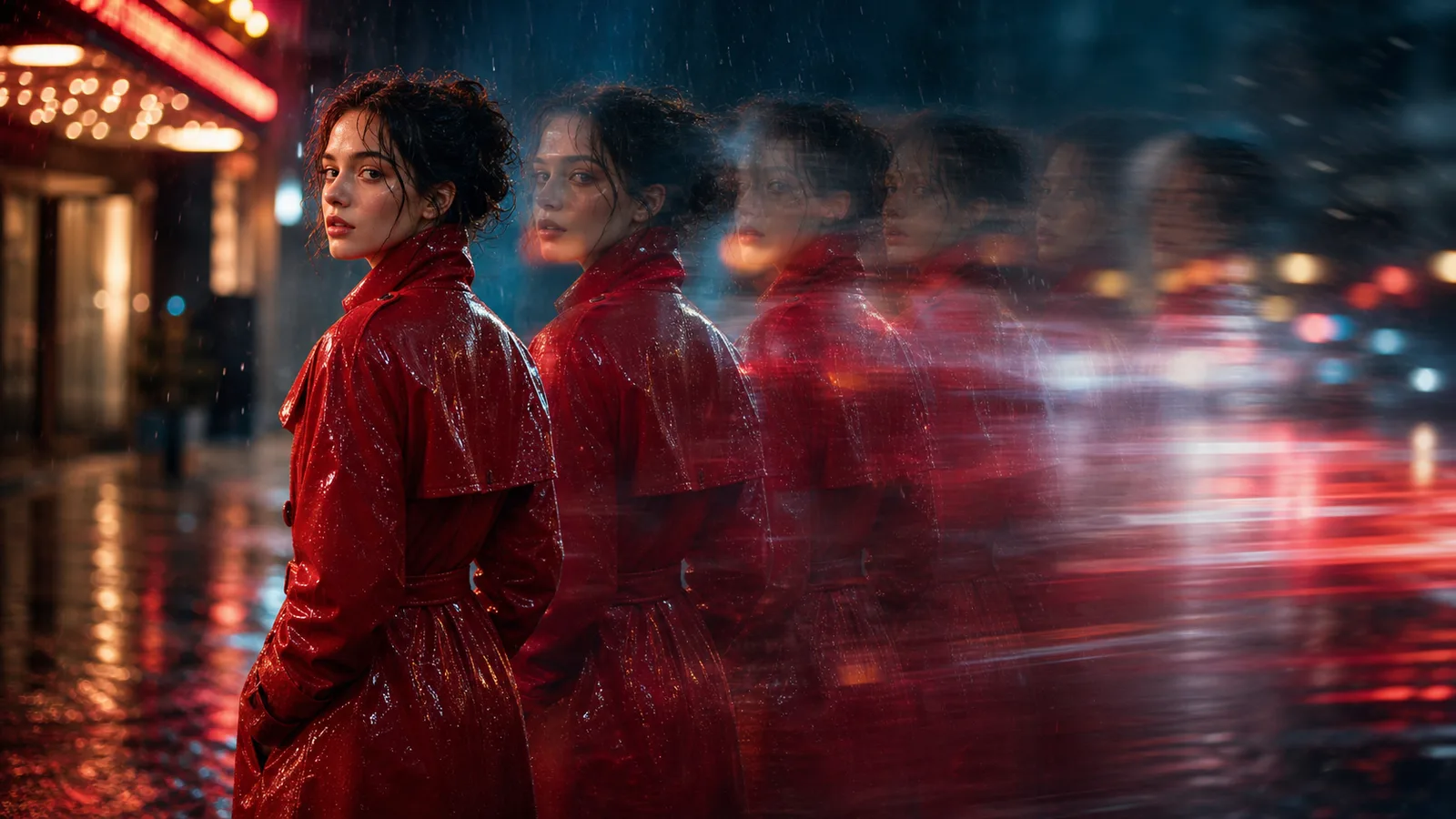
Specify glow, particles, transitions, speed ramps, light leaks, film grain, or stylized camera motion.
Effects work best when the core action is simple and the camera direction is explicit.
Try a few effect strengths and reuse the best direction for social clips, ads, or concept previews.
Describe overlays, particles, glow, film looks, camera effects, and stylized motion.
Guide shake, zoom, dolly, slow motion, handheld movement, and transition energy.
Create punchy effects for ads, reels, Shorts, product clips, and visual tests.
Use clear effect language so each generation follows the mood and motion you want.
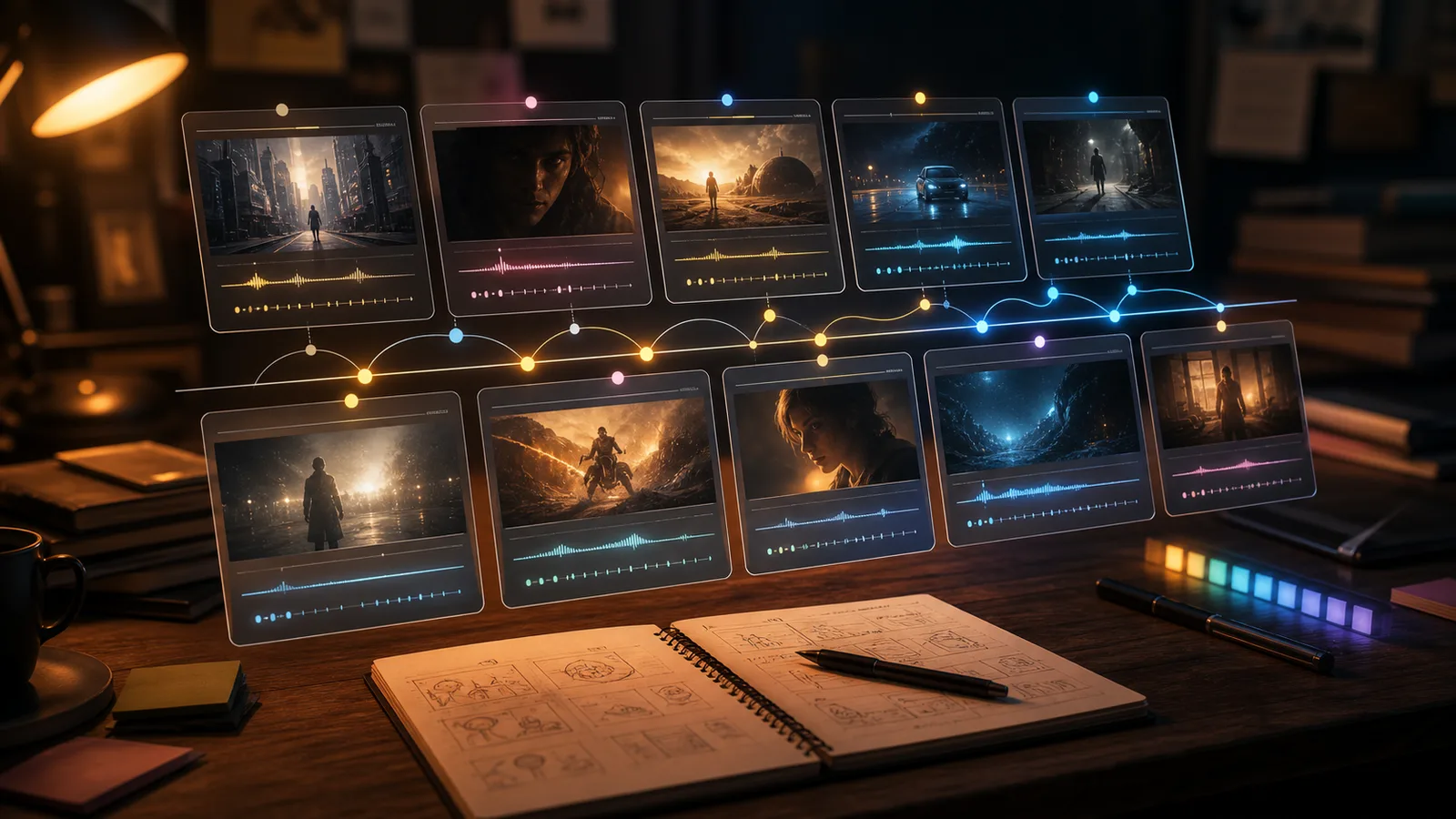
Move from scripts and base clips into stronger visual effects workflows.
Free images include a watermark. Upgrade for clean outputs, faster generation, and commercial use.
Starter Pack
A one-time credit pack for trying image, music, and short video generation.
Creator
Monthly plan · 1,500 credits renew each month
GPT Image 2 Unlimited
Use code FOUNDING6 at Stripe Checkout: $19/month for your first 6 months, then $29/month.
Pro
Monthly plan · 4,000 credits renew each month
Studio
Monthly plan · 12,000 credits renew each month
Secure checkout · Subscriptions renew automatically · See refund eligibility
Team
For agencies, production teams, and custom volume needs.
Common questions before generating a stylized clip.