01
Ajoutez la vidéo source
Importez une vidéo ou collez une URL vidéo accessible. Choisissez une séquence où le visage de la personne qui parle est bien visible.
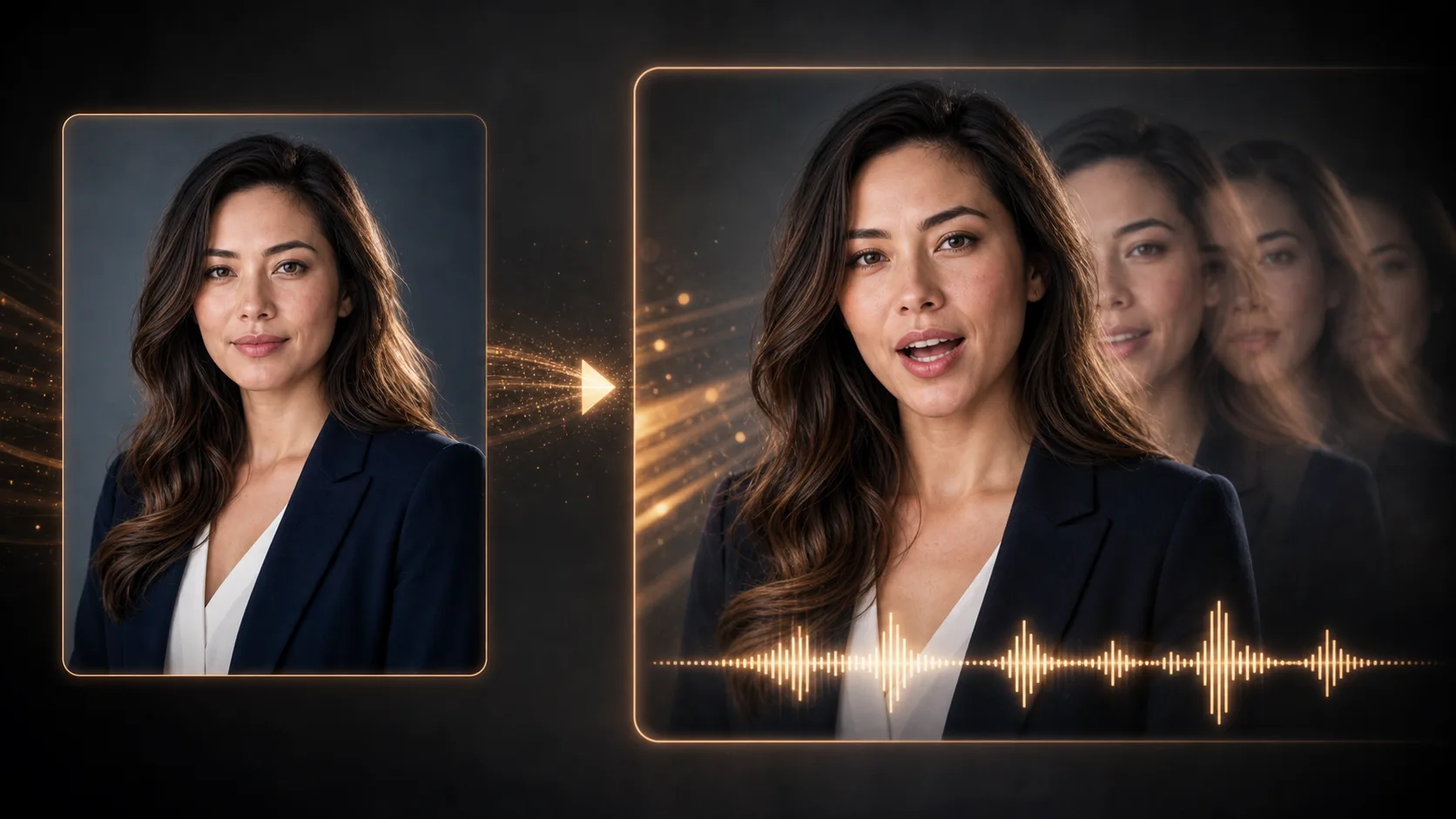
Ajoutez une vidéo existante d’une personne qui parle et l’audio vocal à synchroniser. Générez une vidéo aux mouvements de bouche adaptés, puis vérifiez le résultat.
Vidéo source et audio parlé
Importez des fichiers ou collez des URL de médias hébergés.
Format vidéo
MP4/WebM/MOV
Source audio
MP3/WAV/M4A
État de synchronisation
En attente des médias
Ajoutez les deux sources de médias avant la génération
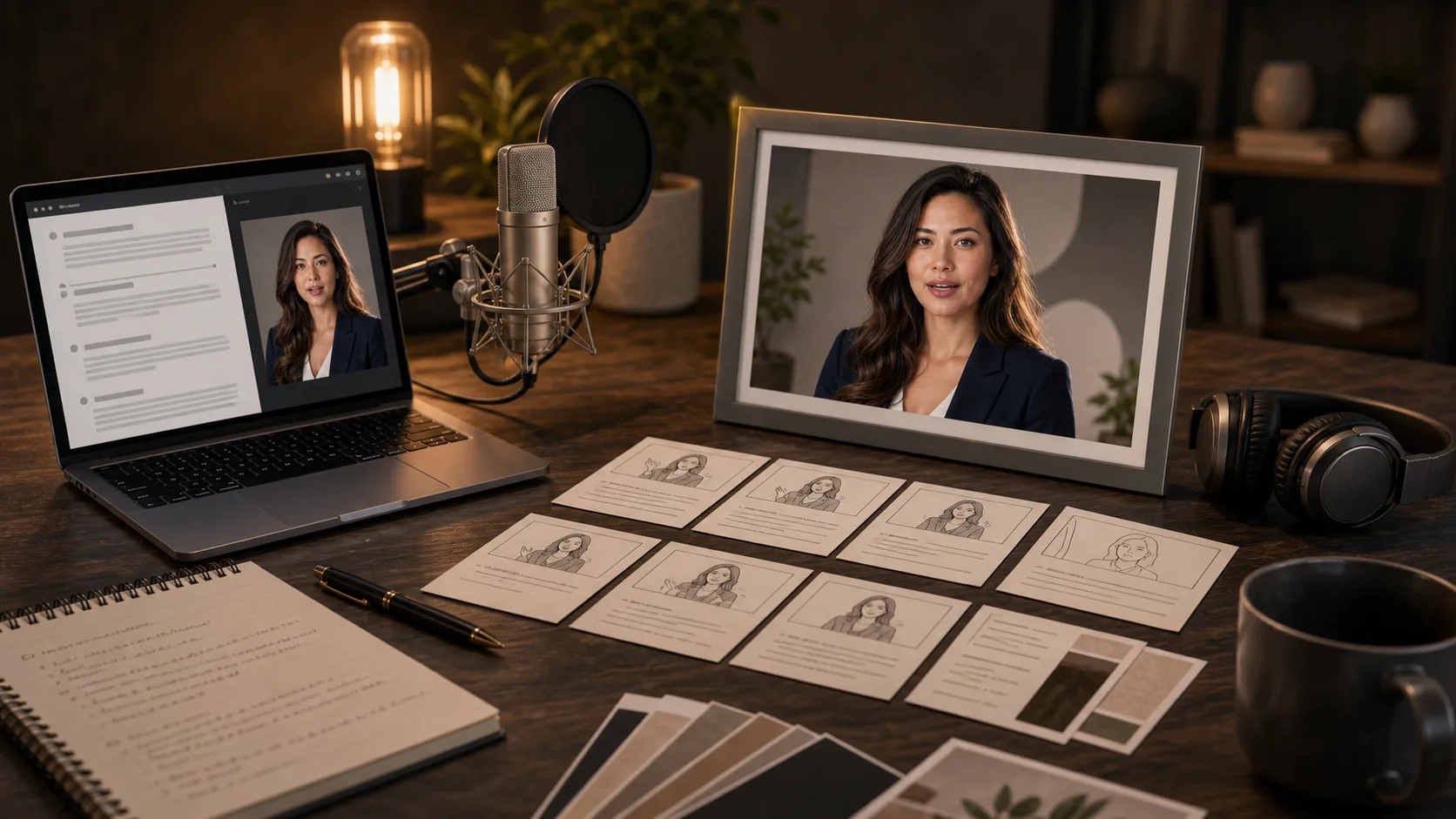
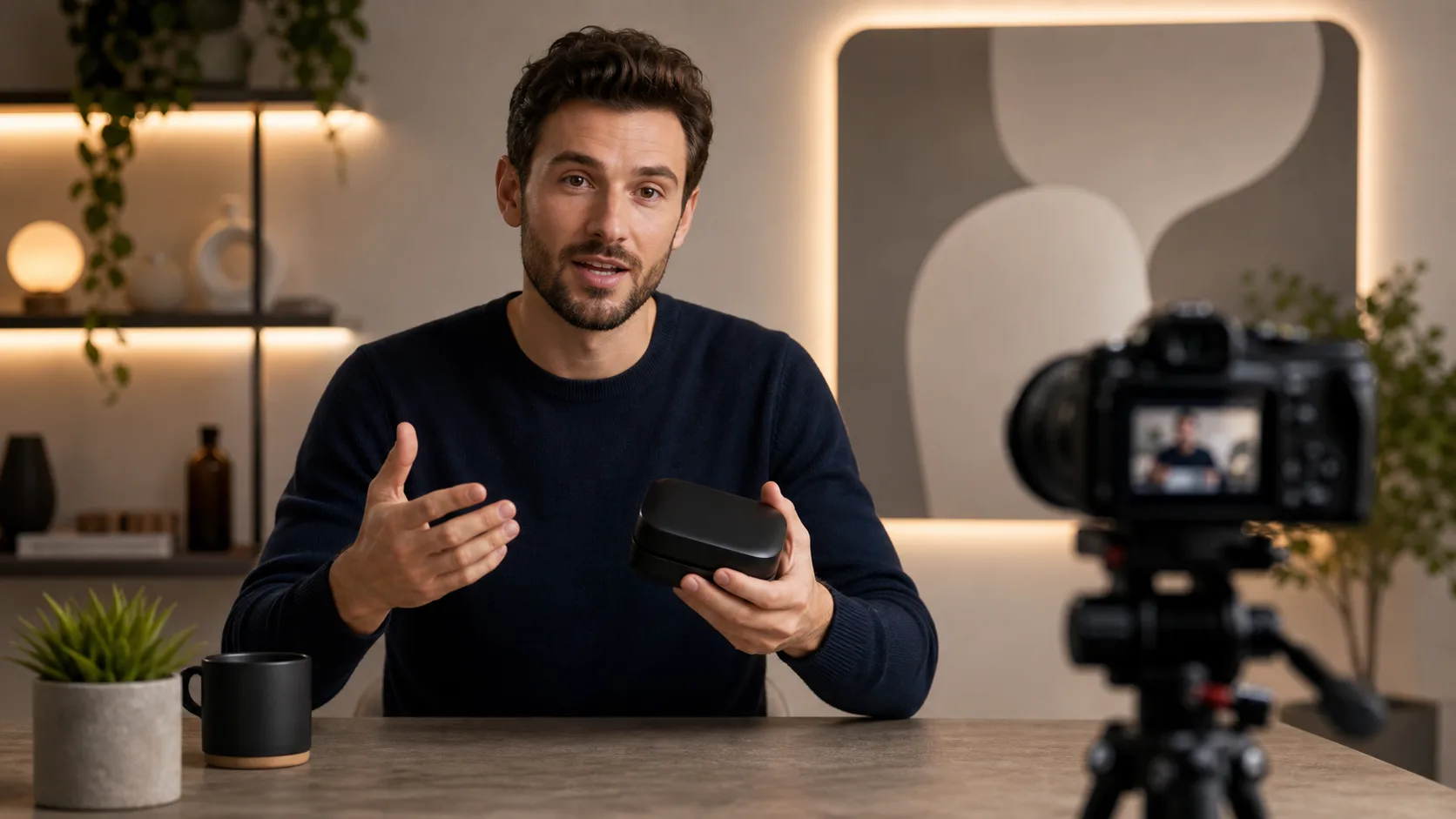
Préparez une vidéo d’une personne qui parle et une voix enregistrée ou générée pour présenter un produit, un cours ou une réplique de personnage. Ce sont des idées de préparation, pas des preuves de résultats générés.
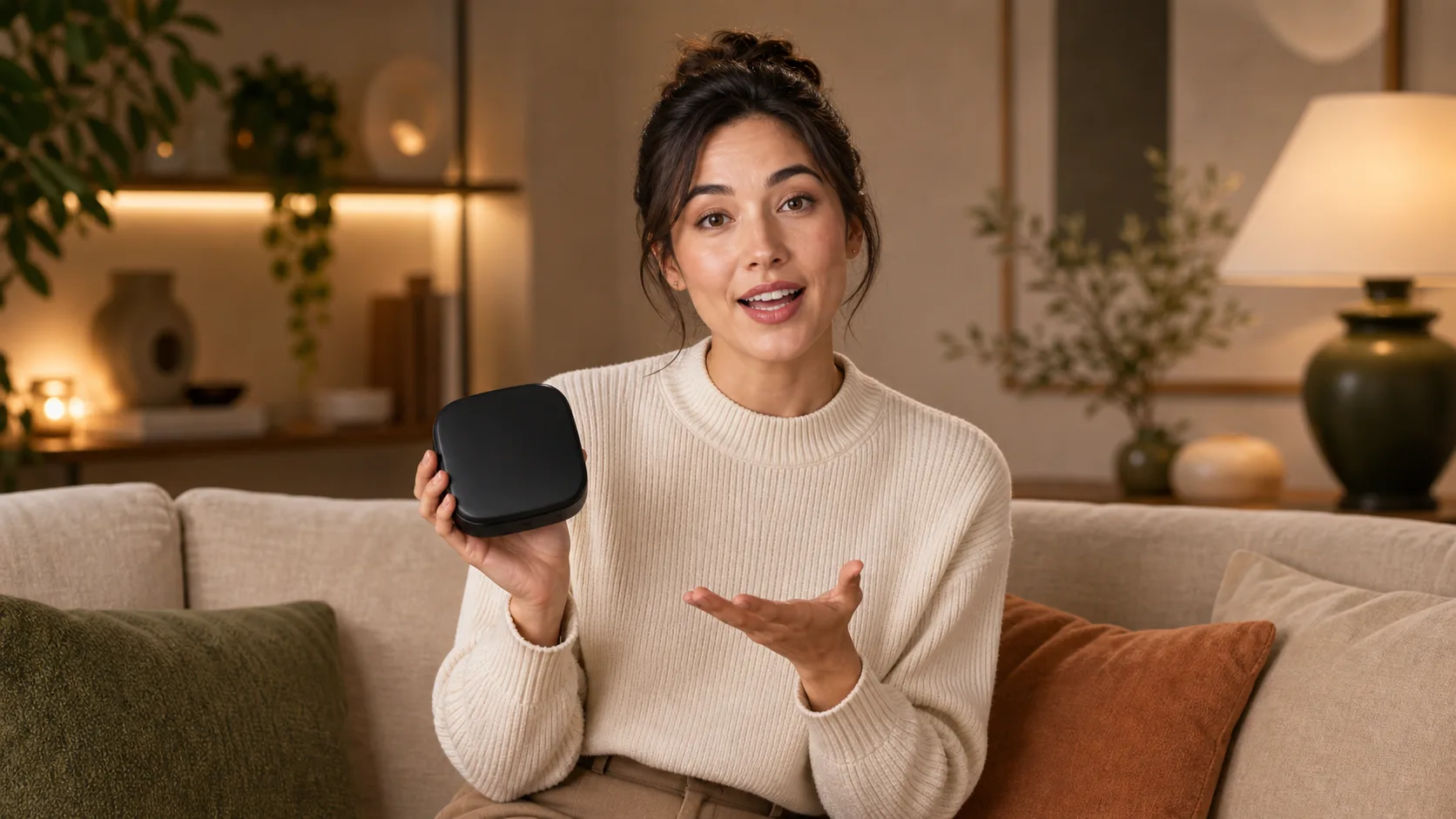
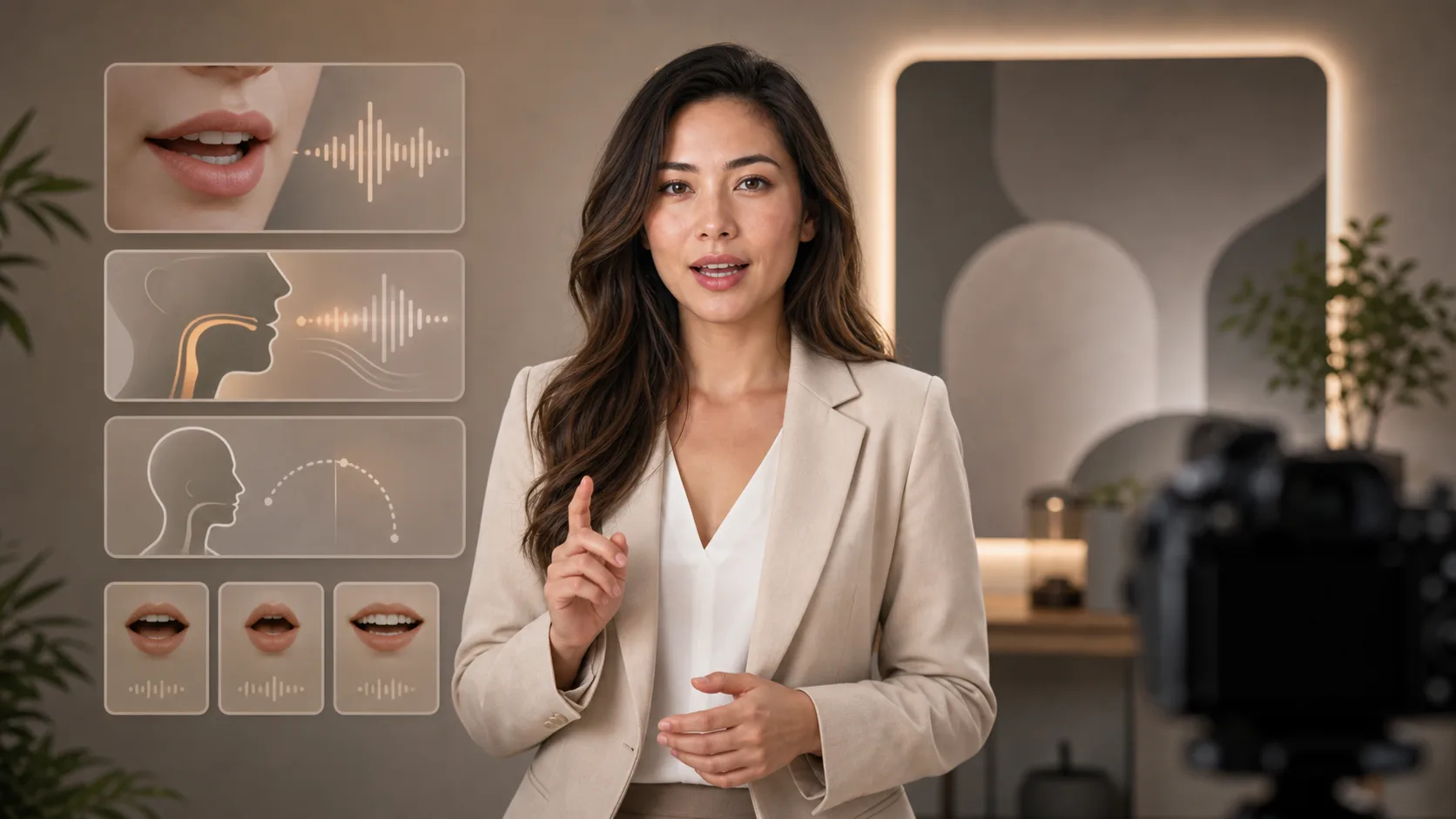
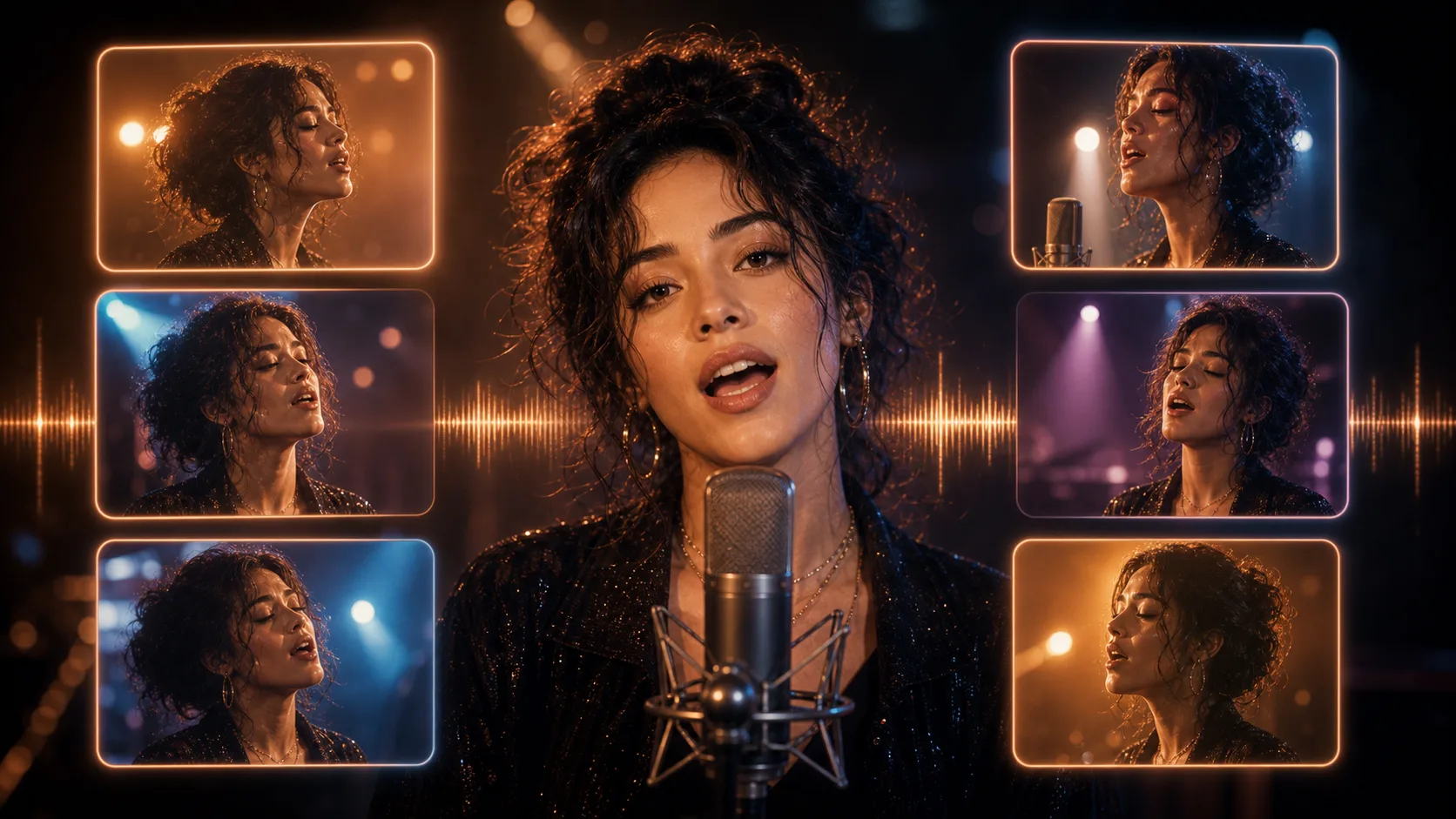
Une vidéo existante et une piste audio sont toutes deux nécessaires. Une consigne textuelle ou un portrait seul ne suffit pas.
Importez une vidéo ou collez une URL vidéo accessible. Choisissez une séquence où le visage de la personne qui parle est bien visible.
Importez votre narration audio ou collez une URL audio accessible. Écoutez-la d’abord et vérifiez que les mots souhaités sont clairs.
Envoyez les deux sources et attendez le résultat du traitement. Gardez les fichiers accessibles pendant l’exécution.
Observez la synchronisation de la bouche, le visage, les pauses et la fin. Si le résultat semble incorrect, raccourcissez ou améliorez les sources avant de réessayer.
Utilisez une piste vocale enregistrée ou générée. Cette page ne transforme pas directement du texte saisi en narration audio.
Partez d’une séquence vidéo plutôt que de demander à cette page de créer une personne à partir d’une image ou d’une consigne.
Ajoutez chaque média avec son champ d’importation ou collez son URL accessible.
Lisez la vidéo reçue et vérifiez la cohérence du visage et la synchronisation de la bouche. La création automatique de sous-titres n’est pas proposée ici.
Passez du script et de l’interprétation vocale à la génération d’une vidéo face caméra.
Les images gratuites incluent un filigrane. Passez à une offre payante pour des sorties propres, une génération plus rapide et un usage commercial.
Pack de démarrage
Un pack de crédits unique pour essayer la génération d'images, de musique et de courtes vidéos.
Créateur
Forfait mensuel · 1 500 crédits renouvelés chaque mois
GPT Image 2 Unlimited
Saisissez le code FOUNDING6 dans Stripe Checkout : $19/mois pendant vos 6 premiers mois, puis $29/mois.
Pro
Forfait mensuel · 4 000 crédits renouvelés chaque mois
Atelier
Forfait mensuel · 12 000 crédits renouvelés chaque mois
Paiement sécurisé · Renouvellement automatique · Voir les conditions de remboursement
Équipe
Pour les agences, les équipes de production et les besoins de volume personnalisés.
Préparez les deux sources et comprenez les limites avant le traitement.
Ajoutez votre vidéo et votre audio, puis vérifiez les mouvements de bouche générés.