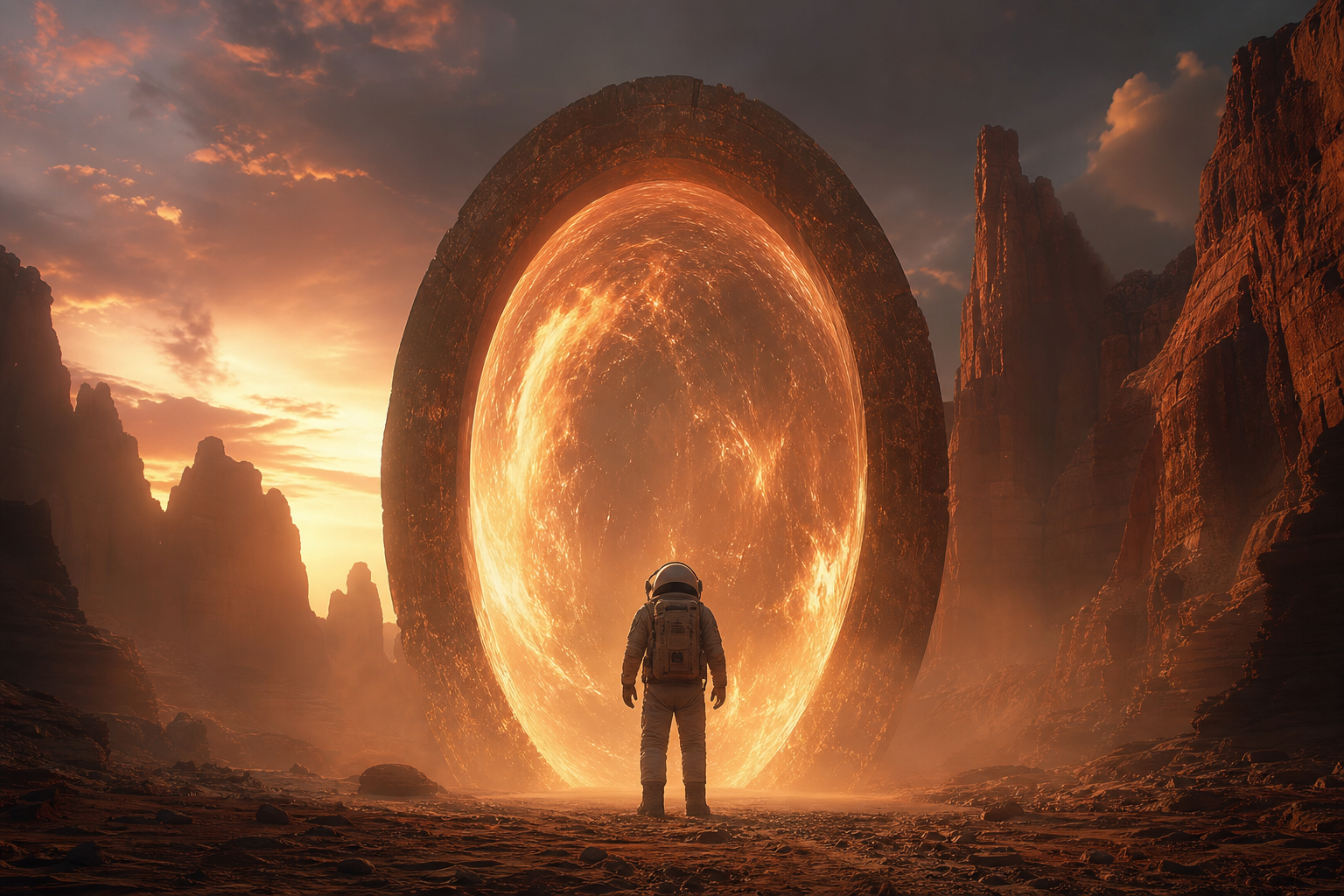
01
Téléchargez votre image
Téléchargez n'importe quelle photo ou image que vous souhaitez transformer. Des entrées de résolution plus élevée produisent de meilleurs résultats de transformation.
Téléchargez n'importe quelle image et transformez-la avec AI. Changez de style, ajoutez des éléments, modifiez les arrière-plans ou réinventez vos visuels avec de simples invites textuelles.
Transformez des images existantes en quelque chose d’entièrement nouveau. Des transferts de style aux modifications d'objets, débloquez des possibilités créatives illimitées.


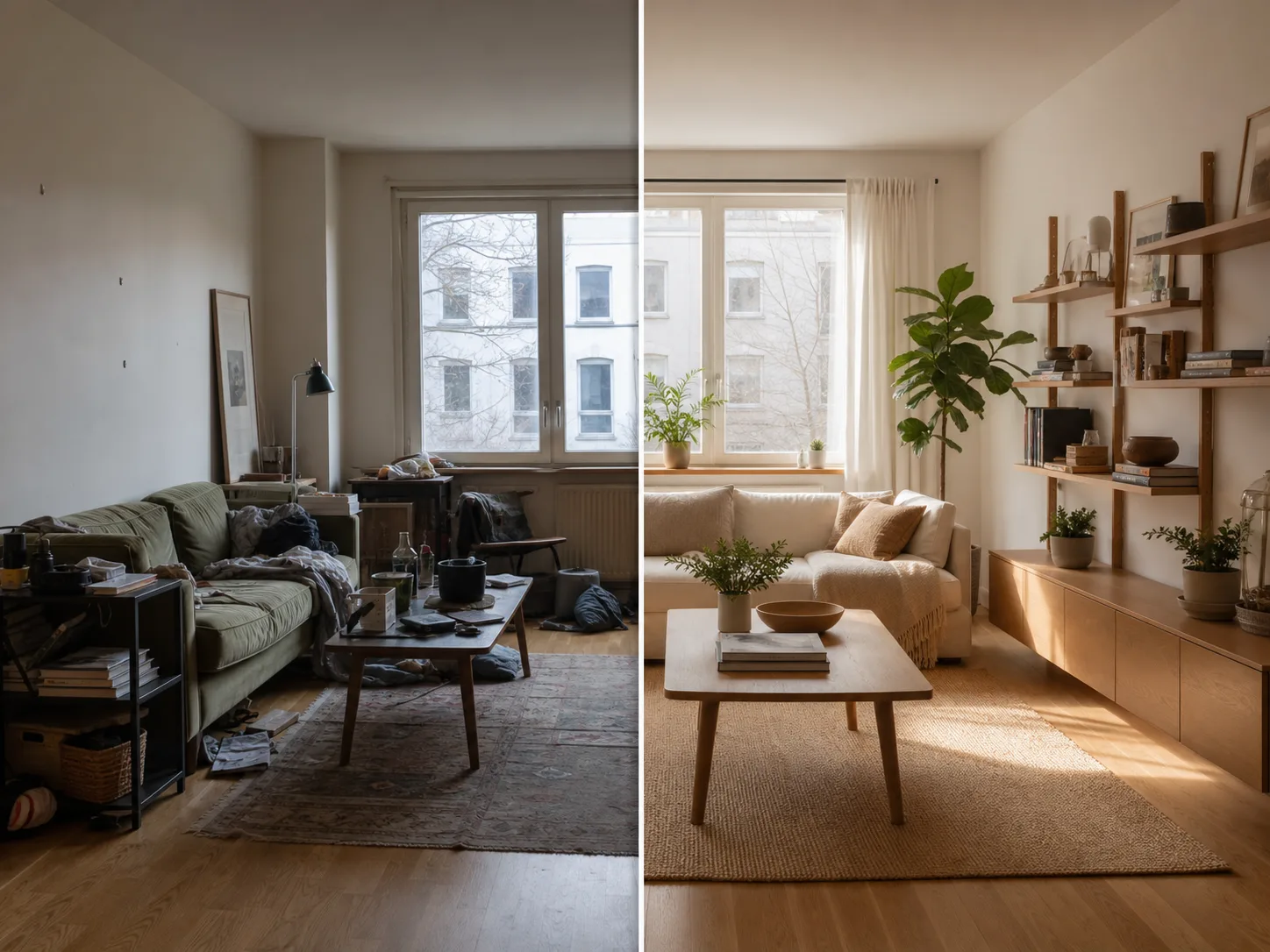
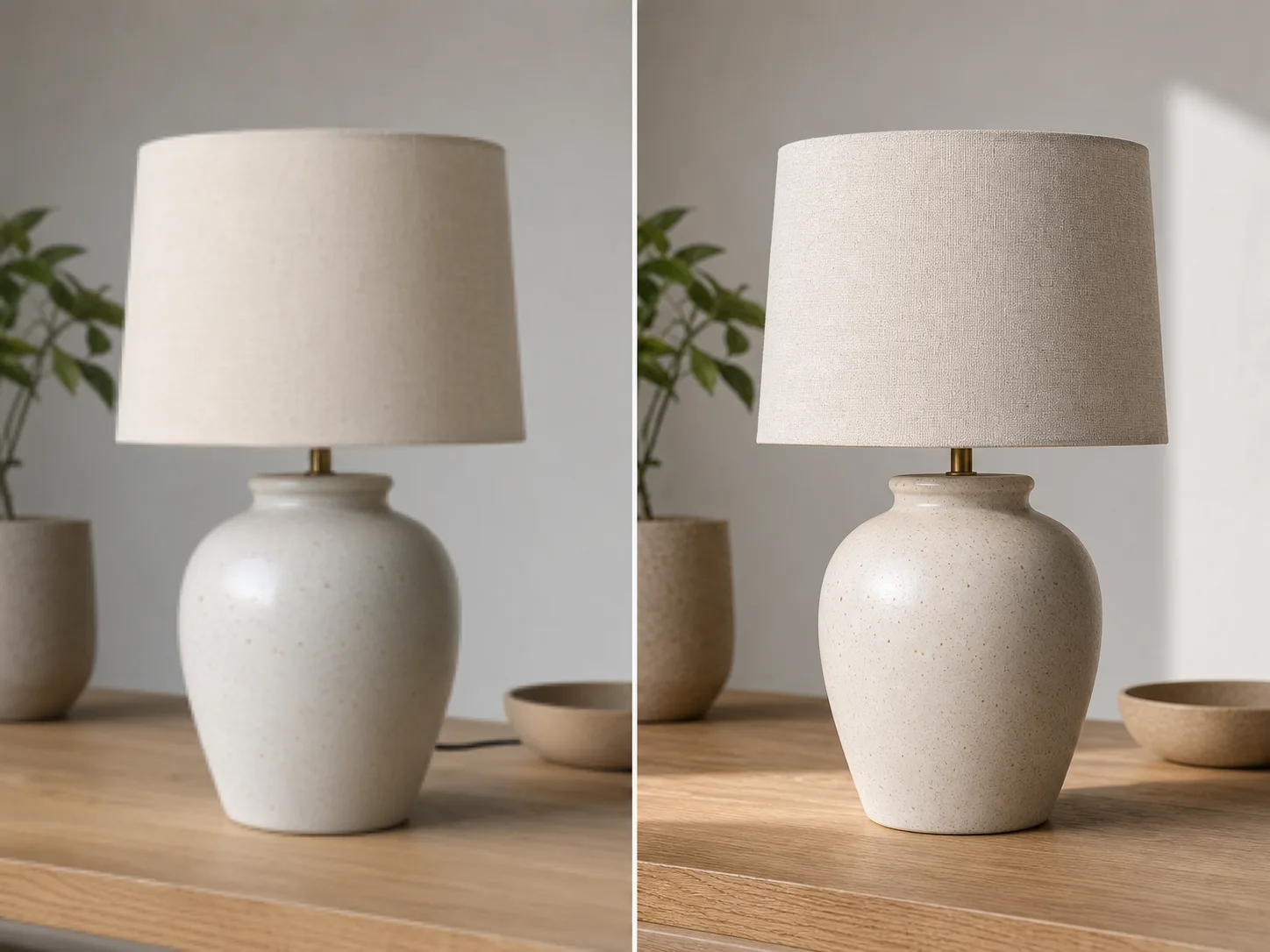
Du téléchargement à l'image transformée en quelques minutes:
Téléchargez n'importe quelle photo ou image que vous souhaitez transformer. Des entrées de résolution plus élevée produisent de meilleurs résultats de transformation.
Écrivez une invite textuelle décrivant la transformation souhaitée. Changez de style, ajoutez des éléments, remplacez les arrière-plans ou réinventez l'image.
Cliquez sur générer et recevez votre image transformée en quelques secondes. Téléchargez en haute résolution, prêt à l’emploi.
Transformez votre image dans n’importe quel style artistique. Appliquez l’apparence de peintures célèbres, d’artistes spécifiques ou de toute esthétique visuelle.
Sélectionnez n’importe quelle zone de votre image à modifier. Supprimez les objets indésirables, ajoutez de nouveaux éléments ou modifiez des détails spécifiques.
Remplacez les arrière-plans de manière transparente. Placez les sujets dans de nouveaux environnements tout en conservant un éclairage approprié.
Conservez la mise en page, les sujets et la perspective de votre image d'origine tout en modifiant les styles et les éléments.
Découvrez d'autres outils alimentés par AI
Les images gratuites incluent un filigrane. Passez à une offre payante pour des sorties propres, une génération plus rapide et un usage commercial.
Pack de démarrage
Un pack de crédits unique pour essayer la génération d'images, de musique et de courtes vidéos.
Créateur
Forfait mensuel · 1 500 crédits renouvelés chaque mois
GPT Image 2 Unlimited
Saisissez le code FOUNDING6 dans Stripe Checkout : $19/mois pendant vos 6 premiers mois, puis $29/mois.
Pro
Forfait mensuel · 4 000 crédits renouvelés chaque mois
Atelier
Forfait mensuel · 12 000 crédits renouvelés chaque mois
Paiement sécurisé · Renouvellement automatique · Voir les conditions de remboursement
Équipe
Pour les agences, les équipes de production et les besoins de volume personnalisés.
Tout ce que vous devez savoir sur Image to Image AI
Téléchargez n'importe quelle image et découvrez la magie de la transformation alimentée par AI.