
The vertical format
YouTube Shorts is 9:16. Set the aspect ratio before generating, because cropping a landscape clip afterwards loses framing and resolution.
Creator guide
No single AI video generator is best for every YouTube Shorts clip. Which one fits depends on whether you start from text, from a still image, or from a longer video you already published.
Short answer
Start from what you already have. No assets means text to video. A product photo means image to video. An existing upload means summarize it first, then generate the vertical clip.
Three decisions that shape everything after.
YouTube Shorts is 9:16. Set the aspect ratio before generating, because cropping a landscape clip afterwards loses framing and resolution.
A Short carries a single payoff. If your idea has two points, it is two Shorts, not one longer clip.
Decide the first line or first visual before you generate. The hook is what the clip has to deliver on.
Four starting points, matched to what you have in hand.
Write the scene and generate the clip directly. Best when the Short is an idea rather than a product you can photograph.
Supply a product shot or thumbnail and add motion. This keeps the subject accurate instead of letting a model invent it.
Pull the strongest moment out of an existing upload in writing, then build a vertical clip around that one beat.
Run the same vertical prompt through two video models and judge motion and cost on your own footage.
Vertical prompts you can adapt for your own channel.
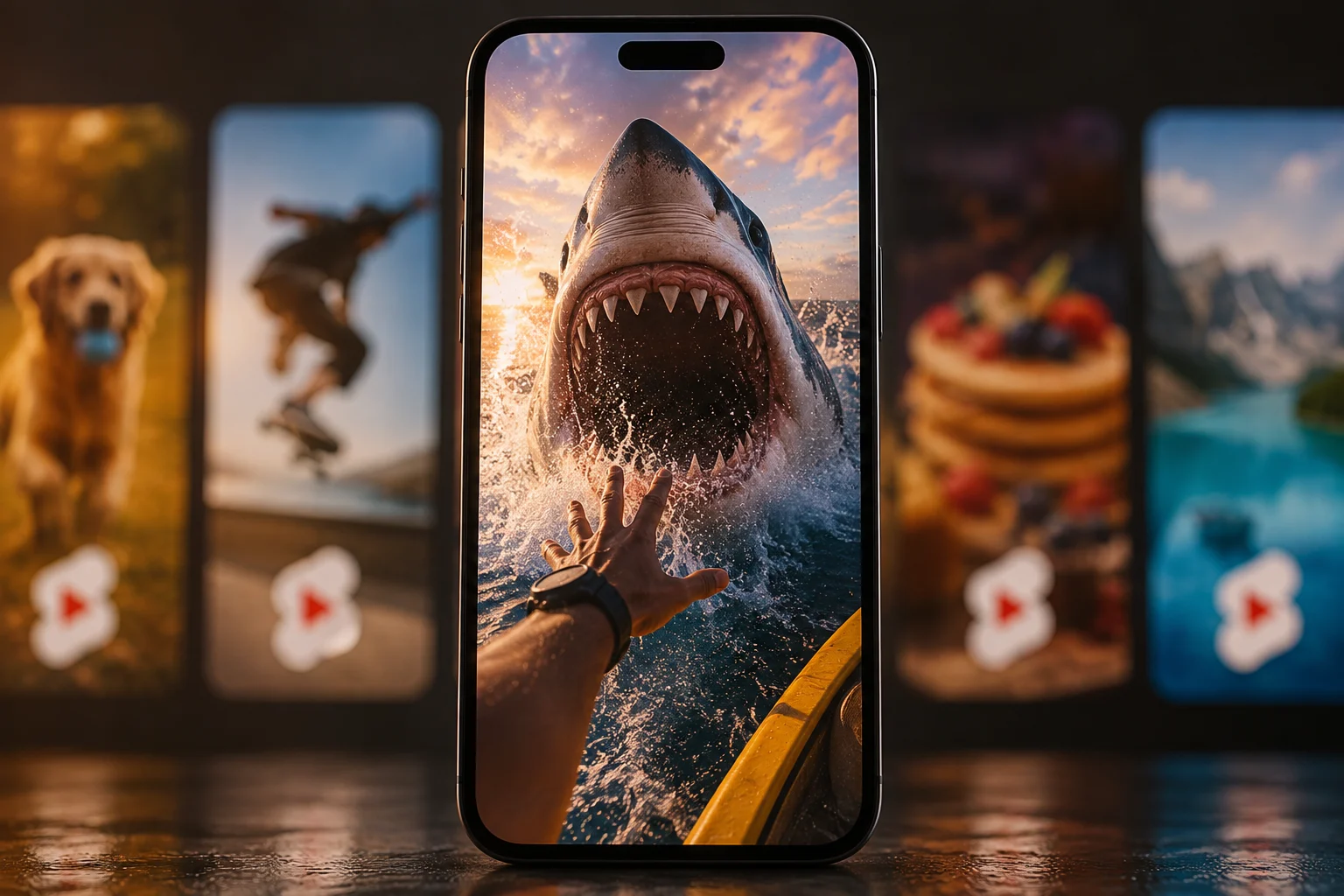
A fast opening visual for a tip or reveal, framed vertically with no requested text.
Example
Vertical 9:16 clip. Close-up of hands snapping a laptop shut, then a quick tilt up to a whiteboard covered in scrawled notes. Natural daylight from a window on the right, slight handheld movement, fast energetic pacing, shallow depth of field, no text on screen.
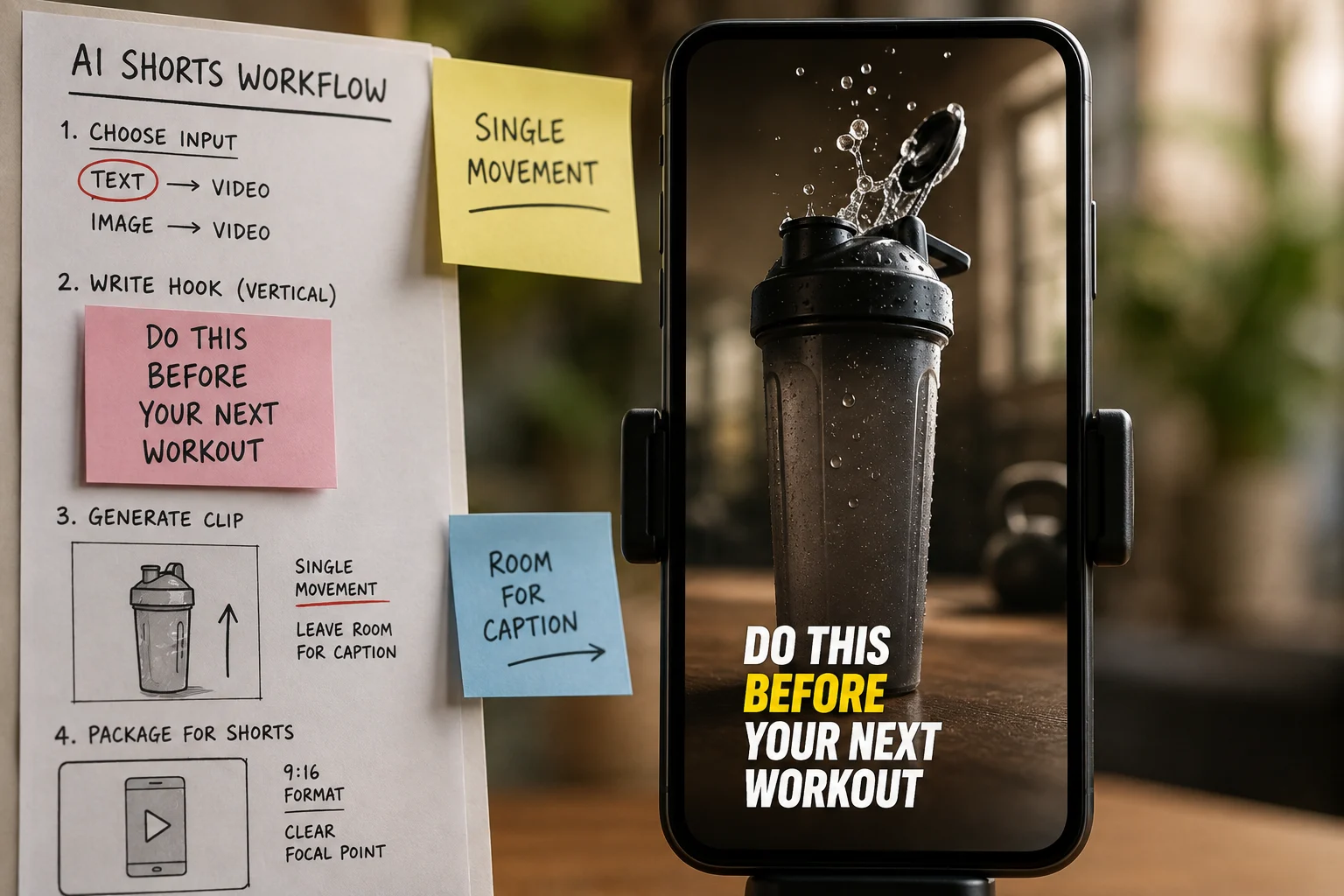
A single controlled movement on one object, framed to leave room for captions.
Example
Vertical 9:16 clip. Slow push-in on a ceramic coffee mug on a pale wooden table, steam rising, morning light raking across from the left. Static background, shallow focus on the rim, calm pacing, empty space in the upper third for captions, no text on screen.
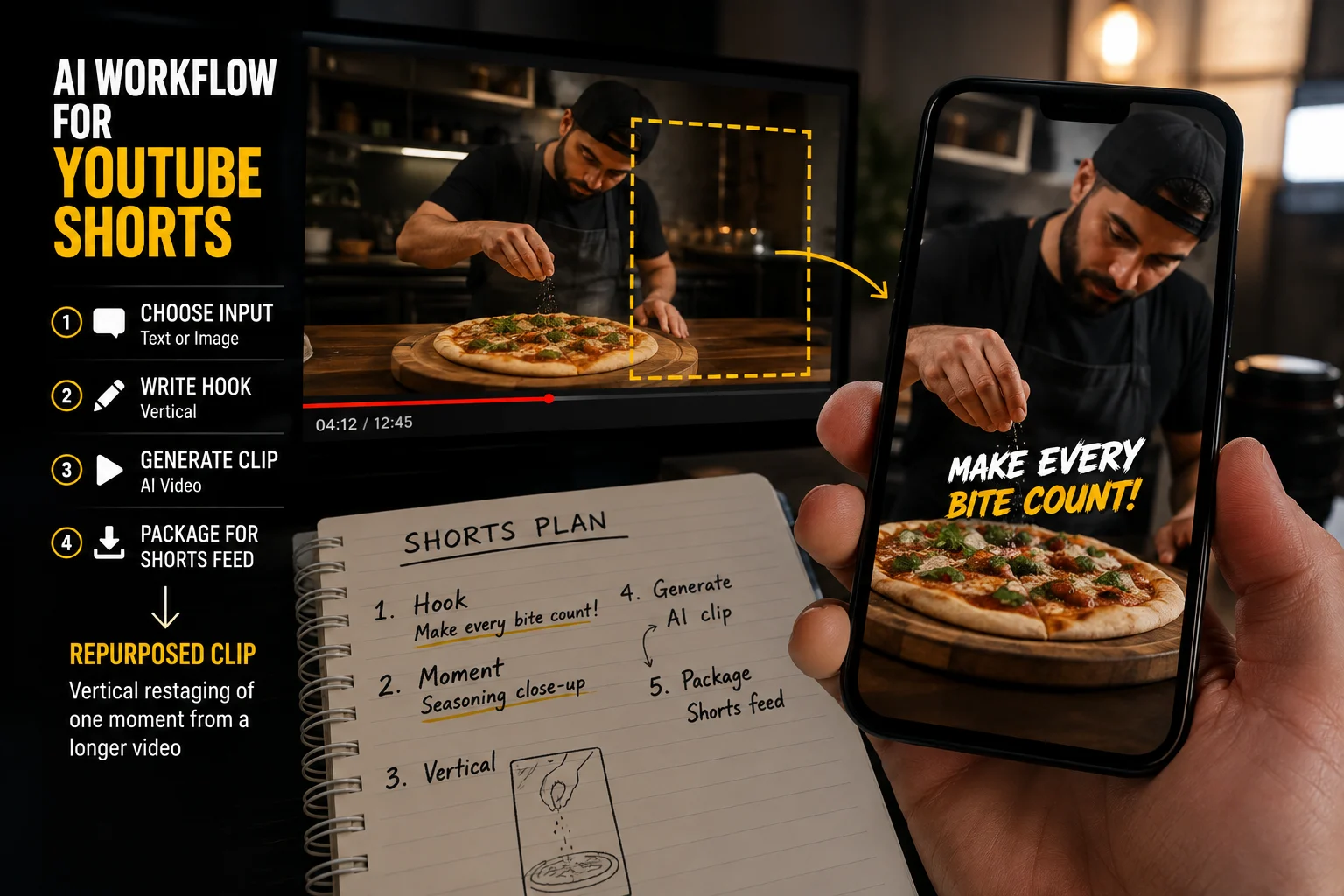
A vertical restaging of one moment from a longer video you already published.
Example
Vertical 9:16 clip. Medium shot of a person at a desk turning to face the camera mid-explanation, gesturing once toward a screen beside them. Even indoor lighting, subject centred in the upper two thirds, static camera, natural motion, no text on screen.
Common failures and what to change.
What you see
What to change
Generate at 9:16 from the start. Cropping a 16:9 clip cuts the subject and softens the image at Shorts resolution.
What you see
What to change
Open on the most visual moment. Describing what the viewer is about to see spends the seconds you needed to earn.
What you see
What to change
Ask the prompt for empty space where captions will sit, and keep the subject out of the lower third.
What you see
What to change
Cut to the single payoff. A shorter Short that lands beats a longer one that wanders before it delivers.
What you see
What to change
Ask for no text on screen and add captions during editing, where you control the wording and placement.
Four steps from idea to upload.
Draft the opening line and the single takeaway before generating anything, so the clip has something to deliver.
Set 9:16, pick the model, and generate a short test before spending credits on a longer run.
Add captions, sound, and an end frame in editing, where you control spelling and placement.
Watch it muted on a phone. If the point does not land without audio, the visual hook needs rework.
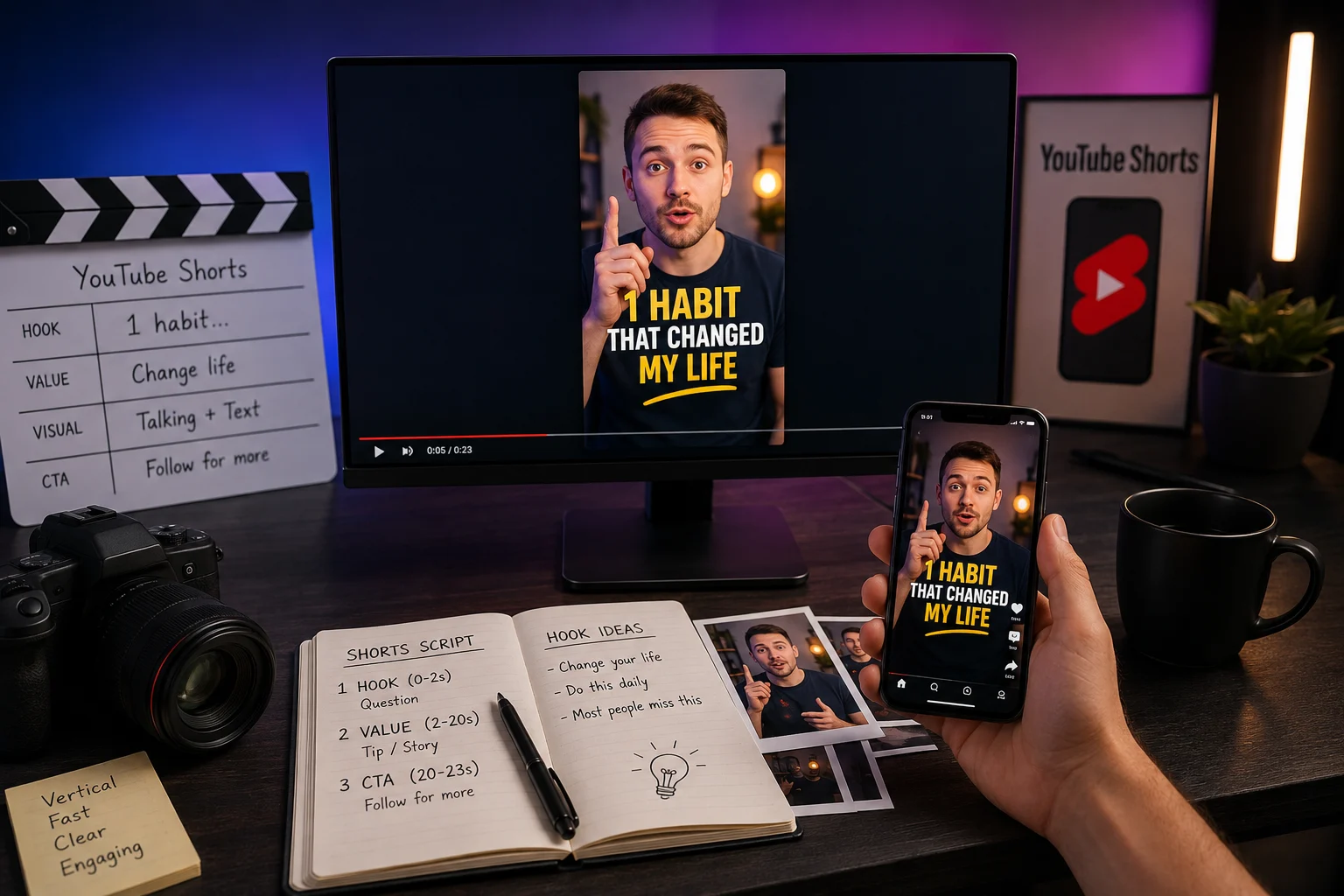
Read these before planning a channel strategy around AI clips.
Generation quality affects whether a Short is watchable, not whether it is recommended. Distribution depends on the platform.
Clip lengths, resolutions, and credit costs are shown in the generator before each run. Check them there rather than relying on a guide.
Captions, sound, pacing cuts, and end frames happen after generation. A raw clip is rarely a finished Short.
Checked on: 2026-08-18
Common questions about generating vertical short-form video.
Write the hook, set the vertical format, and generate a test clip before committing credits to the full version.