
Add your image and prompt
Add the source image you want to transform, then write a follow-up prompt that explains the edit in plain language.
Use Chat Image Editor to guide an edit from a source image and a follow-up prompt. Describe the change you want, set the visual direction, and create focused edited image variants for your project.
Chat Image Editor turns a source image and follow-up instruction into edited image variants. It is built for creators and teams who want to describe a focused visual change instead of adjusting every edit manually.
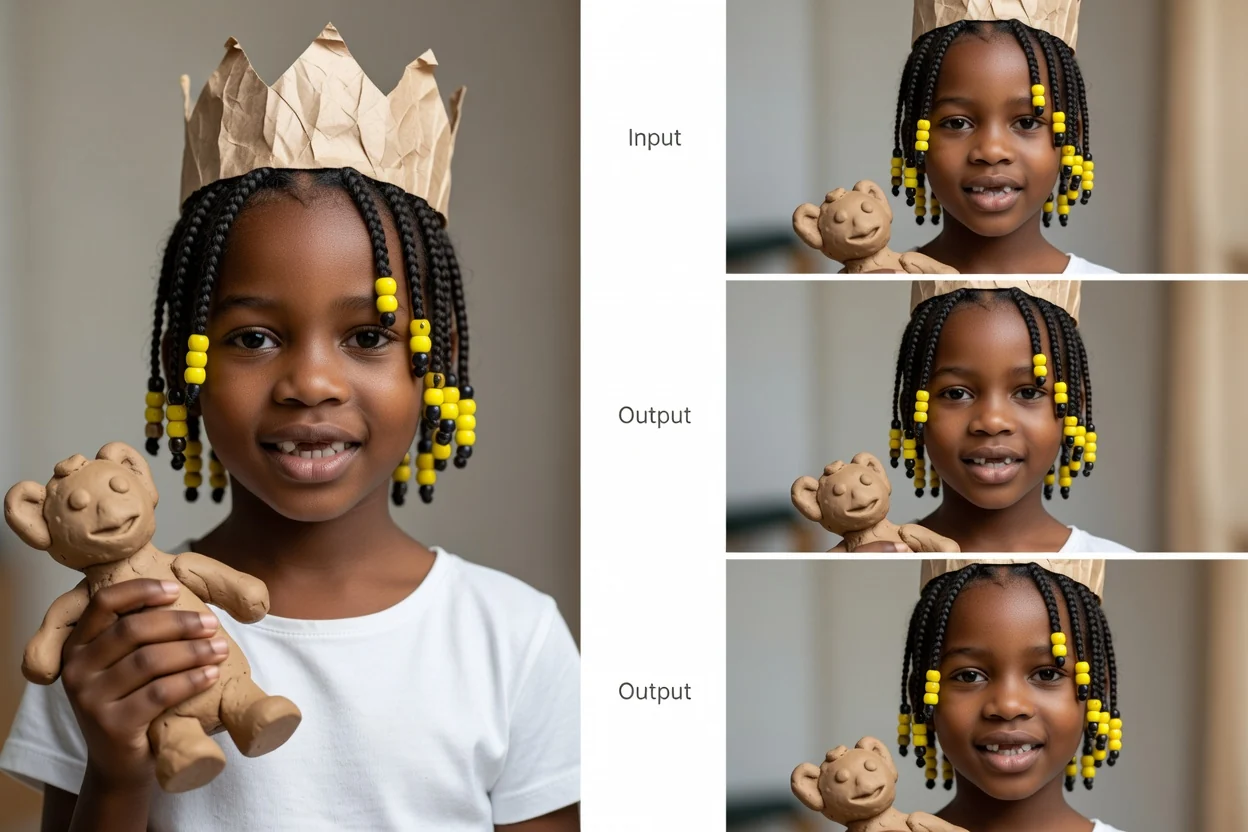
Follow a simple prompt-guided flow from source image to edited variants.
Add the source image you want to transform, then write a follow-up prompt that explains the edit in plain language.
Clarify prompt detail, visual direction, subject, setting, and destination format so the system has the right creative context.
Create with Chat Image Editor, compare the edited variants, and choose the option that best matches your intended use.
Shape the edit through natural language and practical controls that keep the image outcome focused on your brief.
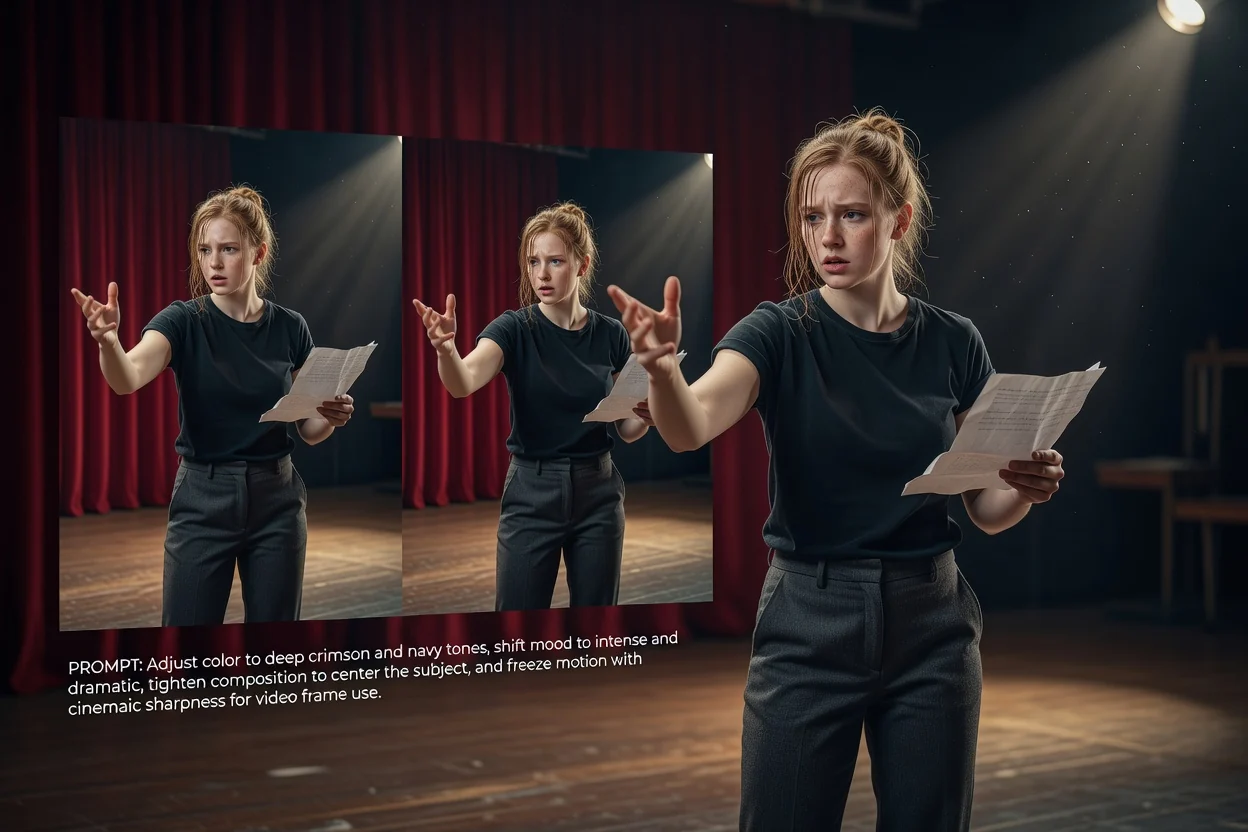
Add prompt detail for color, mood, composition, object changes, or the overall visual direction you want the edit to follow.
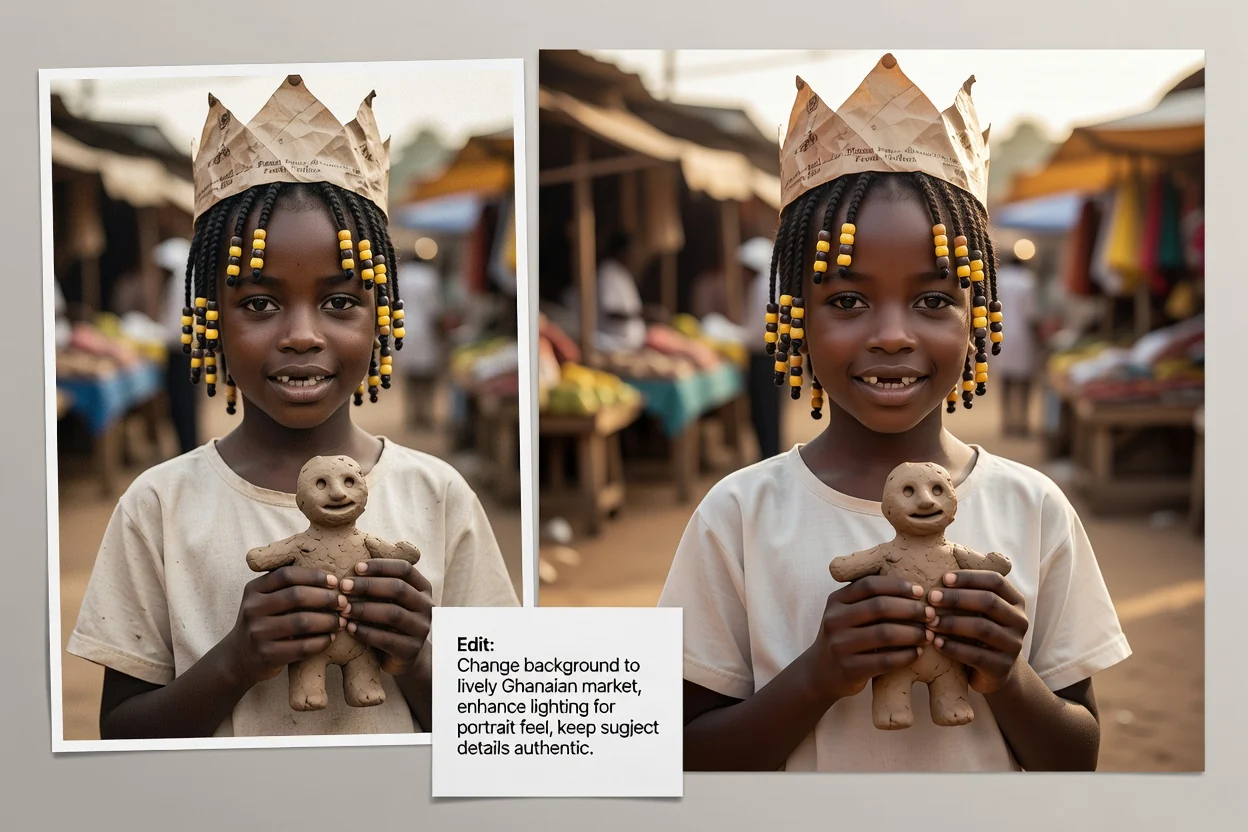
Describe the subject and setting so the AI conversational image editor can align the edited variant with the scene you need.
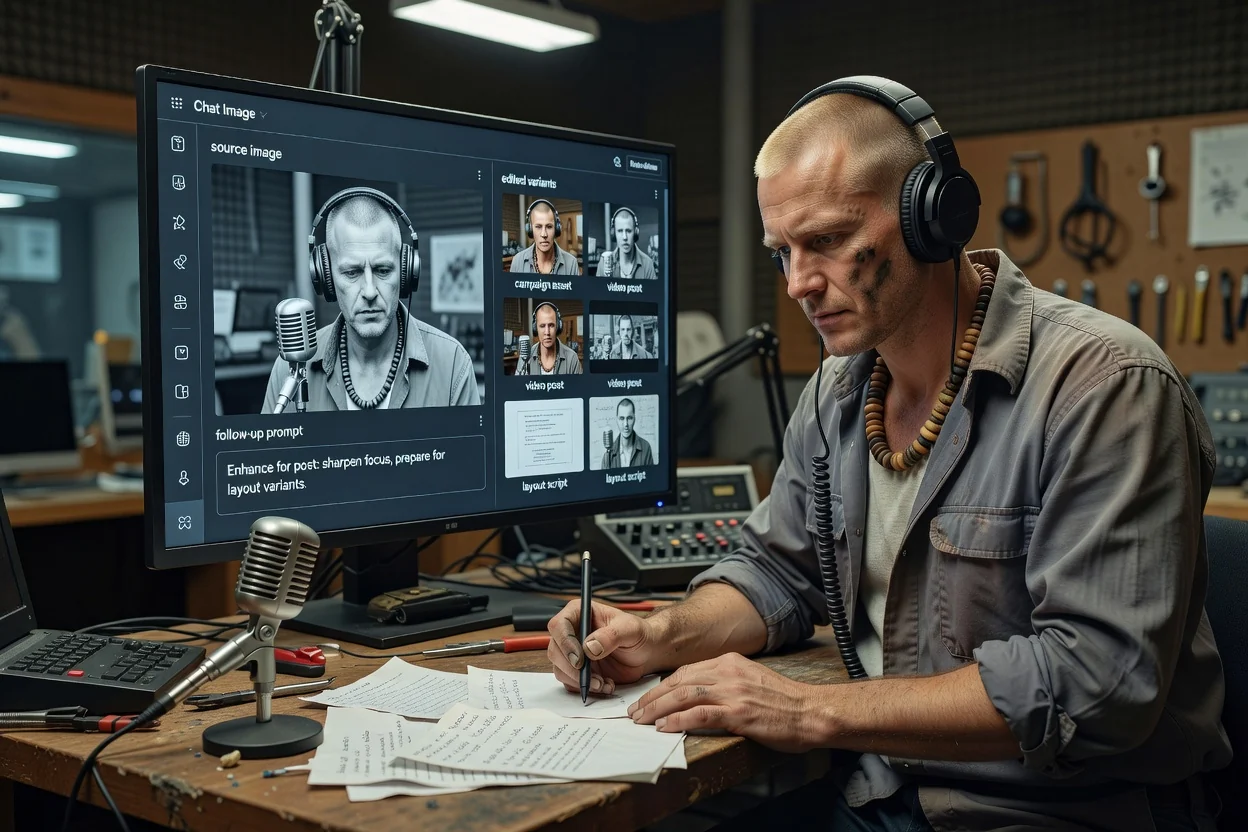
Choose a destination format to help prepare image variants for the place they will be used, such as a post, layout, or campaign asset.
Create or use an edited result for practical visual tasks where plain-language direction is faster than rebuilding the asset from scratch.
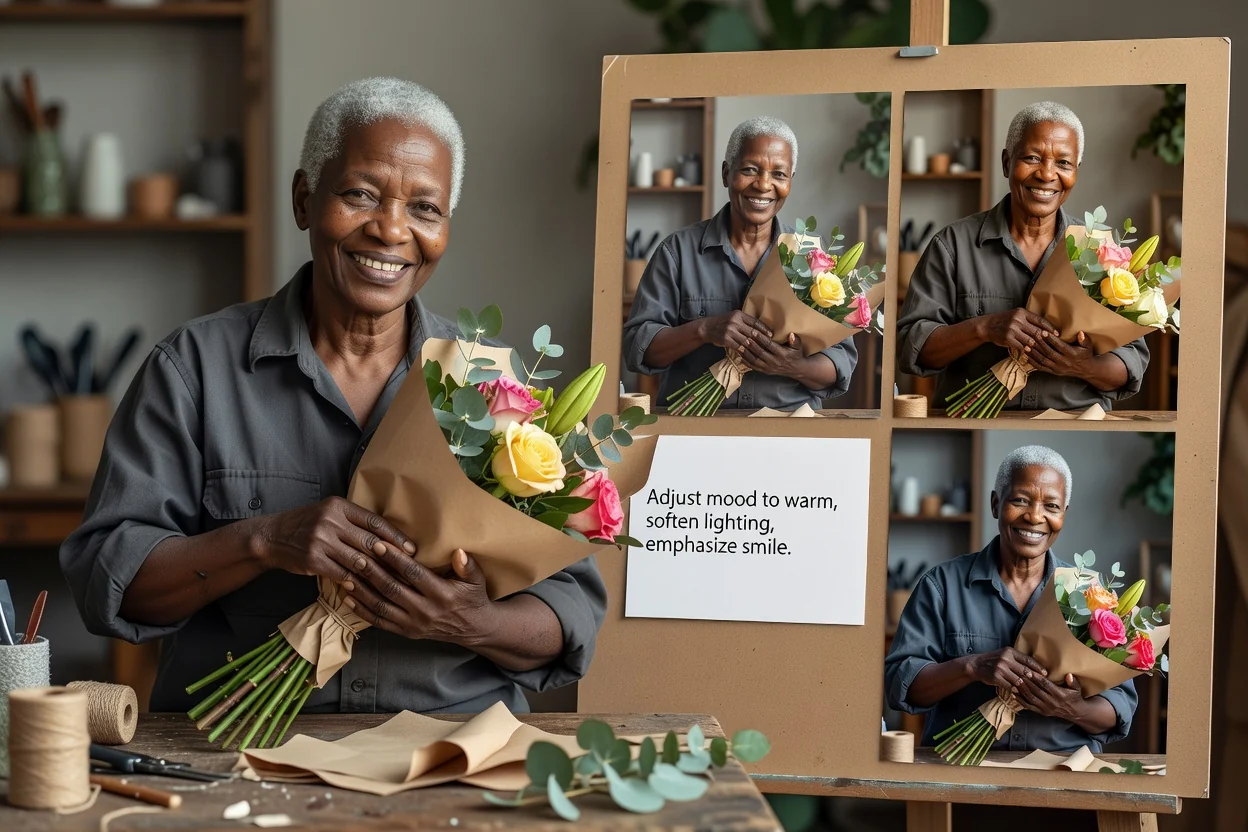
Edit photo with a prompt for straightforward changes such as adjusting mood, styling, lighting, or emphasis in an existing image.
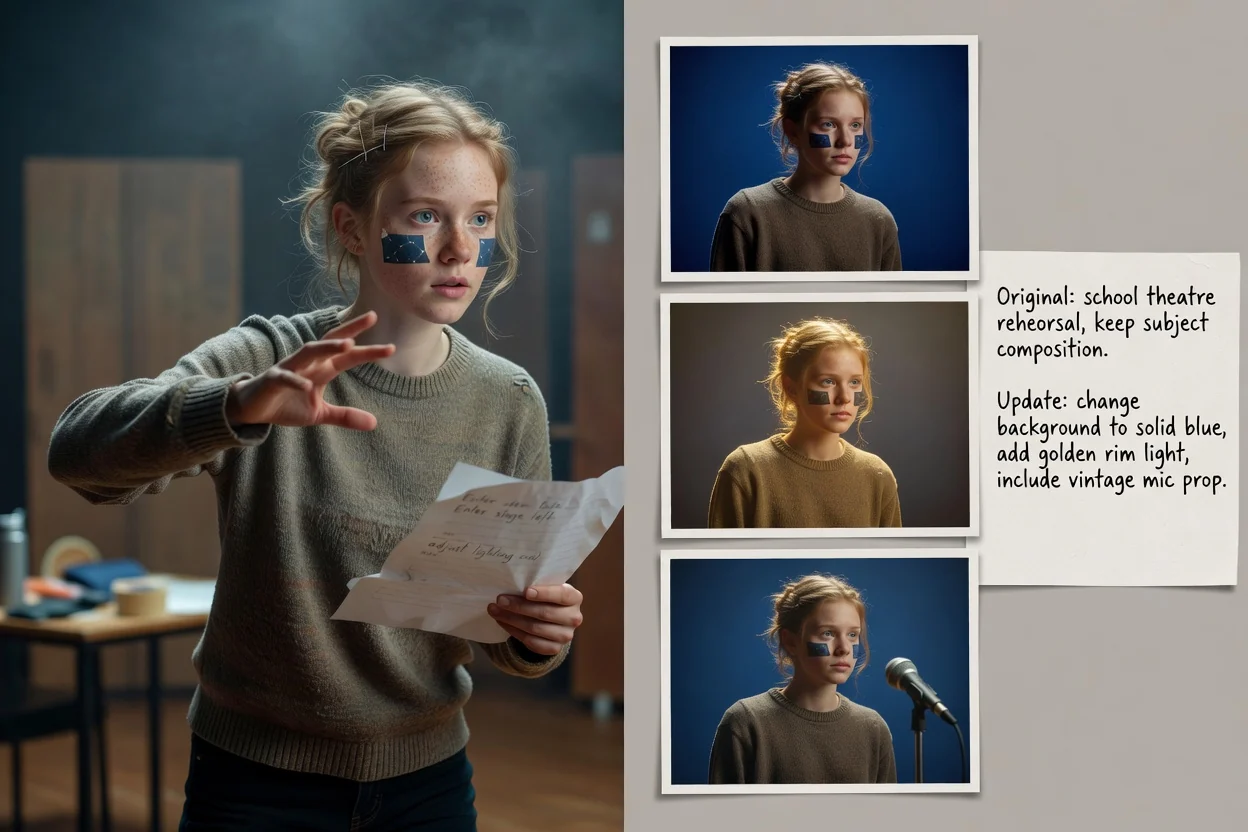
Request background updates, setting changes, or object adjustments while keeping the intended subject and composition in view.
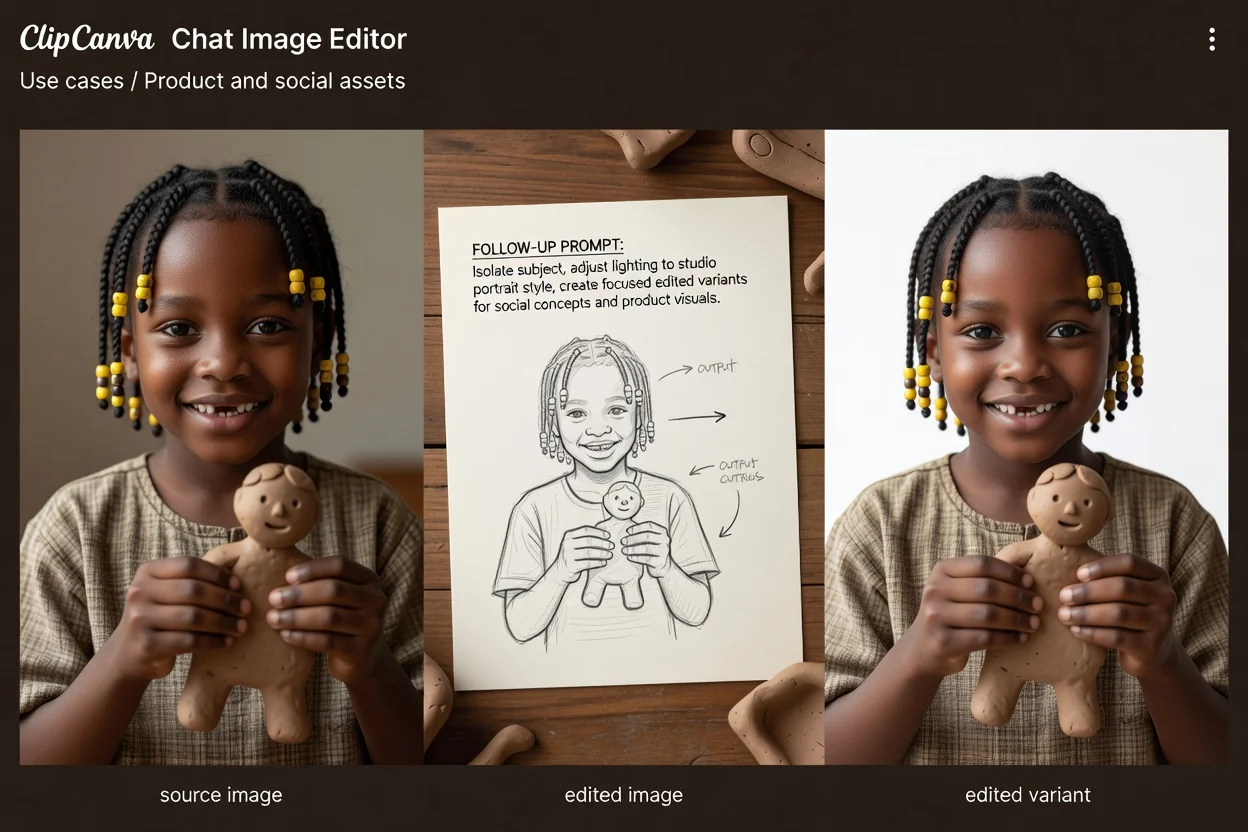
Create a result for product visuals, social concepts, campaign drafts, or layout exploration with a clear destination format in mind.
Review each variant before selecting the one that best matches your goal and destination.
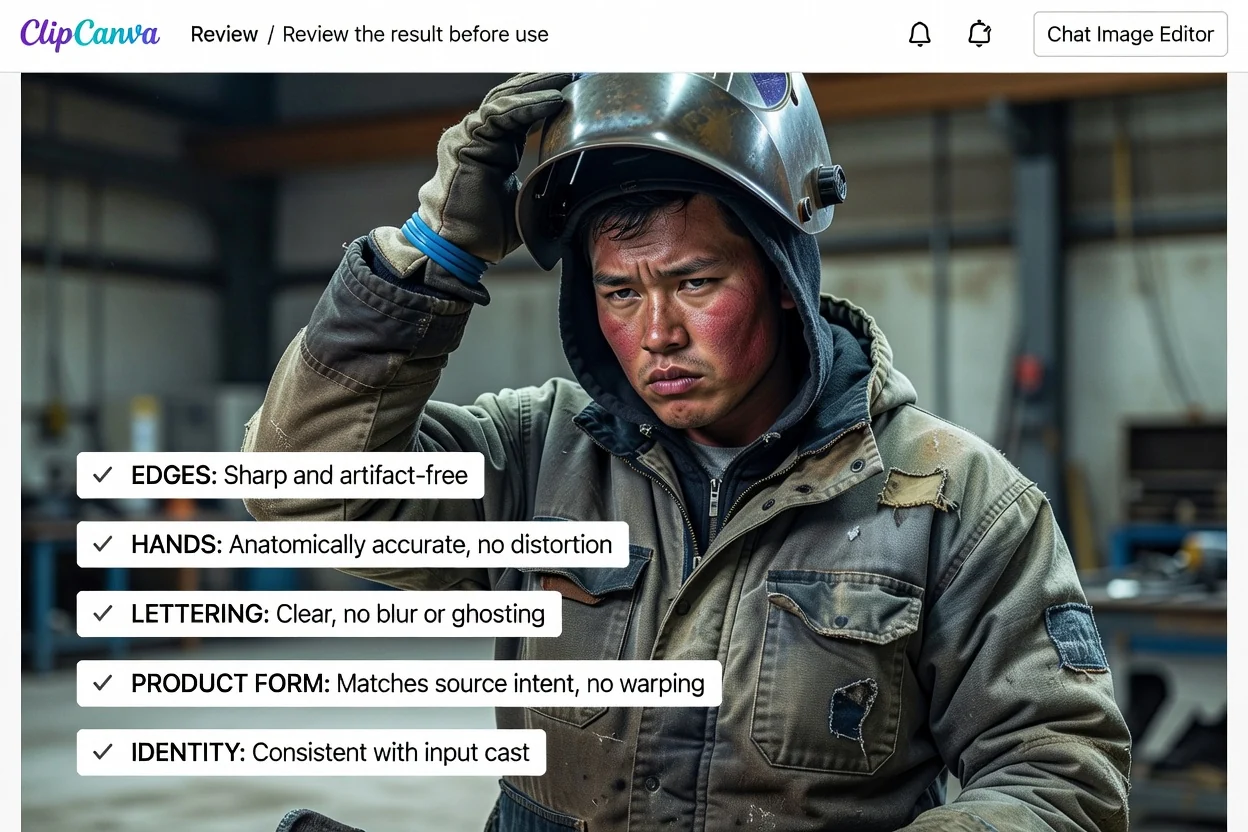
Compare the edited image against the original brief, including the requested subject, setting, mood, and visual direction.
Inspect details that matter most, such as product shape, object placement, faces, hands, brand cues, and any text-like elements.
Check whether the result works in the destination crop and format before using it in a social post, product layout, or campaign asset.
The tool can speed up visual exploration, but every result still needs human review before use in a live project.
Generated results can vary from prompt to prompt, especially when the requested change affects complex objects, faces, text, or fine visual relationships.
Important details may need review and another prompt pass, particularly for brand elements, product specifics, readable text, or exact placement.
Answers to common questions about using Chat Image Editor for prompt-guided edits.
Upload a source image, describe the edit you want, and create with Chat Image Editor for project-ready visual variants.