
Write the prompt
Describe the poster purpose, subject, setting, audience, mood, and any must-have visual elements in your prompt.
Turn a focused text prompt into poster concepts and campaign visuals for events, launches, announcements, and social promotions. Guide the subject, setting, visual direction, and destination format before you create.
AI Poster Generator creates poster concepts and campaign visuals from a text prompt. It is designed for creators, marketers, and teams that need a project-specific starting point they can review and refine.
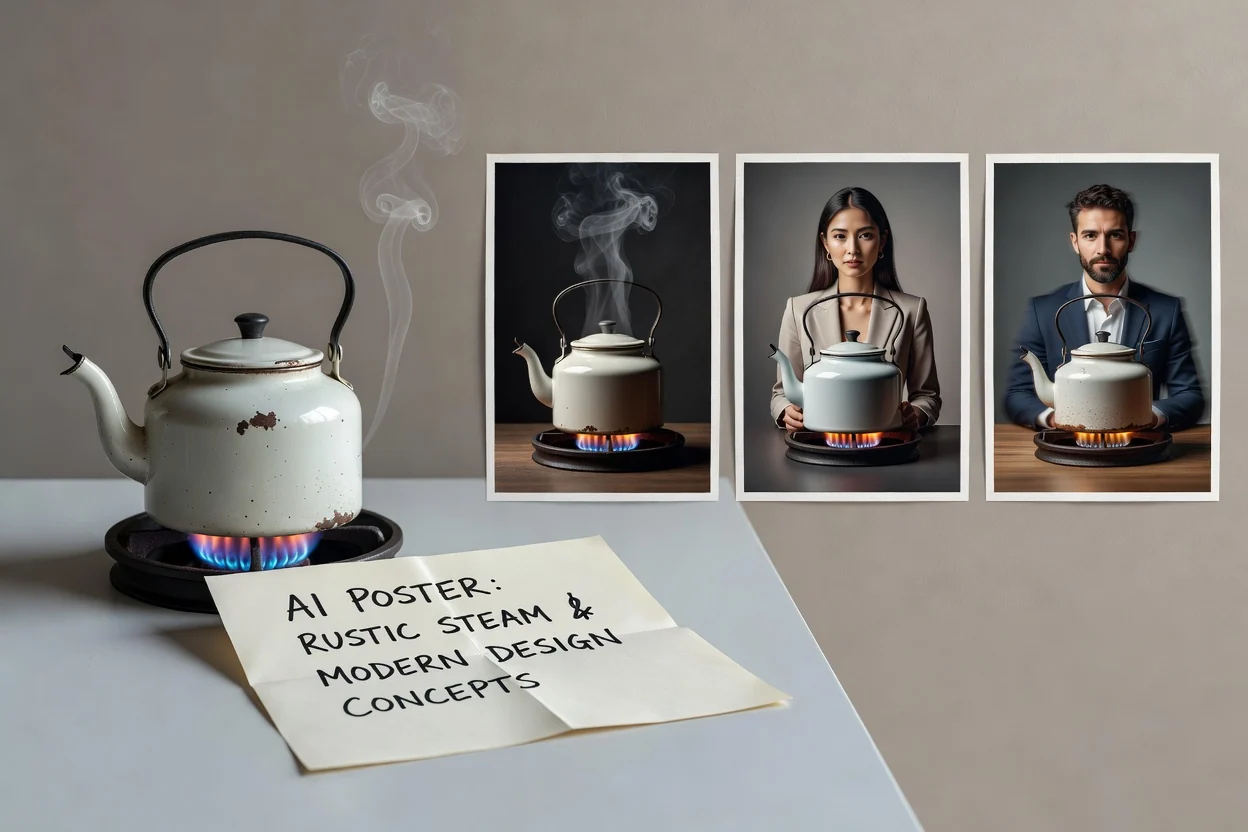
Start with a focused prompt, guide the AI poster design direction, then review the generated concept against your project needs.
Describe the poster purpose, subject, setting, audience, mood, and any must-have visual elements in your prompt.
Add visual direction such as composition style, color mood, campaign theme, and the destination format you are preparing for.
Generate a concept, then compare it with the brief and adjust your prompt if the result needs a different emphasis.
Use the poster maker with AI to steer composition and style while keeping the output tied to the image you need for a specific campaign, channel, or announcement.
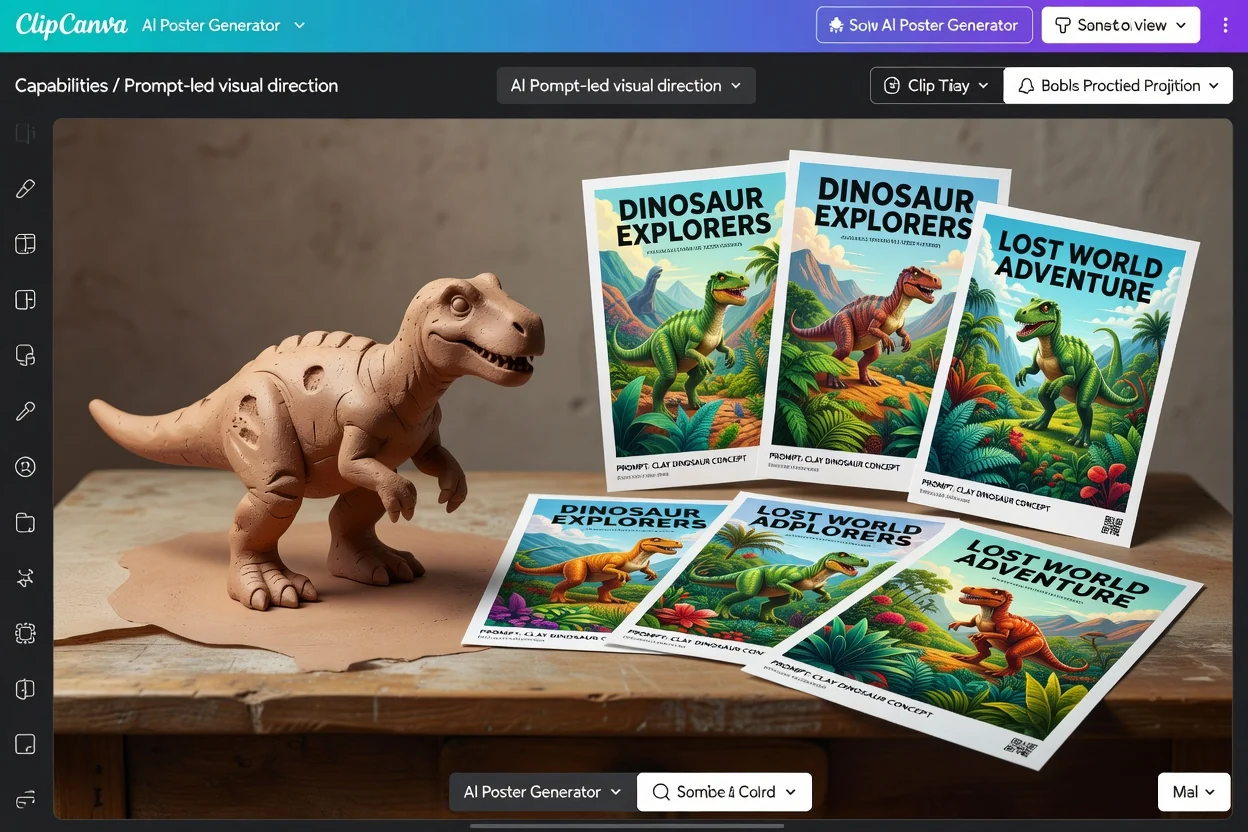
Describe the main subject, supporting objects, setting, mood, and any visual cues that should shape the poster concept.
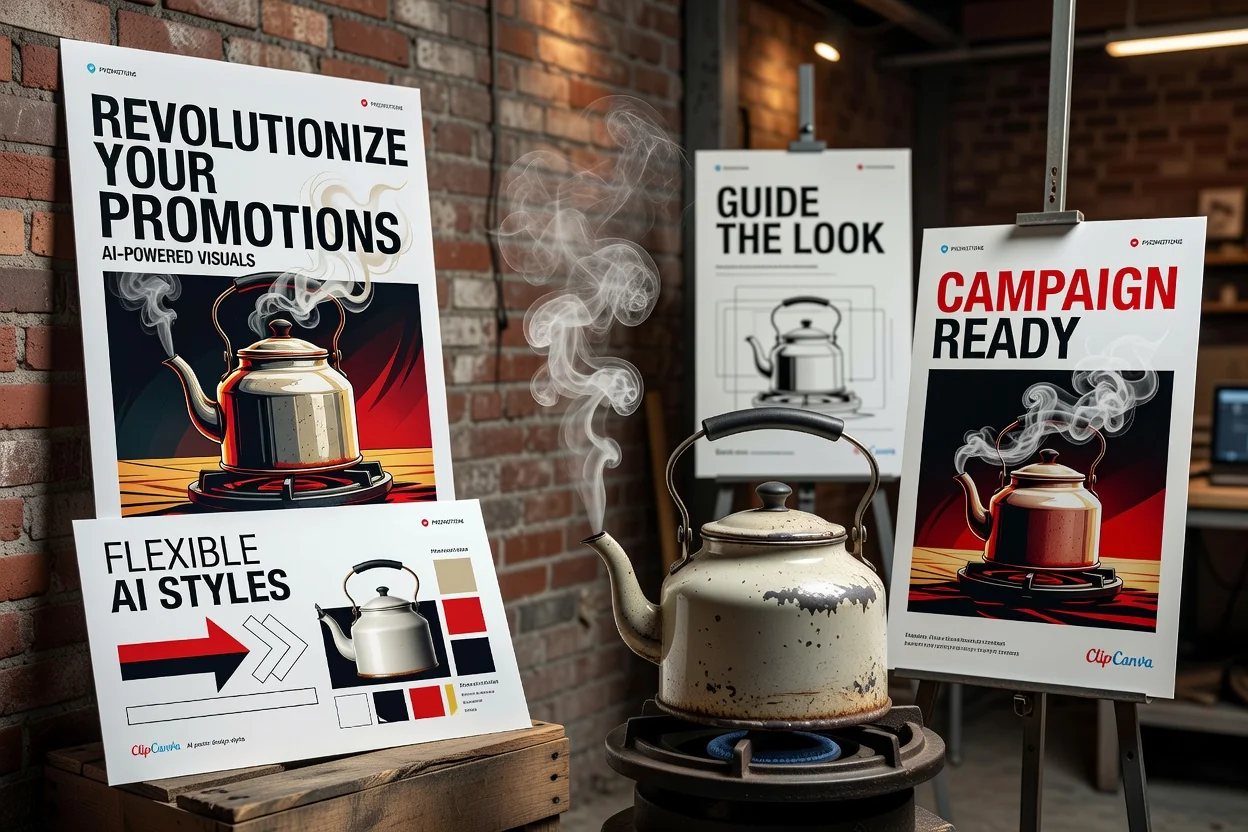
Guide the look toward bold promotional art, clean announcement graphics, product-focused layouts, or social-ready campaign visuals.
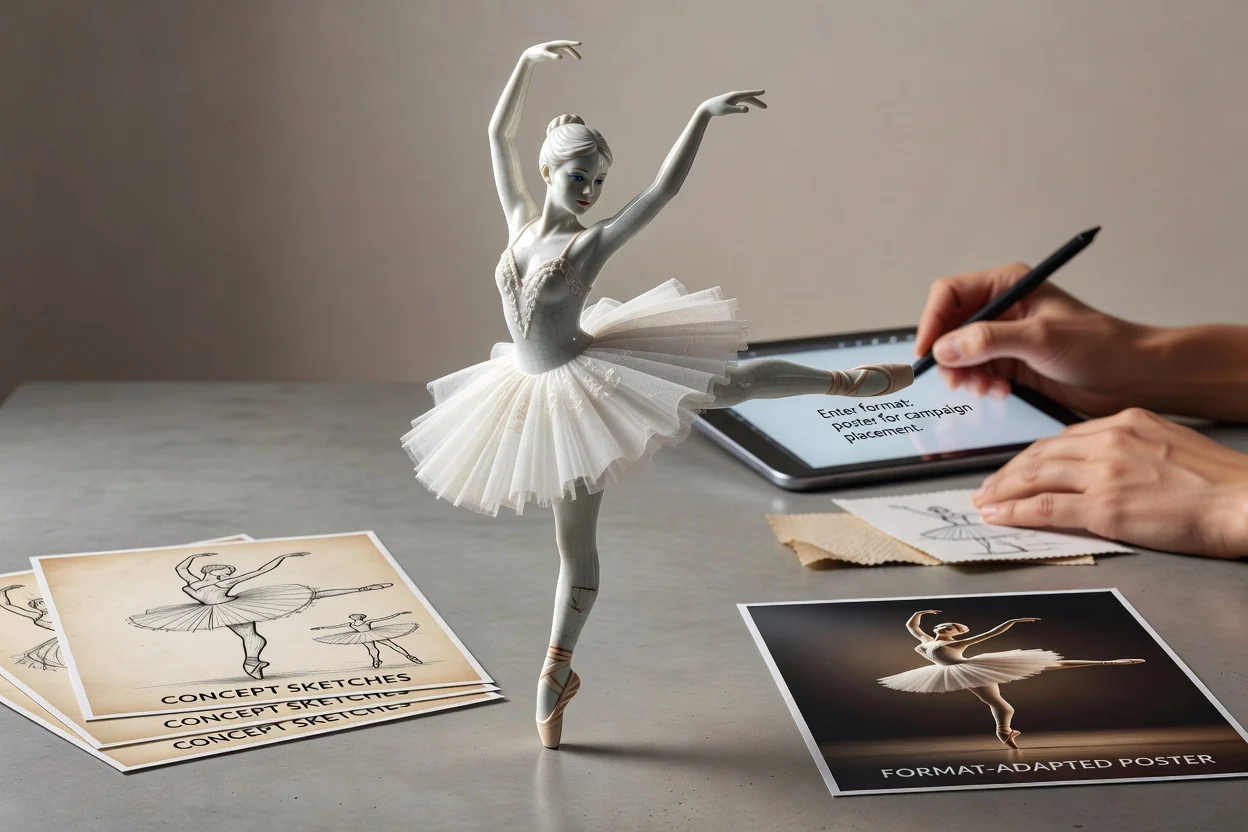
Choose the intended destination format so the generated concept is easier to assess for its final placement.
Create poster concepts and campaign visuals for practical marketing, creator, and team projects where a clear visual result is needed quickly.
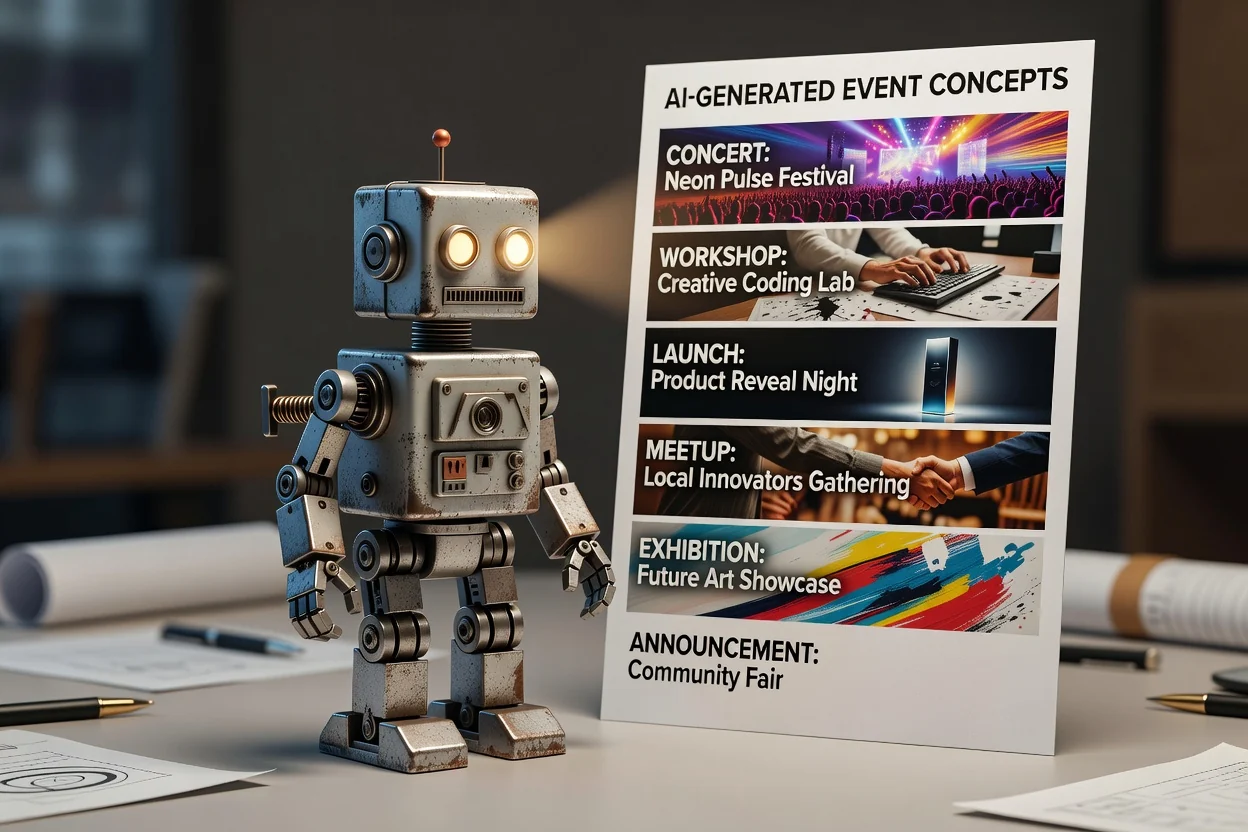
Draft visual directions for concerts, workshops, launches, meetups, exhibitions, or local announcements.
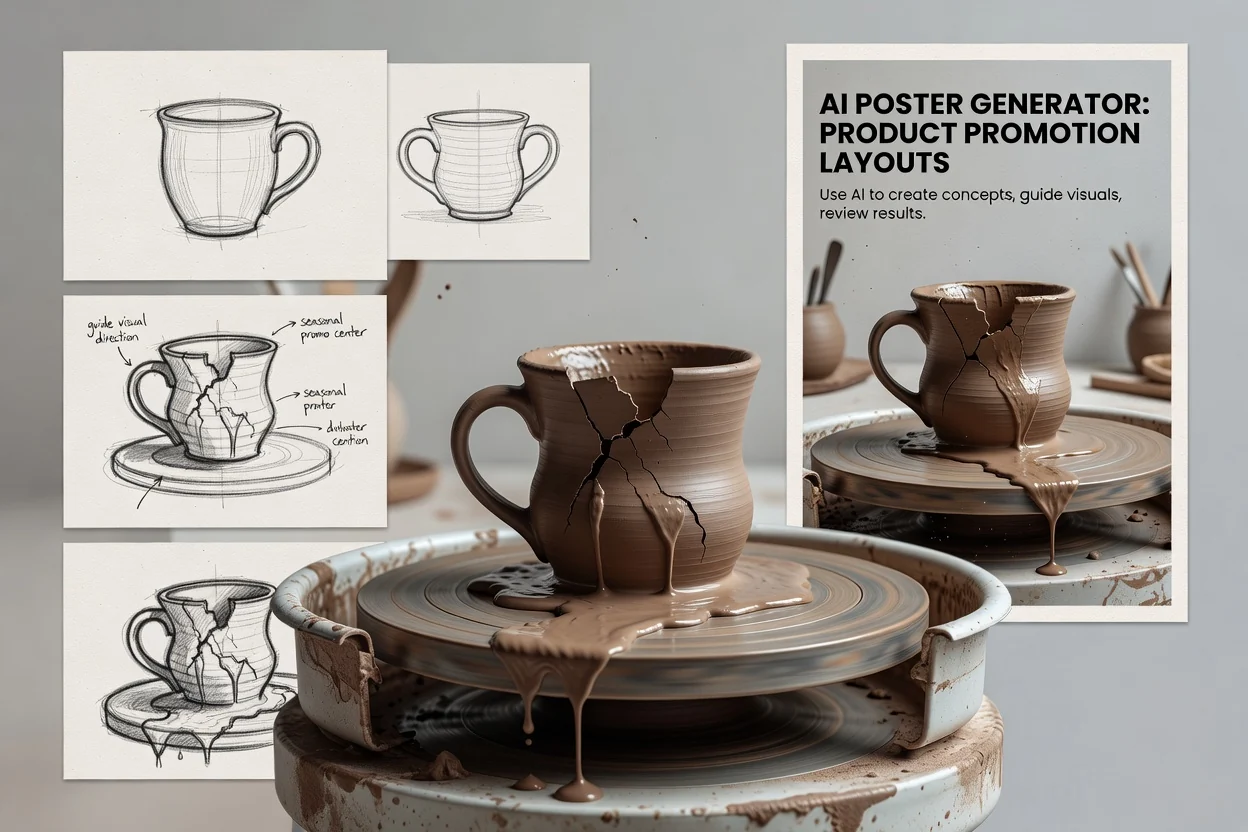
Explore layouts that put a product, offer, or seasonal promotion at the center of the composition.
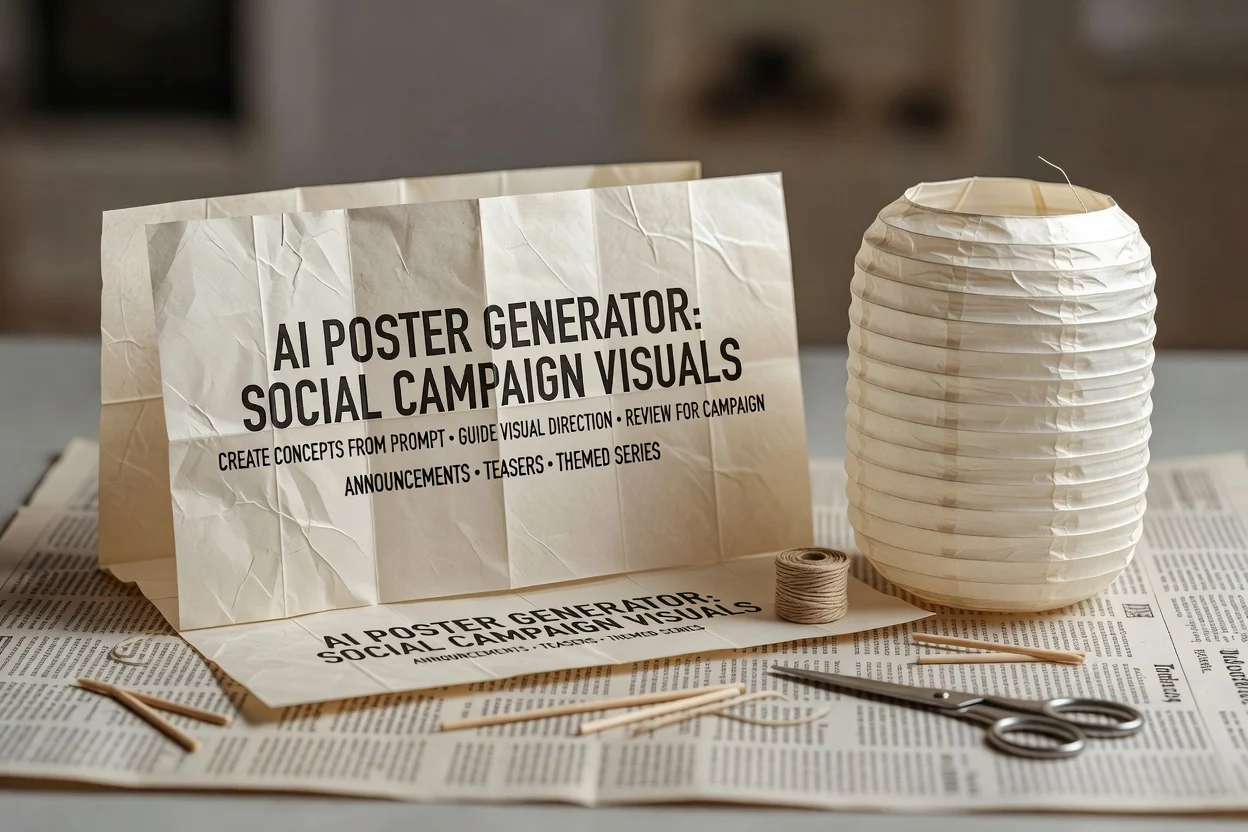
Create social campaign visuals that can support announcements, teasers, or themed content series.
After generation, review the poster concept for fit, clarity, and practical use in the destination channel.
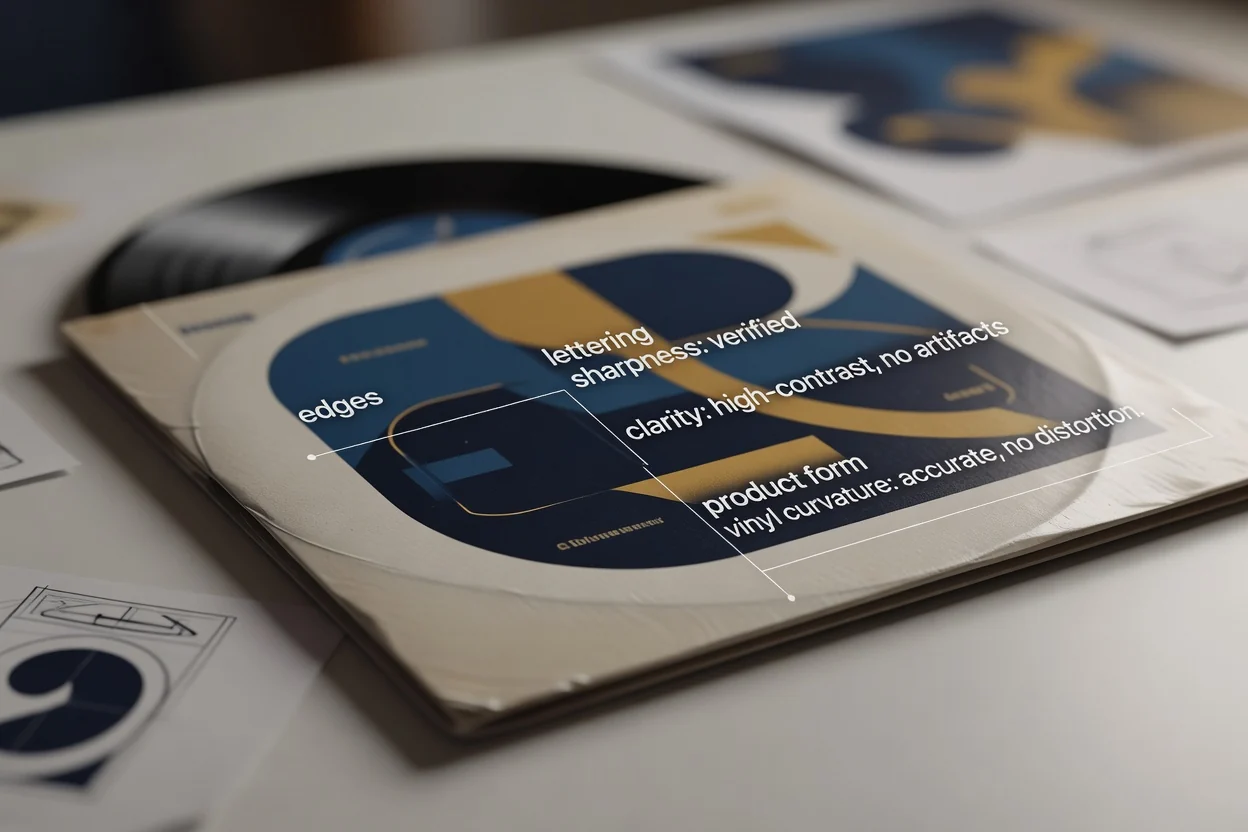
Compare the concept with the original brief, audience, campaign goal, and intended placement before moving forward.
Check names, dates, product cues, visual hierarchy, and other details that matter to the final poster.
Make sure the composition still works for the destination crop and format you selected.
Generated results can vary, and important details require review before you use a poster concept in a real campaign or destination format.
Different prompts or small wording changes may lead to different compositions, moods, and visual interpretations.
Names, dates, product specifics, brand cues, and other important details should be checked carefully after generation.
Answers to common questions about using AI Poster Generator for poster concepts, prompts, review, and practical boundaries.
Write a prompt, choose the direction, and create with AI Poster Generator to move from idea to poster concept faster.