
Describe the scene
Write a prompt that names the subject, setting, mood, visual style, and any must-have Halloween elements.
Create Halloween-ready visuals from a text prompt. Describe the subject, setting, mood, and destination format, then shape eerie artwork for posts, posters, avatars, and campaign ideas.
The AI Halloween Generator helps you create Halloween-themed images and campaign concepts from a text prompt. It is built for creators, marketers, and teams who need a focused visual starting point for a specific seasonal project.
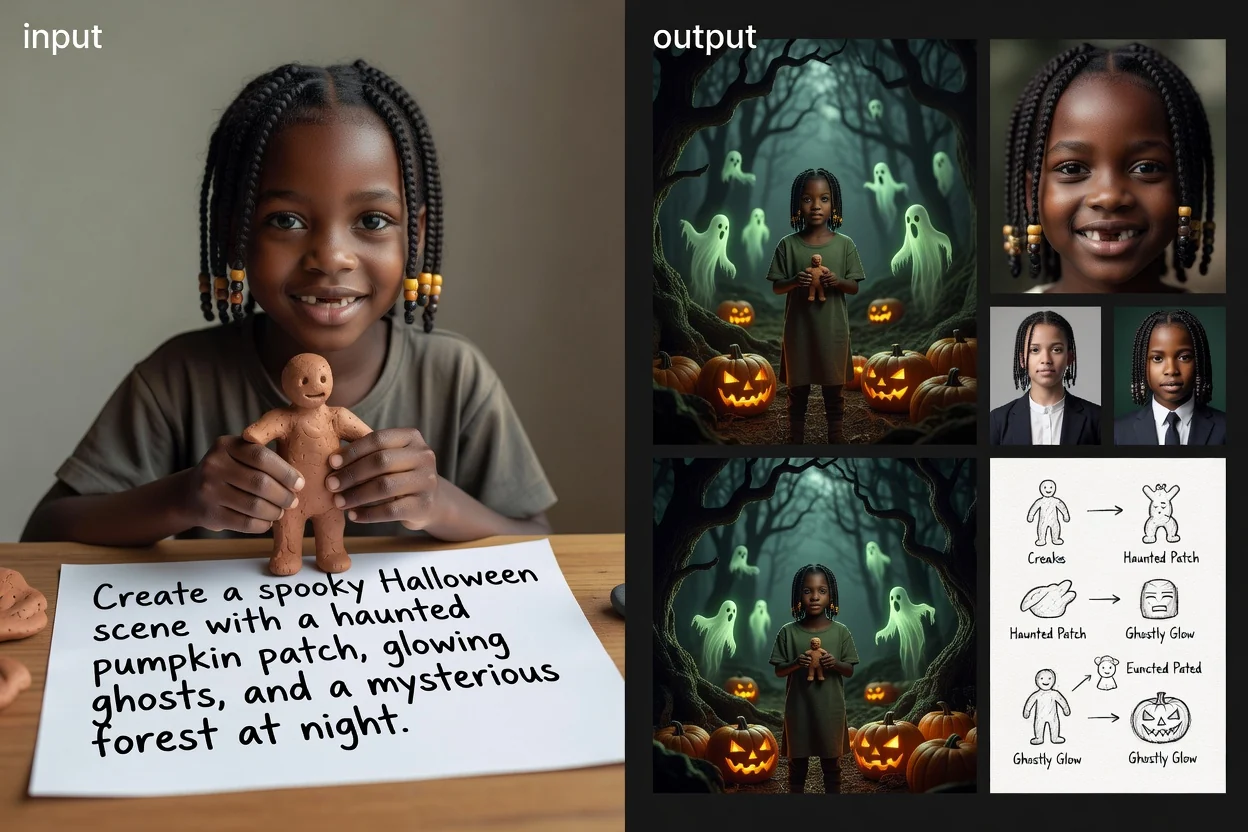
Start with a prompt, guide the Halloween image generator with visual context, then review the result for your intended destination.
Write a prompt that names the subject, setting, mood, visual style, and any must-have Halloween elements.
Add visual direction such as eerie lighting, playful horror, gothic detail, cute monsters, vintage poster style, or cinematic atmosphere.
Select the destination format so the generated composition better matches a social post, avatar, poster, or flyer concept.
Use focused controls to guide the image toward the Halloween mood, composition, and format your project needs.
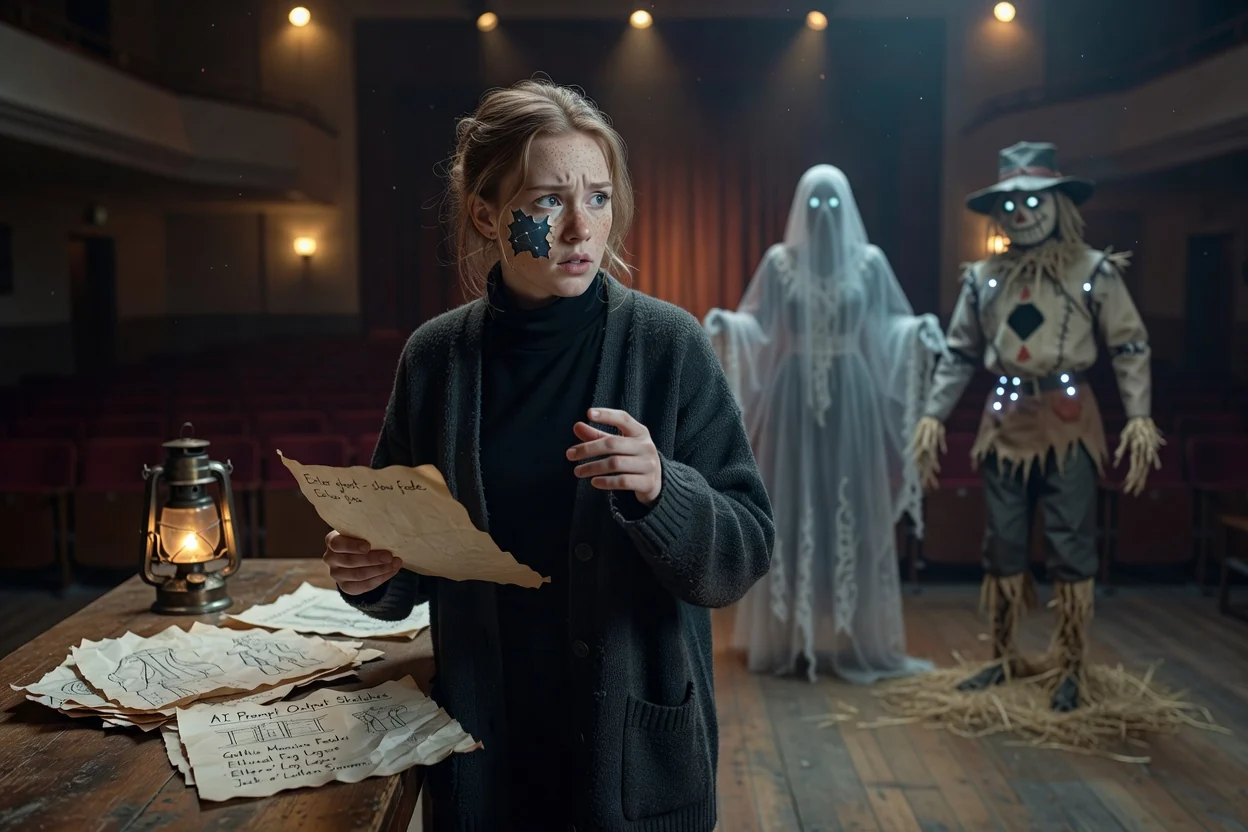
Describe characters, props, lighting, atmosphere, and scene details to steer the final image.
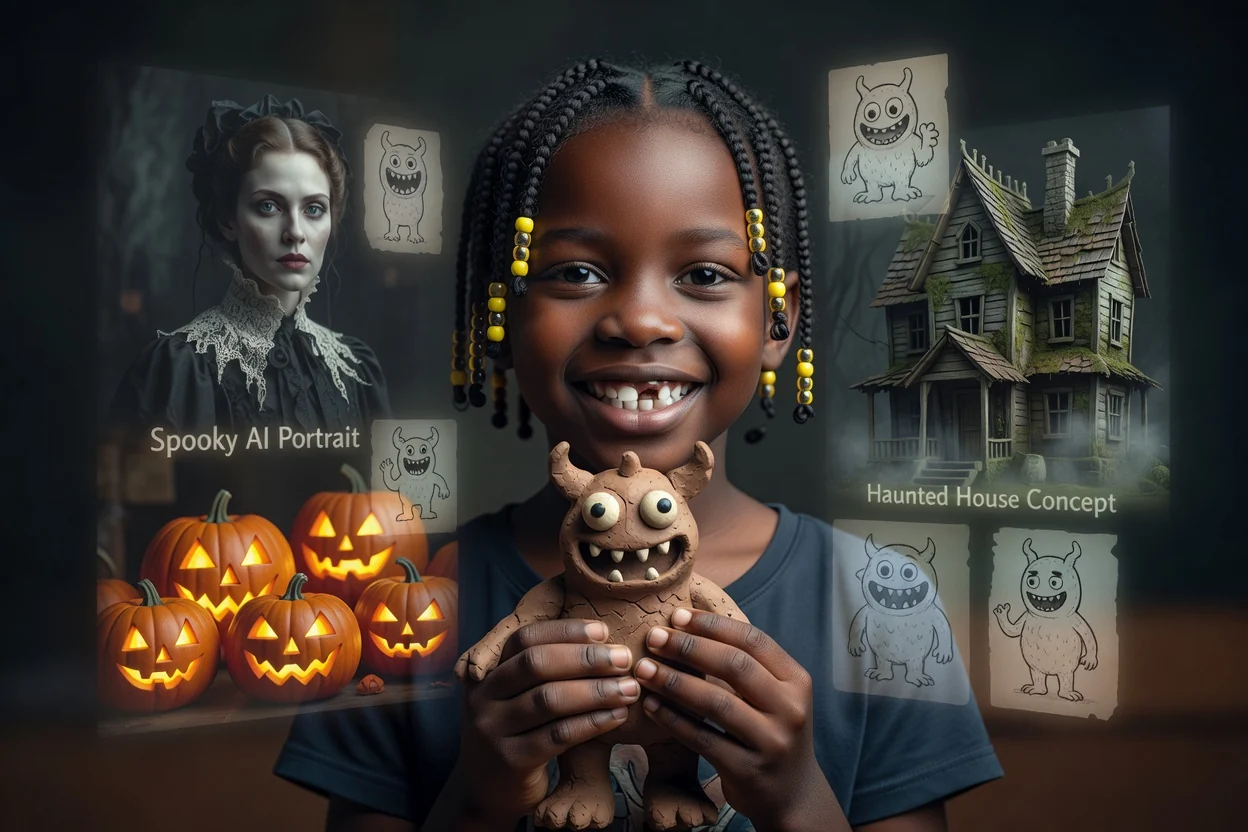
Aim for haunted houses, jack-o’-lanterns, gothic portraits, playful monsters, or other spooky AI images that fit your theme.
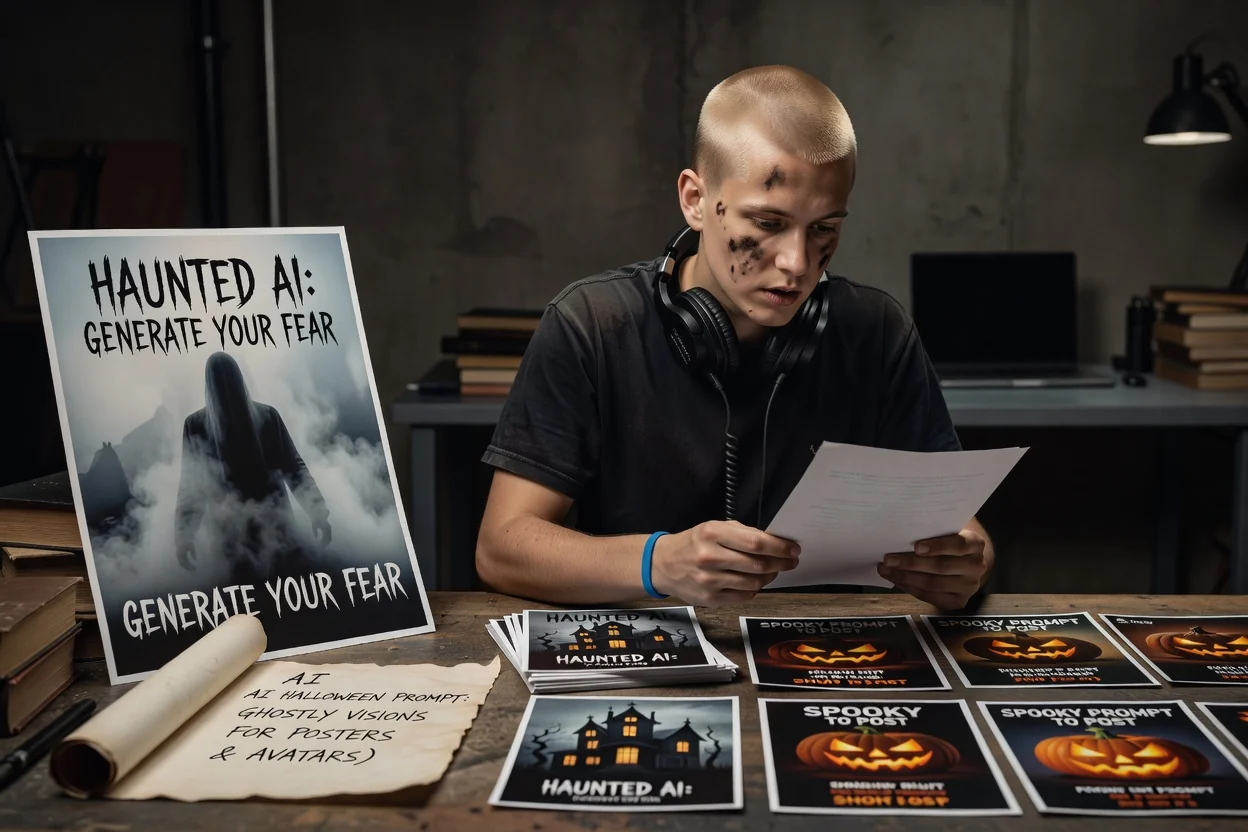
Choose a destination format so the composition starts closer to your post, poster, flyer, or avatar need.
Create or use a seasonal result for visual concepts across social content, identity ideas, and promotional materials.
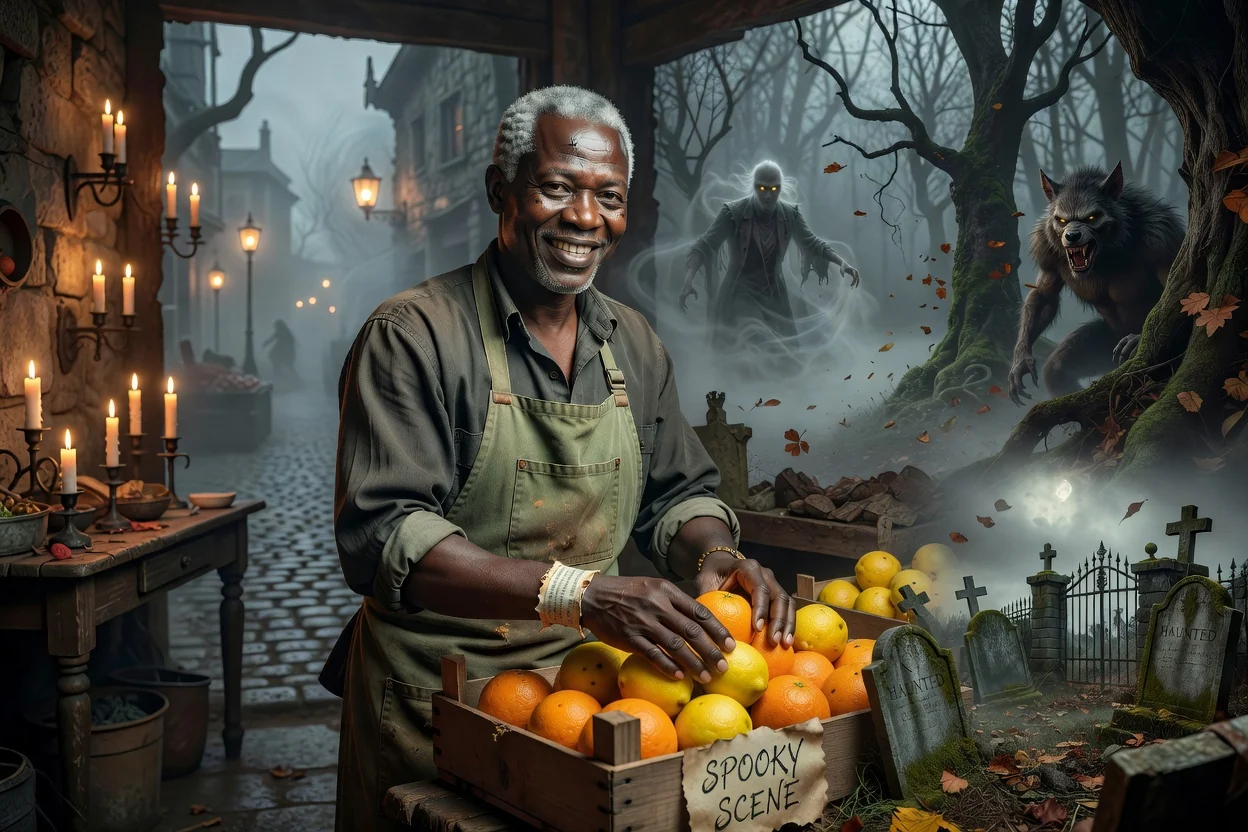
Build haunted forests, candlelit rooms, graveyard scenes, foggy streets, or monster moments for mood-driven content.
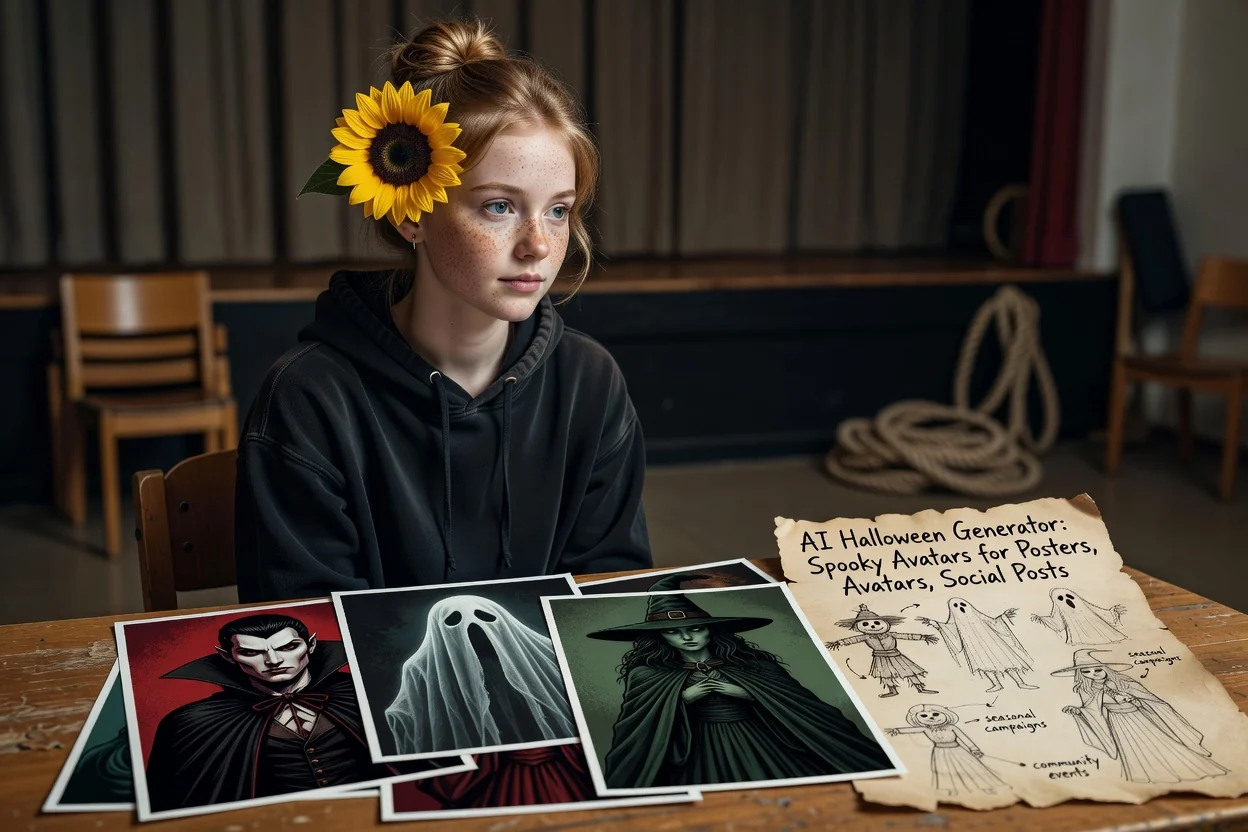
Create stylized portraits, costume-inspired profile visuals, or character concepts for seasonal campaigns and community events.
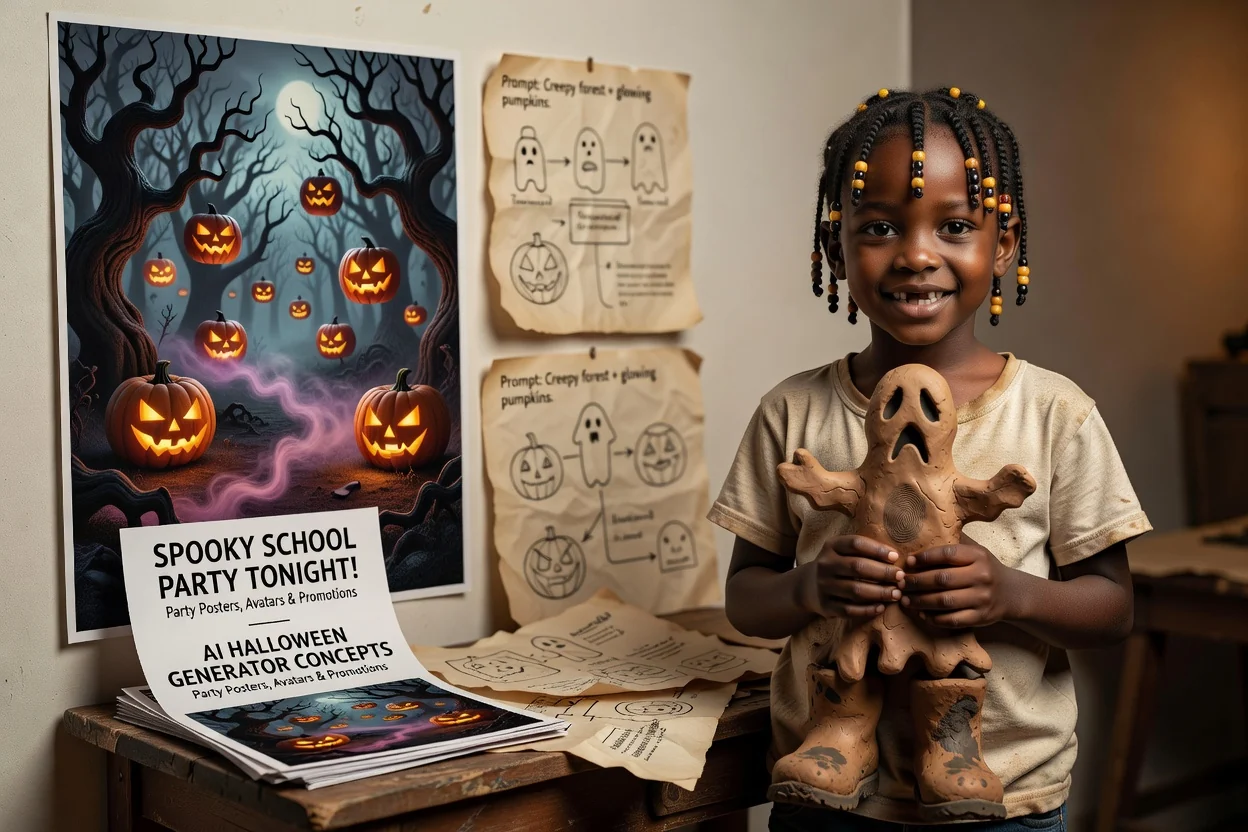
Develop poster and flyer art concepts for parties, sales, announcements, school events, or themed promotions.
Before you use a generated visual, review it against the creative brief and destination requirements.
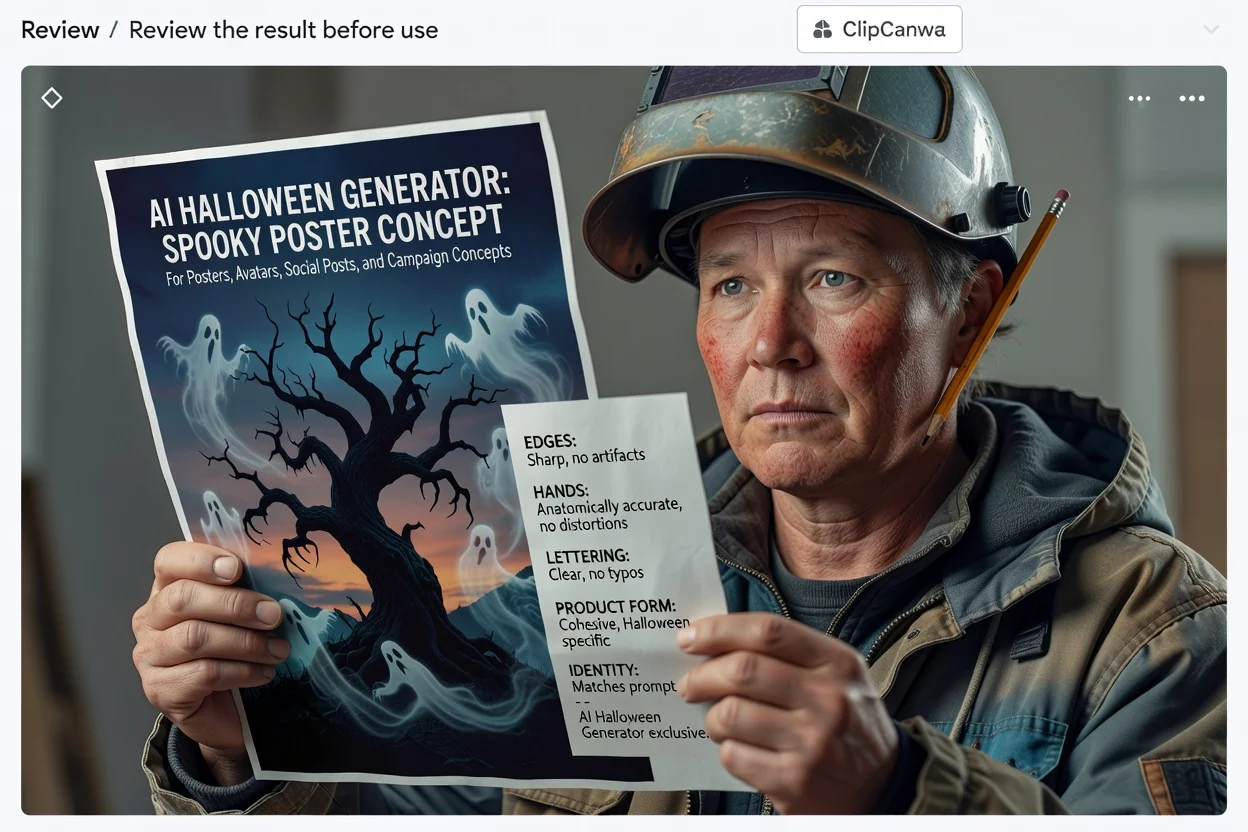
Compare the image with your intended audience, channel, and seasonal campaign goal.
Inspect costumes, props, faces, text-like marks, colors, and other details that matter to your concept.
Confirm the result works for the destination crop and format, such as a poster, flyer, avatar, or social post.
Generated Halloween results may vary, so plan time to check accuracy, composition, and project fit before final use.
The same prompt can produce different interpretations, especially with complex scenes, unusual styles, or many characters.
Names, text, symbols, costumes, props, and small visual details may need close review before publication or sharing.
Answers to common questions about prompts, outputs, and what to review before using a result.
Write a clear Halloween prompt, choose the direction that fits your project, and review the generated image before using it in your workflow.