
Upload a portrait photo
Add the portrait photo you want to restyle, making sure the person and clothing area are visible enough for an outfit edit.
Upload a portrait photo, describe the outfit direction you want, and create with AI Clothes Changer for a restyled portrait image shaped around your subject, setting, and destination format.
AI Clothes Changer helps restyle clothing in a portrait by combining an uploaded photo with a written edit prompt. It is built for focused outfit visualization when you need a new wardrobe direction for an existing subject.
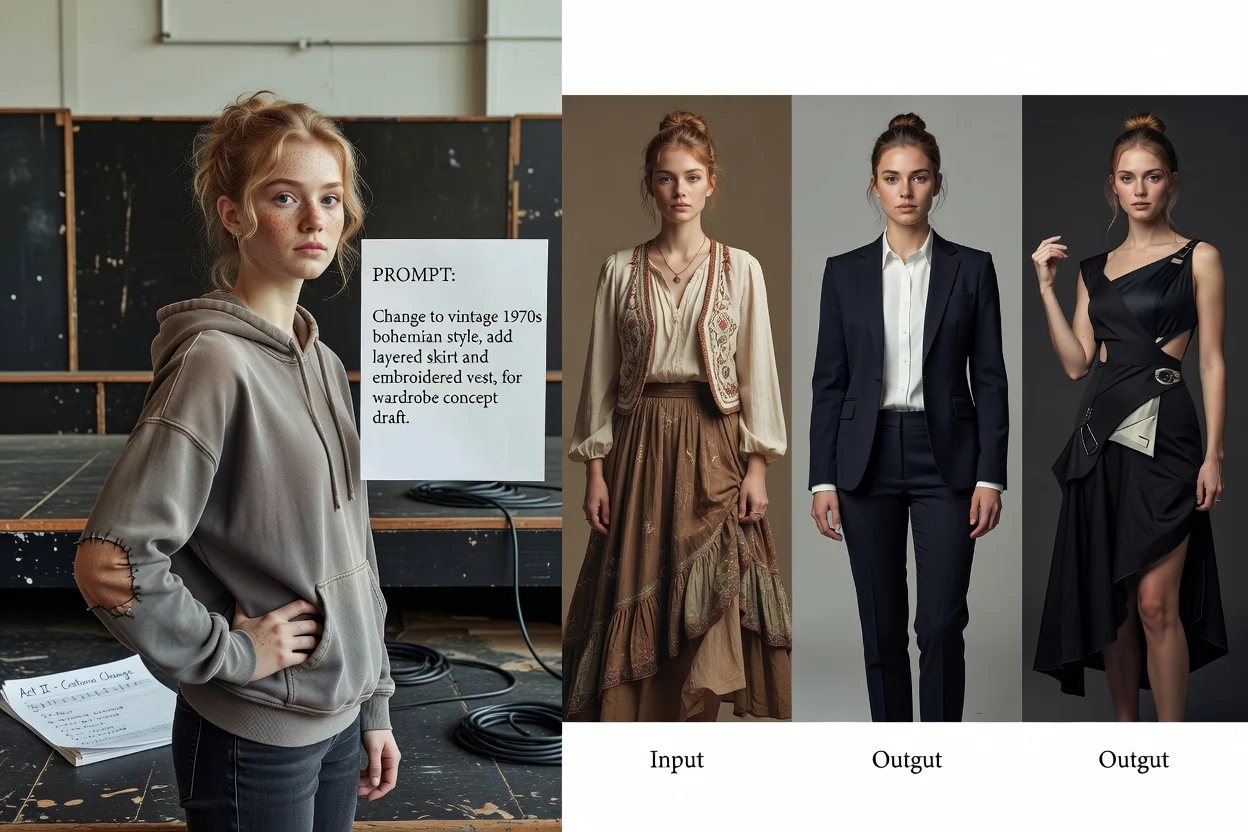
Move from portrait upload to a restyled output by giving the generator a clear clothing brief and checking the result against your goal.
Add the portrait photo you want to restyle, making sure the person and clothing area are visible enough for an outfit edit.
Write the outfit prompt with garment type, colors, mood, subject context, and setting so the system knows how to change clothes in photo.
Set the visual direction and destination format, then create with AI Clothes Changer and review the restyled portrait image.
Control the image brief so the clothing edit follows a clear visual direction instead of a vague style swap.
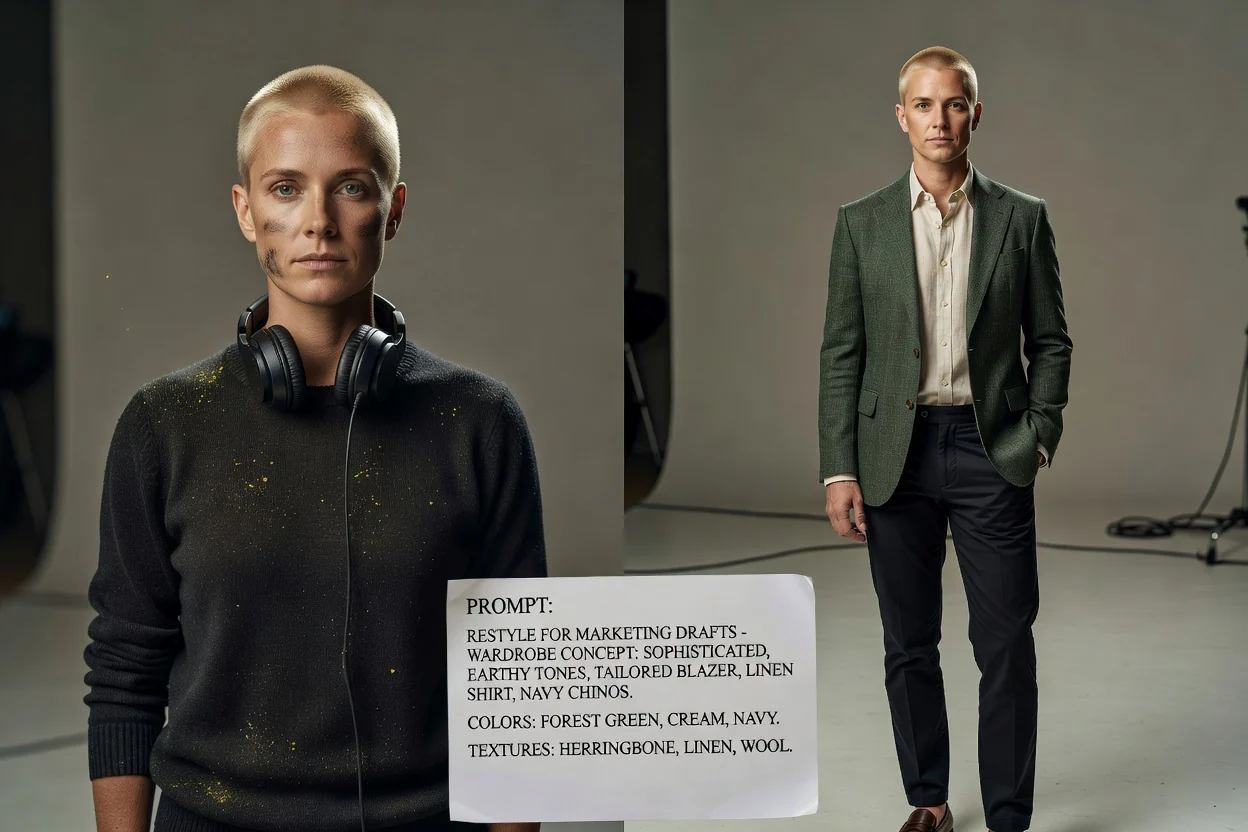
Describe colors, garment types, textures, and overall styling so the AI outfit changer has a more specific target to follow.
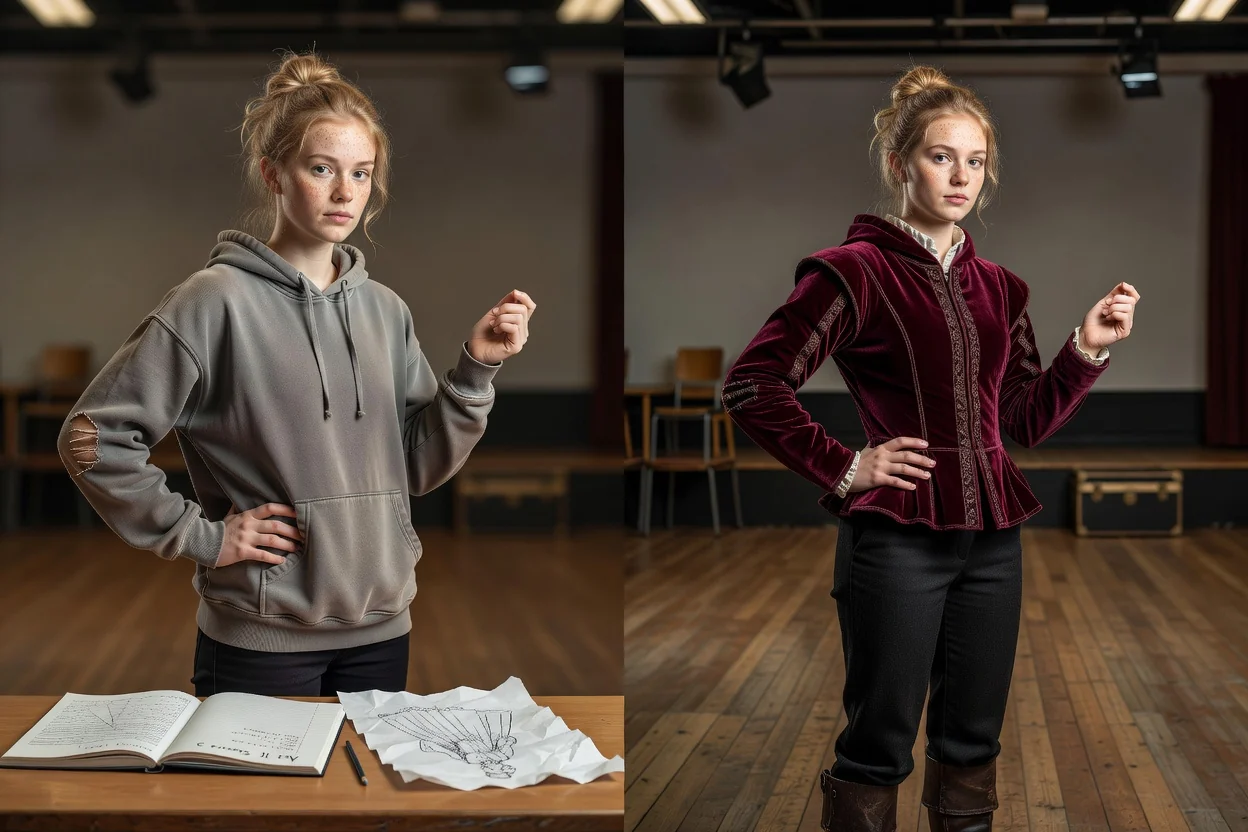
Keep the person, pose, and scene in mind when asking to change clothes in photo, so the result fits the existing portrait context.
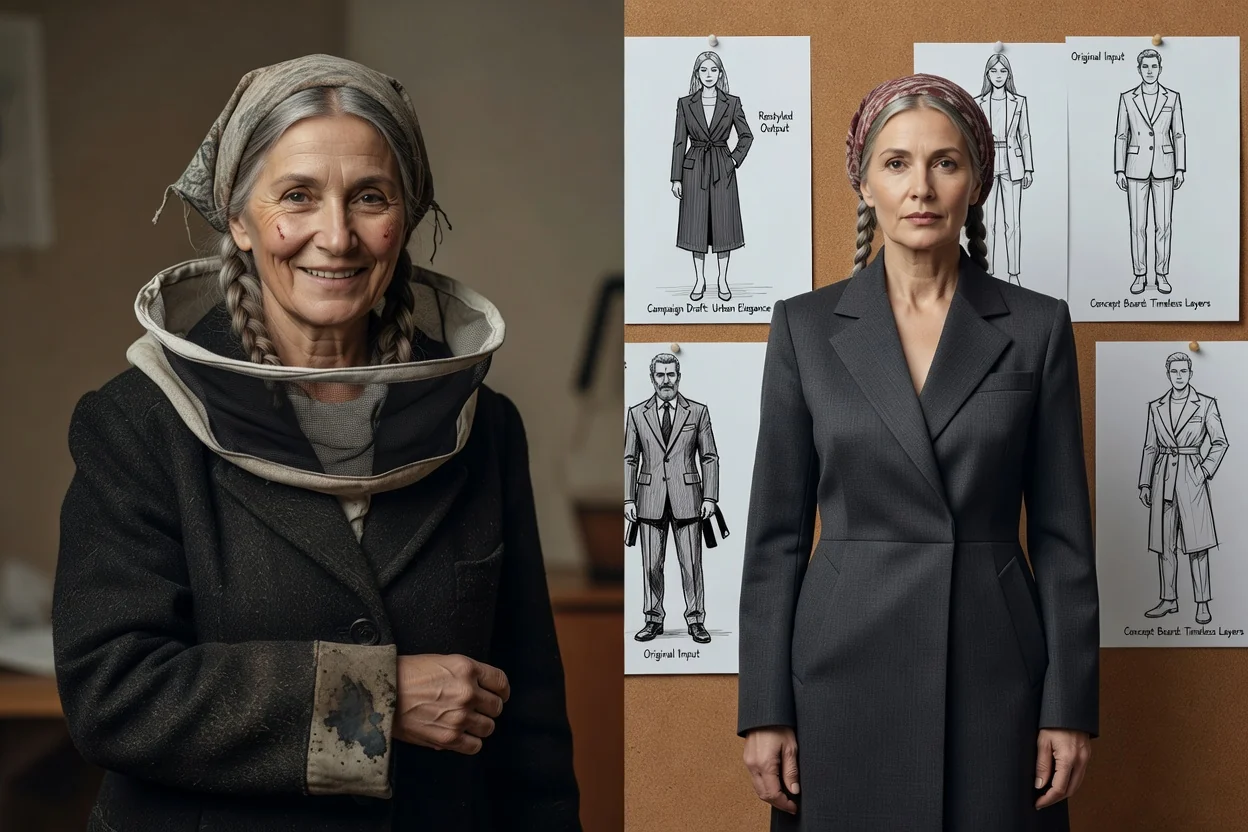
Choose the destination format that matches where the restyled portrait image will be used, such as a profile, campaign draft, or concept board.
Create restyled portrait result options for content planning, wardrobe exploration, and campaign concepting.
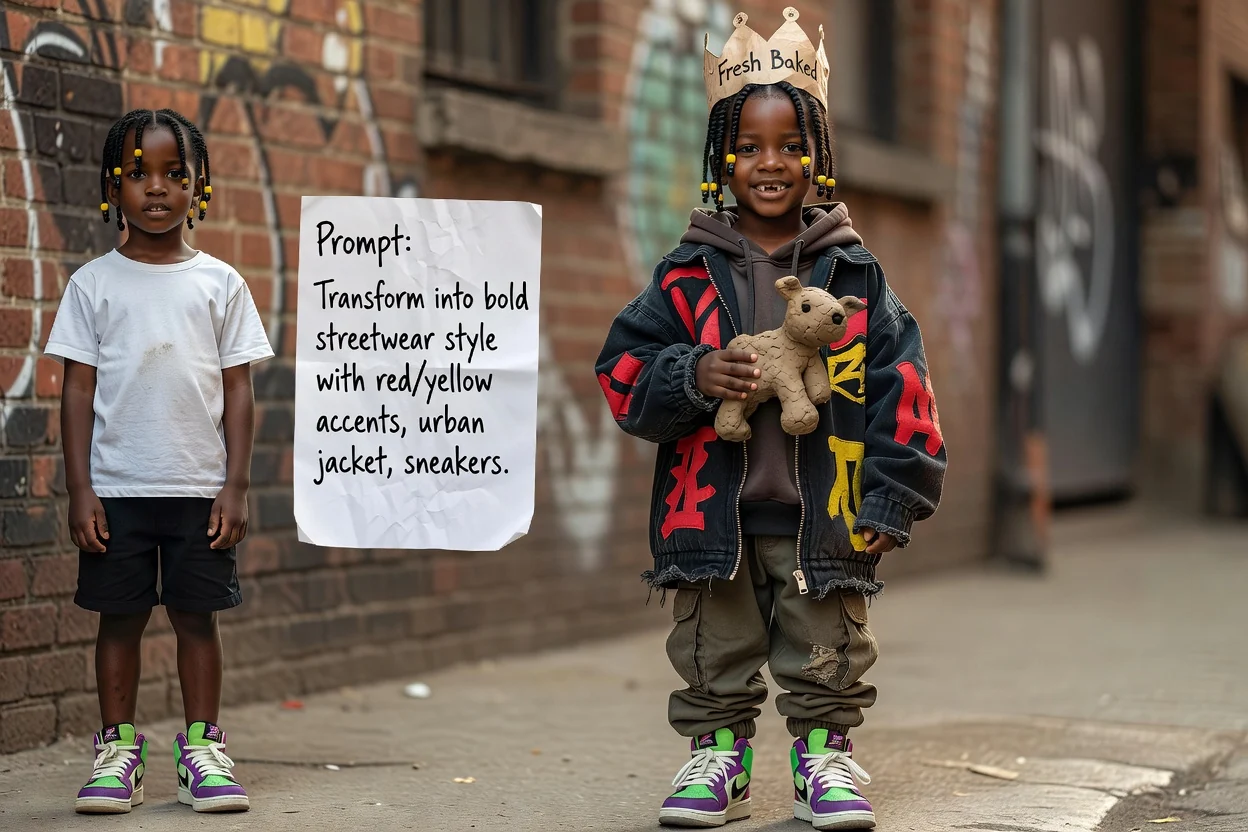
Build a streetwear restyle concept by describing jackets, sneakers, colors, and urban styling cues for the portrait.
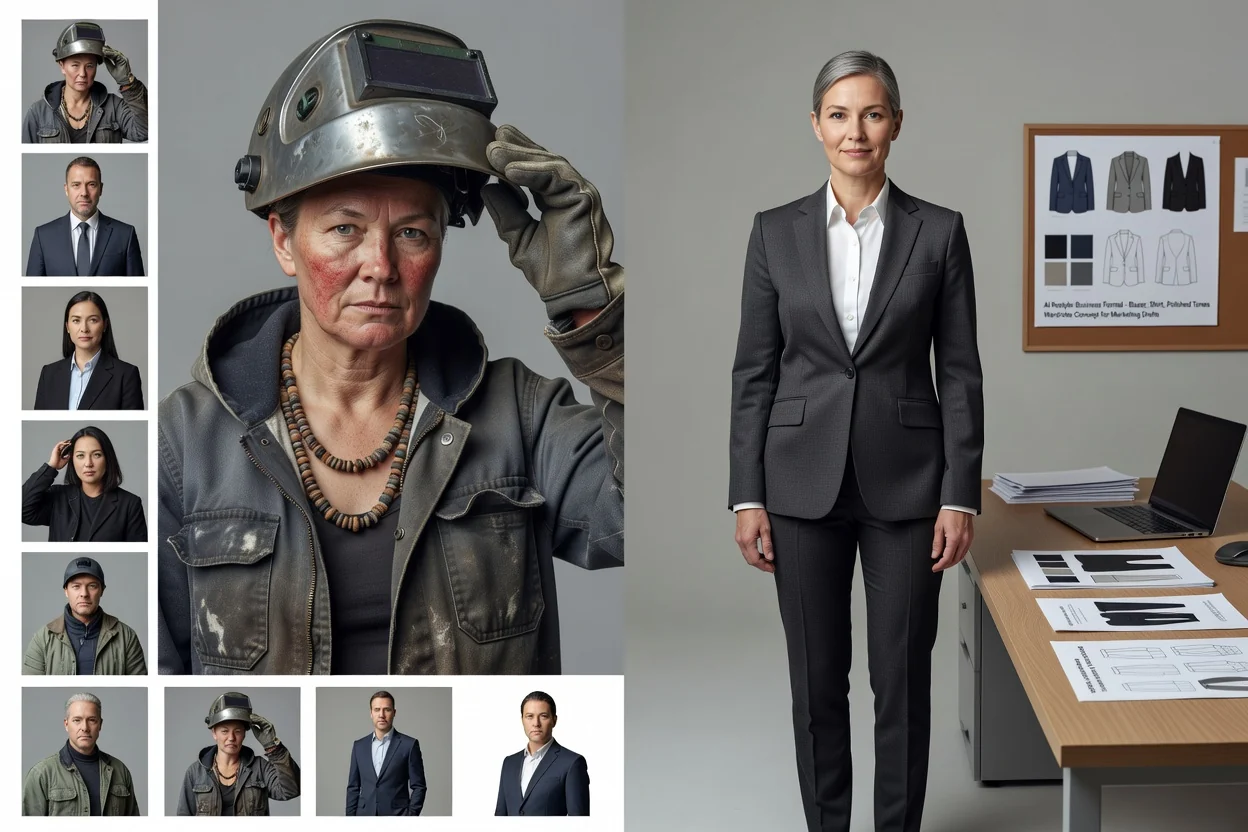
Use the AI outfit changer to explore business wardrobe directions such as blazers, shirts, formal colors, or polished professional looks.
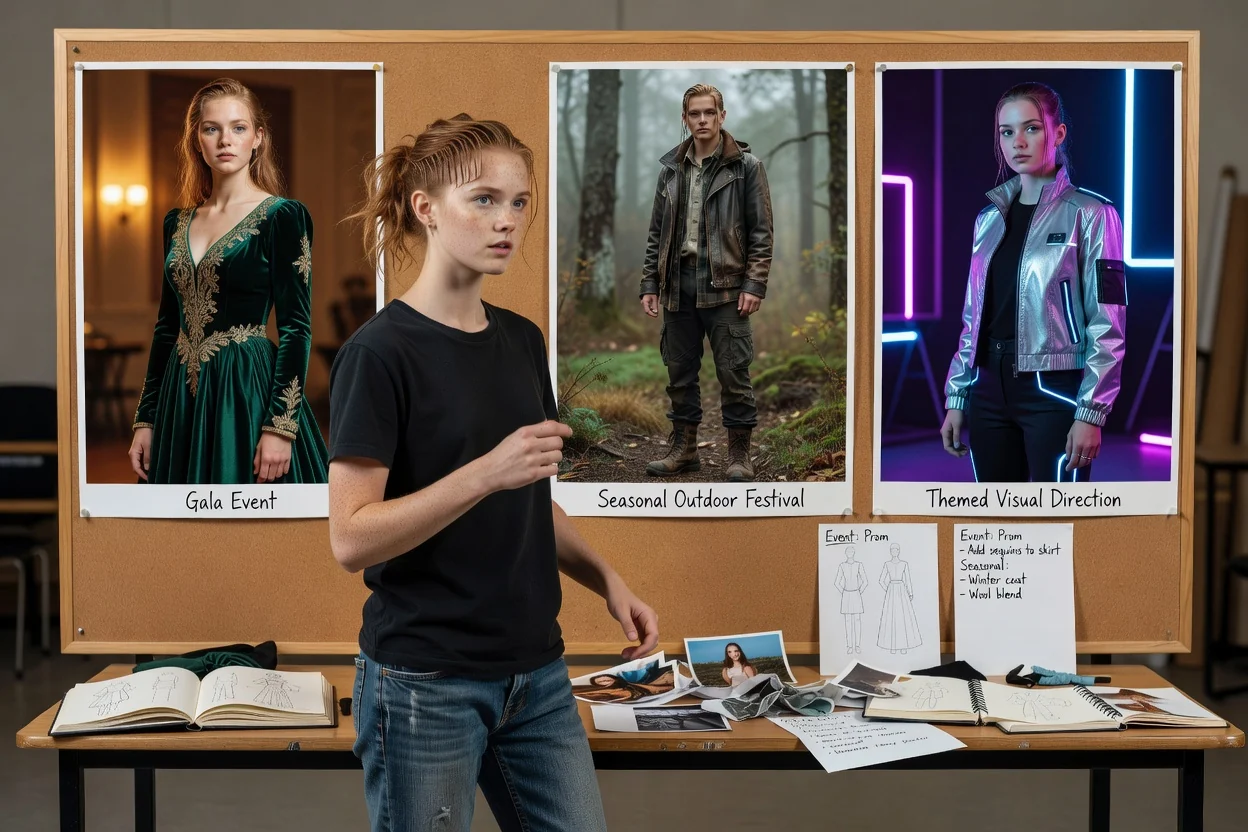
Change clothes in photo for occasion outfit concepts, including event-ready looks, seasonal styling, or themed visual directions.
Before selecting a final result, review the image against the project brief and the practical requirements of your destination format.
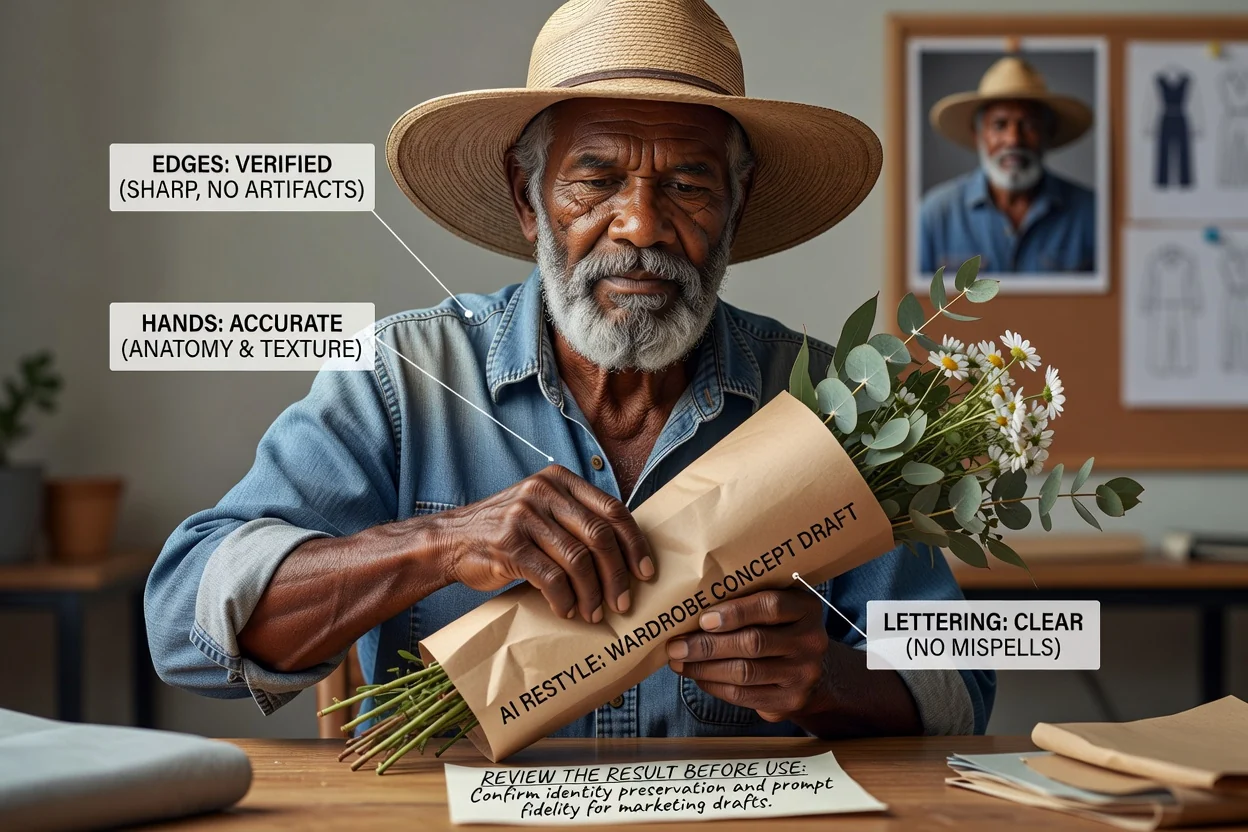
Compare the restyled portrait with your original creative brief, including wardrobe style, tone, and intended audience.
Inspect garment edges, hands, accessories, facial consistency, and other details that matter to the final use.
Check that the crop and destination format work for the channel, layout, or presentation where the image will appear.
AI clothing edits are generative, so review the results for realism, consistency, and fit against your intended use.
Generated results can vary from the prompt, especially when the original portrait has complex clothing, unclear edges, or unusual poses.
Small accessories, logos, hands, hair, and garment boundaries may need close review because important details can change during restyling.
Answers to common questions before you create with AI Clothes Changer.
Use your portrait photo and outfit prompt to create a focused restyled image for your next visual project.