
Upload a clear portrait
Choose a well-lit photo you own or have permission to edit, with the face visible and minimal obstruction.
Turn a permitted portrait into professional, illustrated, anime-inspired, or character-style avatars for profiles and creative projects.
An AI avatar generator uses a portrait reference and written direction to create new profile or character images. You can describe the visual style, background, clothing, expression, crop, and destination while keeping the uploaded person as the subject reference.
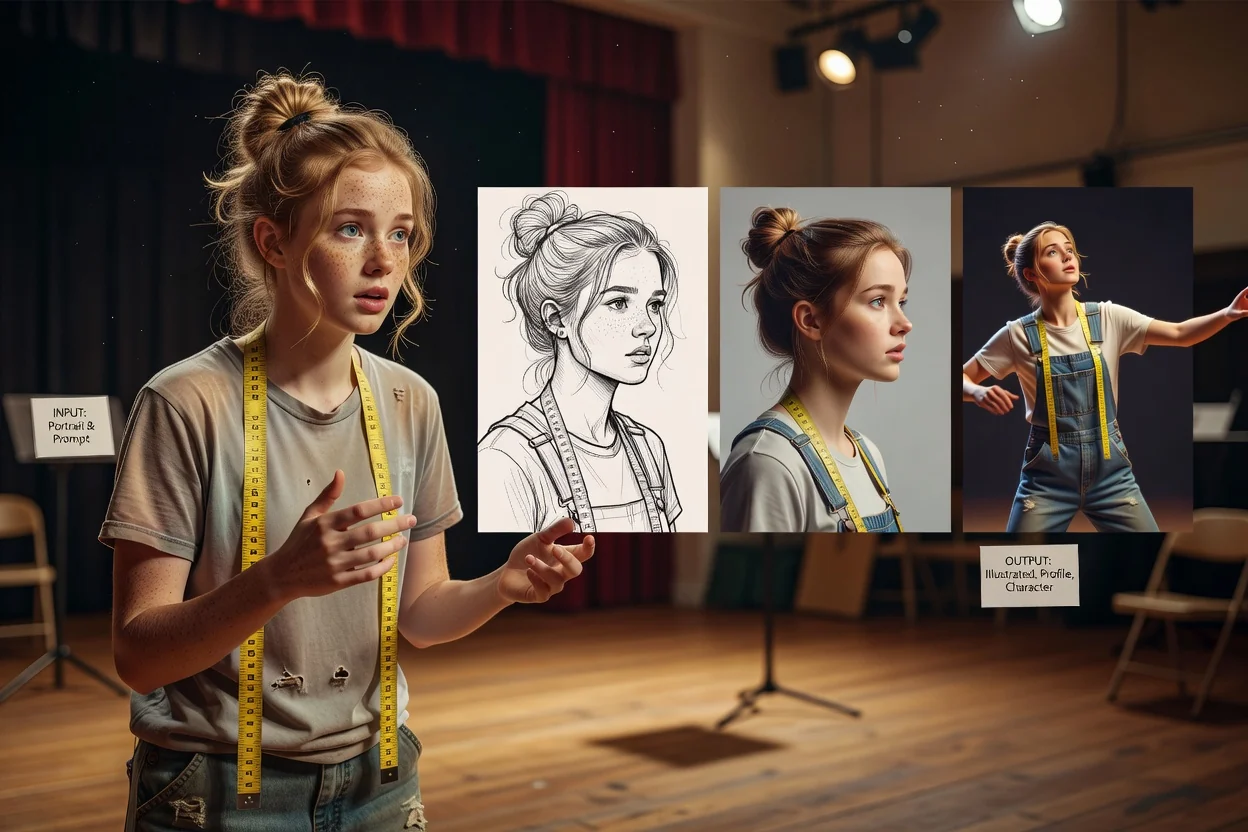
Use a clear portrait and one focused style direction before exploring more variations.
Choose a well-lit photo you own or have permission to edit, with the face visible and minimal obstruction.
Set the art direction, clothing, expression, background, crop, and intended profile or creative use.
Compare the returned avatars for likeness and detail, then refine one visual instruction at a time.
Combine a permitted reference with clear style and composition instructions in the image workspace.
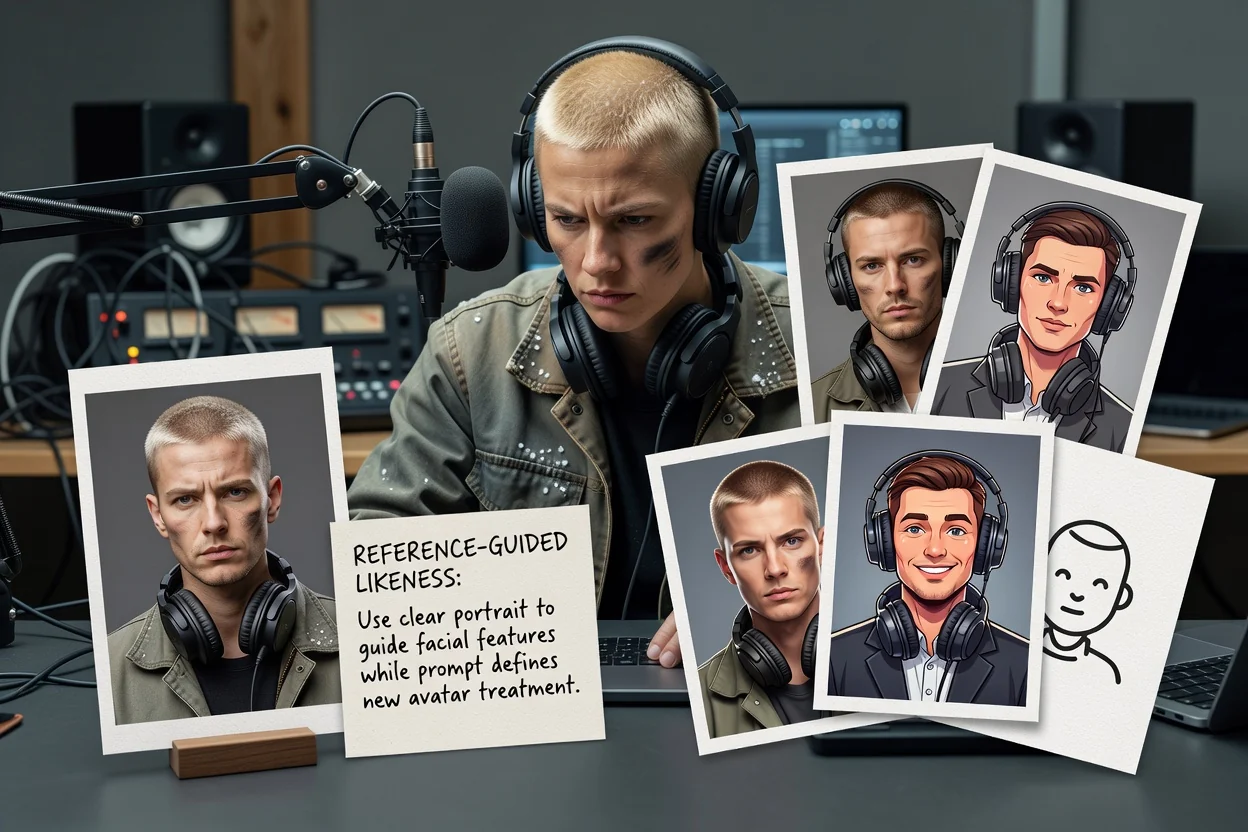
Use a clear portrait to guide facial features while your prompt defines the new avatar treatment.
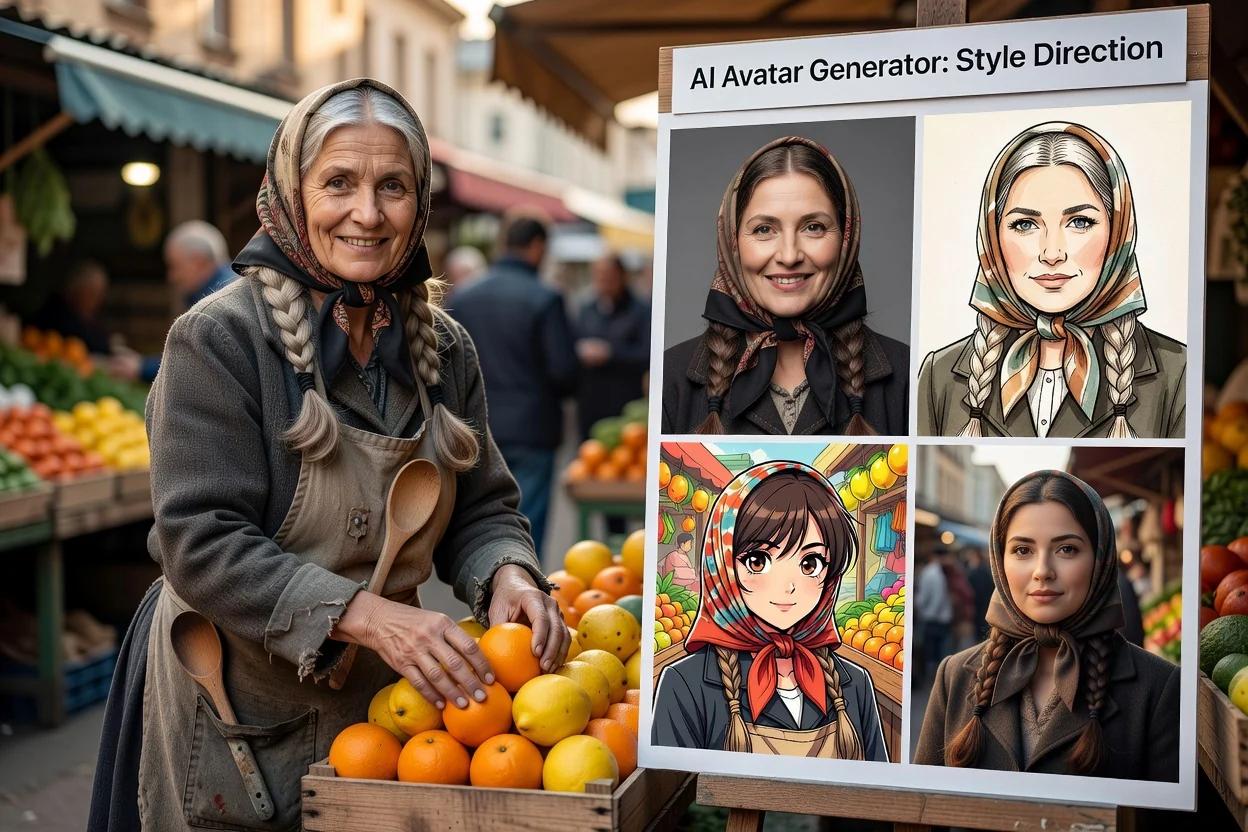
Describe a professional portrait, illustration, anime-inspired look, cartoon, 3D character, or another visual direction.
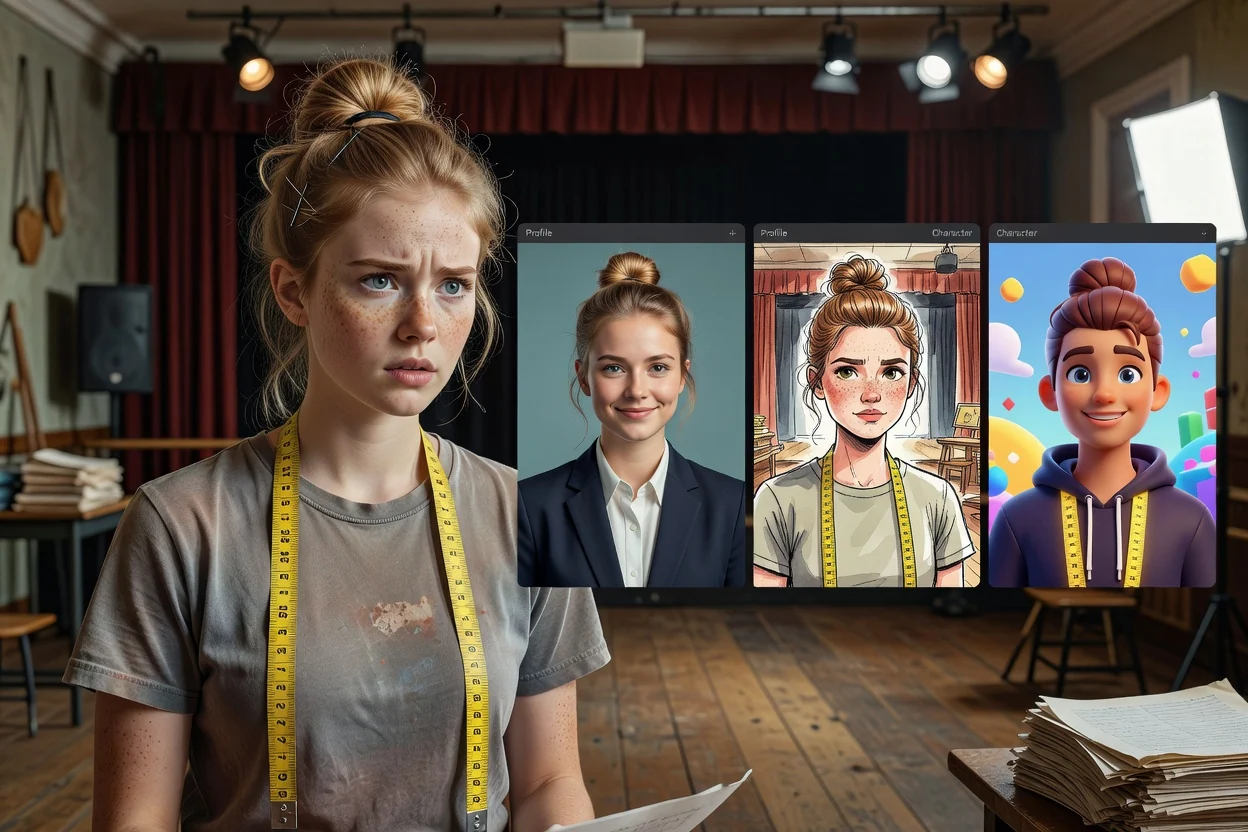
Guide the setting, colors, lighting, clothing, expression, and crop to match the destination profile.
Match the avatar treatment to the audience and platform where the image will appear.
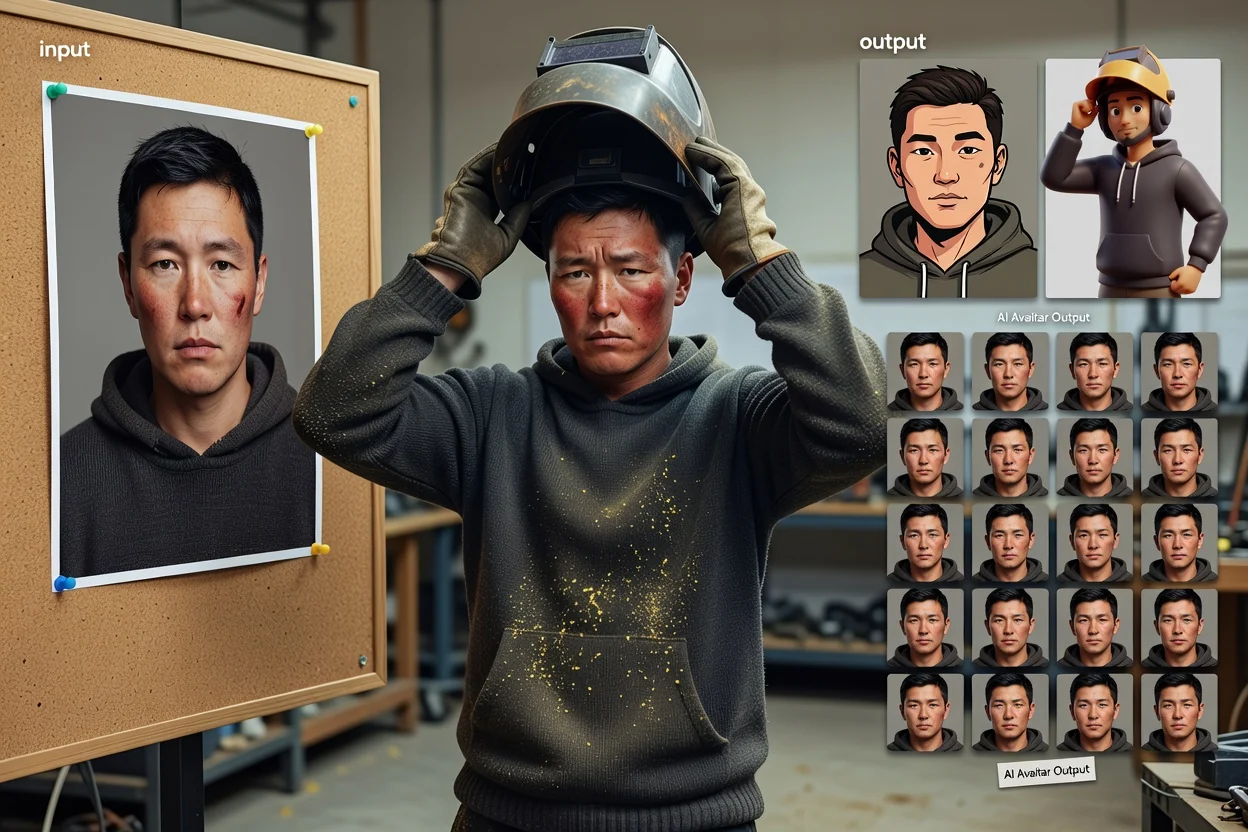
Create recognizable profile images for social accounts, community spaces, and messaging apps.
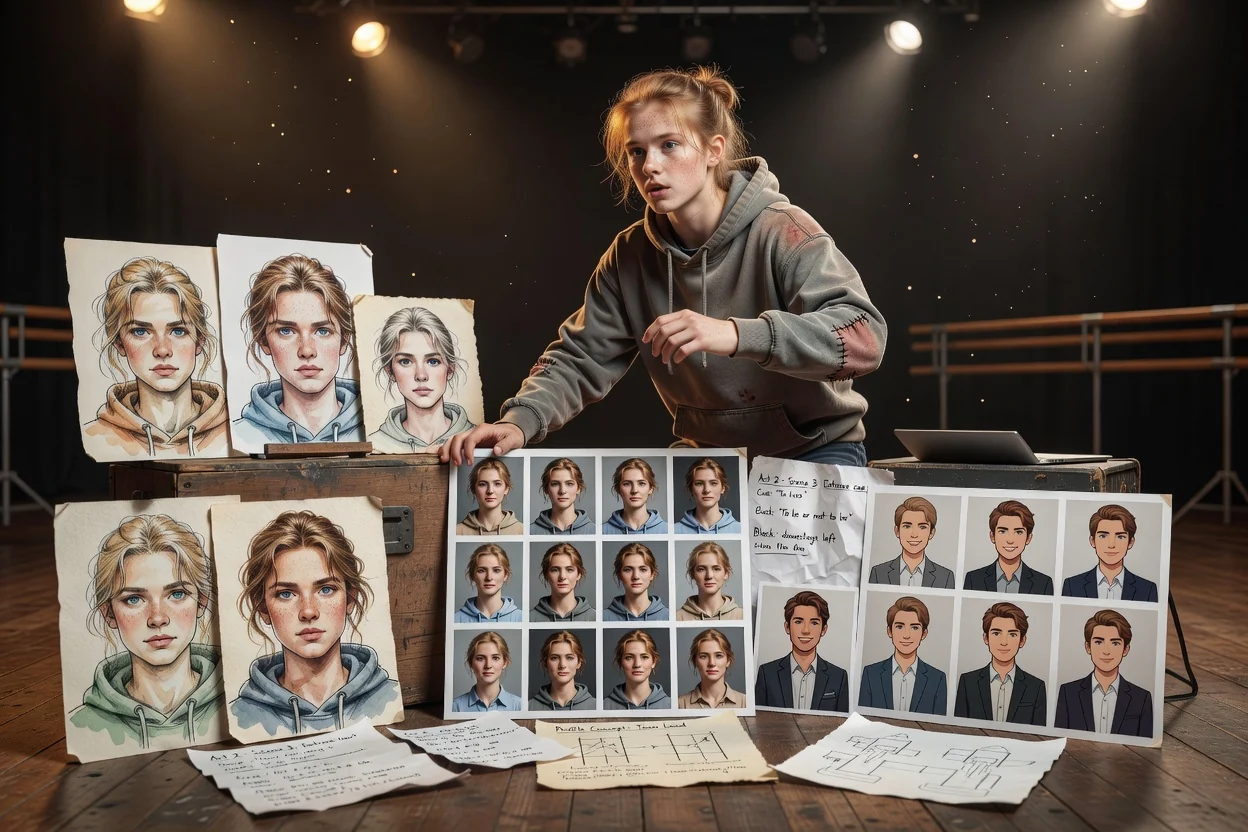
Explore cleaner portrait directions for professional networks, team pages, speaker profiles, and portfolio bios.
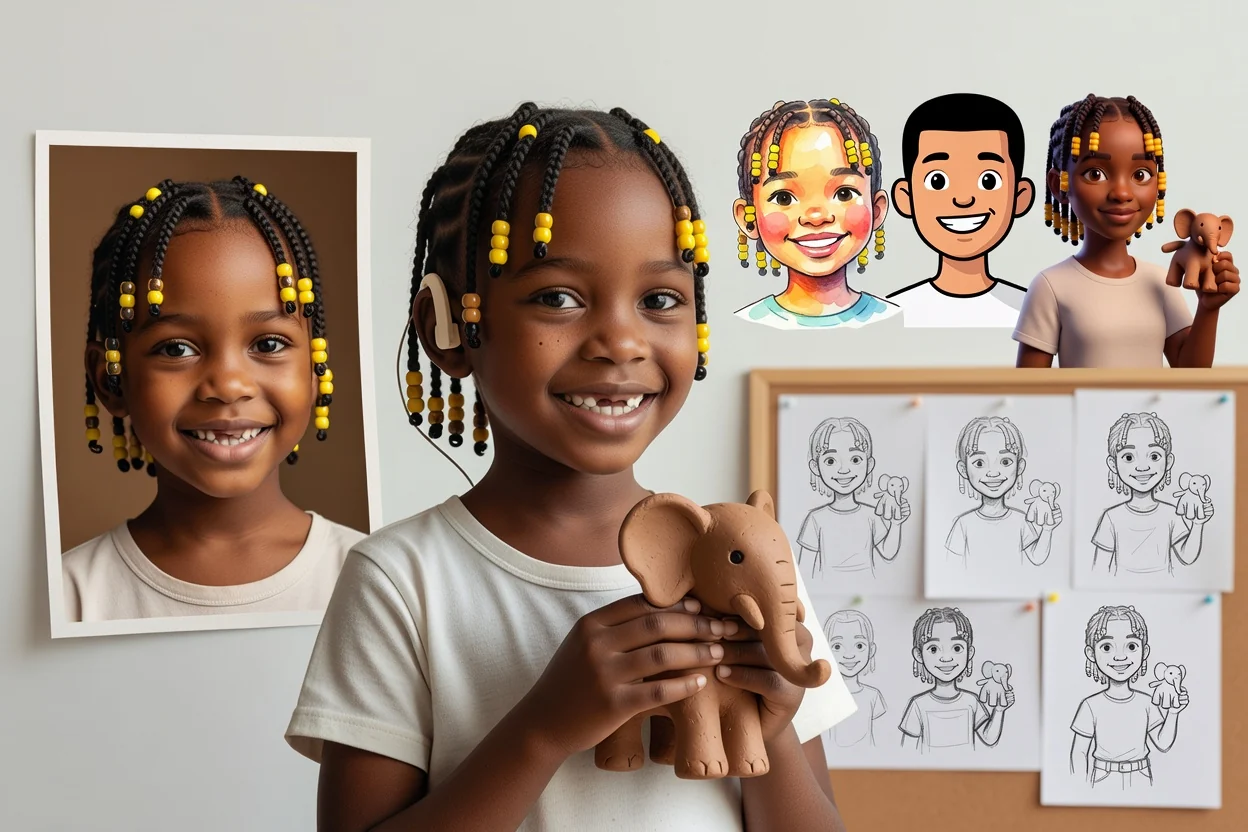
Develop illustrated persona, channel mascot, game-profile, or branded character directions without losing the core subject.
A strong style match can still change facial identity, small accessories, or platform-specific framing.
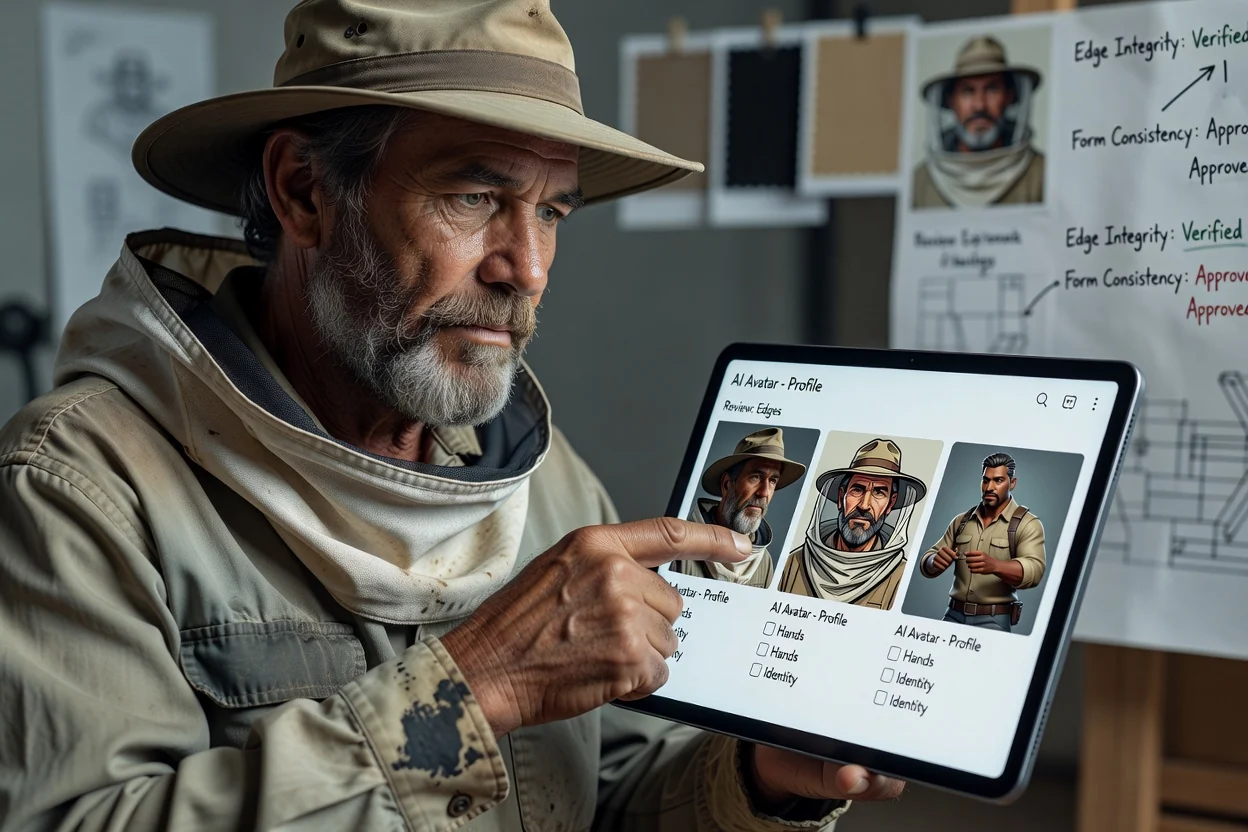
Confirm the avatar represents the intended person and that you have permission to use and edit the source photo.
Inspect eyes, teeth, hair, glasses, jewelry, clothing edges, and other recognizable details at full size.
Test the avatar inside the platform's circular or square crop so the face and important details remain visible.
Avoid using an AI-created avatar in a way that impersonates someone or misleads viewers about a real event or endorsement.
Generated avatars interpret a reference rather than reproducing identity with guaranteed accuracy.
Facial proportions, age cues, hair, and accessories can change between generations or styles.
Blurry, heavily filtered, obstructed, or extreme-angle portraits provide weaker visual guidance.
Check identity, platform fit, rights, and any misleading context before using an avatar publicly.
Answers about portrait inputs, styles, profile use, consent, and result consistency.
Upload a permitted photo, describe the style and destination, then compare a focused set of avatar results.