
Choose the image goal
Decide whether you need an anime character, avatar, scene, banner, wallpaper, or concept reference before writing the prompt.
Turn a focused text brief into original anime-style images, then adjust the available image settings to compare directions for your character or scene.
An AI anime generator turns a written character or scene brief into original anime-style image variations. Describe the subject, pose, setting, color direction, and image style, then compare the returned images against the use you have in mind.
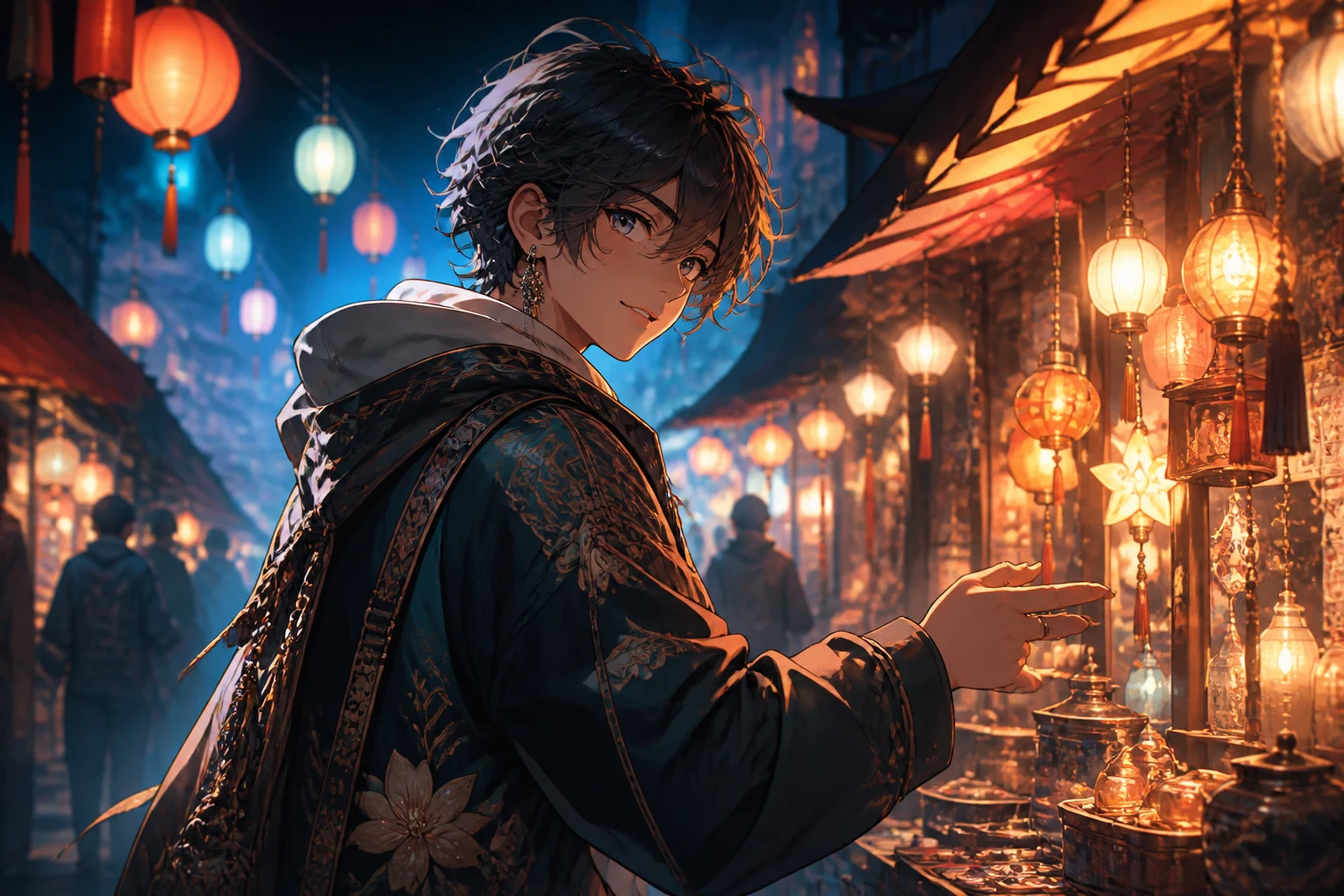
Start with one clear character or scene direction so each later prompt change is easy to compare.
Decide whether you need an anime character, avatar, scene, banner, wallpaper, or concept reference before writing the prompt.
Include the character, pose, clothing, setting, lighting, color palette, line treatment, and mood that matter to the anime image.
Choose an available image model, aspect ratio, output count, resolution, and style direction for the intended placement.
Compare the image variants, then change one detail at a time when the character, composition, or style needs another pass.
Keep the character brief and the output settings together so you can compare distinct anime directions deliberately.
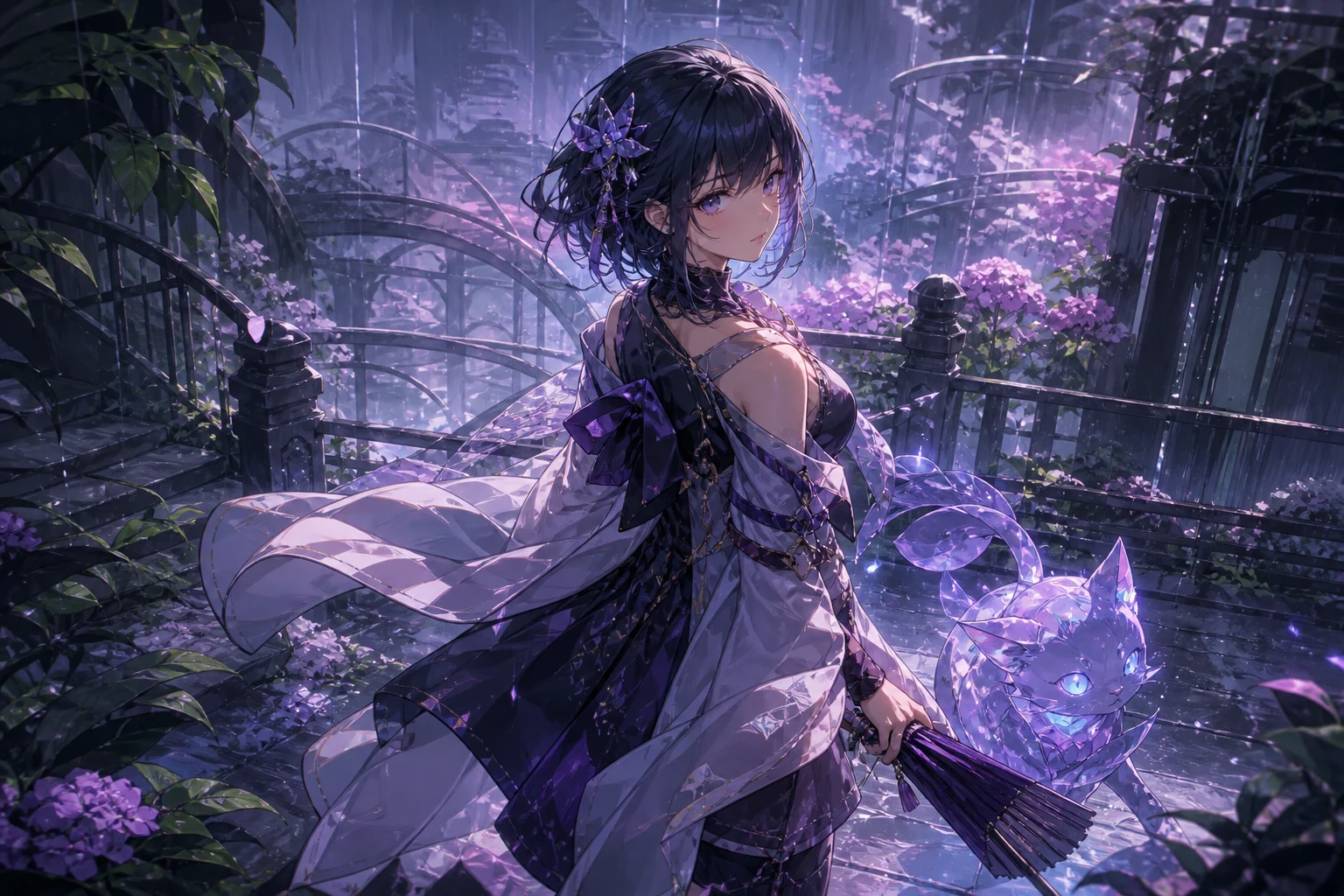
Direct facial expression, outfit, props, pose, environment, camera angle, mood, and color so the image has a focused visual brief.
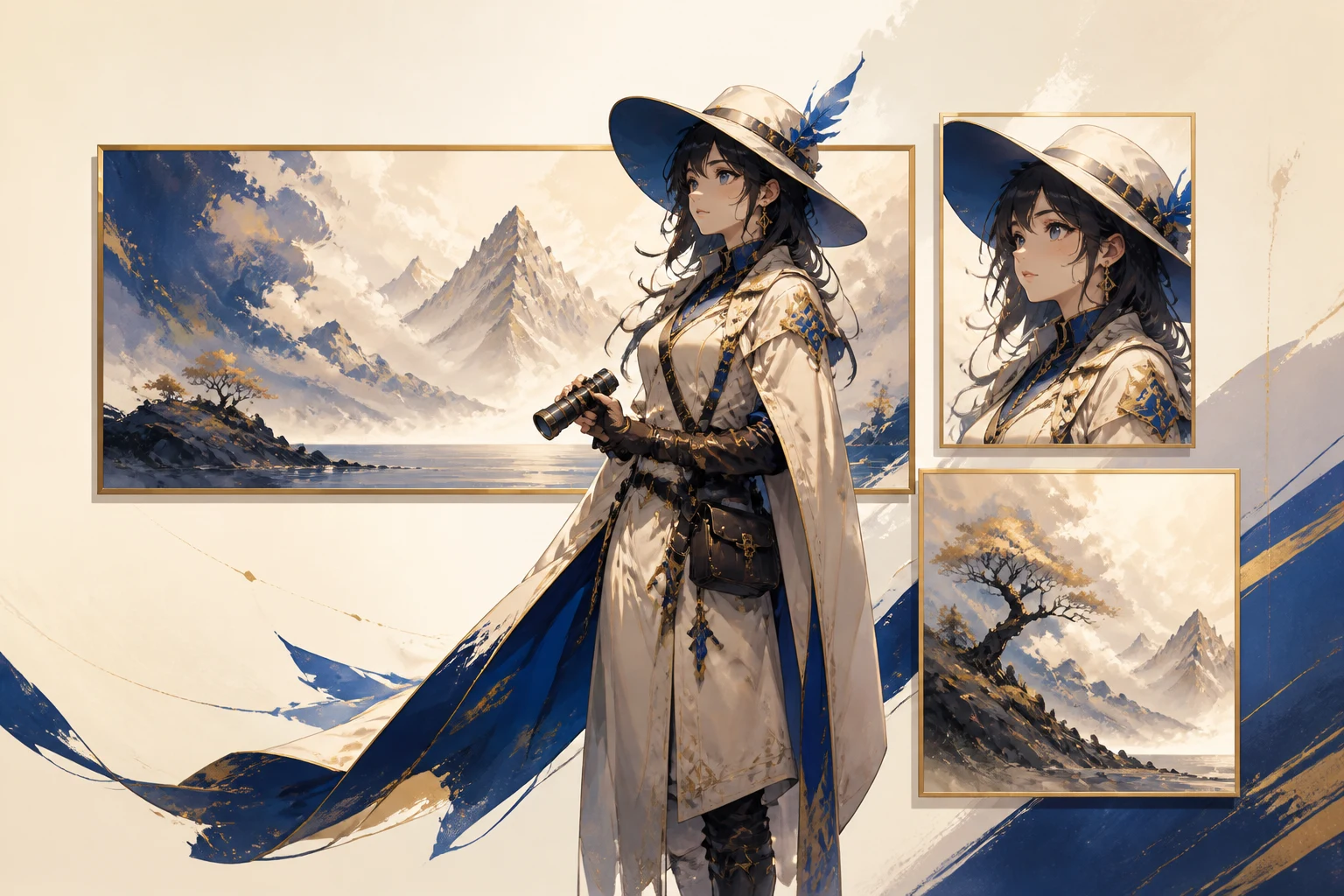
Set the aspect ratio, resolution, and output count before generating images for a profile, post, cover, wallpaper, or wider composition.
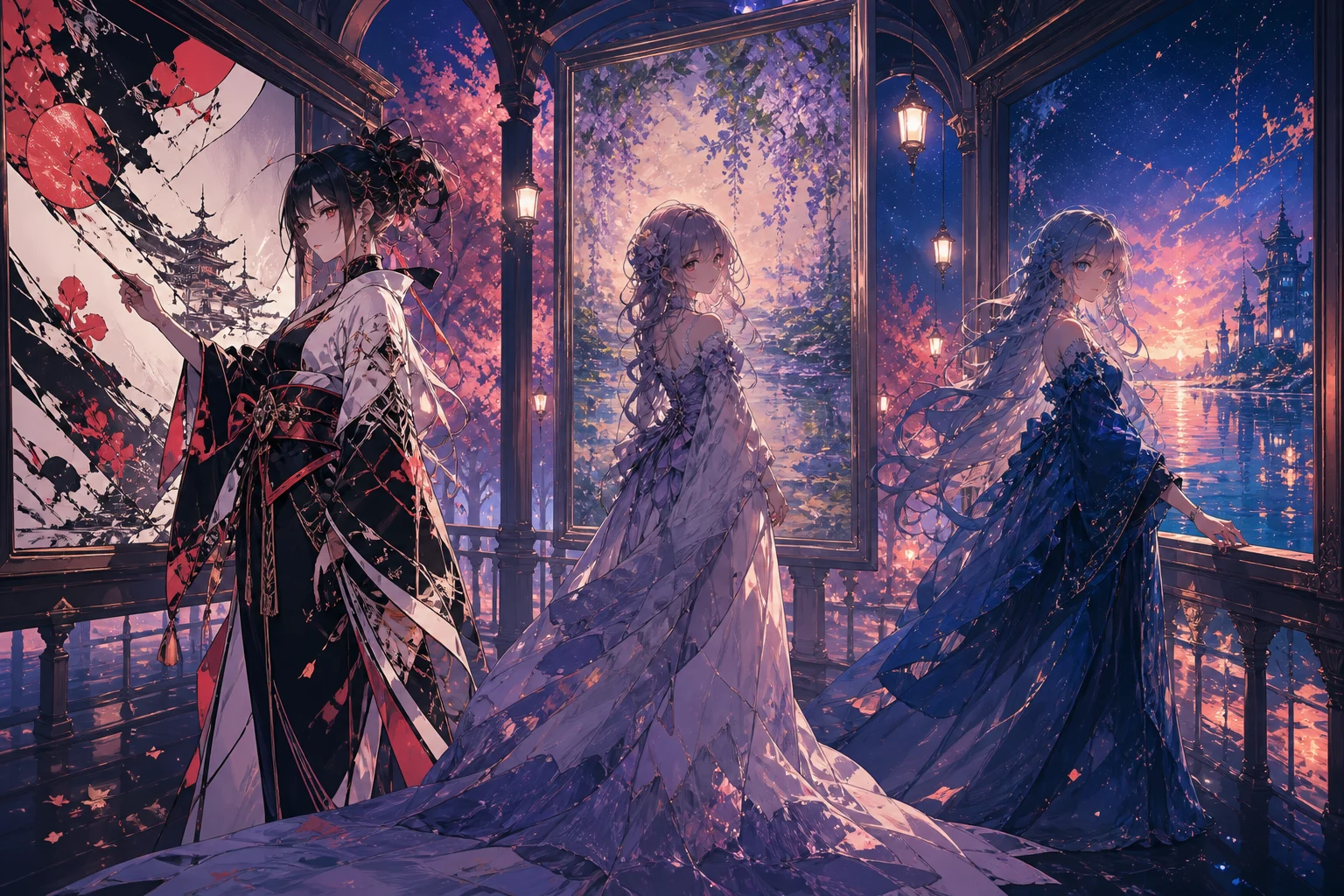
Use the available image model and style controls to compare line work, shading, palette, and atmosphere without changing the whole idea at once.
Match the character, composition, and dimensions to a real creator, storytelling, or campaign job.
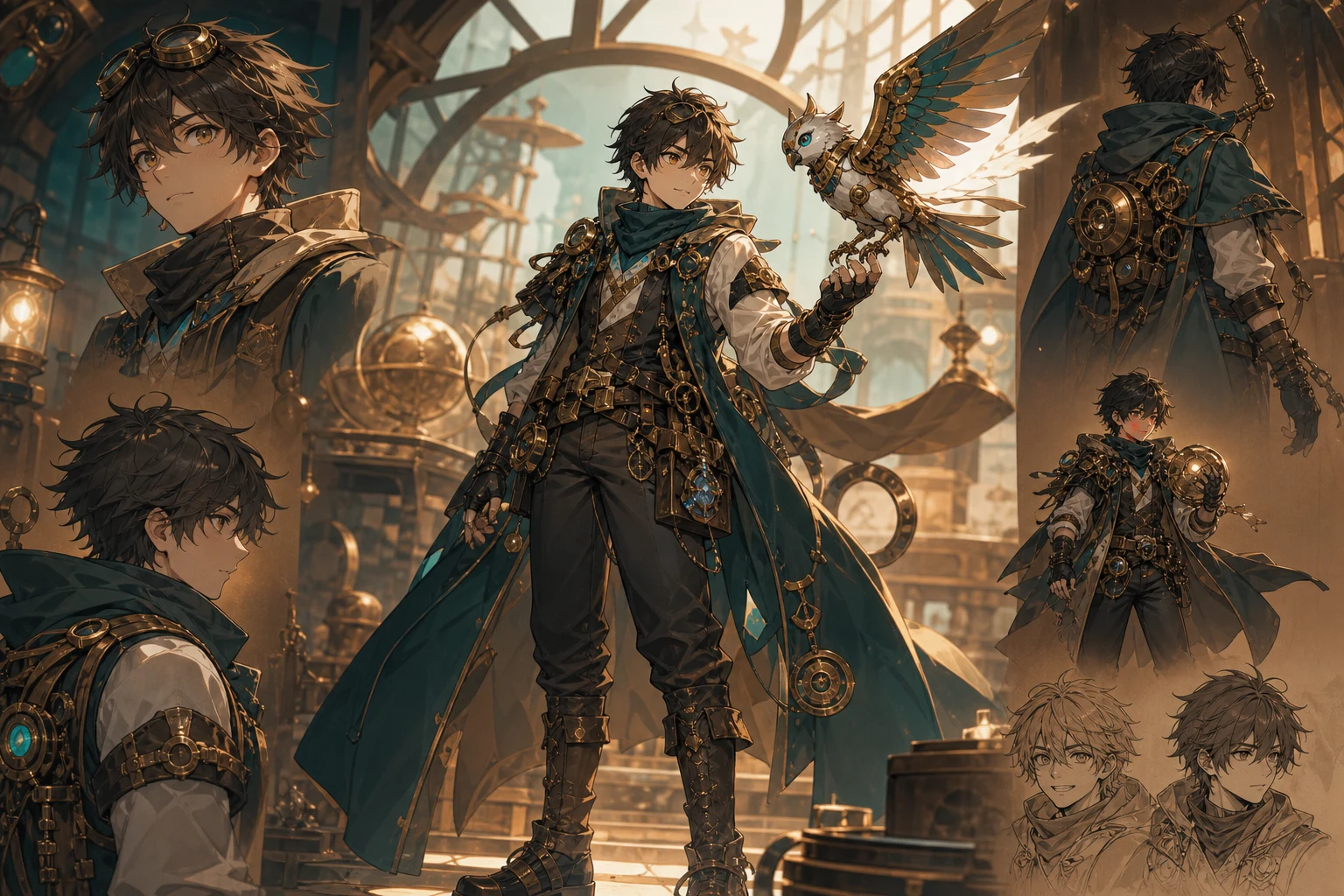
Explore character silhouettes, costumes, expressions, props, and color directions before developing a more detailed design reference.
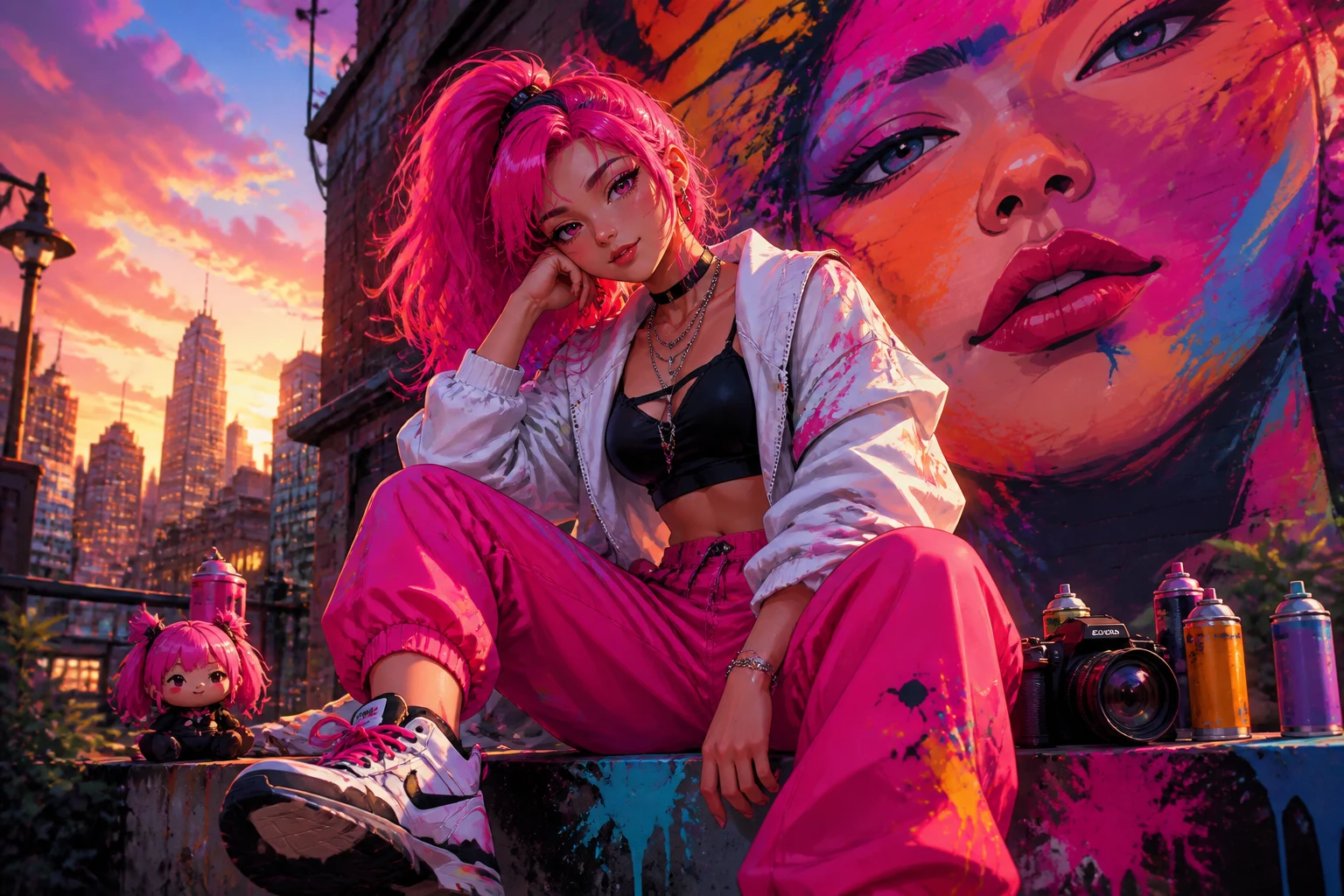
Create anime-style profile concepts, channel covers, thumbnails, or post visuals with a crop and hierarchy suited to the destination.
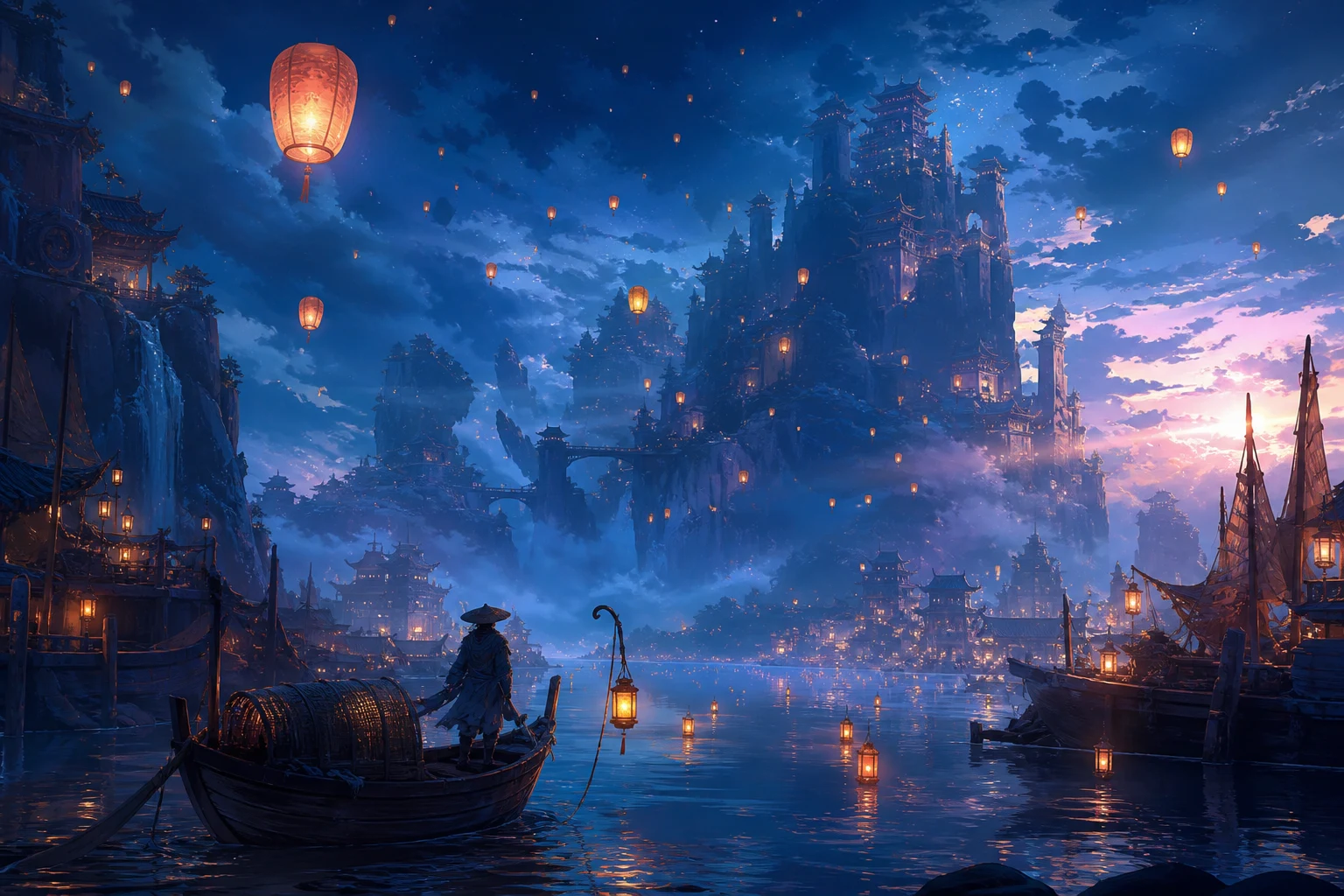
Draft locations, key moments, lighting studies, and scene atmosphere for a pitch, creative brief, personal project, or campaign reference.
A strong anime look can still miss the brief in character detail, composition, small objects, or final-channel crop.
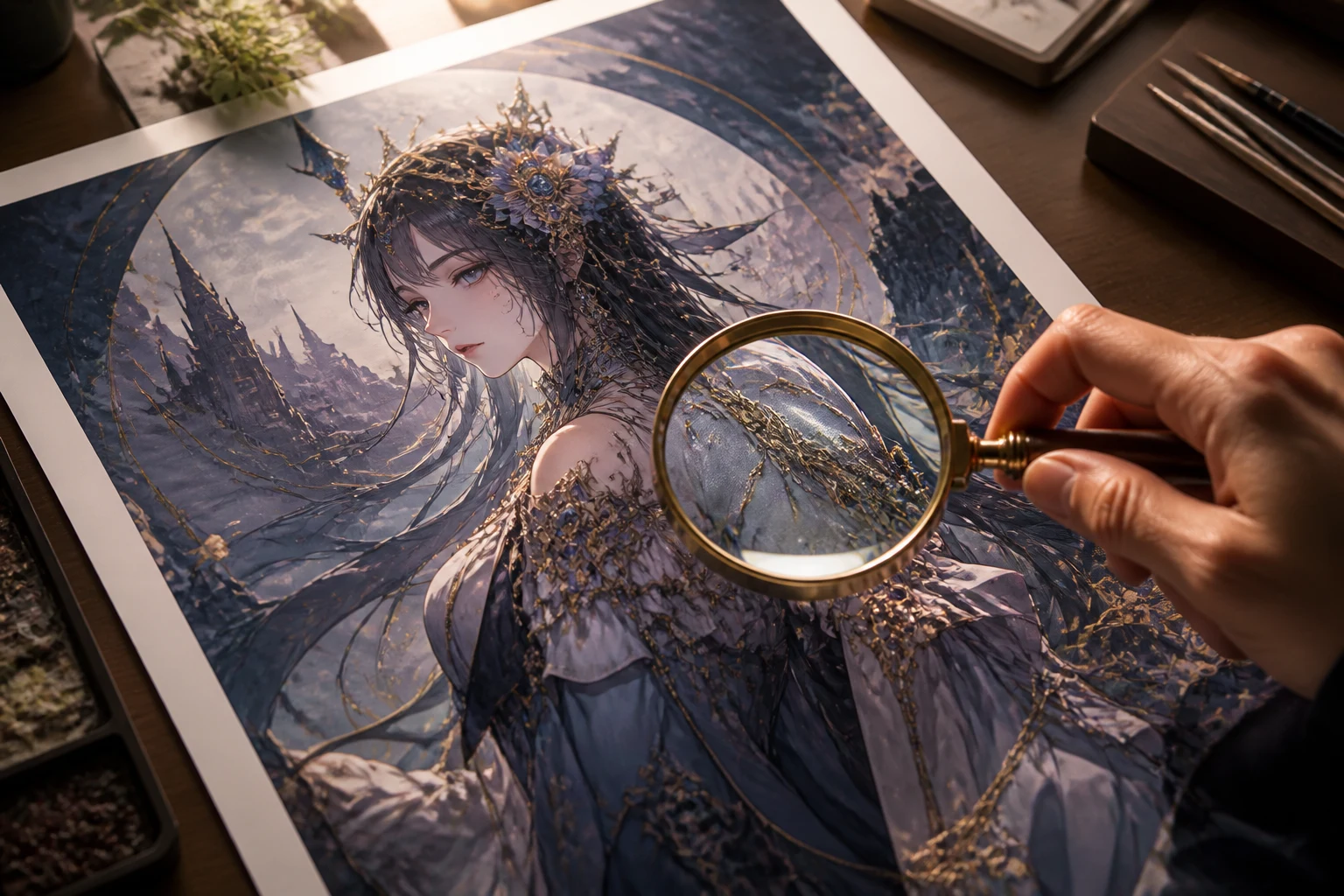
Check the intended expression, pose, outfit, hairstyle, props, and visual personality against the original prompt.
Confirm the setting, camera angle, focal point, lighting, and background detail support the image goal rather than distracting from it.
Inspect hands, accessories, repeated patterns, symbols, lettering, and object boundaries before keeping the image.
Check the aspect ratio, resolution, crop, and safe area for the profile, post, cover, wallpaper, or presentation where it will appear.
Generated images vary between runs, especially when a prompt asks for exact continuity or many small details at once.
Faces, hands, costume elements, props, and recurring design details may differ between variants and need another focused generation.
Describe visual characteristics rather than relying on an artist, studio, or protected character name, and review the result for originality.
Logos, labels, speech bubbles, and other small lettering can be distorted or misspelled and may require separate design work.
Answers about anime prompts, image settings, original character work, and result checks.
Describe the character or scene, set the image controls for your destination, then generate a focused batch to compare and refine.