ClipCanva
Seasonal Avatar Creation Tool

New Year Avatar

Turn a permitted portrait or prompt into a festive New Year profile image for social, messaging, team, greeting, and campaign use.

0 / 2000
  • Portrait or prompt-based avatar creation
  • Festive colors, wardrobe, and background direction
  • Profile-ready seasonal image variants
View Pricing
Definition

What Is a New Year Avatar Generator?

A New Year avatar generator creates a festive profile or character image from a permitted portrait or written brief. You can describe the celebration theme, colors, outfit, decorations, fireworks, greeting mood, background, and profile crop for the intended channel.

Input
Portrait or prompt
Output
Festive avatars
Best for
Seasonal profiles
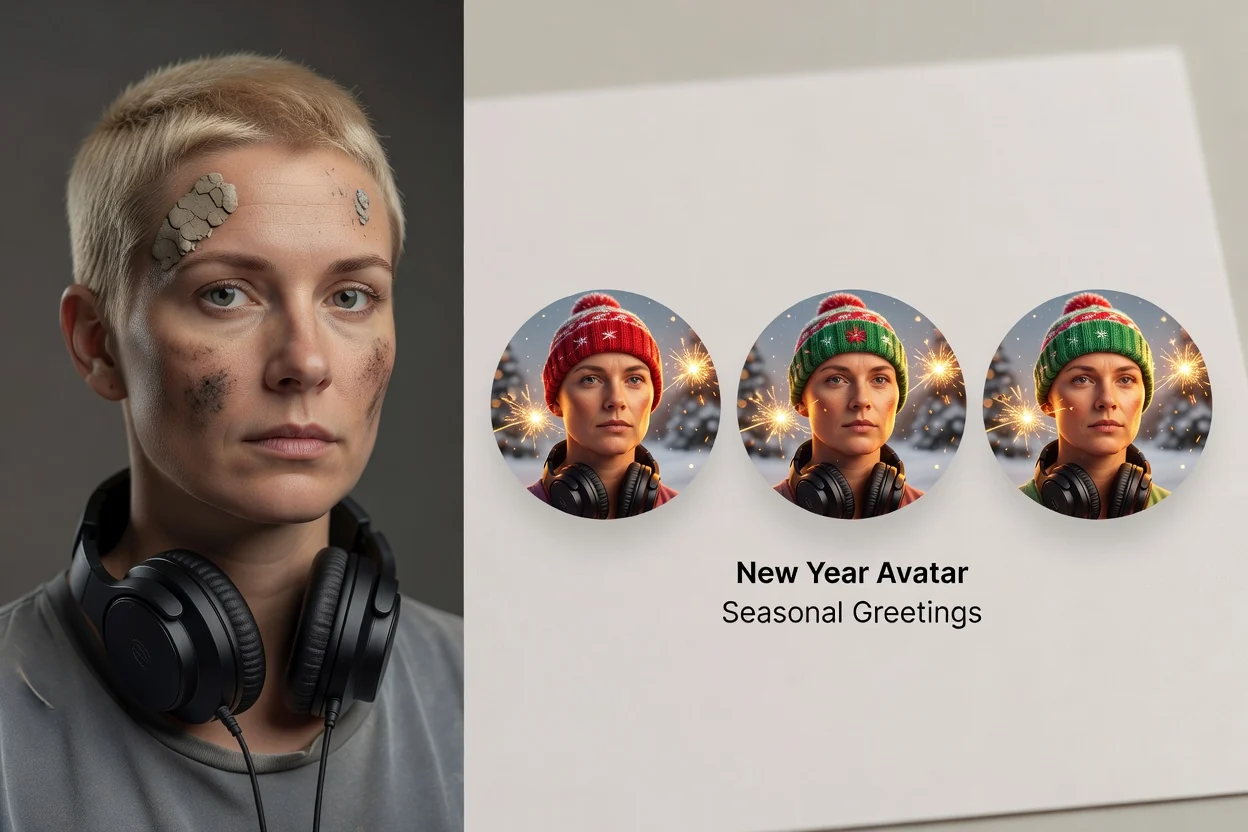
Planned festive New Year avatar created from a portrait
Example output

How to Create a New Year Avatar

Choose one celebration direction and design it for the profile or campaign placement where it will appear.

1

Upload a photo or write a prompt

Use a portrait you can edit, or describe an original avatar subject and the profile context.

2

Add New Year details

Set the year, colors, outfit, decorations, fireworks, background, greeting mood, and desired crop.

3

Generate and review

Compare the results for likeness, text, festive details, and visibility inside the final profile shape.

New Year Avatar Controls for a Festive Result

Combine the subject, celebration theme, and profile destination in a focused image brief.

Planned portrait and prompt inputs for a New Year avatar

Photo or prompt input

Start from a permitted portrait for a recognizable profile or describe an original seasonal avatar from scratch.

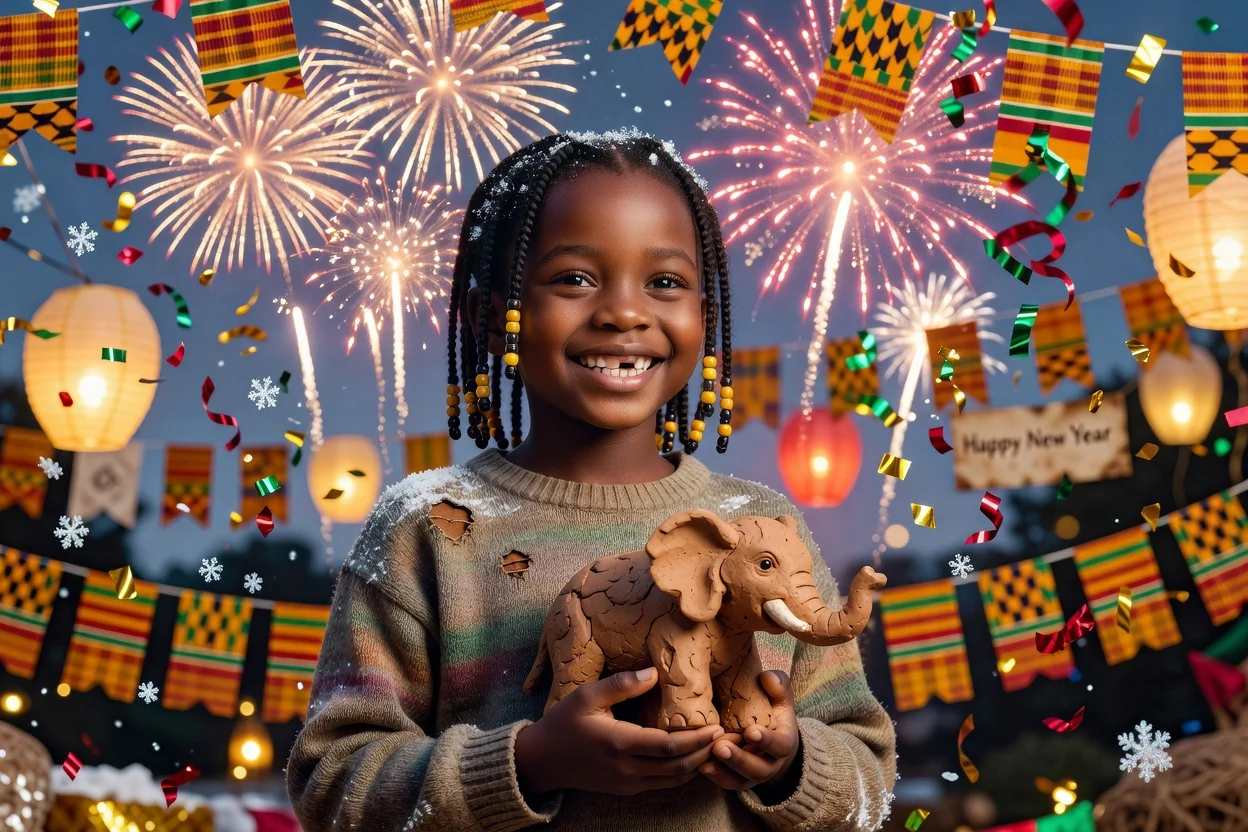
Planned New Year avatar theme and decoration variations

Festive visual direction

Describe celebration colors, party lighting, fireworks, confetti, winter details, traditional elements, or a branded seasonal theme.

Planned New Year avatars prepared for circular and square profile crops

Profile-ready framing

Guide the expression, outfit, background, headroom, crop, and contrast so the avatar remains readable at small sizes.

New Year Avatar Use Cases

Create a seasonal profile direction that fits the audience, channel, and celebration context.

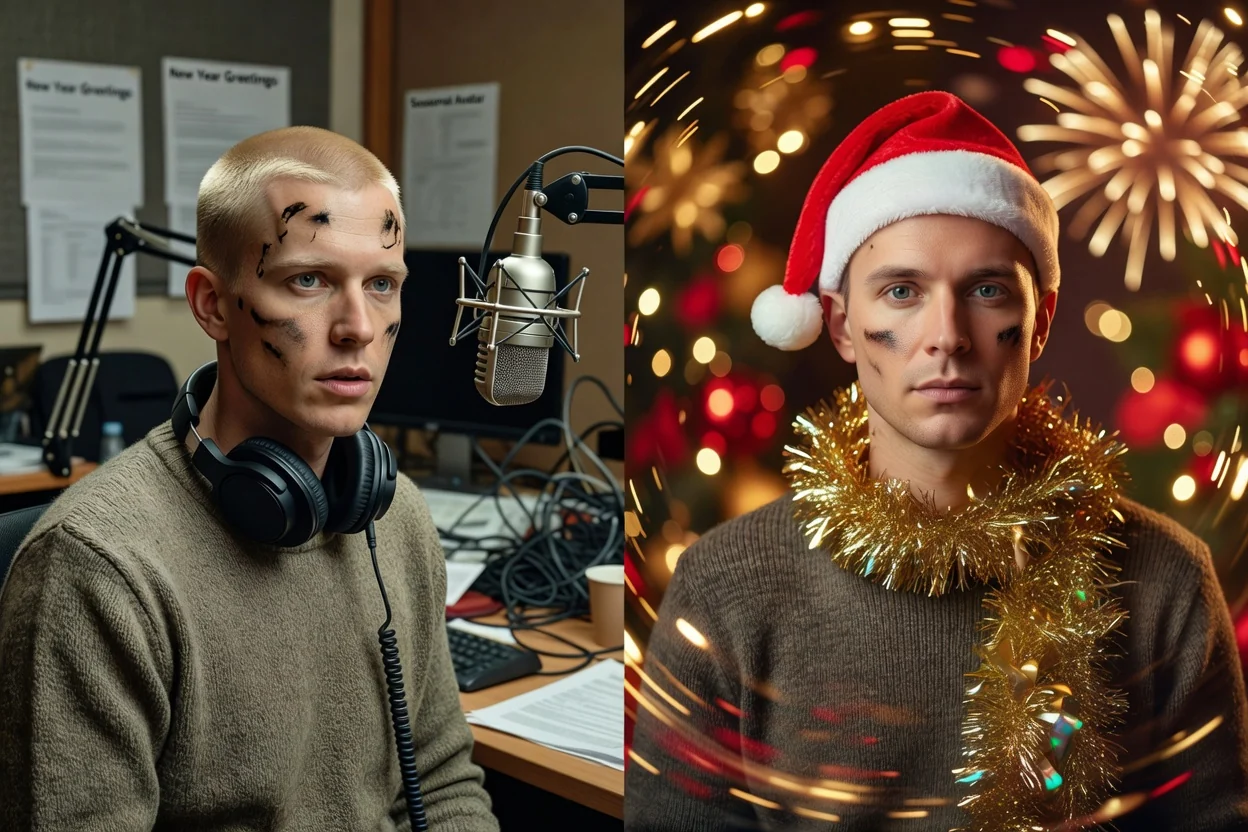
Planned New Year avatar used in social and messaging profiles

Social and messaging profiles

Refresh personal, creator, community, and messaging profiles with a recognizable festive treatment.

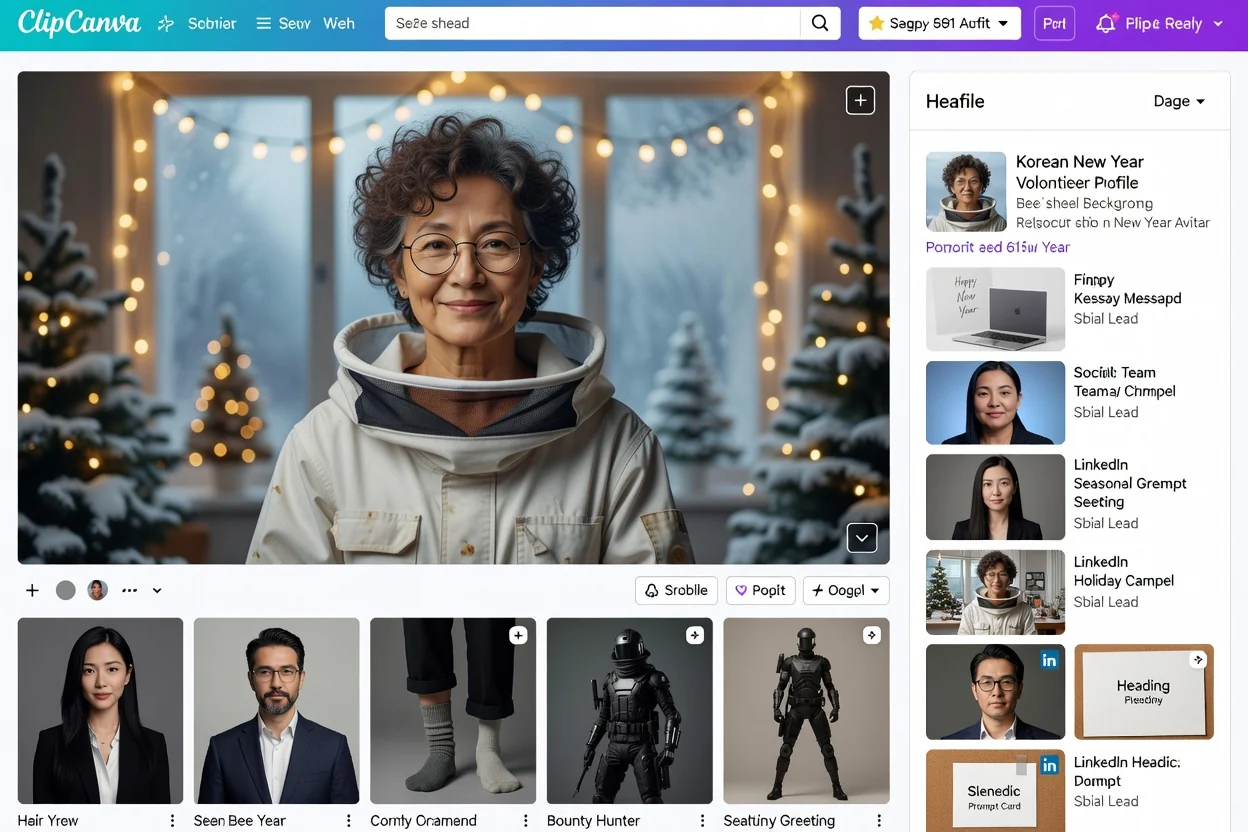
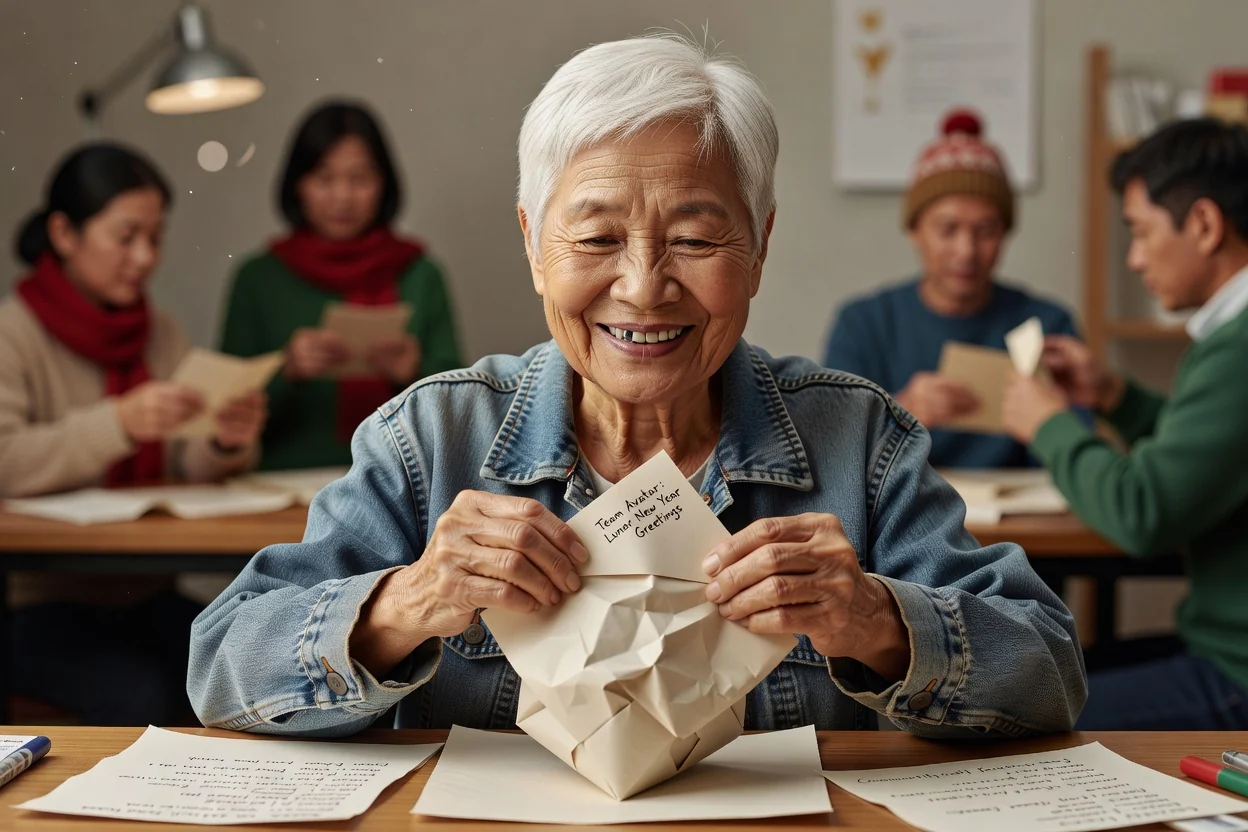
Planned coordinated New Year avatars for a team channel

Team and community channels

Create coordinated seasonal avatar directions for a team, club, community, or event group while keeping each person distinct.

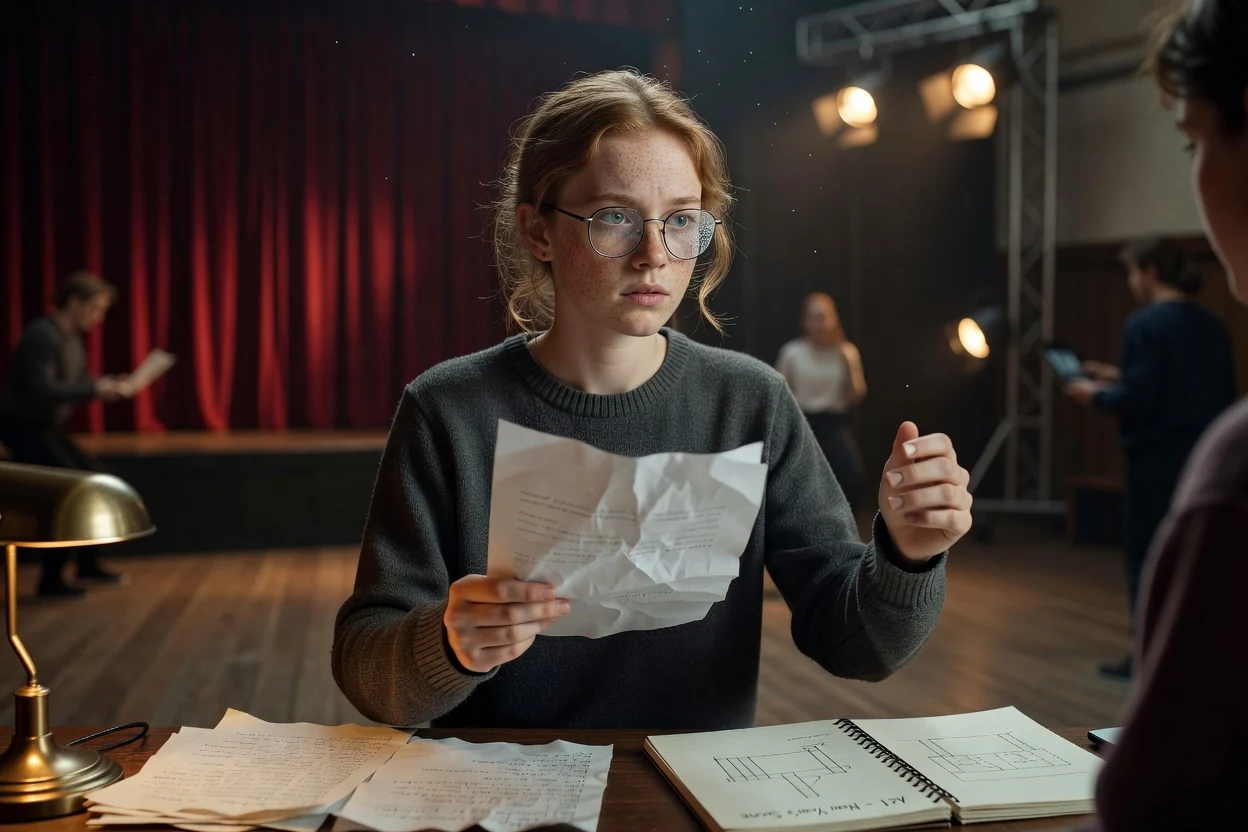
Planned New Year avatar used in a seasonal campaign greeting

Greetings and campaigns

Use a festive avatar direction in greeting posts, newsletters, launch announcements, seasonal campaigns, and event graphics.

Review the New Year Avatar Before Posting

Seasonal decorations and small text can overwhelm the subject or become unclear inside a profile crop.

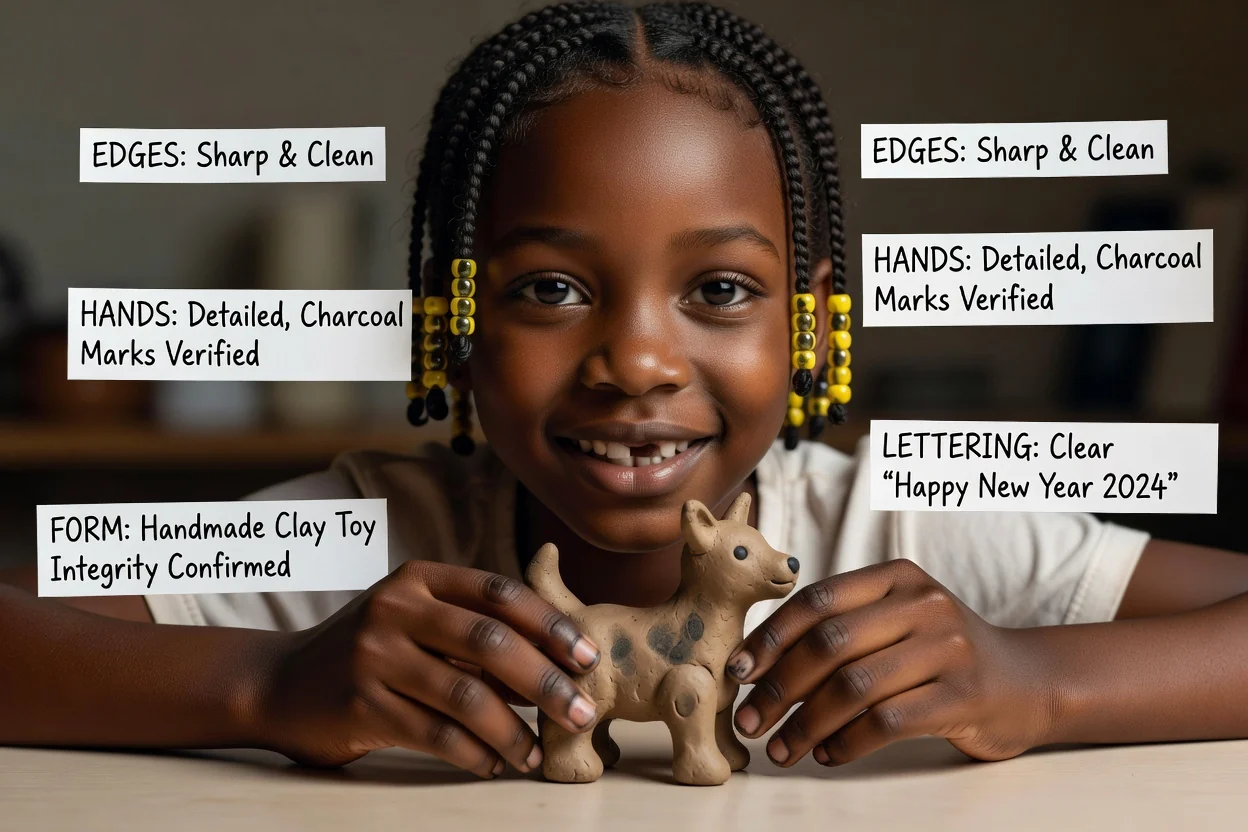
Planned review of New Year avatar likeness decorations and profile crop

Likeness and consent

Confirm the avatar represents the intended person and that the source portrait was used with permission.

Year and greeting details

Zoom in on dates, numbers, greeting text, symbols, decorations, and cultural details before publishing.

Profile visibility

Test the image in circular and square crops so the face remains clear and key decorations are not cut off.

Audience fit

Check whether the colors, symbols, celebration style, and message suit the intended culture, community, brand, and channel.

New Year Avatar Generator Limitations

Generated seasonal visuals can alter likeness, misrender text, or use celebration details inconsistently.

Likeness may change

The model can shift facial features, age cues, hair, clothing, or expression while applying the festive treatment.

Small text can be unreliable

Years, greetings, labels, and decorative lettering may be misspelled, malformed, or unreadable at profile size.

Cultural details need review

Inspect symbols, clothing, language, dates, and traditions for accuracy and appropriateness before public use.

New Year Avatar Generator FAQ

Answers about portraits, festive prompts, profile crops, team variations, and seasonal details.

What does a New Year avatar generator create?
It creates a festive profile or character image from a prompt or permitted portrait, with visual direction such as celebration colors, outfits, fireworks, decorations, backgrounds, and greeting mood.
Can I use my own photo for a New Year avatar?
Yes. Use a clear portrait you own or have permission to edit, and review the generated image for recognizable likeness before posting it.
How do I make the avatar work in a profile circle?
Ask for centered head-and-shoulders framing, clear face contrast, simple edges, and enough headroom. Test the final result inside the actual circular crop.
Can I create matching avatars for a team?
Yes. Repeat the same colors, background, crop, lighting, and celebration details for each permitted portrait, then compare the complete set for consistency.
Should I add New Year text inside the image?
Keep any text short and inspect every character. For critical names, years, or greetings, adding the final text later in a design editor is usually easier to verify.

Create a Festive New Year Avatar

Upload a permitted portrait or describe an original subject, add the celebration direction, then review the result at profile size.