


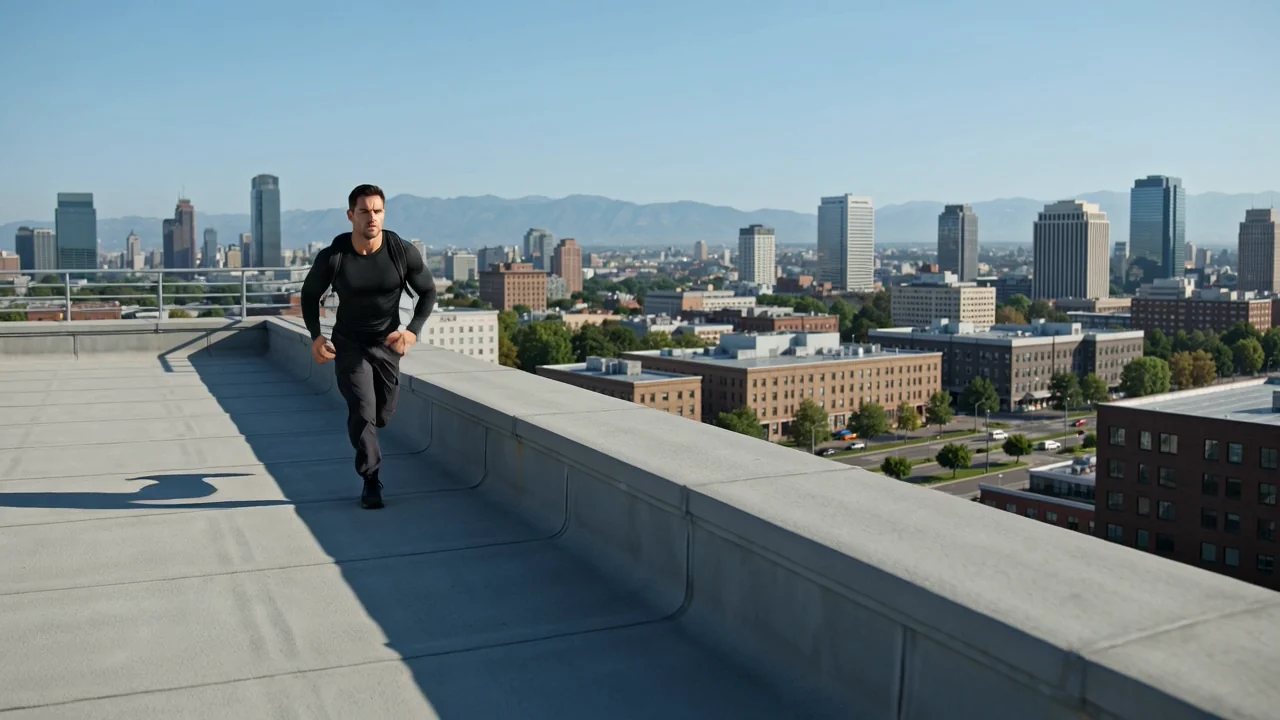
導向式攝影機運動
提示中的直接攝影機語言可引導運動,但每個短片仍需檢查構圖、時間安排和細節。
在計劃 AI 影片工作後,請先檢查其輸入、功能及當前 ClipCanva 可用性,再嘗試使用 Kling 3.0 Turbo。
Kling 3.0 Turbo 是快手影片模型的一個版本,專用於以提示為主導的短片,可進行敘事、動作和一致性評估。
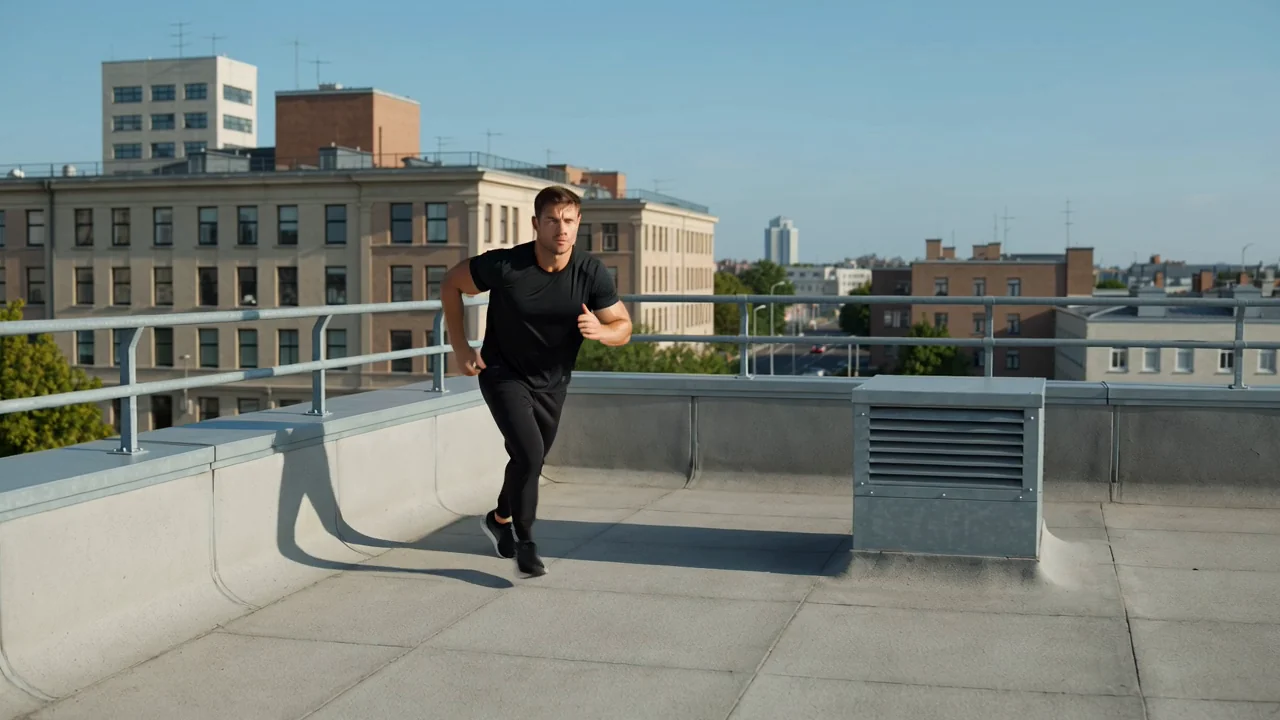
在確定製作簡報前,請先檢閱模型在動作、敘事規劃、一致性和行動方面的功能。
提示中的直接攝影機語言可引導運動,但每個短片仍需檢查構圖、時間安排和細節。
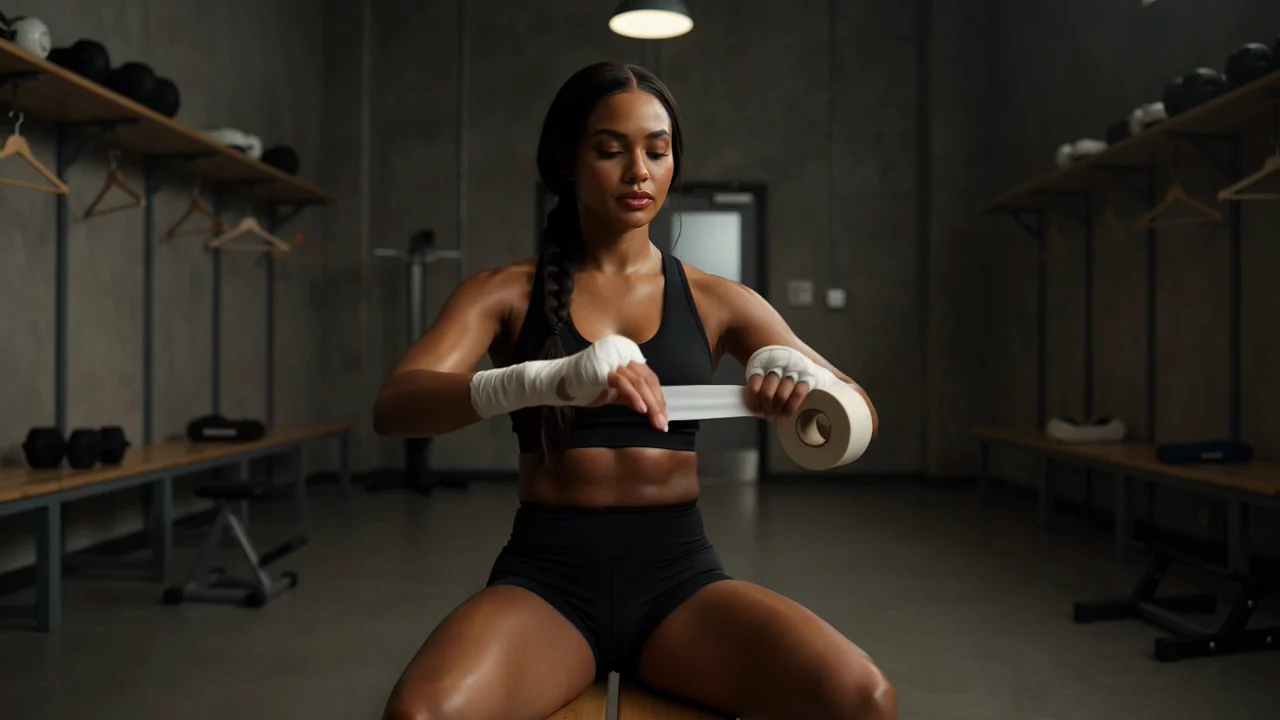
清楚規劃鏡頭節奏,以便檢視生成影片的場景順序、連續性及與簡報的吻合度。
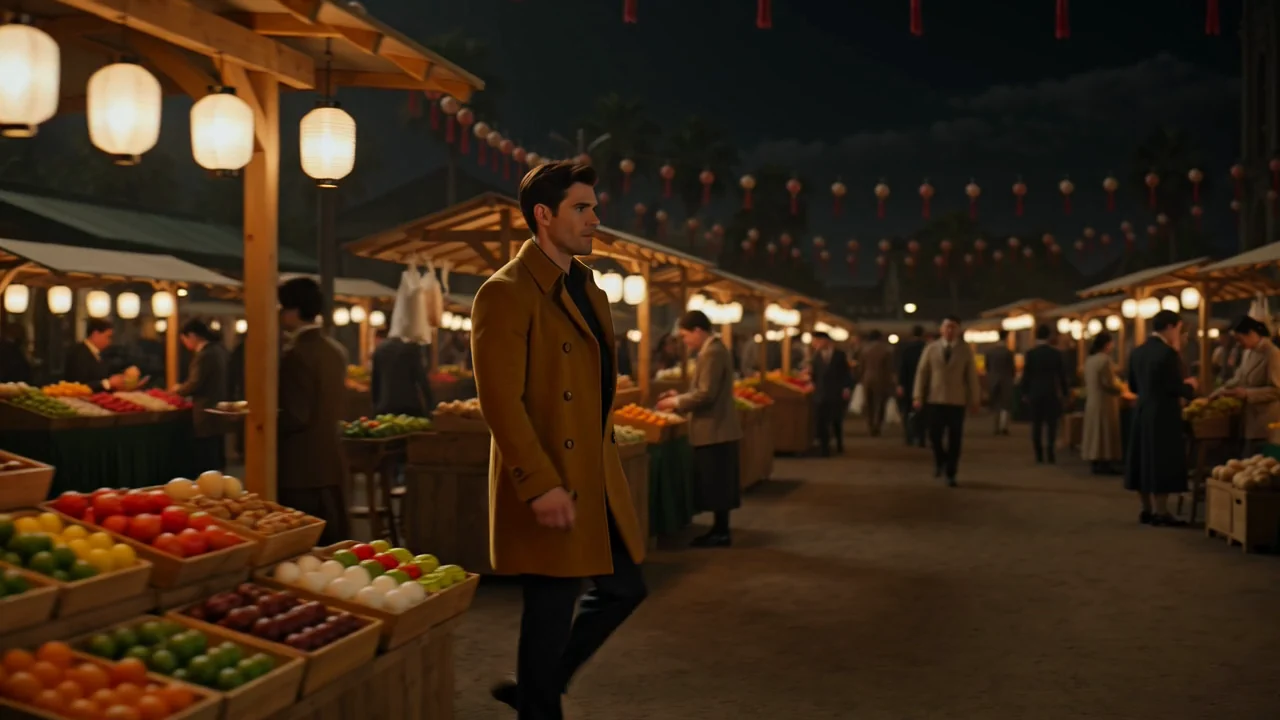
使用參考細節和精確措辭,測試角色、場景和視覺風格在整個短片中的一致性。

測試動作概念時,請描述節奏、力量和攝影機意圖,然後在使用結果前檢視運動清晰度。
從支援的輸入類型和可見控制項開始,確保您的要求符合本頁面當前可執行的內容。
撰寫特定的文字提示,並在需要定義主體、風格、構圖或場景上下文時添加參考圖片。
使用提交前顯示的模型選擇器、長寬比、持續時間、解析度和參考圖片控制項。
預期會生成影片短片或參考引導的影片,必須對照簡報檢查後才能進一步使用。
您如何組織提示、輸入、控制項和檢視步驟,將決定生成的短片是否能支援您的任務。
在撰寫提示前,先說明受眾、目的、主體、場景、期望動作和目標格式。
撰寫提示並僅在即時控制項支援該輸入用於任務時,才收集參考圖片。
選擇提交前可見的模型、長寬比、持續時間、解析度和參考圖片選項。
使用 Kling 3.0 Turbo 生成影片,比較結果,並在再次嘗試前修改最弱的指令。
在生產前,將這些用例與具體交付項目、支援的輸入、可見控制項和檢視計劃相匹配。
以清晰的主體、場景目標、攝影機方向和連續性檢視標準,建構緊湊的故事時刻。
測試以產品為主導的運動概念,其中物品、場景、動作和品牌細節需要仔細檢視。
探索快速運動、衝擊力和攝影機能量,同時檢查結果是否保持可讀性和連貫性。
評估角色姿勢、表情、動作和環境在整個生成短片中的協調性。
將每個生成的影片視為草稿,然後檢視輸出的創意契合度、事實風險和交付要求。
確認主體、動作、攝影機方向和場景符合提示及預期交付項目。
檢查主體、場景、運動流和場景細節在整個生成短片中的連續性問題。
對照核准的原始資料,檢查產品外觀、品牌元素、聲稱和事實參考。
根據目標需求驗證短片持續時間、長寬比、解析度、裁剪和輸出格式。
在生產前檢查可用性和限制,因為生成結果會變動,且人工檢視仍是工作流程的一部分。
Kling 3.0 Turbo 已在此頁面連接,其可用性已於 2026-08-15 在此模型頁面驗證。
Kling 3.0 Turbo 的生成結果仍具有變動性,相同的輸入可能產生不同的動作、構圖、時間安排或視覺細節。
ClipCanva 控制項僅限於提交前顯示的選項,因此請避免假設供應商端設定已公開。
資訊核驗日期
尋找關於 Kling 3.0 Turbo 身分、輸入、控制項、可用性、工作流程及生成後所需檢視的解答。
根據輸入模式、可見控制項、輸出行為、限制和已驗證的當前可用性,比較相近的 AI 影片模型。