Text to Image AI Generator

Describe the image you need, choose a style, and generate clean visuals for marketing, social media, product mockups, and creative drafts.

Text to ImageMulti-ModelCustom RatiosHD Output
0 / 2000

Popular Models

Choose the best model or workflow for this task.

Prompt Ideas

Start from an example and adapt it to your own project.
How to Generate Images from Text

A good prompt is practical: subject, setting, style, camera angle, lighting, and output format.

01

Write the scene

Start with the subject and purpose: a product ad, a portrait, a poster, a UI mockup, or a story scene.

02

Add style and constraints

Specify mood, color palette, aspect ratio, typography needs, and what should not appear in the image. GPT Image 2 prompts usually work best when you include clear composition, text, and layout instructions.

03

Generate and refine

Compare results, adjust details, and reuse the strongest prompt as a template for your next asset.

What You Can Create

Marketing Visuals

Create campaign concepts, ad images, thumbnails, banners, and social media posts without starting from a blank canvas.

Product & Lifestyle Shots

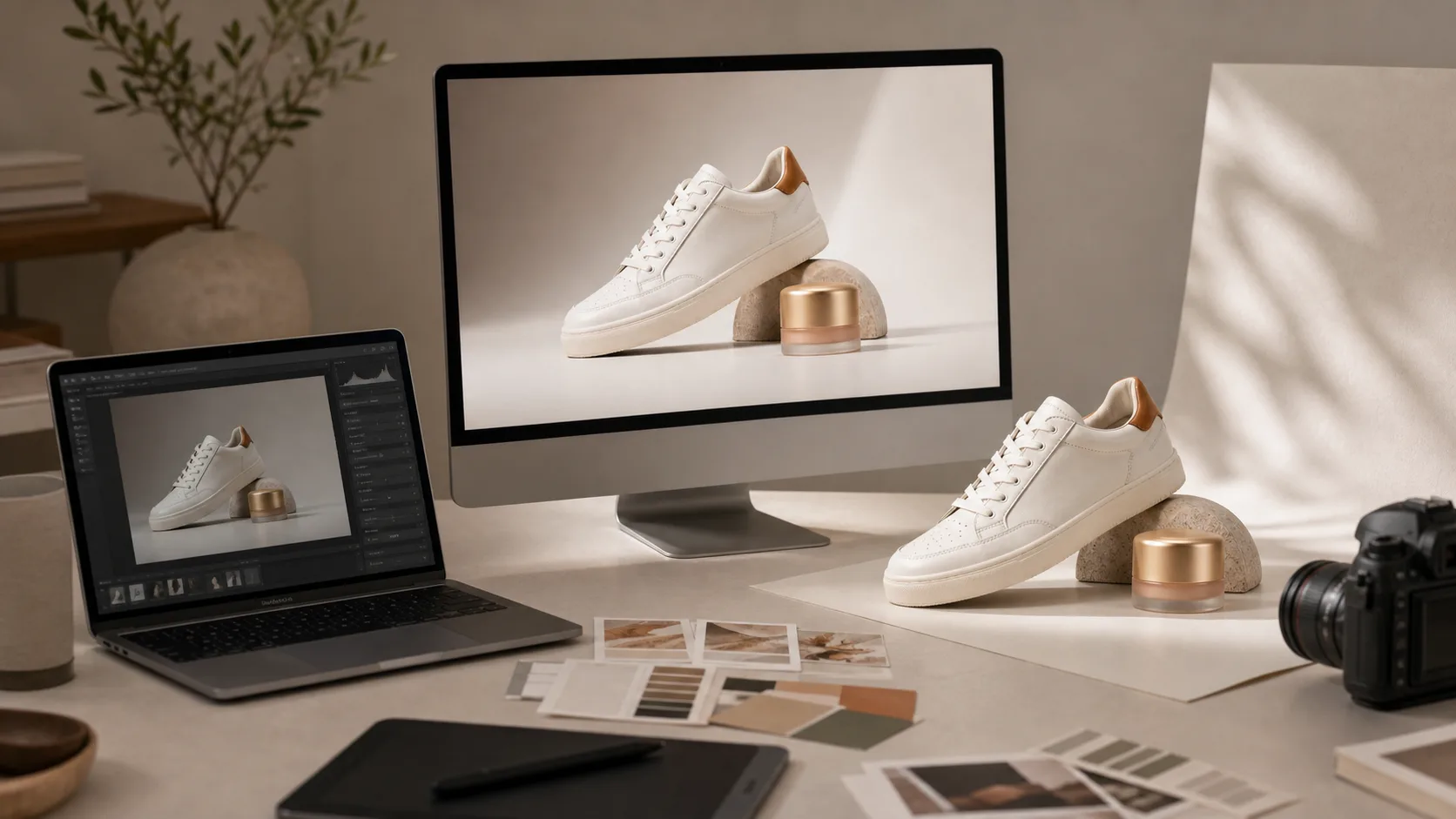
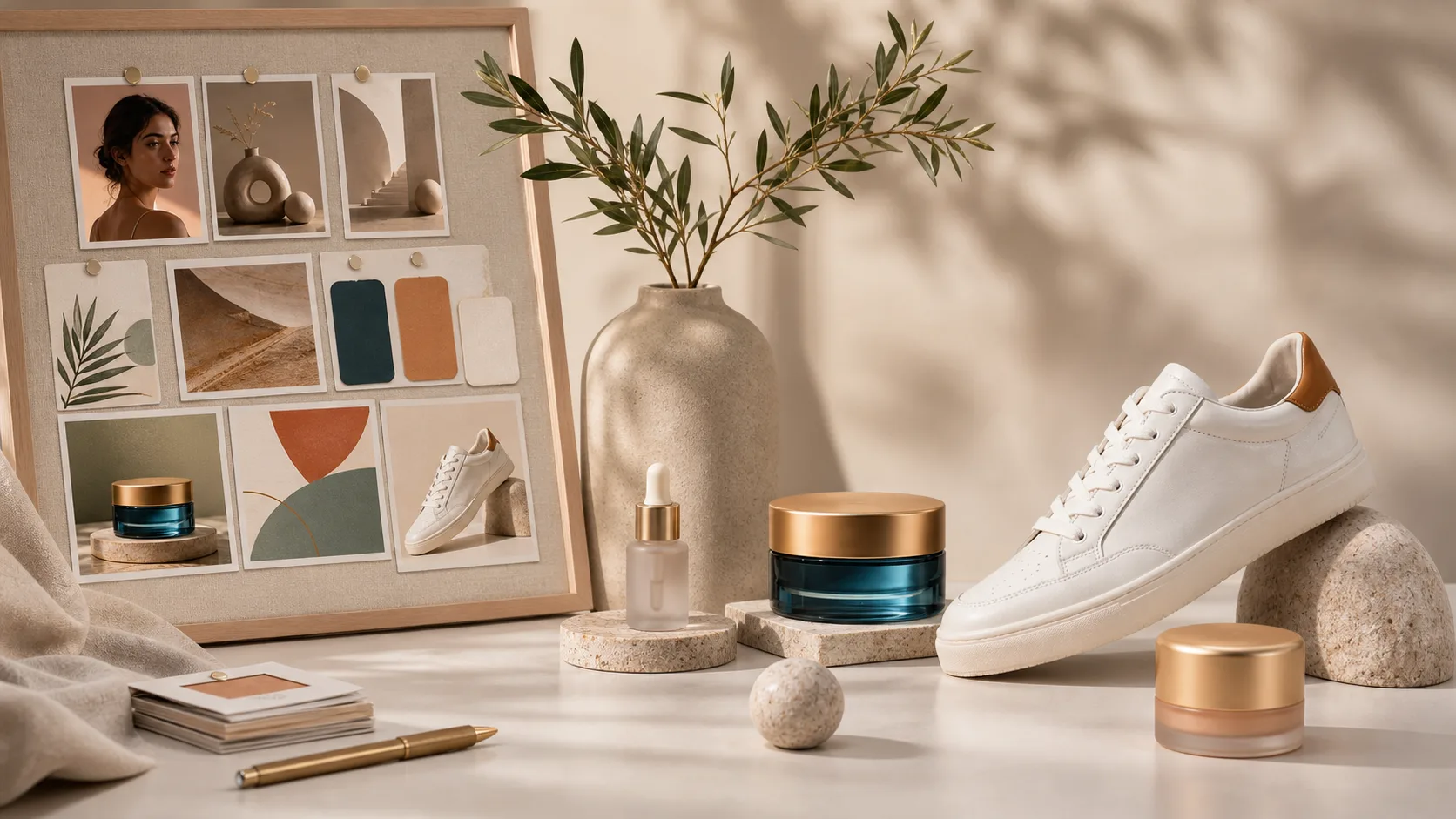
Generate product scenes, packaging ideas, backgrounds, and mood boards before booking a shoot or opening a design tool.

Style Control

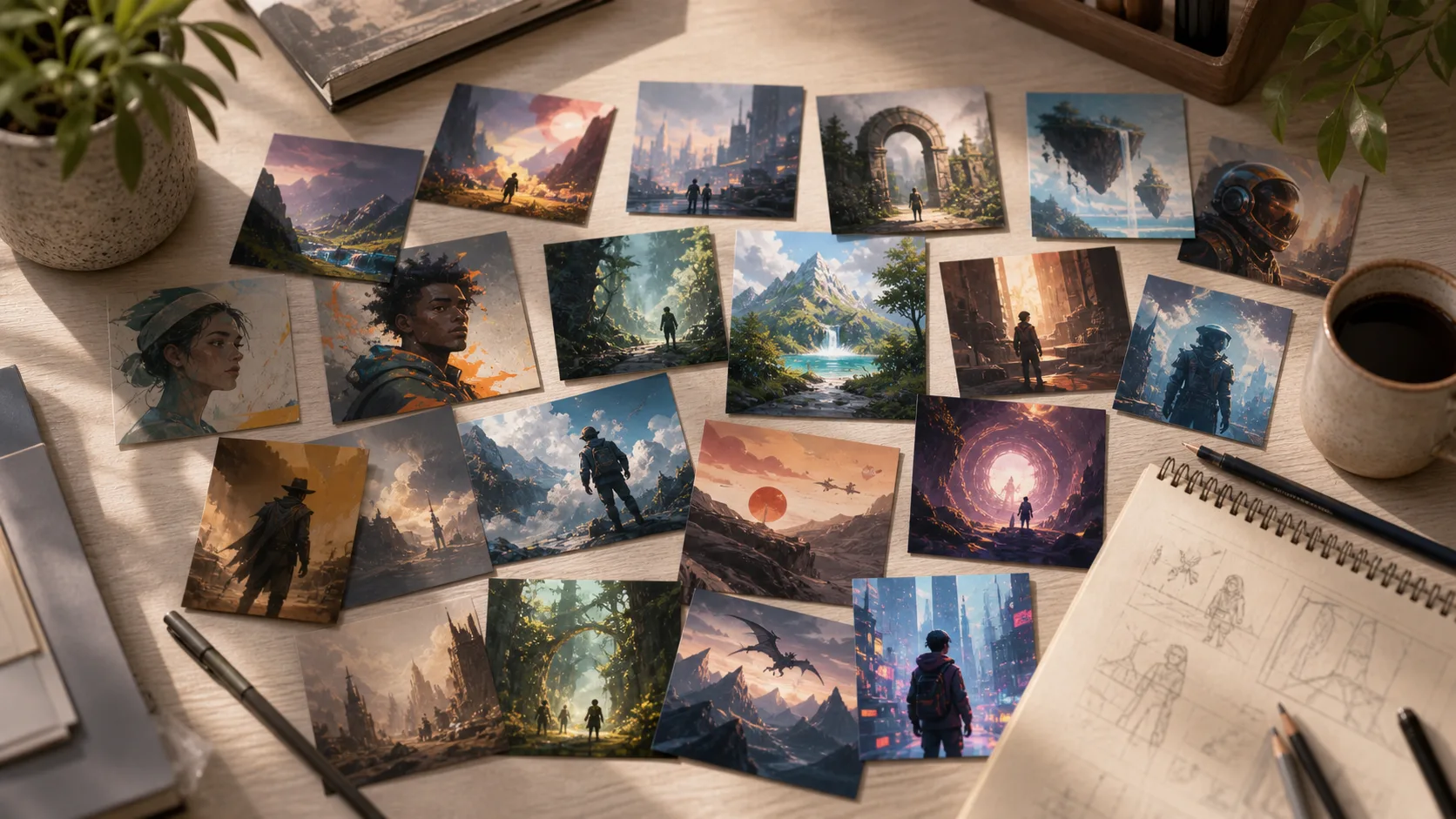
Ask for photorealistic, editorial, cinematic, anime, 3D render, watercolor, flat illustration, or brand-inspired directions.

Multiple Image Models

Use models such as GPT Image 2, DALL-E 3, and Stable Diffusion from one workspace, then compare the output style.

Related Image Tools

Move from prompt to finished asset with the right ClipCanva workflow

Choose Your Plan

Free images include a watermark. Upgrade for clean outputs, faster generation, and commercial use.

Starter Pack

$9

A one-time credit pack for trying image, music, and short video generation.

  • 600 credits
  • Up to 100 images
  • Up to 7 short videos
  • Credits valid for 30 days
  • No watermarks

Creator

$19/mo

Monthly plan · 1,500 credits renew each month

  • 1,500 credits per month
  • Up to 250 images/month
  • Up to 18 short videos/month
  • Works with ClipCanva Pro and other credit models
  • Priority queue
  • Community support
  • No ads
  • No watermarks

Pro

$39/mo

Monthly plan · 4,000 credits renew each month

  • 4,000 credits per month
  • Up to 660 images/month
  • Up to 50 short videos/month
  • Works with ClipCanva Pro and other credit models
  • Highest priority queue
  • Unlock ClipCanva Pro
  • No ads
  • No watermarks
  • Advanced Refine

Studio

$99/mo

Monthly plan · 12,000 credits renew each month

  • 12,000 credits per month
  • Up to 2,000 images/month
  • Up to 150 short videos/month
  • Works with ClipCanva Pro and other credit models
  • Highest priority queue
  • Full privacy
  • Early access to new features
  • Priority support

Monthly plans renew credits each billing cycle. Yearly plans grant 12 months of credits upfront and save 17%. Usage estimates are based on the lowest-cost supported image and video models; premium models, higher resolutions, longer videos, reference-based generation, and advanced tools use more credits.

Team

For agencies, production teams, and custom volume needs.

Contact us

Text to Image FAQ

Common questions about generating images from prompts

What is text-to-image AI?
Text-to-image AI turns a written prompt into an image. You describe the subject, style, composition, lighting, and format, then the model generates a visual based on that instruction.
How do I write a better image prompt?
Use concrete details: subject, action, location, style, camera angle, lighting, colors, aspect ratio, and any exclusions. Short prompts work for exploration; detailed prompts work better for production assets.
Can I use text-to-image for commercial work?
Yes, paid ClipCanva outputs are designed for commercial use. Always review the final image, avoid protected logos or likenesses unless you have rights, and check your plan terms before client delivery.
Which model should I use?
Use GPT Image 2 for prompt adherence and text-heavy concepts, DALL-E 3 for reliable composition, and Stable Diffusion when you want broad style flexibility. The best model depends on the image brief.
How should I write GPT Image 2 prompts?
Write GPT Image 2 prompts like a clear creative brief: subject, goal, composition, camera angle, lighting, style, text requirements, aspect ratio, and exclusions. If the image needs readable copy, spell out the exact words and where they should appear.
Can I use a Gemini AI photo prompt copy paste example?
Yes. If you start from a Gemini AI photo prompt copy paste example, replace the subject, scene, camera angle, lighting, and brand details with your own brief. The same prompt structure can work well across different image models after a few small edits.
What is a good LinkedIn profile picture prompt?
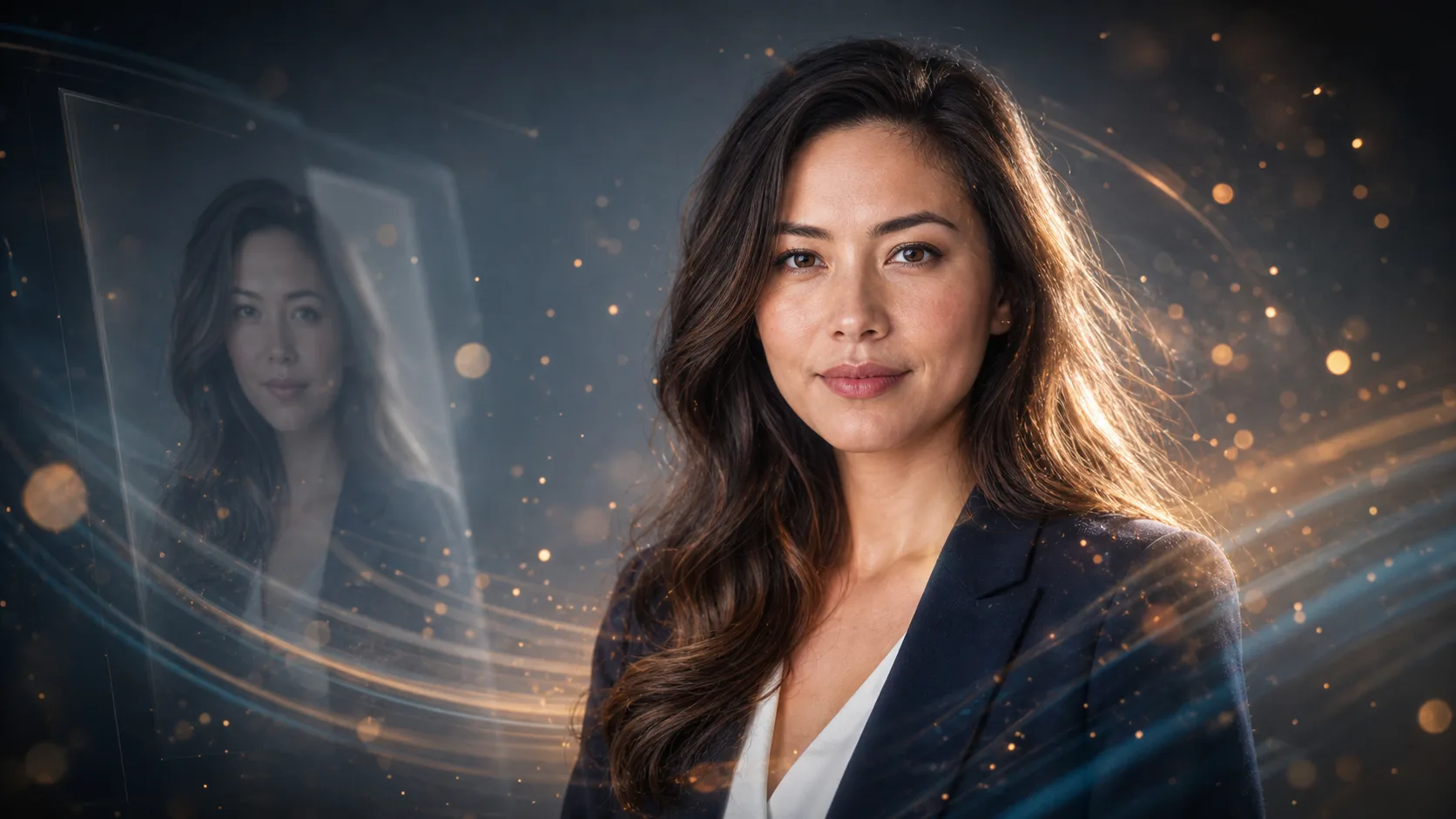
Try: professional LinkedIn profile picture of a startup founder, natural smile, confident posture, clean neutral background, soft studio lighting, realistic photography, sharp eyes, modern business casual outfit, no heavy retouching, square crop.

Create Your First AI Image

Start with a simple prompt, then refine it into a production-ready visual.