描述構想
用平實的語言寫下您希望看到的內容。點明主體與目的比描述的長短更為重要。
提示規劃
描述初步構想並選擇圖像類型、風格、目標模型與長寬比,圖片提示生成器將會為您產出一份包含完整細節的提示、一個簡短版本,以及一份負向提示供您複製使用。
提示詞工作台
把想法變成可複製的圖片提示詞
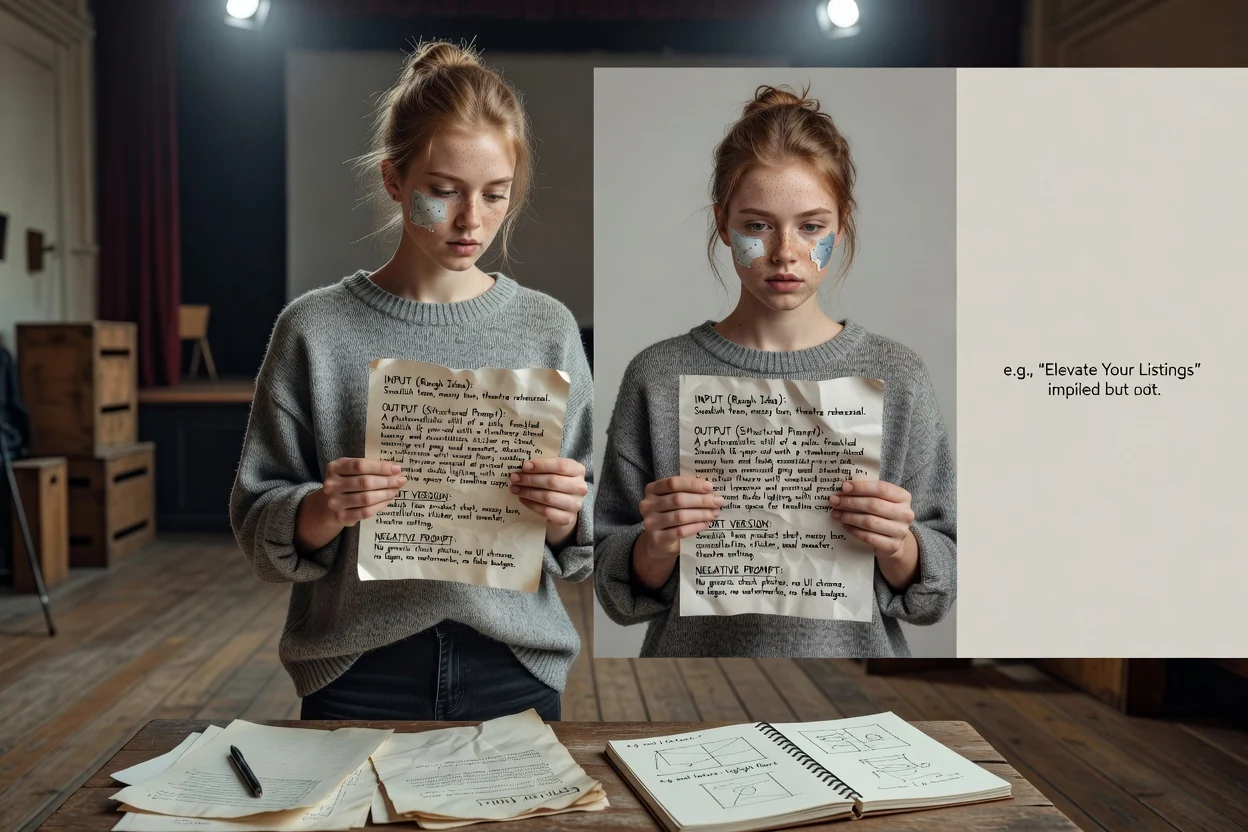
寫一句粗略想法即可,工具會補充結構、風格、光線和構圖。
複製結果,或直接開啟圖片生成器。
它能將簡短的描述轉化為圖像模型能夠執行的提示語言。您無需猜測用詞,只需設定圖像類型、視覺風格、目標模型與長寬比,即可獲得一份明確定義主題、構圖、燈光及應排除事物之範圍的提示。
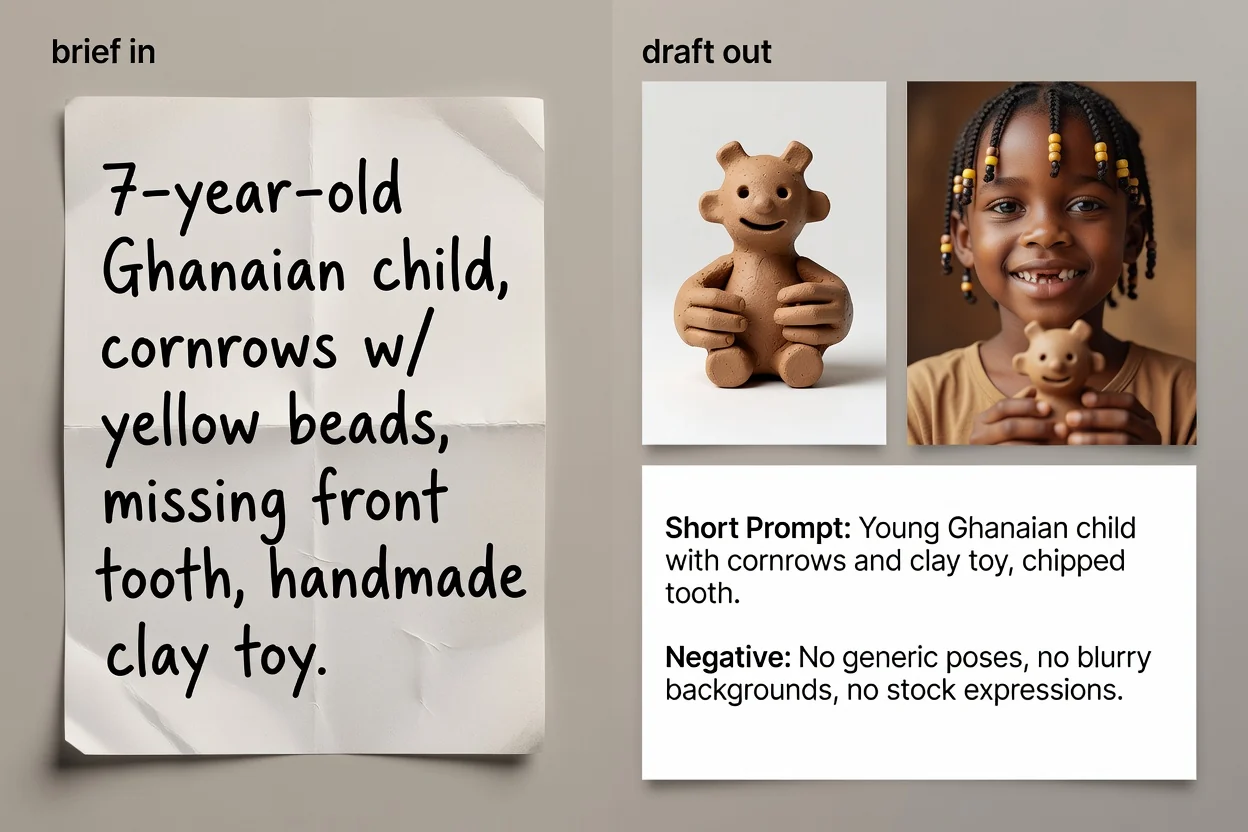
從構想到可複製之提示文字的四個步驟。
用平實的語言寫下您希望看到的內容。點明主體與目的比描述的長短更為重要。
選擇圖像類型與視覺風格,讓提示詞能為該類別使用正確的詞彙。
選擇您計畫使用的模型與長寬比,確保措辭與畫面設定符合最終的目的地需求。
生成提示、審查內容,並可選擇執行 AI 優化流程來精煉措辭並補充遺漏的細節。
適用於三種不同情況的三種提示版本。
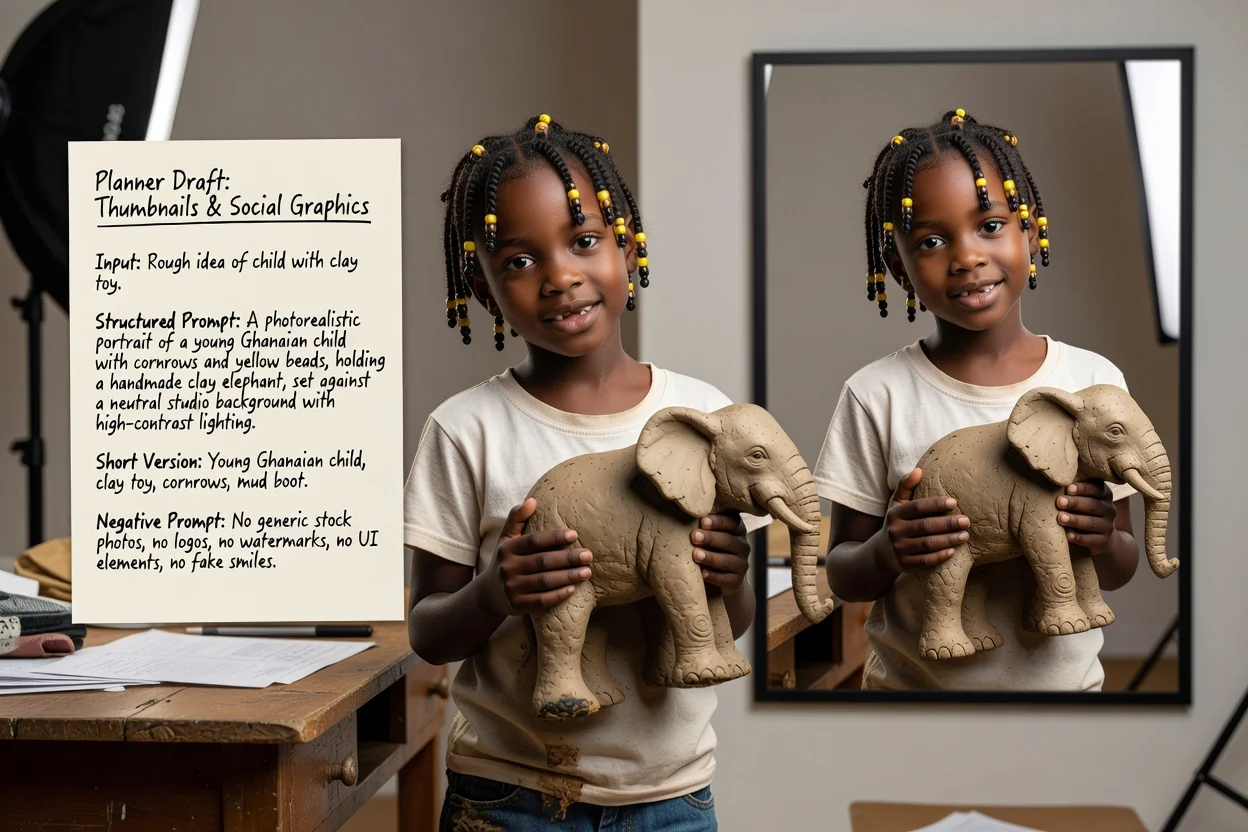
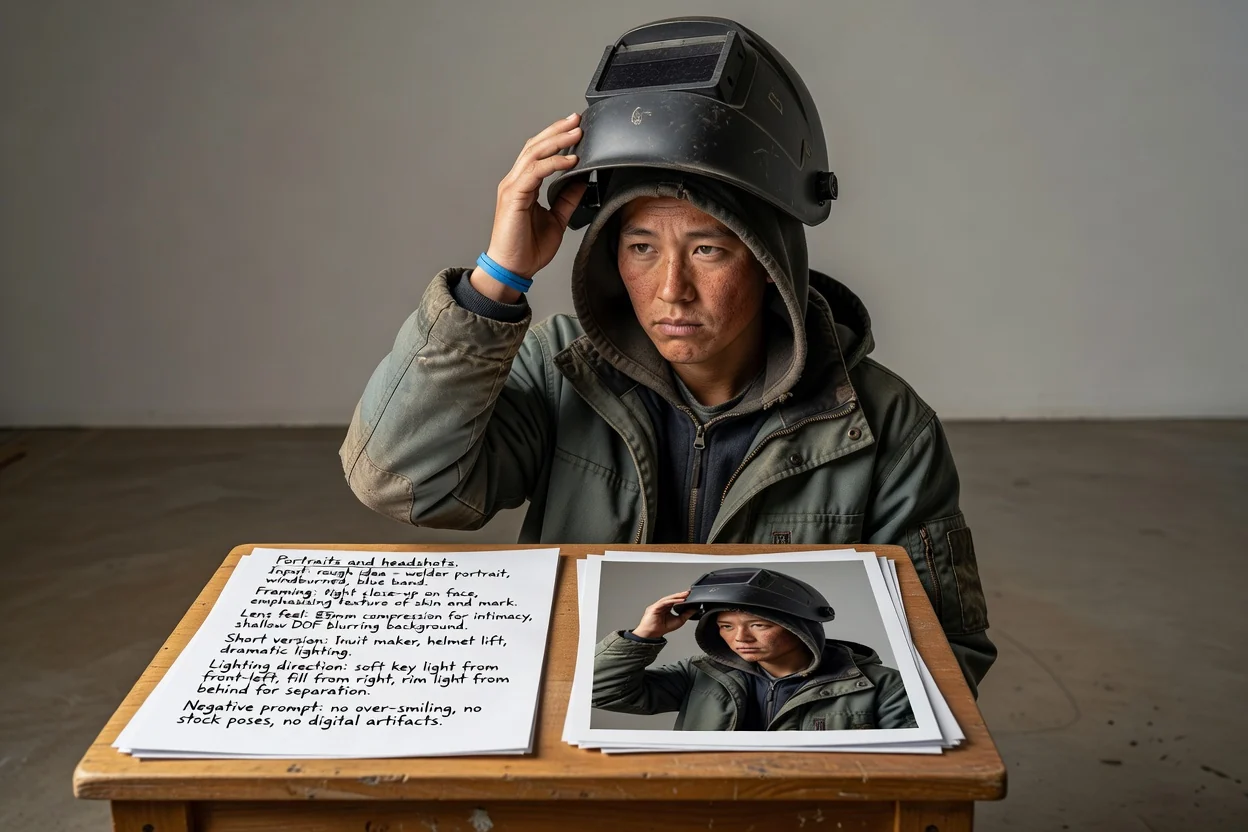
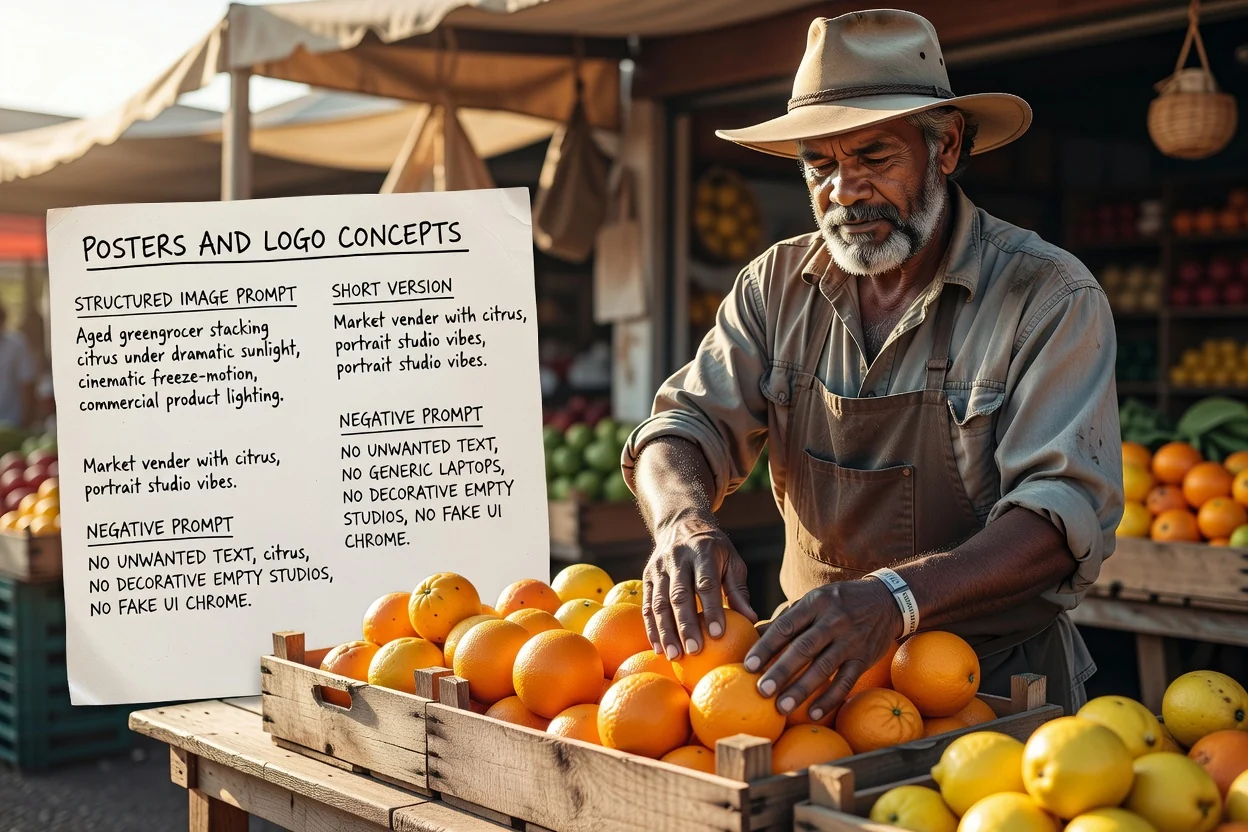
完整提示,依序詳述主題、構圖、燈光、風格與取景。
可選的重寫版本,能精煉措辭並填補簡短描述遺漏的細節。
適用於輸入限制嚴格的介面,或需要快速迭代時使用的壓縮版本。
列出應排除在圖像外的事物清單,例如文字、浮水印或變形的細節。
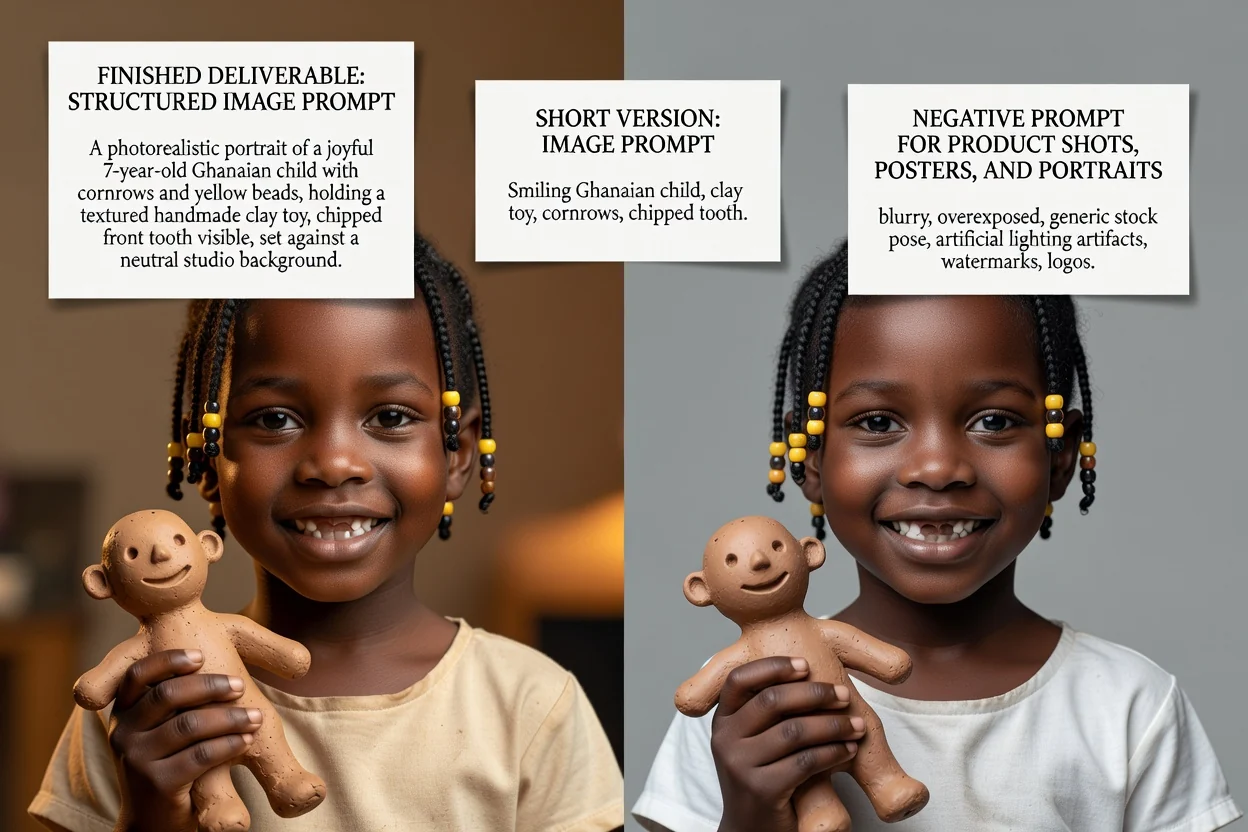
每個控制項都會實質改變提示的用字遣詞,而非僅是調整標籤。
商品照、人像照、海報、標誌、社群圖文或插畫。此設定決定了會使用哪些構圖術語。
寫實攝影、電影感、編輯風、極簡風、3D 渲染或動漫風。此選項主導了關於燈光與渲染風格的描述用語。
GPT Image、Midjourney、Flux、Stable Diffusion 或 DALL-E。不同模型之間存在著慣用的提示詞撰寫慣例。
正方形、橫幅、直幅或人像比例,確保構圖中的取景與留白能符合最終的展示位置。
四個快速檢查要點,有助於減少重試次數。
若提示中描述了兩個相互競爭的主體,請將其拆分為兩個提示,而非擠在同一個畫面中。
直立長寬比需要配合直向構圖的語言描述。描述與比例不匹配是導致構圖裁剪不協調的最常見原因。
若後續要在圖像上添加文字,請確保提示詞要求在適當位置預留空白空間。
移除您實際上不需要的排除項目,因為過長的負向提示可能會使結果變得平淡。
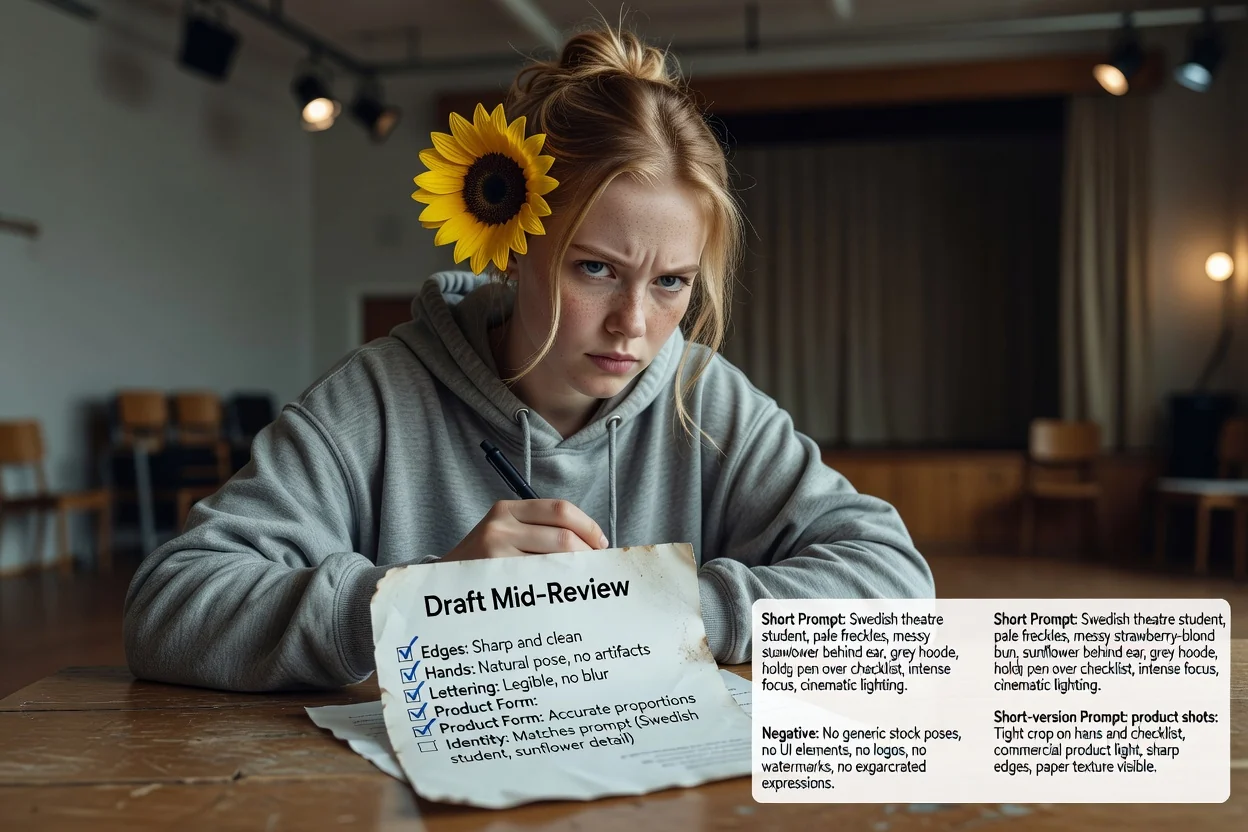
在使用前值得了解的相關限制。
生成圖像發生在另一個圖像工作流程中。此步驟僅產出您將傳送至該處的文字提示。
相同的提示詞在不同模型與版本間仍會產生不同的結果。請將首次輸出視為測試。
要求在圖像中出現確切文字通常會失敗。請規劃在後續排版階段加入真實的版式文字。
關於為 AI 圖片模型撰寫提示詞的常見問題。