Step 1
Write your brief
Describe the video idea. Add a reference file if it helps.
Create a 30-second launch video for a skincare brand focused on simple routines and sensitive skin.
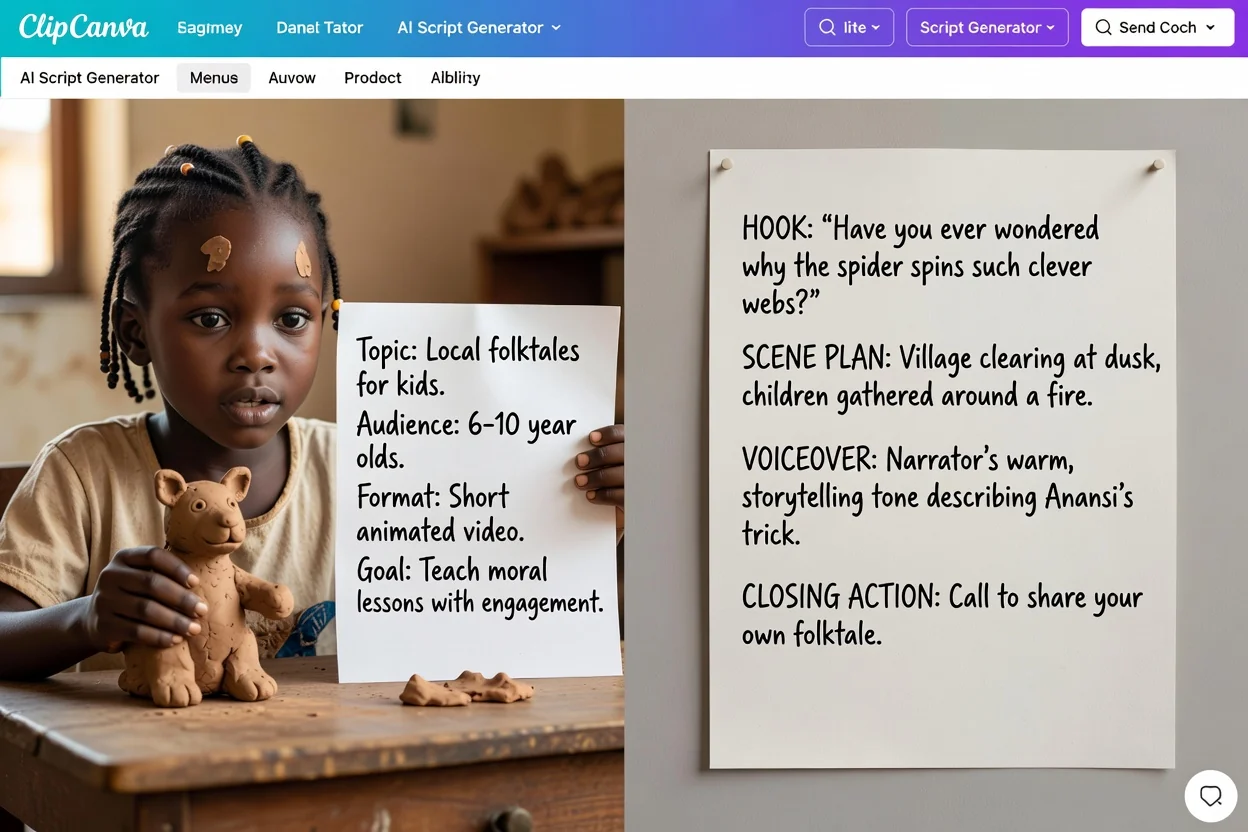
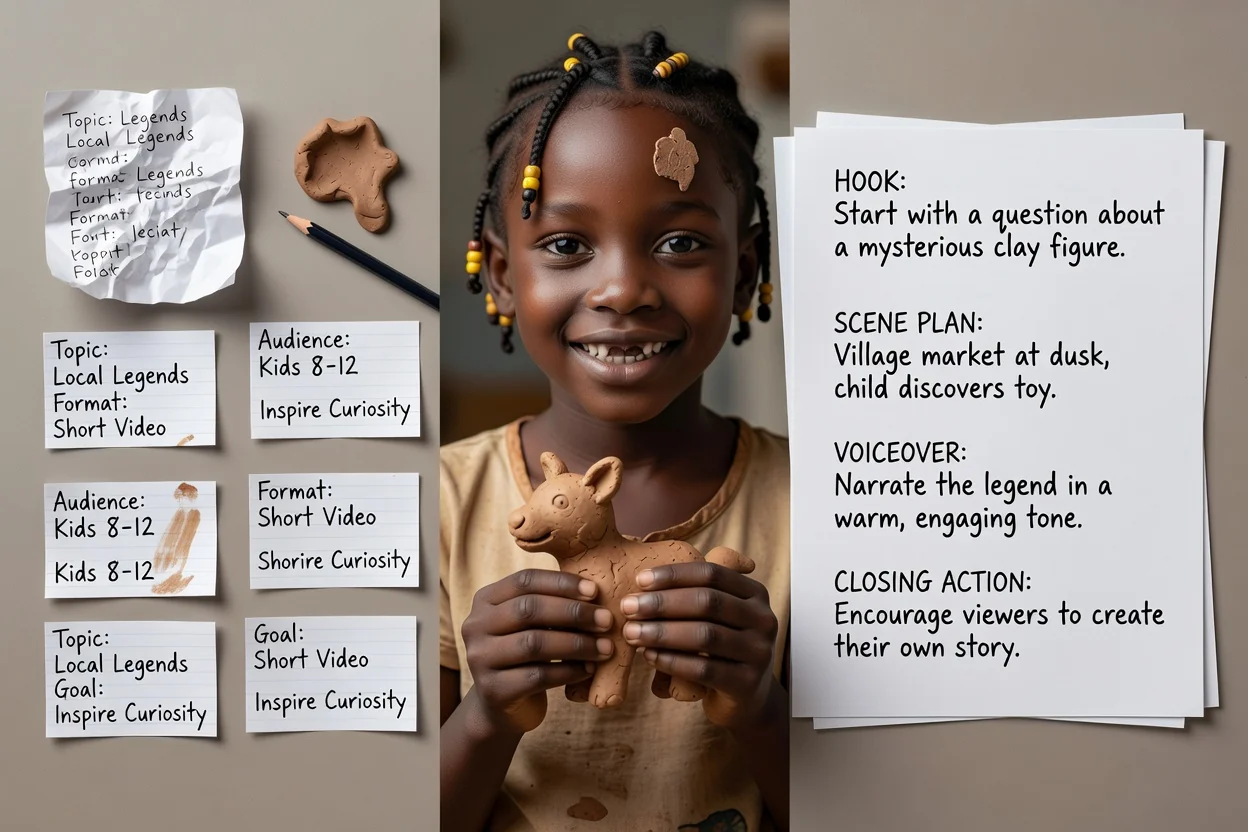
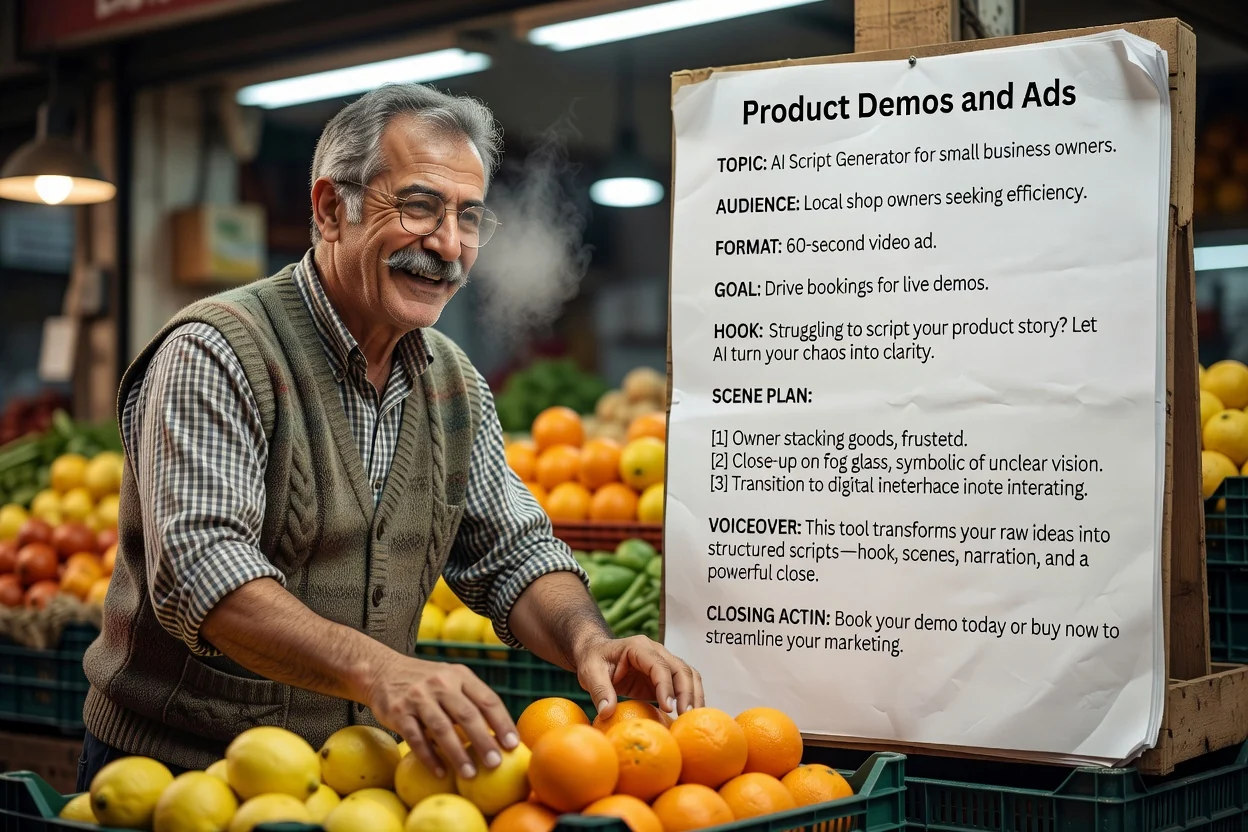
Turn a rough idea into a structured video, podcast, ad, training, or product demo script. Create hooks, scene beats, voiceover, on-screen text, and a clear call to action before production.
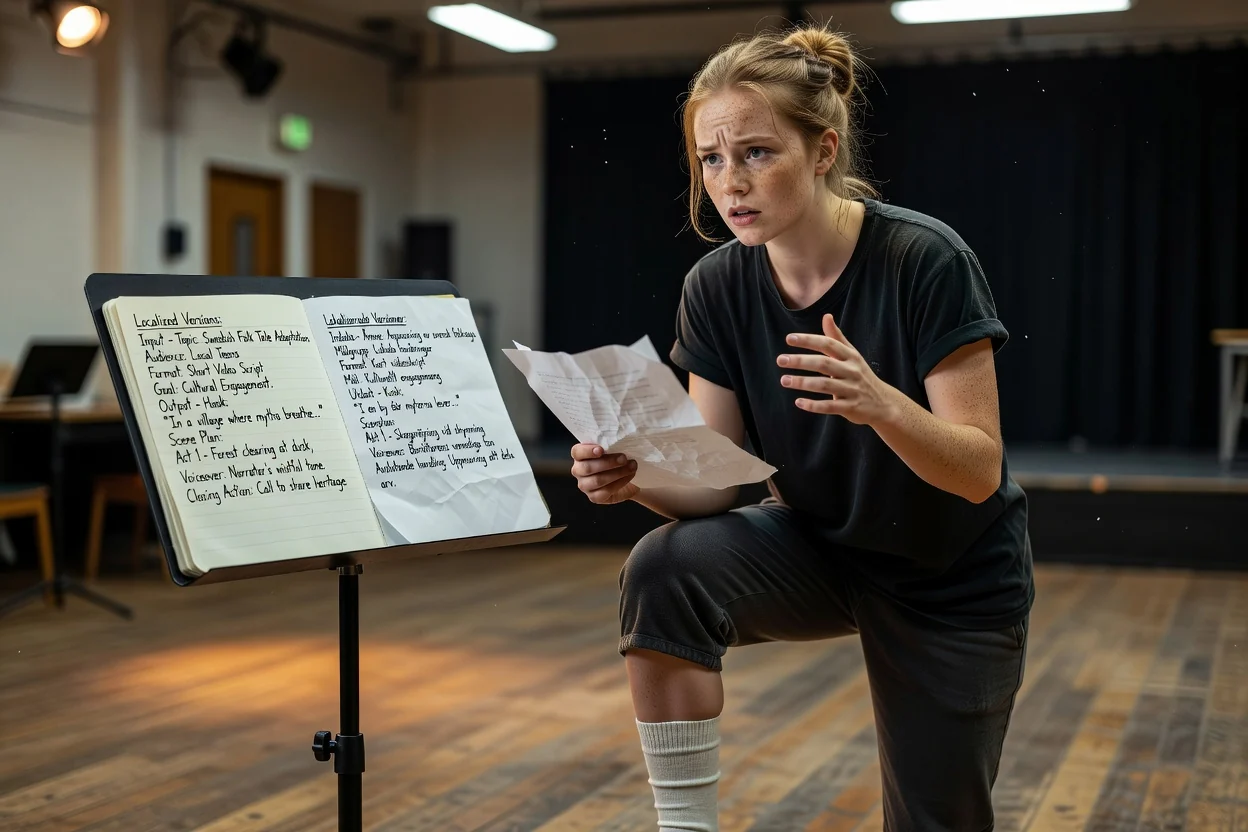
A simple flow from rough idea to chat-ready script brief.
Step 1
Describe the video idea. Add a reference file if it helps.
Create a 30-second launch video for a skincare brand focused on simple routines and sensitive skin.
Step 2
Continue with an editable script outline.
Hook
Here is a simple way for first-time skincare buyers to move from idea to a clear video message: Create a 30-second launch video for a new skincare brand focused on simple routines and sensitive skin.
Scene plan
Start with the problem in one sharp line.
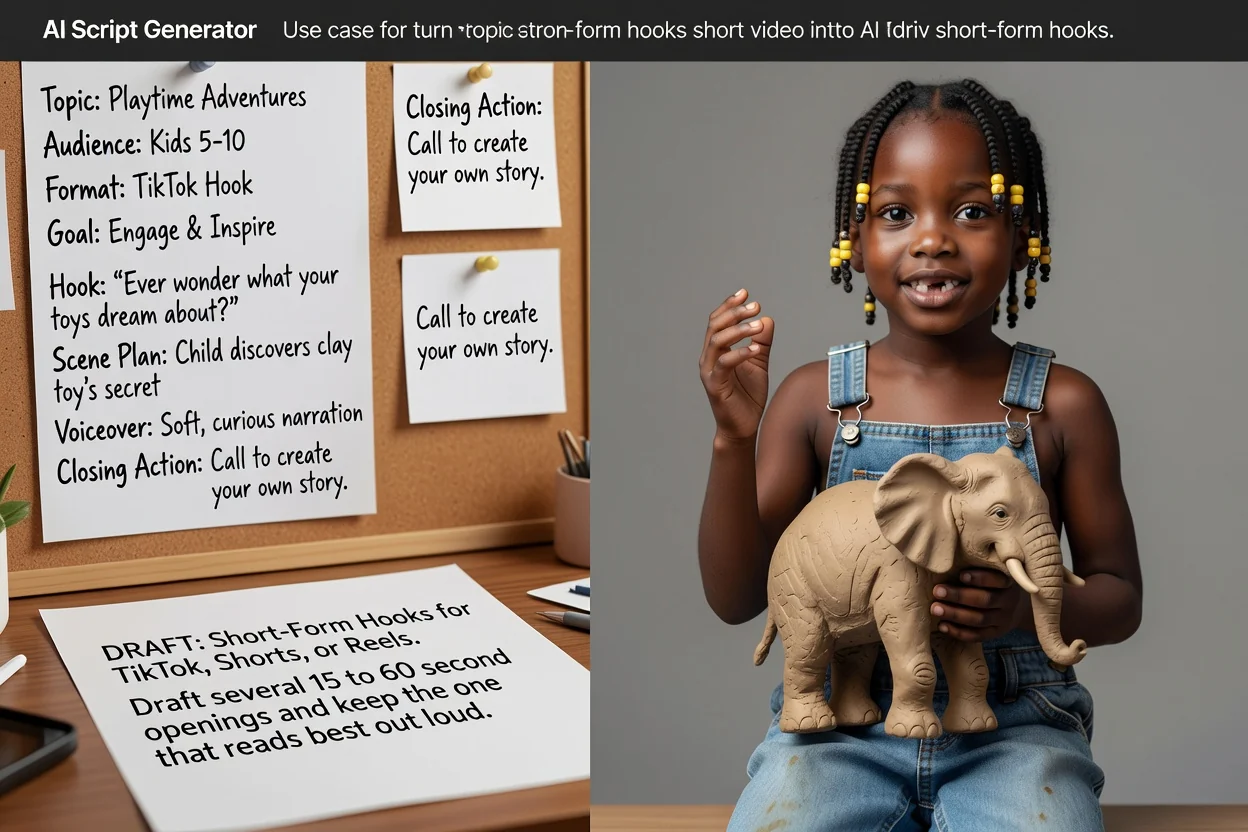
Create drafts for creator content, YouTube videos, TikTok / Reels clips, podcast segments, product videos, ads, and internal training without starting from a blank page.
A few concrete details help the script land closer to the video you actually want to make.
Choose whether the draft is for YouTube, TikTok / Reels, an ad, training, a product demo, or a podcast script.
Name who the video is for and what they should understand, feel, or do after watching.
Add the claims, examples, product details, or talking points that must appear in the script.
Tell the generator whether the script should drive a click, signup, purchase, demo, or follow.
Generate hooks, voiceover, scene beats, on-screen text, and calls to action from one brief.
Shape scripts for YouTube, TikTok, Reels, ads, training videos, product demos, and podcasts.
Get short captions and visual cues that help editors turn the script into a watchable video.
Plan drafts in common campaign languages before adapting the final video for each market.
Move from script planning to concept frames, short clips, and finished video assets.
Free images include a watermark. Upgrade for clean outputs, faster generation, and commercial use.
Starter Pack
A one-time credit pack for trying image, music, and short video generation.
Creator
Monthly plan · 1,500 credits renew each month
Pro
Monthly plan · 4,000 credits renew each month
Studio
Monthly plan · 12,000 credits renew each month
Monthly plans renew credits each billing cycle. Yearly plans grant 12 months of credits upfront and save 17%. Usage estimates are based on the lowest-cost supported image and video models; premium models, higher resolutions, longer videos, reference-based generation, and advanced tools use more credits.
Team
For agencies, production teams, and custom volume needs.
Common questions before drafting your first video script.
Use ClipCanva to move from script draft to visual concepts, generated scenes, and short-form video assets.