ClipCanva
AI-powered music visuals

AI Music Video Generator

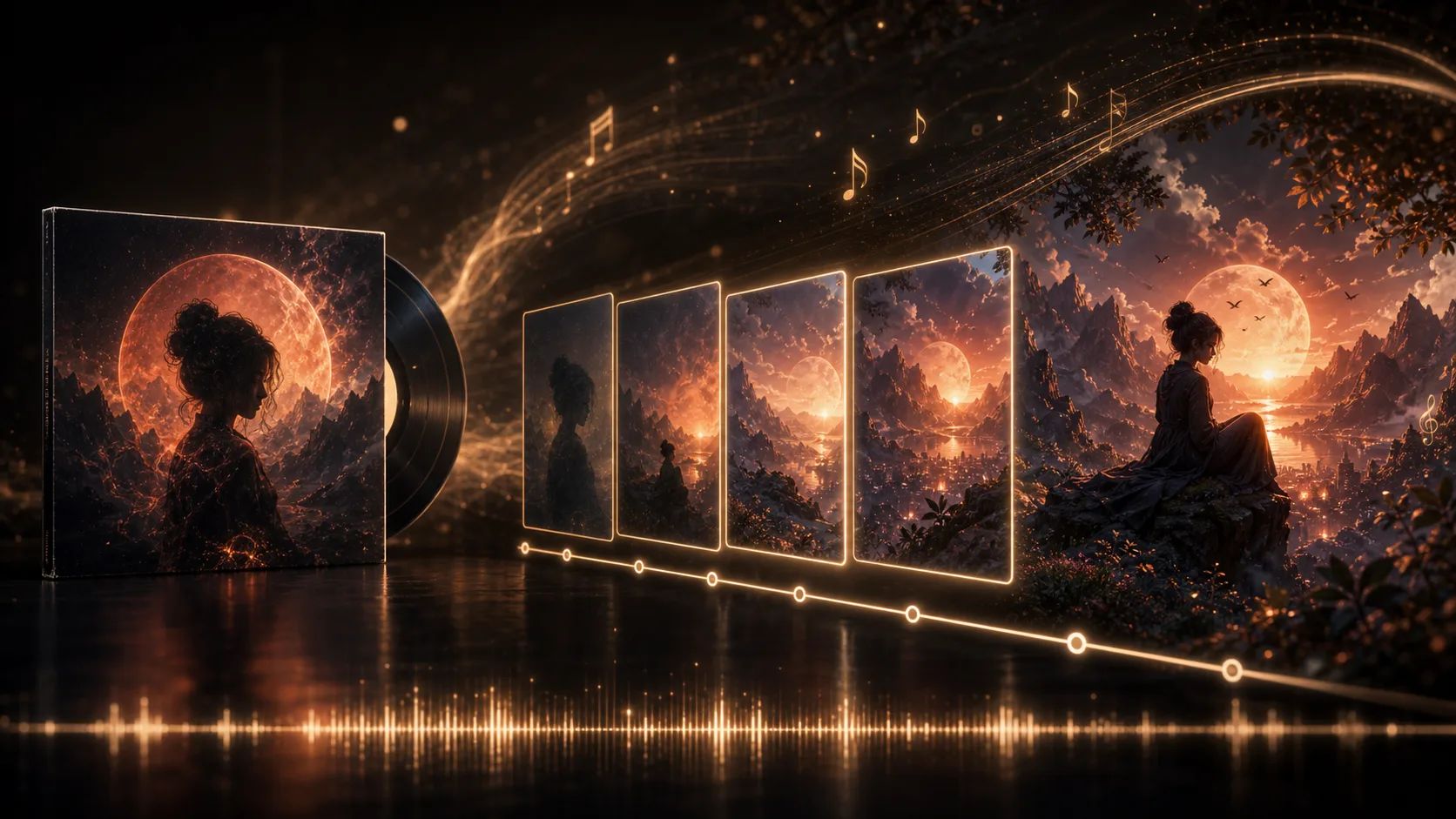
Create with AI Music Video Generator using a text prompt or reference still, then guide the subject, setting, visual direction, and destination format for a short clip built around your track or campaign idea.

Use a generated track

Copy the two references shown after creating music.

Music video4 cr

Selected music track

Paste the two references shown with a generated music result.

Add both music result references

  • Start from a prompt or reference still
  • Set subject, setting, and visual direction
  • Prepare short clips for your destination format
Definition

What Is an AI Music Video Generator?

AI Music Video Generator turns a prompt or reference still into short music video clips with controls for visual direction, subject, setting, and destination format.

Input
Prompt or reference still
Output
Short music video clips
Best for
Music visuals and promos
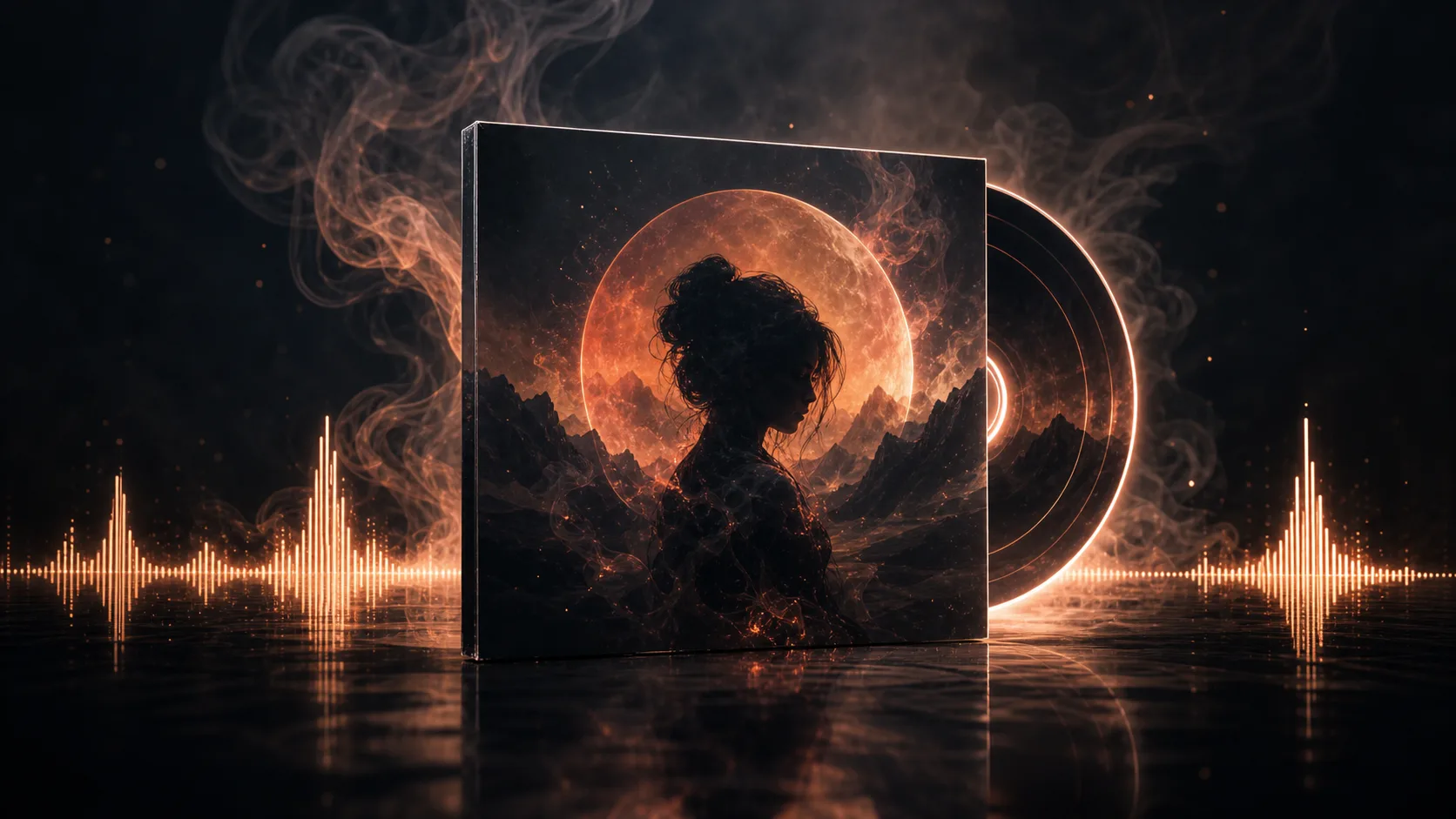
Planned ai music video definition example
Example output

How to Use AI Music Video Generator

Follow these steps to turn an idea into a short music visual using the available prompt and format controls.

1

Describe the video idea

Write a prompt that describes the mood, subject, setting, visual direction, and any movement you want the clip to suggest.

2

Guide with a reference

Add a reference still if you want the look, scene, character, or composition to anchor the generation.

3

Set the output format

Select the destination format so the generated clip is better aligned with your planned channel or layout.

AI Music Video Generator Controls

The music video clip generator helps turn a focused brief into a short visual sequence with controls for creative direction and delivery fit.

Planned ai music video capability input example

Prompt-driven video direction

Describe the mood, movement, subject, setting, and visual treatment so the video follows the idea behind your music or message.

Planned ai music video capability direction example

Reference still guidance

Use a reference still when you want the scene, character, color palette, or composition to guide the generated result.

Planned ai music video capability result example

Format-aware output

Choose a destination format so the clip is shaped for where you plan to use it, including crops for social or presentation needs.

What You Can Create with AI Music Video Generator

Use the video result as a focused visual asset for music-led content, campaign concepts, and social edits.

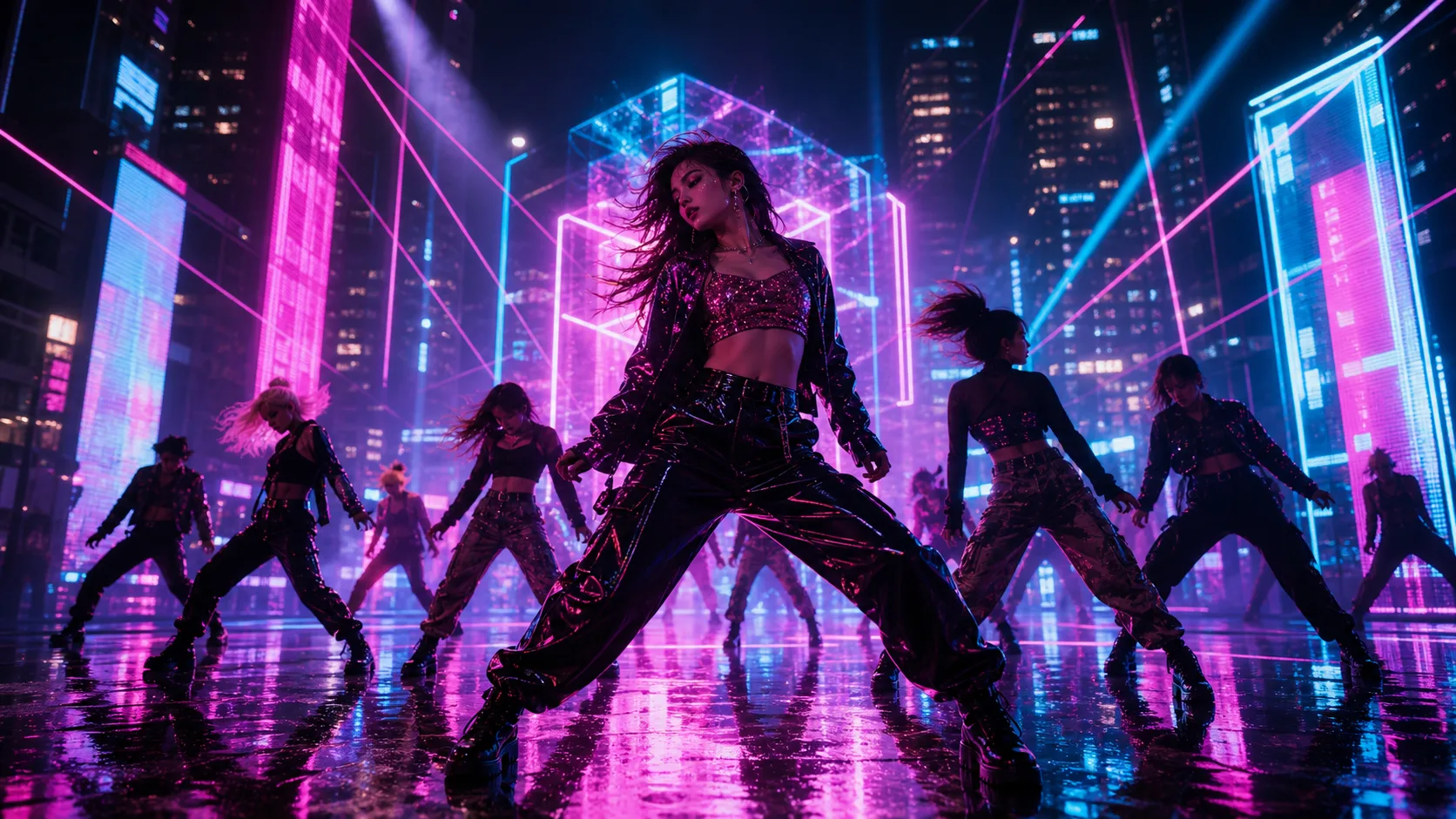
Planned ai music video use case one example

AI music visualizer

Create abstract or scene-based visuals that support a song, beat, teaser, or branded audio moment.

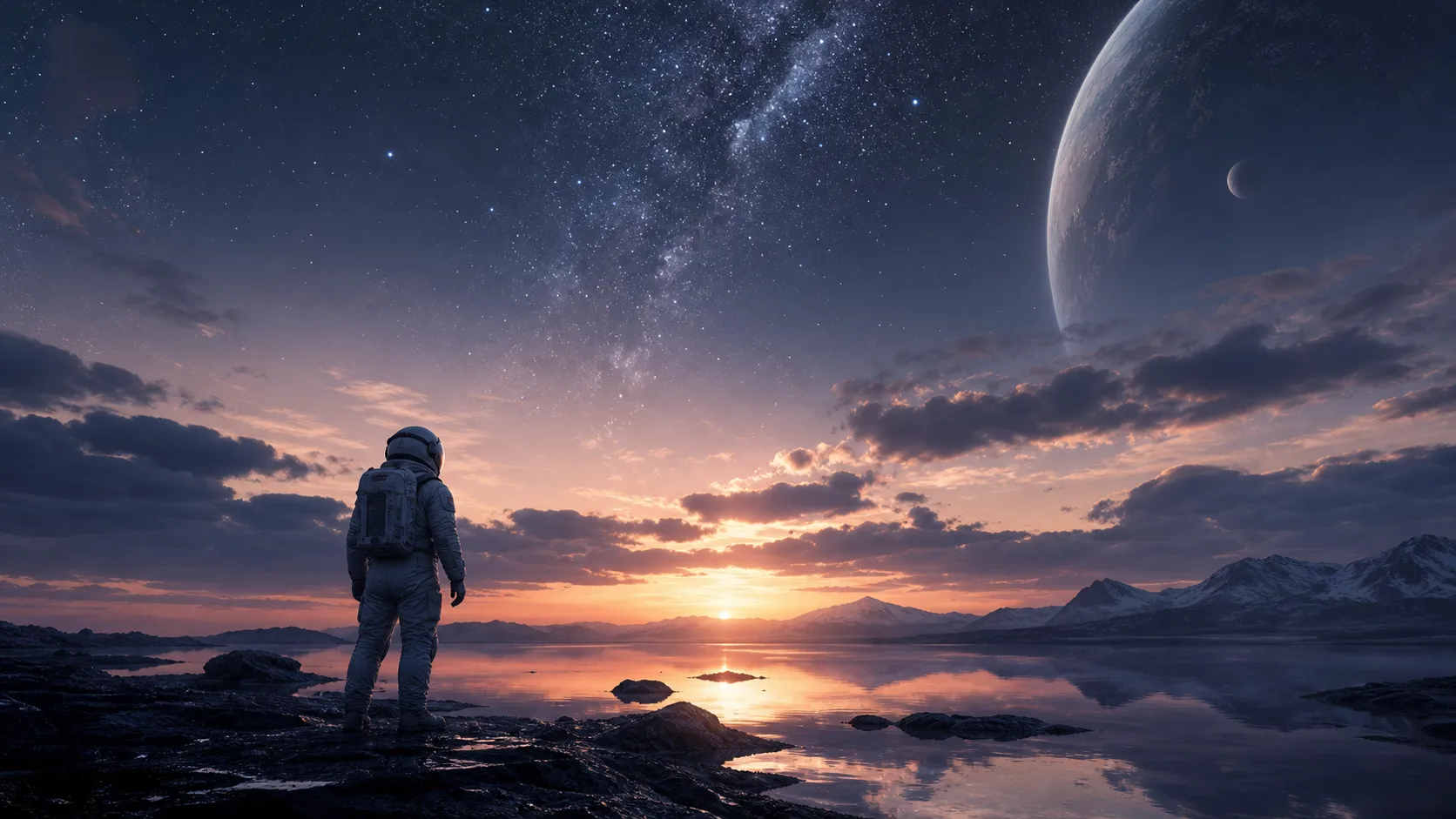
Planned ai music video use case two example

Style templates

Explore a style direction quickly, then compare whether the look matches your track, campaign, or creator identity.

Planned ai music video use case three example

Text overlays

Plan space for titles, lyric snippets, calls to action, or captions when your destination format needs added text.

Review AI Music Video Generator Results Before Use

Before publishing or sharing the video, review the result against the brief and check details that matter to the final use.

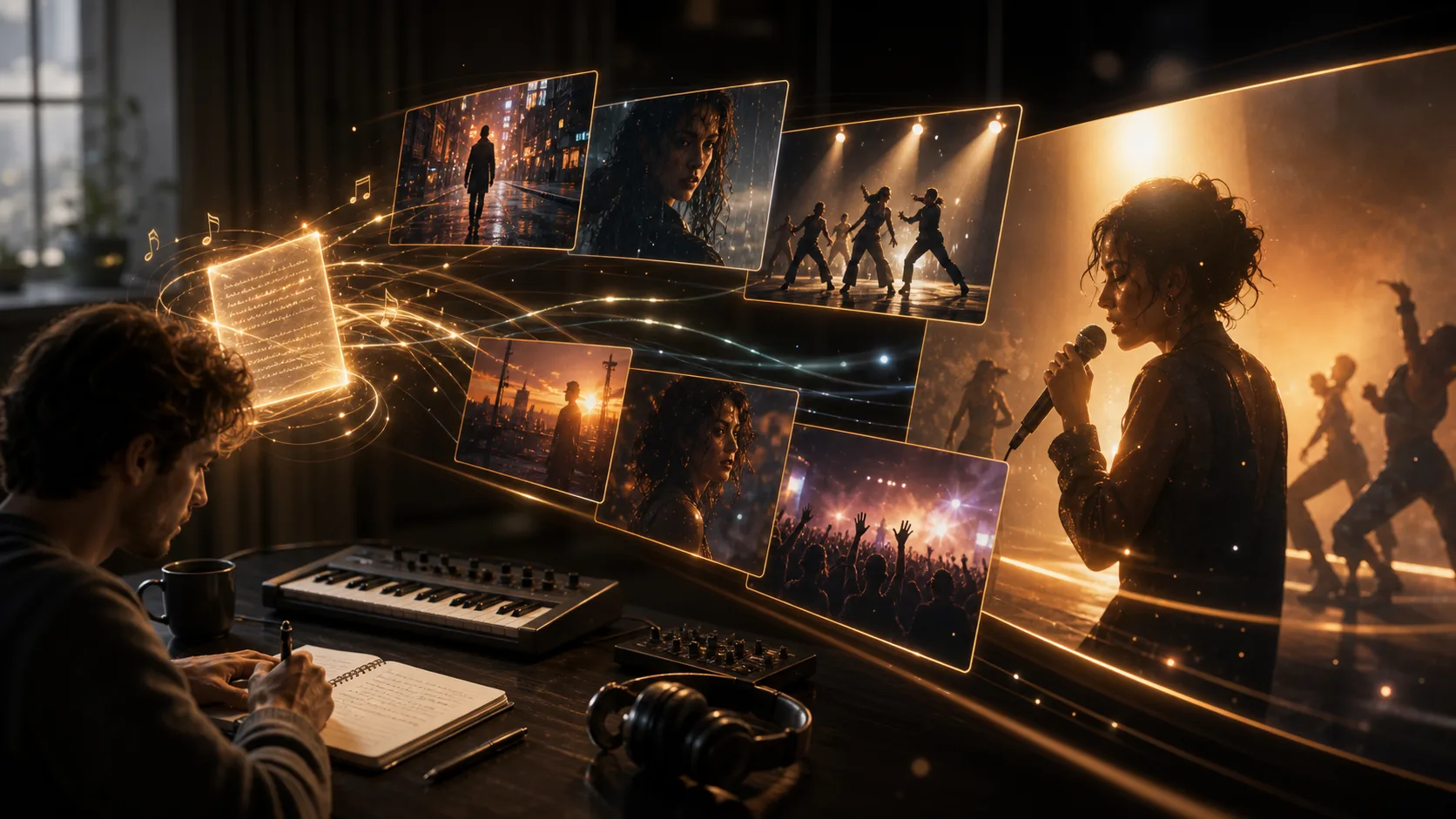
Planned ai music video review example

Brief fit

Compare the clip with the original brief, including mood, subject, setting, and intended audience.

Important details

Inspect important details such as visible text, key objects, character appearance, and brand-specific cues.

Crop and format

Confirm the destination crop and format work for the place where the clip will be used.

AI Music Video Generator Limitations

These video boundaries help set expectations before you use a generated clip in a campaign, social post, or presentation.

Variable results

Generated results can vary, so the first output may not exactly match every creative expectation in your brief.

Detail checks are needed

Important details such as faces, text, props, or product cues should be checked before you treat the clip as final.

AI Music Video Generator FAQ

Answers to common questions about AI Music Video Generator inputs, controls, cost-related wording, and what to check before using a result.

How does AI Music Video Generator work?
You can start with a text prompt or a reference still. A stronger prompt usually describes the subject, setting, mood, motion, and visual style you want.
Can I create from only a prompt?
Yes. The workflow supports an AI music video from prompt, so you can describe the visual idea without starting from existing footage.
What can I make with it?
Use the music video clip generator for short visual clips, including AI music visualizer concepts, style-led promos, and clips with planned text overlays.
Is it free to use?
Free is a cost-related search term, not a promise made here. Check the current product flow for any pricing, account, or usage details shown at the time you create.

Create with AI Music Video Generator

Create with AI Music Video Generator and shape a short clip from your prompt, reference still, and chosen visual direction.