AI Lip Sync Video Generator

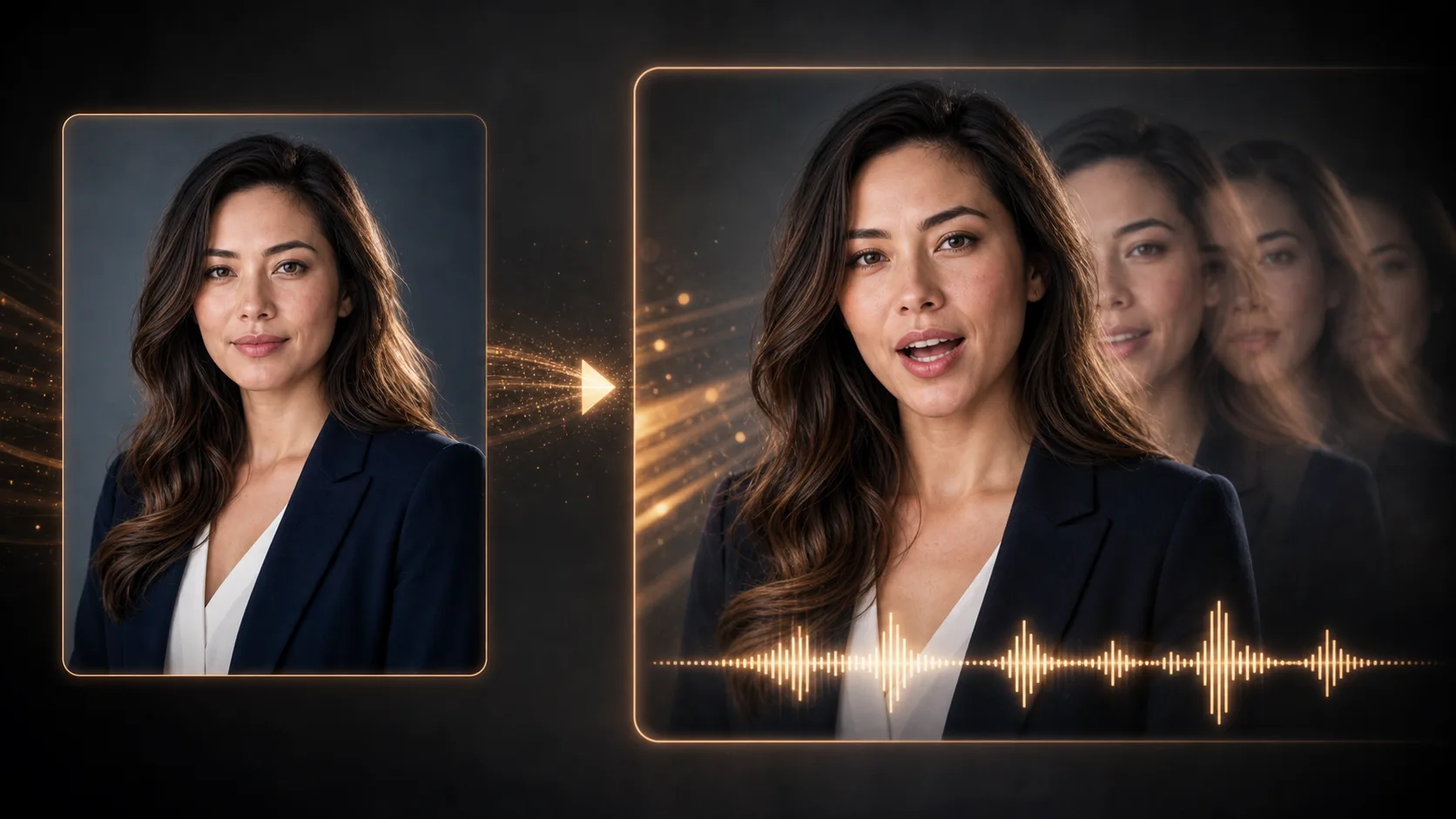
Create a talking-head or character-style video from a short prompt, reference image, or speaker direction.

Lip SyncTalking HeadVoice ScriptSubtitles

Source video and speech audio

Upload files or paste hosted media URLs.

Lip sync40 cr

Video format

MP4/WebM/MOV

Audio source

MP3/WAV/M4A

Sync status

Waiting for media

Add both media sources before generating

Lip Sync Video Ideas

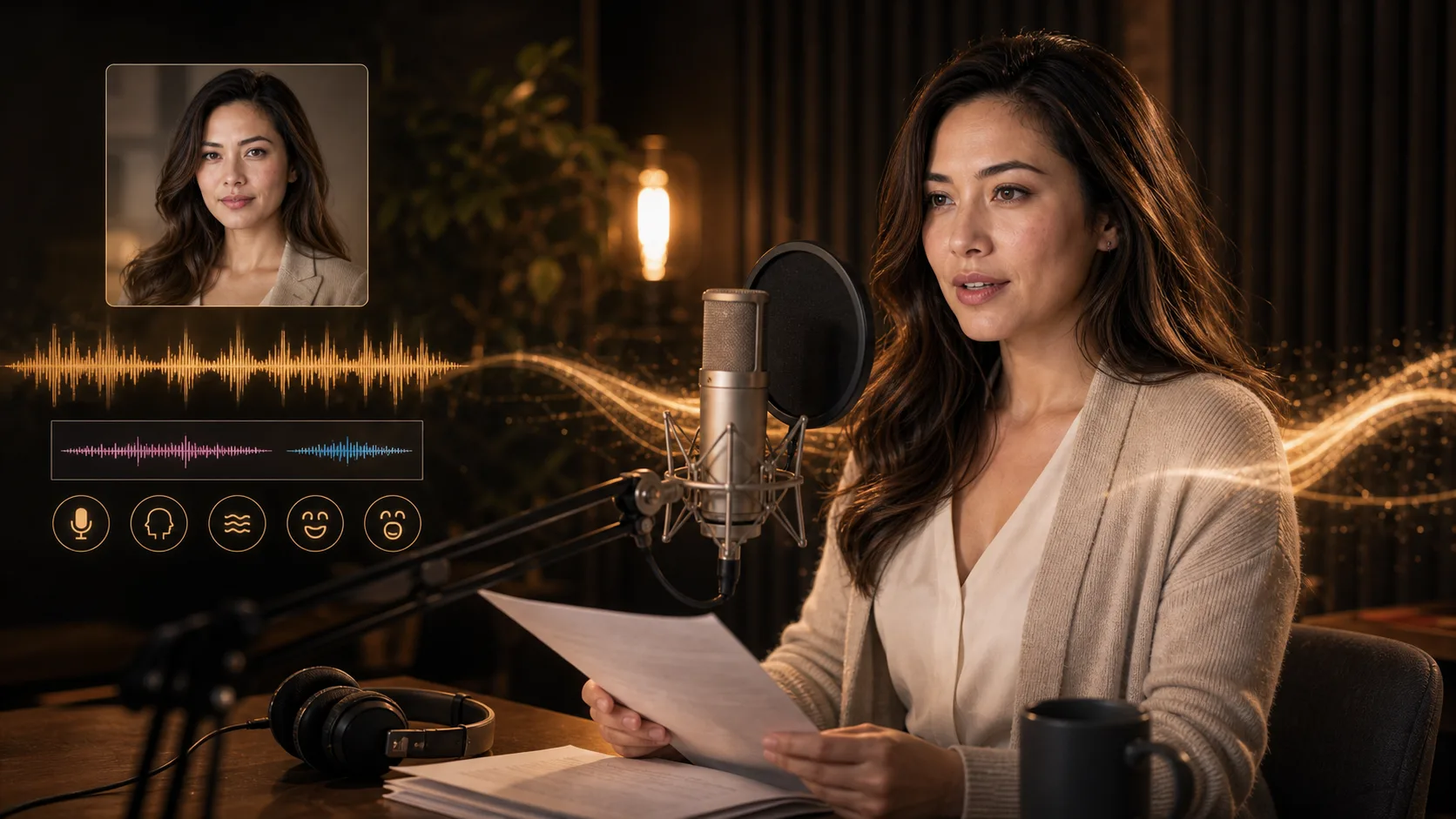
Start with a speaker, a clear message, and natural lines that are easy to sync.

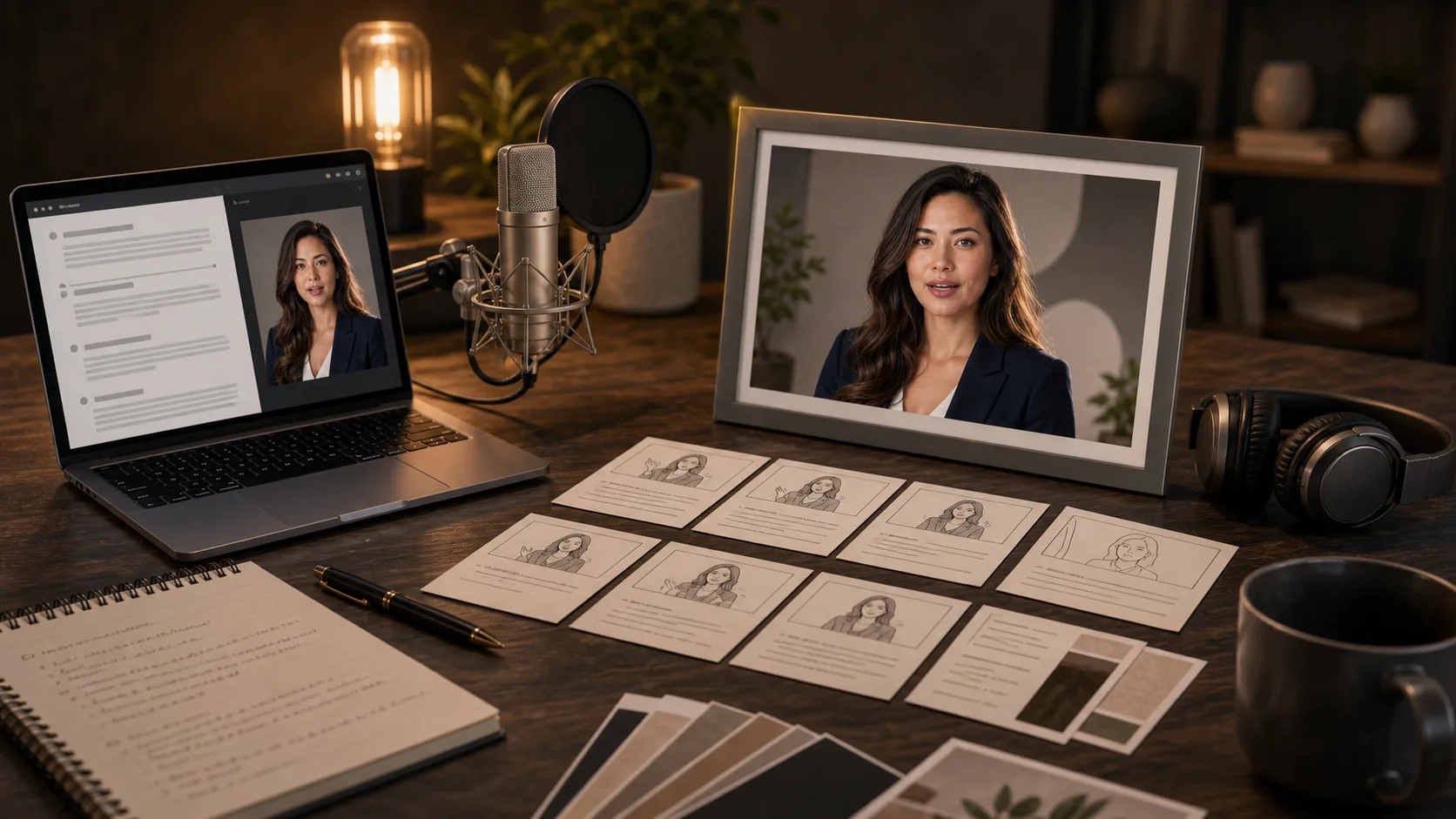
How to plan a lip-sync video

Good sync starts with short, natural copy and clear direction for the speaker.

01

Define the speaker

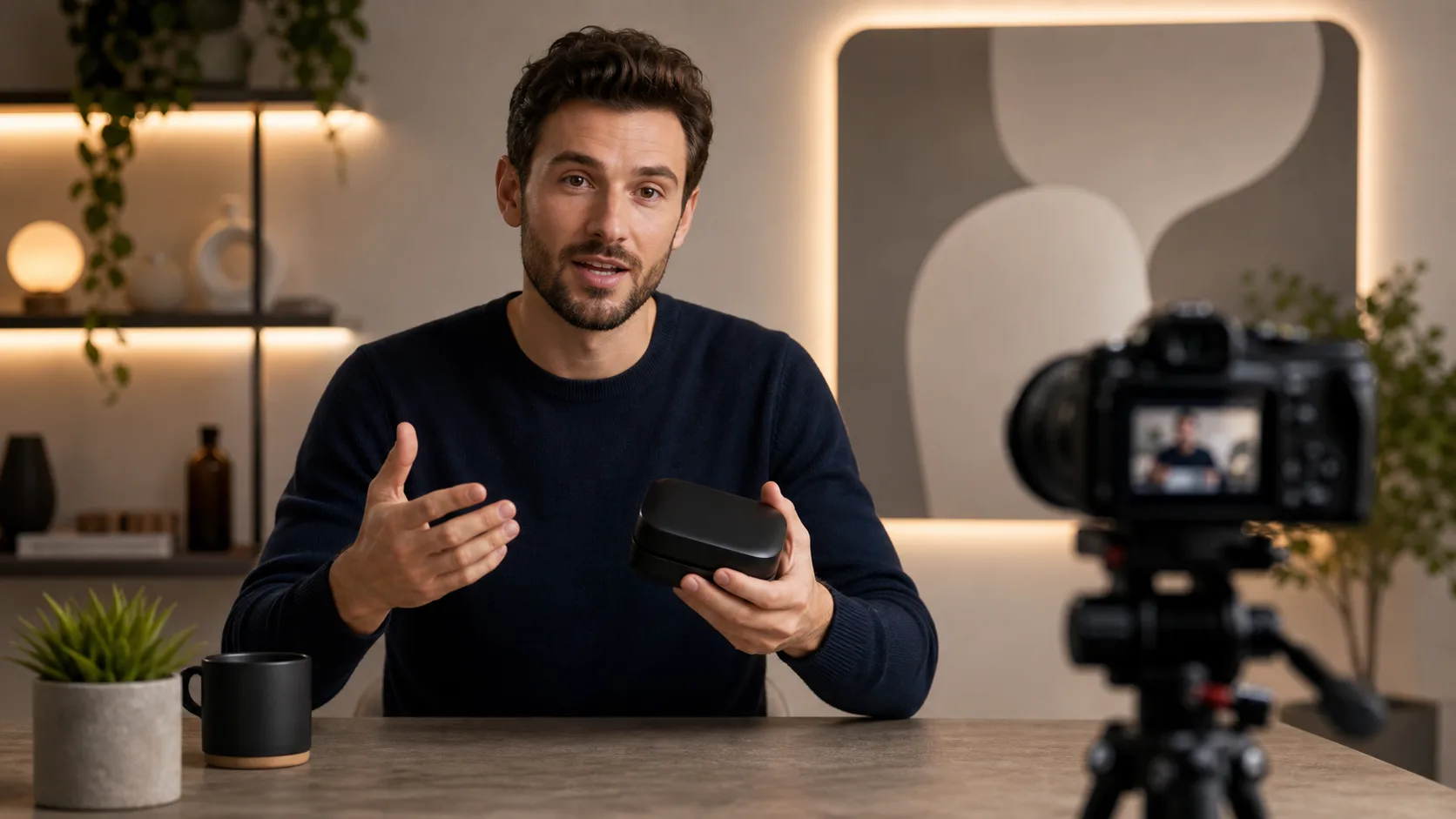
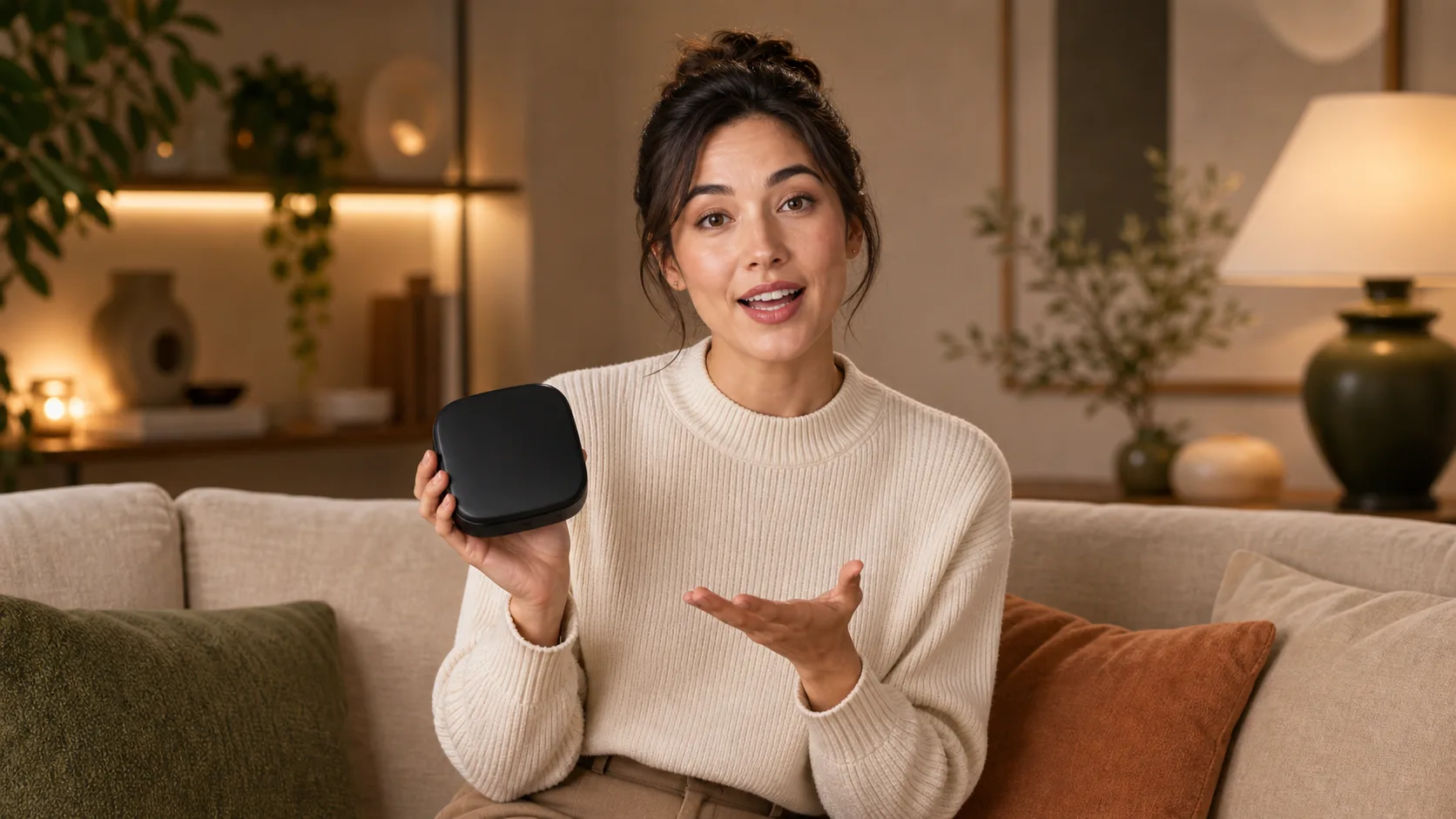
Describe the person, character, avatar, product expert, or host who should speak.

02

Write mouth-friendly lines

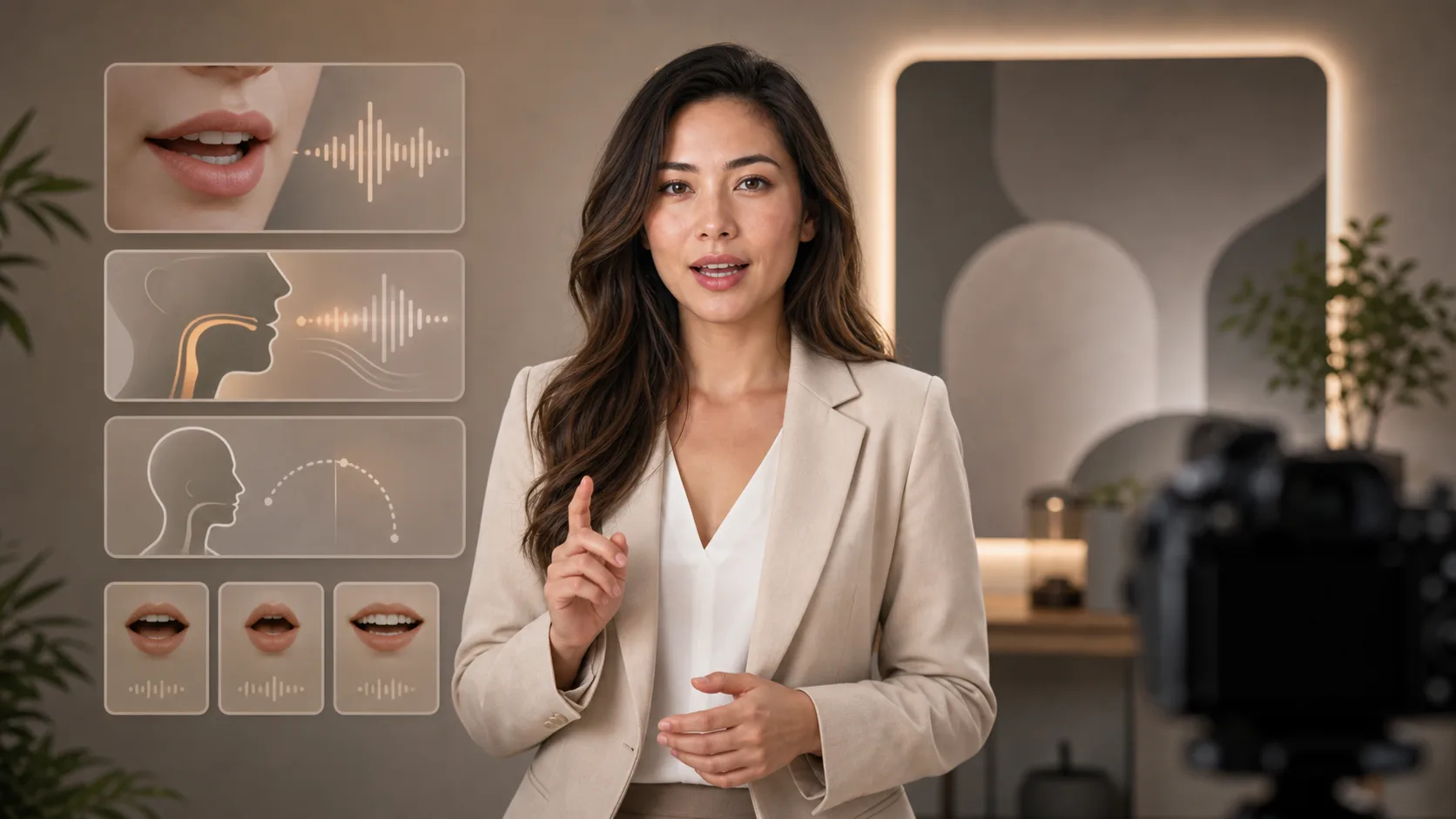
Use short sentences, natural phrasing, clear pronunciation, and simple pauses.

03

Add camera and emotion

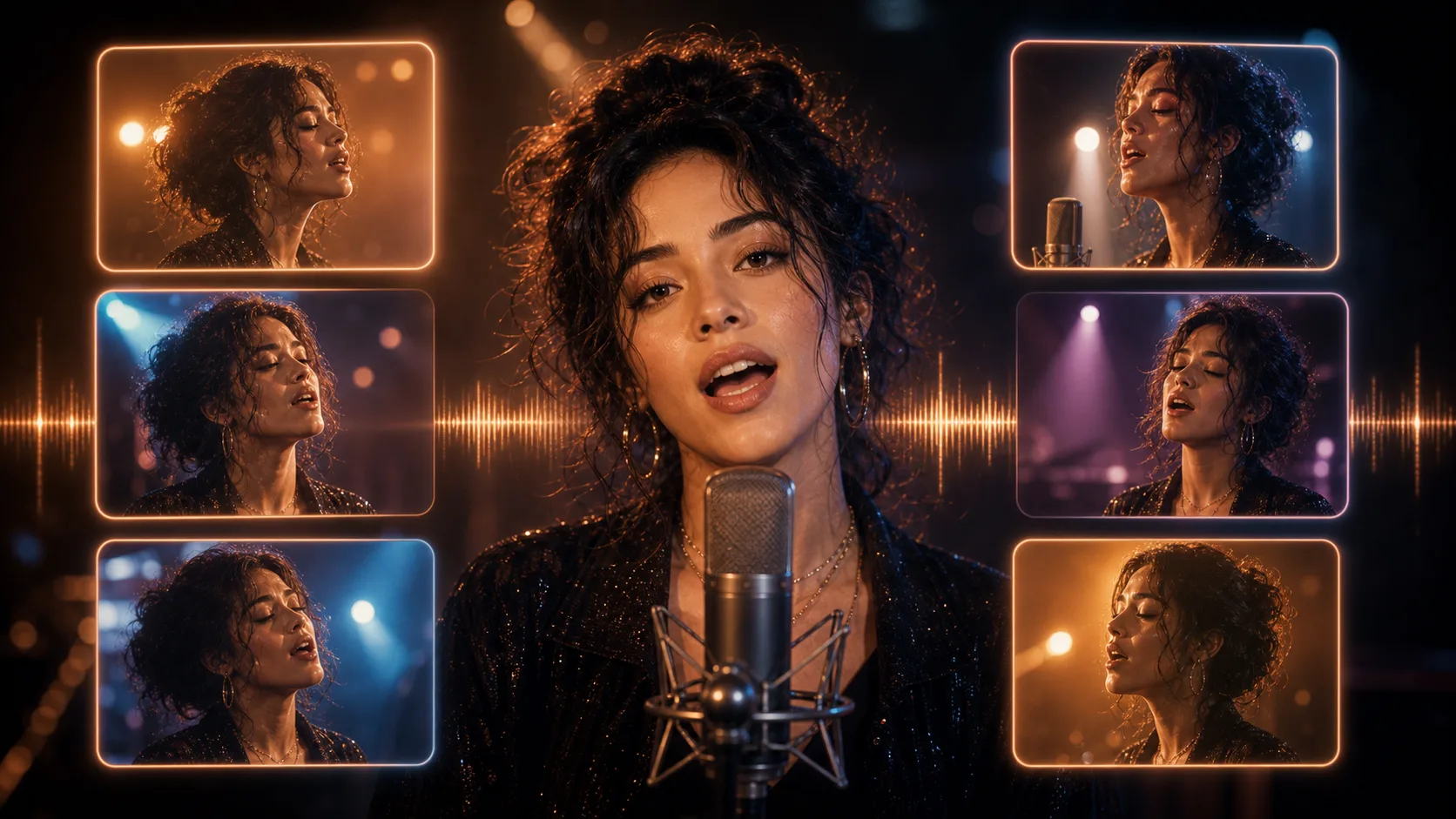
Mention close-up, eye contact, smile, confidence, calmness, excitement, or other expression cues.

04

Generate the production brief

Continue in chat to refine the script, subtitles, multilingual versions, and video prompts.

Create Talking Videos Faster

Speech-ready Scripts

Write short lines that are easier to sync with mouth movement and facial expression.

Character Direction

Define speaker persona, emotion, camera framing, posture, and facial energy.

Subtitle Friendly

Create lines that work with captions, social ads, tutorials, explainers, and product demos.

Video Prompt Output

Continue in chat to turn the script into image-to-video or talking-head prompt directions.

Explore related tools

Move from script and voice direction into talking-head video generation.

Choose Your Plan

Free images include a watermark. Upgrade for clean outputs, faster generation, and commercial use.

Starter Pack

$9

A one-time credit pack for trying image, music, and short video generation.

  • 600 credits
  • Up to 100 images
  • Up to 7 short videos
  • Credits valid for 30 days
  • No watermarks

Creator

$19/mo

Monthly plan · 1,500 credits renew each month

  • 1,500 credits per month
  • Up to 250 images/month
  • Up to 18 short videos/month
  • Works with ClipCanva Pro and other credit models
  • Priority queue
  • Community support
  • No ads
  • No watermarks

Pro

$39/mo

Monthly plan · 4,000 credits renew each month

  • 4,000 credits per month
  • Up to 660 images/month
  • Up to 50 short videos/month
  • Works with ClipCanva Pro and other credit models
  • Highest priority queue
  • Unlock ClipCanva Pro
  • No ads
  • No watermarks
  • Advanced Refine

Studio

$99/mo

Monthly plan · 12,000 credits renew each month

  • 12,000 credits per month
  • Up to 2,000 images/month
  • Up to 150 short videos/month
  • Works with ClipCanva Pro and other credit models
  • Highest priority queue
  • Full privacy
  • Early access to new features
  • Priority support

Monthly plans renew credits each billing cycle. Yearly plans grant 12 months of credits upfront and save 17%. Usage estimates are based on the lowest-cost supported image and video models; premium models, higher resolutions, longer videos, reference-based generation, and advanced tools use more credits.

Team

For agencies, production teams, and custom volume needs.

Contact us

AI Lip Sync Video FAQ

Common questions before planning a talking video.

What makes a good lip-sync script?
Short natural lines, clear pronunciation, simple pauses, and a focused message usually work better than dense paragraphs.
Can I create multilingual lip-sync scripts?
Yes. Start with the main language, then ask chat for localized versions that preserve meaning and mouth-friendly phrasing.
Is this connected to a lip-sync rendering API?
This page prepares scripts and video direction in the current chat workflow. Lip-sync rendering can be connected later without changing the page URL.

Generate your talking video

Use ClipCanva to turn a prompt or reference image into a short AI video.