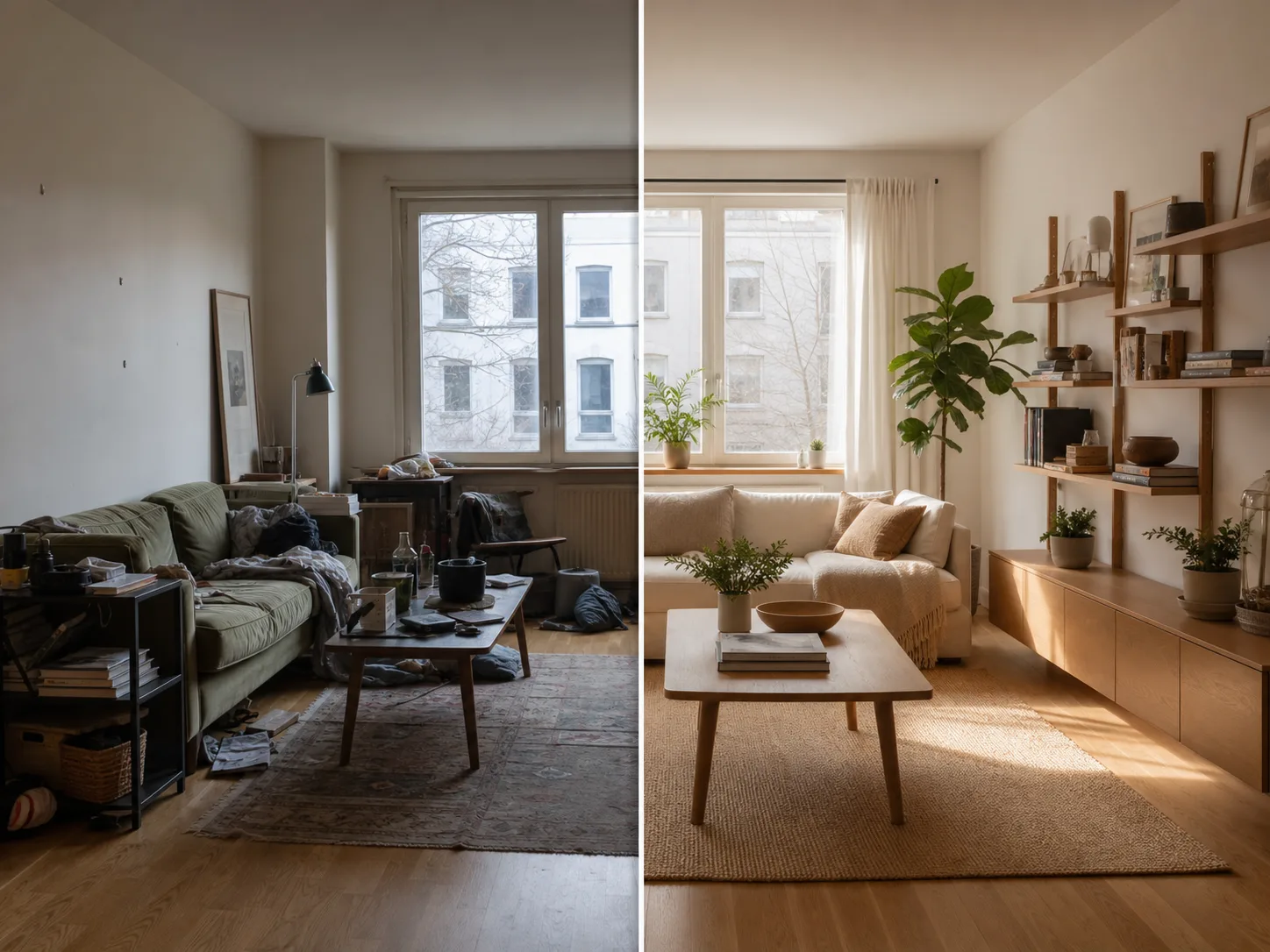
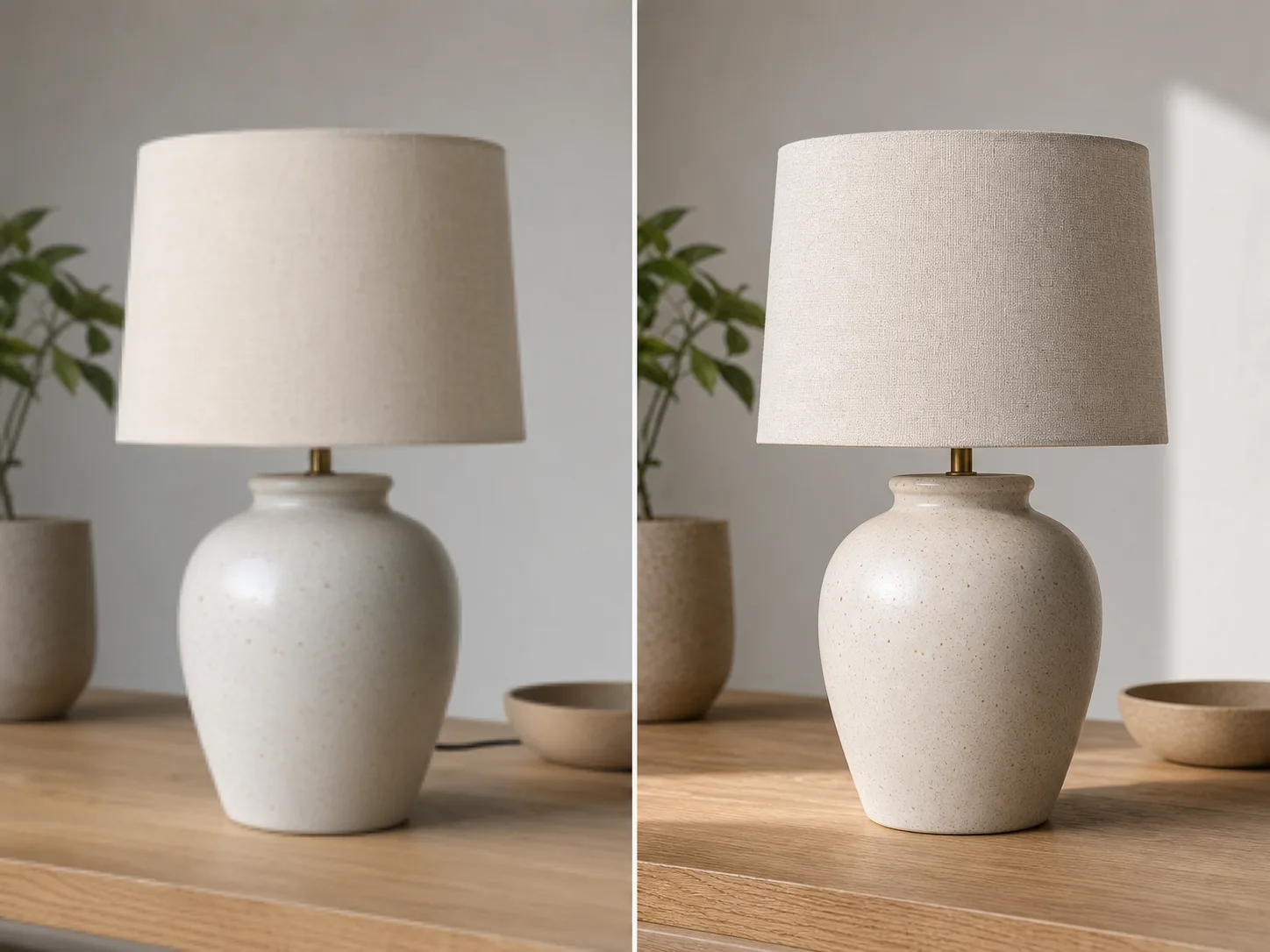
Upload the image
Start with the photo you want to uncrop. Product shots, portraits, interiors, posters, and social images work well.
Upload an image, describe the direction or target ratio, and use AI to extend the borders with a natural-looking background.
Create room for new layouts without cropping out the subject or stretching the original image.
Start with the target layout, then describe what must stay unchanged for a more reliable expansion.
Start with the photo you want to uncrop. Product shots, portraits, interiors, posters, and social images work well.
Choose a wider, taller, square, or story-friendly ratio depending on where the image will be used.
Mention the subject, face, product shape, logo, lighting, and background details that should stay consistent.
Create an expanded version, compare it with the original, then adjust the prompt when you need a cleaner extension.
Turn tight crops into wider banners, vertical stories, square posts, thumbnails, and product layouts.
Use AI outpainting to add new visual area without stretching or distorting the original subject.
Adapt one image for landing sections, ads, marketplaces, presentations, and social posts.
Guide the extension with plain language when the new area needs a specific mood, setting, or clean copy space.
Continue with editing, enhancement, or background removal after expanding the image.
Free images include a watermark. Upgrade for clean outputs, faster generation, and commercial use.
Starter Pack
A one-time credit pack for trying image, music, and short video generation.
Creator
Monthly plan · 1,500 credits renew each month
Pro
Monthly plan · 4,000 credits renew each month
Studio
Monthly plan · 12,000 credits renew each month
Monthly plans renew credits each billing cycle. Yearly plans grant 12 months of credits upfront and save 17%. Usage estimates are based on the lowest-cost supported image and video models; premium models, higher resolutions, longer videos, reference-based generation, and advanced tools use more credits.
Team
For agencies, production teams, and custom volume needs.
Common questions before extending your first image.
Upload one image and create a layout-ready version with ClipCanva.