Write the photo brief
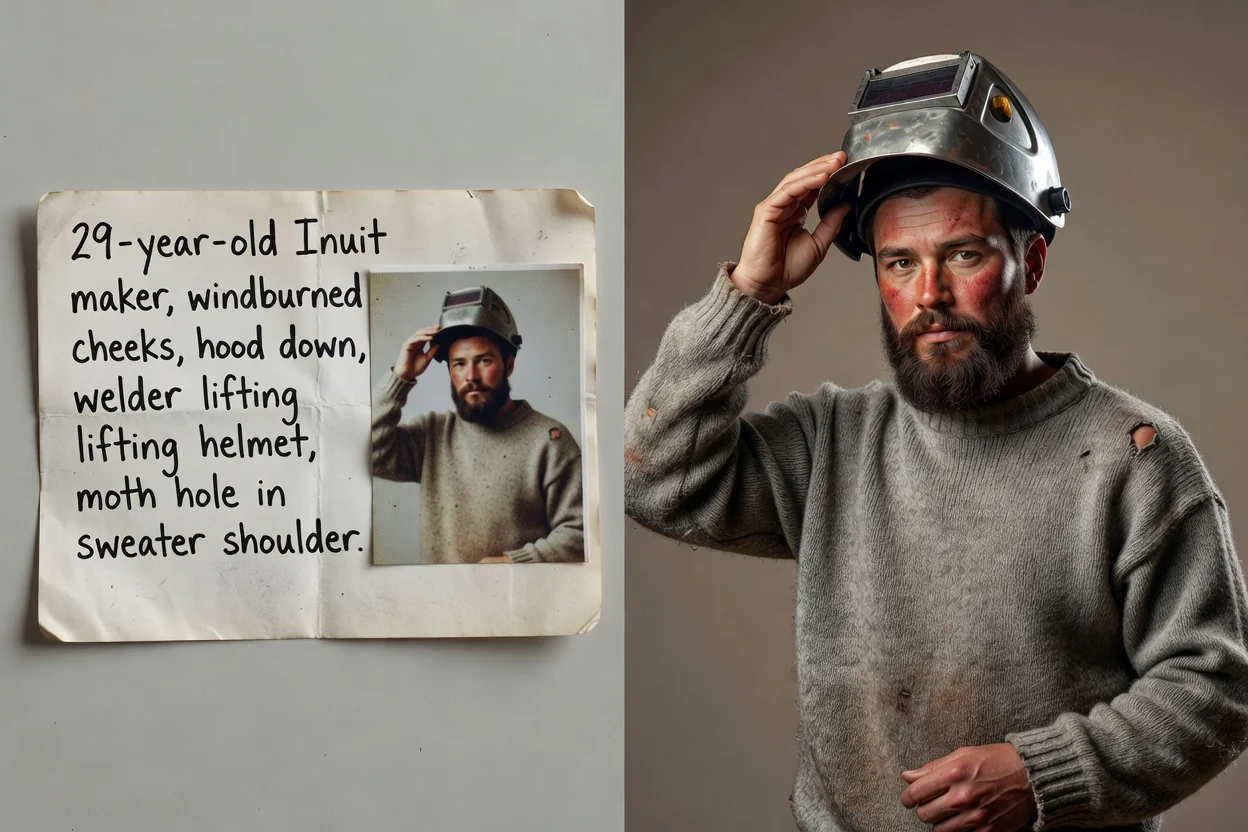
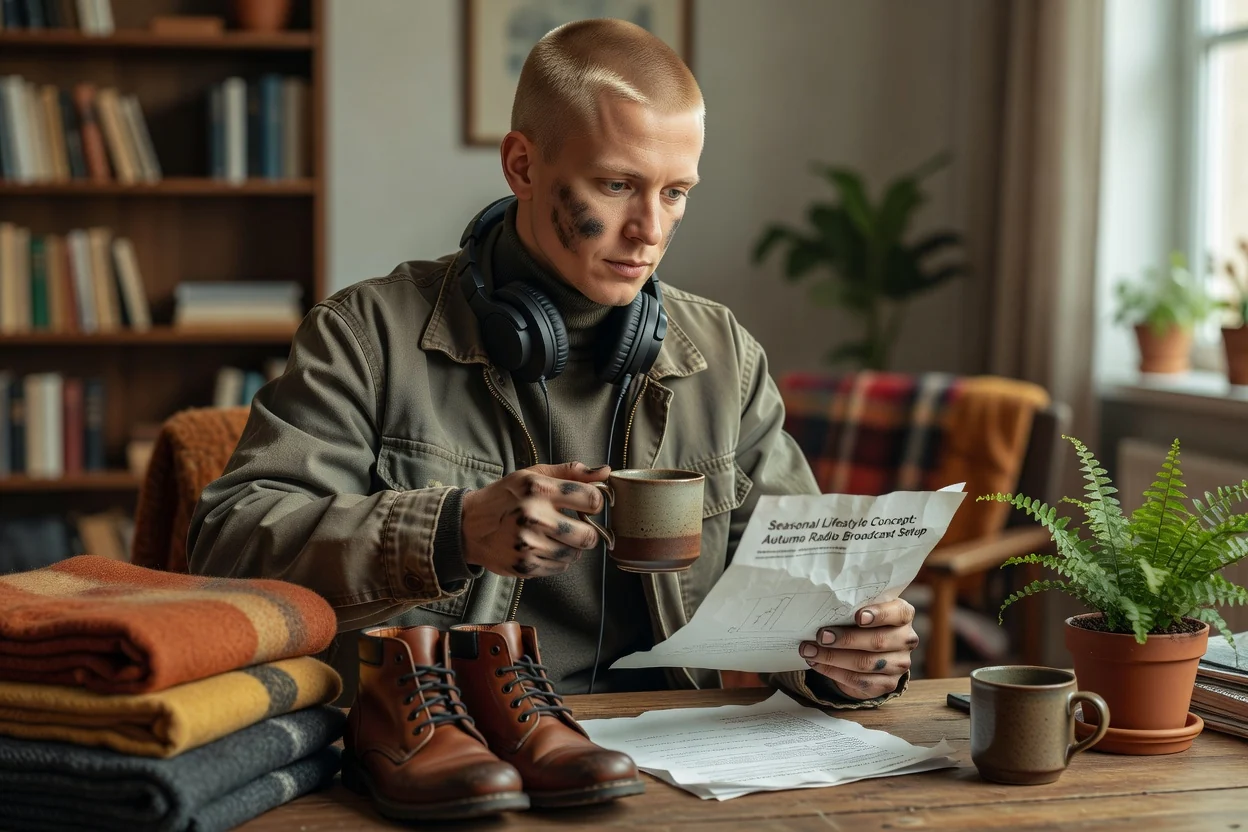
Describe the subject, location, camera angle, lens feel, lighting, mood, wardrobe, props, and intended placement.
Create realistic portraits, product shots, lifestyle scenes, and social images from a focused prompt or permitted reference.
An AI photo maker turns a written photo brief or permitted reference into a generated image with photographic direction. You describe the subject, setting, camera angle, lens feel, lighting, wardrobe, props, mood, and output format, then review the result for realism and accuracy.

Write the photo as a production brief, then refine the one detail that most affects realism.
Describe the subject, location, camera angle, lens feel, lighting, mood, wardrobe, props, and intended placement.
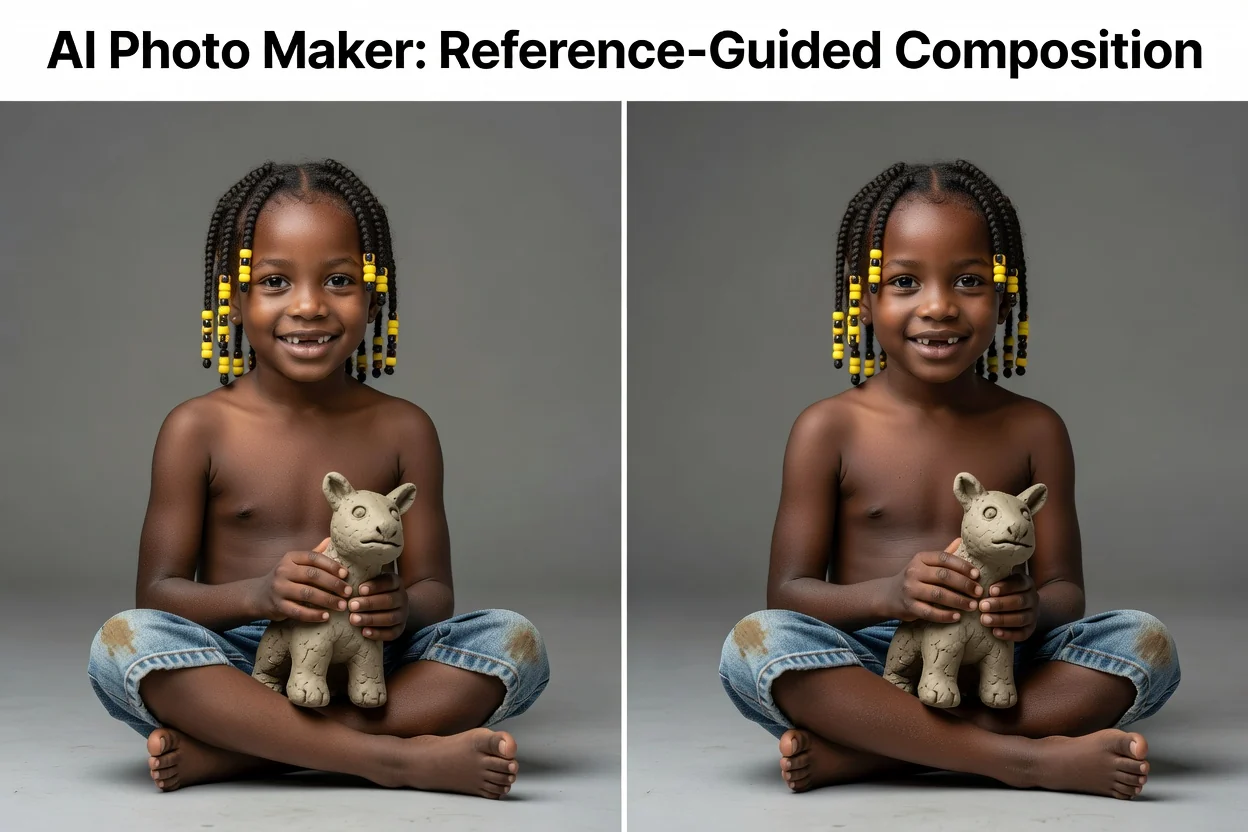
Use a reference when subject identity, product shape, composition, pose, or visual direction needs stronger guidance.
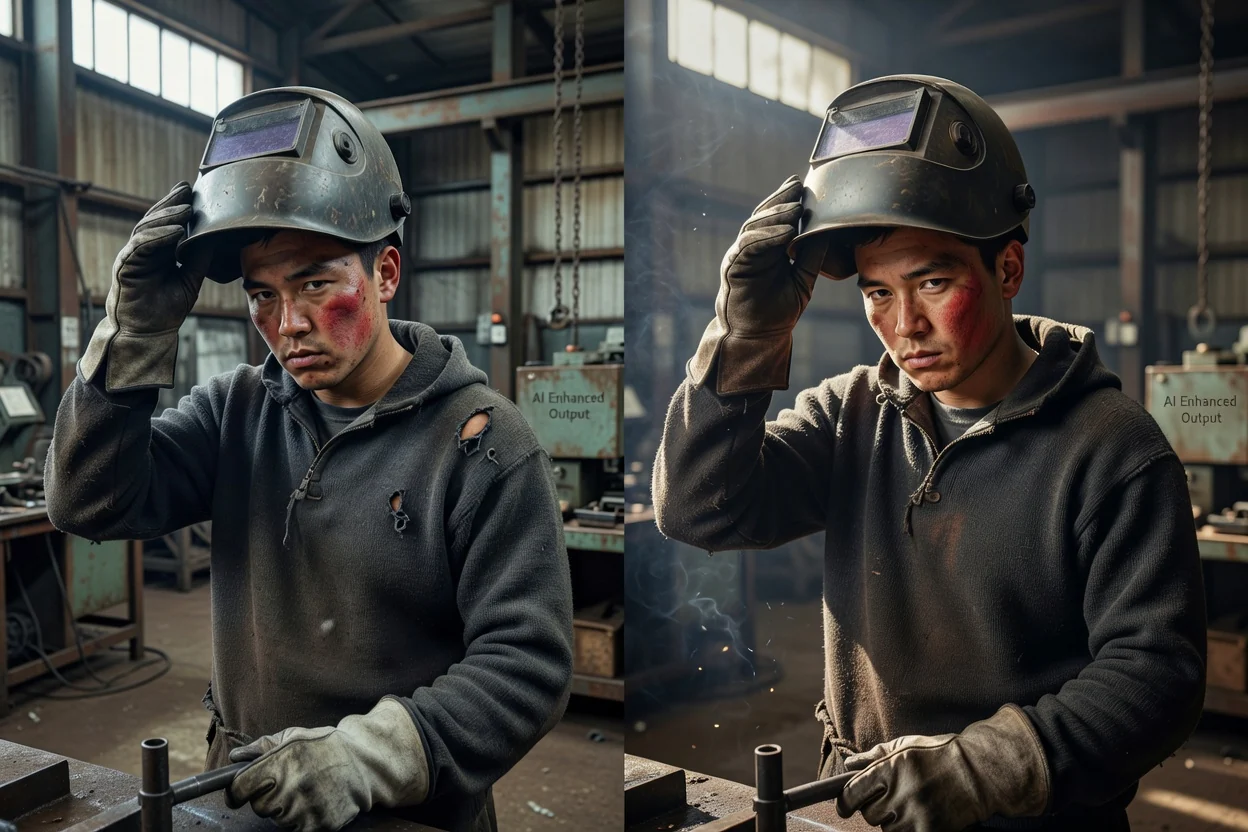
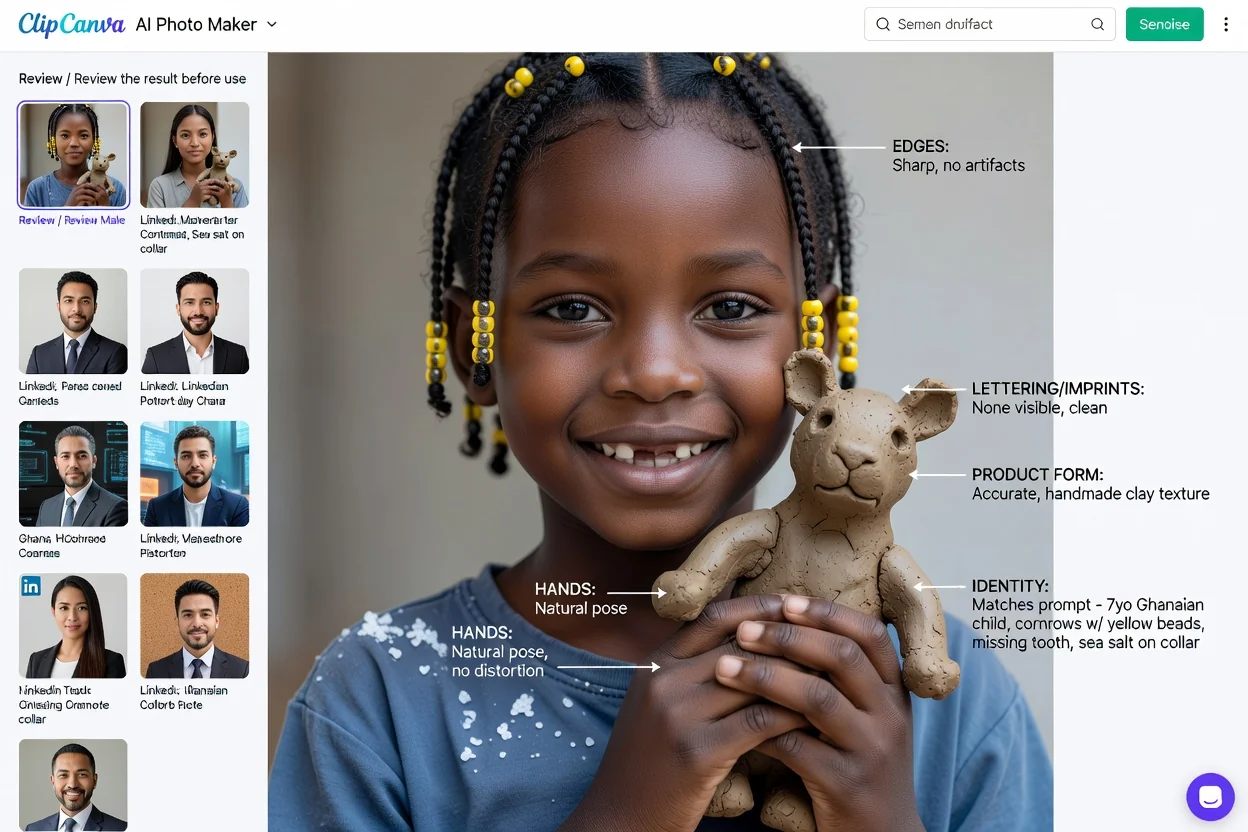
Compare the results for realism and brief fit, then adjust one weak detail before generating another batch.
Combine subject detail, photographic direction, and output settings in the same image workspace.

Describe a complete photographic scene, including the subject, environment, camera, lighting, colors, and mood.

Use a permitted source image to guide a person, product, pose, layout, palette, or photographic treatment.

Set the camera angle, depth of field, lighting direction, crop, aspect ratio, and output resolution for the destination.
Start from the real content job so the scene, dimensions, and review criteria stay focused.

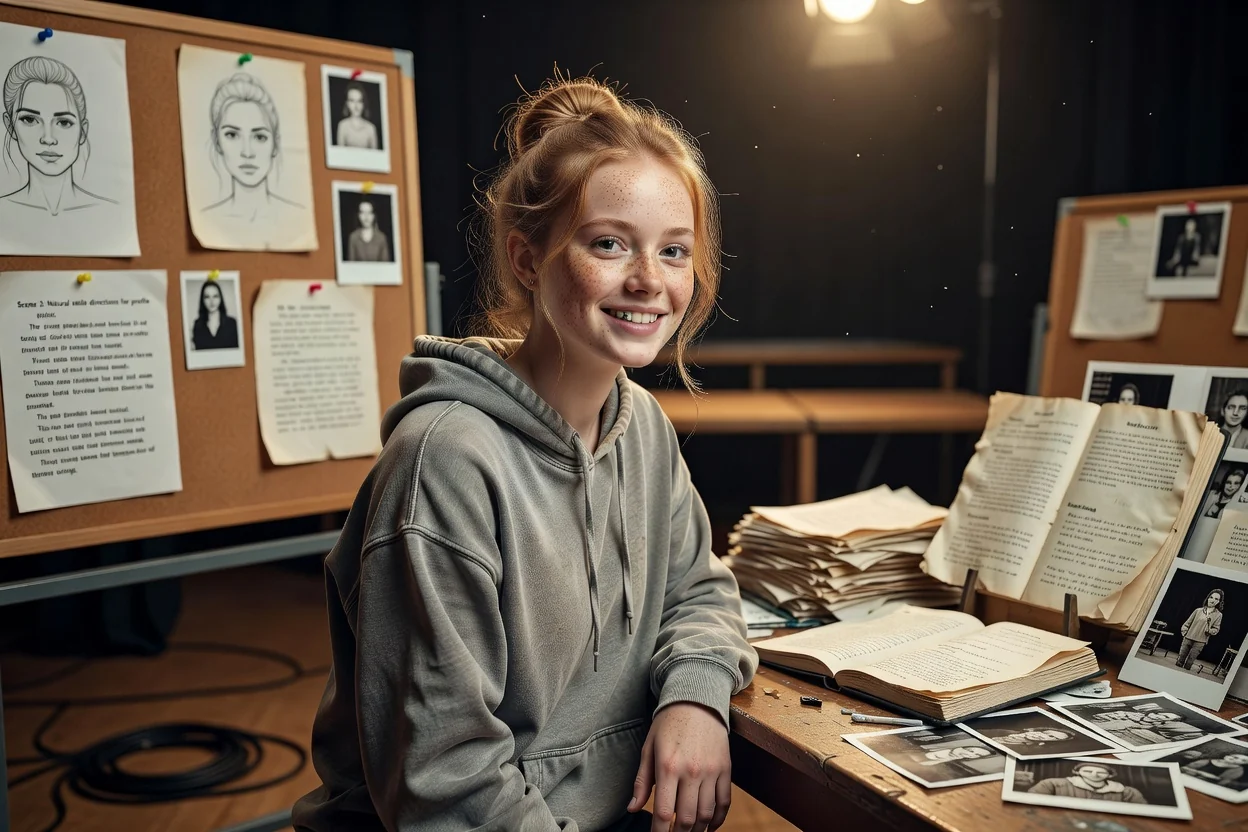
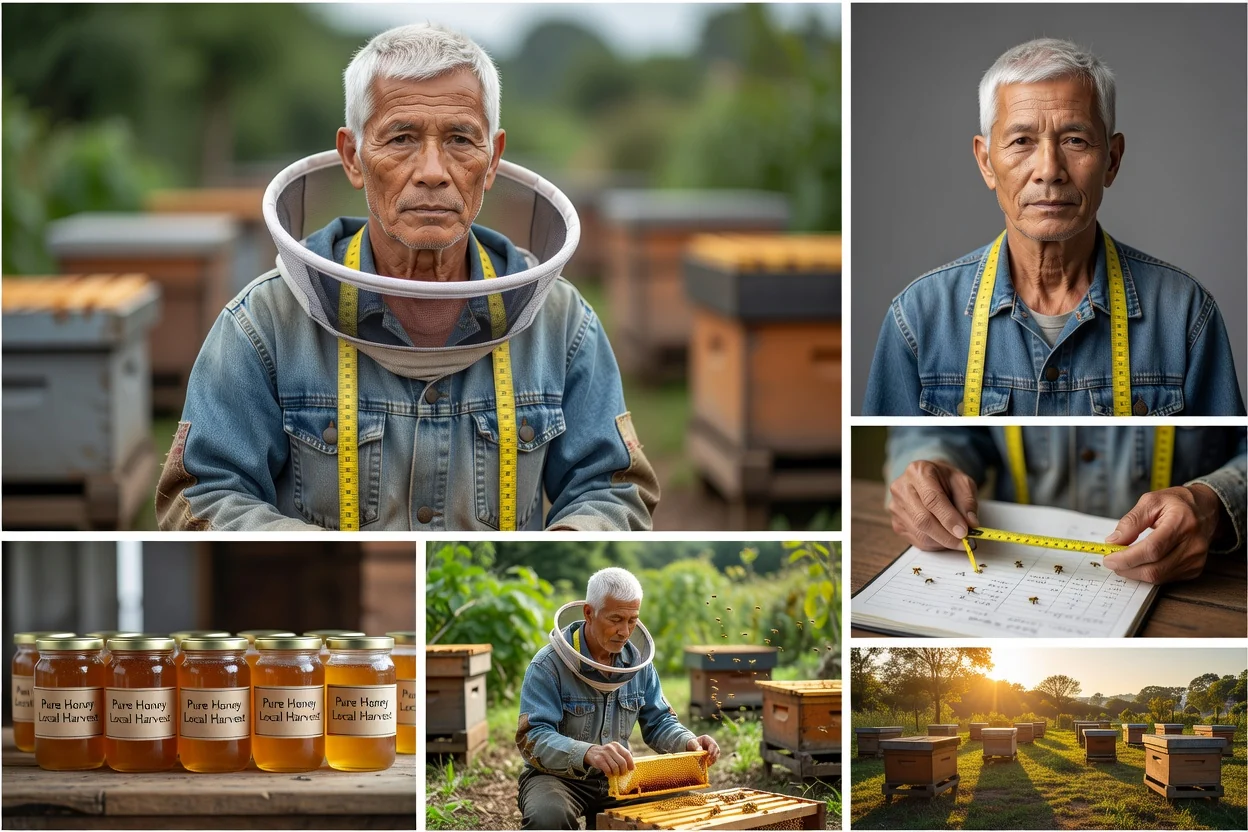
Create natural portrait directions for creator profiles, editorials, social updates, and visual mood boards.

Place a product direction into a clean studio, lifestyle room, seasonal setup, or campaign background for concept review.

Generate channel-specific photo directions for feeds, ads, thumbnails, banners, blog covers, and branded posts.
A polished image can still contain inaccurate anatomy, product details, text, lighting, or context.

Confirm the person, product, pose, wardrobe, props, and identifying details match the brief and permitted references.
Inspect perspective, depth of field, reflections, shadows, light direction, scale, and background integration.
Zoom in on eyes, hands, teeth, hair, labels, lettering, object boundaries, and repeated patterns.
Check the crop, resolution, claims, disclosure needs, and whether the image could mislead viewers about a real event or product.
Photographic style does not guarantee factual accuracy or a faithful representation of the source.
Hands, faces, labels, reflections, repeated objects, product geometry, and scene physics may need correction.
Identity, product shape, pose, palette, and composition can drift even when you provide a source image.
Use consented references, avoid deceptive impersonation, and check brand, platform, model, and destination requirements.
Answers about prompts, references, realistic scenes, product photos, portraits, and responsible use.
Describe the subject and photographic direction, add a permitted reference when useful, then compare and refine the results.