
So entwerfen Sie ein KI-Workflow-Diagramm
Entwerfen Sie ein KI-Workflow-Diagramm mit echten Eingaben, Modellschritten, menschlicher Prüfung, Übergaben und Feedback, ohne Prozessdetails zu erfinden.
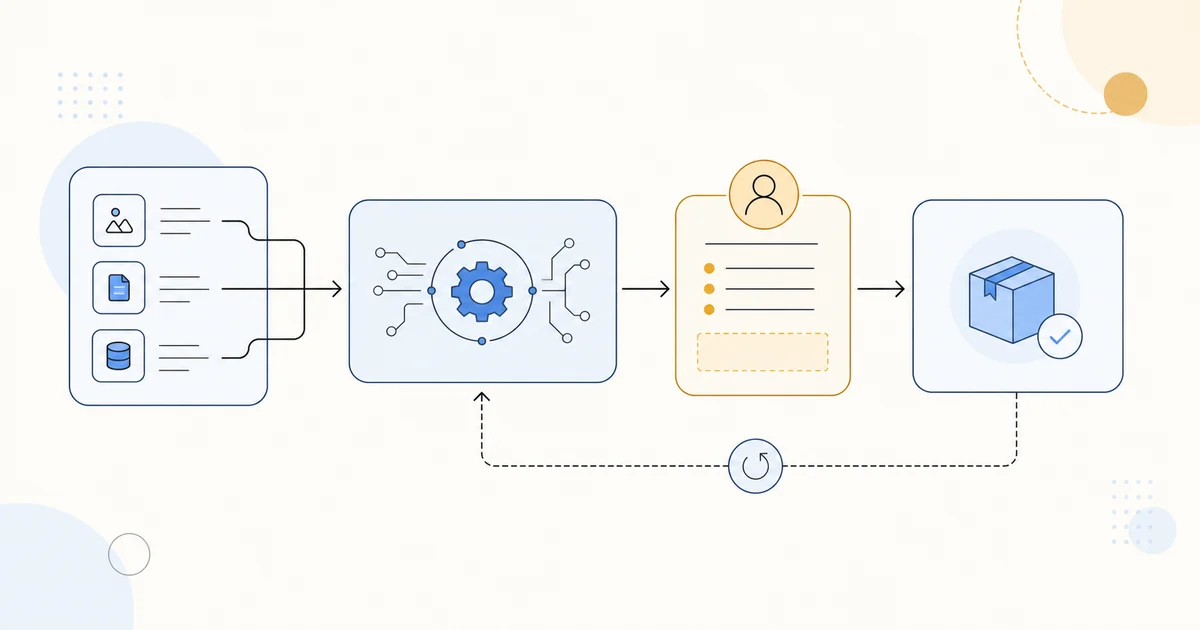
Ein KI-Workflow-Diagramm soll zeigen, wie Arbeit wirklich durch ein Team fließt. Es beweist nicht, dass ein Modell, eine Freigabe, ein Datensatz oder eine Feedbackschleife existiert. Arbeiten Sie mit geprüften Prozessnotizen und behandeln Sie das erzeugte Bild als visuellen Entwurf zur Prüfung.
Anfang, Ende und Leser festlegen
Beschreiben Sie in einem Satz, was die Grafik erklären soll. Listen Sie reale Eingaben, Triage oder Routing, Modellverarbeitung, menschliche Prüfung, Übergabe und dokumentierte Feedbackschleifen auf. Ist eine Übergabe oder Entscheidung unklar, klären Sie sie mit der Prozessverantwortung statt den Generator raten zu lassen.
Jedem Pfeil eine Aufgabe geben
Pfeile stehen nur für dokumentierte Übergaben, Entscheidungen oder Rückwege. Trennen Sie automatische Verarbeitung und menschliche Prüfung, wenn dies wichtig ist. Ein klarer Hauptpfad mit einer beschrifteten Schleife ist leichter zu prüfen als ein dichtes Diagramm mit angedeuteten Beziehungen.
Entwurf mit dem Prozess vergleichen
Nutzen Sie den AI Research Diagram Generator, wenn der Brief die echten Schritte nennt. Prüfen Sie jede Beschriftung, jeden Pfeil, jede Rolle, Freigabe, Eingabe und Ausgabe gegen den bestätigten Ablauf. Maßgeblich bleibt das gepflegte Prozessdokument; das Bild ist ein visueller Entwurf, keine Quelle für Prozessfakten.