
01
Laden Sie Ihr Bild hoch
Laden Sie jedes Foto oder Bild hoch, das Sie umwandeln möchten. Eingaben mit höherer Auflösung führen zu besseren Transformationsergebnissen.
Laden Sie ein beliebiges Bild hoch und transformieren Sie es mit AI. Ändern Sie Stile, fügen Sie Elemente hinzu, ändern Sie Hintergründe oder gestalten Sie Ihre Bilder mit einfachen Textaufforderungen neu.
Pro-Modus
Erweiterte Einstellungen nach dem Upload
Lade zuerst ein Bild hoch, um erweiterte Einstellungen zu nutzen.
Verwandeln Sie vorhandene Bilder in etwas völlig Neues. Von Stilübertragungen bis hin zu Objektmodifikationen – erschließen Sie grenzenlose kreative Möglichkeiten.
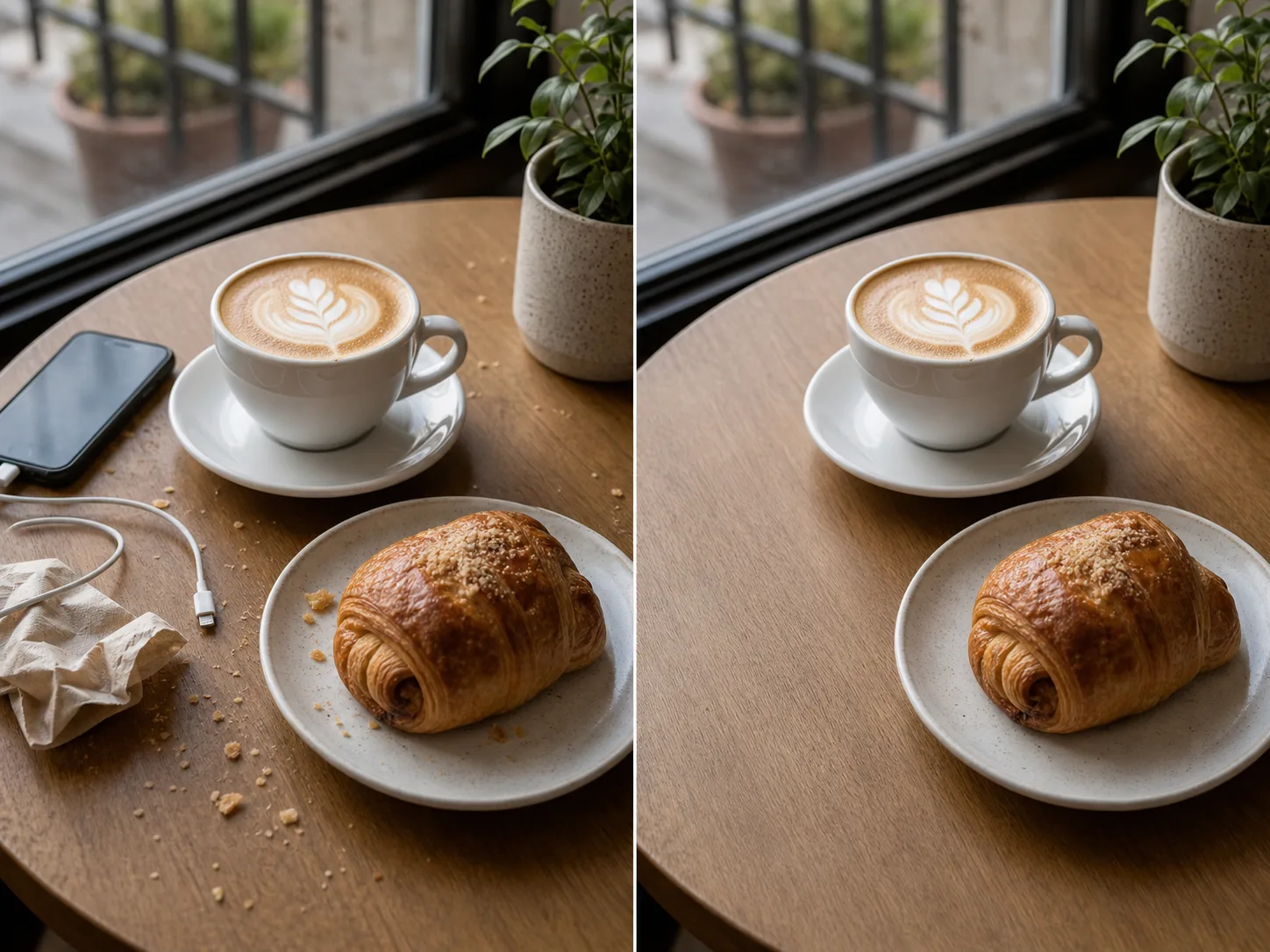

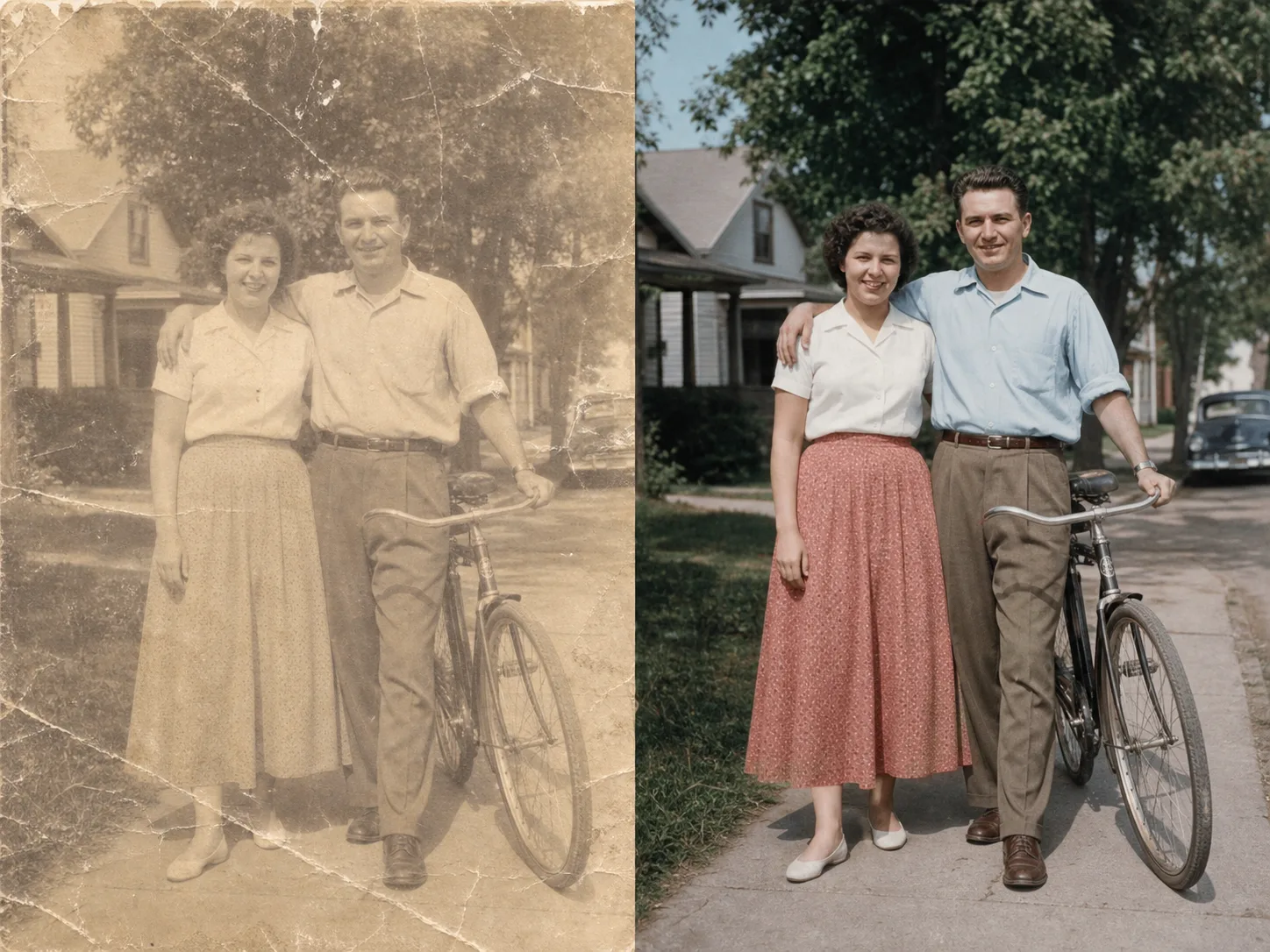
Vom Upload zum umgewandelten Bild in wenigen Minuten:
Laden Sie jedes Foto oder Bild hoch, das Sie umwandeln möchten. Eingaben mit höherer Auflösung führen zu besseren Transformationsergebnissen.
Schreiben Sie eine Textaufforderung, in der Sie die gewünschte Transformation beschreiben. Ändern Sie den Stil, fügen Sie Elemente hinzu, ersetzen Sie Hintergründe oder gestalten Sie das Bild neu.
Klicken Sie auf „Generieren“ und erhalten Sie Ihr transformiertes Bild in Sekundenschnelle. Download in hoher Auflösung, sofort einsatzbereit.
Verwandeln Sie Ihr Bild in einen beliebigen künstlerischen Stil. Wenden Sie das Aussehen berühmter Gemälde, bestimmter Künstler oder einer beliebigen visuellen Ästhetik an.
Wählen Sie einen beliebigen Bereich Ihres Bildes aus, den Sie ändern möchten. Entfernen Sie unerwünschte Objekte, fügen Sie neue Elemente hinzu oder ändern Sie bestimmte Details.
Ersetzen Sie Hintergründe nahtlos. Platzieren Sie Motive in neuen Umgebungen und achten Sie dabei auf die richtige Beleuchtung.
Behalten Sie das Layout, die Motive und die Perspektive Ihres Originalbilds bei, während Sie Stile und Elemente ändern.
Entdecken Sie weitere AI-gestützte Tools
Kostenlose Bilder enthalten ein Wasserzeichen. Upgraden Sie für saubere Ausgaben, schnellere Generierung und kommerzielle Nutzung.
Starter-Paket
Ein einmaliges Credit-Paket, um Bild-, Musik- und Kurzvideo-Erstellung auszuprobieren.
Schöpfer
Monatstarif · 1.500 Credits werden jeden Monat erneuert
GPT Image 2 Unlimited
Code FOUNDING6 im Stripe Checkout eingeben: in den ersten 6 Monaten $19/Monat, danach $29/Monat.
Profi
Für saubere, schnellere Ausgaben
Studio
Monatstarif · 12.000 Credits werden jeden Monat erneuert
Sicherer Checkout · Abos verlängern sich automatisch · Rückerstattungsbedingungen ansehen
Team
Für Agenturen, Produktionsteams und individuelle Volumenanforderungen.
Alles, was Sie über Image-to-Image-AI wissen müssen
Laden Sie ein beliebiges Bild hoch und erleben Sie die Magie der AI-gestützten Transformation.

