
Beschreibe die Idee
Schreibe in einfacher Sprache, was du sehen möchtest. Motiv und Zweck zu benennen, ist wichtiger als die Länge.
Prompt-Planung
Beschreibe eine grobe Idee, wähle Bildtyp, Stil, Zielmodell und Seitenverhältnis aus, und der Bild-Prompt-Generator erstellt einen strukturierten Prompt, eine Kurzversion und einen negativen Prompt zum Kopieren.
Prompt-Arbeitsfläche
Von der Idee zum kopierfertigen Bildprompt
Ein grober Satz reicht. Das Tool ergänzt Struktur, Stil, Licht und Komposition.
Kopiere das Ergebnis oder öffne es im Bildgenerator.
Dein kopierfertiger Bildprompt erscheint hier.
Beschreibe zuerst eine Bildidee.
Nutze diesen Prompt als Startpunkt und verfeinere ihn nach dem ersten Bild.
Im Bildgenerator verwendenEr wandelt eine kurze Beschreibung in eine Prompt-Sprache um, mit der ein Bildmodell arbeiten kann. Statt Formulierungen zu erraten, legst du Bildtyp, visuellen Stil, Zielmodell und Seitenverhältnis fest und erhältst einen Prompt mit Motiv, Komposition, Licht und unerwünschten Bildelementen.
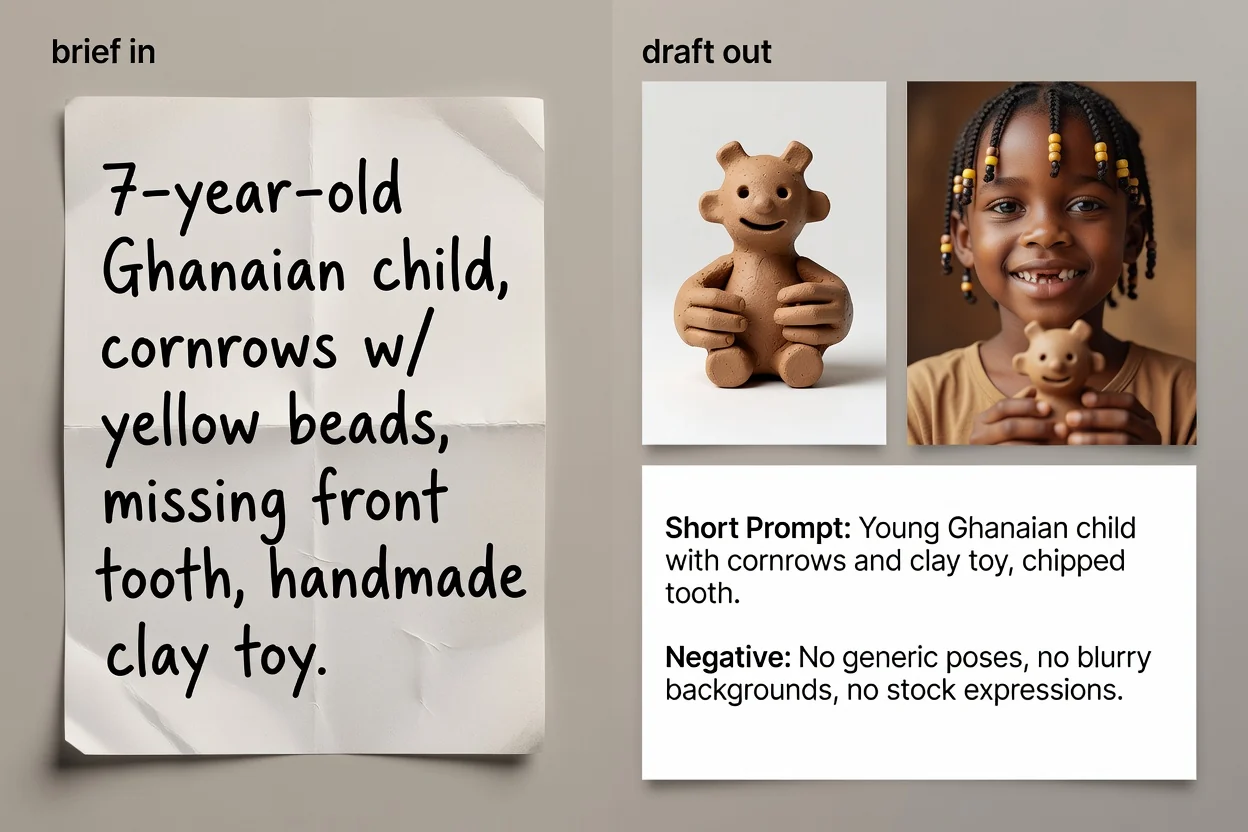
In vier Schritten von der Idee zum kopierfertigen Prompt-Text.
Schreibe in einfacher Sprache, was du sehen möchtest. Motiv und Zweck zu benennen, ist wichtiger als die Länge.
Wähle Bildtyp und visuellen Stil, damit der Prompt den passenden Wortschatz für diese Kategorie nutzt.
Wähle das Modell, das du verwenden möchtest, und das Seitenverhältnis, damit Formulierung und Bildausschnitt zum Ziel passen.
Erstelle den Prompt, prüfe ihn und führe bei Bedarf die KI-Verbesserung aus, um Formulierungen zu verdichten und fehlende Details zu ergänzen.
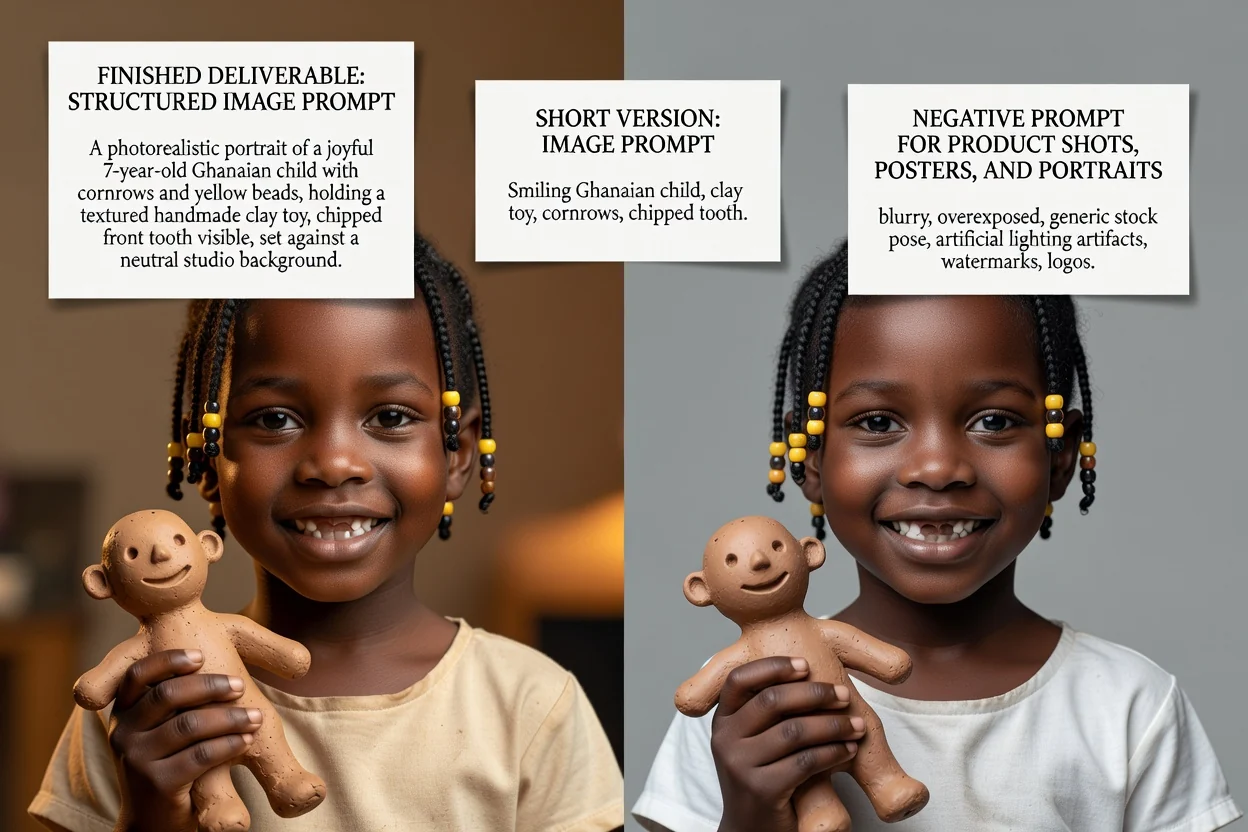
Drei Prompt-Versionen für drei unterschiedliche Situationen.
Der vollständige Prompt mit Motiv, Komposition, Licht, Stil und Bildausschnitt in sinnvoller Reihenfolge.
Eine optionale überarbeitete Version, die Formulierungen verdichtet und Lücken aus der Kurzbeschreibung schließt.
Eine komprimierte Version für Oberflächen mit knappen Eingabelimits oder für schnelle Iterationen.
Die Liste der Dinge, die nicht im Bild erscheinen sollen, etwa Text, Wasserzeichen oder verzerrte Details.
Jede Einstellung verändert die Formulierung, nicht nur die Bezeichnung.
Produktfotos, Porträts, Poster, Logos, Social-Media-Grafiken oder Illustrationen. Das legt fest, welche Begriffe zur Komposition verwendet werden.
Fotorealistisch, cineastisch, redaktionell, minimalistisch, 3D-Rendering oder Anime. Das bestimmt die Sprache für Licht und Darstellung.
GPT Image, Midjourney, Flux, Stable Diffusion oder DALL-E. Die Formulierungskonventionen unterscheiden sich.
Quadratisch, quer, hochkant oder Porträtformat, damit Bildausschnitt und Freiraum zur späteren Platzierung passen.
Typische Aufgaben, die hier beginnen.
Schreibe Prompts mit Oberfläche, Licht und Freiraum, damit ein Produkt noch Platz für eine Überschrift lässt.
Produkt-Prompt erstellen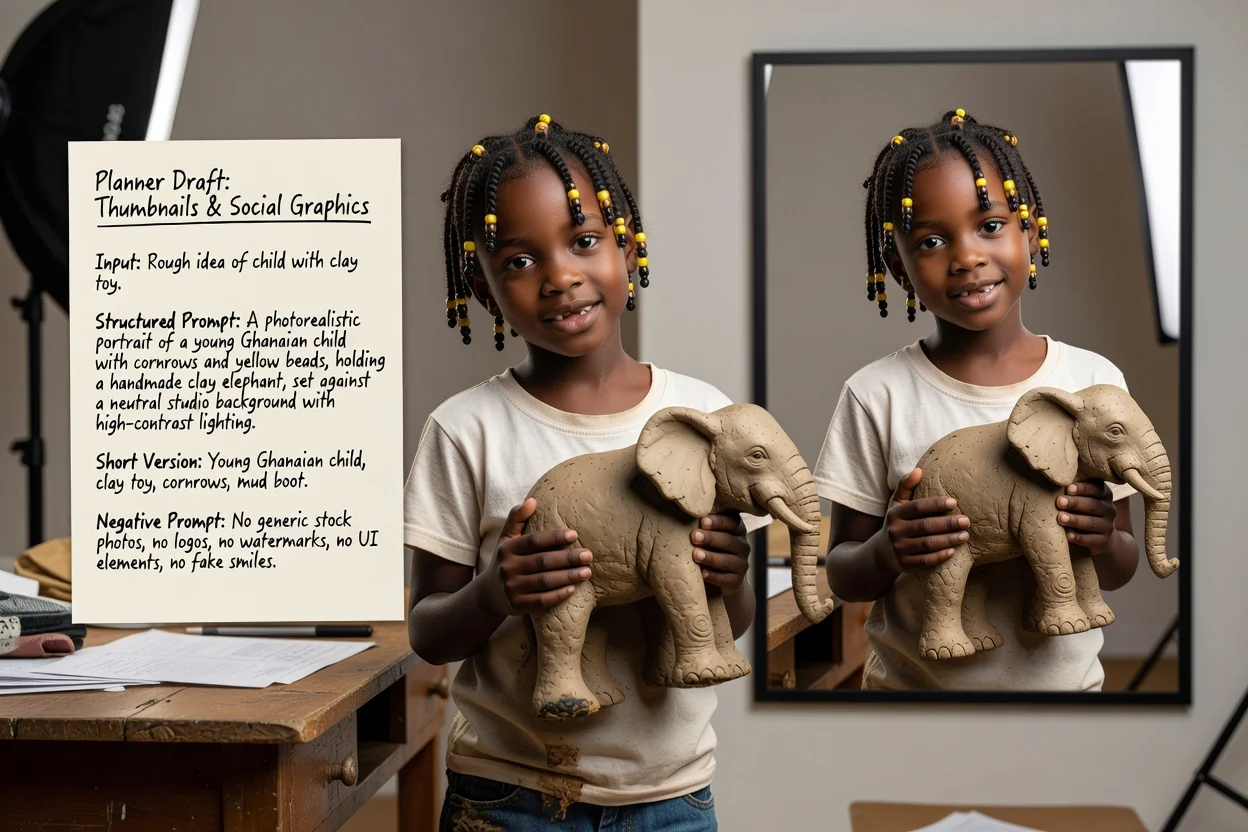
Lege ein hohes oder breites Seitenverhältnis und einen kontrastreichen Stil fest, damit das Ergebnis auch klein gut lesbar ist.
Social-Prompt erstellen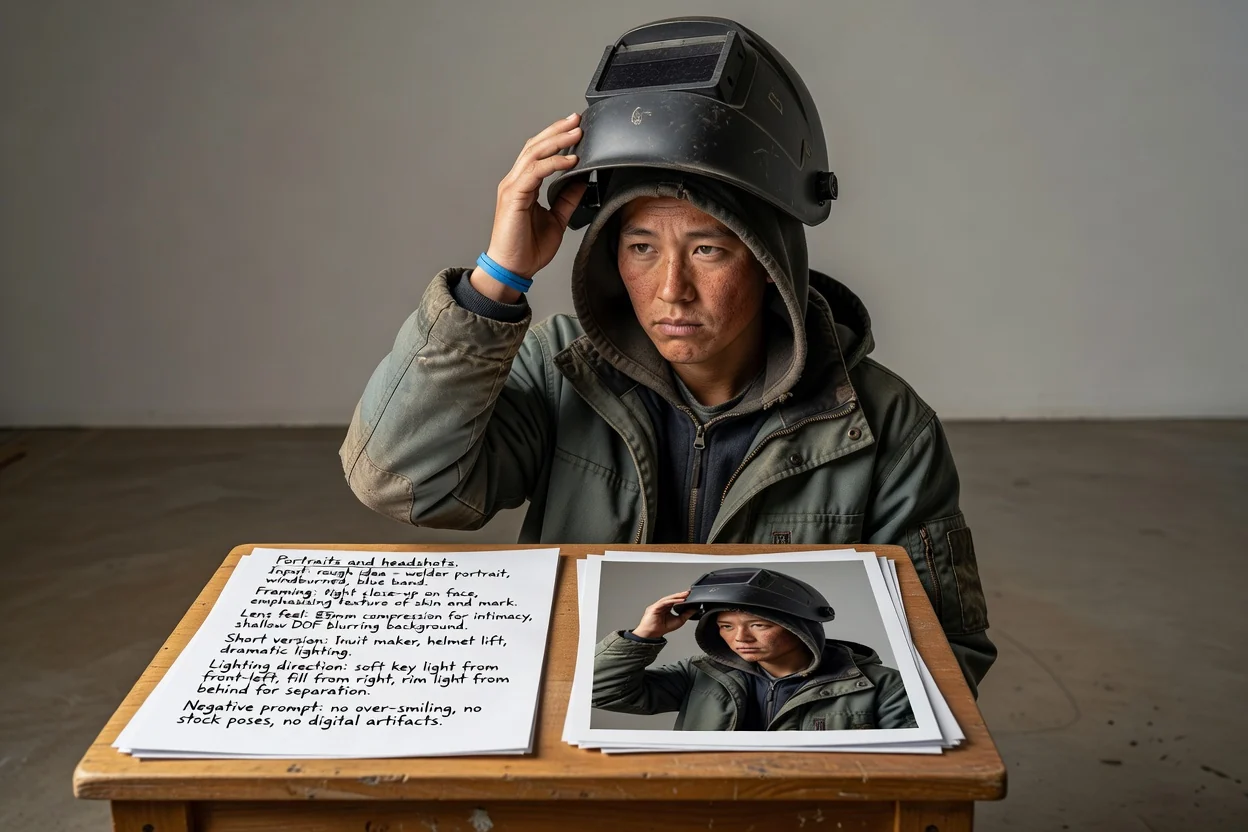
Beschreibe Bildausschnitt, Objektivwirkung und Lichtrichtung, statt das Modell einen bestimmten Look erraten zu lassen.
Porträt-Prompt erstellen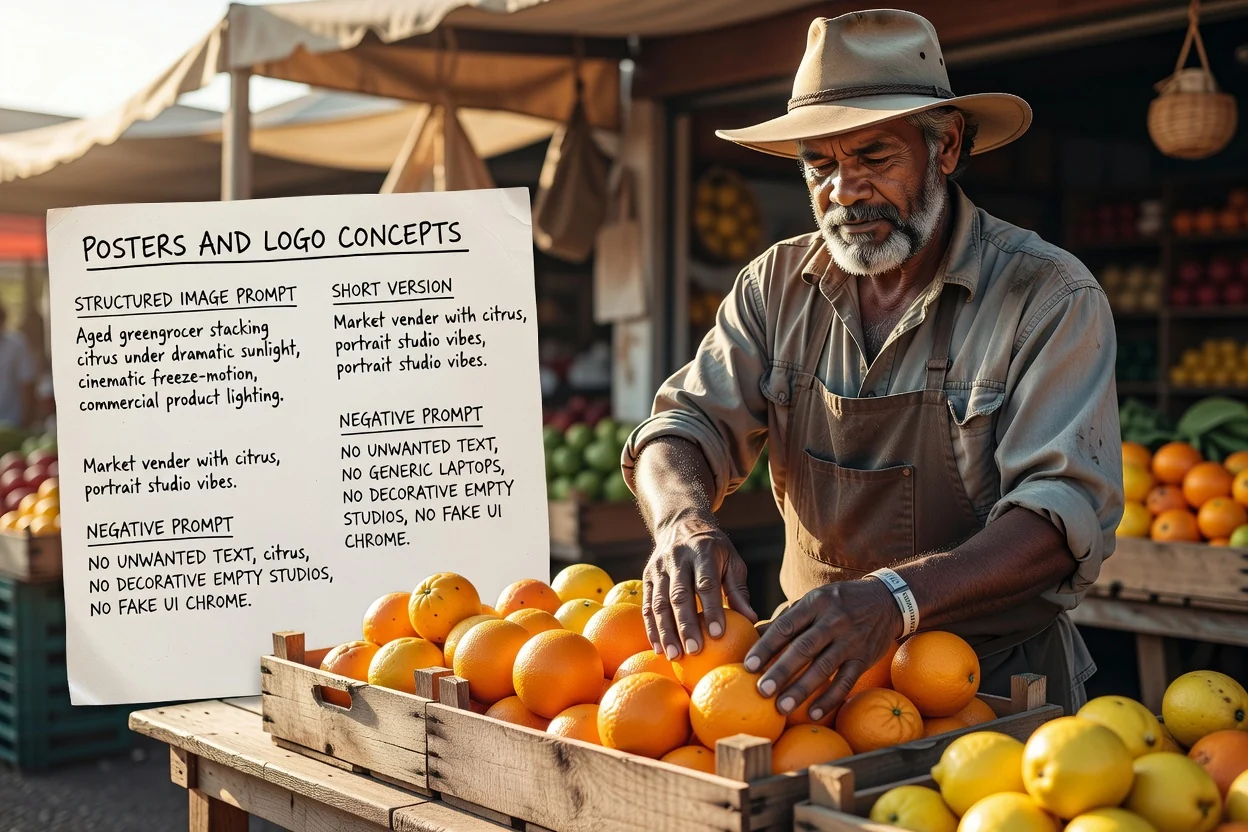
Plane Layout und Platz für Typografie von Anfang an und nutze den negativen Prompt, um unerwünschten Text zu steuern.
Poster-Prompt erstellenVier schnelle Prüfungen, die weitere Versuche reduzieren.
Beschreibt der Prompt zwei konkurrierende Motive, teile ihn in zwei Prompts auf, statt ein überfülltes Bild zu erzeugen.
Ein hohes Seitenverhältnis benötigt eine vertikale Bildsprache. Unstimmigkeiten sind die häufigste Ursache für ungünstige Zuschnitte.
Soll später Text auf dem Bild stehen, stelle sicher, dass der Prompt an der richtigen Stelle Freiraum verlangt.
Streiche Ausschlüsse, die du nicht wirklich brauchst, denn zu lange negative Prompts können das Ergebnis abflachen.
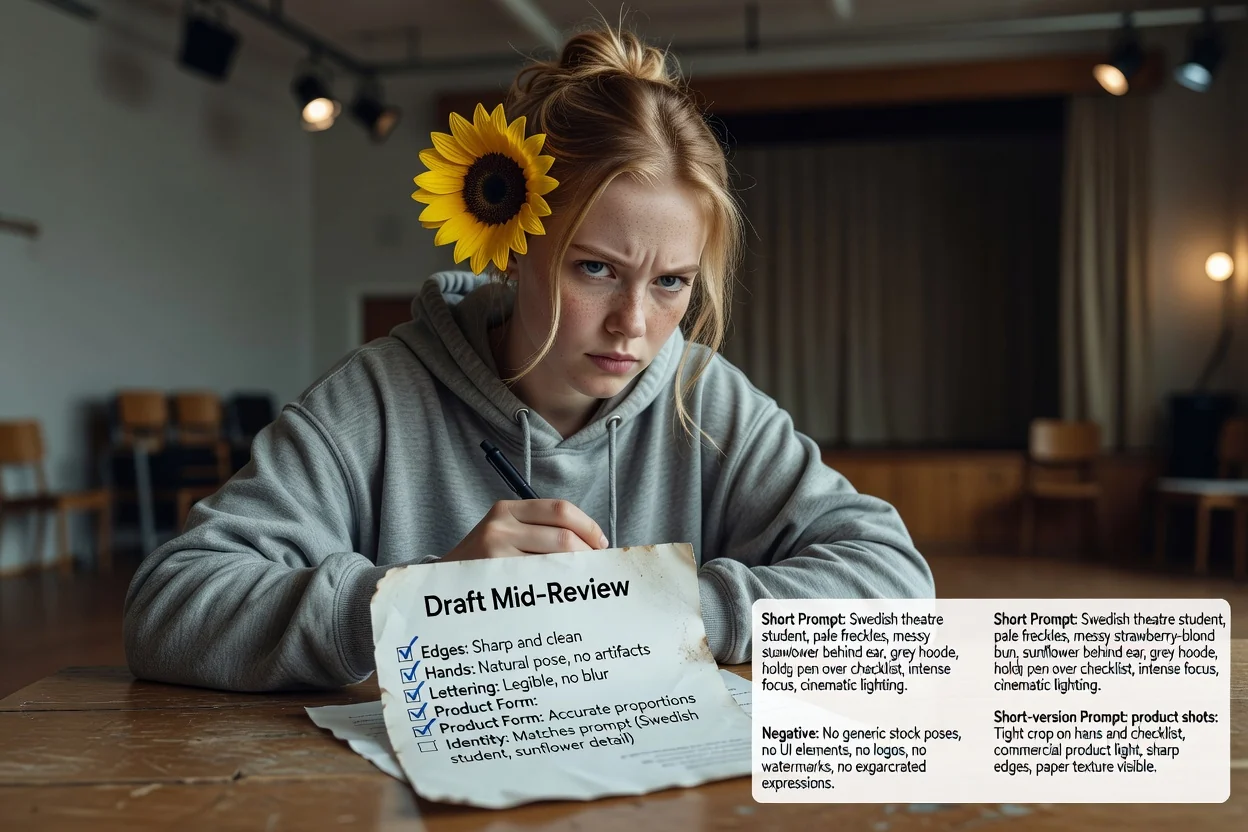
Wichtige Grenzen, bevor du dich darauf verlässt.
Die Bildgenerierung erfolgt in einem Bild-Workflow. Dieser Schritt erzeugt nur den Text, den du dorthin sendest.
Derselbe Prompt liefert je nach Modell und Version unterschiedliche Ergebnisse. Betrachte das erste Ergebnis als Test.
Exakte Formulierungen in einem Bild anzufordern, schlägt oft fehl. Plane stattdessen, echte Typografie erst beim Layout hinzuzufügen.
Häufige Fragen zum Schreiben von Prompts für KI-Bildmodelle.
Gib dem Bild-Prompt-Generator eine grobe Idee und erhalte einen vollständigen Prompt, einen Kurzprompt und einen negativen Prompt zum Testen.