
01
Mit dem Ausgangsmaterial beginnen
Lade das klarste autorisierte Ausgangsfoto hoch und vermeide vorherige Komprimierung, die wichtige Details entfernt.
Lade ein Foto hoch und beschreibe die Änderung in normaler Sprache. Erzeuge eine textgeführte Bearbeitung für Produkte, Porträts, Räume oder ältere Fotos und prüfe Identität, Objekte, Schrift und Kontext vor der Nutzung.
Lade ein Foto hoch und beschreibe die Änderung in normaler Sprache. Erzeuge eine textgeführte Bearbeitung für Produkte, Porträts, Räume oder ältere Fotos und prüfe Identität, Objekte, Schrift und Kontext vor der Nutzung.
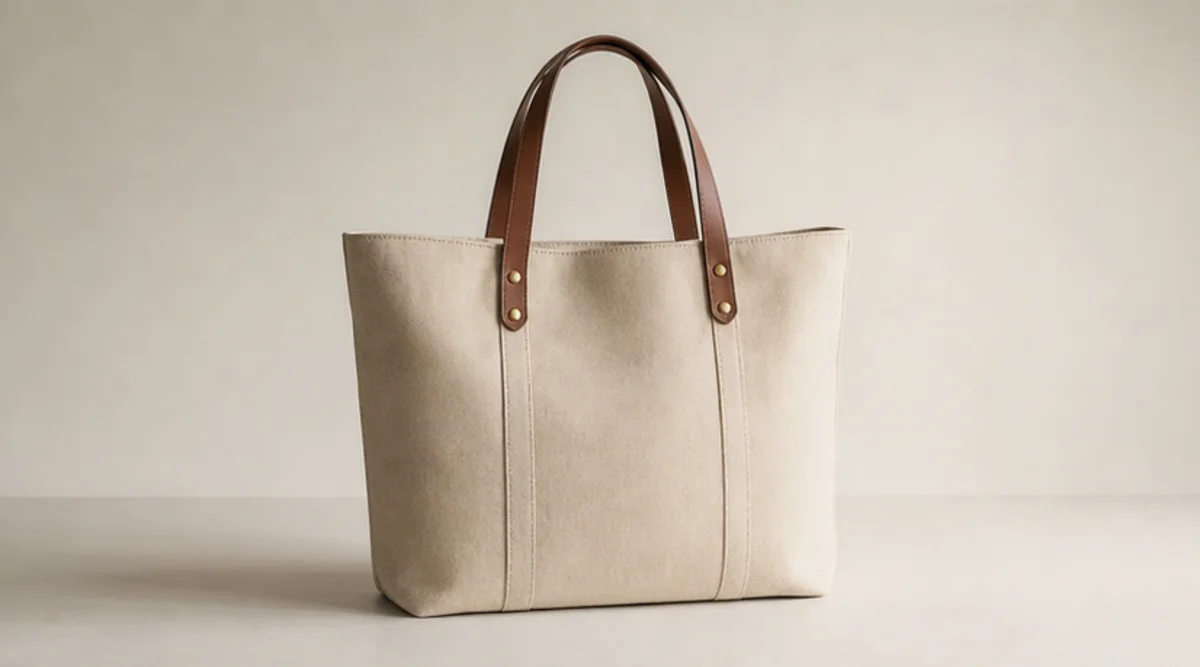
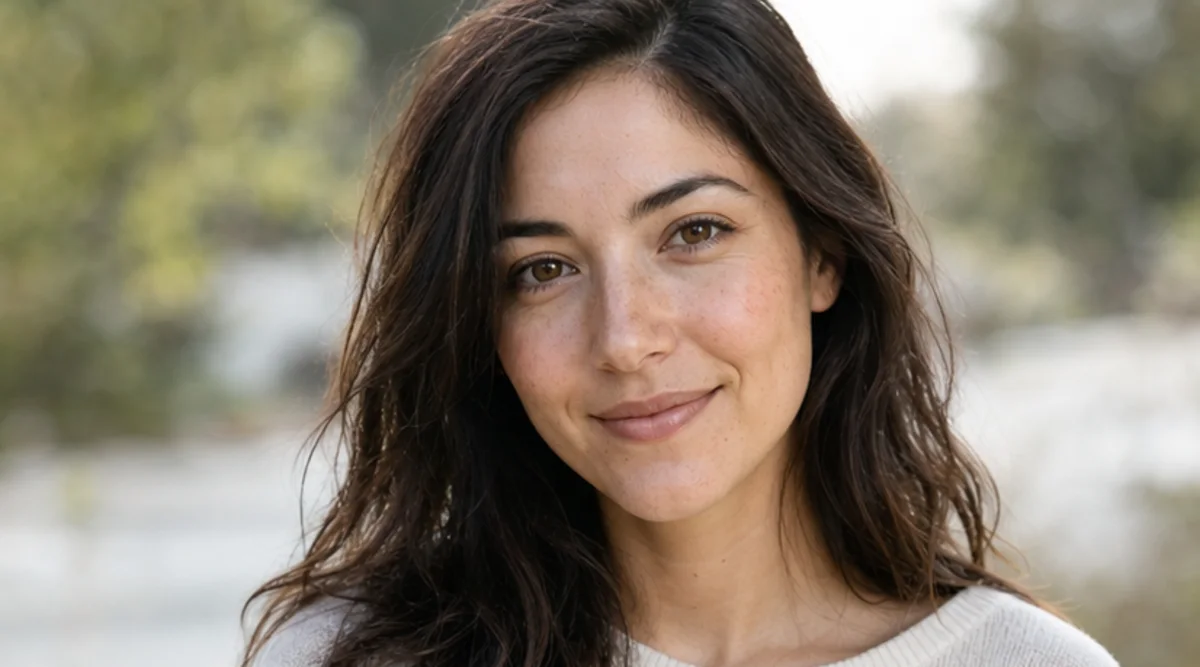
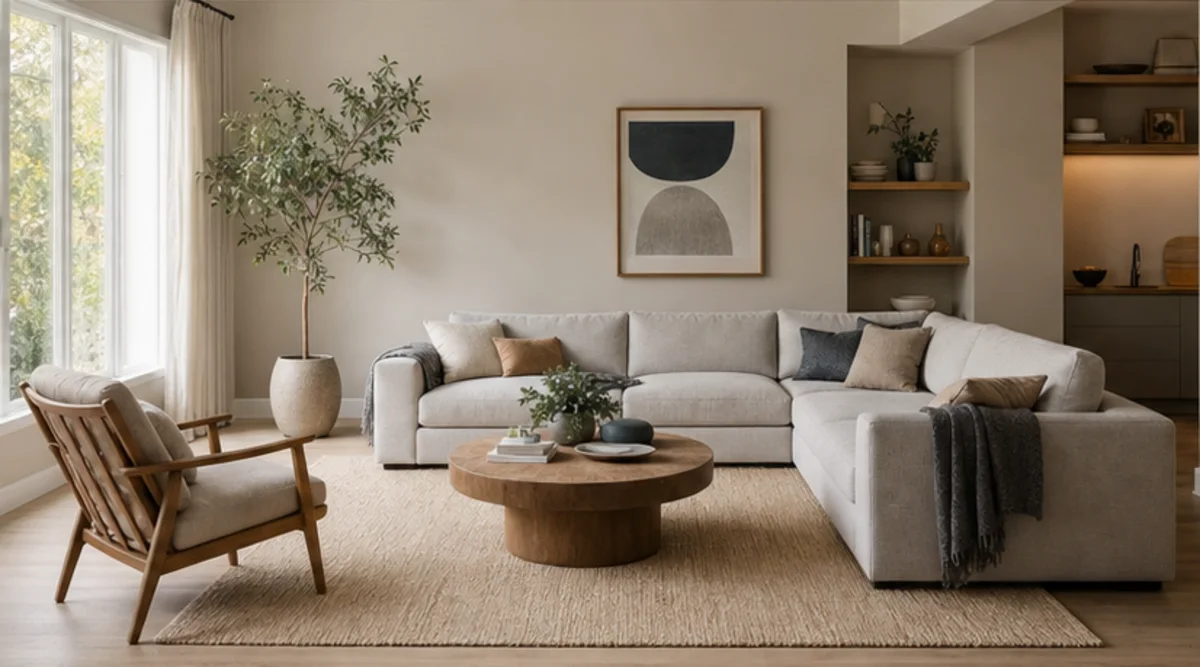
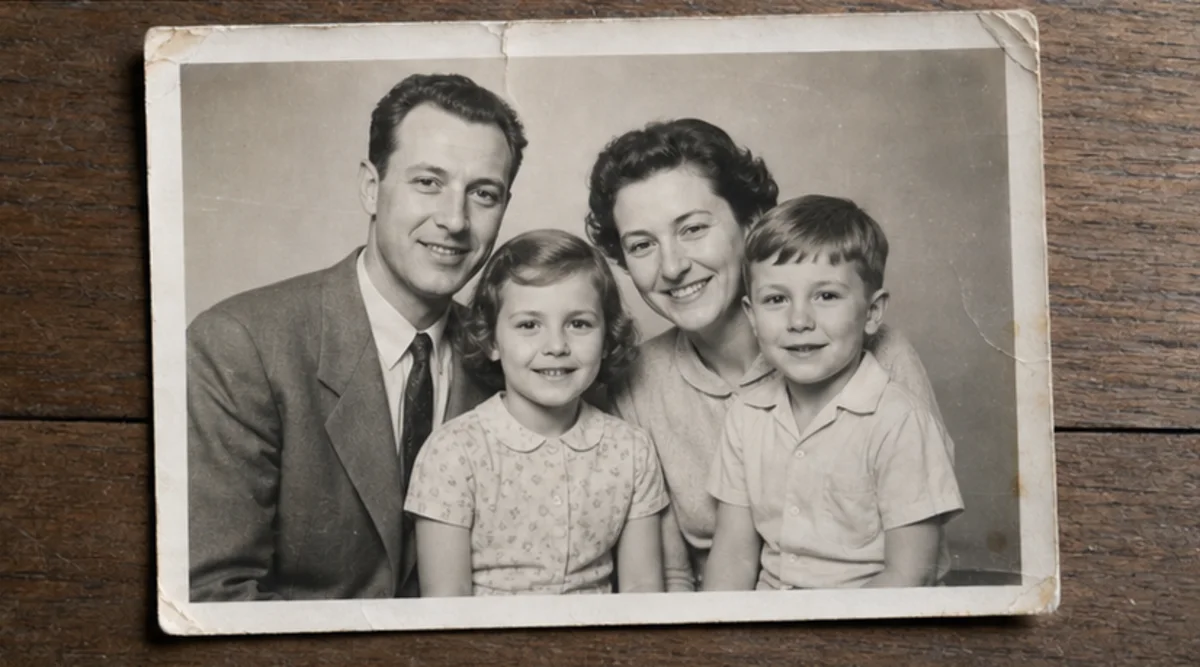
Lade ein Foto hoch und beschreibe die Änderung in normaler Sprache. Erzeuge eine textgeführte Bearbeitung für Produkte, Porträts, Räume oder ältere Fotos und prüfe Identität, Objekte, Schrift und Kontext vor der Nutzung.
Lade das klarste autorisierte Ausgangsfoto hoch und vermeide vorherige Komprimierung, die wichtige Details entfernt.
Beschreibe die gewünschte Änderung und benenne Identität, Objekte, Schrift, Geometrie oder Hintergrund, die unverändert bleiben müssen.
Erzeuge eine gezielte Bearbeitung aus dieser Anweisung, ohne mehrere unabhängige Veränderungen zu vermischen.
Vergleiche Ergebnis und Original in voller Größe und prüfe Gesichter, Produkte, kleine Objekte, Text, Kanten und Kontext.
Der Editor folgt Textanweisungen, doch Gesichter, Produktgeometrie, kleine Objekte und Schrift können sich verändern. Er ist kein pixelgenaues Retuschewerkzeug.
Verwende eine klare Vorlage und nenne ausdrücklich, was unverändert bleiben soll. Vergleiche das Ergebnis in voller Größe mit dem Original.
Lade nur Fotos hoch, die dir gehören oder die du bearbeiten darfst. Prüfe Ergebnisse für Identität, Produkte, Archive und öffentliche Nutzung besonders sorgfältig.
Kostenlose Bilder enthalten ein Wasserzeichen. Upgraden Sie für saubere Ausgaben, schnellere Generierung und kommerzielle Nutzung.
Starter-Paket
Ein einmaliges Credit-Paket, um Bild-, Musik- und Kurzvideo-Erstellung auszuprobieren.
Schöpfer
Monatstarif · 1.500 Credits werden jeden Monat erneuert
GPT Image 2 Unlimited
Code FOUNDING6 im Stripe Checkout eingeben: in den ersten 6 Monaten $19/Monat, danach $29/Monat.
Profi
Für saubere, schnellere Ausgaben
Studio
Monatstarif · 12.000 Credits werden jeden Monat erneuert
Sicherer Checkout · Abos verlängern sich automatisch · Rückerstattungsbedingungen ansehen
Team
Für Agenturen, Produktionsteams und individuelle Volumenanforderungen.
Lade ein Foto hoch und beschreibe die Änderung in normaler Sprache. Erzeuge eine textgeführte Bearbeitung für Produkte, Porträts, Räume oder ältere Fotos und prüfe Identität, Objekte, Schrift und Kontext vor der Nutzung.
Lade ein Foto hoch und beschreibe die Änderung in normaler Sprache. Erzeuge eine textgeführte Bearbeitung für Produkte, Porträts, Räume oder ältere Fotos und prüfe Identität, Objekte, Schrift und Kontext vor der Nutzung.