
01
Mit dem Ausgangsmaterial beginnen
Lade möglichst die beste verfügbare Quelldatei statt eines Screenshots oder einer mehrfach komprimierten Kopie hoch.
Lade ein Bild hoch, um es zu vergrößern und die wahrgenommene Klarheit von Produktfotos, Porträts, Scans, Thumbnails und Social-Media-Motiven zu verbessern. Vergleiche das Ergebnis vor dem Download mit der Quelle.
Standardmodus
Bereit zum Hochladen
Vorschau, vergleichen und herunterladen
Lade ein Bild hoch, um es zu vergrößern und die wahrgenommene Klarheit von Produktfotos, Porträts, Scans, Thumbnails und Social-Media-Motiven zu verbessern. Vergleiche das Ergebnis vor dem Download mit der Quelle.
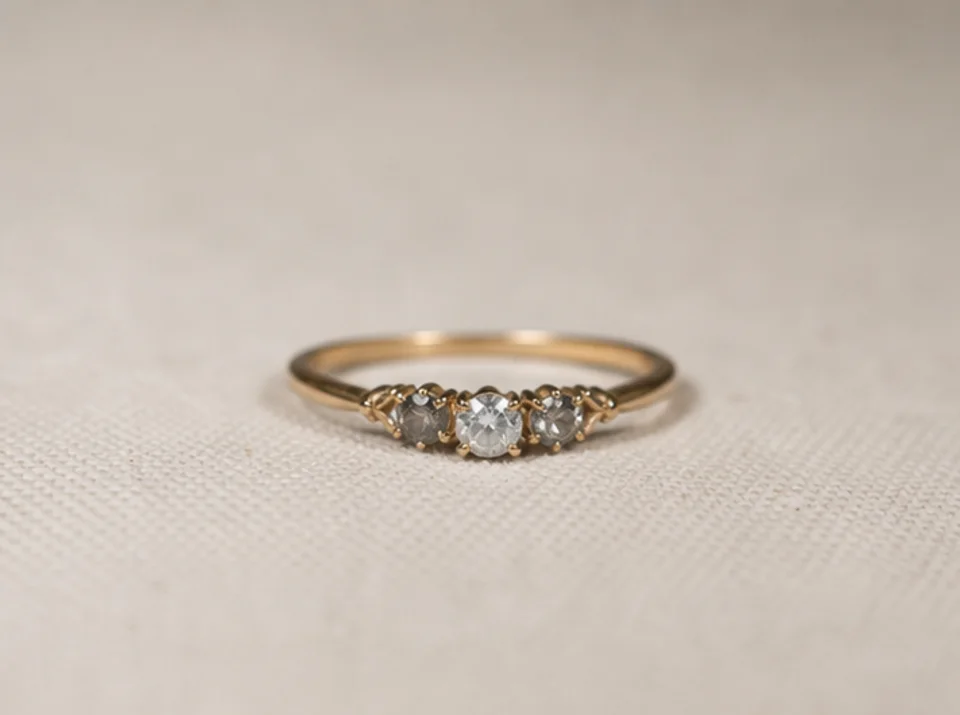
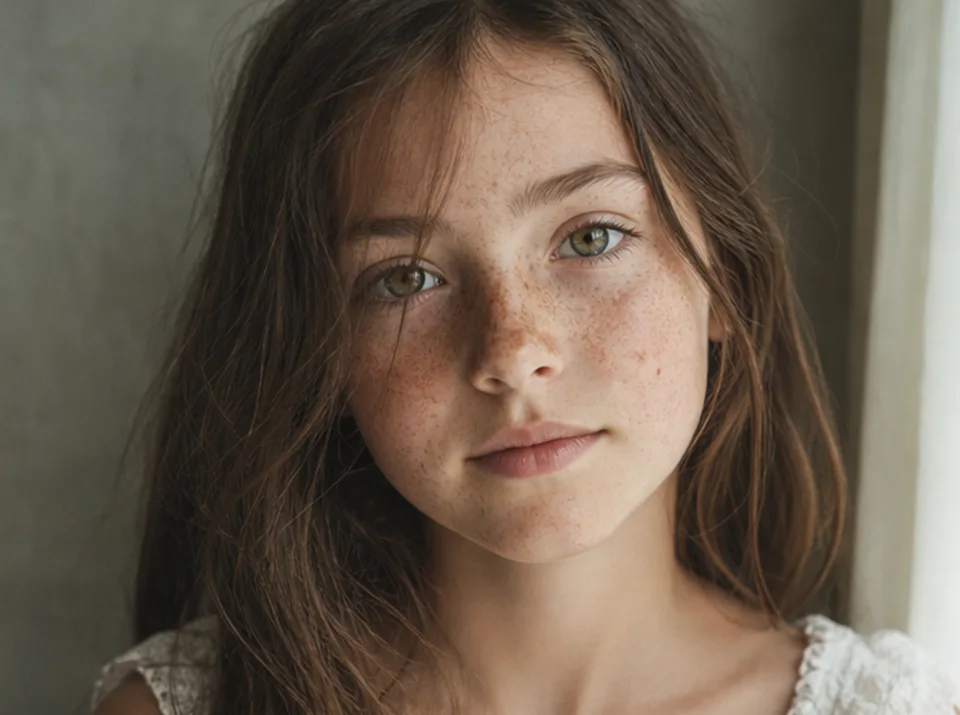
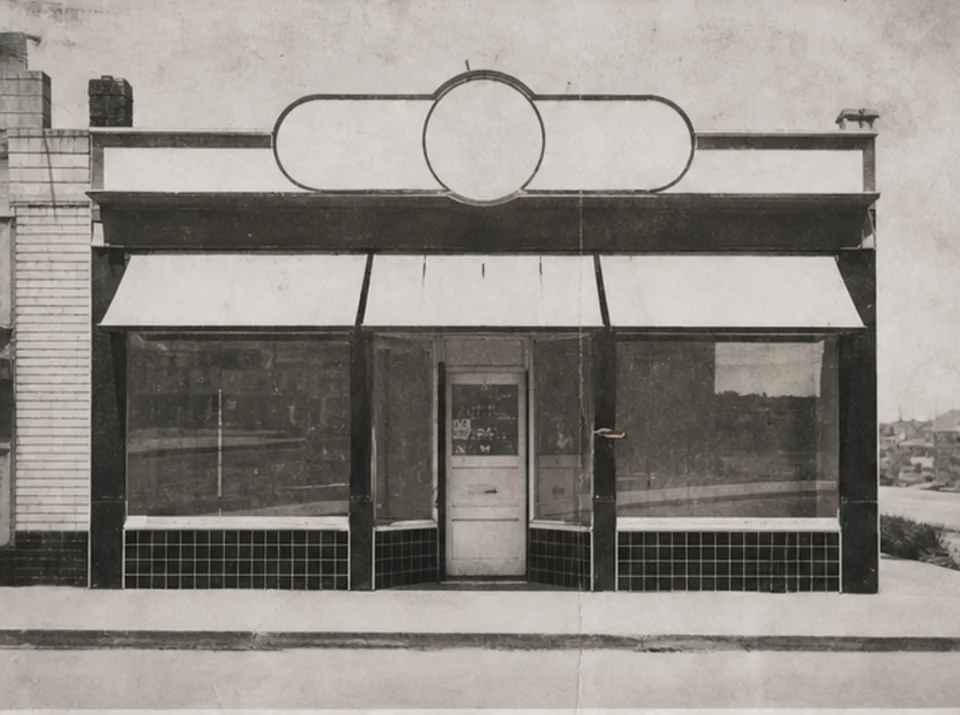
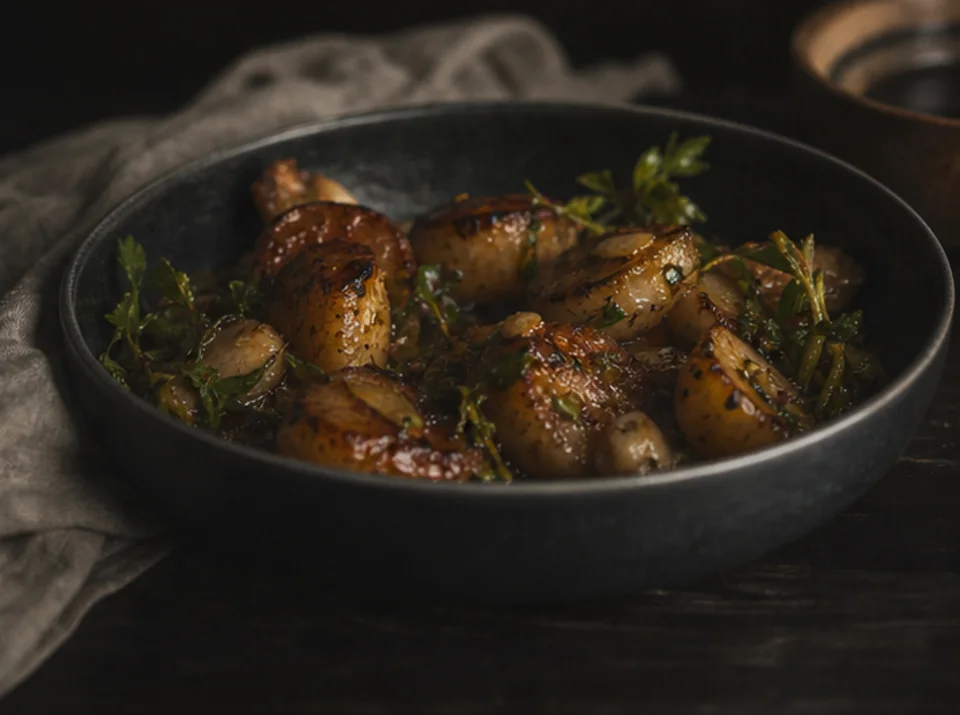
Lade ein Bild hoch, um es zu vergrößern und die wahrgenommene Klarheit von Produktfotos, Porträts, Scans, Thumbnails und Social-Media-Motiven zu verbessern. Vergleiche das Ergebnis vor dem Download mit der Quelle.
Lade möglichst die beste verfügbare Quelldatei statt eines Screenshots oder einer mehrfach komprimierten Kopie hoch.
Wähle ein sinnvolles 2×- oder 4×-Ziel anhand der Ausgabegröße und der im Ausgangsbild sichtbaren Details.
Führe die Verbesserung einmal aus und bewahre das Original für einen direkten visuellen Vergleich auf.
Vergleiche beide Bilder in voller Größe und prüfe Text, Gesichter, Produktgeometrie, wiederholte Texturen, Lichthöfe und Archivdetails.
Hochskalierung kann Kanten und Texturen klarer wirken lassen, aber keine Informationen zurückholen, die im Ausgangsbild nicht vorhanden sind.
Bereits lesbarer Text kann klarer werden. Fehlende oder unlesbare Zeichen lassen sich nicht zuverlässig rekonstruieren und müssen mit einer verlässlichen Quelle geprüft werden.
Feine Texturen und kleine Formen können bei der Verbesserung ergänzt werden. Vergleiche Produkte, Gesichter, Dokumente und Archivdetails immer mit dem Original.
Kostenlose Bilder enthalten ein Wasserzeichen. Upgraden Sie für saubere Ausgaben, schnellere Generierung und kommerzielle Nutzung.
Starter-Paket
Ein einmaliges Credit-Paket, um Bild-, Musik- und Kurzvideo-Erstellung auszuprobieren.
Schöpfer
Monatstarif · 1.500 Credits werden jeden Monat erneuert
GPT Image 2 Unlimited
Code FOUNDING6 im Stripe Checkout eingeben: in den ersten 6 Monaten $19/Monat, danach $29/Monat.
Profi
Für saubere, schnellere Ausgaben
Studio
Monatstarif · 12.000 Credits werden jeden Monat erneuert
Sicherer Checkout · Abos verlängern sich automatisch · Rückerstattungsbedingungen ansehen
Team
Für Agenturen, Produktionsteams und individuelle Volumenanforderungen.
Lade ein Bild hoch, um es zu vergrößern und die wahrgenommene Klarheit von Produktfotos, Porträts, Scans, Thumbnails und Social-Media-Motiven zu verbessern. Vergleiche das Ergebnis vor dem Download mit der Quelle.
Lade ein Bild hoch, um es zu vergrößern und die wahrgenommene Klarheit von Produktfotos, Porträts, Scans, Thumbnails und Social-Media-Motiven zu verbessern. Vergleiche das Ergebnis vor dem Download mit der Quelle.