PDF Cleanup

Upload one PDF for a scoped cleanup review. Limits are explained before advanced document controls appear.

Pro WorkflowPDF ReviewDocument CleanupPermission Check

Pro mode

Upload for review

Advanced controls appear after upload

Advanced after upload

The first view stays simple. Detailed controls appear only after the file type and rights confirmation are clear.

Editable header and footer marks
Background stamps when editable
Scan dust and artifact cleanup
Unsupported file review state

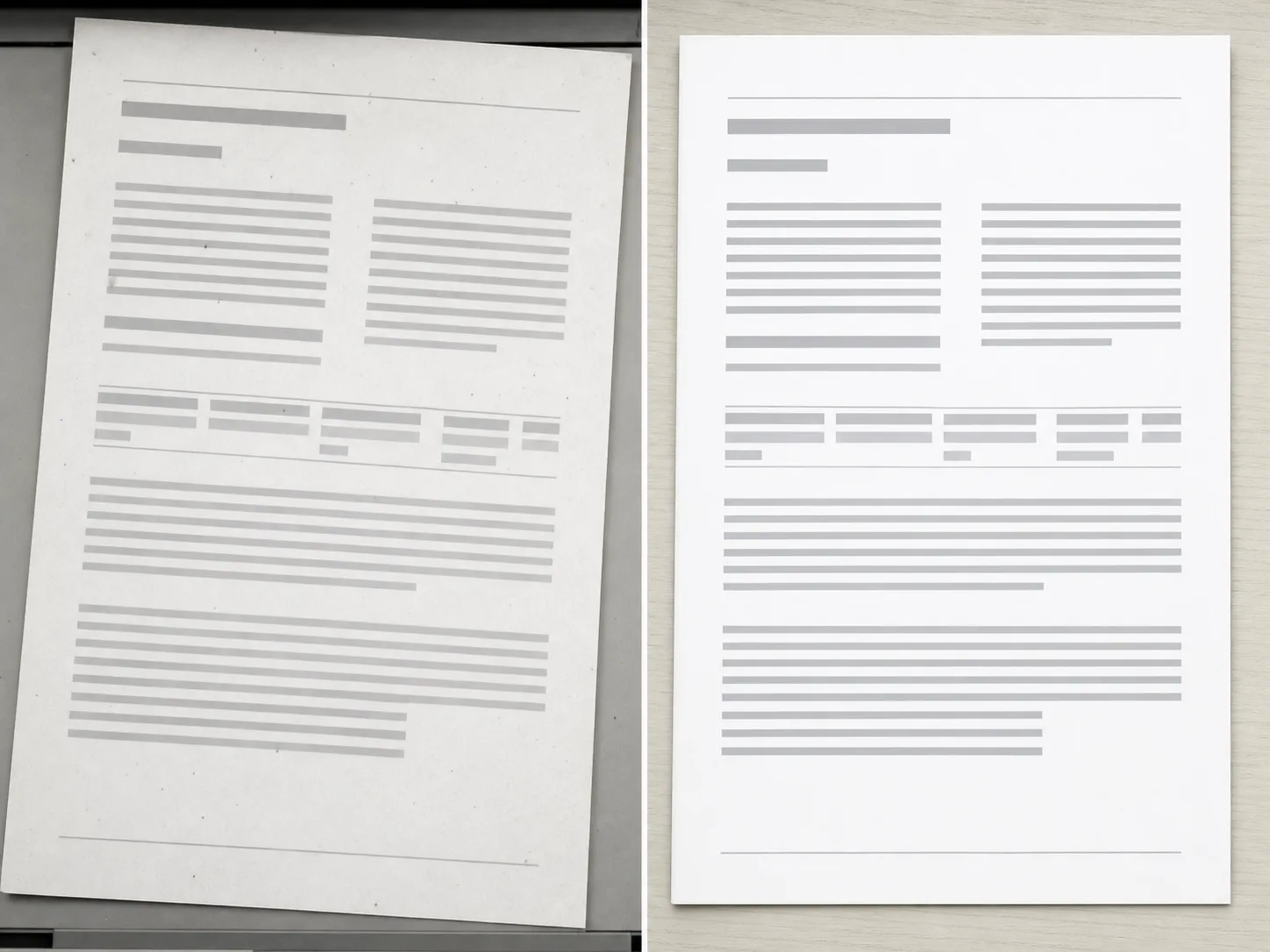
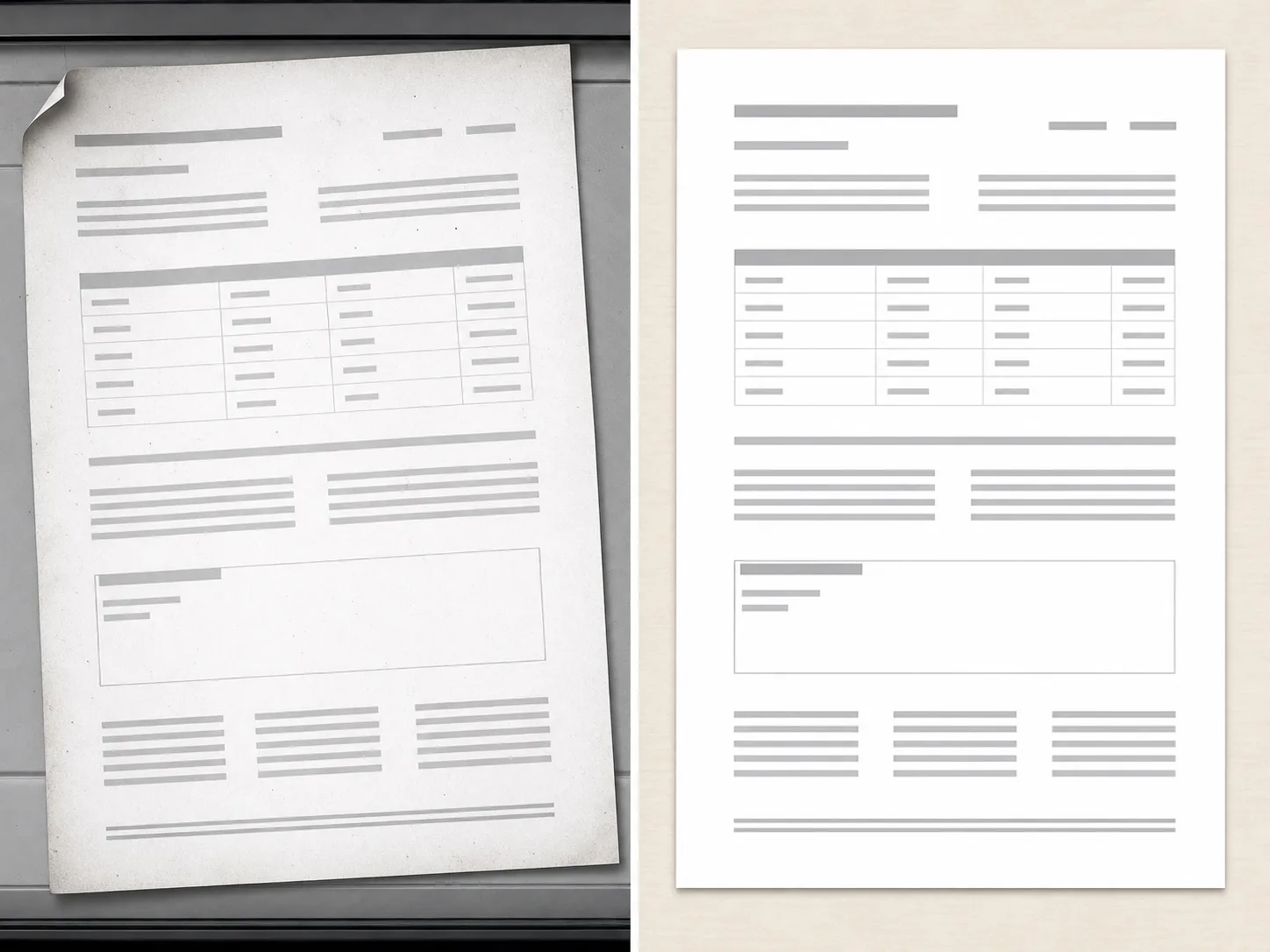
PDF Cleanup Examples

Use scan, document export, and page image examples to clarify cleanup scope.
How PDF cleanup works

The workflow is intentionally scoped so users understand support and limits before processing.

01

Upload one PDF

Start with a document you own or have permission to edit. The workflow checks the file before showing advanced controls.

02

Confirm the document scope

PDF cleanup works best for bounded issues such as editable marks, visible artifacts, or scan cleanup.

03

Review support before processing

Some documents are flattened, locked, or unsupported. Those cases should be reviewed before processing.

04

Export only after review

Use the cleaned document only after checking that the output matches the intended edit.

Scoped document cleanup

PDF-first Flow

The page explains limits before processing, so users do not expect a full document editor on load.

Authorized Documents

The workflow is scoped to documents users own or have permission to edit.

Support Review

Unsupported file types, locked documents, or ambiguous edits can be handled as a review state.

Pro Controls

Advanced document cleanup controls remain gated until the file type and scope are clear.

Entdecken Sie verwandte Tools

Use image tools when your source is an exported page, scan, or visual asset.

Wählen Sie Ihren Plan

Kostenlose Bilder enthalten ein Wasserzeichen. Upgraden Sie für saubere Ausgaben, schnellere Generierung und kommerzielle Nutzung.

Starter-Paket

$9

Ein einmaliges Credit-Paket, um Bild-, Musik- und Kurzvideo-Erstellung auszuprobieren.

  • 600 Credits insgesamt
  • Bis zu 100 Bilder
  • Bis zu 7 Kurzvideos
  • Credits sind 30 Tage gültig
  • Keine Wasserzeichen

Schöpfer

$19/mo

Monatstarif · 1.500 Credits werden jeden Monat erneuert

  • 1.500 Credits pro Monat
  • Bis zu 250 Bilder/Monat
  • Bis zu 18 Kurzvideos/Monat
  • Funktioniert mit ClipCanva Pro und anderen Kreditmodellen
  • Prioritätswarteschlange
  • Community-Unterstützung
  • Keine Werbung
  • Keine Wasserzeichen

Profi

$39/mo

Für saubere, schnellere Ausgaben

  • 4.000 Credits pro Monat
  • Bis zu 660 Bilder/Monat
  • Bis zu 50 Kurzvideos/Monat
  • Funktioniert mit ClipCanva Pro und anderen Kreditmodellen
  • Warteschlange mit der höchsten Priorität
  • Schalte ClipCanva Pro frei
  • Keine Werbung
  • Keine Wasserzeichen
  • Erweiterte Verfeinerung

Studio

$99/mo

Monatstarif · 12.000 Credits werden jeden Monat erneuert

  • 12.000 Credits pro Monat
  • Bis zu 2.000 Bilder/Monat
  • Bis zu 150 Kurzvideos/Monat
  • Funktioniert mit ClipCanva Pro und anderen Kreditmodellen
  • Warteschlange mit der höchsten Priorität
  • Volle Privatsphäre
  • Frühzeitiger Zugriff auf neue Funktionen
  • Vorrangiger Support

Monatstarife erneuern die Credits in jedem Abrechnungszeitraum. Jahrestarife stellen 12 Monate Credits im Voraus bereit und sparen 17 %. Nutzungsschätzungen basieren auf den günstigsten unterstützten Bild- und Videomodellen; Premium-Modelle, höhere Auflösungen, längere Videos, referenzbasierte Erstellung und erweiterte Tools verbrauchen mehr Credits.

Team

Für Agenturen, Produktionsteams und individuelle Volumenanforderungen.

Kontakt aufnehmen

PDF Cleanup FAQ

Common questions before using Pro document cleanup.

What documents can PDF Cleanup handle?
It is intended for bounded cleanup requests on documents you own, such as editable marks, visible artifacts, or scan cleanup.
Can it remove any mark from any PDF?
No. Locked, flattened, scanned, or complex documents may require review or may be unsupported.
Why is PDF Cleanup a Pro workflow?
Document cleanup has higher risk and more edge cases than a simple image utility, so advanced controls and review states stay in Pro.

Review a document for cleanup

Use ClipCanva Pro for bounded cleanup of supported PDF files.