
Upload your file
Choose a JPG, PNG, WEBP, or AVIF image from your device.
Use a focused browser tool to invert image colors for a JPG, PNG, WEBP, or AVIF file. Upload your image, review the processed result, and save the finished file when it matches the look you need.
Source image
Choose an image to see the source preview.
Result
To invert image colors means converting each visible pixel to its RGB opposite, creating a negative-style version of the original image. This utility is built for that single task: upload a supported file, apply full-image color inversion, and review the result before saving it.
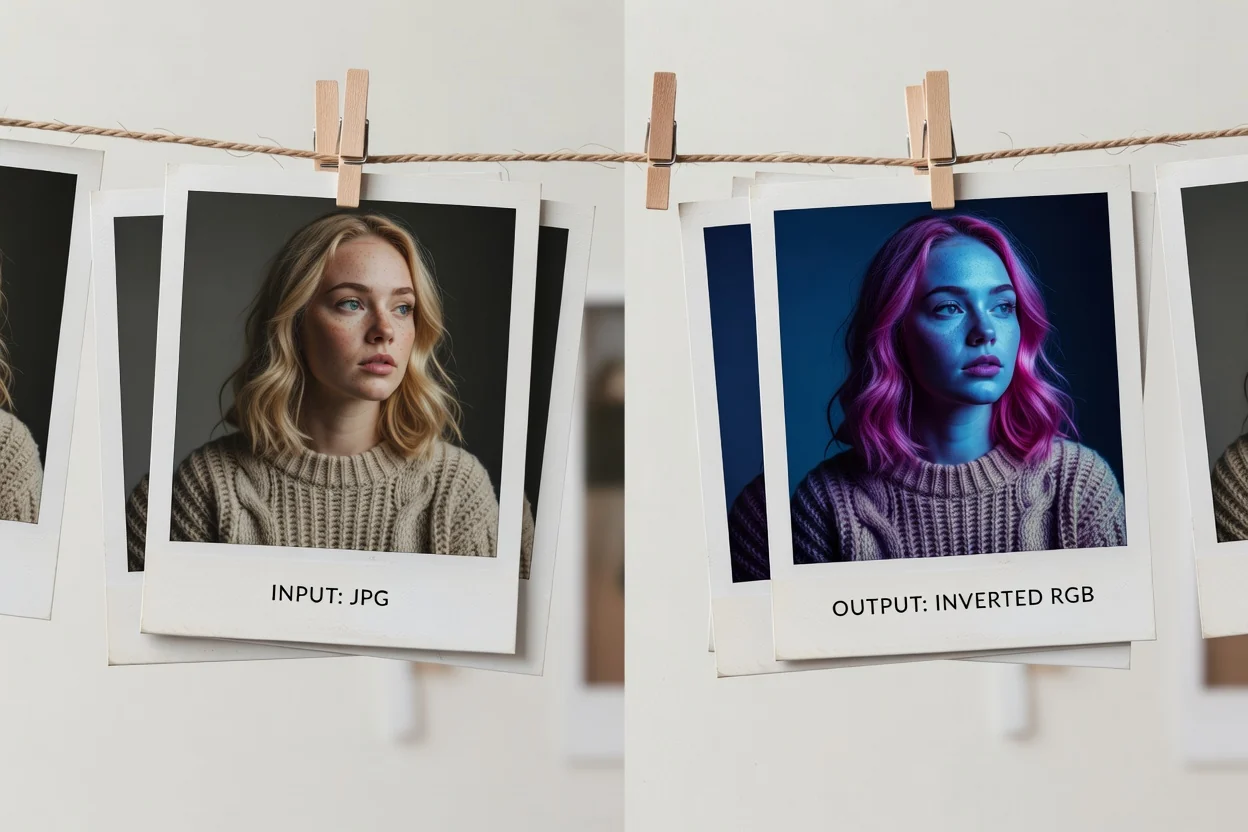
Process an image in a few straightforward steps with an invert image online tool.
Choose a JPG, PNG, WEBP, or AVIF image from your device.
The image color inverter applies RGB color opposites across the complete image while preserving transparency.
Check the processed result to confirm the inverted look.
The utility accepts supported image files and produces a processed output that can be reviewed before saving.
Upload a JPG, PNG, WEBP, or AVIF image.
The output is an inverted-color image result available for review, followed by a downloadable output file.
Supported controls are fixed: RGB color opposites, complete image coverage, and transparency preservation. There are no intensity, channel, mask, or region controls.
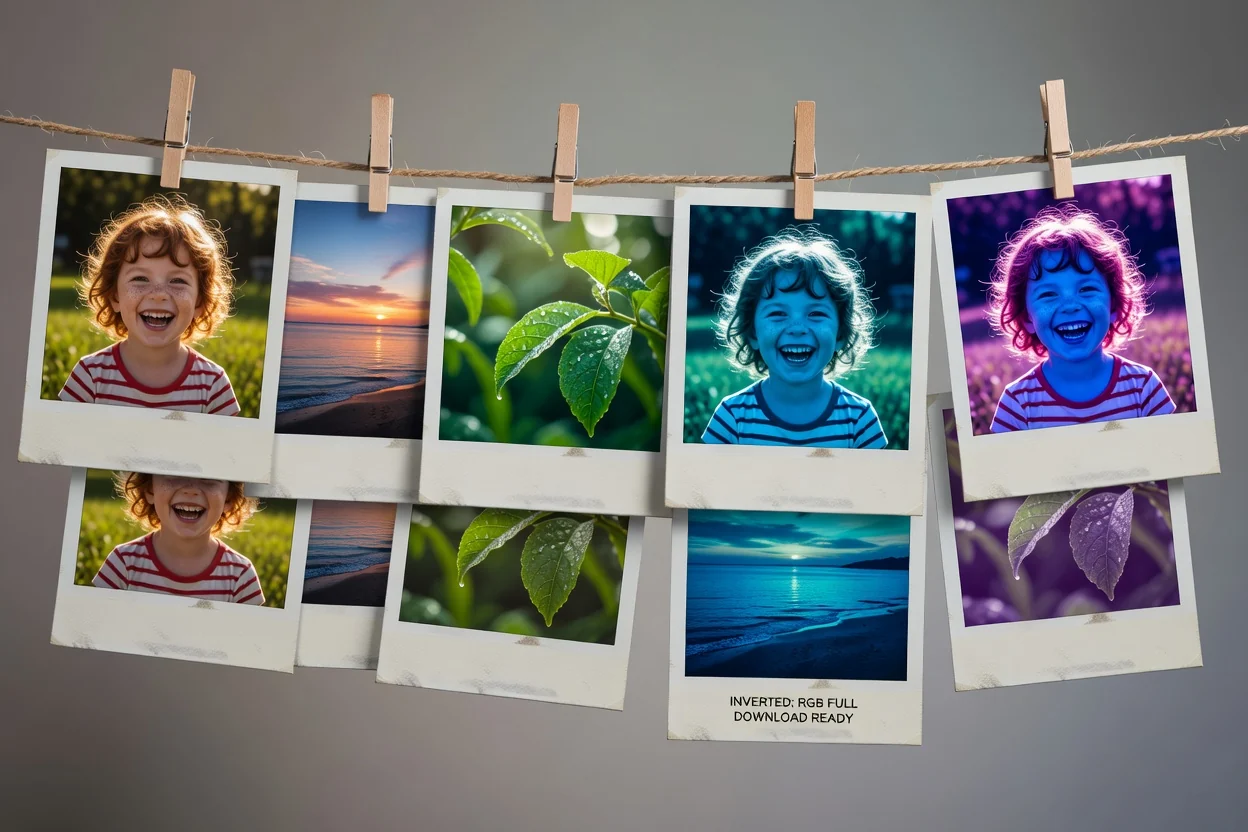
The image color inverter is designed for a direct, reviewable result without extra editing steps.
Visible pixels are converted to their RGB opposites, creating a clear inverted-color effect for the entire file.
The inversion is applied from edge to edge, so the result reflects the full source image rather than a selected region.
Images with transparency keep their transparent areas while the visible color data is inverted.
After processing, you can inspect the result before saving the output file.
Use the invert image online workflow when you need a fast whole-image color transformation with predictable handling of visible pixels and transparency.
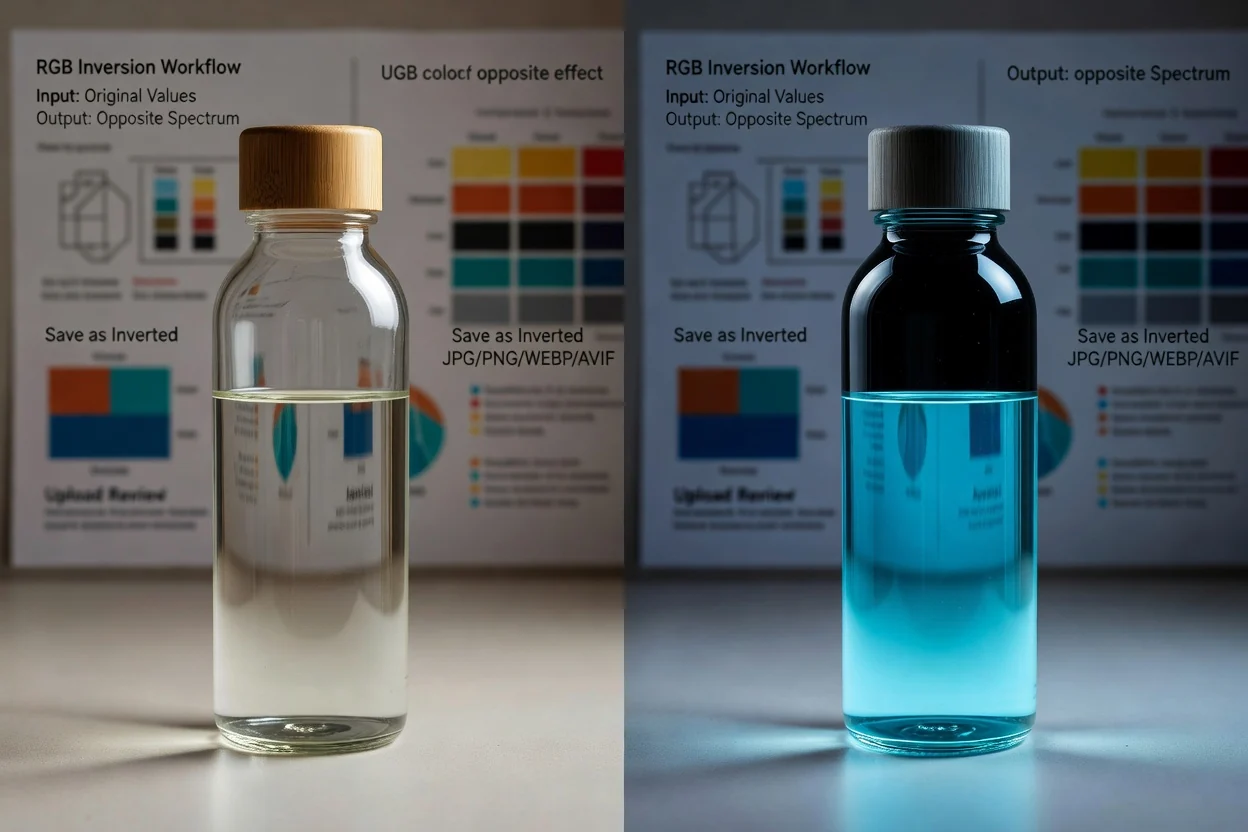
Create a negative-style image by turning visible RGB values into their color opposites.
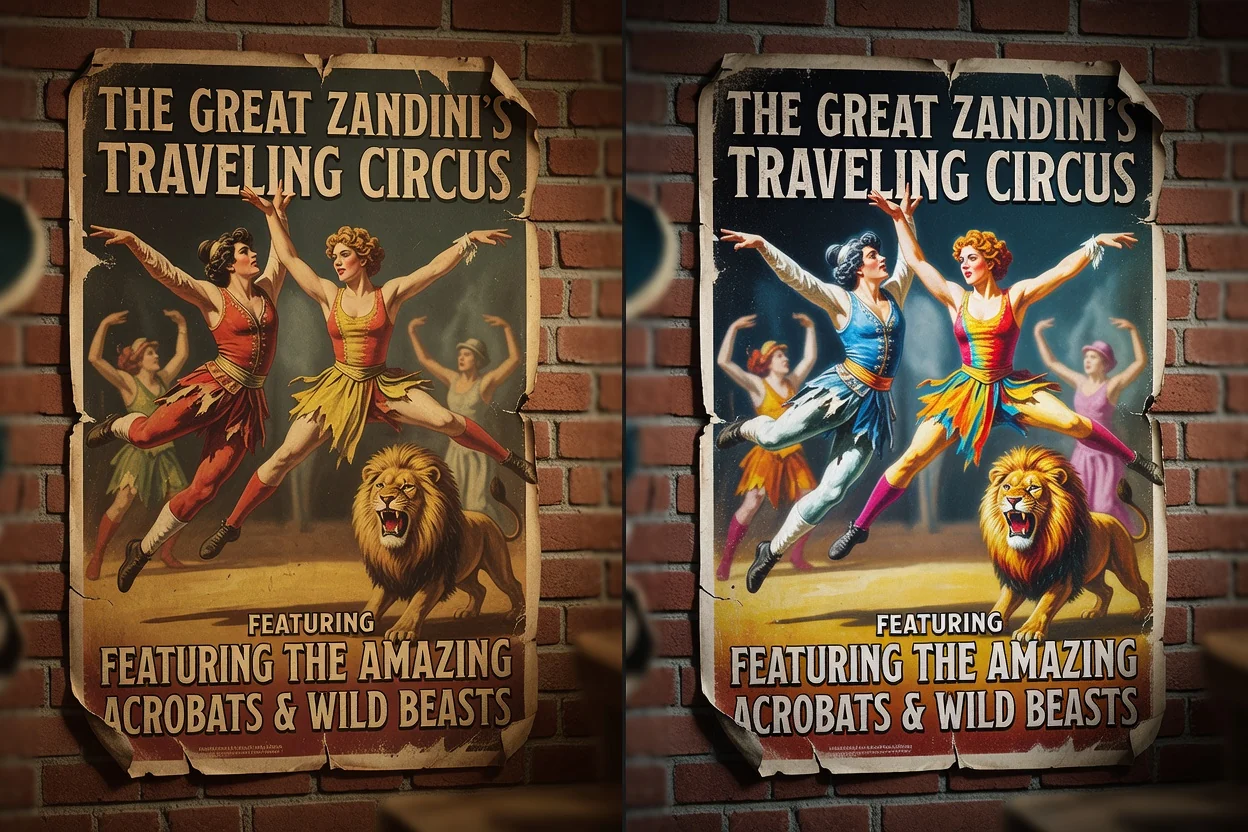
Apply the same transformation across the entire image for graphics, mockups, previews, or campaign assets.
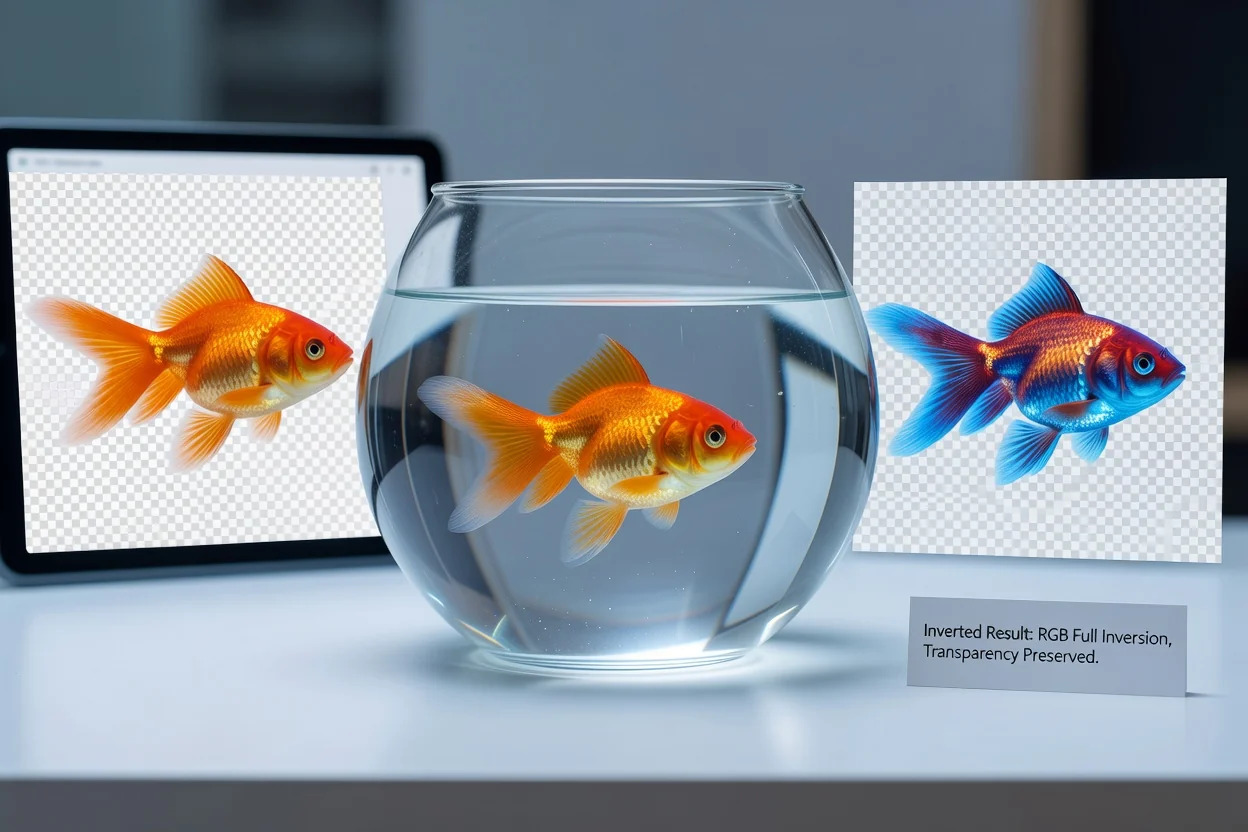
Process transparent PNG or WEBP artwork while keeping transparent areas intact in the result.
This tool is intentionally narrow, so the source image is processed with one consistent inversion method.
It performs one fixed RGB inversion and does not provide strength adjustment or individual red, green, and blue channel controls.
The inversion applies to the full source image. Selective masking, brush-based edits, and region-based processing are not available.
Only JPG, PNG, WEBP, and AVIF are supported as inputs. Other source formats need to be converted before use.
Answers to common questions about using the tool to invert image colors.
Other focused utilities can help prepare or finish image files around the same workflow.
Upload a supported image, apply full RGB inversion, review the result, and save the processed file.