
Upload the image
Select a PNG image to split.
Use the image splitter to divide a PNG image into a custom row-and-column grid directly in your browser, then review the processed result before saving the output file.
Source image
Choose an image to see the source preview.
Result
An image splitter is a focused utility for turning one image into multiple tiled pieces. This tool is built for PNG input, custom grid settings, and complete image coverage so the final set of tiles matches the selected row and column layout.
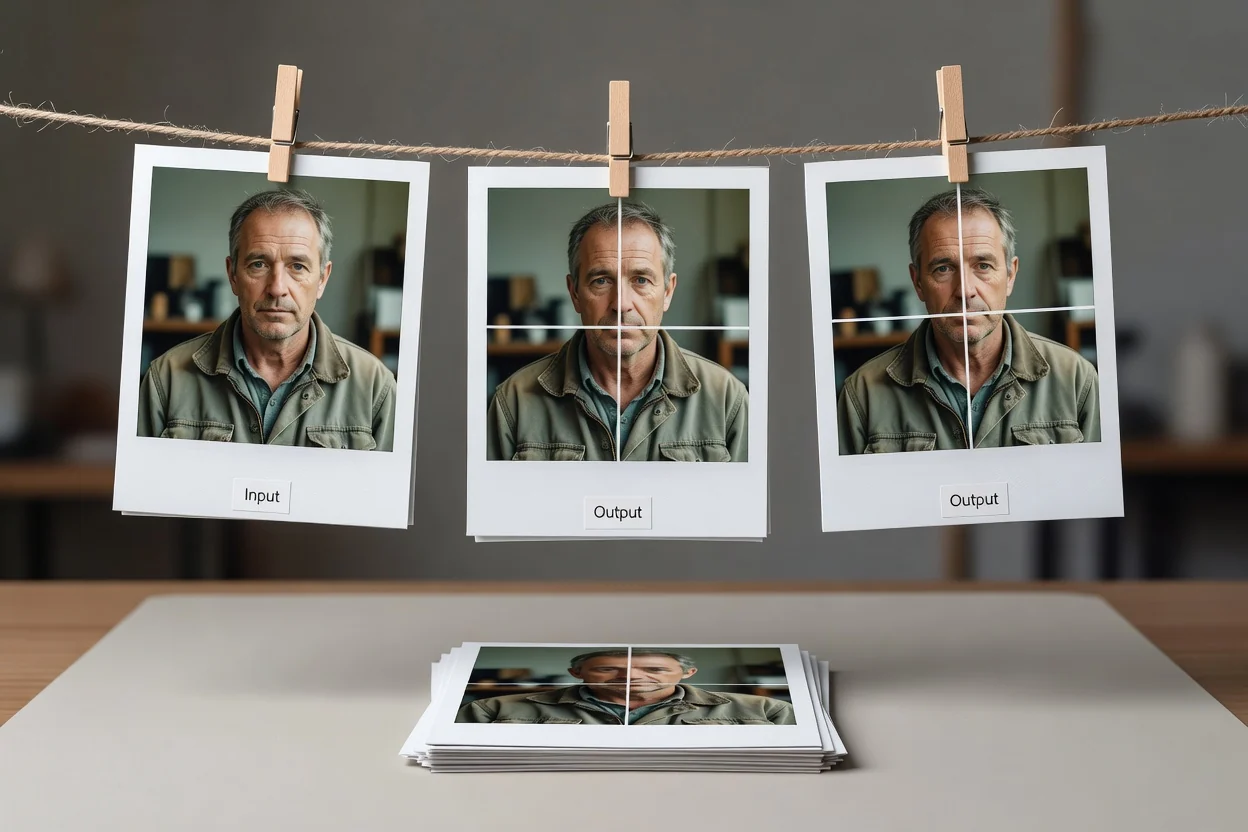
A simple online workflow for turning one PNG image into a grid-based tile result.
Select a PNG image to split.
Choose the number of rows and columns for the grid you want to create.
Process an image so the complete area is divided into local tiles.
Technical behavior for input, controls, and output in the grid-splitting tool.
Input is a PNG image. Other file types are outside the stated input format for this utility.
The output is a processed result for review with a downloadable output file containing PNG tiles generated from the chosen grid.
Controls include a custom grid with row and column settings, complete image coverage, and local tile creation for the selected PNG image.
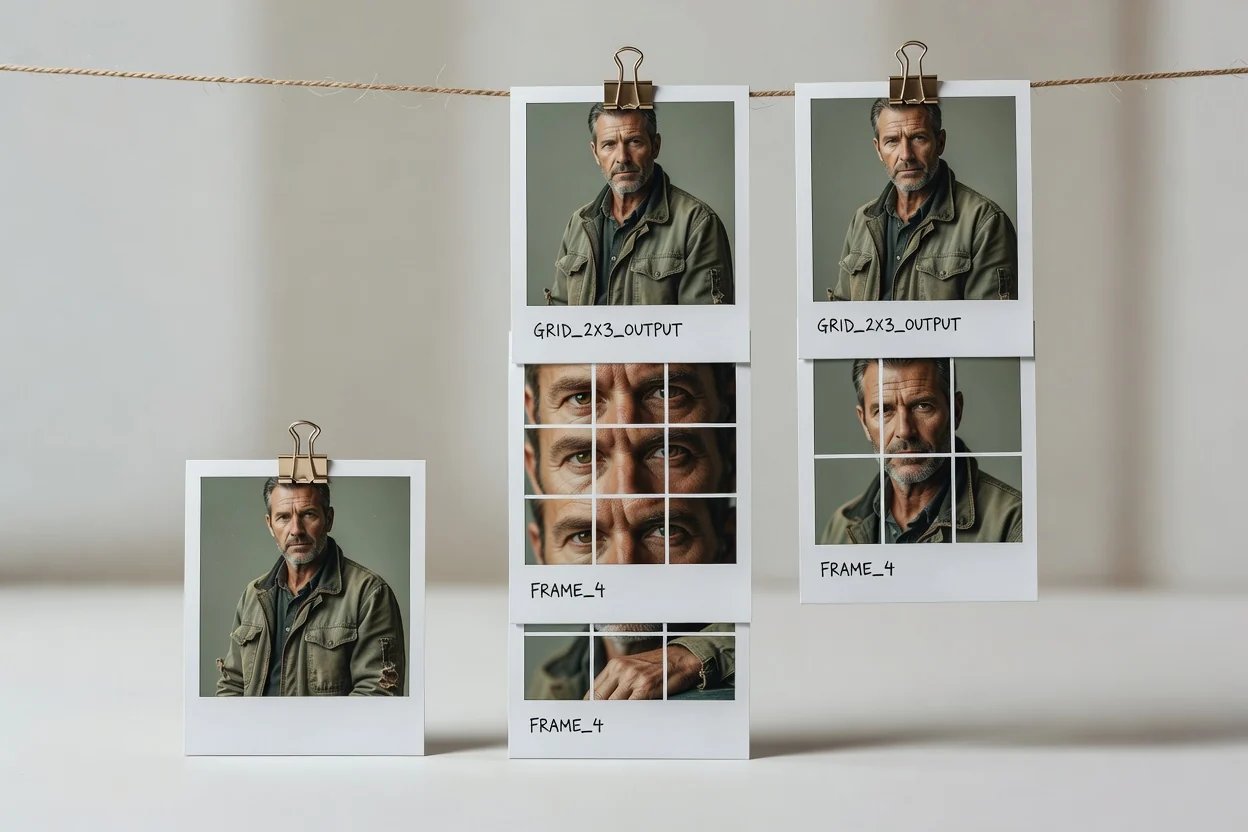
Controls are centered on predictable grid creation and a reviewable result.
Set the row and column count to split image into grid tiles that fit the layout you need.
The image grid splitter covers the full image area so edge tiles are included in the processed result.
Tile creation runs locally in your browser for the selected PNG image and grid settings.
After processing, review the result before saving the downloadable output file.
Use the tool when an image needs to become a structured set of grid tiles.

Create a custom row-and-column layout for campaigns, content planning, or visual presentation assets.

Split image into grid tiles while keeping the full image represented across the tile set.

Use an image grid splitter for local tile creation when you need predictable PNG pieces from one source image.
The source image and selected grid determine what the tool can produce in a single run.
The grid is limited to 12 rows and 12 columns per run.
Tiles are PNG files and do not include overlap, bleed, or freeform slice lines.
The tool is intended for one rectangular source image at a time, not layered documents or multi-page files.
Common questions about using the image splitter for grid-based PNG tiling.
Other ClipCanva utilities that help with nearby image preparation tasks.
Upload a PNG image, choose a custom grid, and process an image into reviewable tiled output.